
CURA Campus Intelligence


Turn campus complaints into prioritized operational action
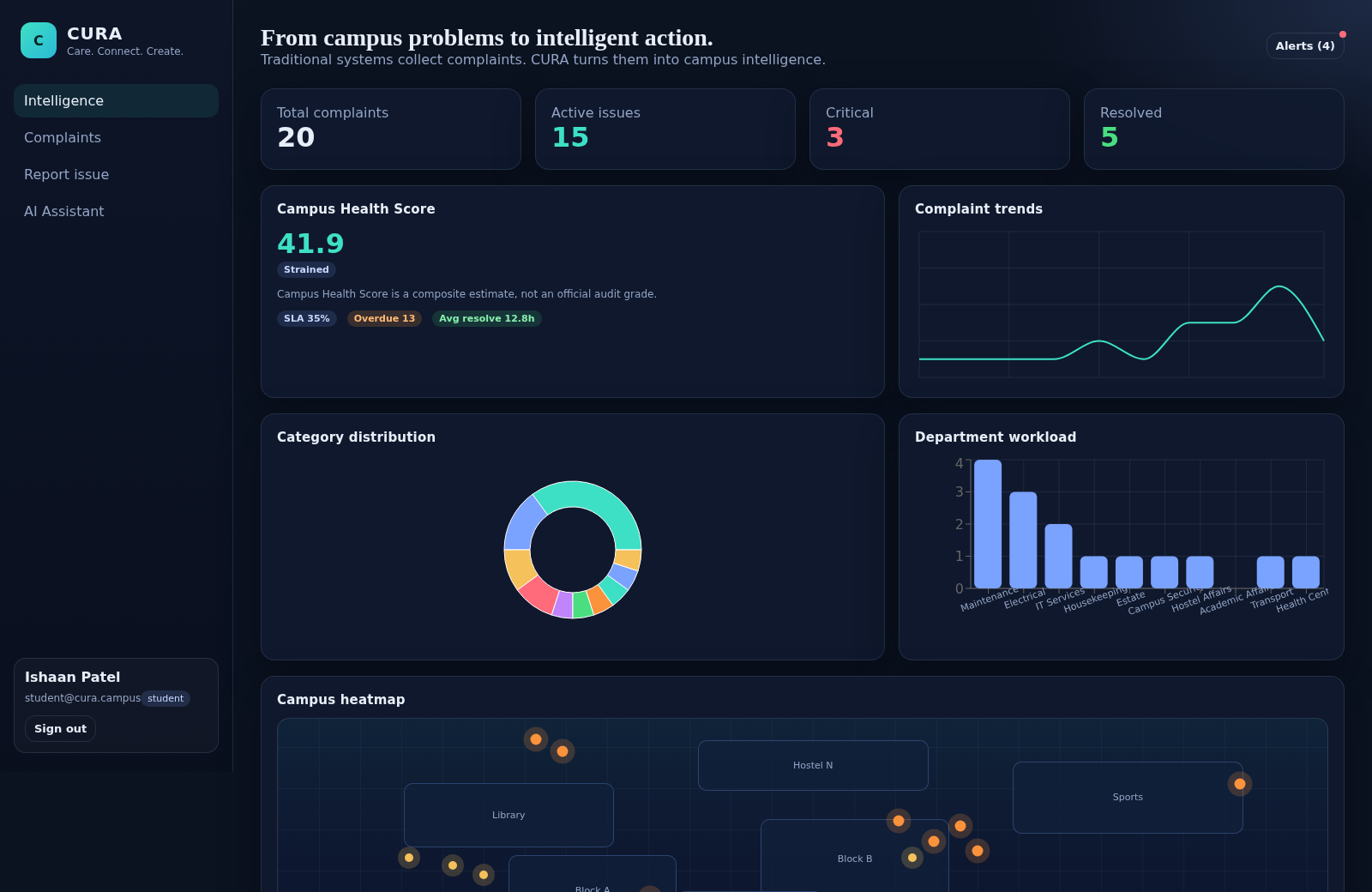
CURA Campus Intelligence is an interactive campus operations platform. It presents an intelligence dashboard with complaint totals, active and critical issues, resolution metrics, SLA status, campus health scoring, trends, workload, heatmap areas, predictions, preventive recommendations, and recurring issue records. Users can browse and filter complaint tickets, submit a campus problem with text, location, media, voice, GPS, or QR-assisted inputs, and ask the CURA chatbot about tickets, hotspots, SLAs, recurring problems, and operational priorities.
Highlights
Intelligence dashboard
Metrics, heatmaps, trends, predictions, and recommendations
AI complaint workflow
Classifies, prioritizes, assigns, and tracks campus reports
CURA operations chat
Answers questions about campus issues and service levels
How to Use
Sign in with the demo account
Open CURA and use the displayed demo credentials, then choose a role such as Student, Maintenance staff, or Administrator. The application opens the campus intelligence dashboard after successful sign-in.
Review campus intelligence
Use the Intelligence view to inspect complaint totals, active and critical work, SLA information, campus health indicators, location heatmaps, predictions, preventive recommendations, and recurring issue records.
Browse and filter complaints
Open Complaints to review ticket titles, categories, priorities, statuses, departments, and SLA dates. The available filters narrow the list by status, priority, and category so operational work can be located quickly.
Report a campus problem
Open Report issue and enter a title, description, location, building, and optional coordinates. The page also provides demo location controls, photo upload, voice recording or audio upload, transcript support, and a submission action for AI analysis.
Ask the operations assistant
Open AI Assistant to start or continue a CURA chat. Use the suggested questions or enter a message about tickets, hotspots, SLAs, recurring problems, critical issues, or campus health, then send it for an operational response.
Similar Sites
 34
34CURA Campus Intelligence
AI platform that turns campus complaints into intelligence.
 65
65EXAME BJJ STATS
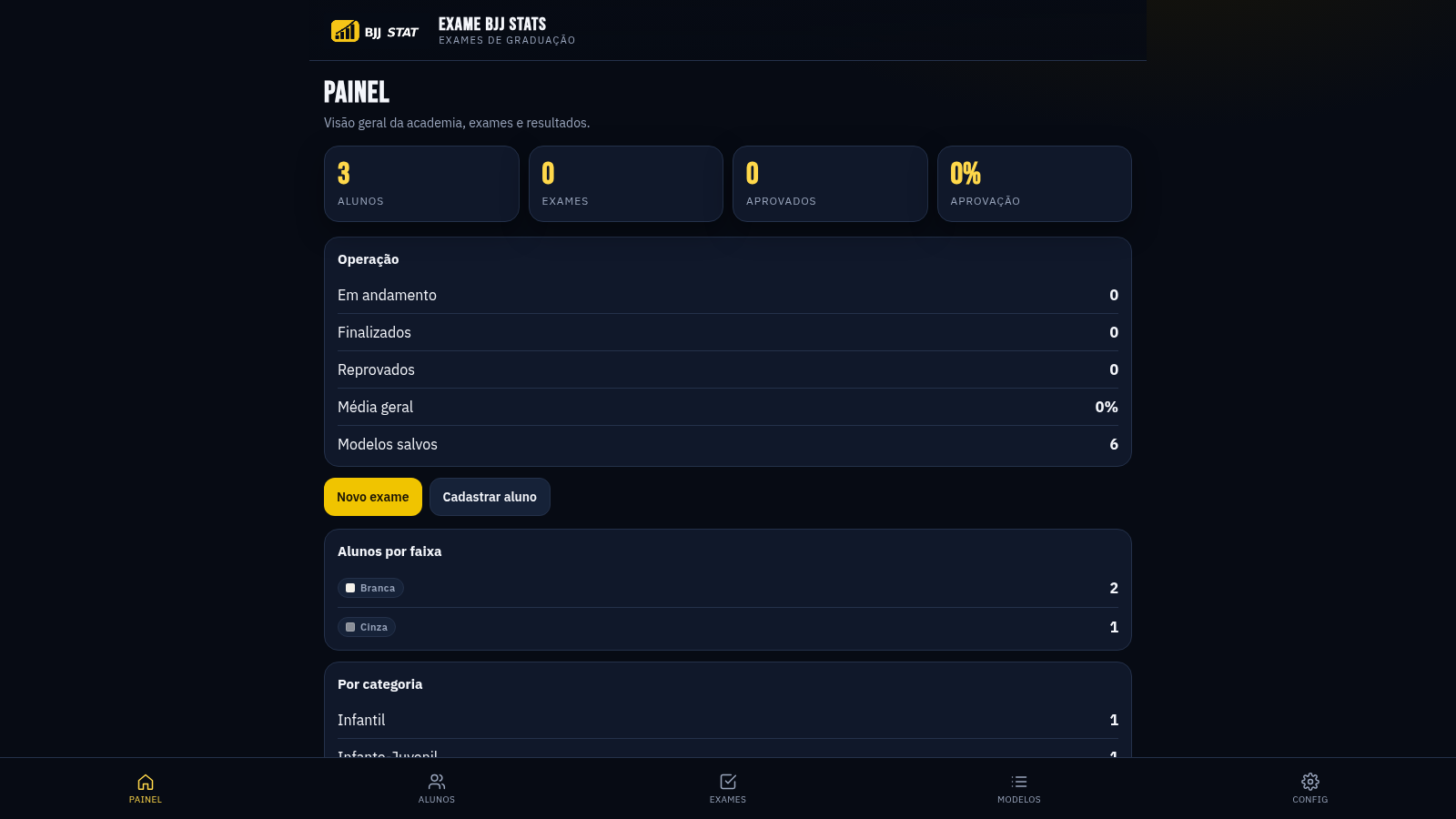
Sistema profissional de exames de graduação BJJ, com modelos por faixa e relatório APROVADO/REPROVADO.
 26
26HelpDesk - Sistema PE
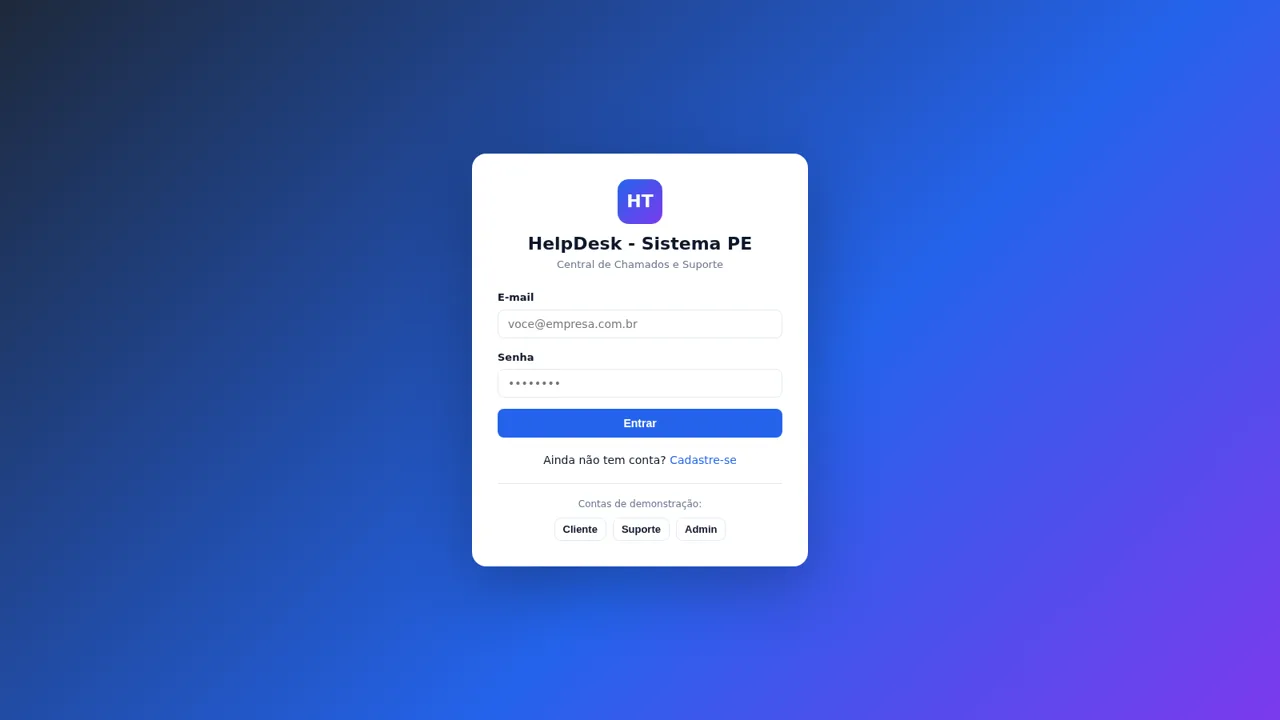
Chamados e suporte com chat, painel admin e configurações de marca
 17
17Opply
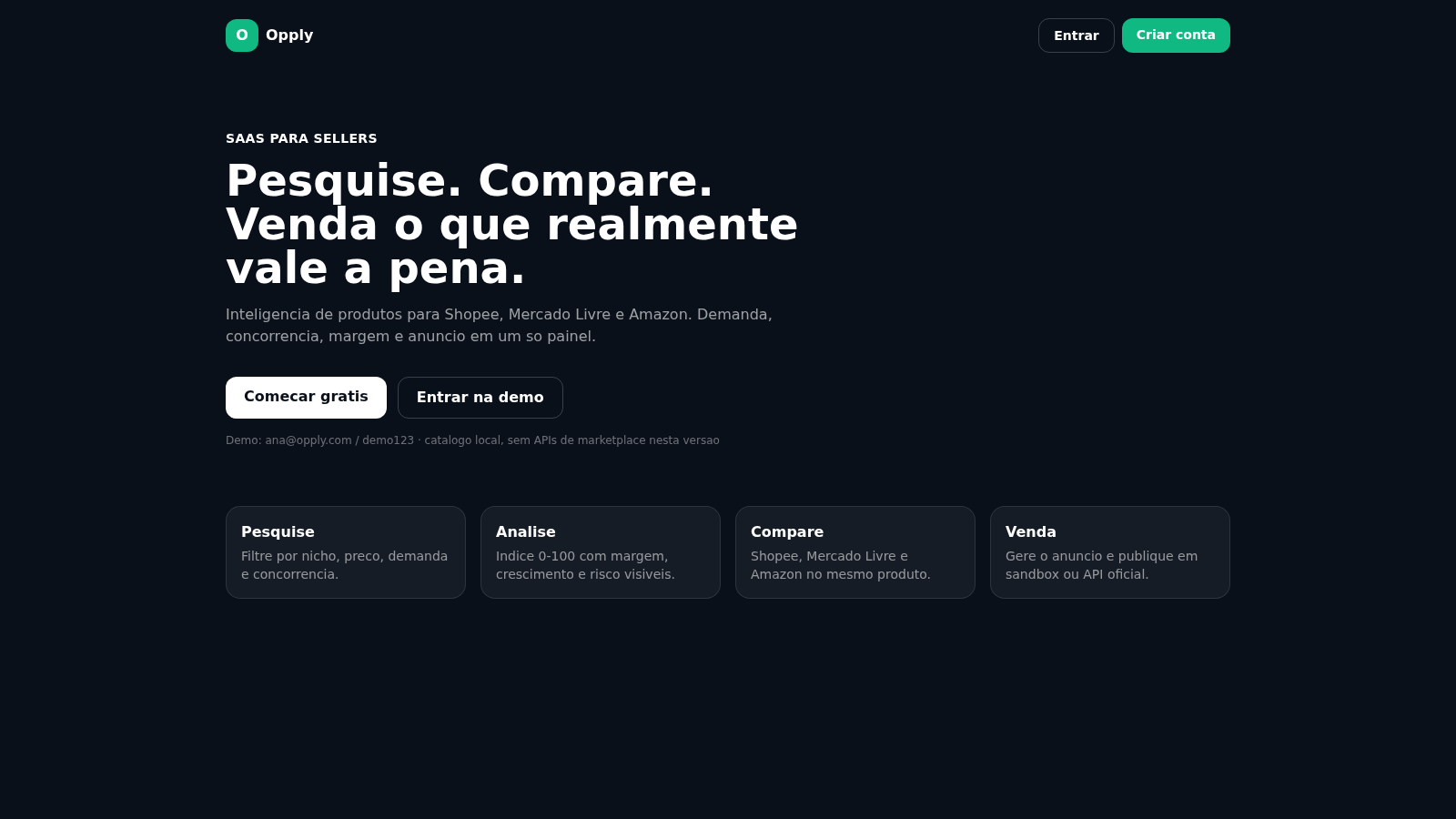
Inteligencia de produtos para Shopee, Mercado Livre e Amazon.
 15
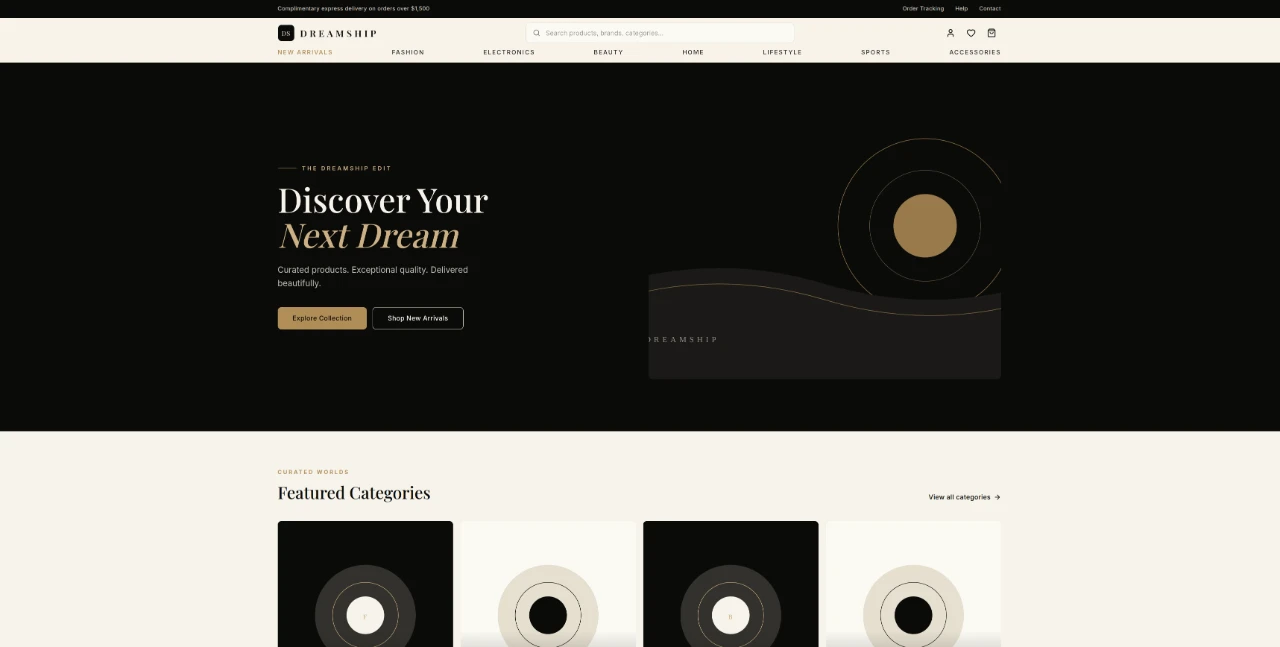
15Dreamship — Luxury Marketplace
Curated luxury marketplace for fashion, electronics, beauty, home and lifestyle.
 13
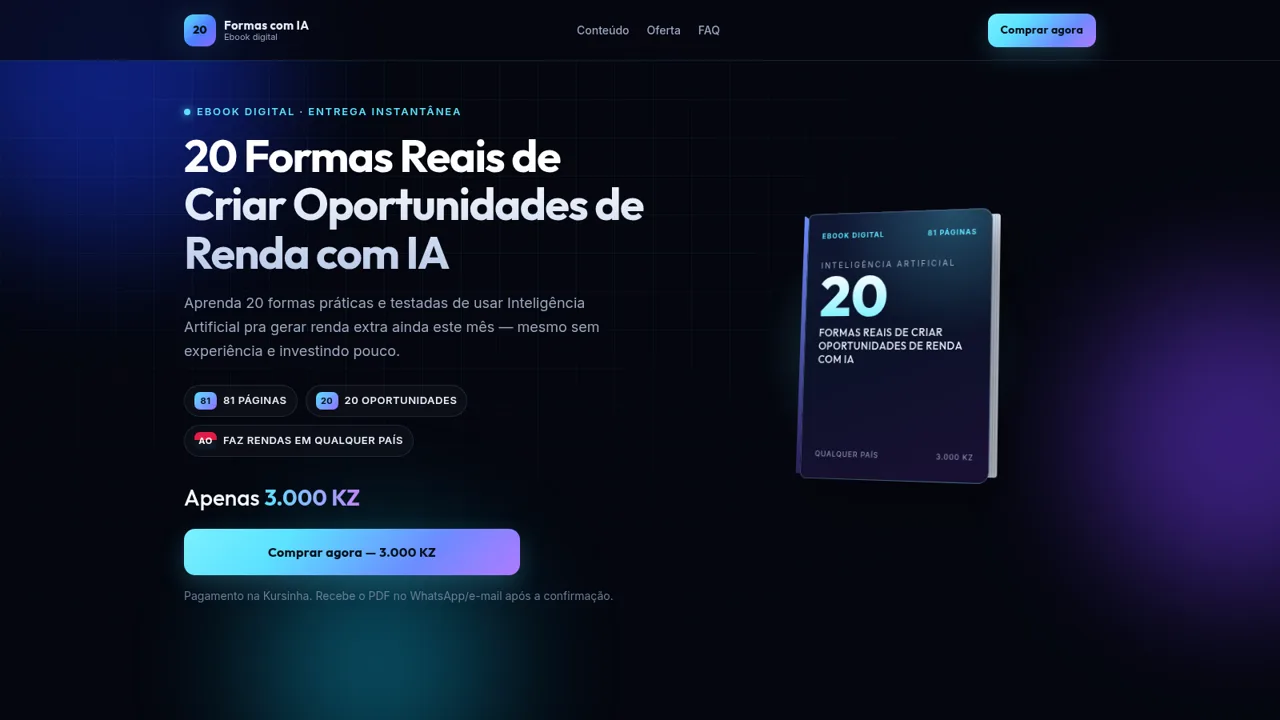
13Renda extra AO Com IA
Ebook Renda Extra AO com IA: 20 formas comprovadas pra ganhar dinheiro usando só o celular e ChatGPT. 81 páginas passo a passo. Feito pra Angola. Começa hoje mesmo. Preço promocional: 3.000 KZ