
Arbitragem MEXC Spot x Futuros
Scan MEXC spot and futures, price the spread and run a simulation-first arbitrage robot
Arbitragem MEXC · Spot x Futuros is a single-page web tool for finding and sizing arbitrage between MEXC spot and futures markets: buy a coin on spot and short the same coin on futures when the futures price trades higher, then estimate whether the gap survives fees. It has four tabs. Oportunidades scans pairs and lists spread, USDT difference, spot and futures prices and 24h volume under adjustable filters. Calculadora is a fee-aware position and profit calculator with a full breakdown and break-even price. Robô is an automation panel with parameters, dry-run and auto-close toggles. Conta / API stores exchange credentials in memory for live mode. Everything except live trading works without an account.
Highlights
Spread scanner
Filters and lists spot-futures gaps
Fee-aware calculator
Net profit, fees and break-even
Auto execution robot
Parameters and dry-run mode
No-key simulation
Runs safely without API keys
How to Use
Review opportunities
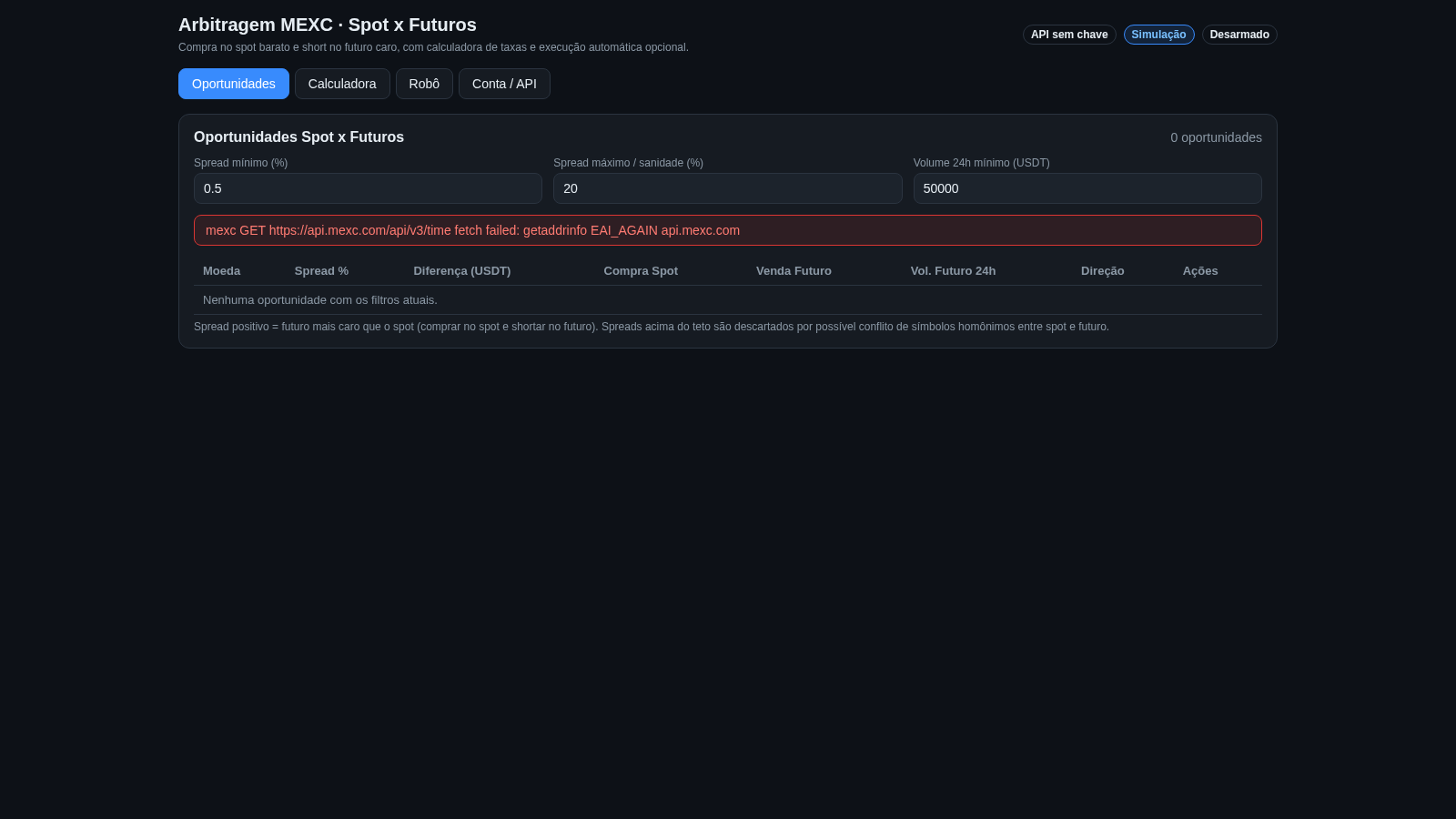
Open the Oportunidades tab to see the scanner table and set the minimum spread, maximum spread or sanity cap, and minimum 24h volume fields. The table refreshes on an interval and shows the coin, spread percentage, USDT difference, spot buy price, futures sell price, futures 24h volume and direction for each candidate, or an empty-state message when no pair matches the filters.
Price a trade
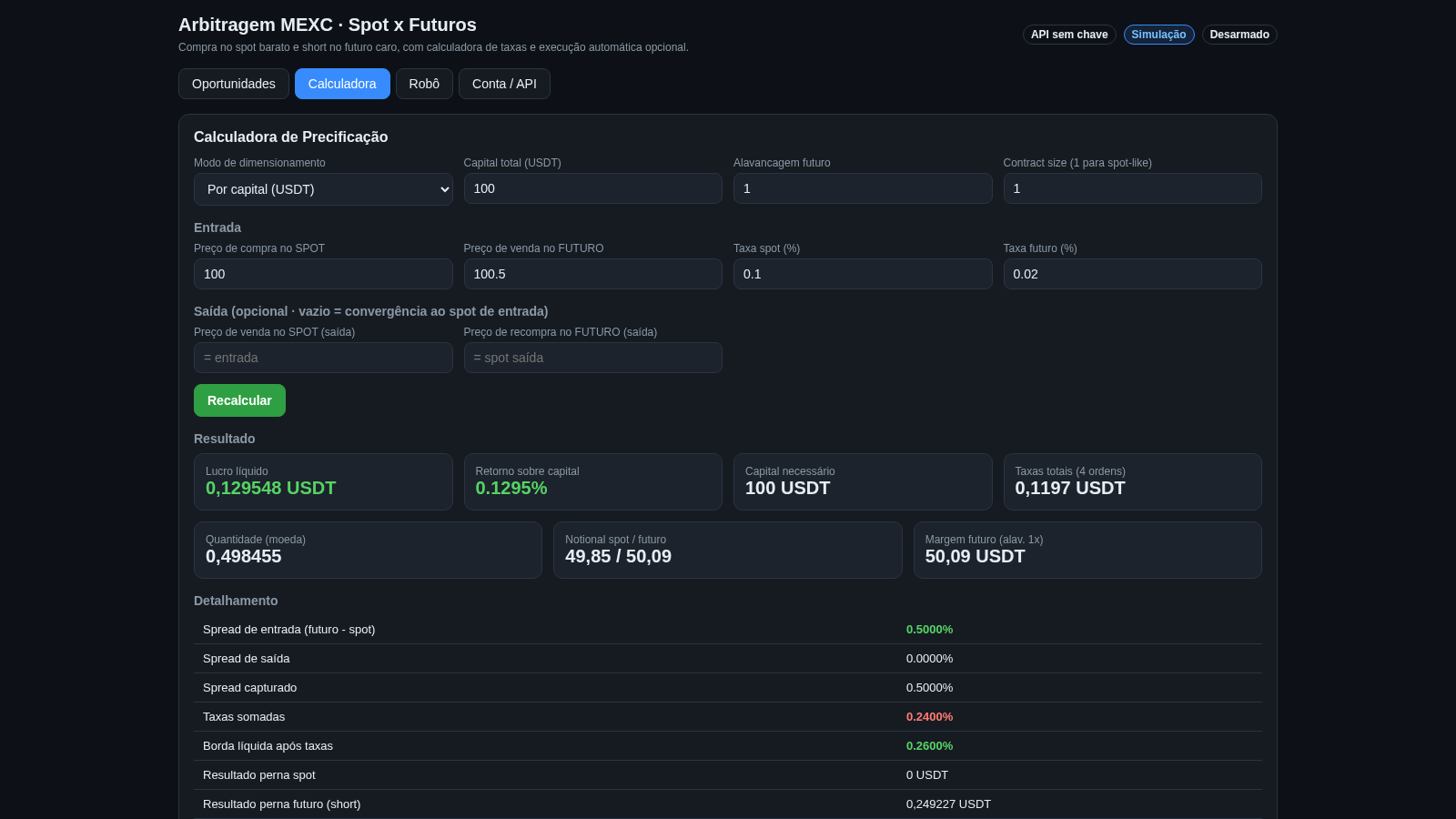
Switch to Calculadora, choose whether to size by capital in USDT or by coin quantity, then set total capital, futures leverage and contract size. Enter the spot buy and futures sell prices plus spot and futures fee percentages, optionally fill the exit spot sell and futures buy-back fields, and press Recalcular to update the net profit, return on capital, required capital and the detailed breakdown table ending with the break-even buy-back price.
Configure the robot
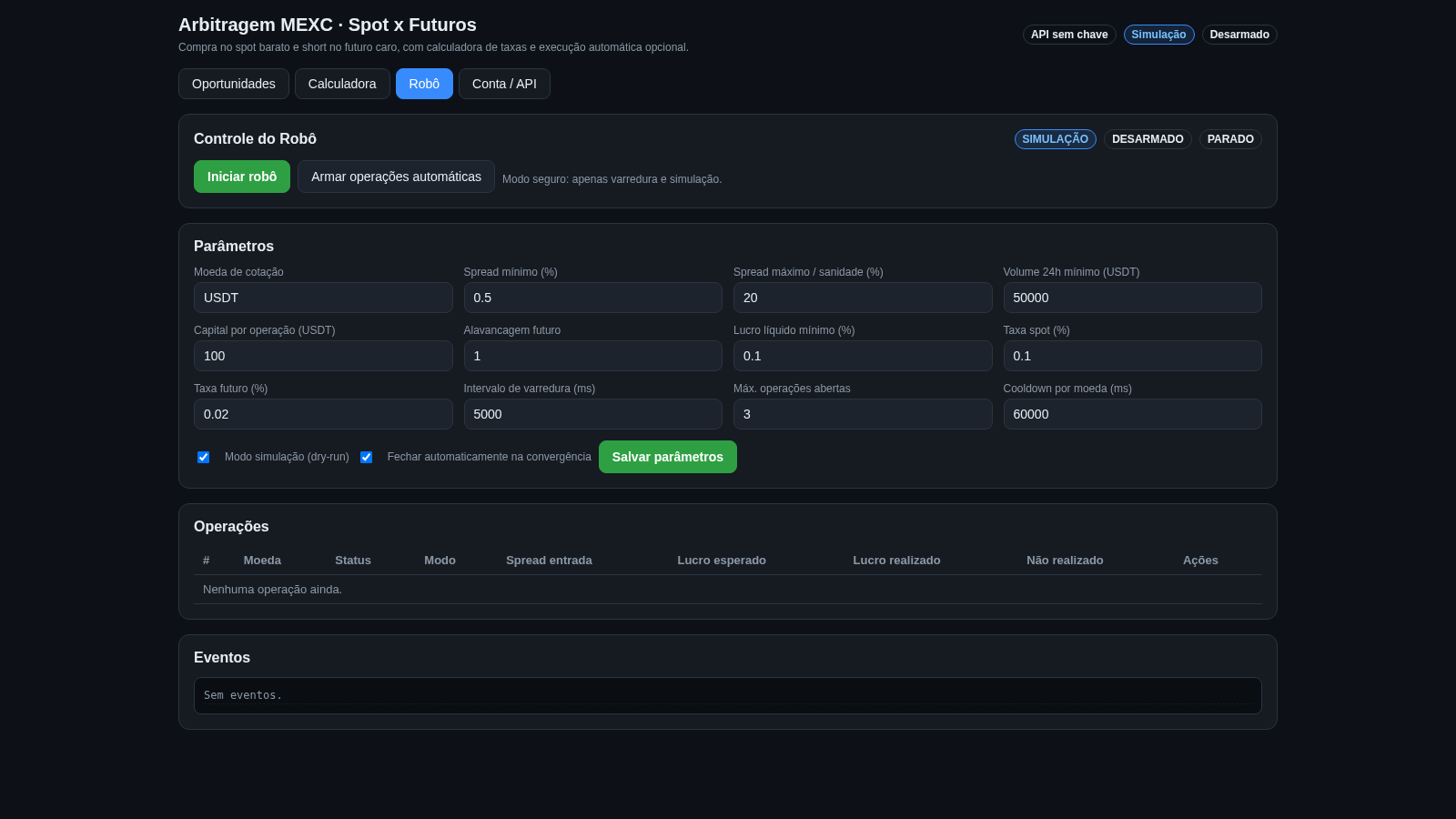
In the Robô tab edit the twelve parameters such as spread limits, capital per operation, leverage, minimum net profit, fees, scan interval and cooldown, keep the dry-run and auto-close checkboxes as desired, and save. Use Iniciar robô to start scanning and Armar operações automáticas to allow execution; the status chips show simulation, armed and running state, while Operações and Eventos list activity.
Set exchange keys
Open Conta / API to enter a MEXC API key and secret. The page notes that the recommended approach is to define MEXC_API_KEY and MEXC_SECRET in the backend .env file, while keys typed here are held only in memory and not written to disk. Live trading additionally requires enabling live mode on the backend and turning off simulation in the robot panel.
Similar Sites
 15
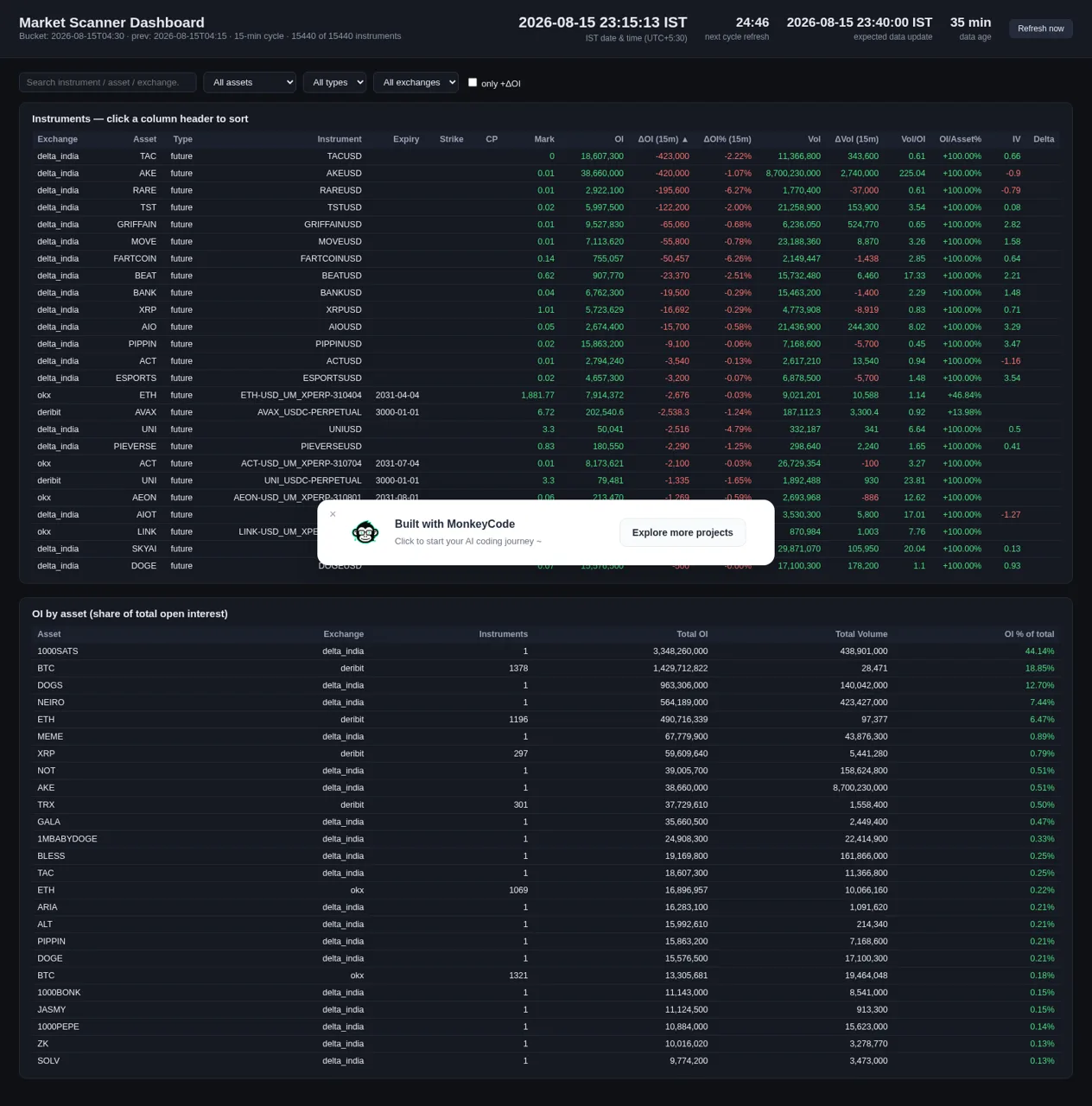
15Market Scanner Dashboard
Sortable futures/options market scanner dashboard across Deribit, OKX, Delta Exchange India and Yahoo Finance with 15-min snapshots, live IST clock and OI/volume change metrics.
 14
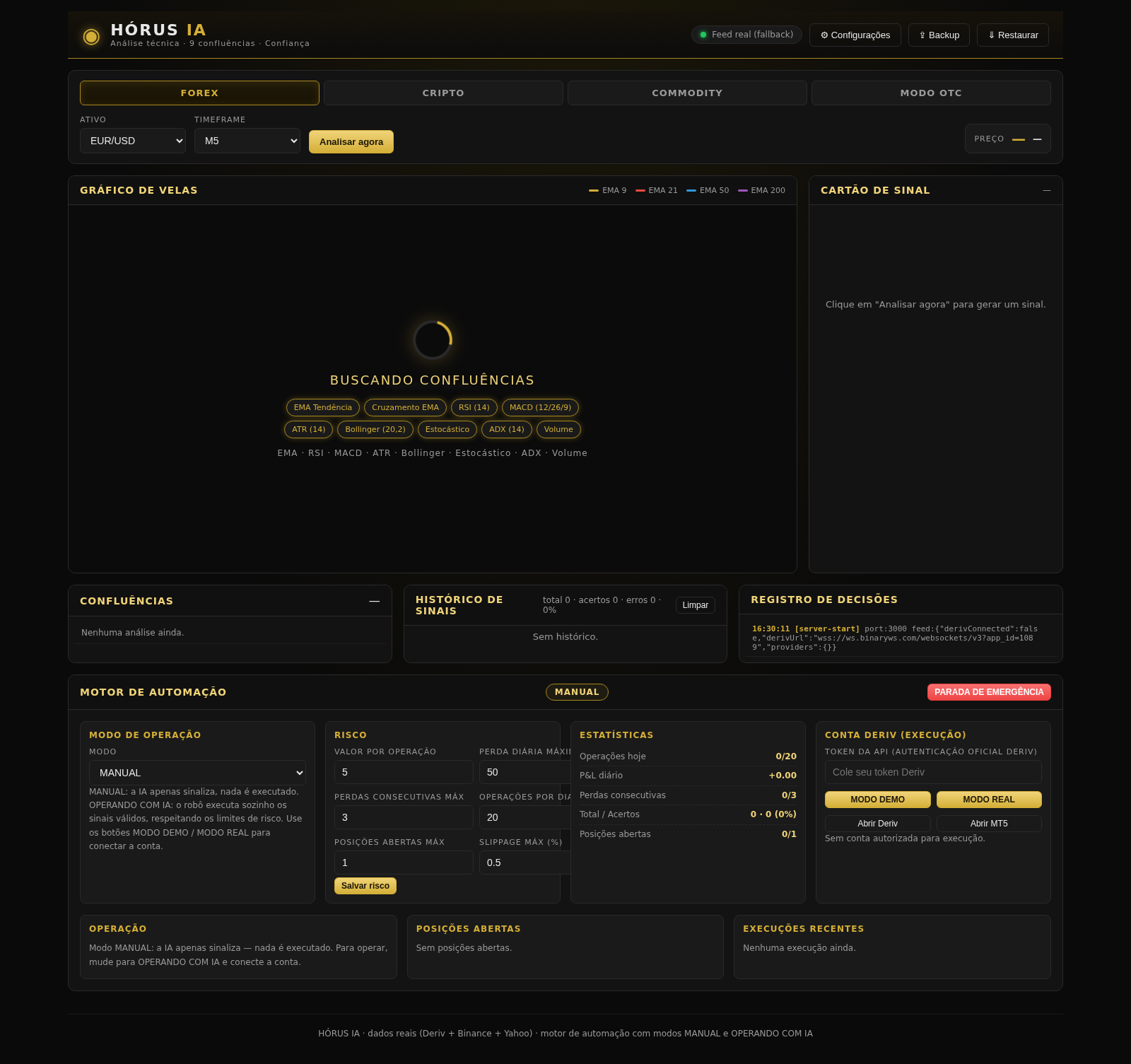
14HÓRUS IA - Sinais de Trading
Réplica do HÓRUS IA - sinais de trading com análise técnica, IA e confiança
 4
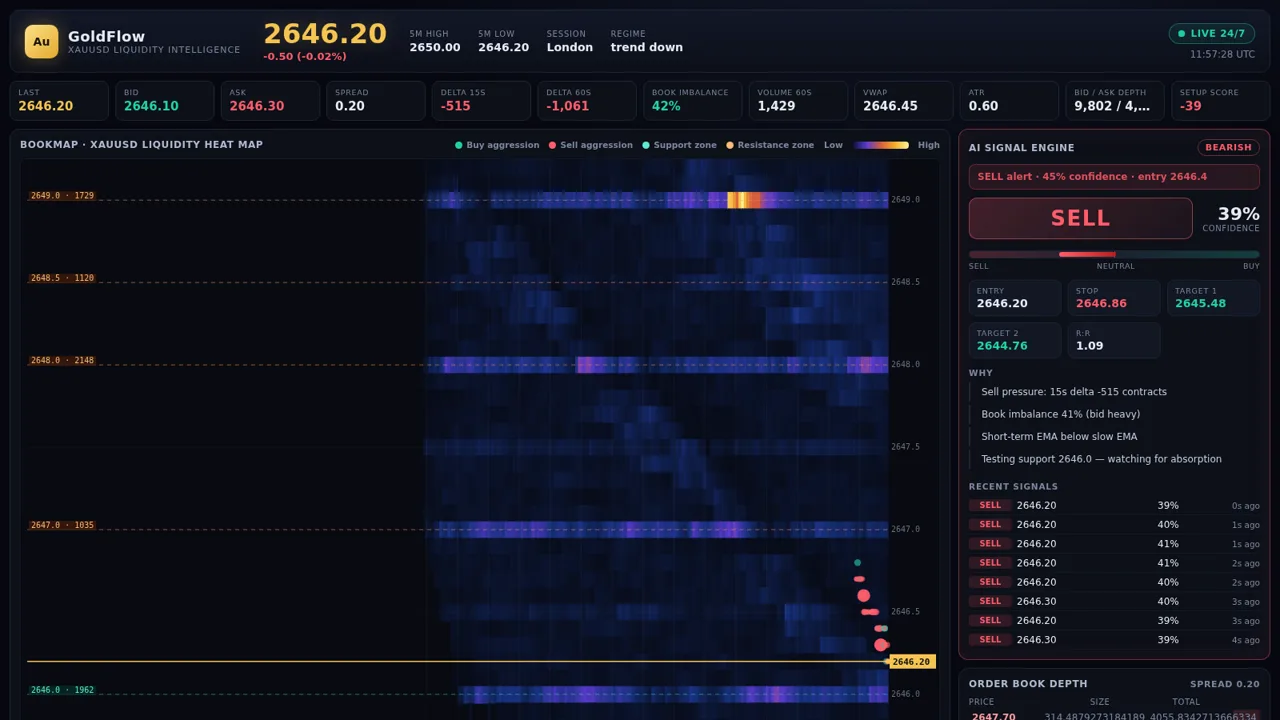
4GoldFlow XAUUSD
24/7 XAUUSD bookmap liquidity analysis with live buy/sell trade signals
 4
4Trader Esportivo
Robôs de trading com IA para futebol, cassino ao vivo e escanteios
 49
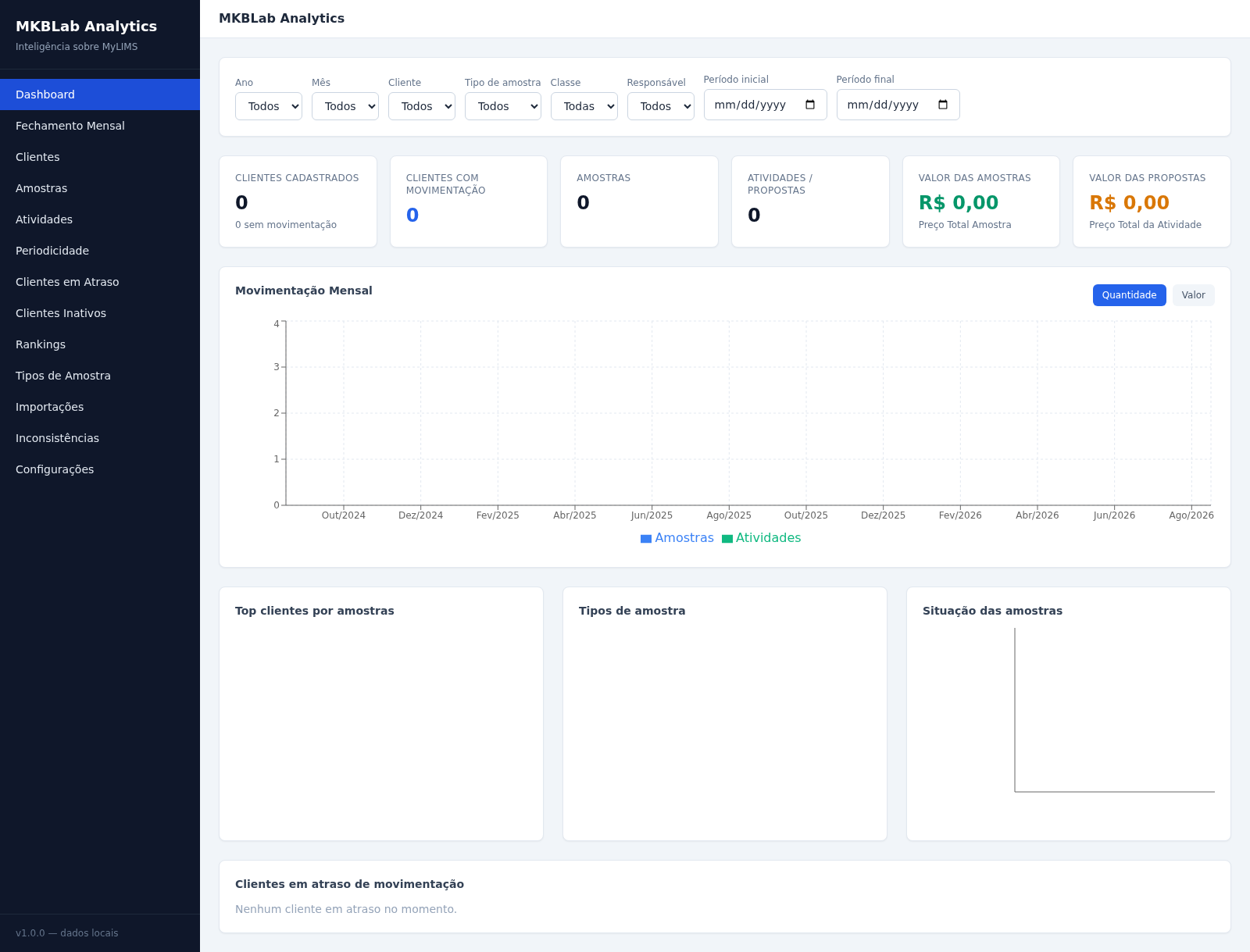
49MKBLab Analytics
Dashboard gerencial com importação de relatórios XLSX do MyLIMS
 65
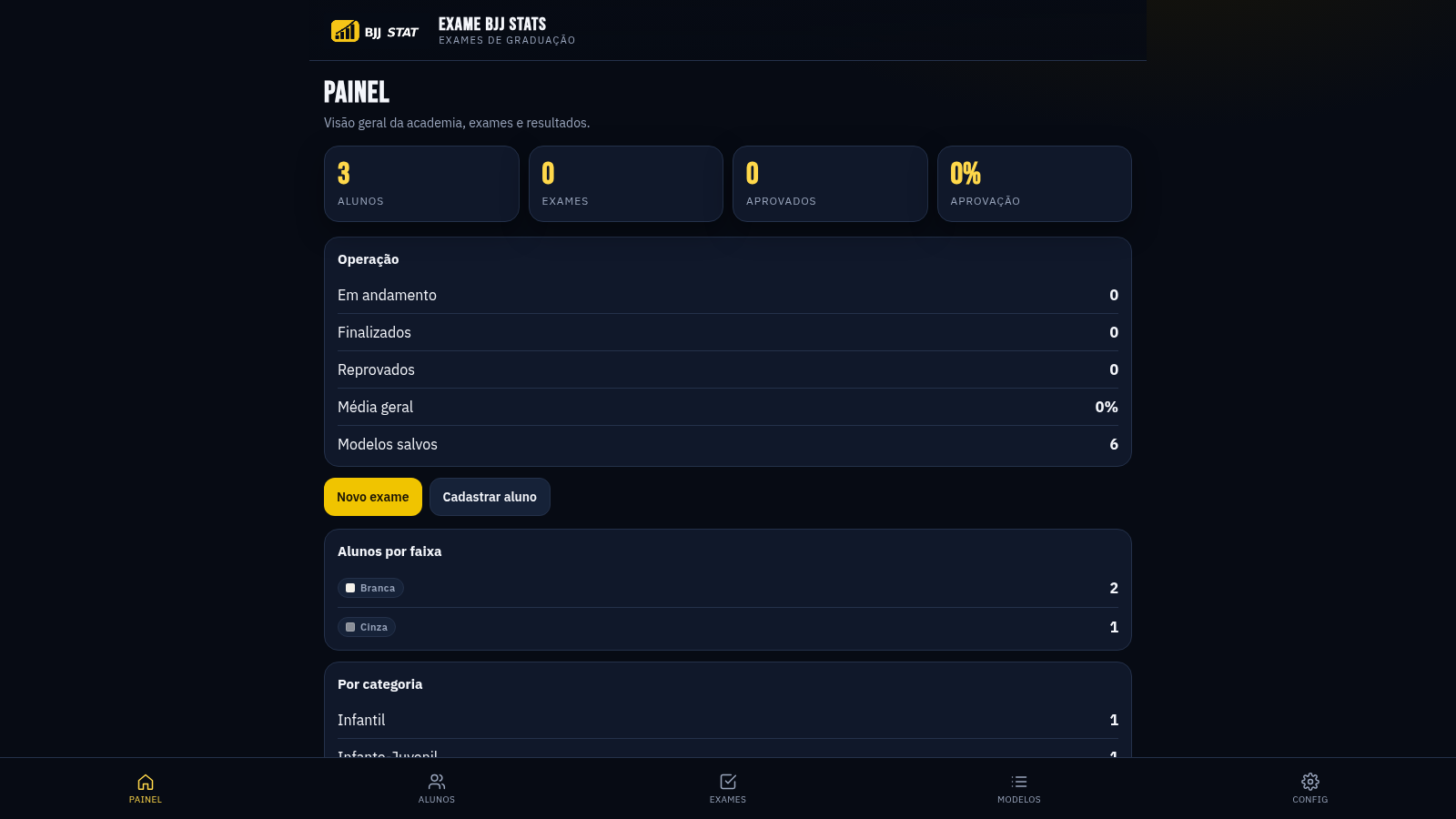
65EXAME BJJ STATS
Sistema profissional de exames de graduação BJJ, com modelos por faixa e relatório APROVADO/REPROVADO.