
blind accessibility
An Arabic accessibility PWA with screen reader ready tools, guides, community and rewards
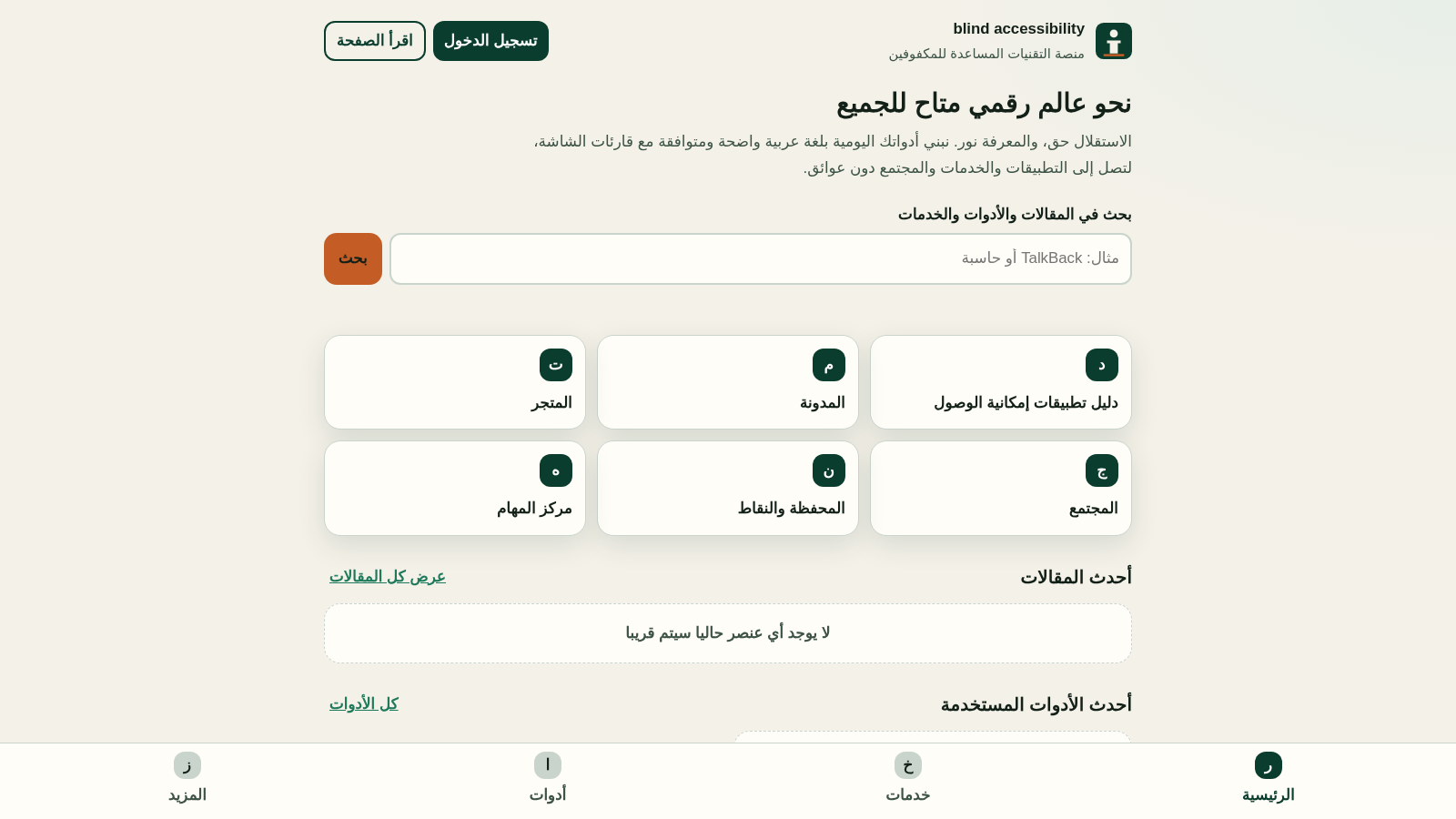
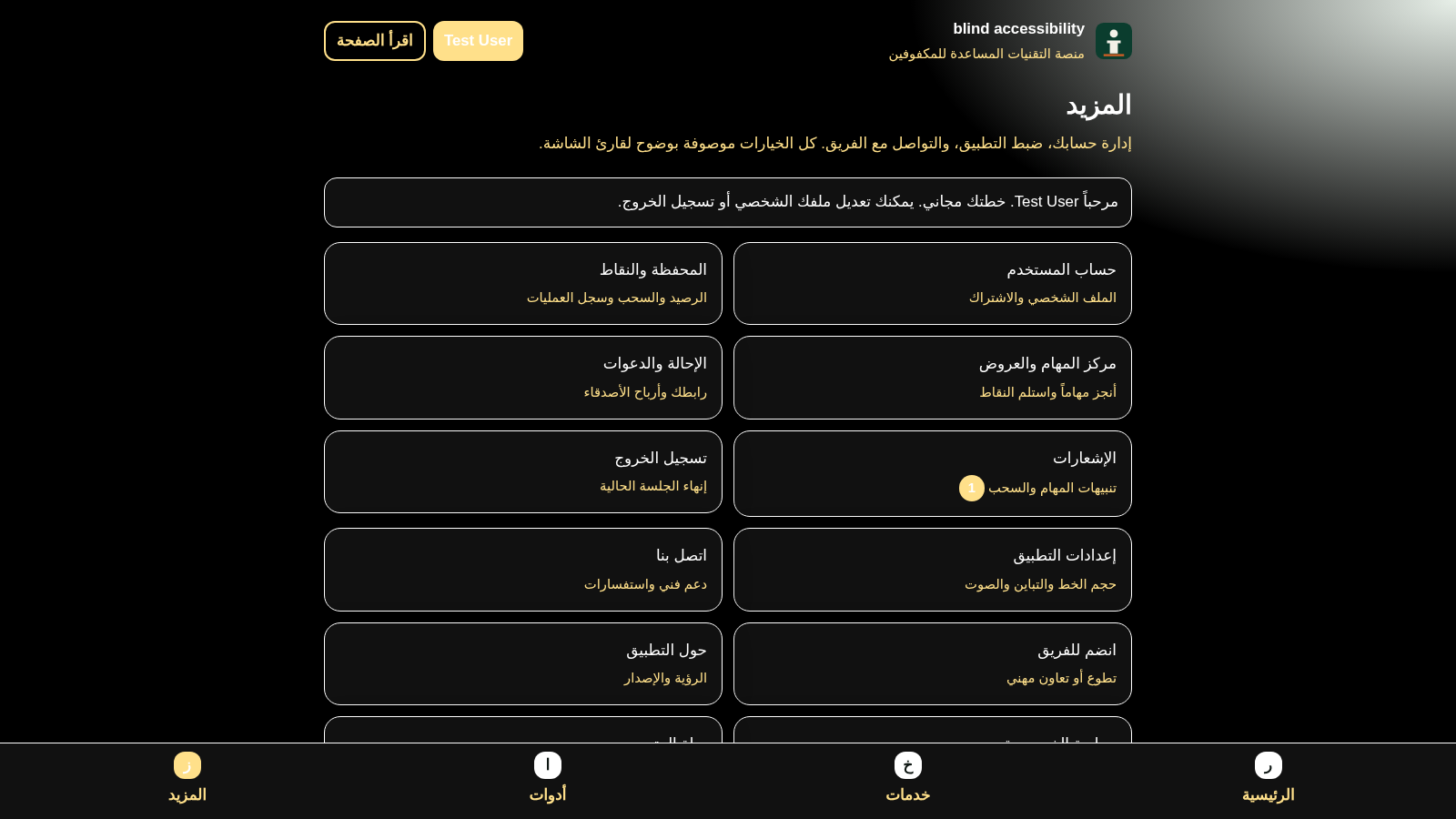
blind accessibility is an Arabic right-to-left progressive web app for blind and low-vision users. The home tab presents a search field for articles, tools and services plus shortcut tiles to the accessibility app guide, blog, store, community, wallet and task centre. Four bottom tabs split the product into Home, Services, Tools and More, where More collects account, wallet, tasks, referrals, notifications, app settings, contact, about and privacy entries. Users can register or log in, adjust accessibility preferences such as font size, theme, contrast and speech speed, complete reward tasks, and review points in a wallet with an optional payout method. Guides, blog posts, store items, tools and services are mostly marked as coming soon, so the account, settings, tasks and wallet flows are the parts currently populated.
Highlights
Screen reader ready
Clear ARIA labels
Full RTL Arabic UI
Right-to-left design
Rewards wallet
Points and tasks
Accessible settings
Font and contrast
How to Use
Create an account
Open the login button in the header and choose create a new account. Enter your full name, email, an optional phone number and referral code, plus a password of at least eight characters with confirmation, then submit. A successful registration signs you in automatically and adds a signup reward to your wallet.
Move around the four tabs
Use the Home, Services, Tools and More tabs fixed at the bottom of the screen. Home holds the search box and shortcut tiles, Services and Tools group the advertised offerings by category, and More contains the account, wallet, task centre, referrals, notifications and settings entries, each opening as a dialog.
Adjust accessibility settings
From the More tab open App Settings to change font size, choose a light or dark theme, switch between standard and high contrast, set the in-app speech speed and enable reduced motion, then press save. The choice is reflected across the interface and announced for screen reader users.
Earn and manage points
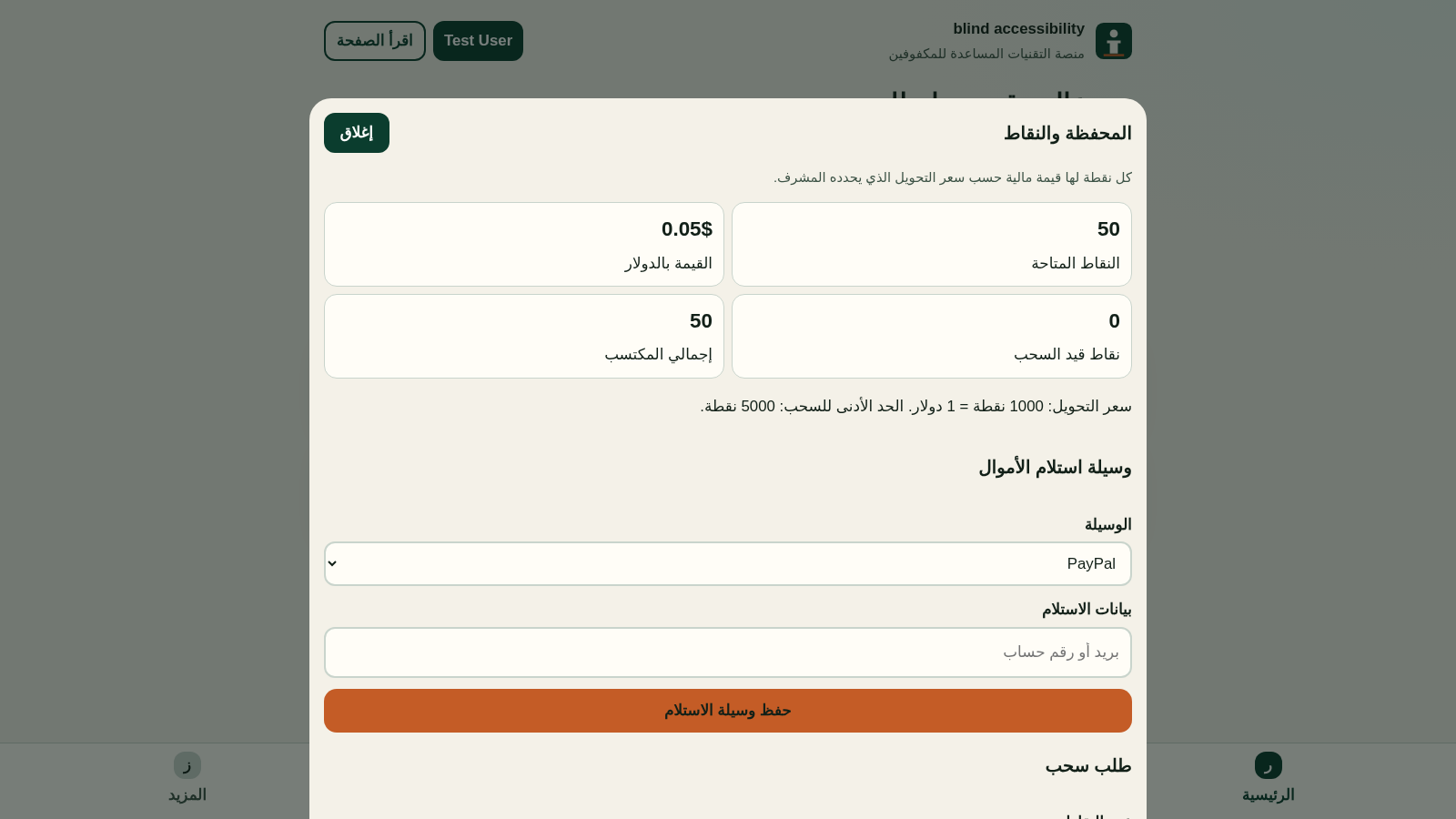
Open the task centre to start a task such as completing your profile, answering the three question screen reader survey or confirming the TalkBack gestures guide, then claim its reward. The wallet shows available points and their dollar value, lets you store a payout method through PayPal, bank transfer or Wise, and exposes a withdrawal request form once you reach the minimum threshold.
Similar Sites
 122
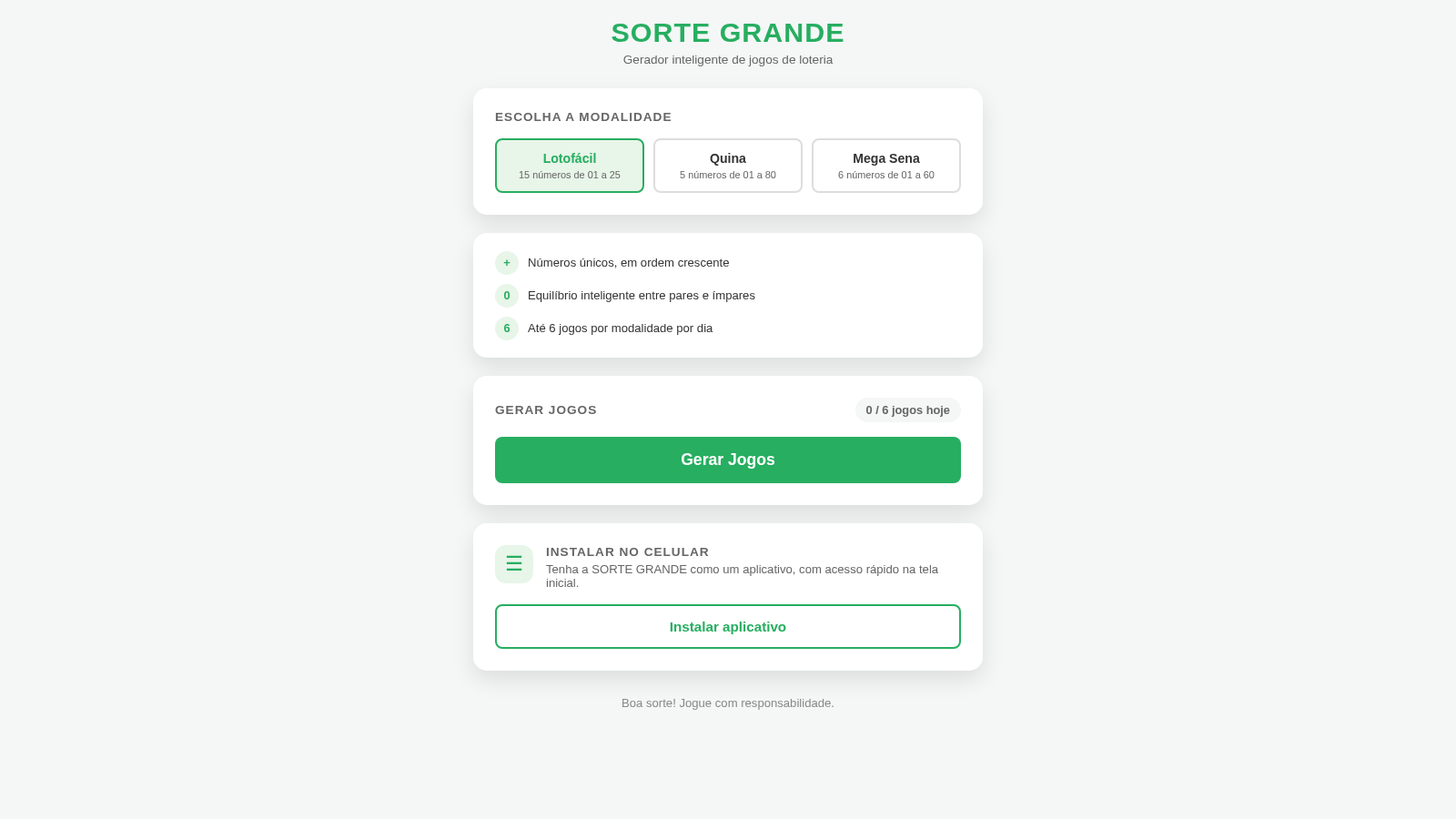
122Sorte Grande
Gerador inteligente de jogos de loteria (Lotofácil, Quina e Mega Sena)
 87
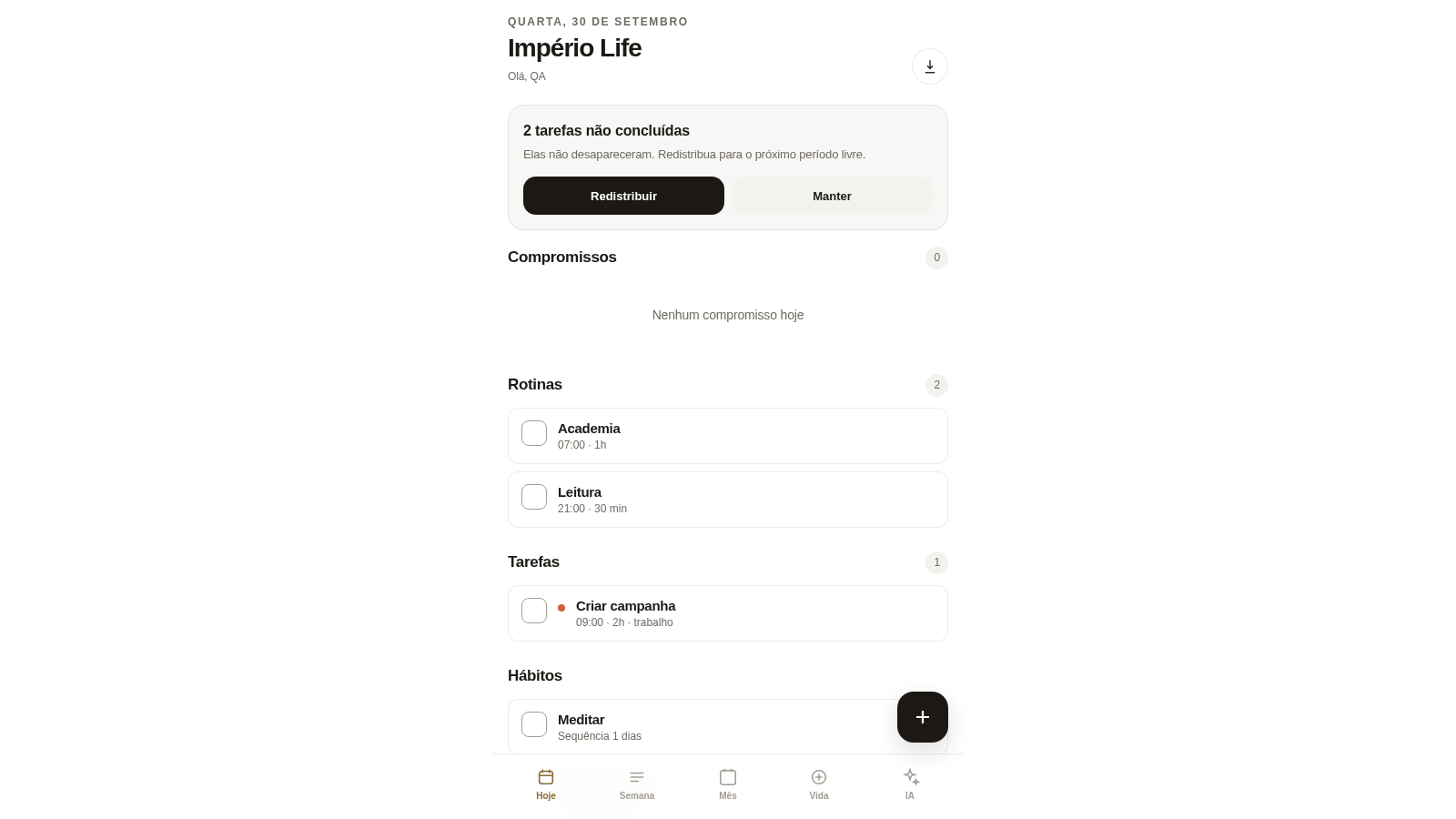
87Império Life
Organização pessoal: tarefas, rotinas e planejamento semanal.
 35
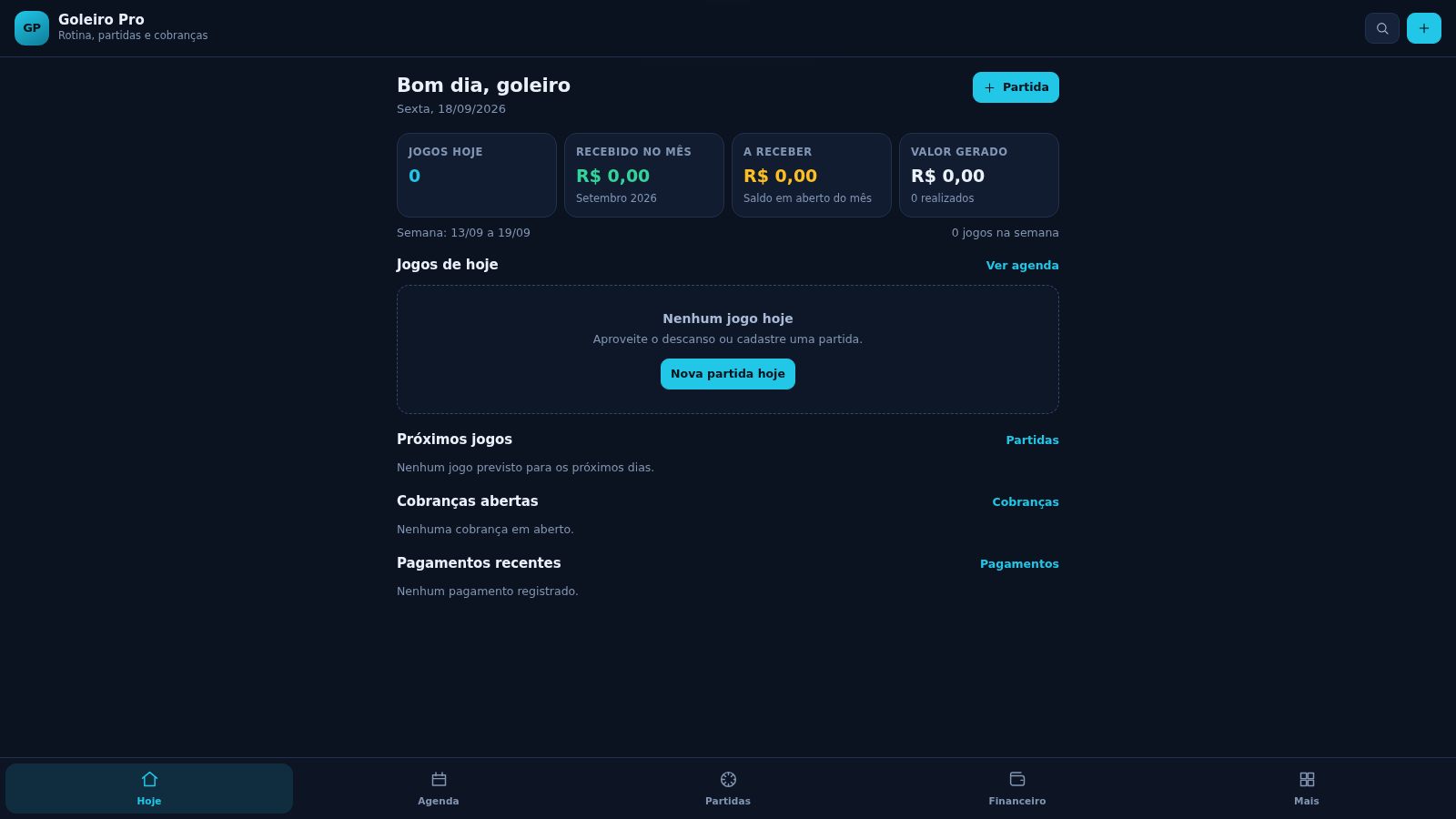
35Goleiro Pro
Controle pessoal de rotina, partidas, cobrancas, pagamentos e recibos do goleiro.
 33
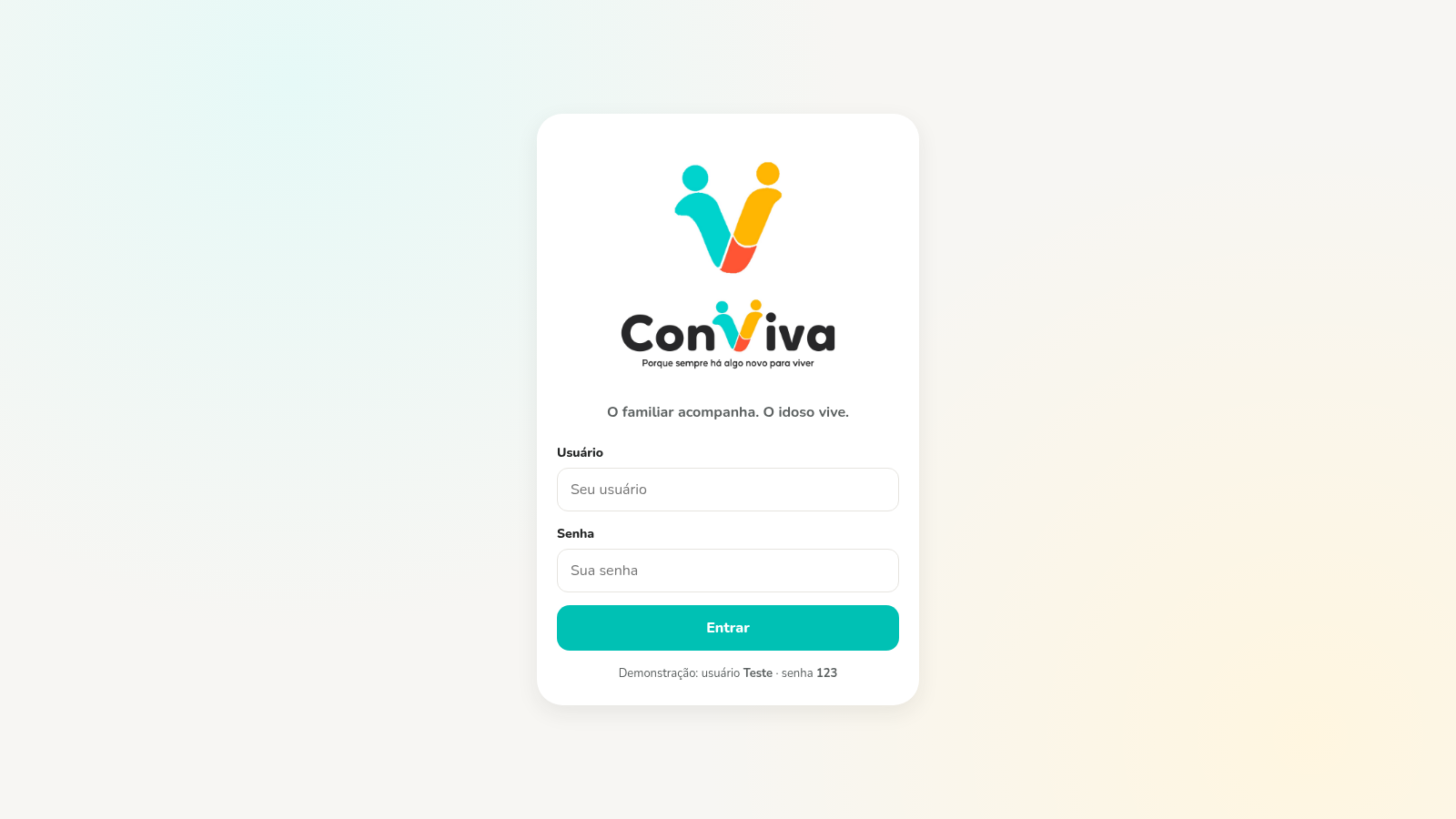
33CONVIVA
CONVIVA — O familiar acompanha. O idoso vive. O Conviva conecta.
 28
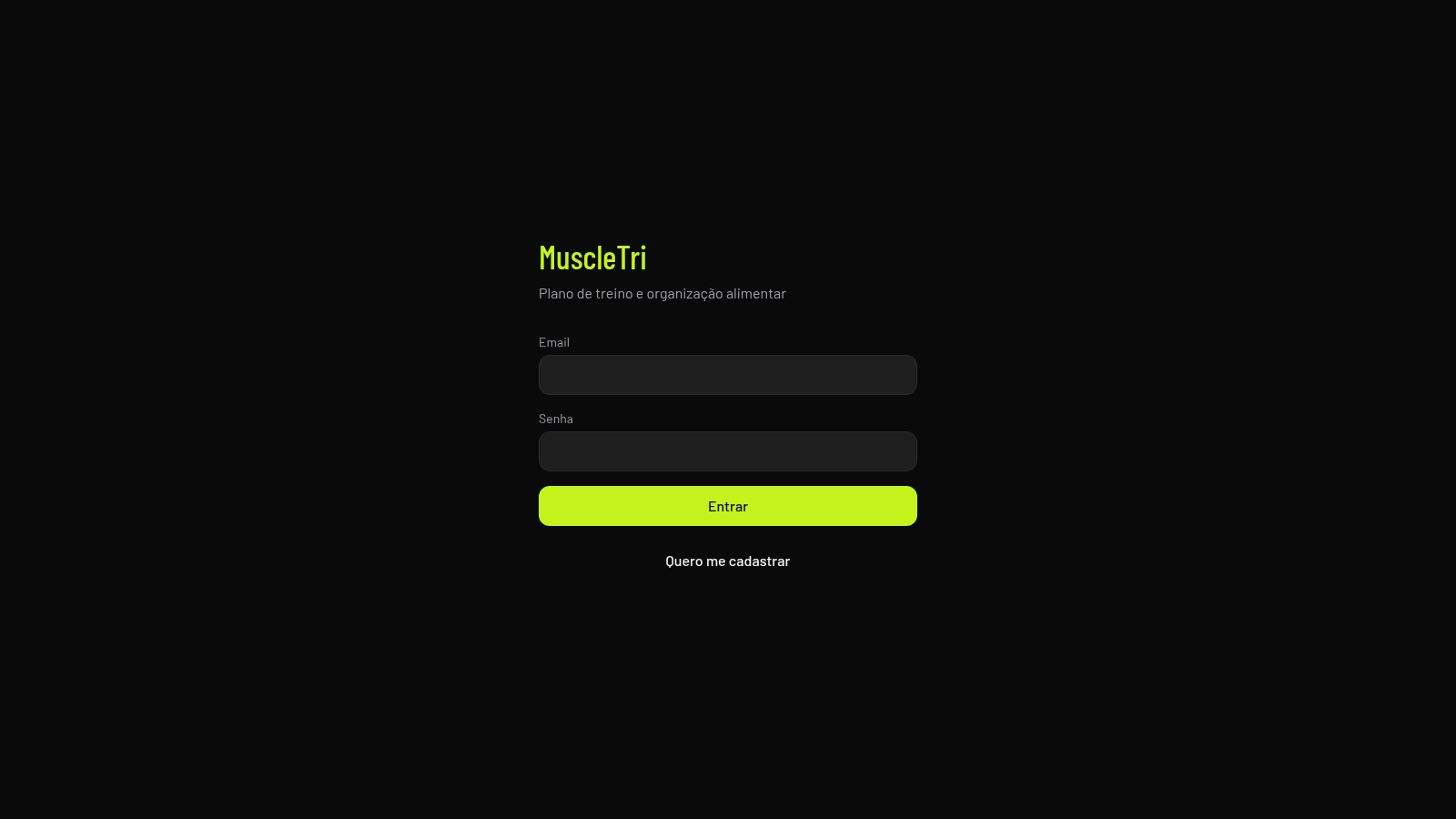
28MuscleTri
App web mobile-first de treinos, alimentação e evolução física.
 23
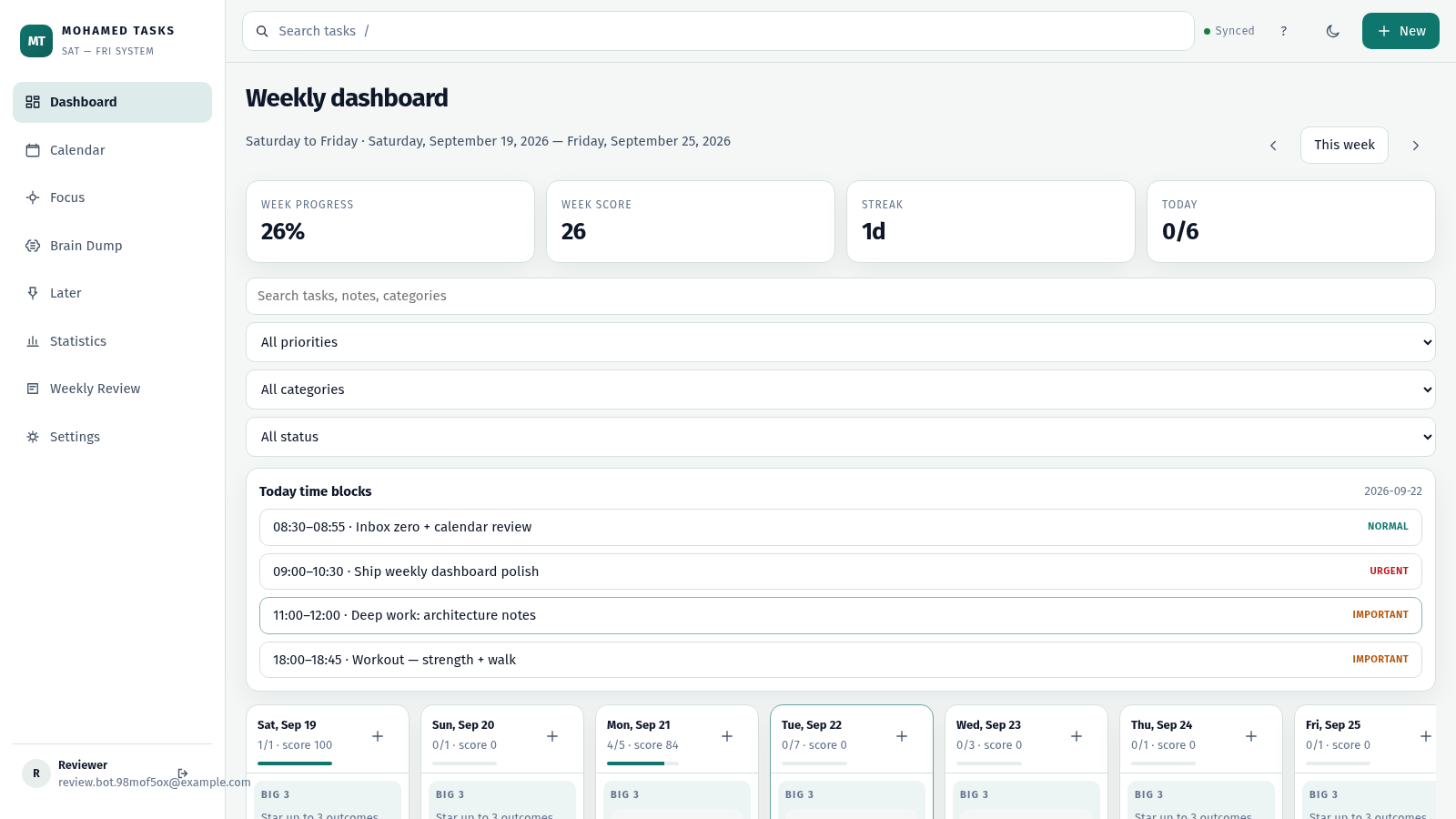
23MOHAMED TASKS
Weekly productivity dashboard with cloud sync, Big 3, and focus mode.