
FIBER TEC
Track fiber installations, customer equipment, inventory, and exports from one focused field-work interface.
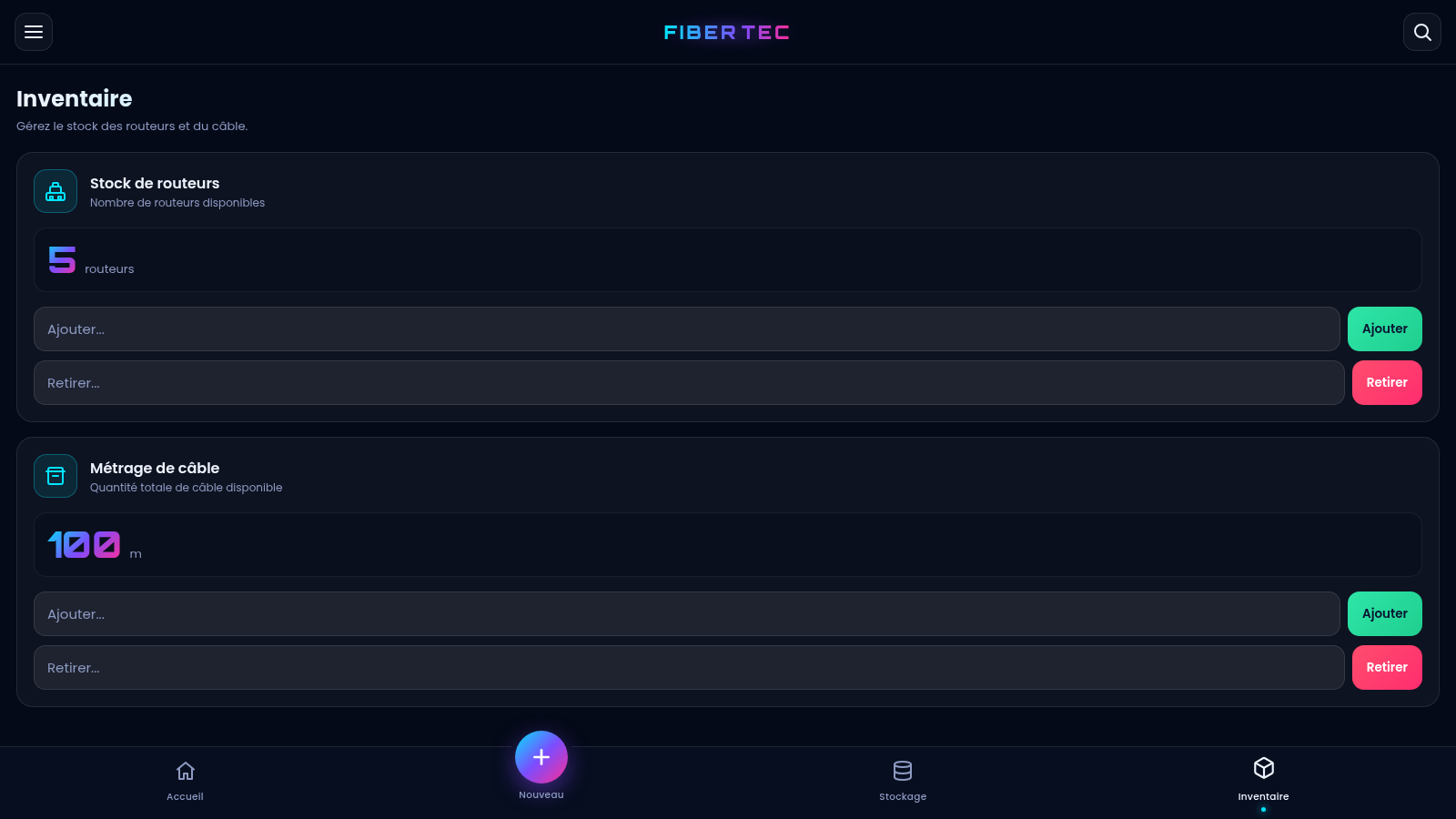
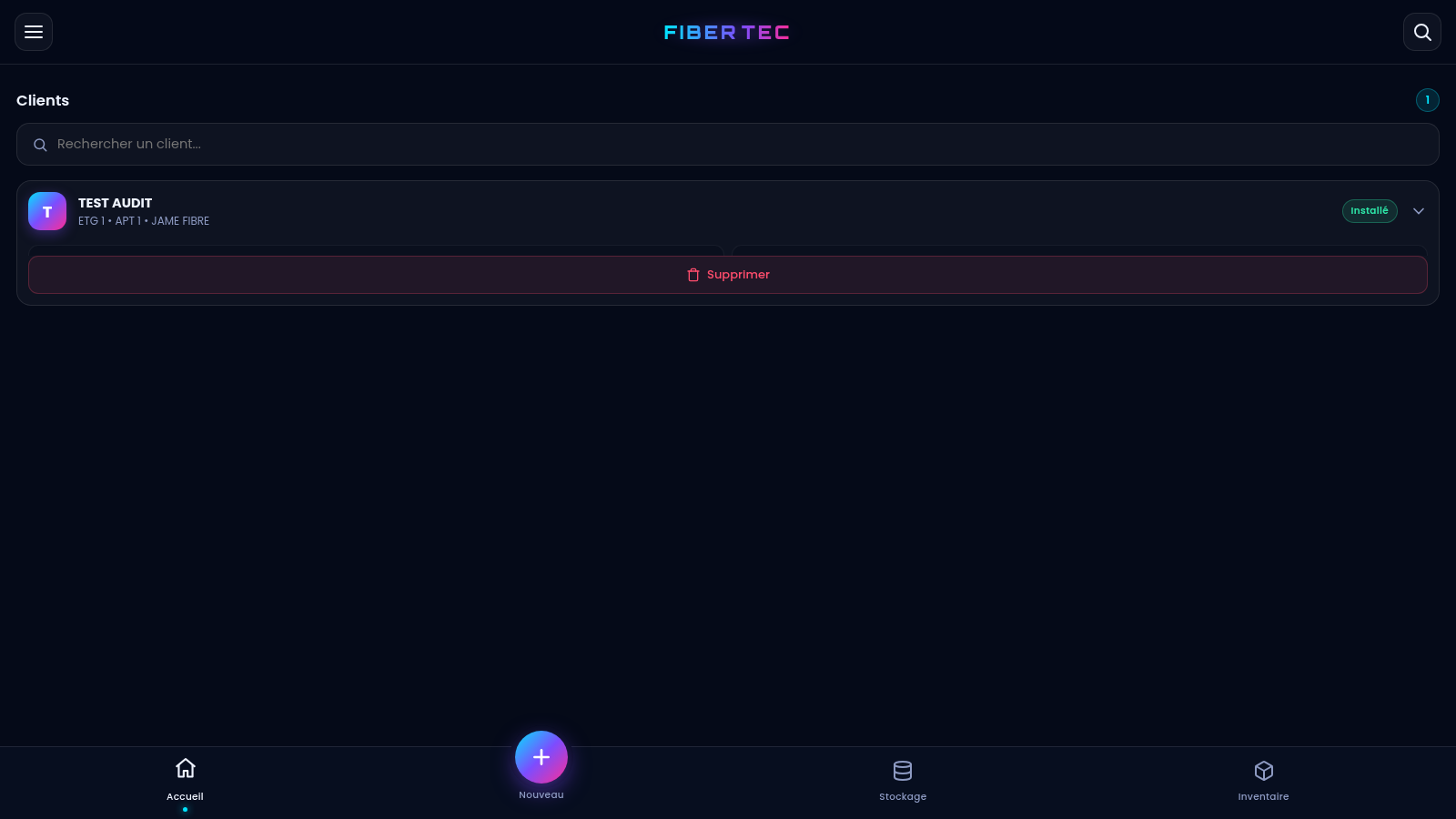
FIBER TEC is a French-language operations tool for technicians and small teams handling fiber-optic installations. Users can create structured customer records with building location, installation type, contact state, service speed, router model, cable details, optical termination equipment, network identifiers, and reference information. Saved customers appear in a searchable home list with expandable details. A storage view turns the records into a compact table and offers Excel, Word, and PDF exports, while a separate inventory view tracks available routers and total cable length. Data is stored in the current browser, allowing the application to work immediately without an account.
Highlights
Detailed records
Installation data
Quick exports
Excel Word PDF
Stock controls
Routers and cable
Fast lookup
Searchable clients
How to Use
Create a client record
Open the New client section and complete the numbered installation, client identity, equipment, and reference groups. Required fields include the installation type, floor, apartment, and client name. Select the relevant equipment options, enter identifiers when available, and choose Save to add the record.
Review and search clients
Return to Home to see saved customers as cards. Use the search field to narrow the list by customer information, then open a card to review its installation location, device model, service speed, cable data, network identifiers, references, and saved date.
Export the storage table
Open Storage to view the compact customer table and its current row count. Choose Excel, Word, or PDF to download the corresponding report; the exported data reflects the customer records currently saved in this browser.
Update inventory
Open Inventory and enter a quantity in the appropriate Add or Remove field. Router stock is counted as units and cable stock as meters. After confirming the action, the displayed total updates immediately and is retained for later visits in the same browser.
Similar Sites
 28
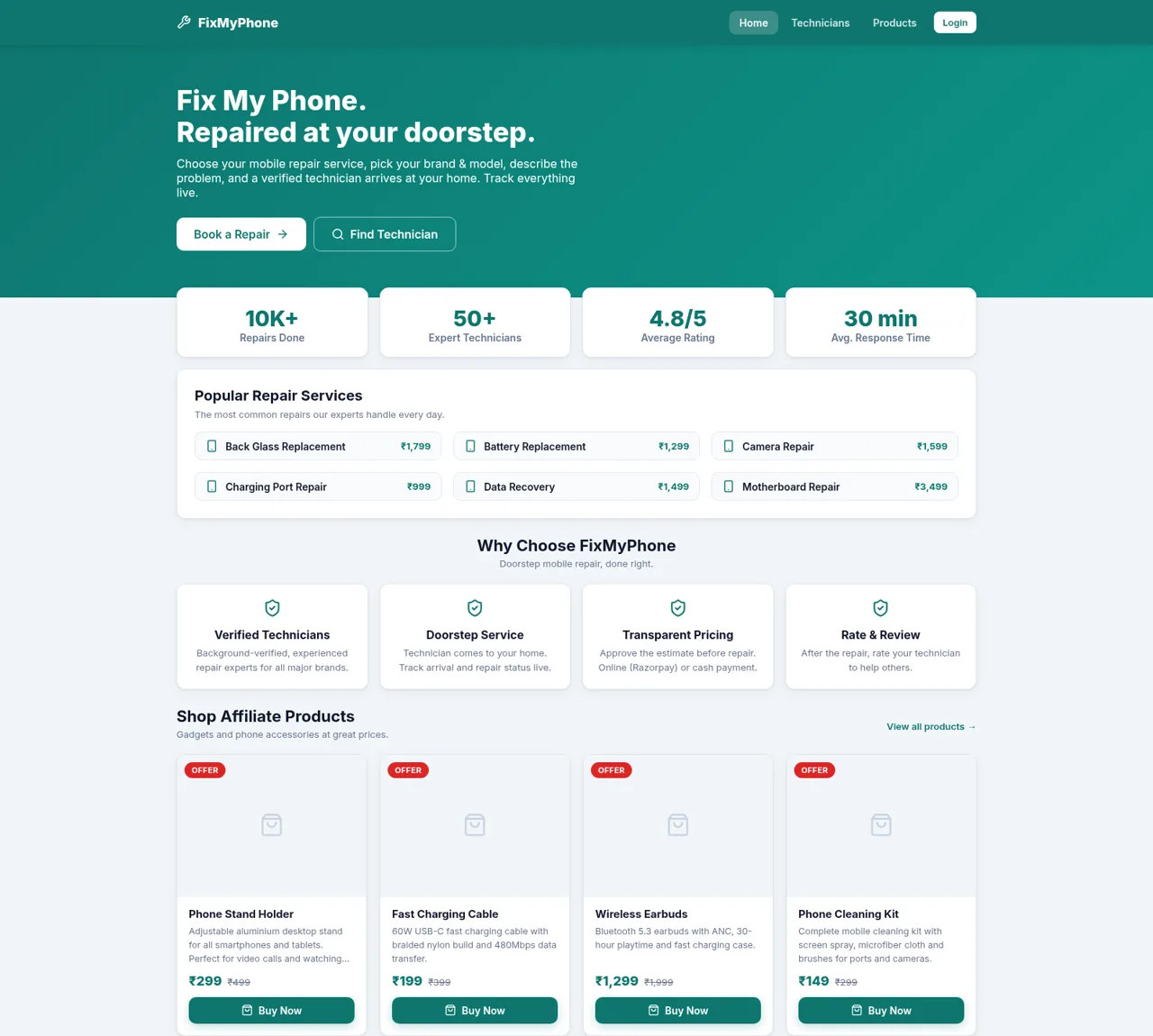
28FixMyPhone - Doorstep Mobile Repair
On-demand doorstep mobile repair with verified technicians, live tracking and affiliate gadget shop
 25
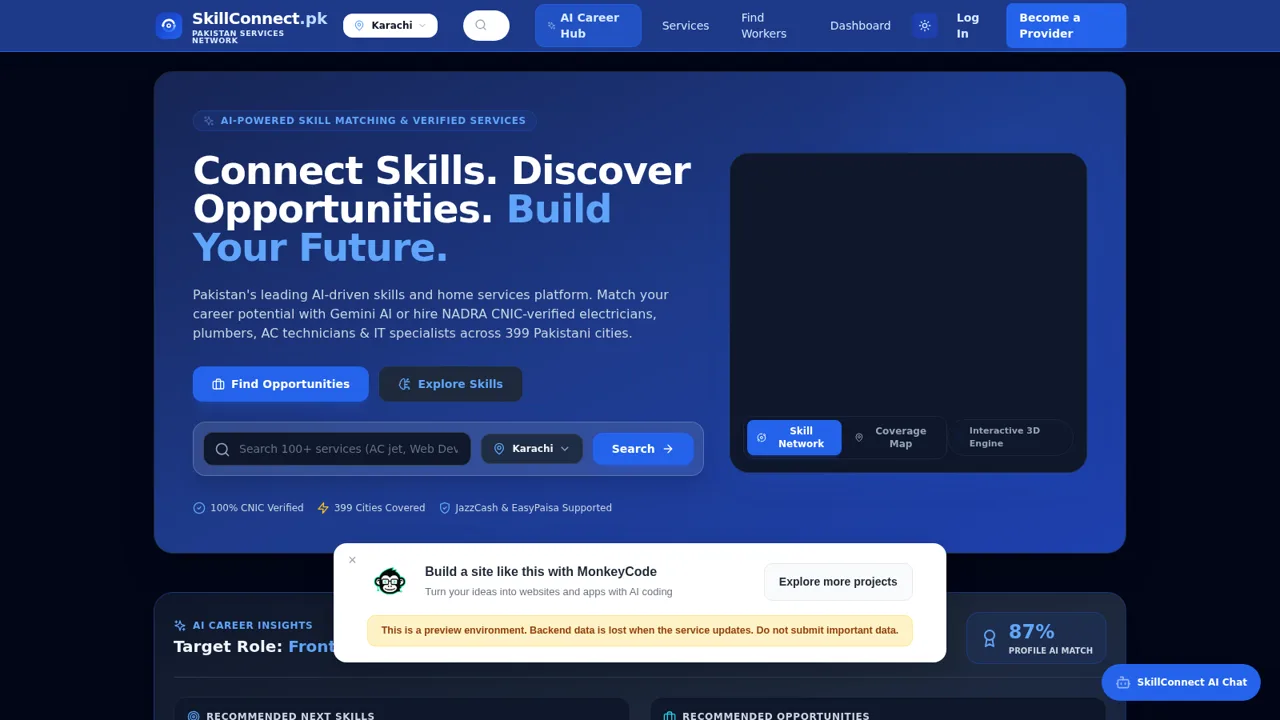
25SkillConnect Pakistan
Book CNIC-verified electricians, plumbers, AC technicians, carpenters and artisans across Pakistan.
 24
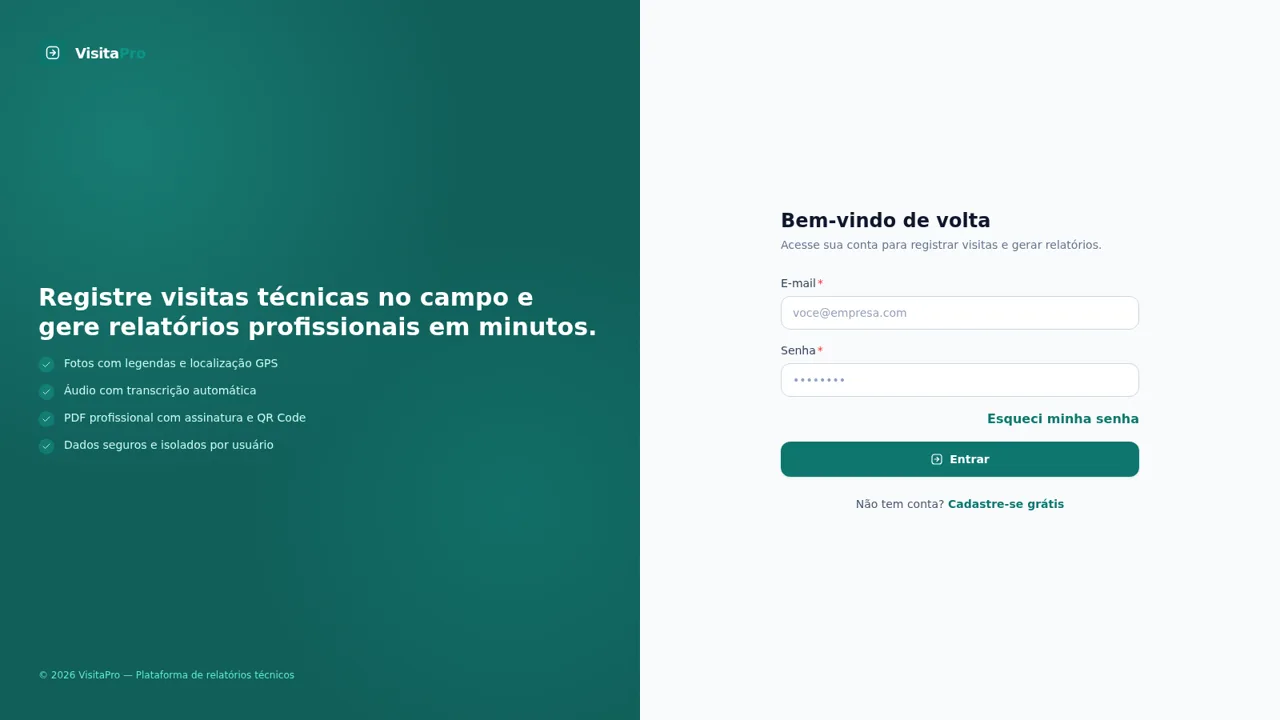
24VisitaPro
Relatórios técnicos profissionais para visitas, inspeções e vistorias
 23
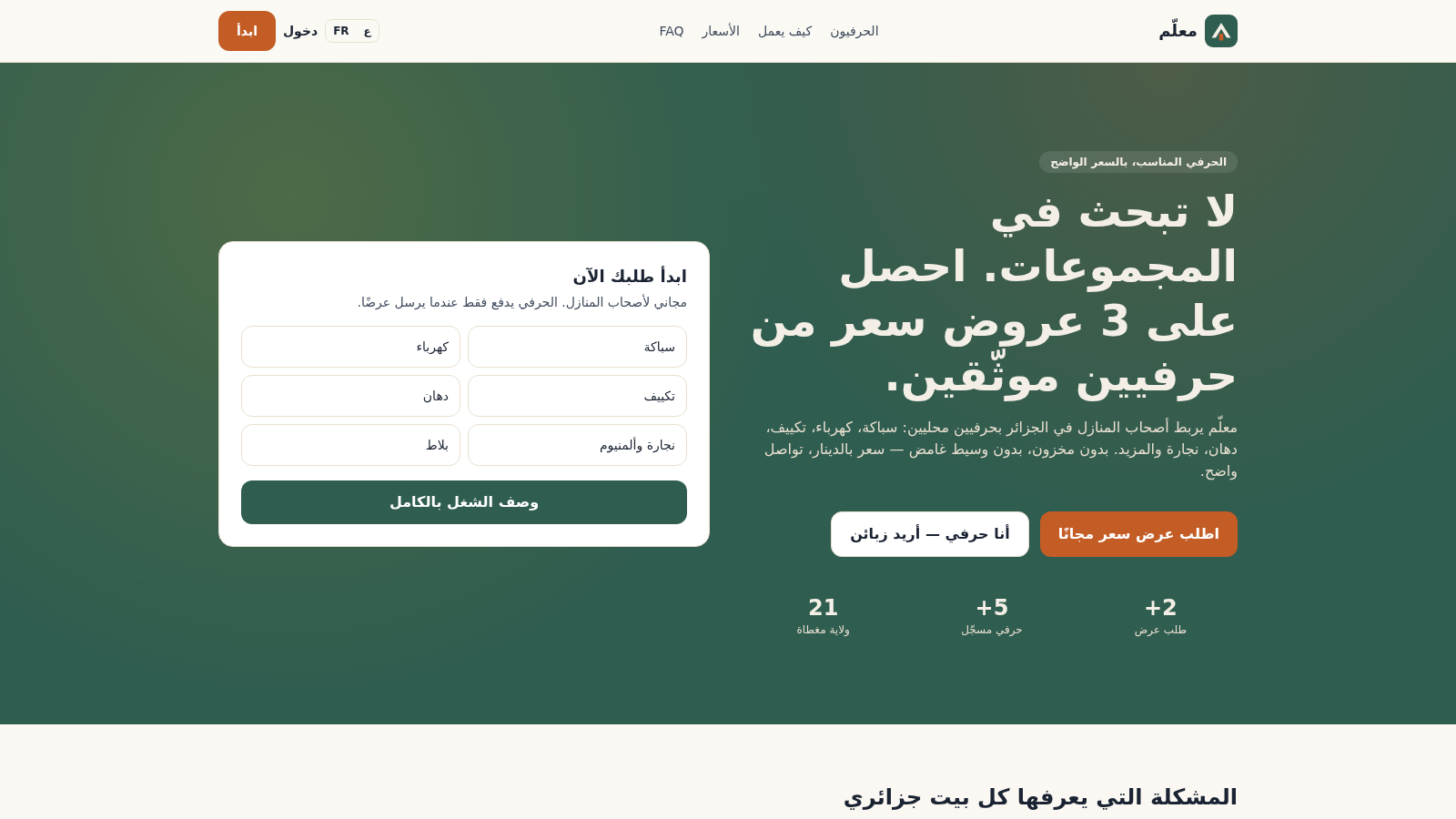
23معلّم Meallem
منصة جزائرية لطلب عروض الحرفيين ودفع الرصيد بالدينار عبر CCP وBaridiMob
 14
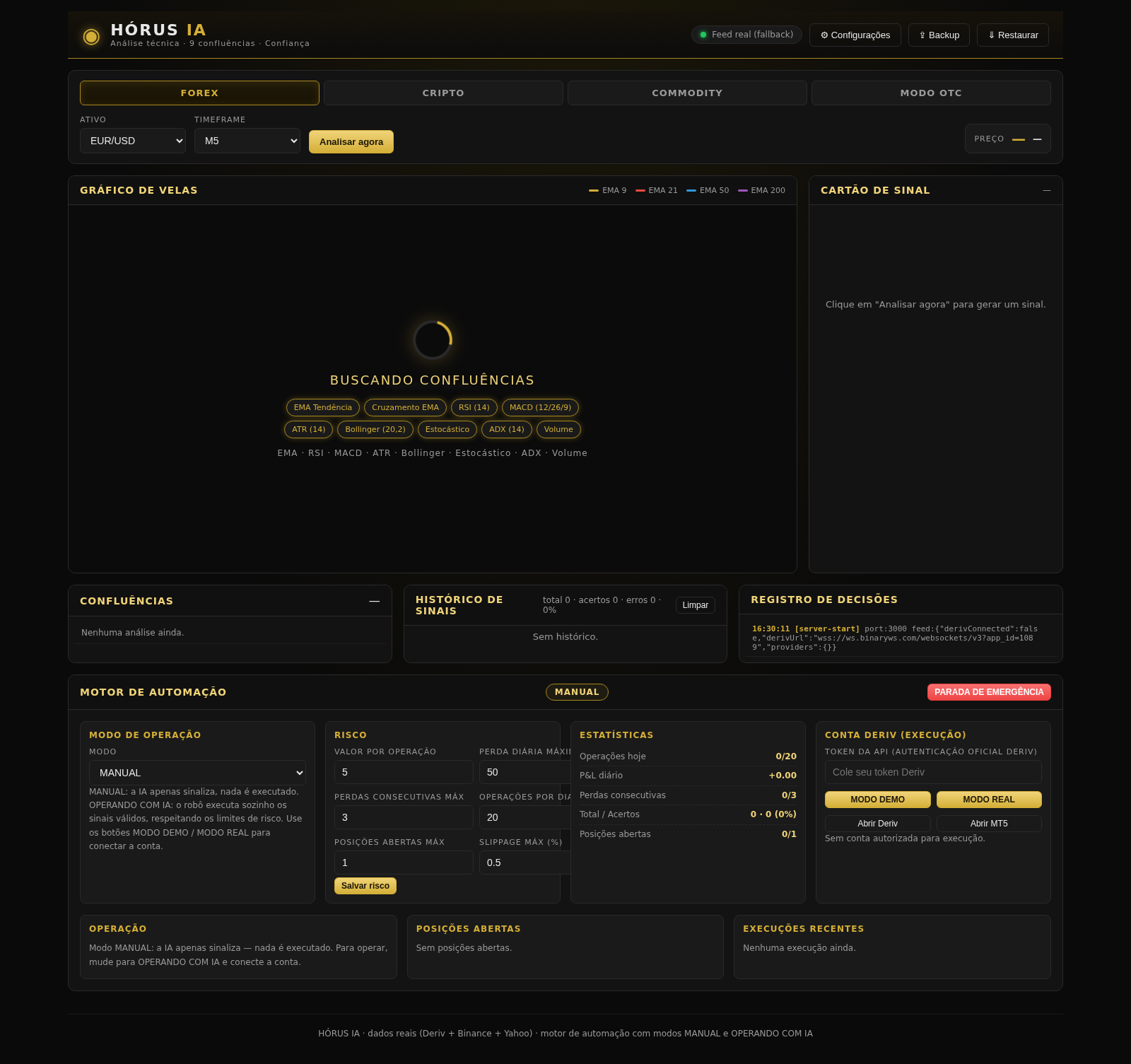
14HÓRUS IA - Sinais de Trading
Réplica do HÓRUS IA - sinais de trading com análise técnica, IA e confiança
 12
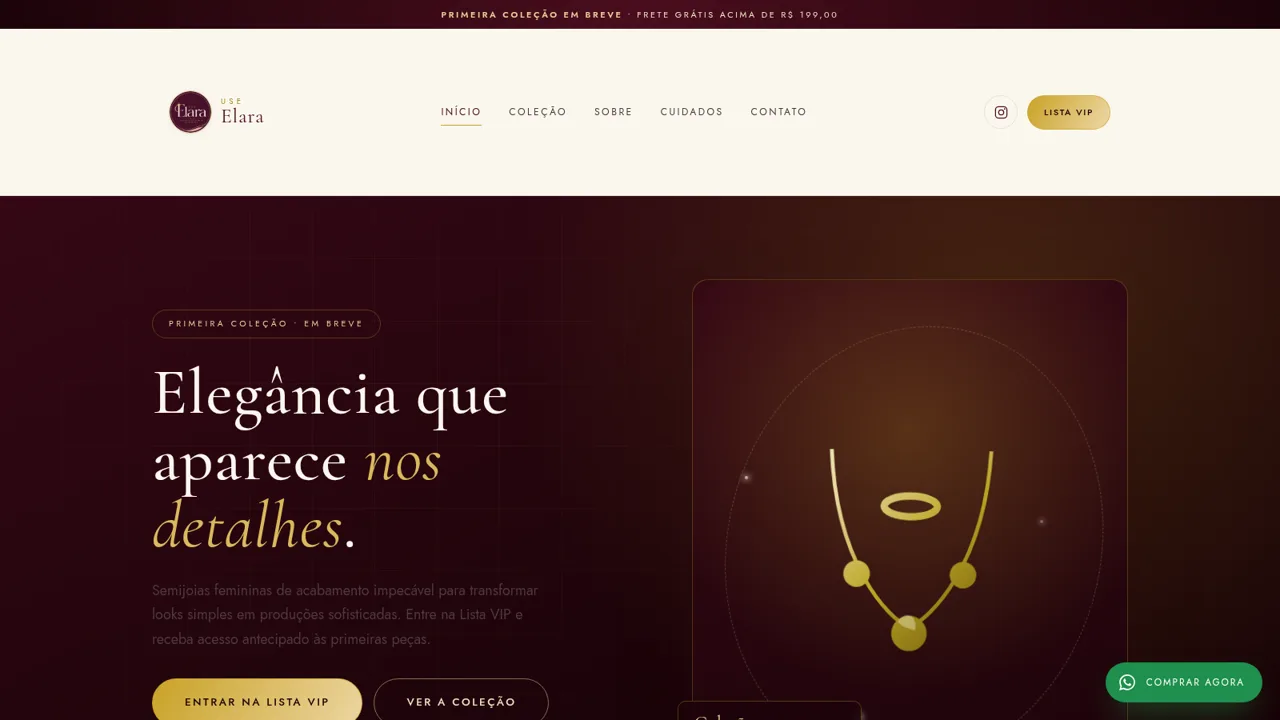
12Use Elara
Semijoias femininas de acabamento impecavel. Lista VIP, acesso antecipado e frete gratis acima de R$199.