
Use Elara
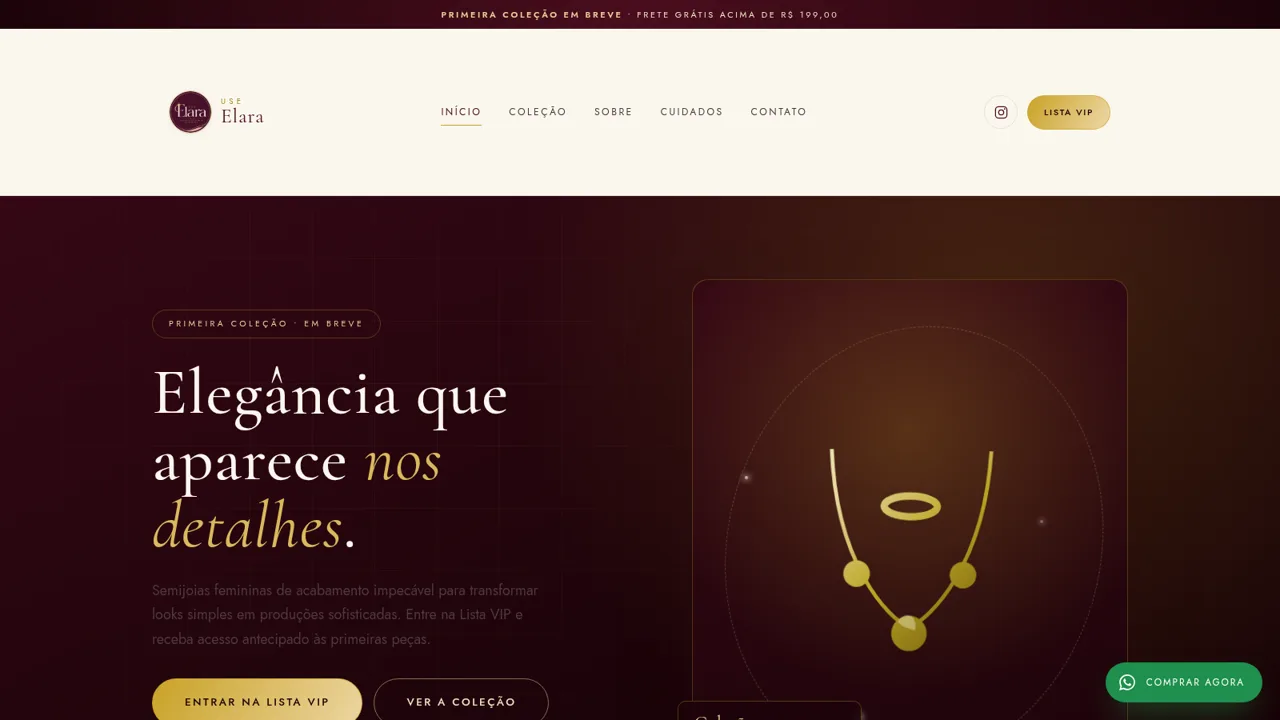
A Brazilian semijoias brand site with a launch collection and VIP early access
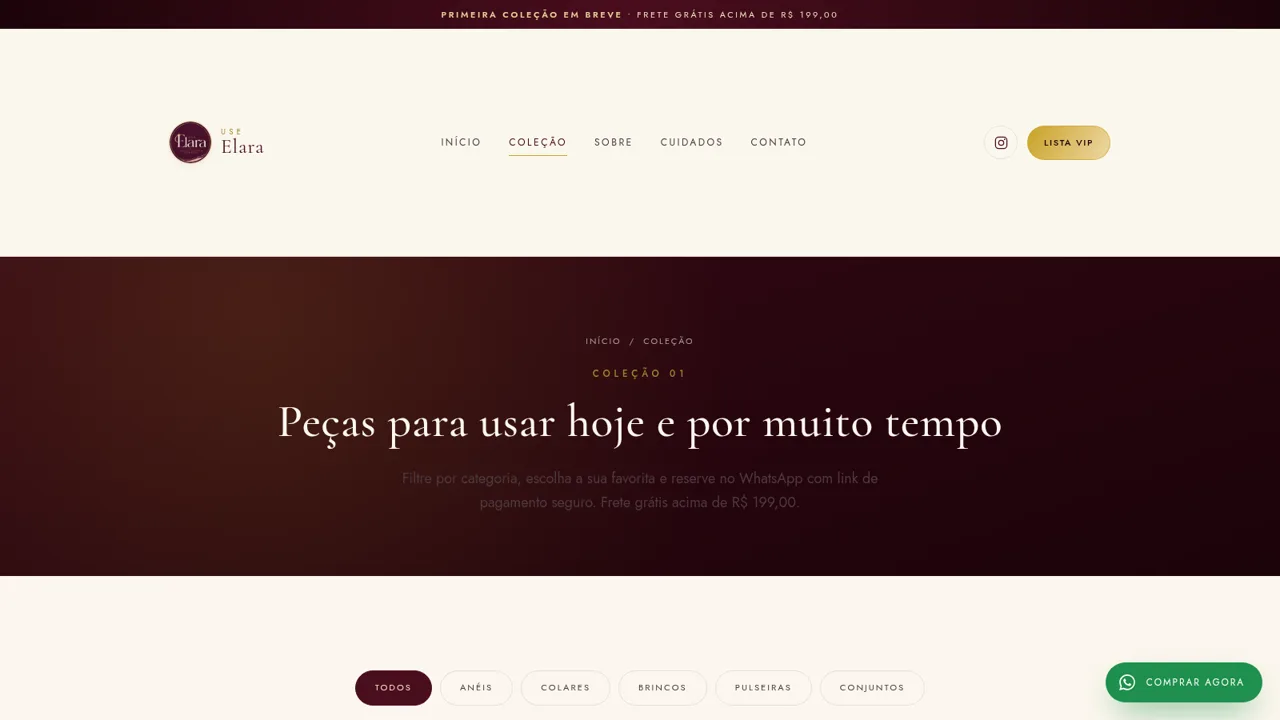
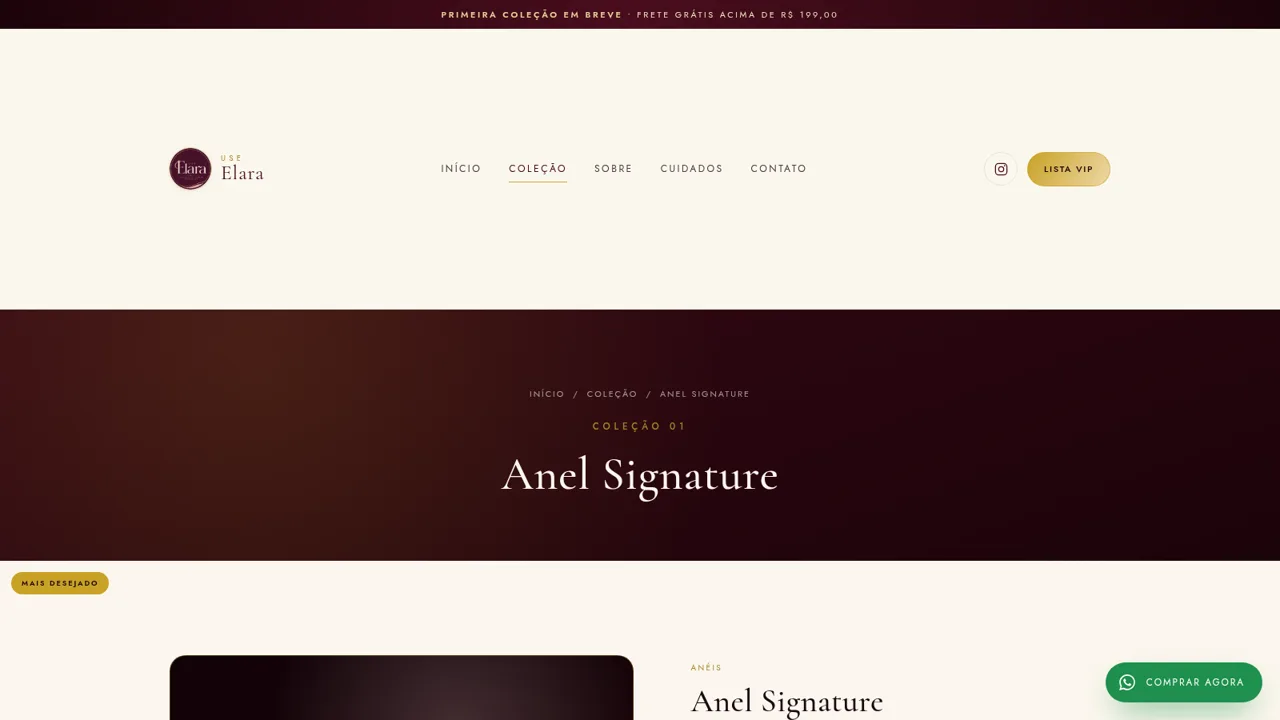
Use Elara is a Brazilian semijoias brand website built around its upcoming first collection. The home page introduces the label, shows a live launch countdown and points to the VIP list, while the Coleção page holds a catalogue of twelve pieces across rings, necklaces, earrings, bracelets and sets. Each piece has its own page with pricing, a short description of how it wears, material and sizing details, customer notes and a row of related pieces. The site also includes a brand story page, a care guide, a contact page with a form and WhatsApp details, and a VIP sign up form that validates its fields and confirms the registration. Ordering happens through WhatsApp, where a pre filled message carries the product name and price, and payment is completed later through a secure link.
Highlights
Elegant brand design
Burgundy and gold
Complete catalogue
12 pieces, 5 groups
Working VIP form
Validated sign-up
Real product details
Materials and sizing
Customer notes
Short wear reviews
Care and FAQ pages
Guidance and answers
How to Use
Browse the home page
Open the site and read the hero section, which introduces the brand and shows a countdown to the collection launch. Scroll down to find the category grid, the featured pieces, the brand story, the service commitments and the FAQ, and use the header links to reach any other page.
Filter the catalogue
Go to the Coleção page and use the filter row to switch between all pieces and a single category such as rings, necklaces, earrings, bracelets or sets. The grid updates in place, and each card shows the label, a one line description, the price and the instalment value.
Open a piece and reserve it
Click a product card to open its page, where you can review the price, the material and sizing details, the wear notes and the customer reviews. From there, the reserve button opens a WhatsApp conversation with the piece name and price already written into the message, and the final payment is completed through a secure link.
Join the VIP list
Use any of the VIP list buttons to open the sign up page. Fill in your name, WhatsApp number, an optional email and a category of interest, then submit. The form checks the required fields, and on success it replaces itself with a confirmation that greets you by name and offers to continue the conversation on WhatsApp.
Similar Sites
 17
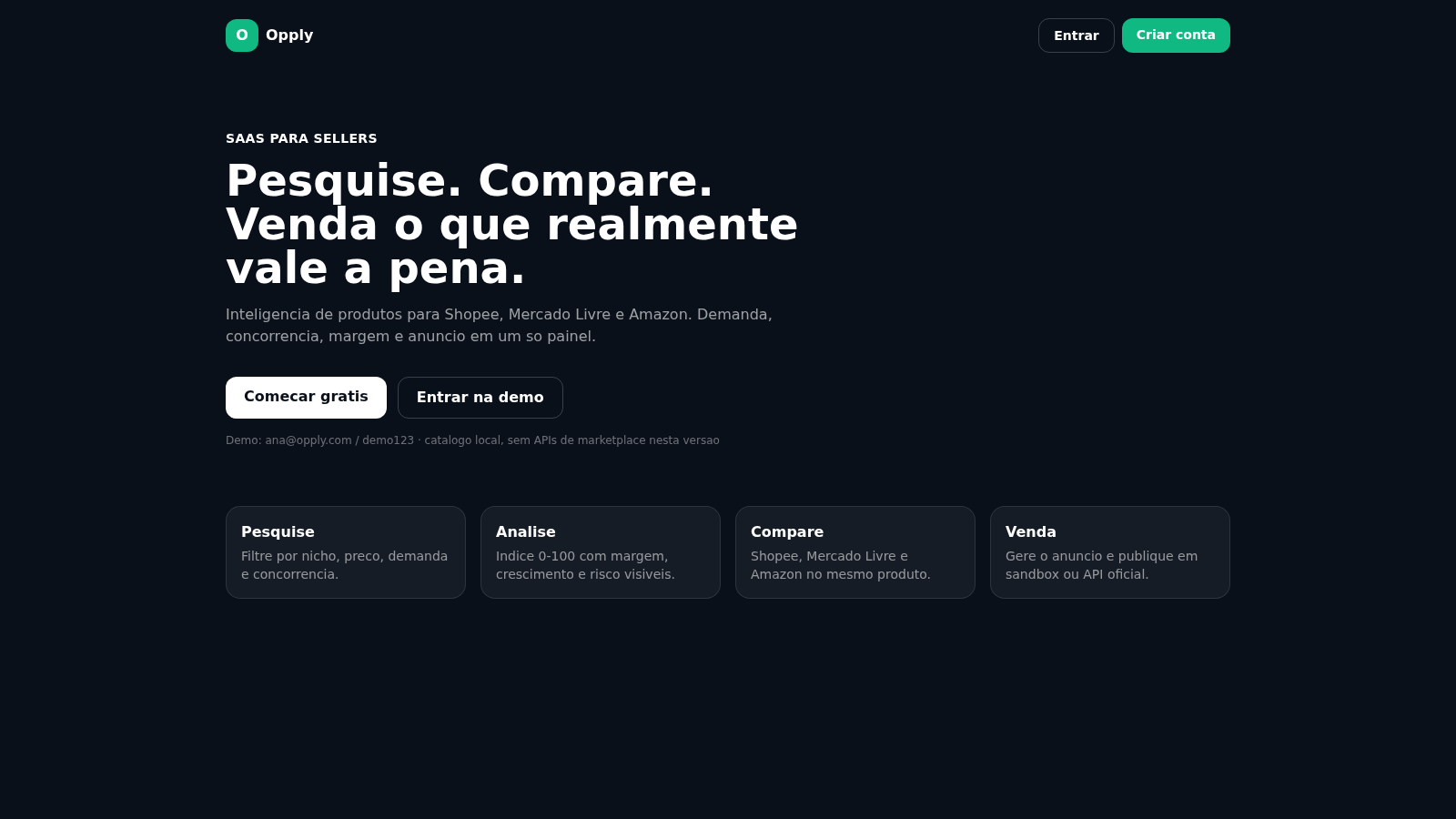
17Opply
Inteligencia de produtos para Shopee, Mercado Livre e Amazon.
 60
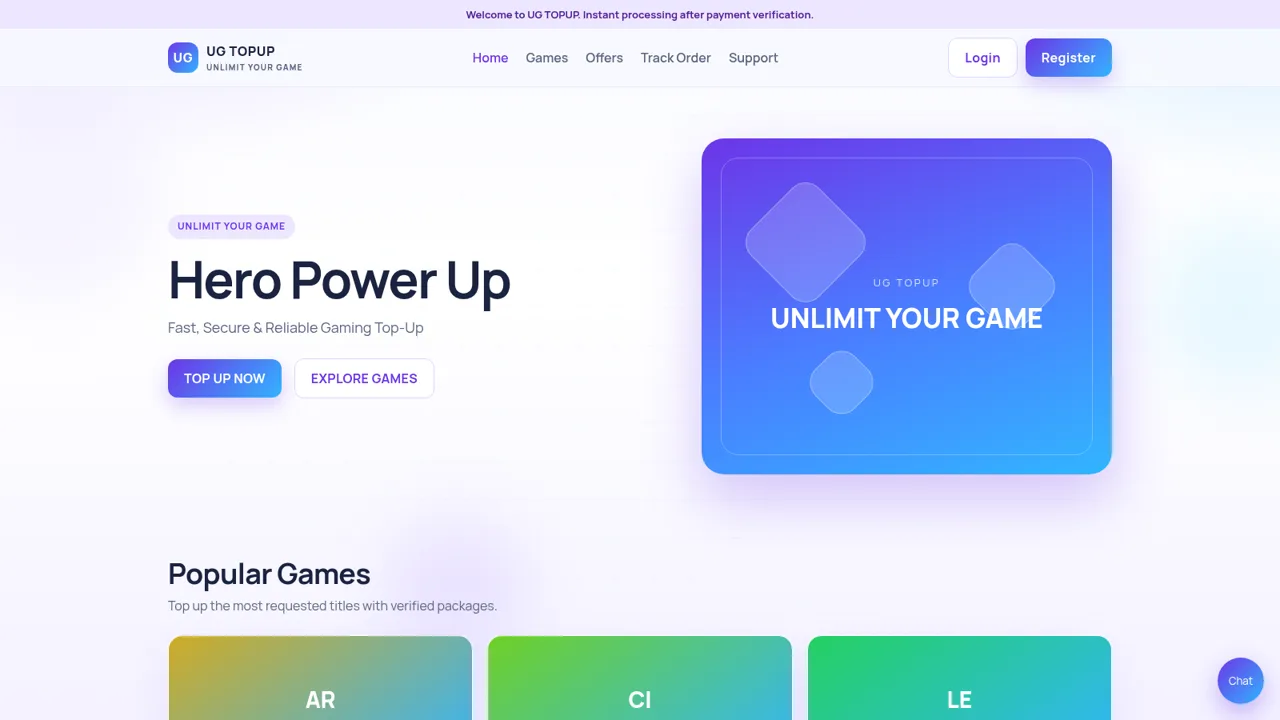
60UG TOPUP
Fast, secure gaming top-up for diamonds, UC, coins and crystals.
 58
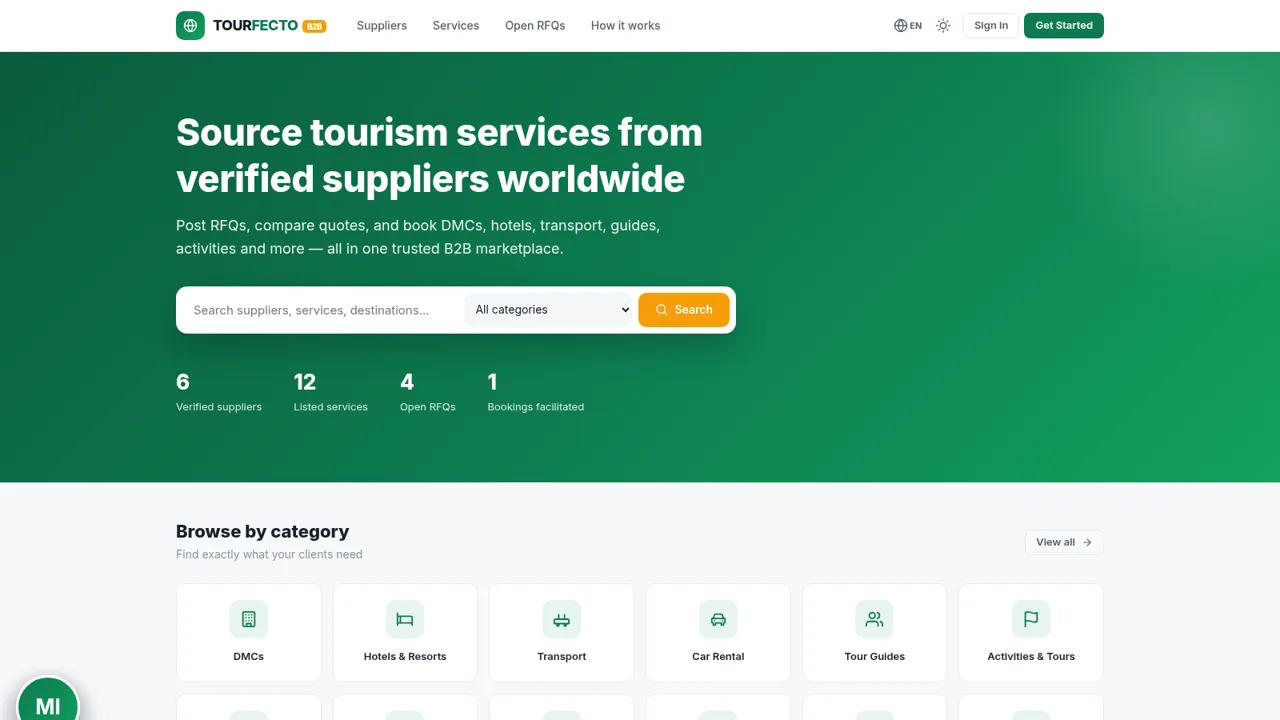
58TOURFECTO B2B
 54
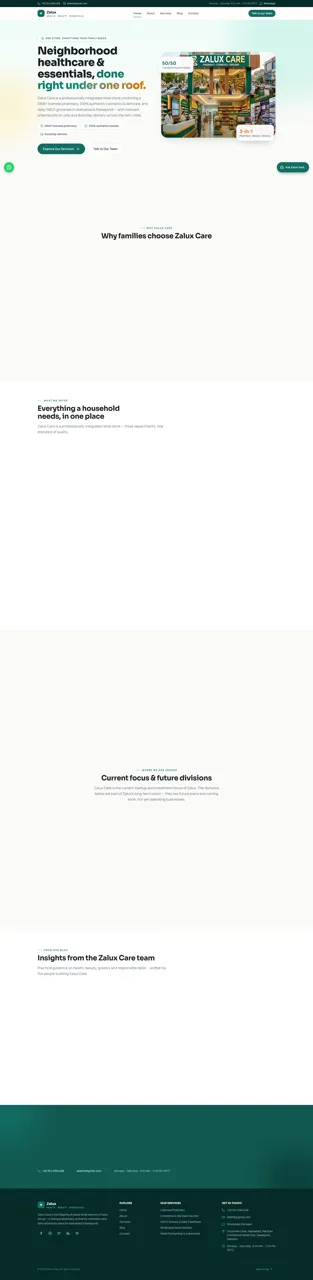
54Zalux - Flagship Enterprise
Zalux Care: pharmacy, cosmetics & daily essentials in Islamabad & Rawalpindi.
 53
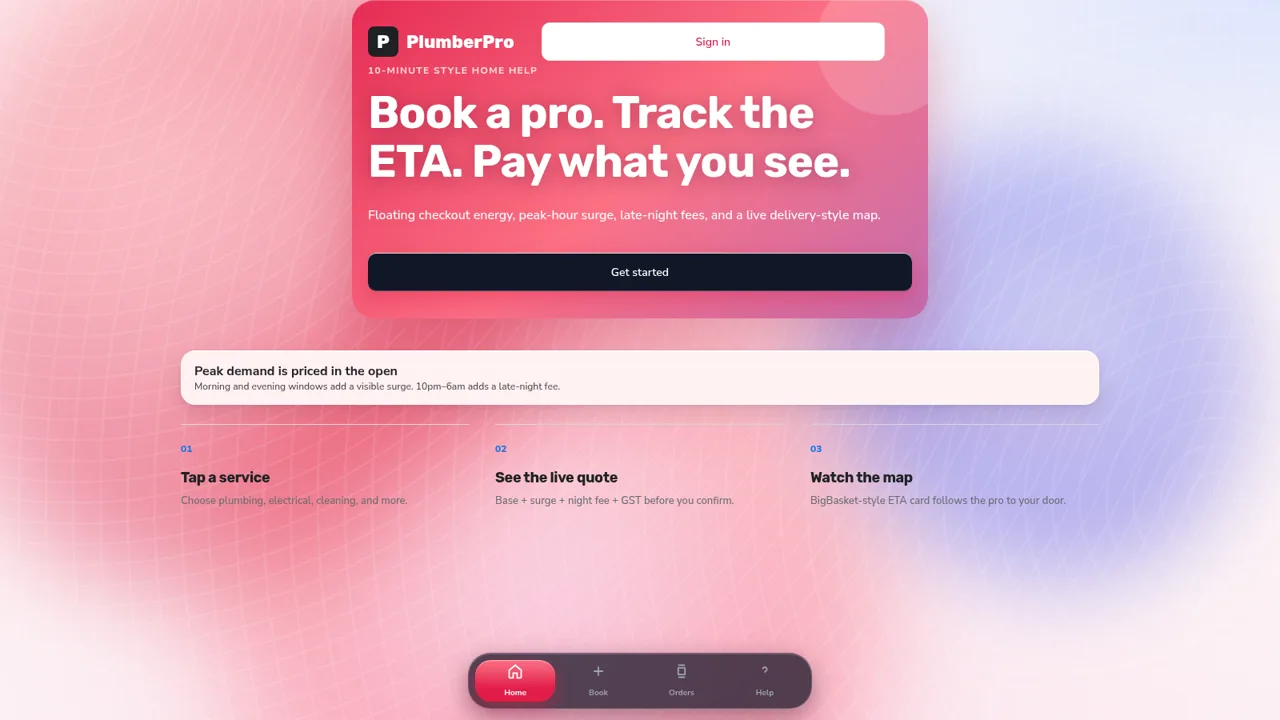
53PlumberPro
Book home services in minutes with live ETA and transparent surge and late-night pricing.
 40
40Ad Asthra 2026 version
In-house marketing systems you own — Build, Operate, Thrive.