
Counter to 100
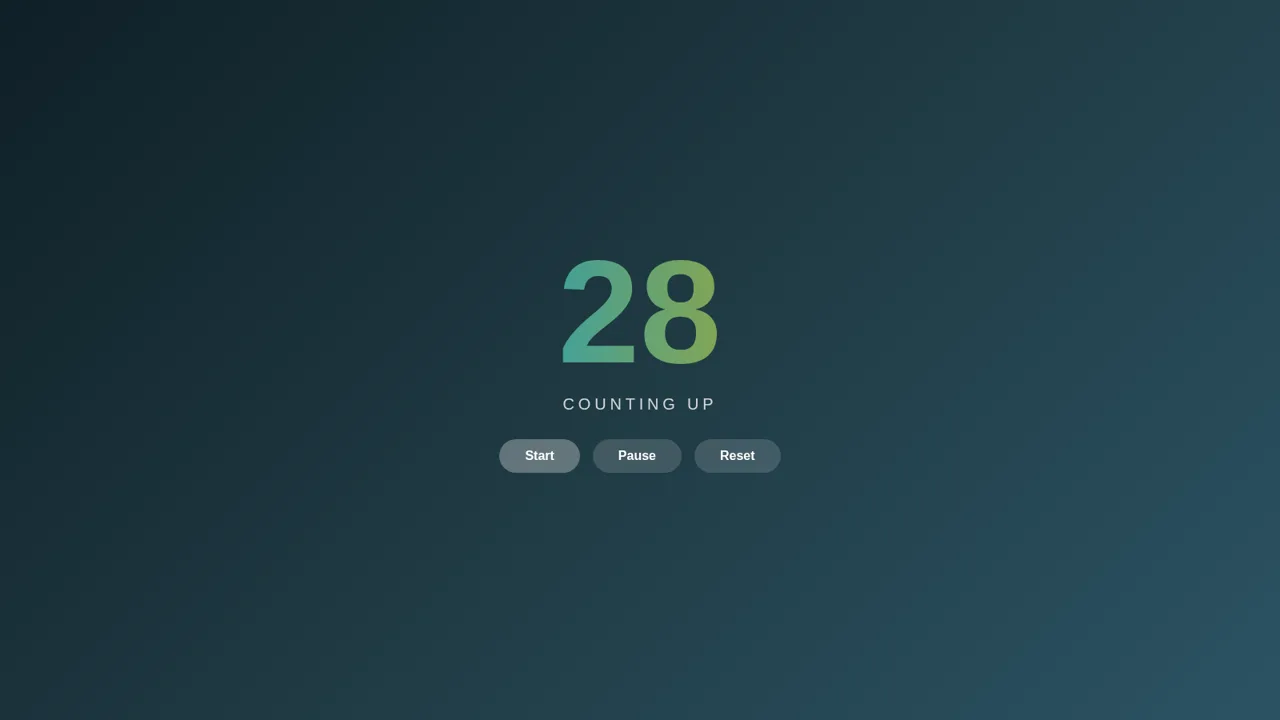
Watch a shimmer-gradient number count from 1 to 100 with simple playback controls.
Counter to 100 is a compact interactive web counter built around one clear task: displaying an automatic sequence from 1 through 100. A large centered number advances once per second and receives a brief pop effect with every change. The interface includes Start, Pause, and Reset controls, allowing users to begin the sequence, hold the current value, resume from the same point, or return immediately to 1. The counter stops automatically when it reaches 100.
Highlights
Controlled Counting
Start, pause, resume
Animated Numbers
Pop and shimmer effects
Automatic Finish
Stops cleanly at 100
How to Use
Start the sequence
Select Start while the display is below 100. The number advances by one each second, and every new value receives a short pop animation while the gradient continues to shimmer.
Pause and resume
Select Pause to hold the current number. When you are ready to continue, select Start again and the sequence resumes from the paused value without returning to the beginning.
Reset the counter
Select Reset at any point to stop active counting and return the display to 1. You can then select Start to begin a fresh run.
Reach the endpoint
Leave the counter running to advance through the sequence. It stops automatically when the display reaches 100, preventing values beyond the intended range.
Similar Sites
 5
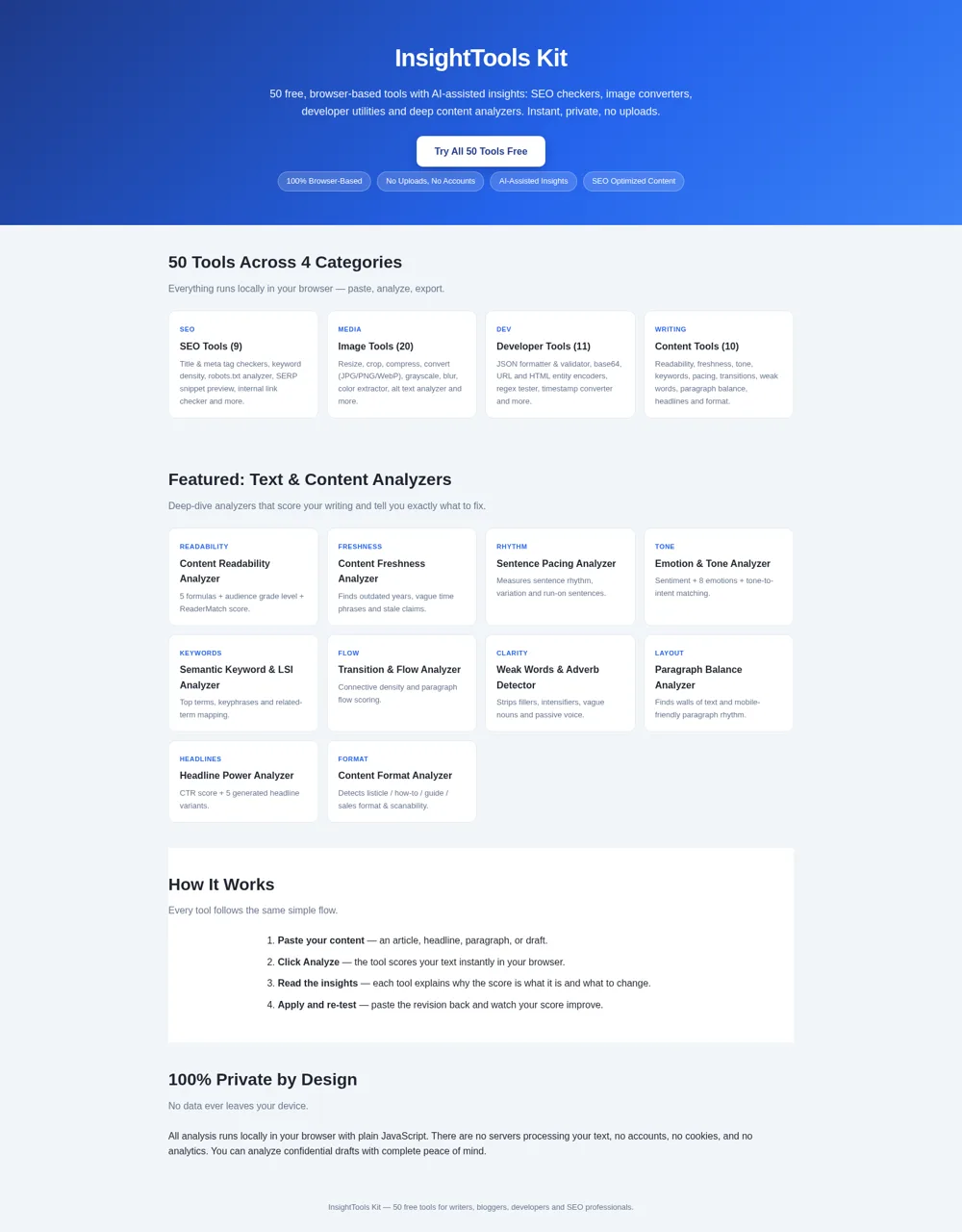
5InsightTools Kit
Free SEO, image, developer and content tools with AI-assisted insights. 100% browser-based and private.
 2
2عداد النقر
عداد نقر بسيط: زيادة وإنقاص وإعادة تعيين مع حفظ العدد في المتصفح
 94
94OhMyPS - AI Image Editor
Brush, describe, and quickly edit part of an image with AI.
 81
81PDF Master AI
Private in-browser PDF toolkit to convert, merge, compress, edit, and protect files.
 77
77BJJ STAT — ANALISE. ENTENDA. EVOLUA.
Scout de Jiu-Jitsu em um toque. Placar IBJJF, relatórios visuais e PWA offline.
 59
59ToolCraft - Free Online Tools
Free, fast, privacy-friendly online tools & expert guides - all in your browser.