
مسار — سلسلة تطبيقات التعلم
Learn media buying, coding, design, English, content and freelancing in one Arabic app
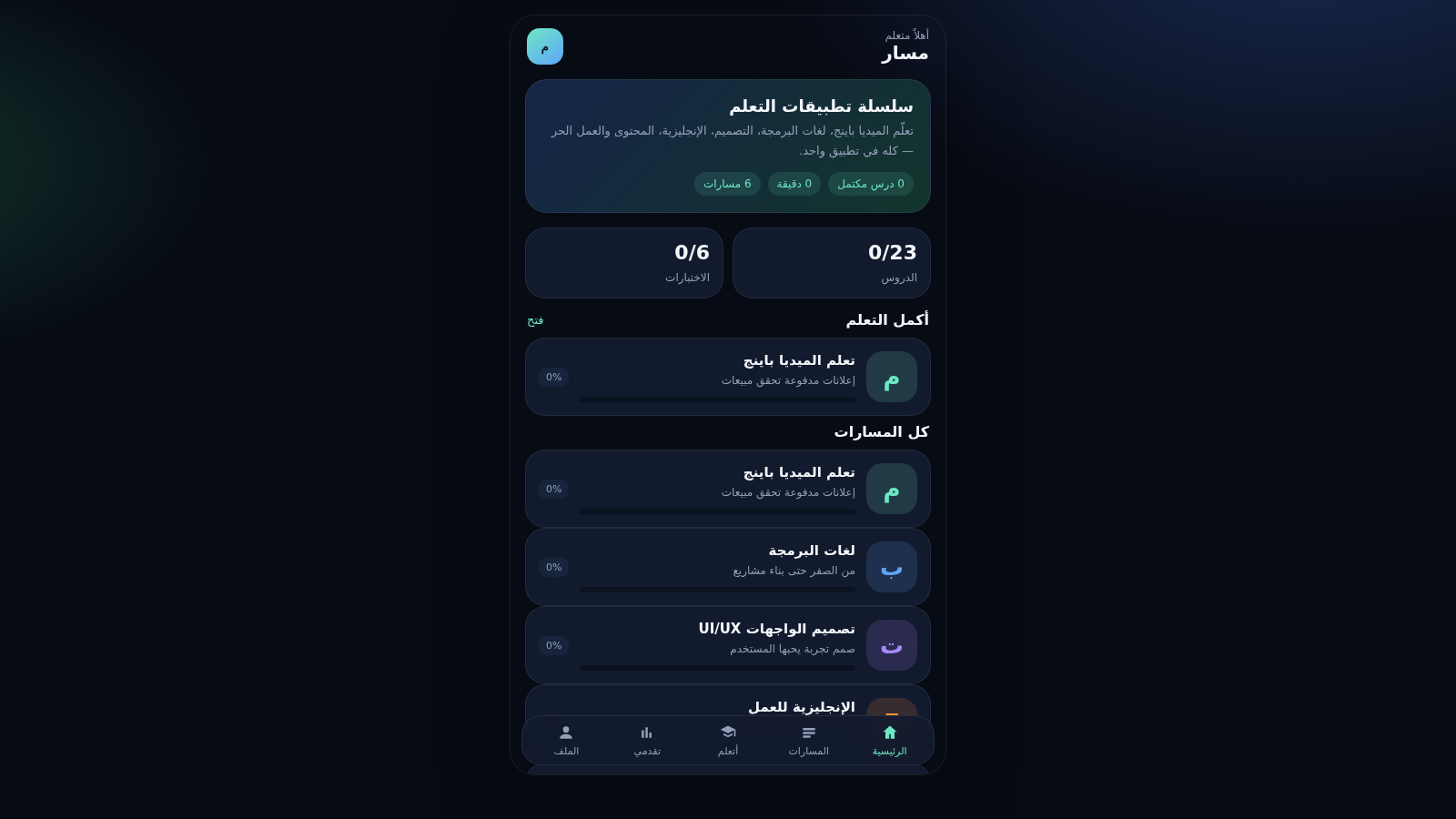
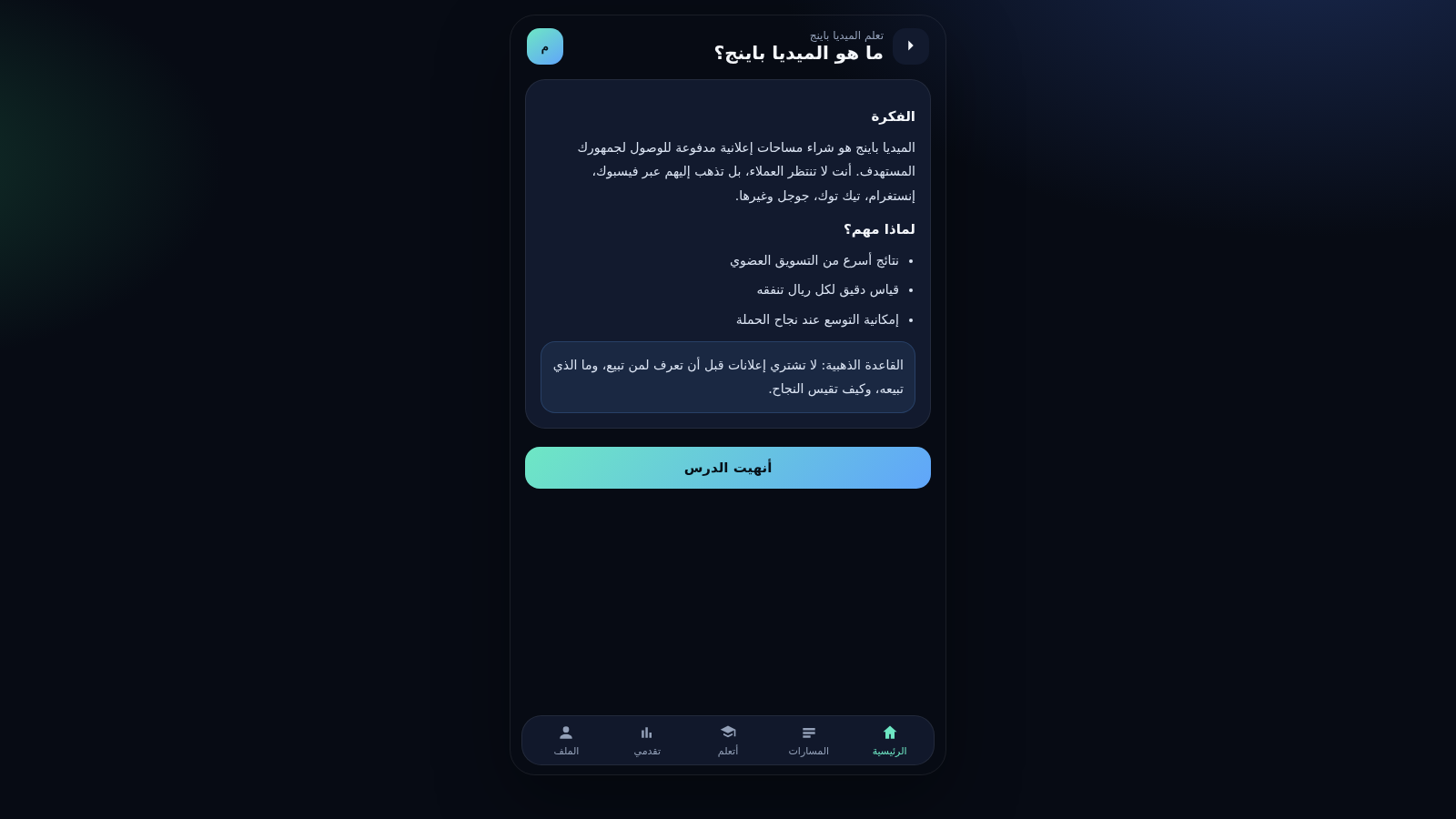
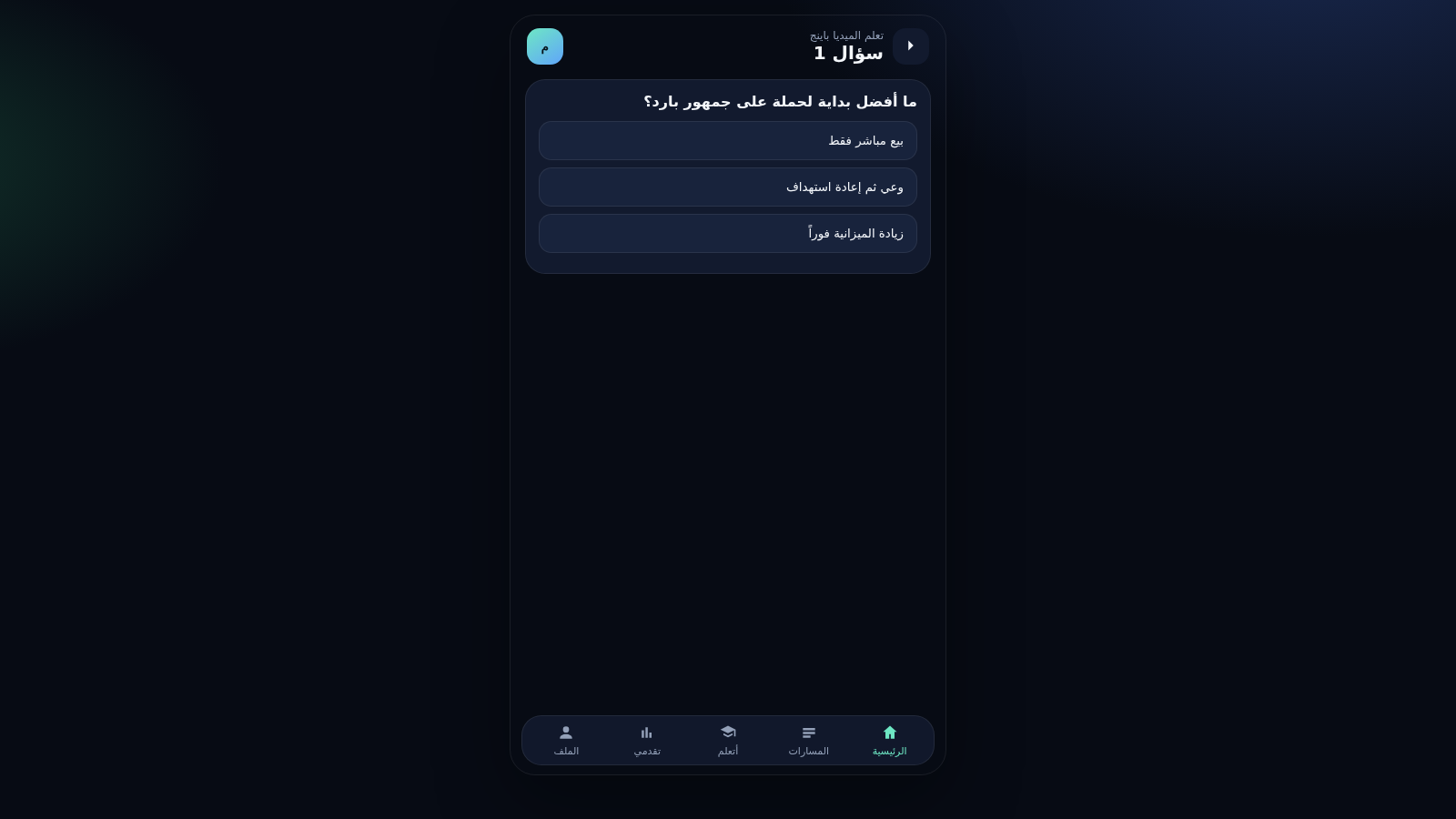
Masar is an Arabic-language educational web app presented as a series of learning tracks inside one mobile-style interface. The home screen greets the learner and shows counters for completed lessons, study minutes and tracks, then lists the available paths: media buying, programming languages, UI/UX design, English for work, content creation and freelancing. Each track opens into short lessons with durations, and finishing a lesson updates the track percentage. A multiple-choice quiz at the end of a track returns an immediate score. A Progress tab summarises completed lessons, study minutes and per-track status, while a Profile tab keeps a local name and offers to reset progress. Everything runs in the browser and progress is stored on the device.
Highlights
Six learning tracks
Six tracks to study
23 short lessons
Bite-sized lessons
Quiz per track
Quiz ends each track
Local progress
Saved on this device
Arabic interface
Arabic RTL mobile UI
How to Use
Pick a track
On the home screen or the Tracks tab, choose one of the six learning paths such as media buying, programming or design. Each card shows the track subtitle and your current completion percentage, and tapping it opens the track detail page.
Read the lessons
Inside a track you see its lessons with their durations and a new or completed badge. Open a lesson to read its sections, then tap the finish-lesson button at the bottom; the lesson badge changes to completed and the track percentage increases on the previous screen.
Take the quiz
After the lessons, start the track quiz to answer multiple-choice questions one at a time. Each tap moves you to the next question, and the final screen shows your score out of the total plus a button to return to the track.
Follow progress
The Progress tab shows completed lessons, study minutes and per-track percentages, and it notes that your achievement is saved on this device. The Profile tab lets you set a display name or reset progress, which clears the stored data.
Similar Sites
 15
15Skalla
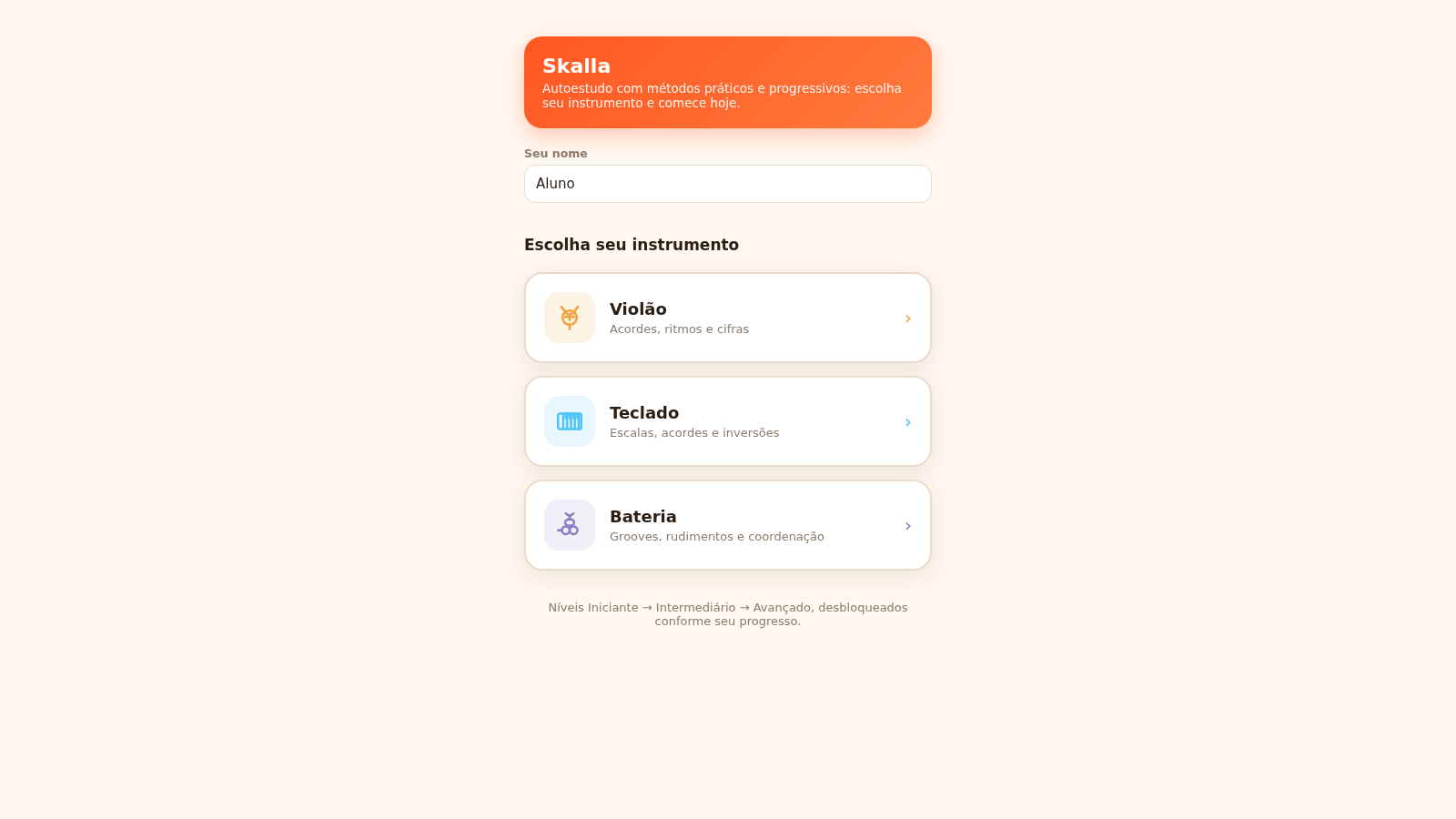
Skalla - autoestudo de música: violão, teclado e bateria
 11
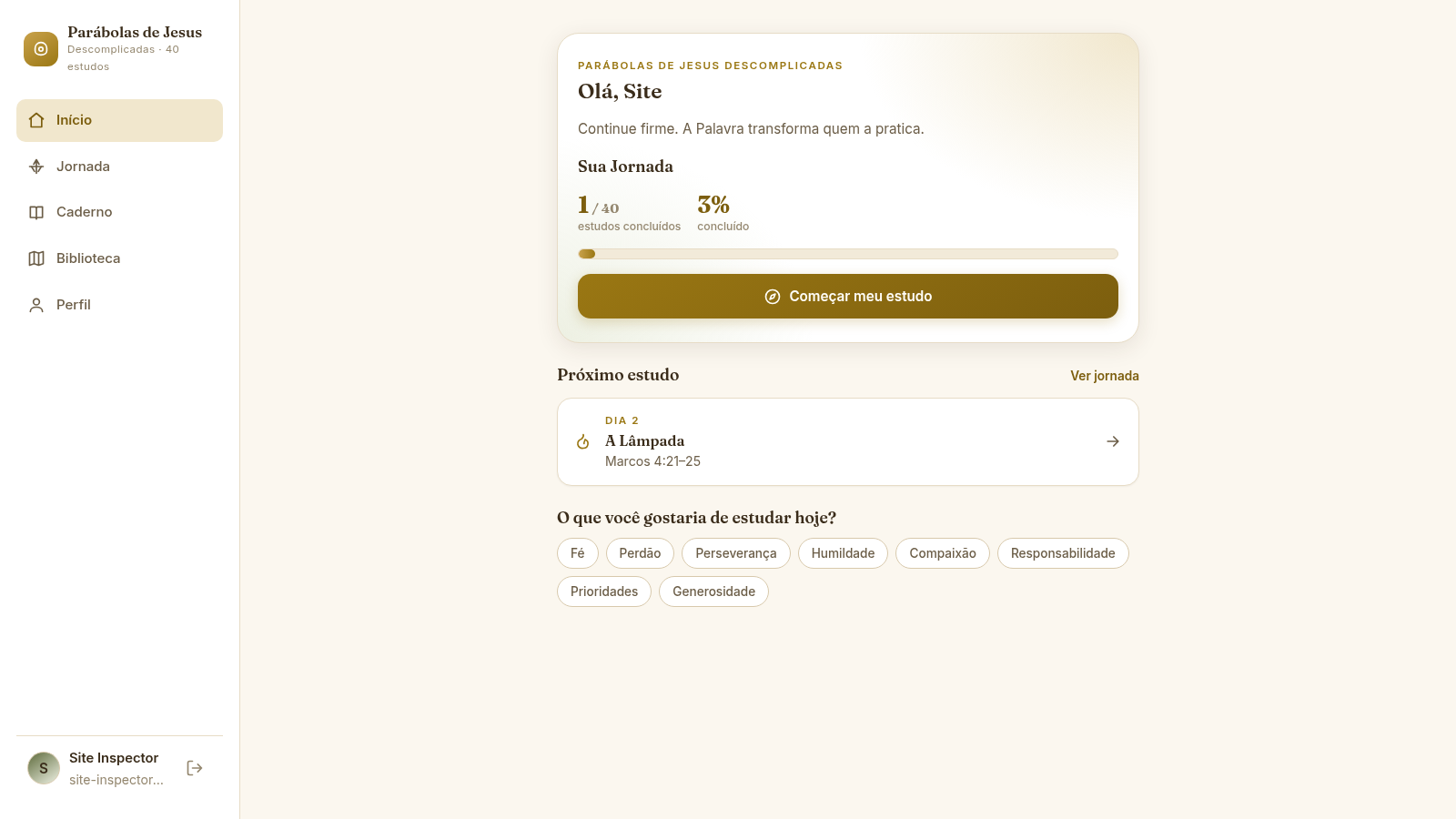
11Parábolas de Jesus
Jornada de 40 estudos sobre as parábolas de Jesus, com progresso e reflexões.
 10
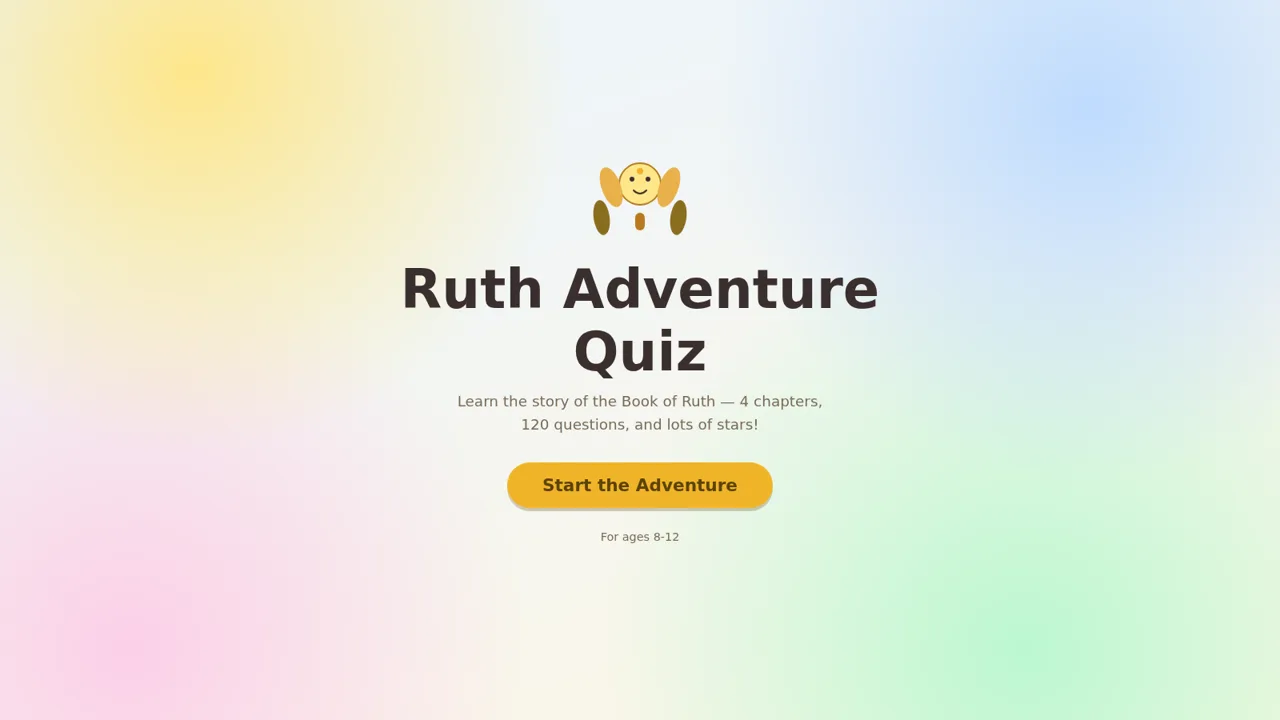
10Ruth Adventure Quiz
Fun Bible quiz game for kids ages 8-12 on the Book of Ruth, chapters 1-4
 8
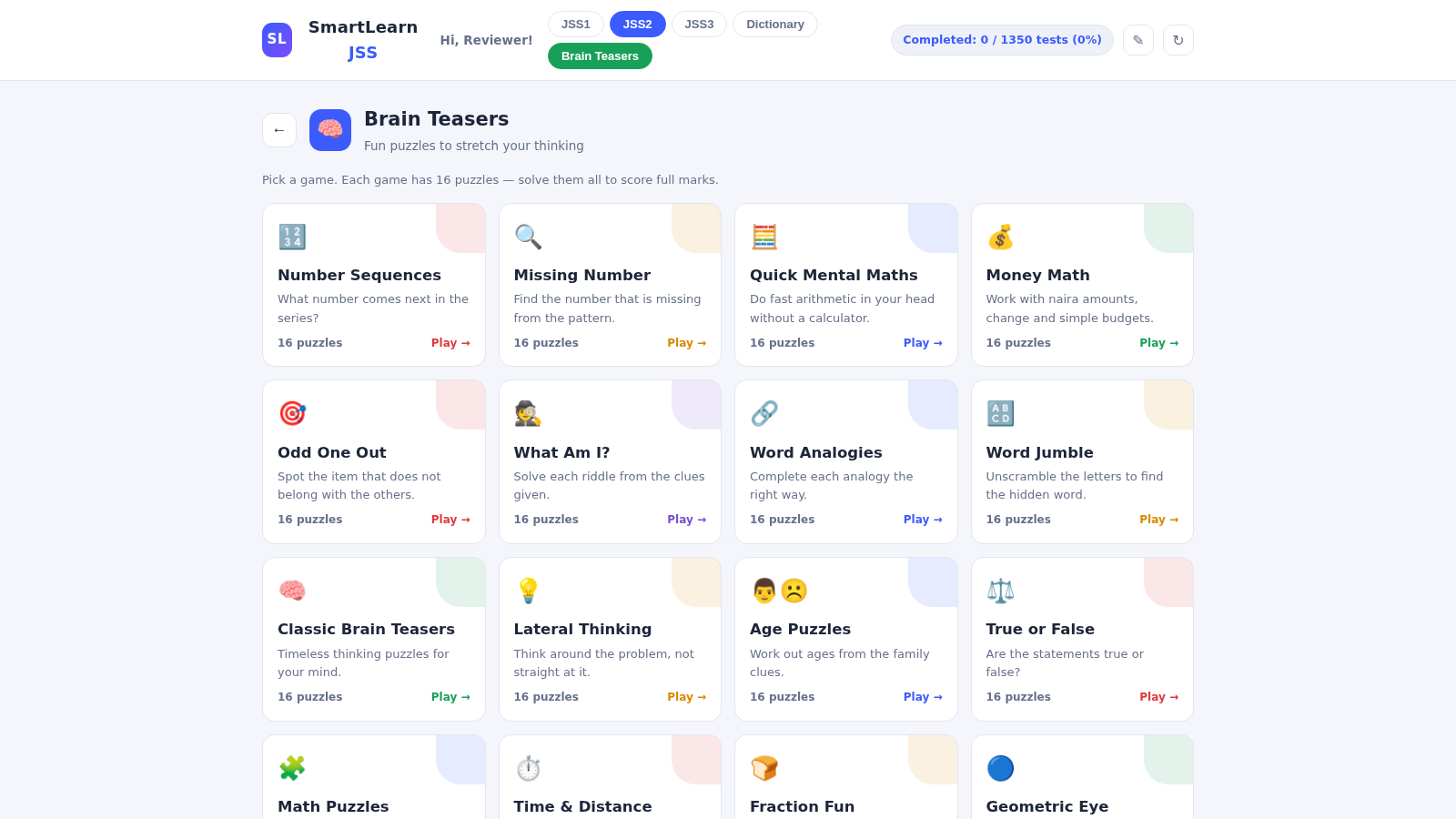
8SmartLearn JSS — Junior Secondary School Learning App
Interactive learning app for Junior Secondary School (JSS) 1-3 covering Basic Science, Mathematics, English, Physical & Health Education, Computer Studies and Business Studies.
 7
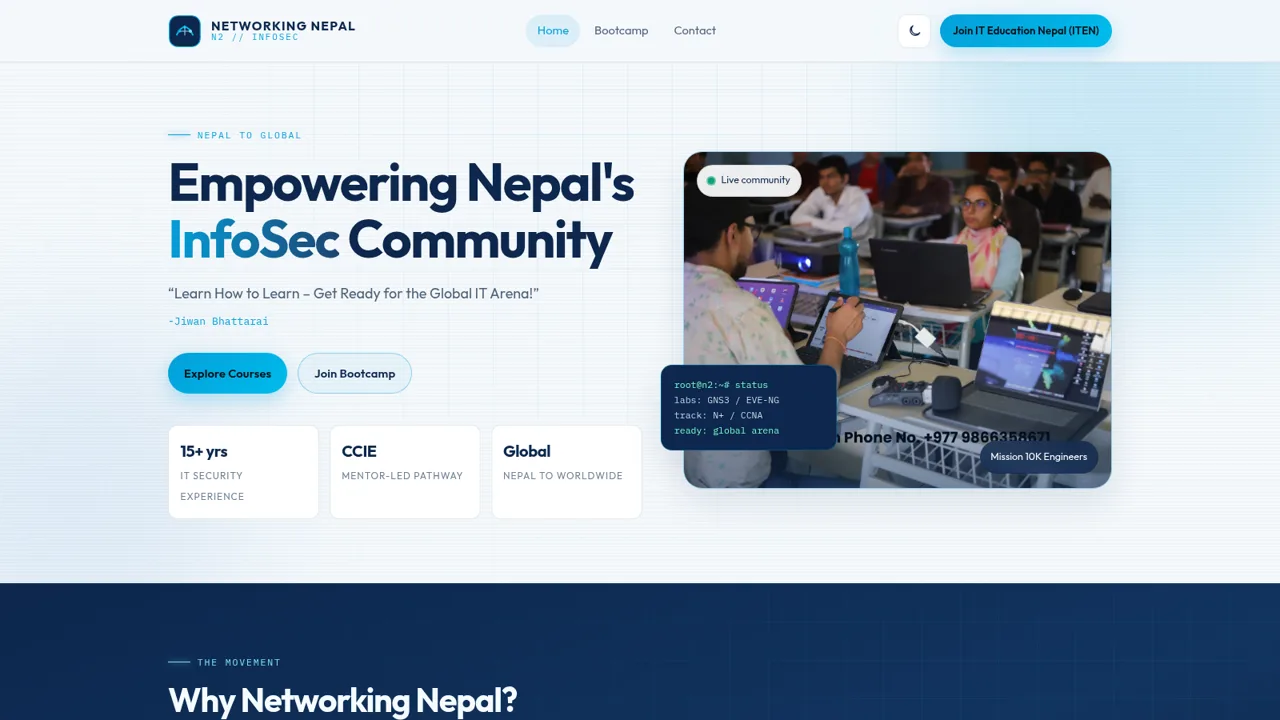
7Networking Nepal
Empowering Nepal's InfoSec community with free, career-ready IT training.
 3
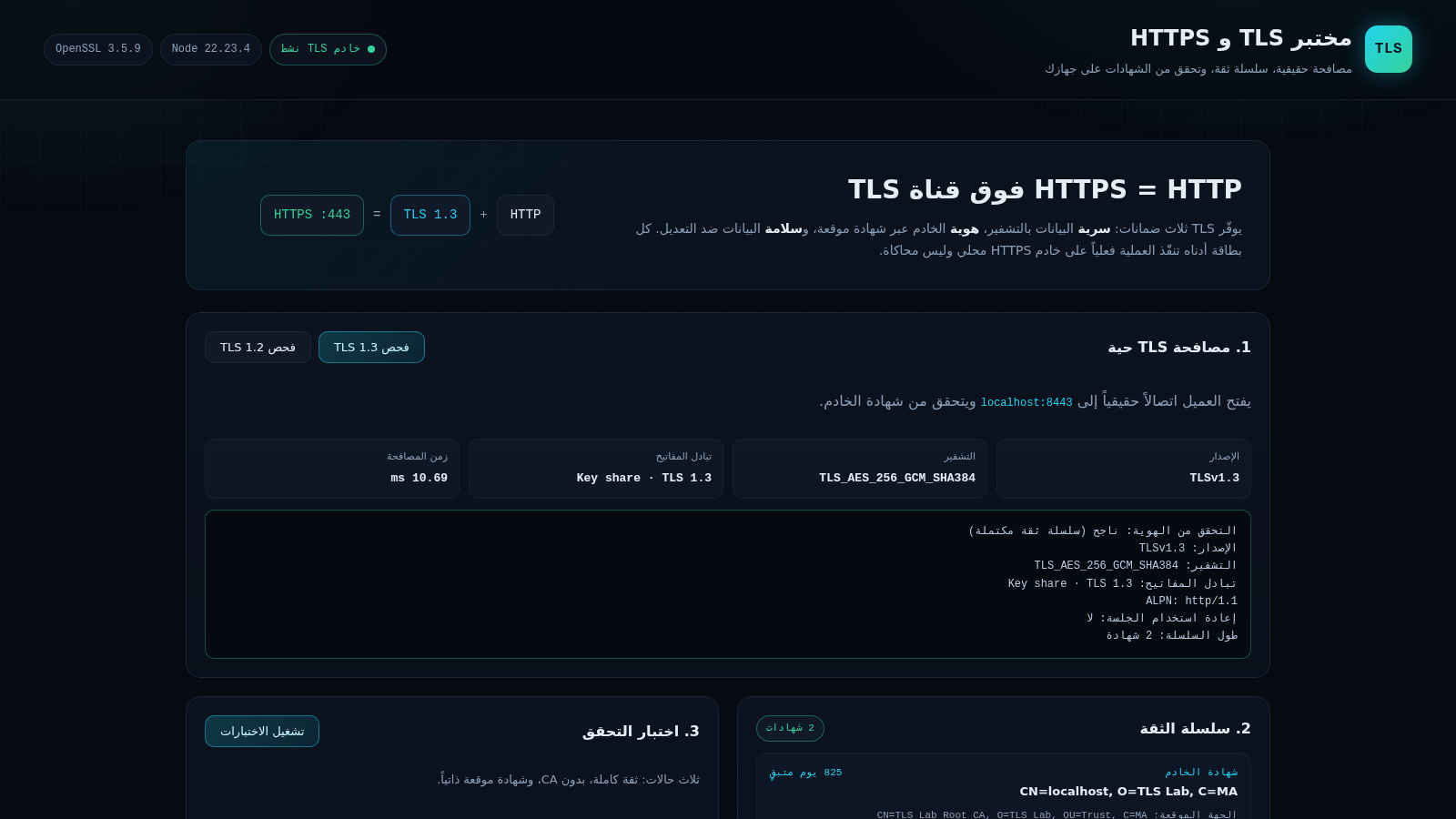
3مختبر TLS و HTTPS
مختبر عملي لشرح TLS و HTTPS وسلسلة الثقة