
SmartLearn JSS — Junior Secondary School Learning App
Read structured JSS lessons, complete staged assessments, and build a daily study habit in one browser app.
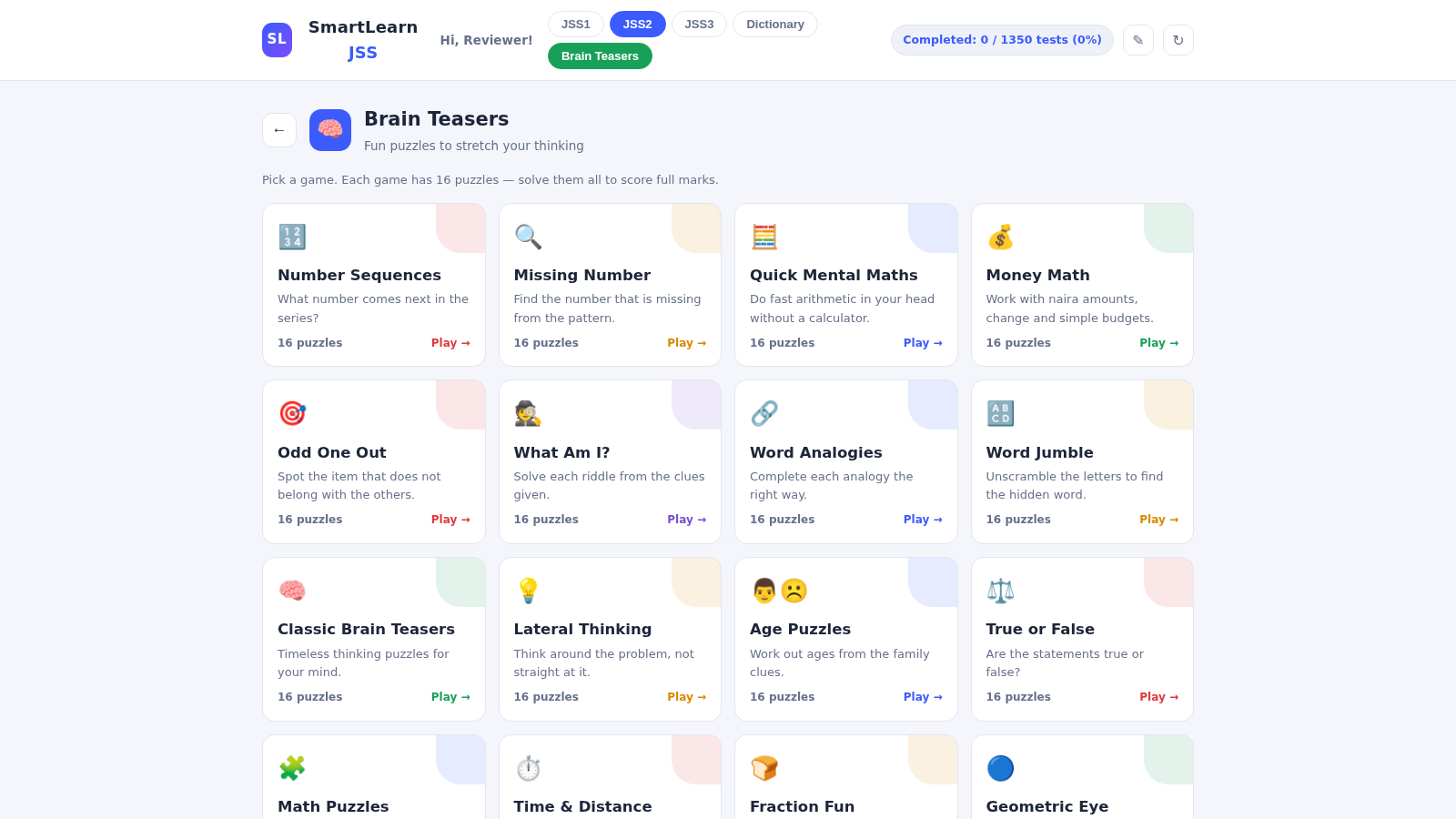
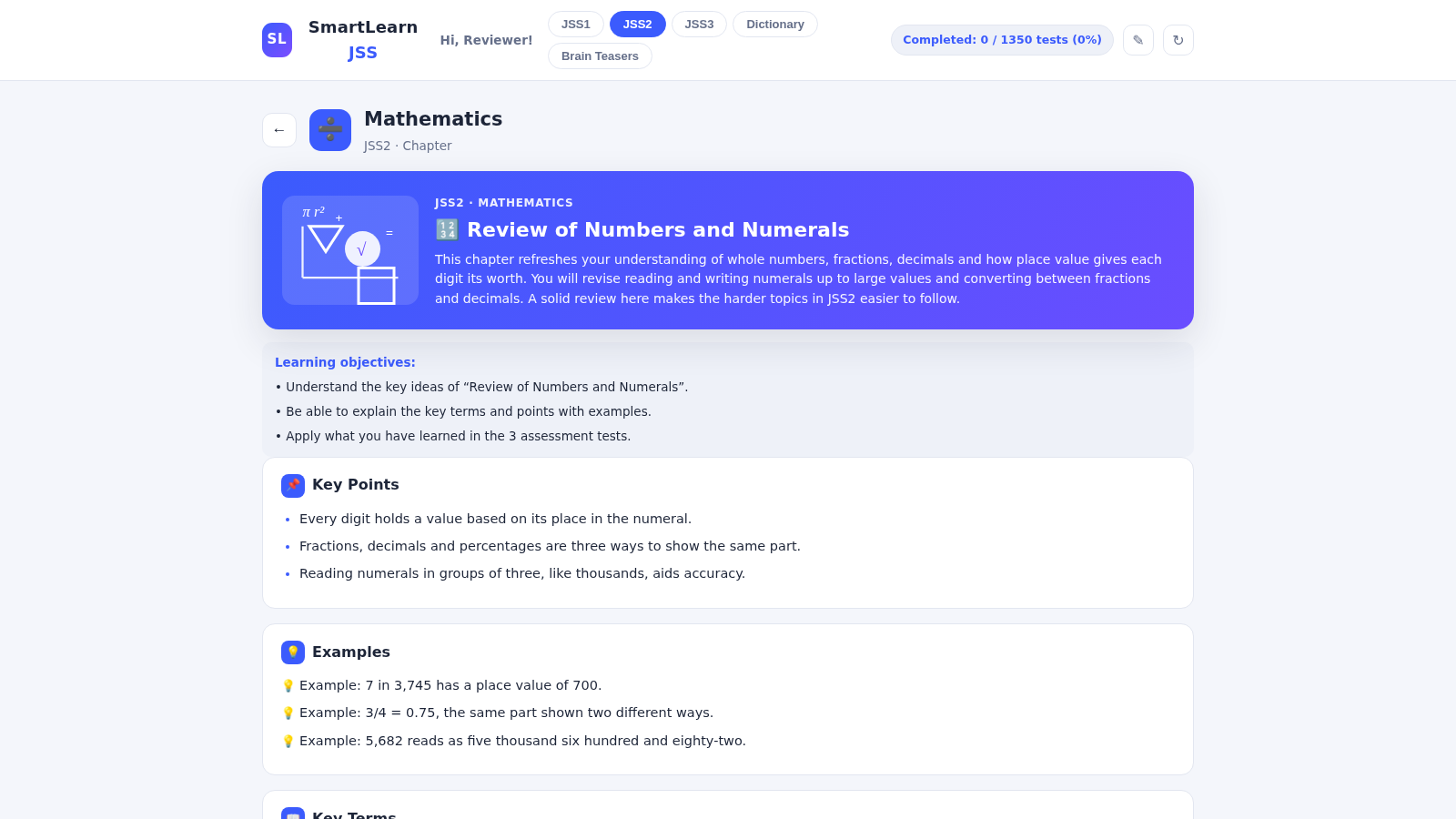
SmartLearn JSS is an English-language learning companion for Junior Secondary School students in JSS1 through JSS3. After entering a name and choosing a class, learners receive a dashboard with a daily goal, streak, completion figures, and subject progress. Six subjects are available: Mathematics, Basic Science, English Studies, Physical and Health Education, Computer Studies, and Business Studies. Observed chapters combine an introduction, learning objectives, key points, examples, key terms, and a study tip. Each chapter leads to three ten-question assessment stages, with a 60 percent pass threshold, score history, retry controls, and progression to the next test. The app also includes a searchable English dictionary with definitions and usage examples, plus a large Brain Teasers section covering numerical, verbal, logical, and general-knowledge exercises.
Highlights
Three JSS Levels
JSS1 to JSS3 content
Six Core Subjects
25 chapters per subject
Staged Assessments
Three tests per chapter
Progress Dashboard
Goals, streaks, results
Study Dictionary
Definitions and examples
Brain Teasers
Twenty puzzle categories
How to Use
Set up the learner profile
Enter the learner name, choose JSS1, JSS2, or JSS3, and select Start Learning. The app stores these details on the current device and opens the matching class dashboard.
Choose a subject and chapter
Open one of the six subject cards from the dashboard, then select a chapter from the numbered list. The chapter page presents an overview, objectives, key points, examples, terminology, and a study tip.
Complete the assessments
Start the assessment set after reading a chapter, answer all ten questions in a test, and submit it. The result view shows the percentage, number correct, practice status, best score, and attempt count, with controls to retry or continue.
Use the supporting tools
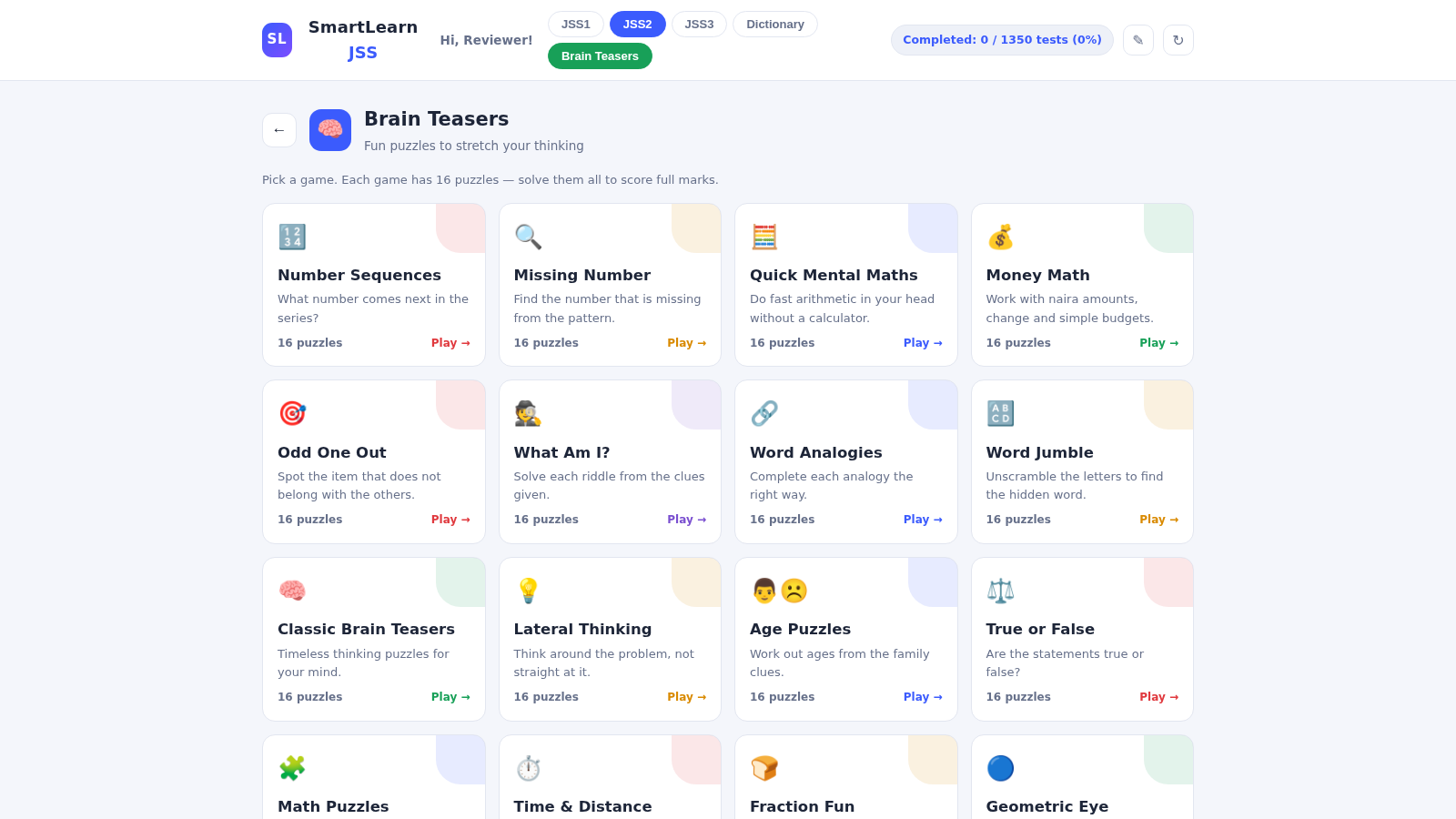
Open Dictionary to search words or browse alphabetically, and use Brain Teasers to choose a numerical, verbal, logical, spelling, or knowledge game. Puzzle answers receive immediate feedback and a short explanation before continuing.
Track regular practice
Return to the dashboard to review the daily goal, study streak, tests completed, and progress by subject. Passing at least one test each day supports the streak shown on the home screen.
Similar Sites
 27
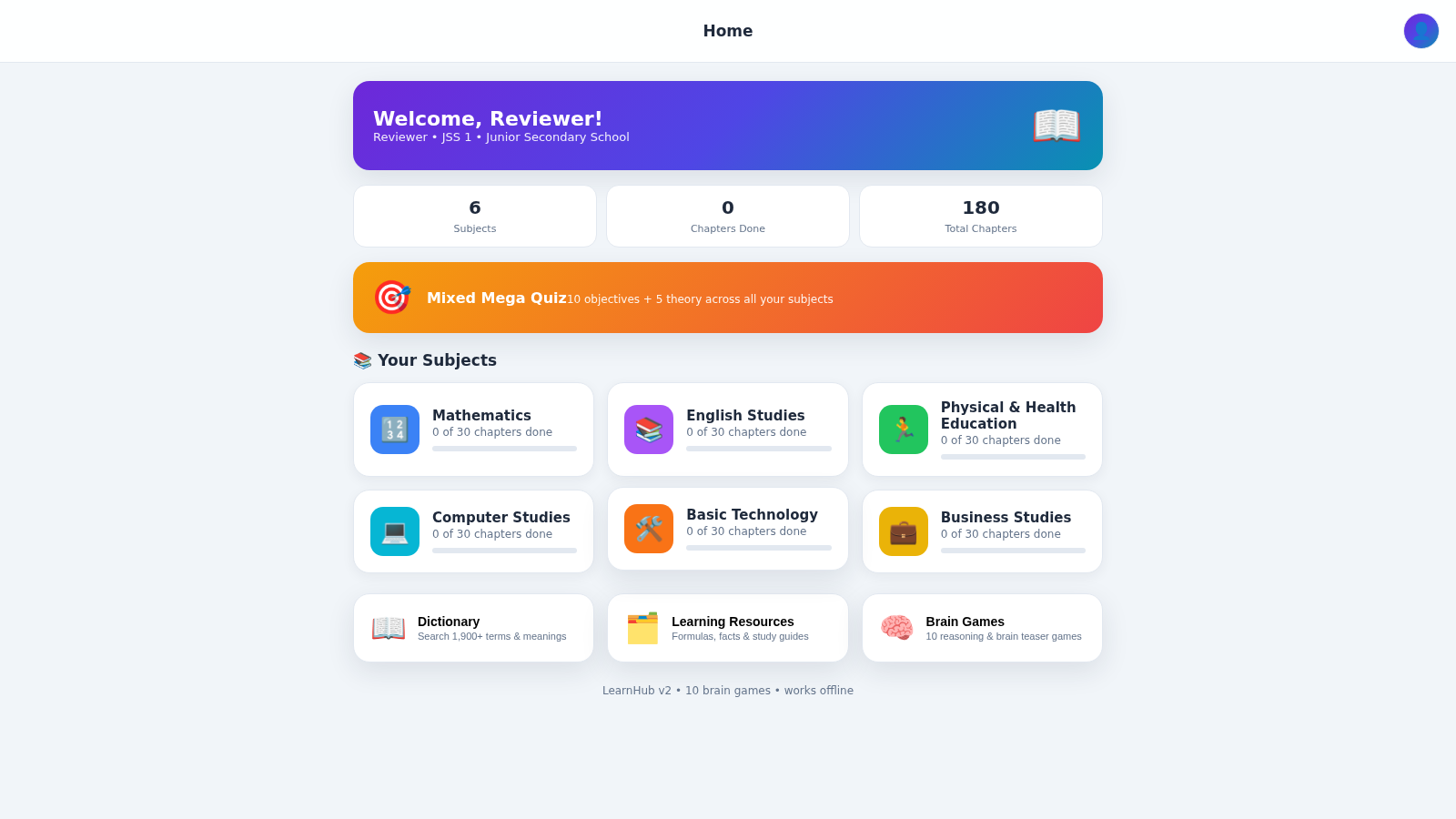
27LearnHub — Smart Learning App
Nigerian curriculum lessons, quizzes, dictionary and brain games for students
 16
16English Zero to Fluency
Aprenda inglês do Pre-A1 ao C2 com lições imersivas, SRS e prática de fala.
 6
6Happy School
Escola Infantil e Fundamental 1 em Águas Lindas de Goiás
 3
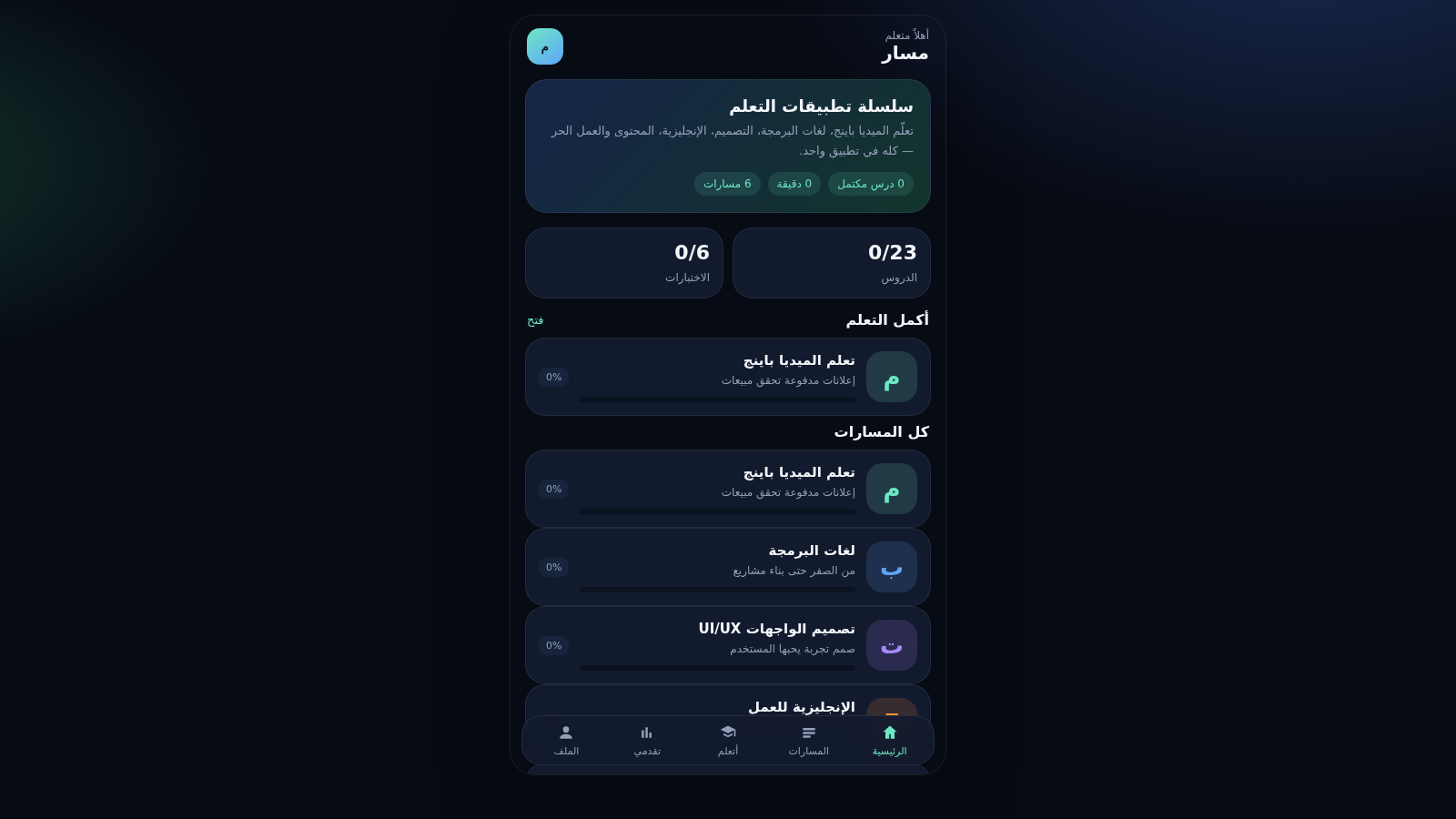
3مسار — سلسلة تطبيقات التعلم
تطبيق موبايل تعليمي بمسارات ميديا باينج وبرمجة وتصميم ومحتوى
 32
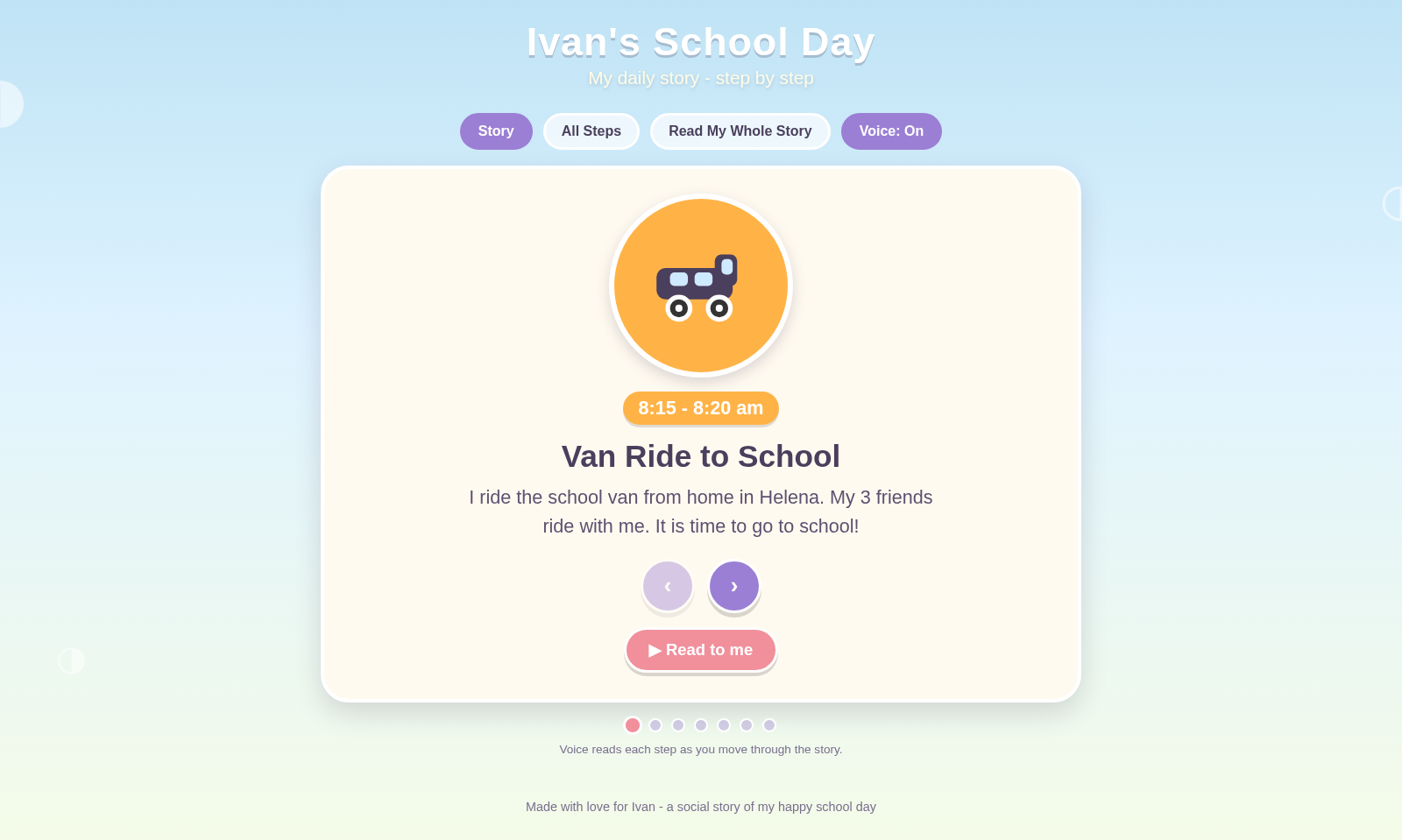
32Ivan's School Day
Ivan's school day routine as a voice-narrated social story
 15
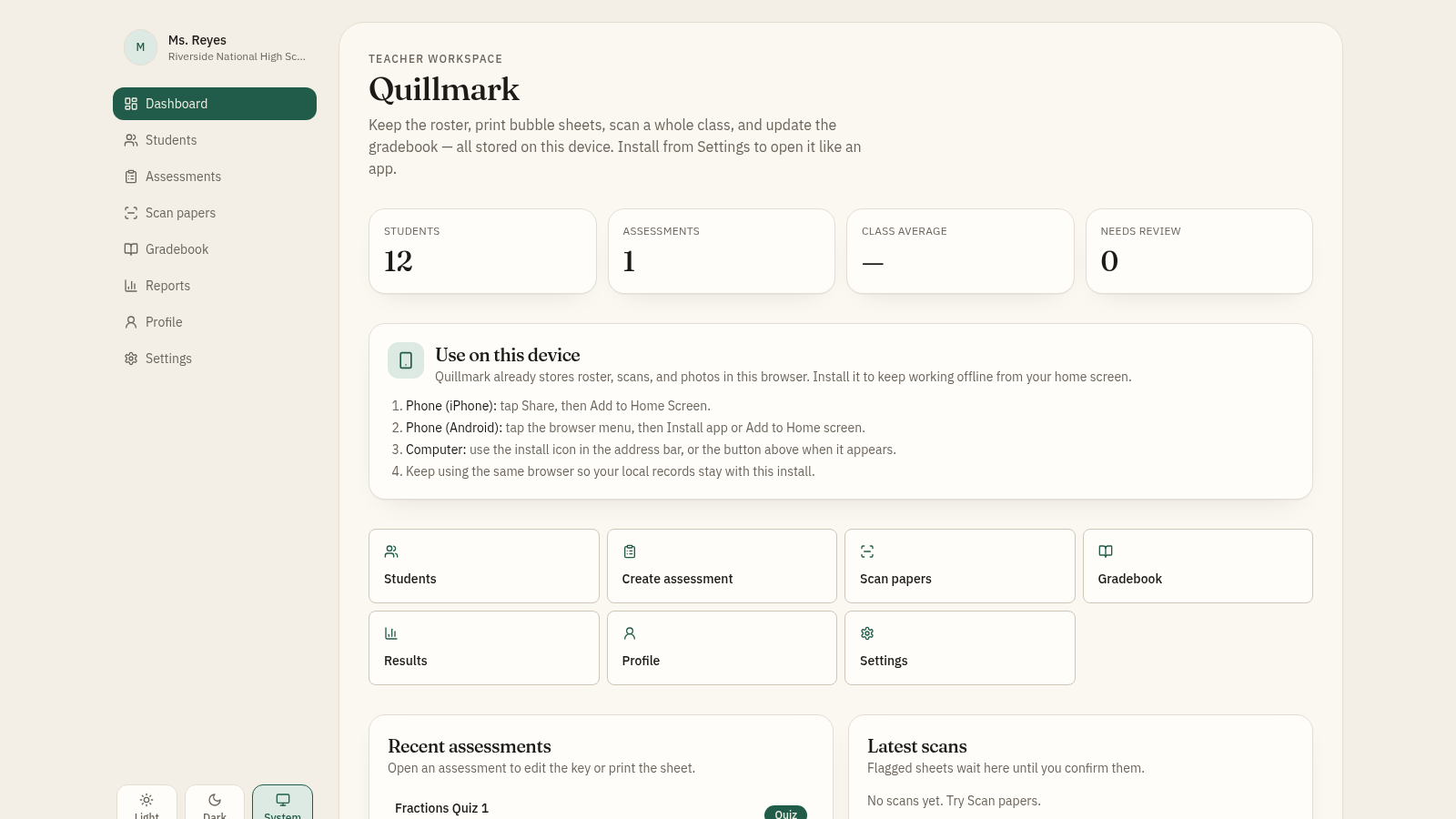
15OMG - Optical Media Grader
Offline-first teacher gradebook with bubble sheet generator and OMR scanner.