
Parábolas de Jesus
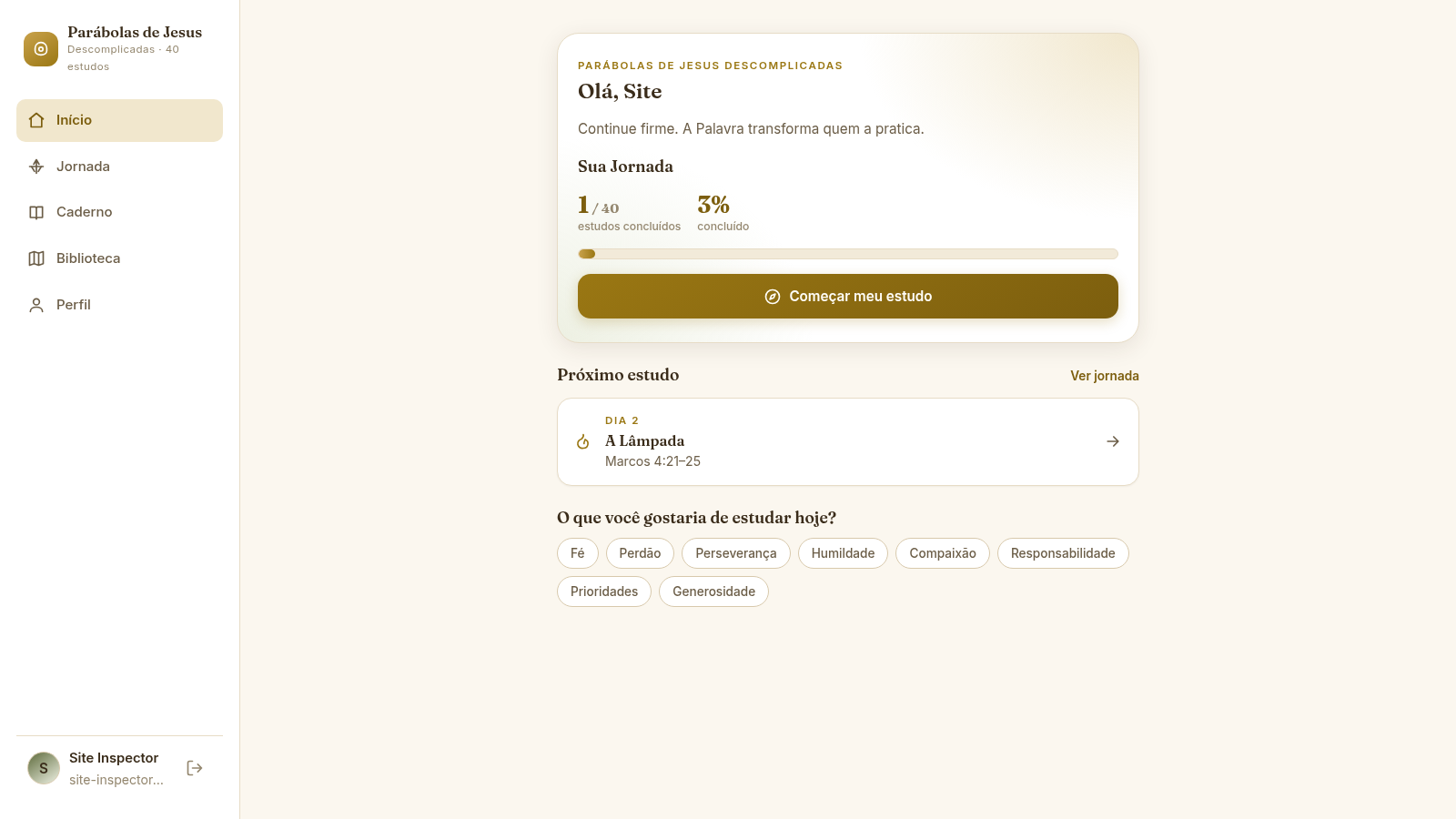
Follow a 40-study journey through the parables of Jesus with guided reading, reflection, practical action, and saved progress.
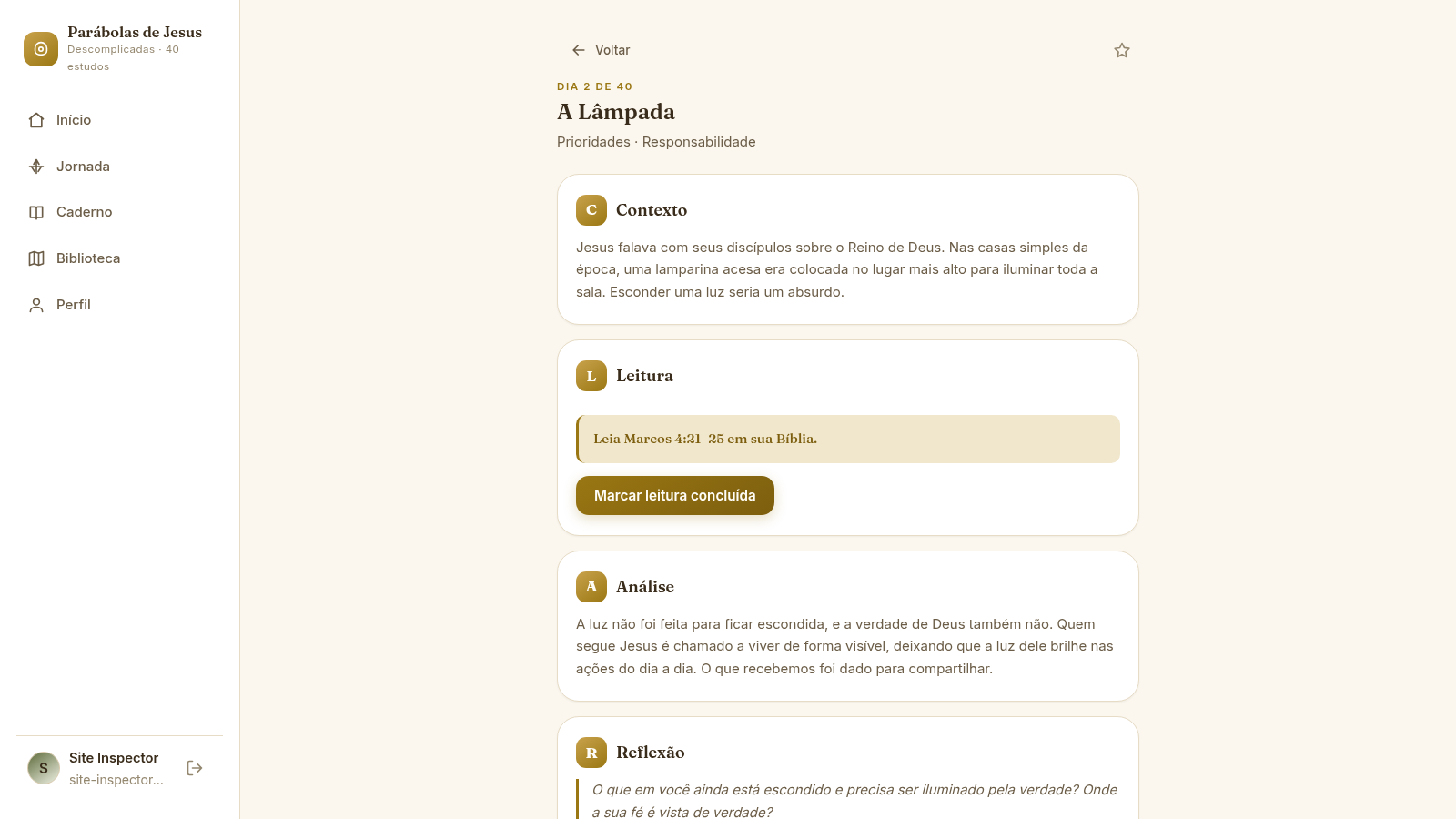
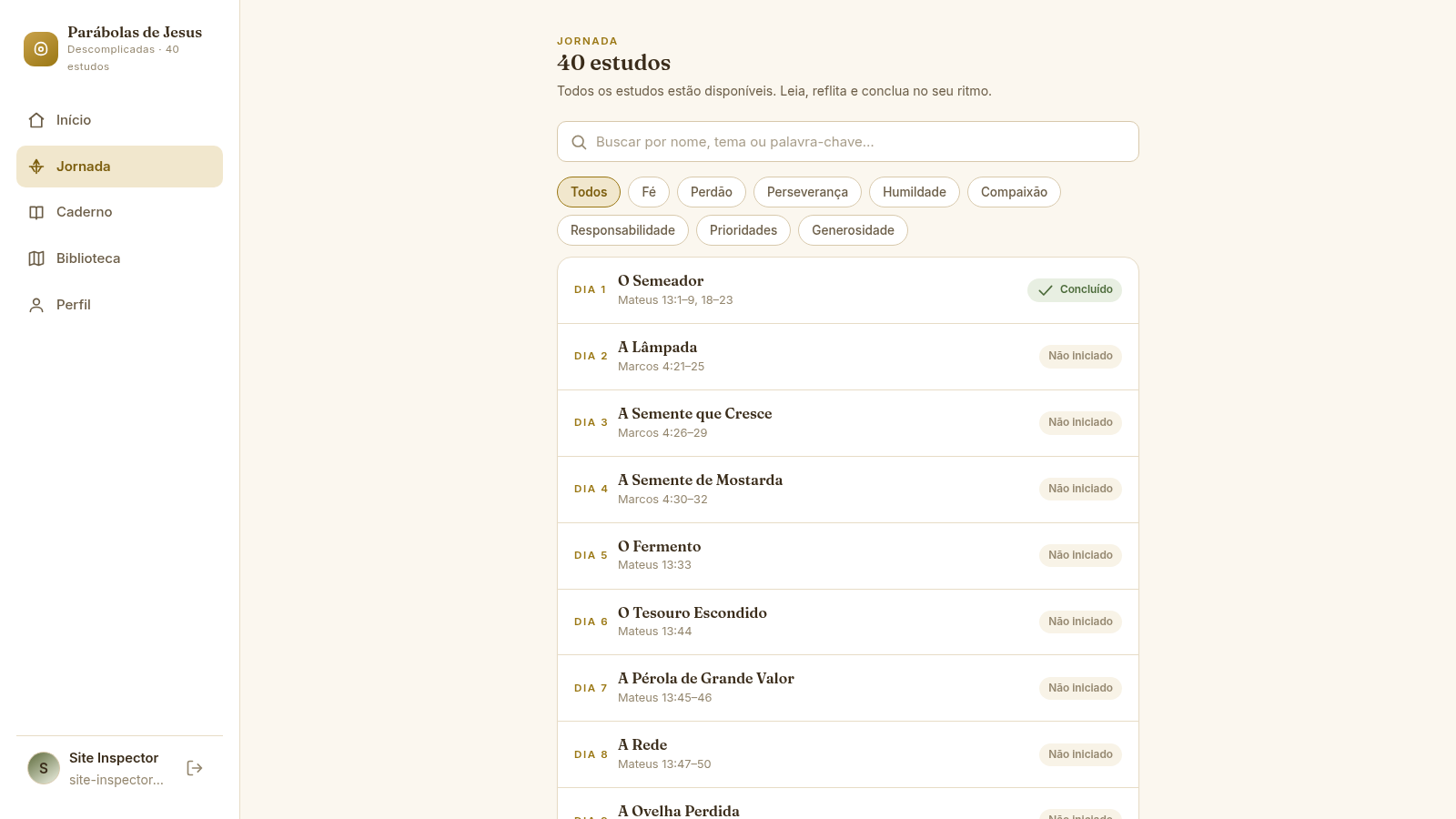
Parábolas de Jesus Descomplicadas is a Portuguese-language Christian learning app built around 40 studies of parables recorded in Matthew, Mark, and Luke. Every lesson uses the C.L.A.R.O. sequence: Contexto introduces the historical setting, Leitura assigns a Bible passage, Análise explains the central teaching, Reflexão invites a written personal response, and Orientação proposes a concrete action. Users can create a free account, search or filter the complete journey by theme, favorite lessons, save reflections automatically, maintain a separate notebook, mark studies complete, and follow progress from the dashboard and library.
Highlights
40 guided studies
A complete parable journey
C.L.A.R.O. method
Five-part lesson structure
Saved reflections
Notes persist automatically
Visible progress
Completion updates instantly
How to Use
Create an account
Open the sign-up page and provide a name, email address, and password. After successful registration, the app opens the personal dashboard with the current study count and the next available lesson.
Choose a study
Use the dashboard shortcut or open Journey to browse all 40 studies. Search by a parable title or use a theme filter such as faith, forgiveness, compassion, priorities, or generosity to narrow the list.
Follow C.L.A.R.O.
Read the lesson context and analysis, consult the assigned passage in your Bible, mark the reading complete, write a response to the reflection prompt, and mark the suggested practical action when it has been carried out.
Complete and continue
Select the completion button after finishing the lesson. A confirmation dialog records the study, updates dashboard and library progress, and offers direct navigation to the next lesson.
Keep a notebook
Open Caderno to create a free reflection or connect a note to a study. Saved entries can later be found through the notebook search field, while lesson reflections can also be copied into the notebook.
Similar Sites
 65
65Best Insurance Guide
Expert-written insurance guides, honest comparisons and trusted calculators.
 44
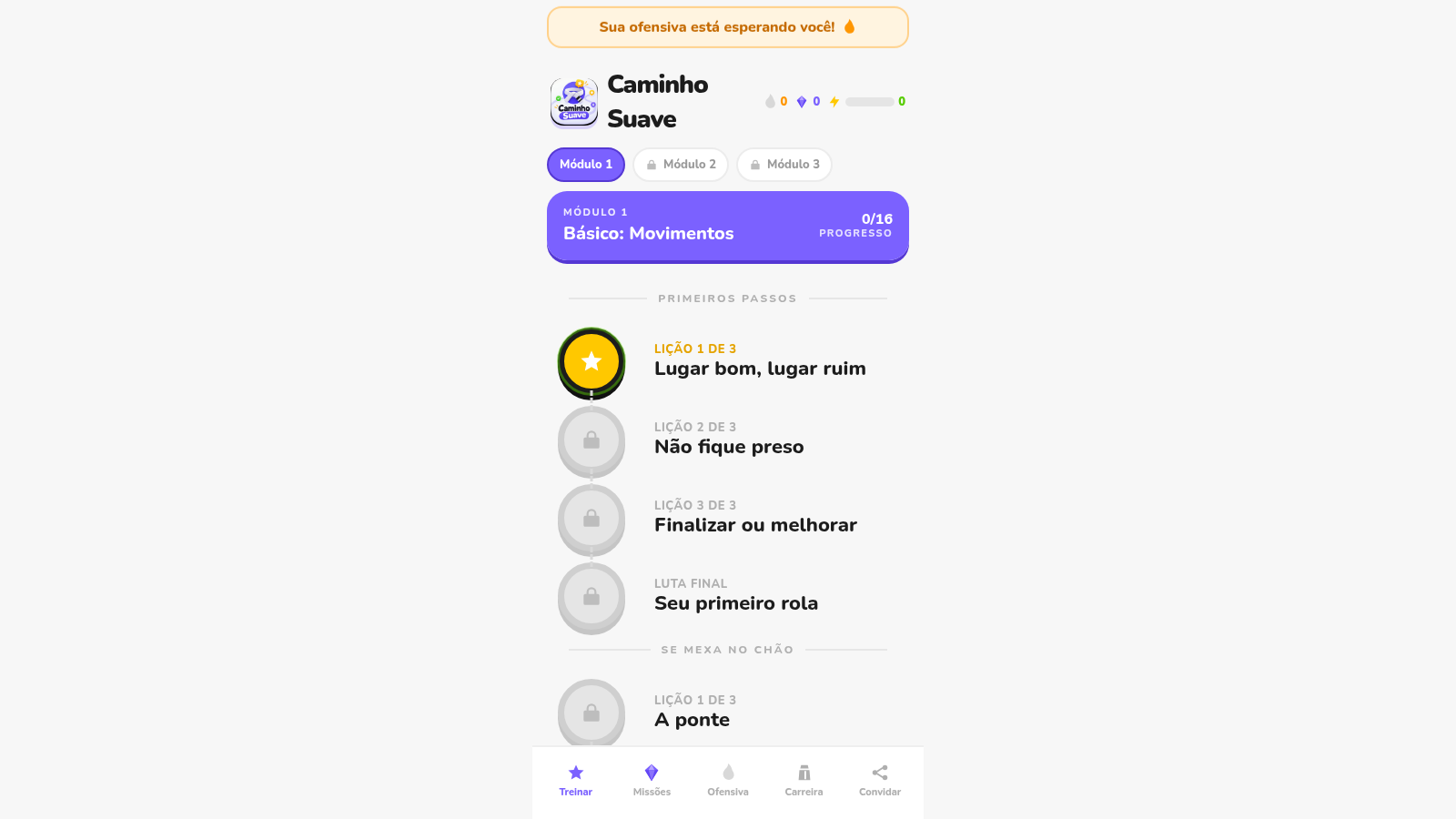
44Caminho Suave
Carreira kids de jiu-jitsu com faixas, aulas e atletas Premium
 35
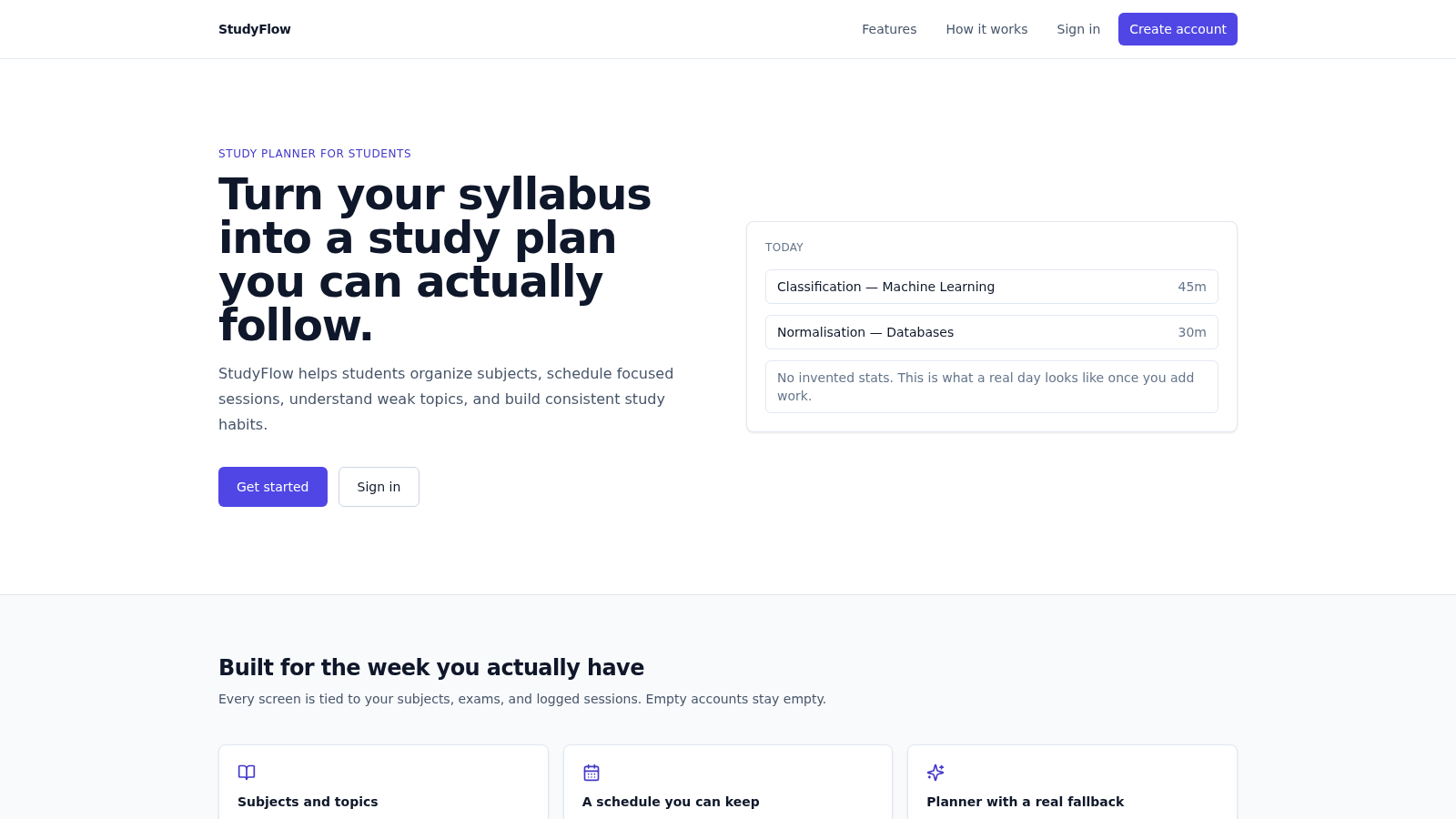
35StudyFlow
Student study planner with subjects, calendar, analytics, and an optional AI scheduler.
 27
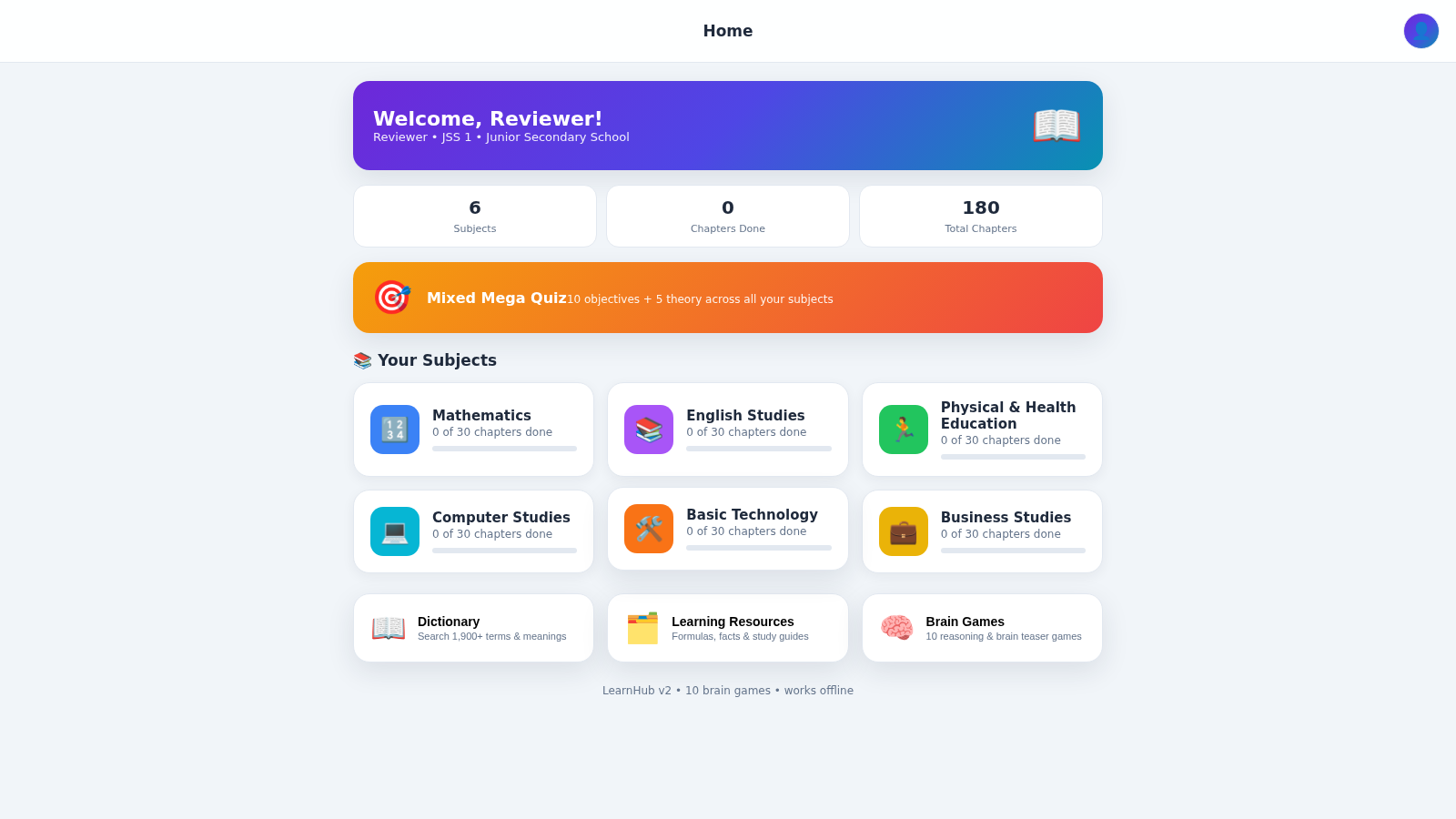
27LearnHub — Smart Learning App
Nigerian curriculum lessons, quizzes, dictionary and brain games for students
 7
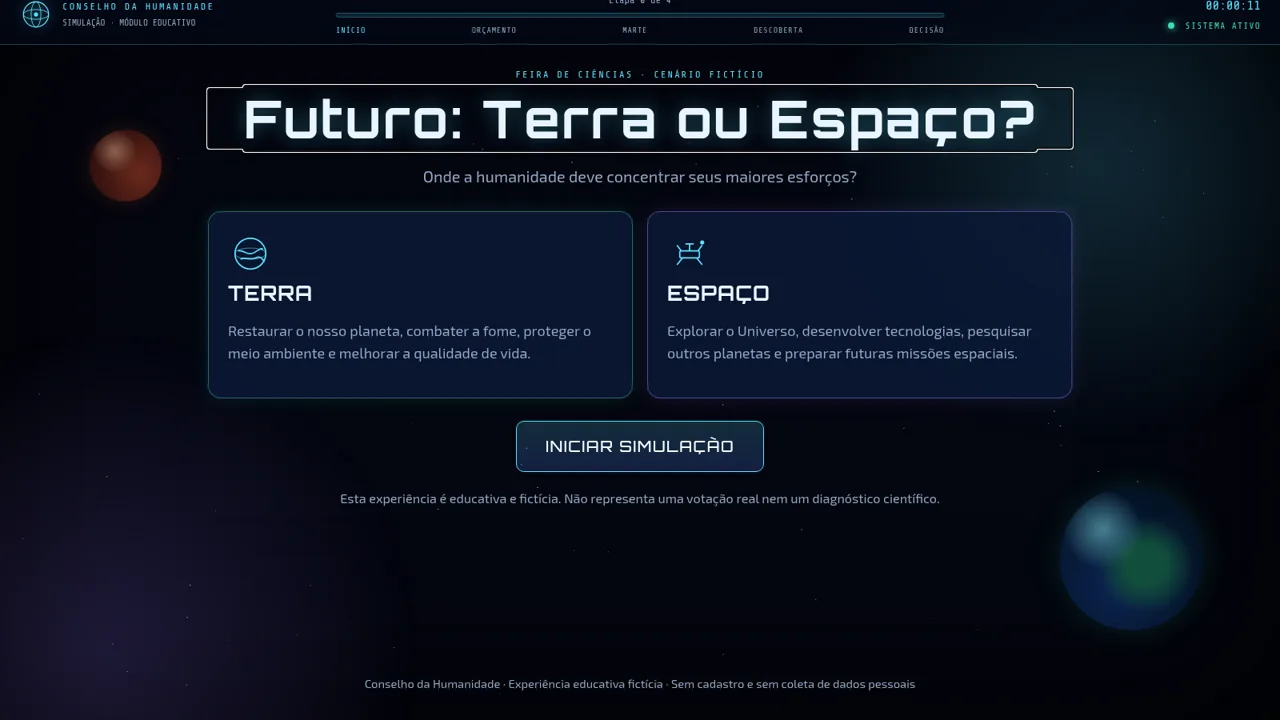
7Futuro: Terra ou Espaço?
Simulação educativa do Conselho da Humanidade: investir na Terra ou no espaço.
 24
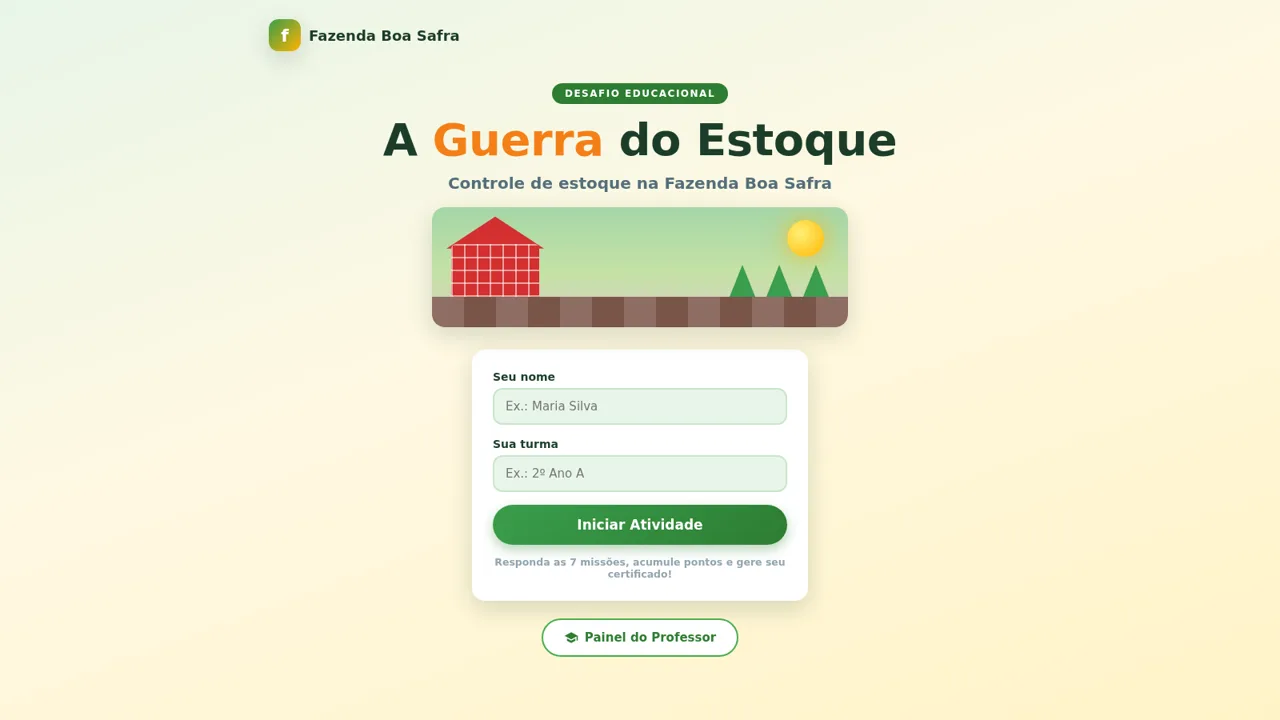
24A Guerra do Estoque
Jogo educacional de controle de estoque com certificado em PNG