
منظّم ERP
An Arabic-first ERP that brings accounting, sales, inventory, treasury and reporting into one browser workspace.
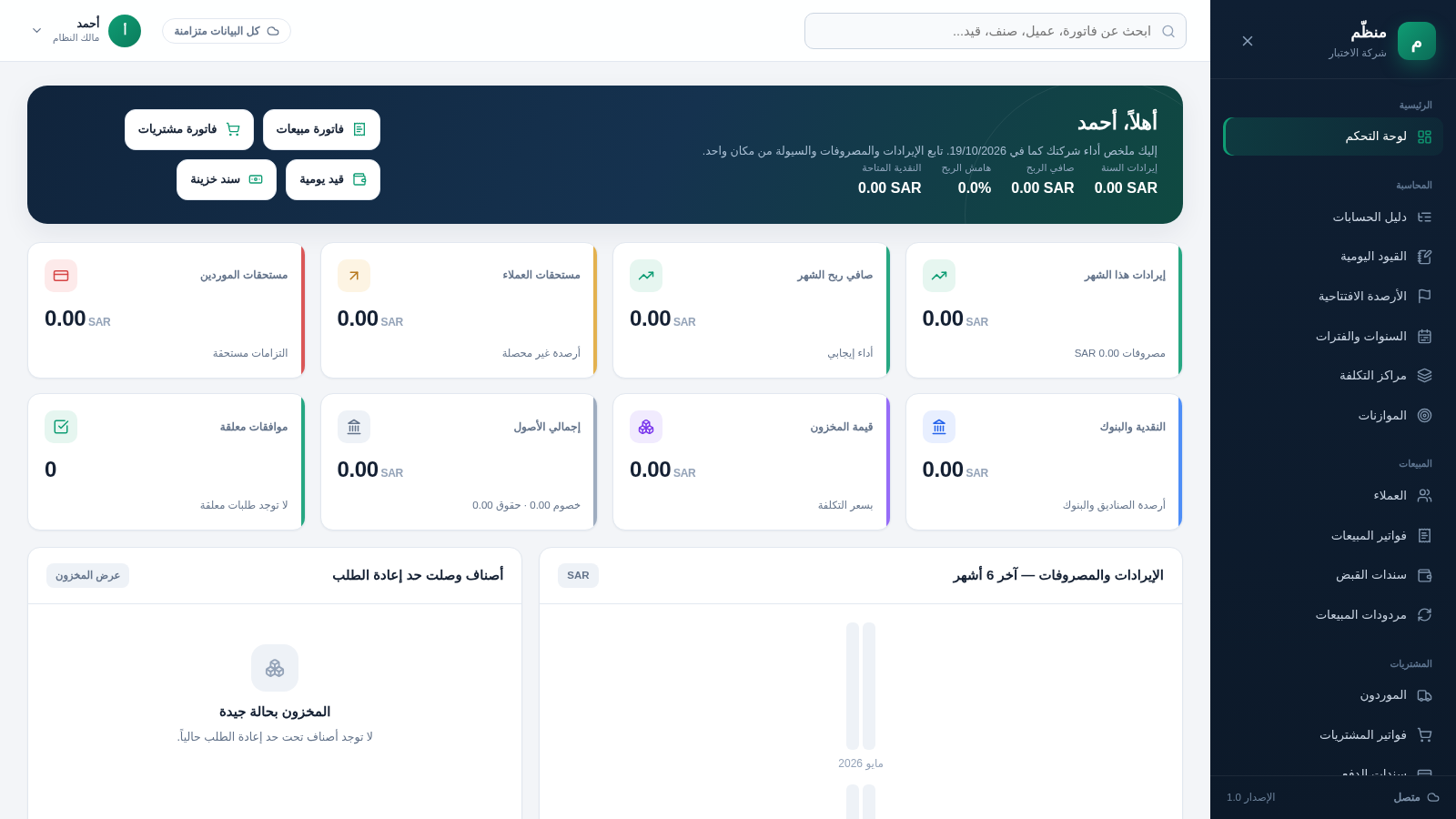
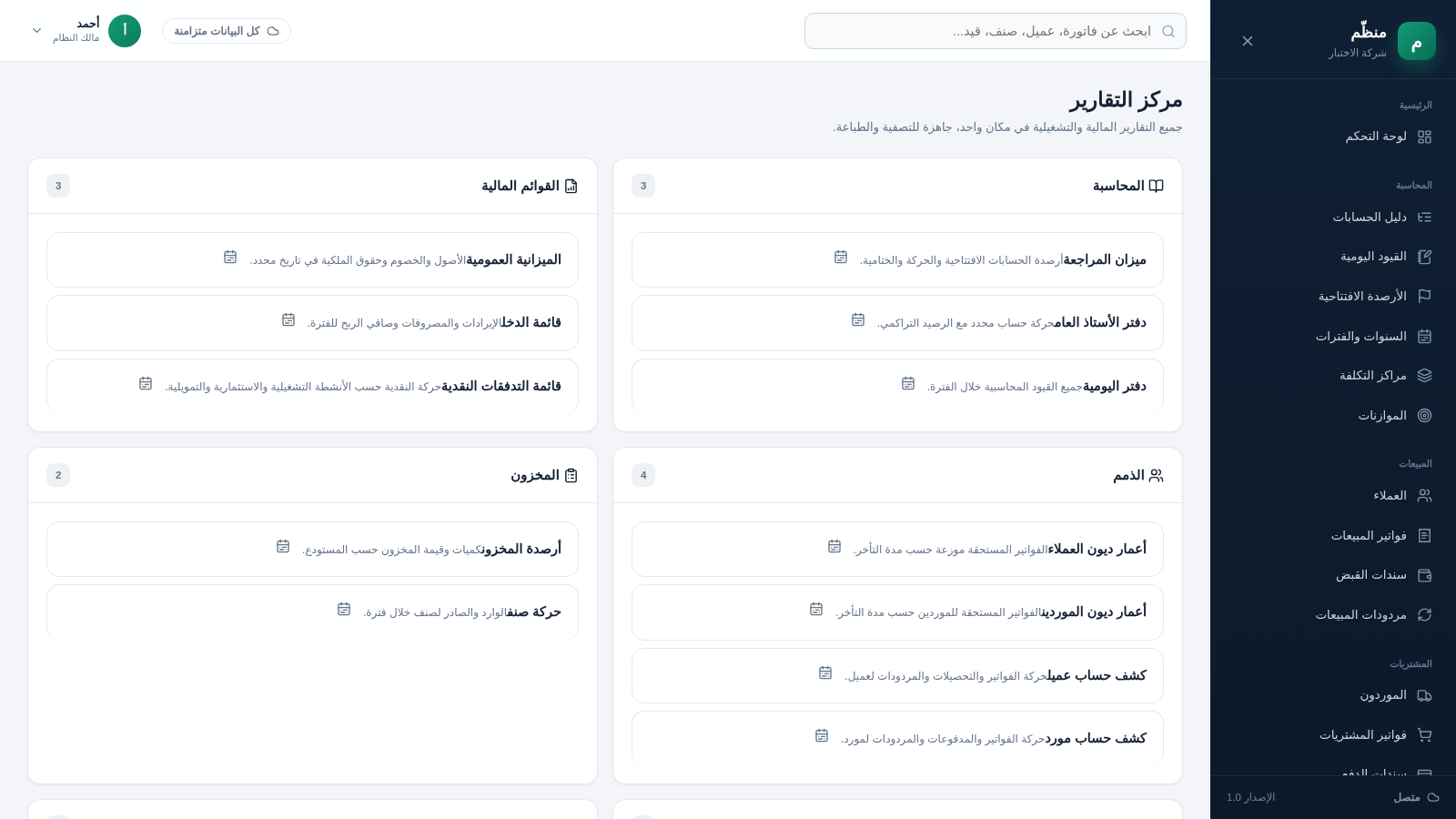
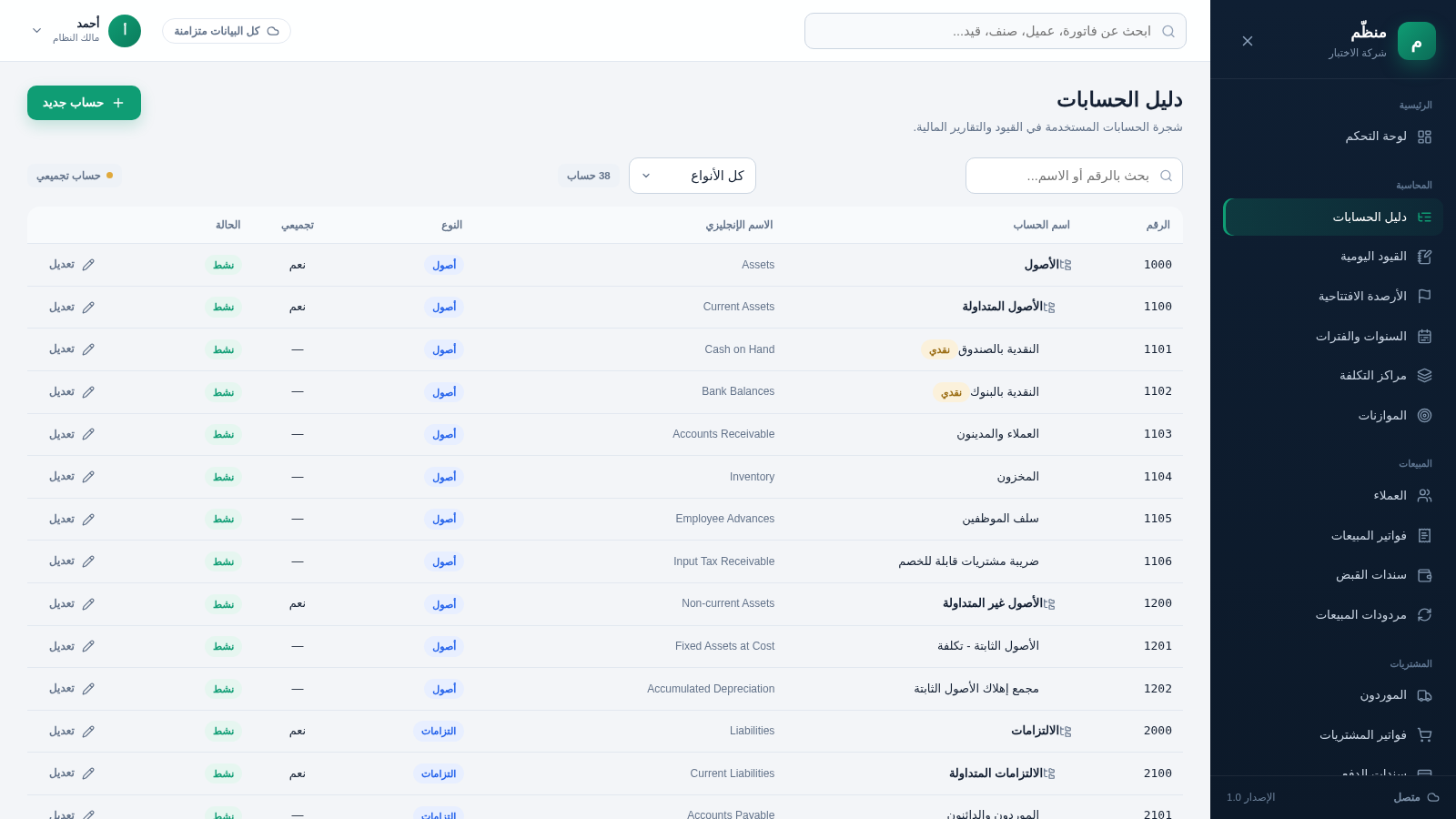
Manazzim is a right-to-left ERP for Arabic-speaking businesses. A short setup wizard creates the company, fiscal year, owner account, default branch, warehouse and tax settings, then opens a dashboard with revenue, profit, cash, receivables, payables and inventory KPIs. The workspace links accounting, sales, purchasing, inventory, treasury, payroll, fixed assets and administration modules. The chart of accounts arrives with 38 numbered accounts, invoice forms support multiple line items with tax and discounts, and a reporting center collects more than twenty financial and operational reports.
Highlights
Guided company setup
One-step creation
38 prebuilt accounts
38 numbered accounts
Full RTL Arabic UI
Full RTL layout
Sales and purchases
Invoices and returns
Stock and cash
Stock and cash tools
20+ reports built in
Financial views
Multi-branch support
Branches and roles
Audit log included
Recorded operations
How to Use
Create the company
Open the site and complete the setup form with the company name in Arabic and English, fiscal year, owner name, username, email, password, base currency, default branch, warehouse, tax name and rate, and inventory valuation method. Submitting the form creates the company and signs the owner in.
Review the dashboard
The dashboard summarises annual revenue, net profit, margin, available cash, monthly revenue and expenses, customer receivables, supplier payables, inventory value, total assets and pending approvals. Empty panels link to the pages that create missing records.
Add master data
Use the Sales, Purchasing and Inventory sections to create customers, suppliers, items, warehouses and opening balances. Dialogs collect codes, contact details, credit limits and payment terms, and the saved records appear in the corresponding lists.
Record transactions
Open a sales or purchase invoice, choose the customer or supplier, warehouse, dates, payment type, branch and currency, then add line items with quantity, price, discount and tax. Totals update as items change, and the document can be saved as a draft or posted directly.
Read the reports
The reporting center groups trial balance, general ledger, journal book, balance sheet, profit and loss, cash flow, aging, statements, inventory, sales, purchases, treasury, tax and analysis reports. Select a report card to open its page and apply the available filters.
Similar Sites
 11
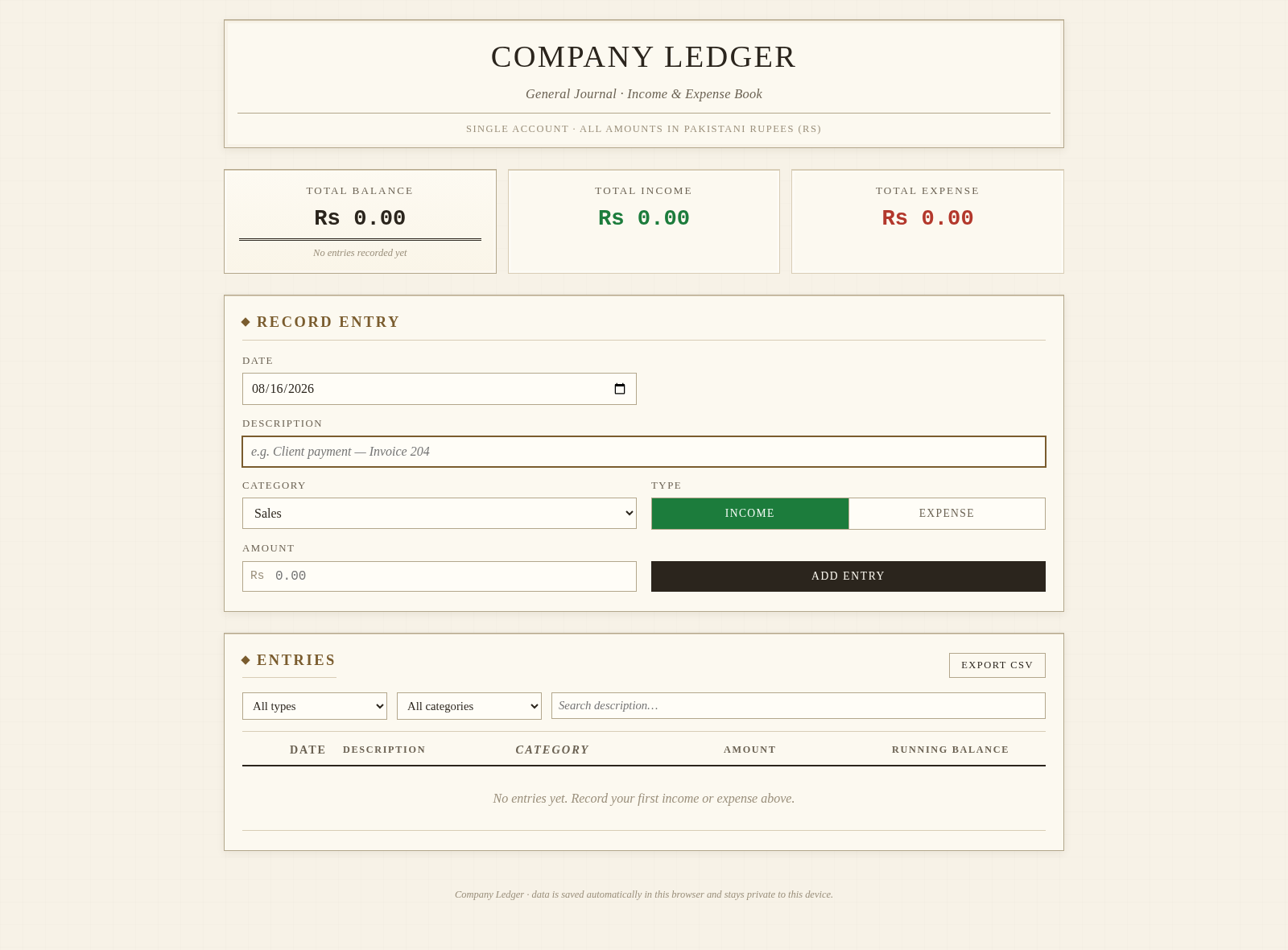
11Company Bookkeeper
Accounting app: invoicing, inventory, purchases, ledgers, reports, multi-role.
 26
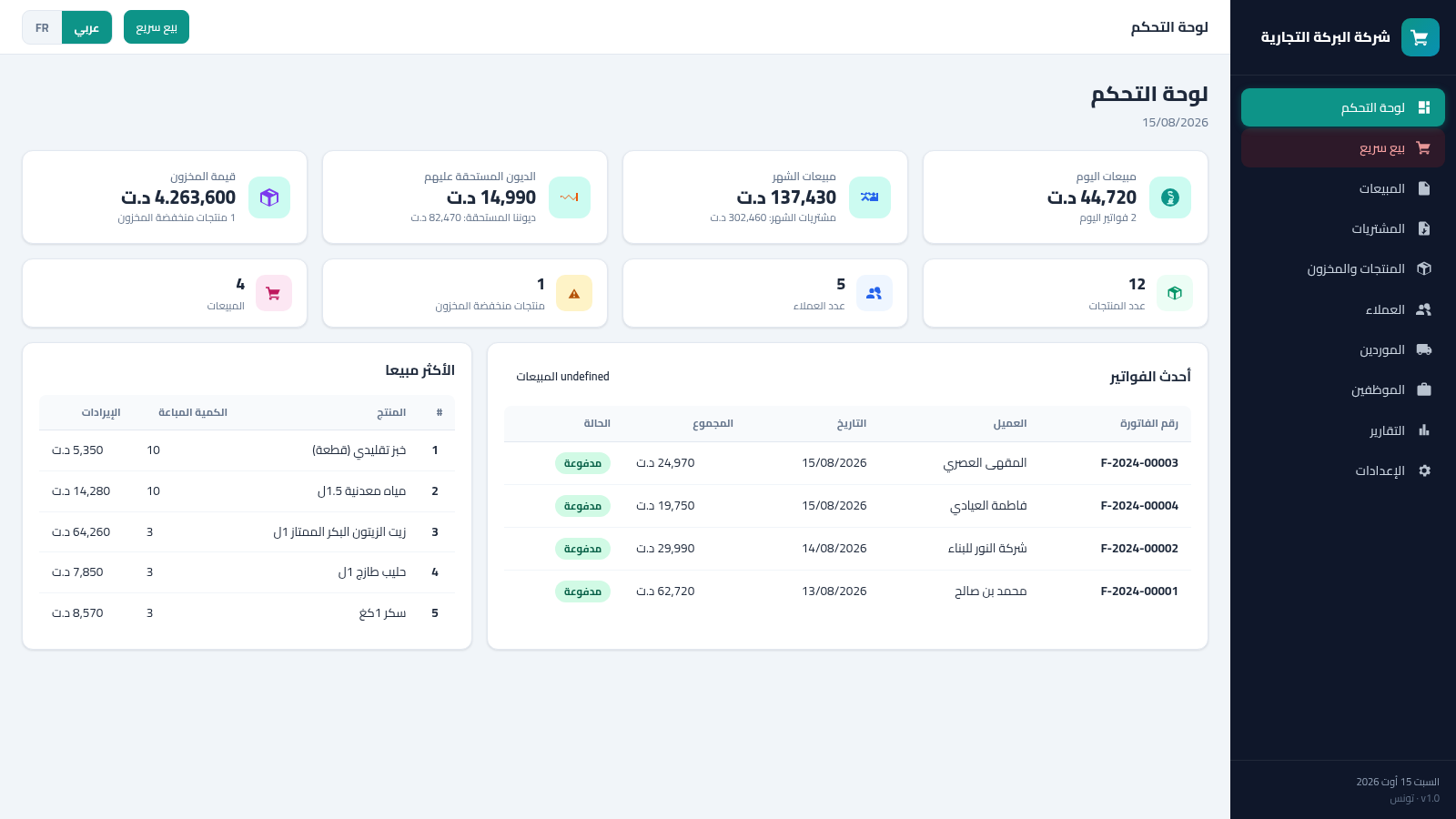
26Tunisia ERP Commercial
Gestion commerciale: ventes, achats, factures, stock, clients - dinar tunisien AR/FR
 17
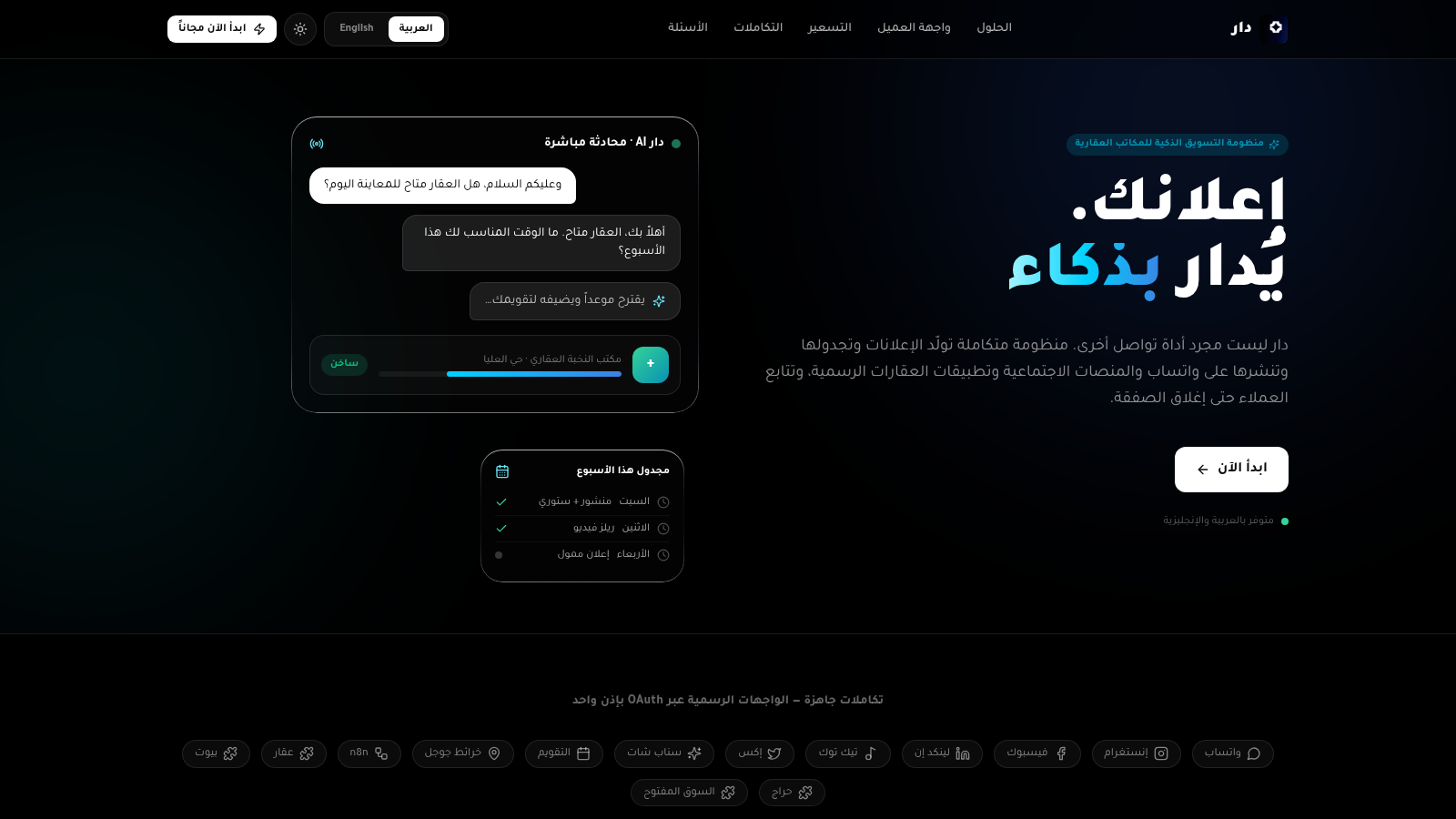
17دار — منظومة المكاتب العقارية
منظومة دار الذكية: تسويق ومتابعة العقارات، إيجارات، عملاء وفرق عمل
 14
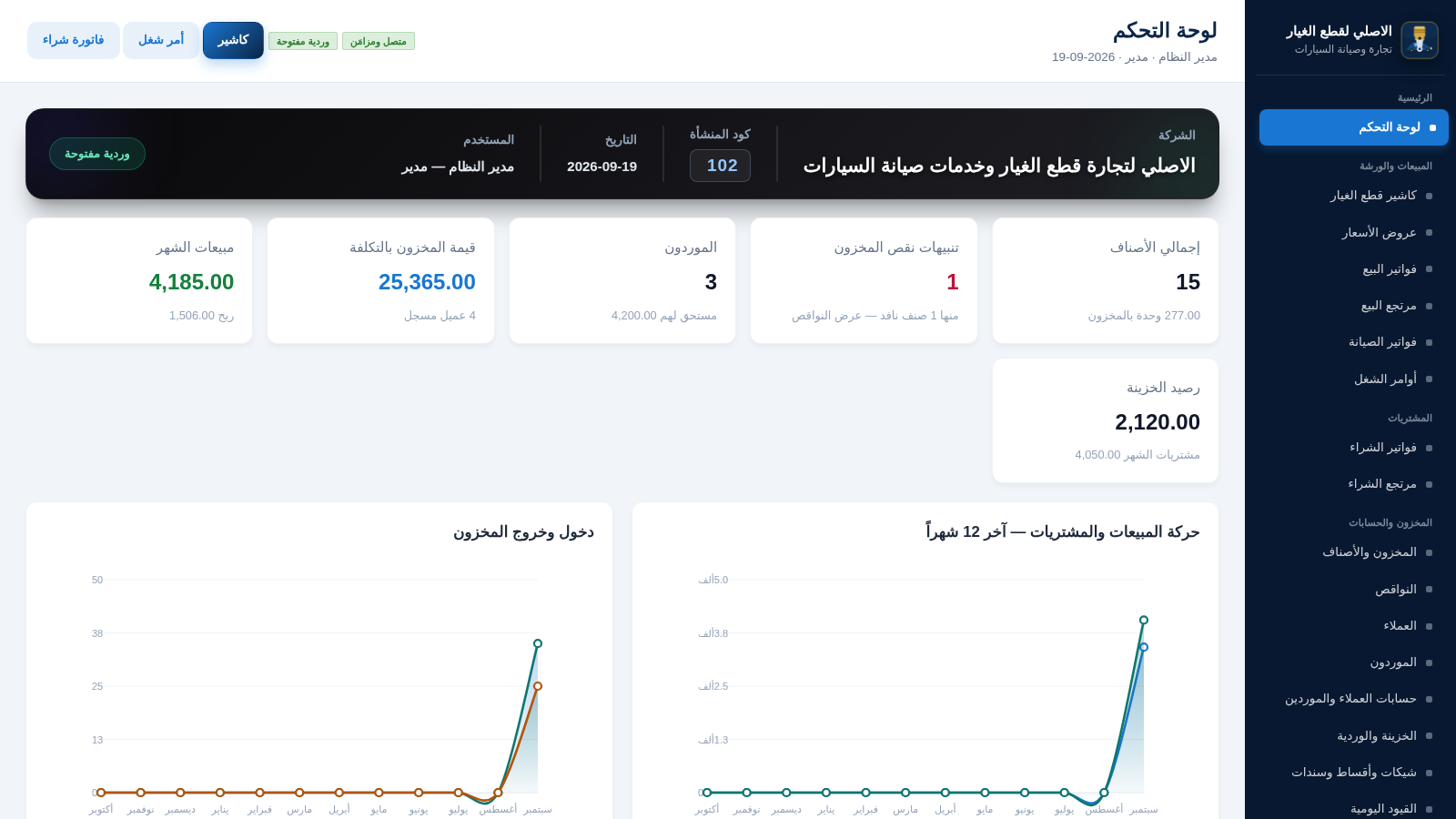
14الاصلي لقطع الغيار
نظام ERP عربي لمحل قطع غيار وصيانة السيارات
 13
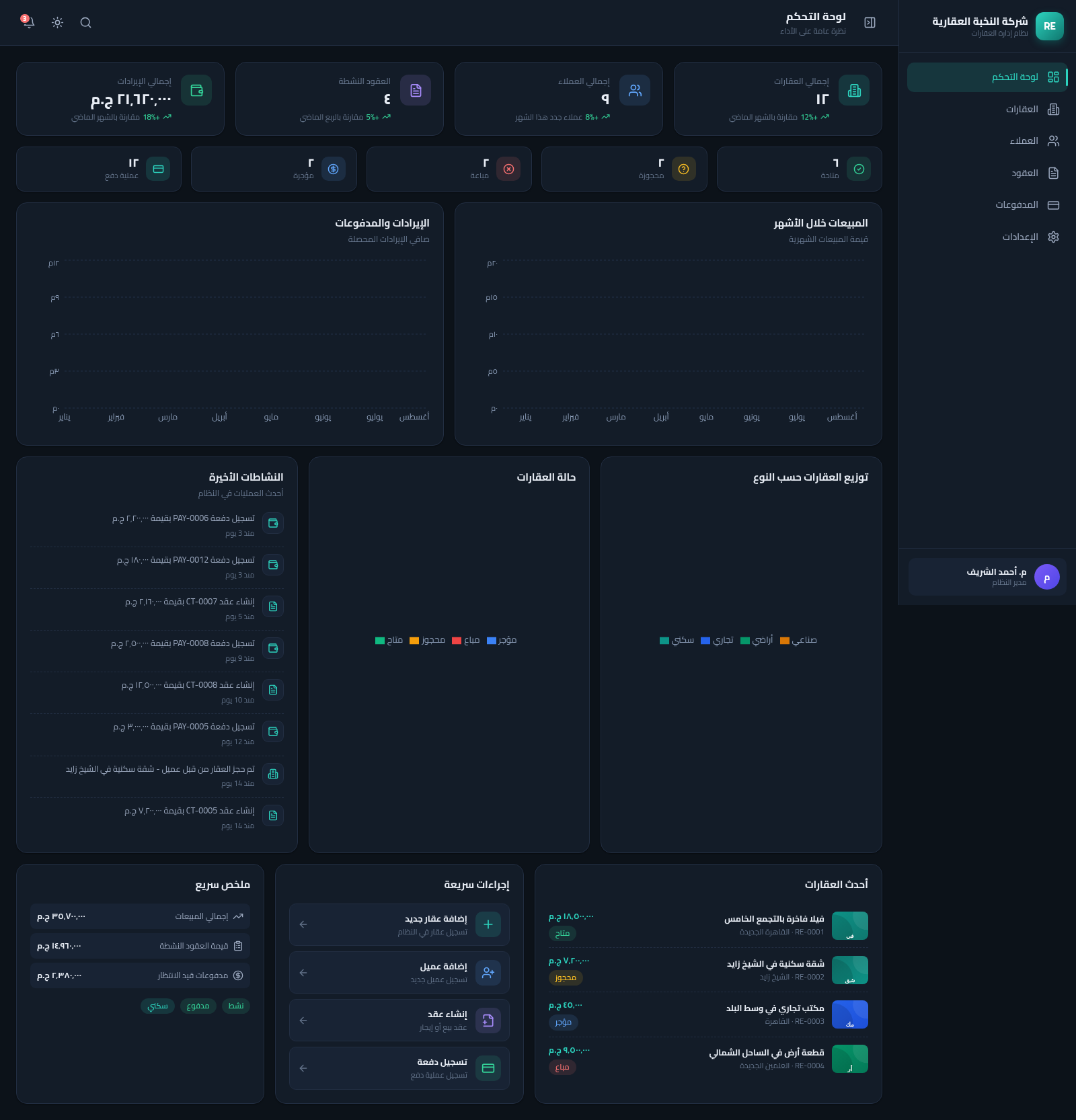
13Real Estate Manager
نظام متكامل لإدارة العقارات والعملاء والعقود والمدفوعات بواجهة عربية RTL
 7
7متجر إلكتروني
تطبيق متجر إلكتروني متكامل بواجهة عربية RTL مبني بـ Flutter مع Backend API