
Nimbus
Turn an M3U playlist into a browsable browser TV player
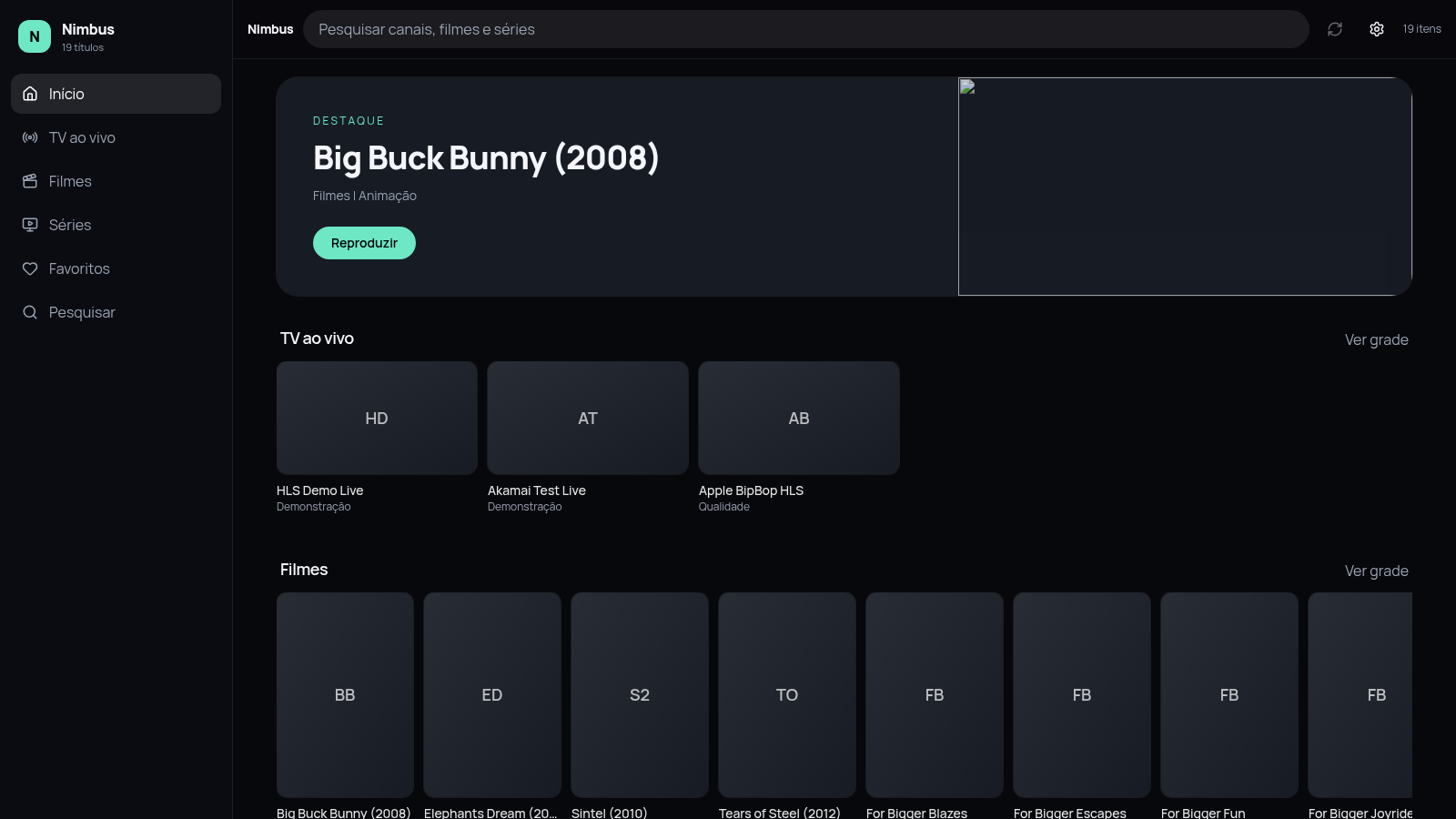
Nimbus is a client-side IPTV player that runs in the browser. Users import an M3U playlist by URL, local file or pasted text, and the app organizes its entries into live TV channels, films and series. It provides section navigation, a global search, per-section filters, favourites, optional XMLTV EPG support, brand and accent color settings, and a full-window video player with standard controls. A 19-item demo playlist with open-source animation shorts and HLS test streams is included so the player can be tried first.
Highlights
Own playlist support
URL, file or text
Live, films, series
One unified library
Full player controls
Seek and fullscreen
Custom branding
Set name and accent
Optional EPG
XMLTV program guide
How to Use
Open the demo library
Load the site and the built-in demo playlist appears automatically with 19 entries split into live TV, films and series. Use the sidebar to move between Início, TV ao vivo, Filmes, Séries, Favoritos and Pesquisar, and note the message that the playlist stays in this browser.
Import your own M3U list
Open Configurações. Paste a playlist URL and press Importar URL, choose a local .m3u file, or paste the raw M3U text and press Importar texto. Optionally add an XMLTV EPG address. If a URL fails because of CORS or mixed HTTP content, switch to the file or text option.
Browse, filter and save
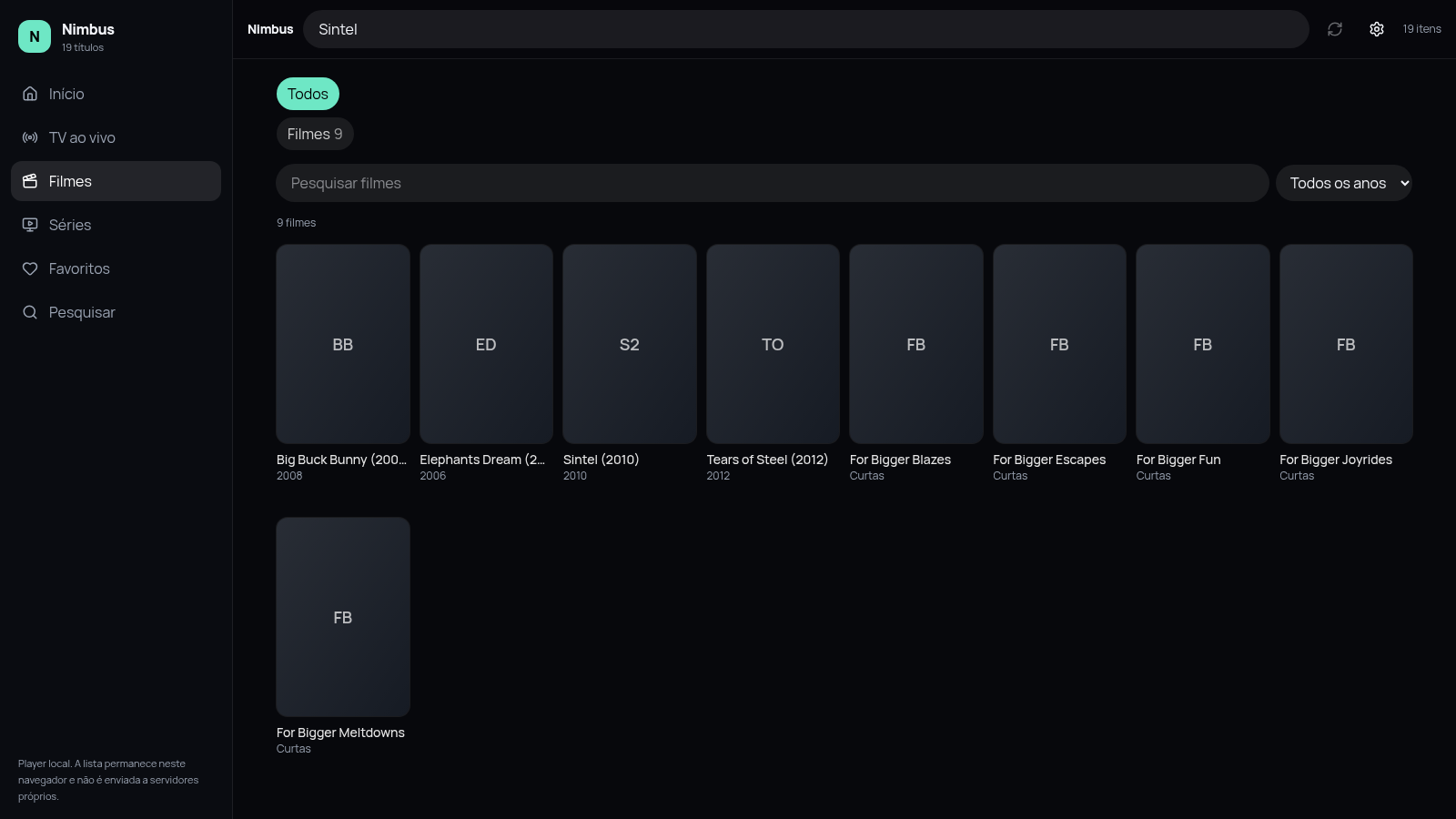
Use the top search field to look across channels, films and series, or open Filmes and Séries for tabs, a title search box and a year dropdown. Tap the heart in the player or on a card to store an item under Favoritos.
Play a title
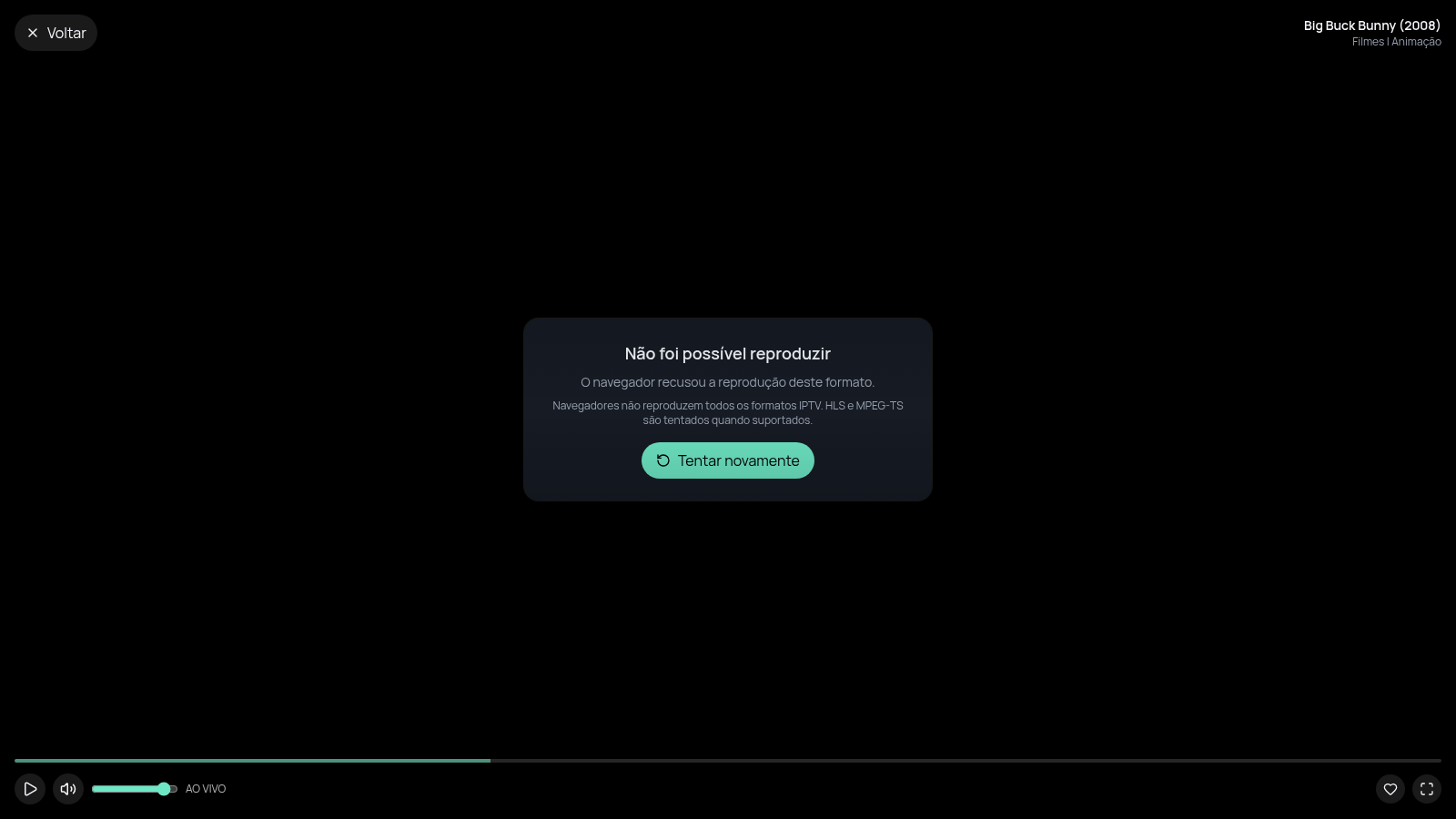
Select any card or the featured Reproduzir button. The player opens full-window with back, play/pause, volume, seek bar, live badge, favourite and fullscreen controls. If a stream format cannot be decoded, the player explains the limitation and offers a Tentar novamente button.
Adjust the look
In Configurações change the brand name and choose one of the six accent colors; buttons and highlights update immediately. Settings persist in the browser together with the imported playlist.
Similar Sites
 88
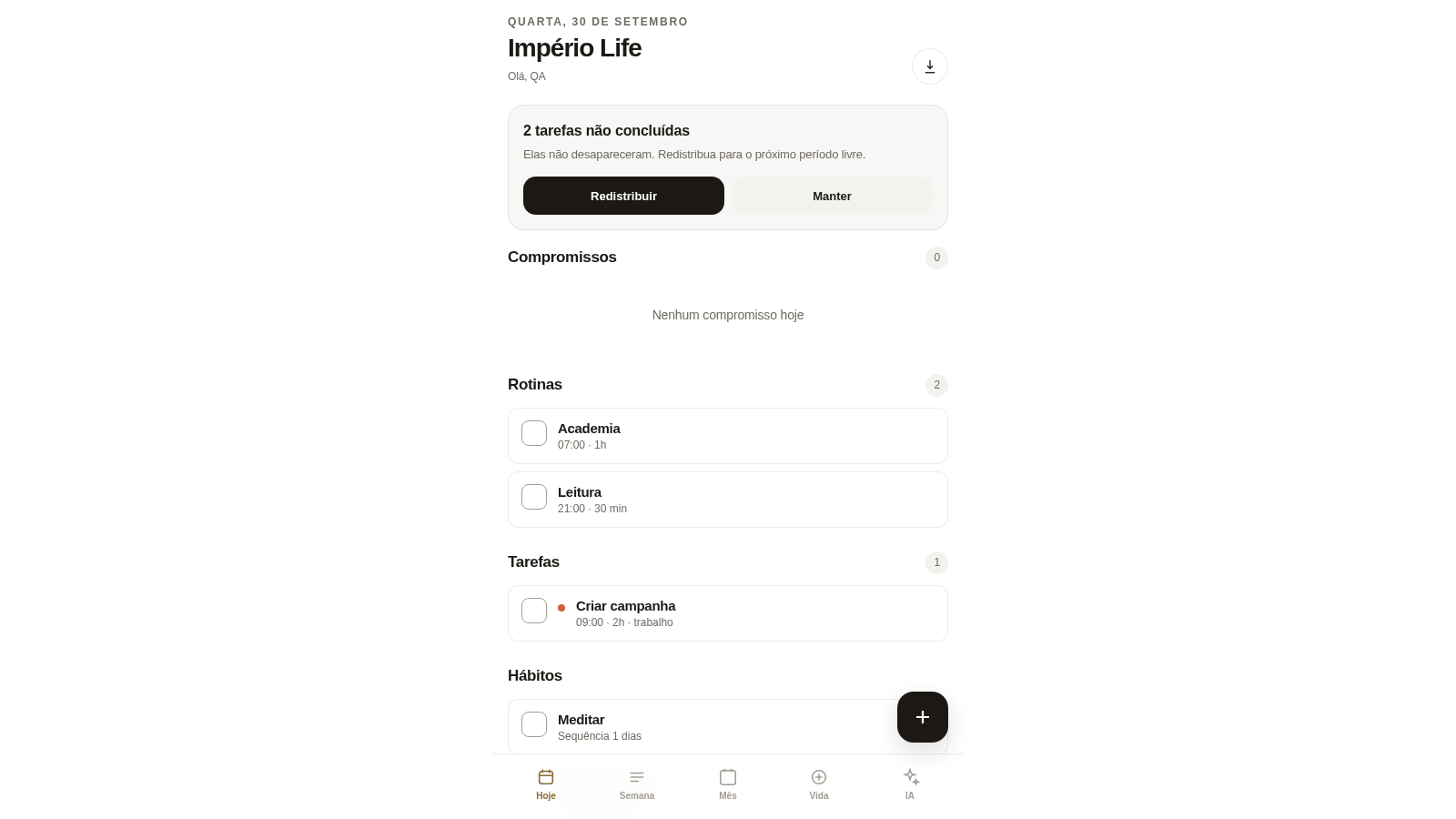
88Império Life
Organização pessoal: tarefas, rotinas e planejamento semanal.
 3
3PLANEJAMENTO IA.
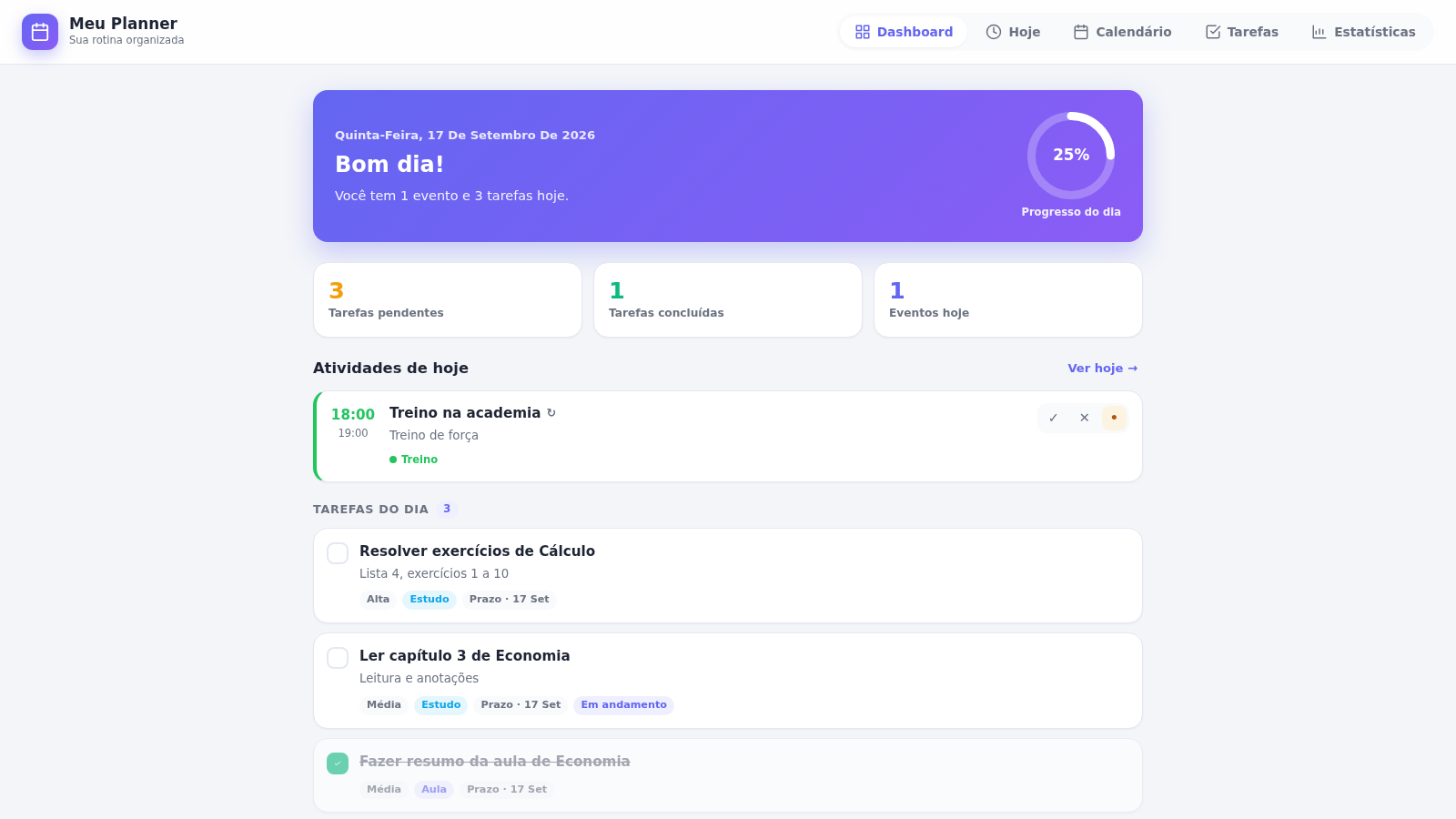
Meu Planner — organize seus estudos, eventos e tarefas do dia a dia.
 129
129Sorte Grande
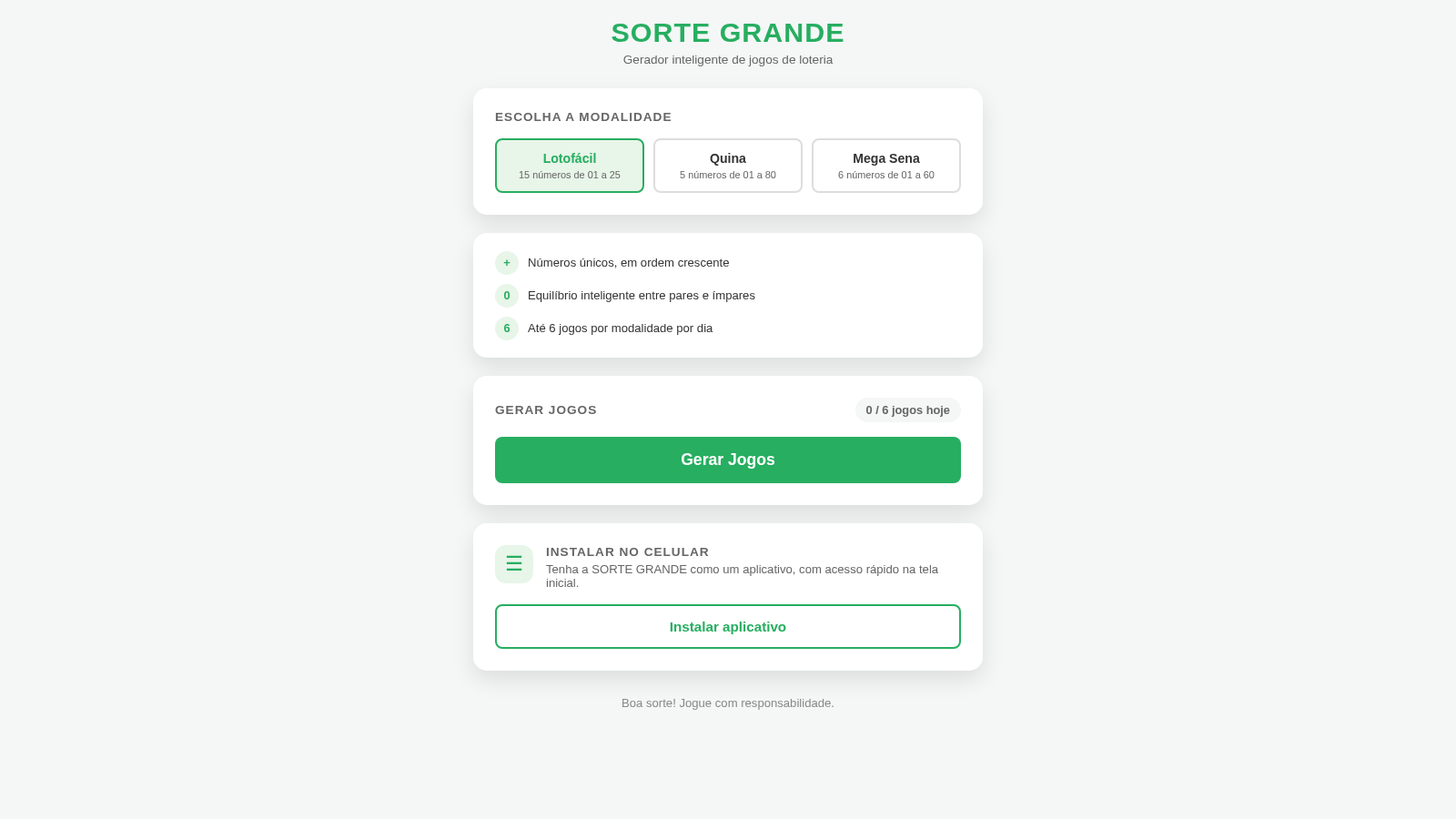
Gerador inteligente de jogos de loteria (Lotofácil, Quina e Mega Sena)
 35
35Goleiro Pro
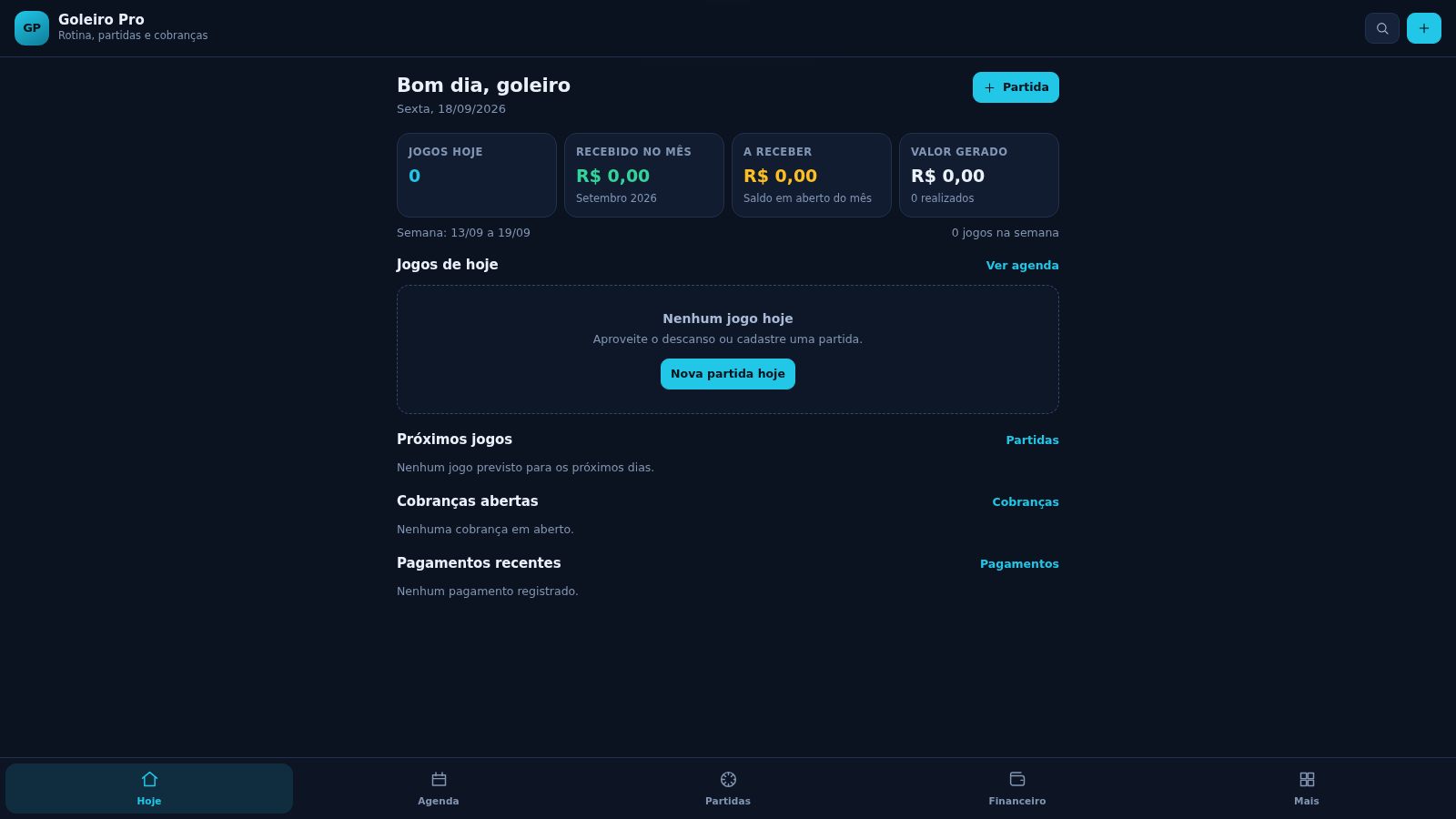
Controle pessoal de rotina, partidas, cobrancas, pagamentos e recibos do goleiro.
 33
33CONVIVA
CONVIVA — O familiar acompanha. O idoso vive. O Conviva conecta.
 29
29MuscleTri
App web mobile-first de treinos, alimentação e evolução física.