
VizTR Brand OS
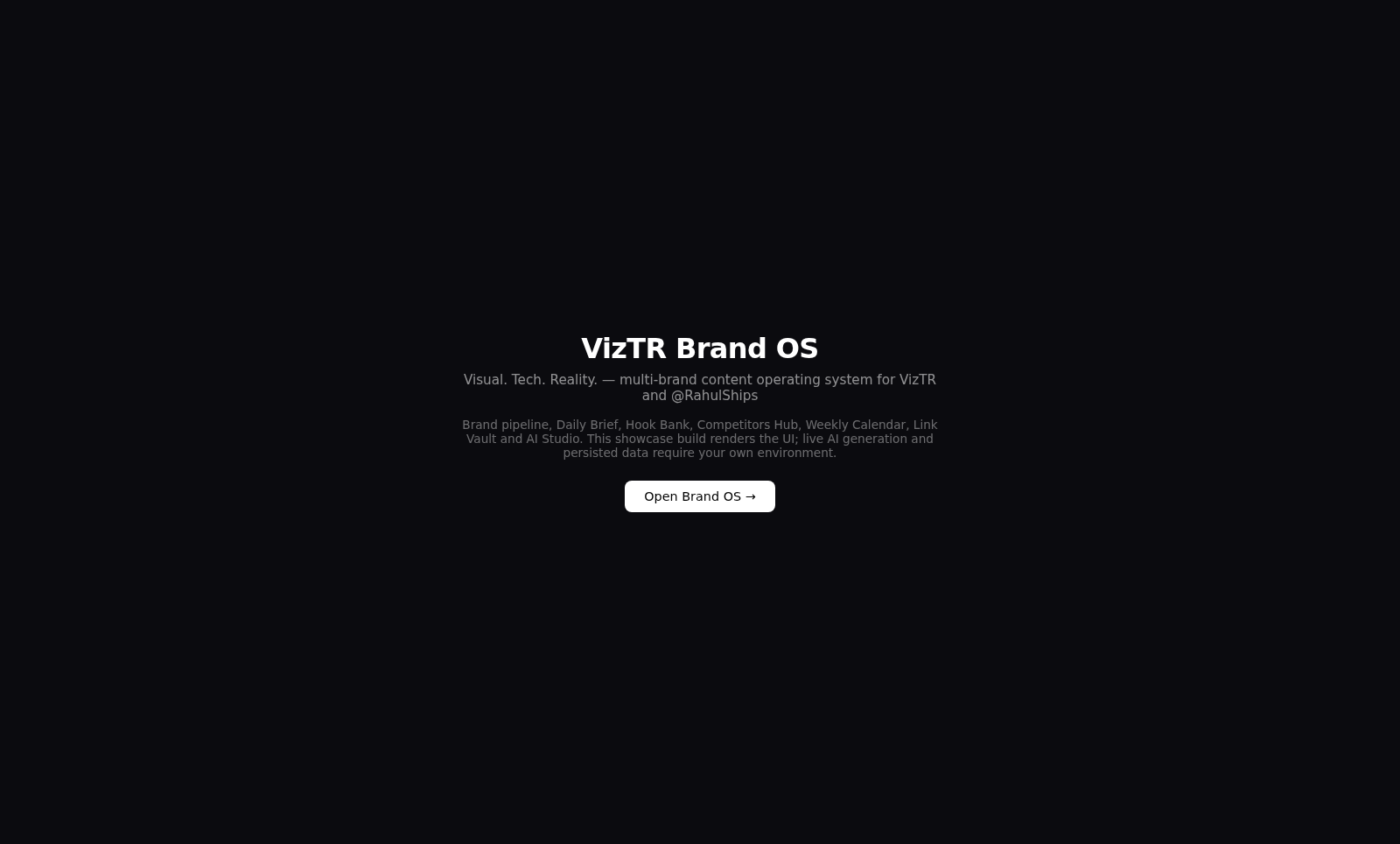

Plan, organize, and generate multi-brand content from one focused operations workspace.
VizTR Brand OS is an interactive content operations application built around two distinct brands, VizTR and RahulShips. Its sidebar connects a dashboard, new-project intake, a content pipeline, daily briefs, reusable hook banks, competitor tracking, a weekly calendar, a link vault, an AI Studio, and settings. Brand switching changes the active context across modules. The showcase supports real data-backed brief and hook workflows, while generation that depends on external text, image, video, or audio providers requires the user to supply the corresponding API keys.
Highlights
Two Brand Contexts
Switch VizTR and RahulShips
Daily Briefs
Summarize live pipeline state
Reusable Hooks
Add and track content hooks
Four AI Modes
Text, image, video, voice
How to Use
Choose a brand
Use the VizTR or RahulShips buttons in the sidebar to select the active brand. The current workspace label and brand-specific module data update to reflect that selection.
Review the operating state
Open Dashboard to inspect project, idea, review, and publication counts, then use Pipeline, Calendar, Competitors, and Links to move through the planning areas.
Create briefs and hooks
Open Daily Brief and generate the current digest from pipeline state and the scheduled content pillar. In Hook Bank, select a pillar, add a hook manually, or use AI generation after the required key is configured.
Configure generation
Open Settings to provide the text, image, video, and audio API keys required by the generation pipeline. The New Project screen accepts a project name and supporting detail, then validates these prerequisites before generation begins.
Use AI Studio
Open Studio, select Text, Image, Video, or Voiceover, choose whether to retain brand grounding, optionally override the system prompt, and enter a task prompt for the configured model.
Similar Sites
 77
77BJJ STAT — ANALISE. ENTENDA. EVOLUA.
Scout de Jiu-Jitsu em um toque. Placar IBJJF, relatórios visuais e PWA offline.
 22
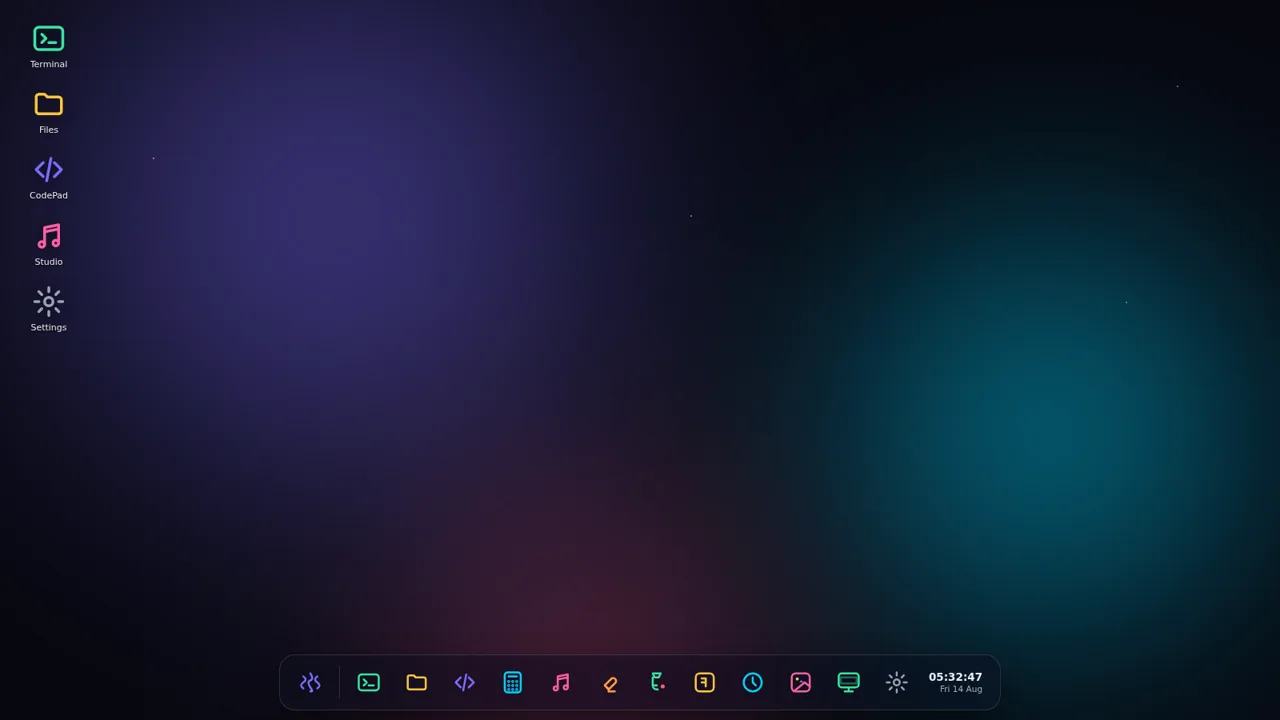
22AuroraOS
A desktop OS inside a single HTML file - apps, terminal, games, music
 16
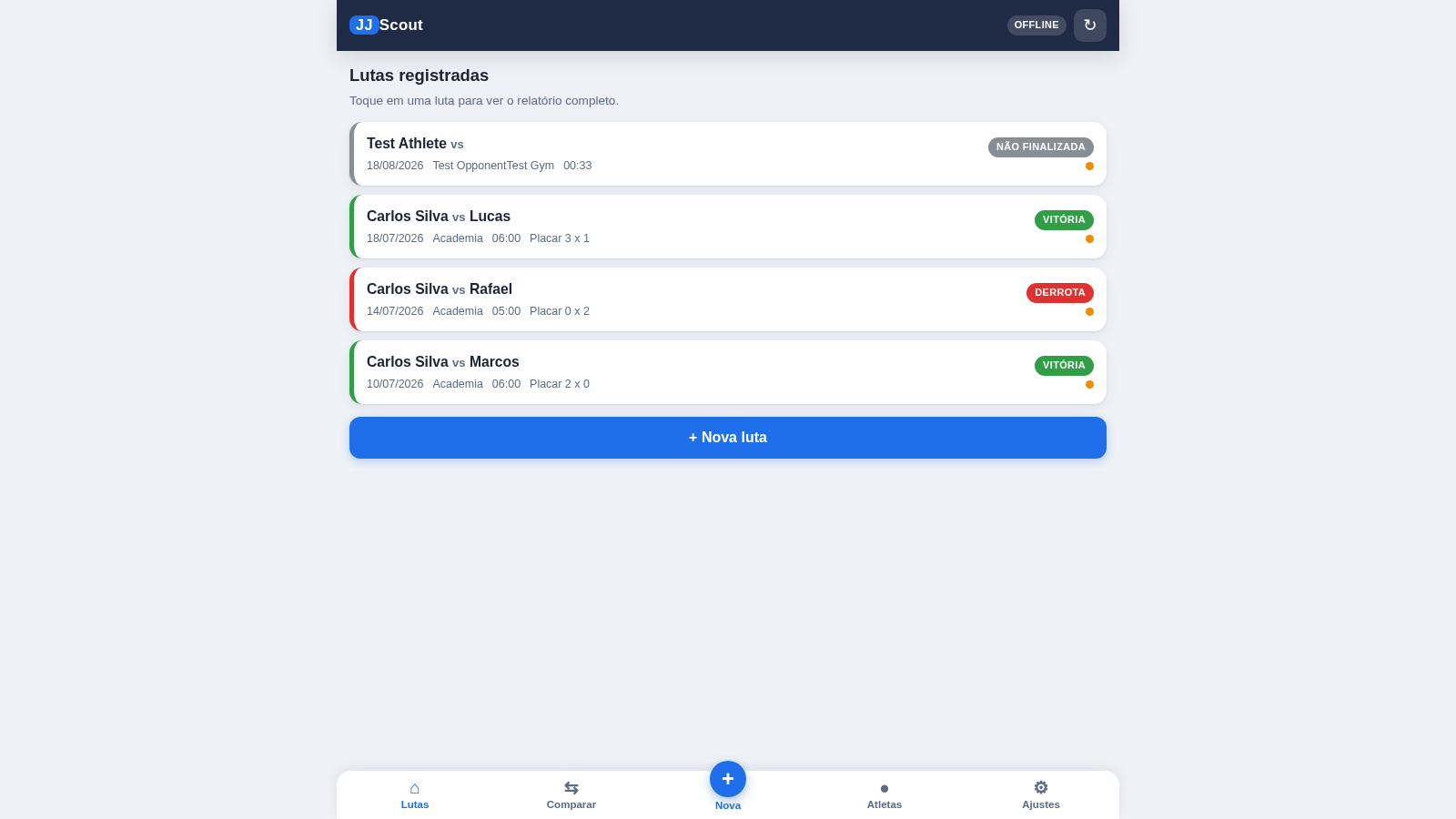
16JJ Scout
Scout de lutas de Jiu-Jitsu: registro em um toque, relatórios visuais e exportação.
 16
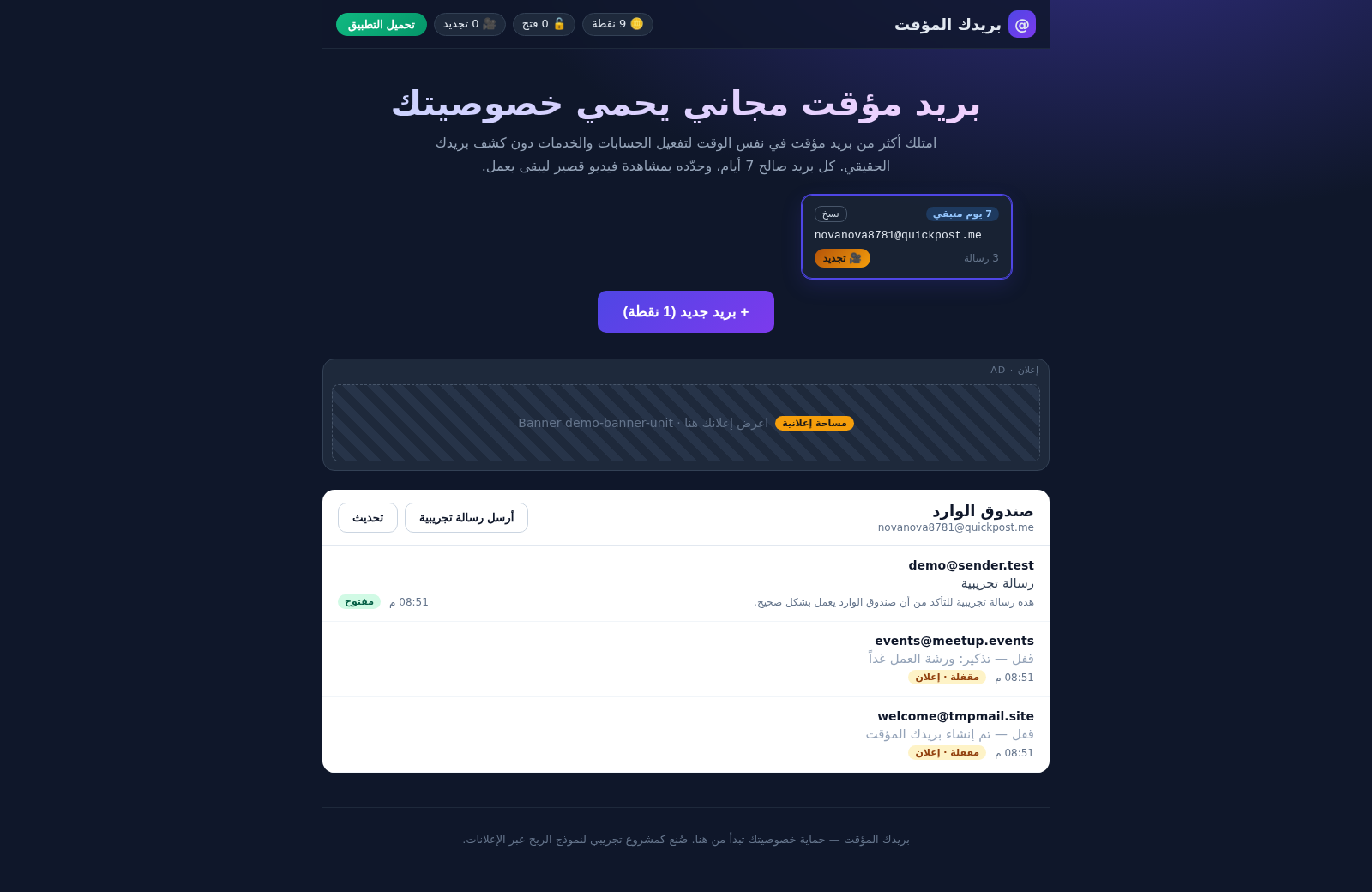
16بريدك المؤقت
بريد مؤقت مجاني آمن - أنشئ أكثر من بريد في وقت واحد، احمِ خصوصيتك، واربح النقاط بمشاهدة الإعلانات
 13
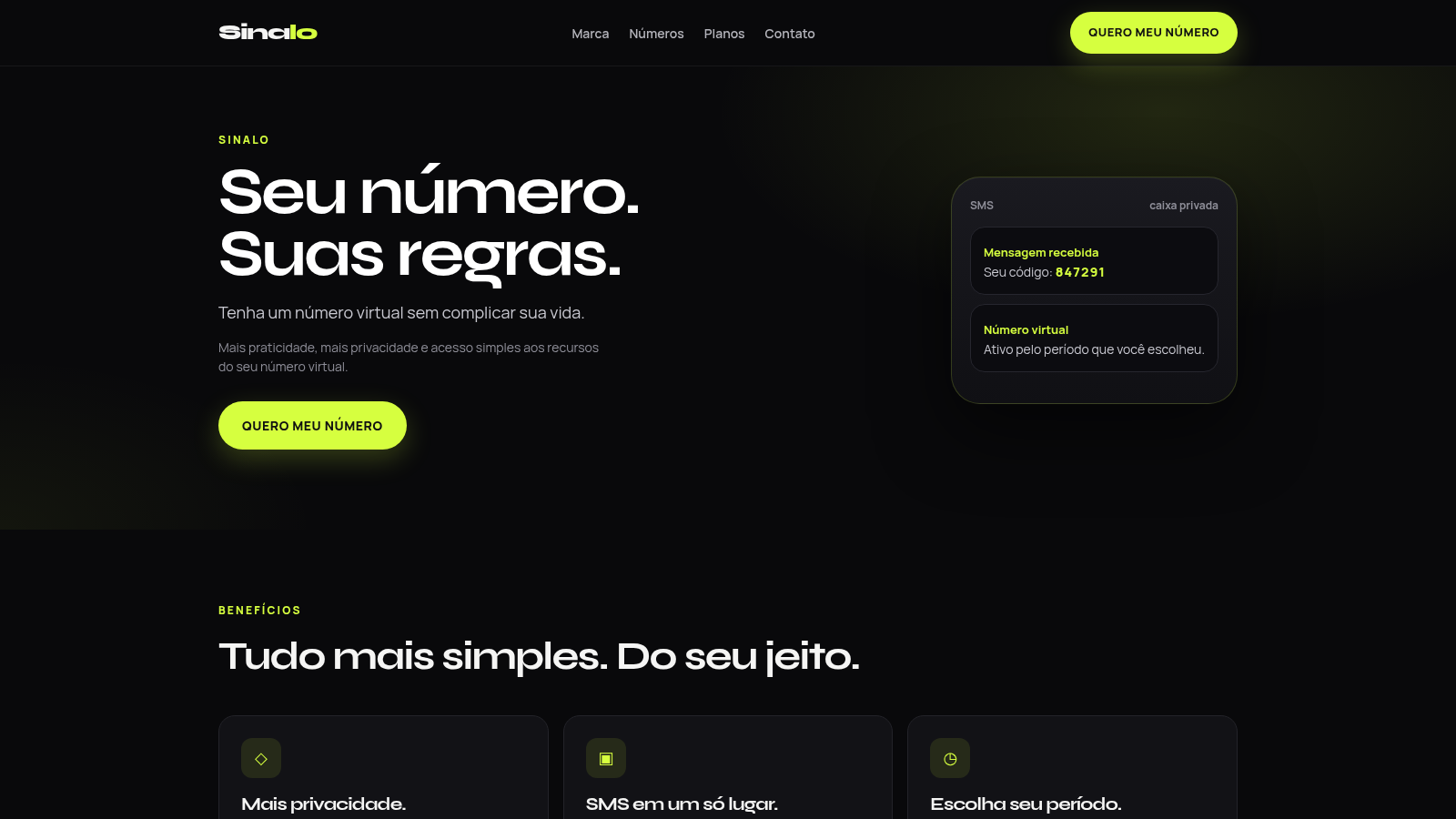
13Sinalo
Número virtual temporário para SMS, com planos e caixa privada.
 10
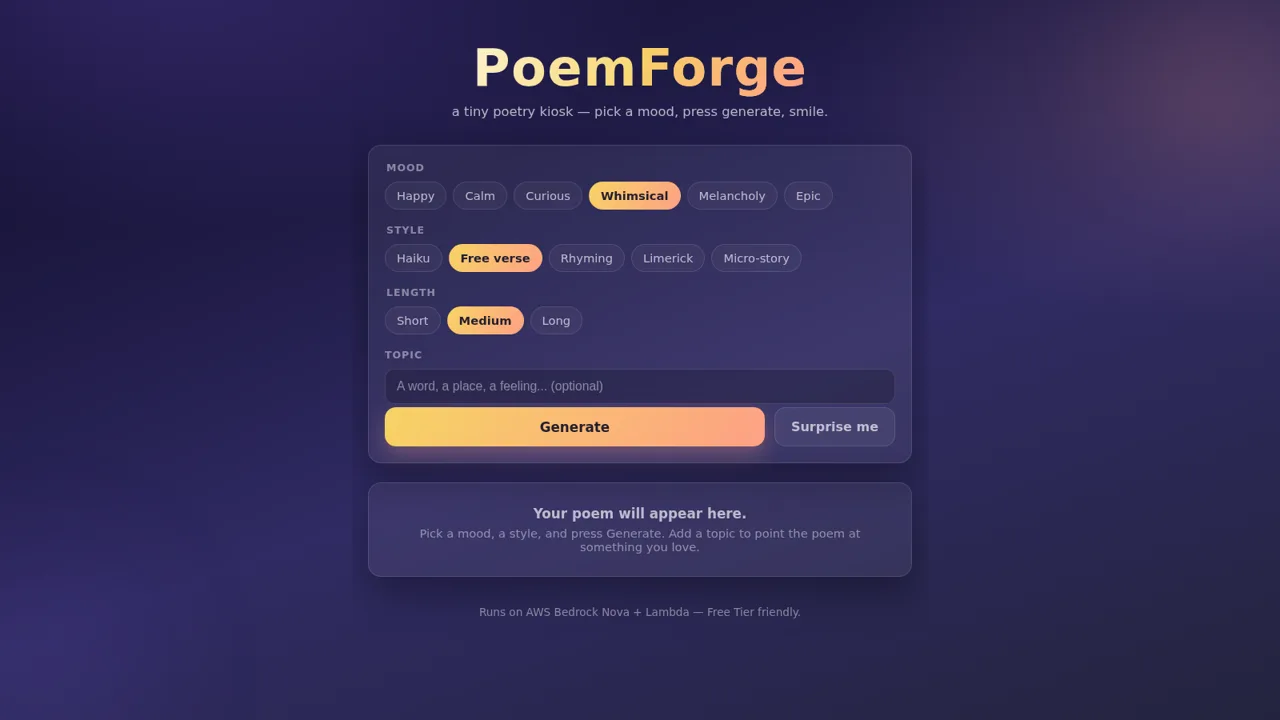
10PoemForge
A tiny poetry kiosk that forges poems and micro-stories from a mood and a topic