
ED IPTV
A browser IPTV client demo for browsing live channels, movies and series
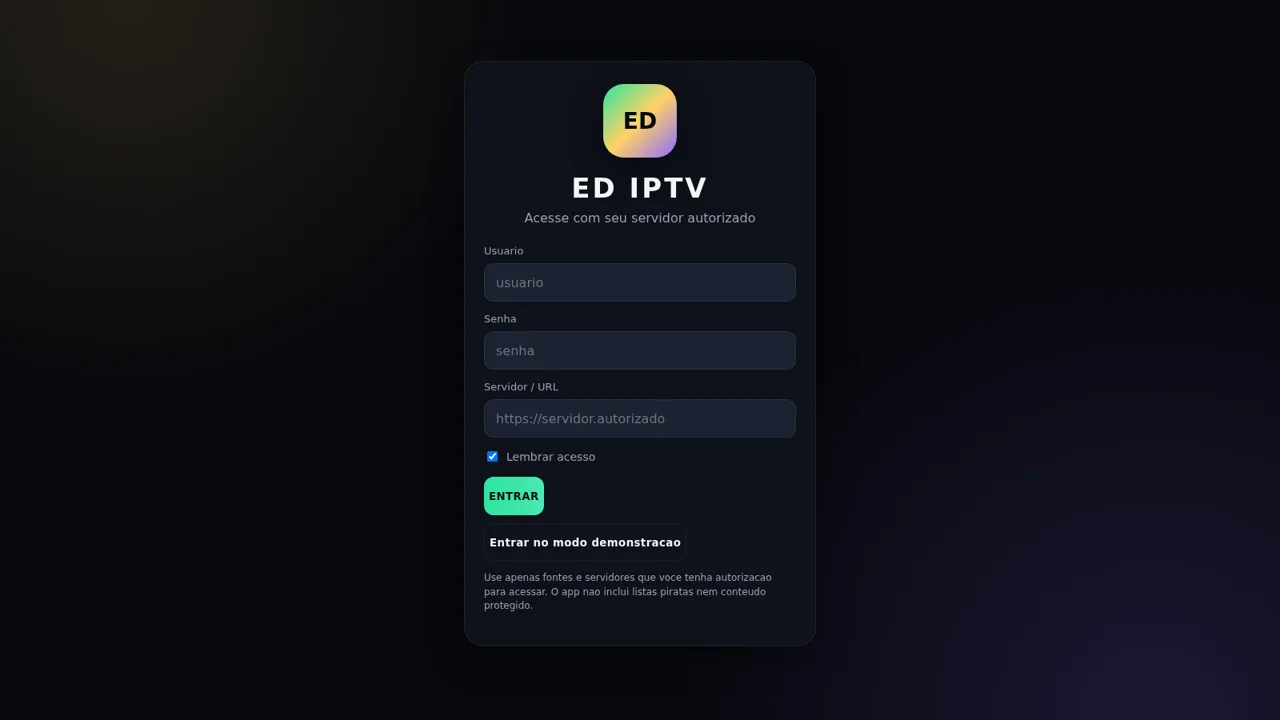
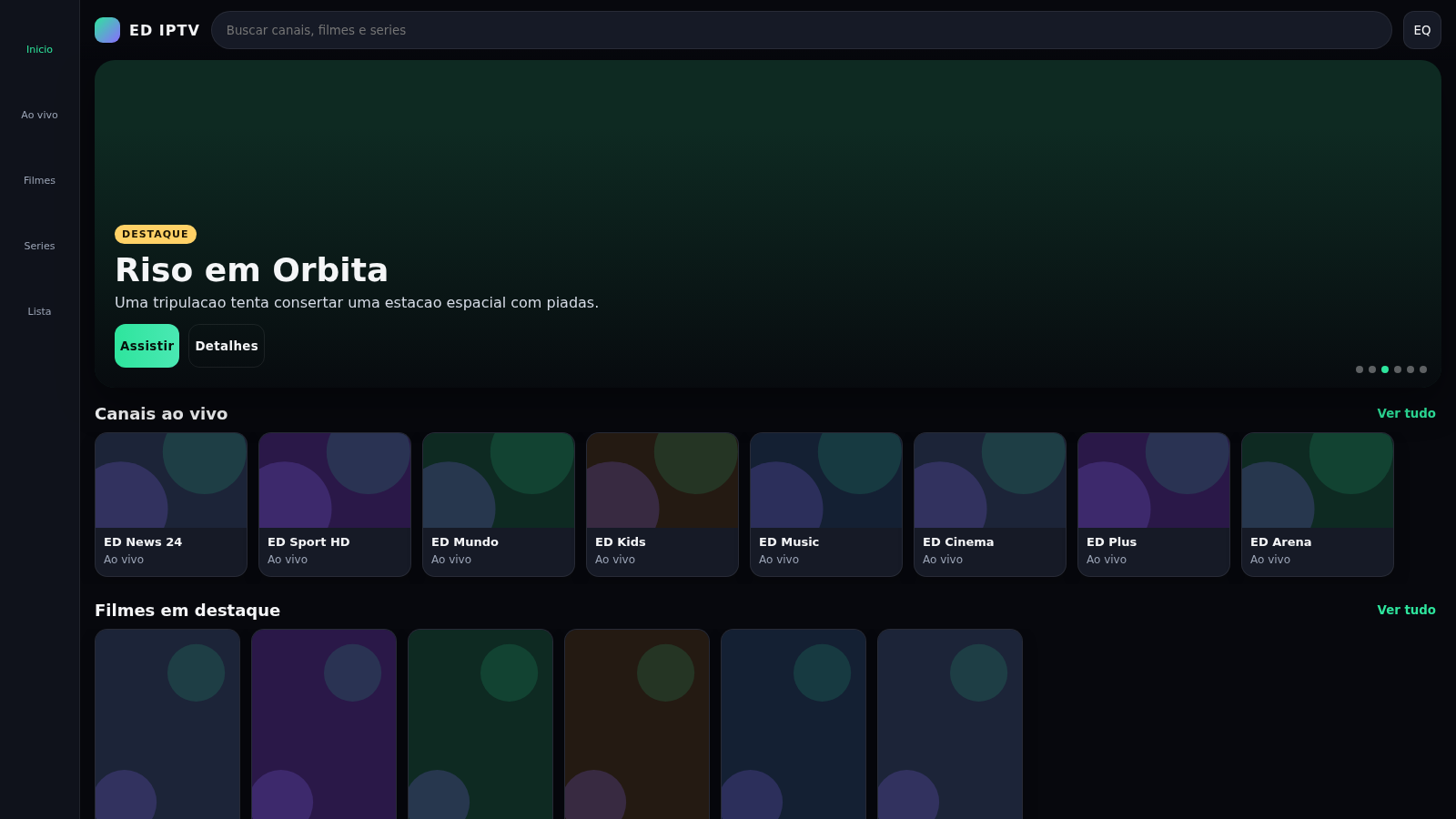
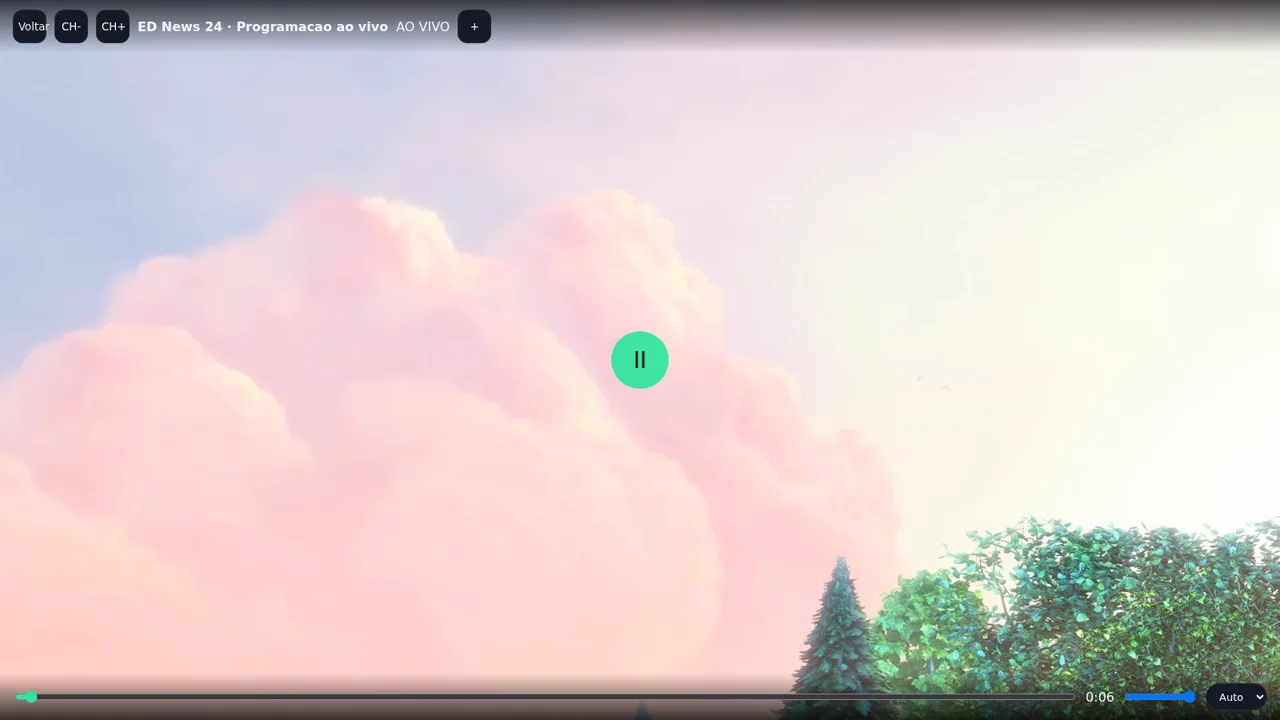
ED IPTV is a single-page web app styled as an IPTV client, written in Portuguese with a dark dashboard interface. It starts on a login screen with user, password and server URL fields, and also offers a demonstration mode that loads a fictional catalogue of eight live channels, six movies and four series. Users can browse each section, filter by category, run a combined search, open a title to see genre, year, runtime, rating and synopsis, play it in a simulated player with play, progress, volume and quality controls, add titles to a list, and review continue watching and playback history. A settings page collects preferences for quality, autoplay, subtitles, language, theme, parental controls and category visibility. Playback is simulated and no media is streamed.
Highlights
Demo catalogue
18 titles to browse
Unified search
Search all sections
Simulated player
Play, sound, quality
Favourites list
History and watchlist
Settings panel
Theme, subs, PIN
How to Use
Enter the app
Open the site and you land on a login screen. Fill in a user, password and server URL if you have an authorised source, or press the demonstration mode button to load the built-in fictional catalogue instead.
Browse and filter
Use the left navigation rail to switch between home, live TV, movies, series and your list. On each section, tap the category chips to filter the grid, and use the header search to look across channels, movies and series at once.
Open and play a title
Select any card to open its detail page, which shows genre, year, runtime, rating and a short synopsis. Press the watch button to open the player, where you can pause, move the progress bar, change volume and pick a video quality; live channels also provide channel up and down buttons.
Save and adjust
Use the add to list button on a detail page to save a title, then open the list section to see continue watching, favourites and playback history. The EQ icon opens settings for quality, autoplay, subtitles, language, theme and parental controls.
Similar Sites
 1
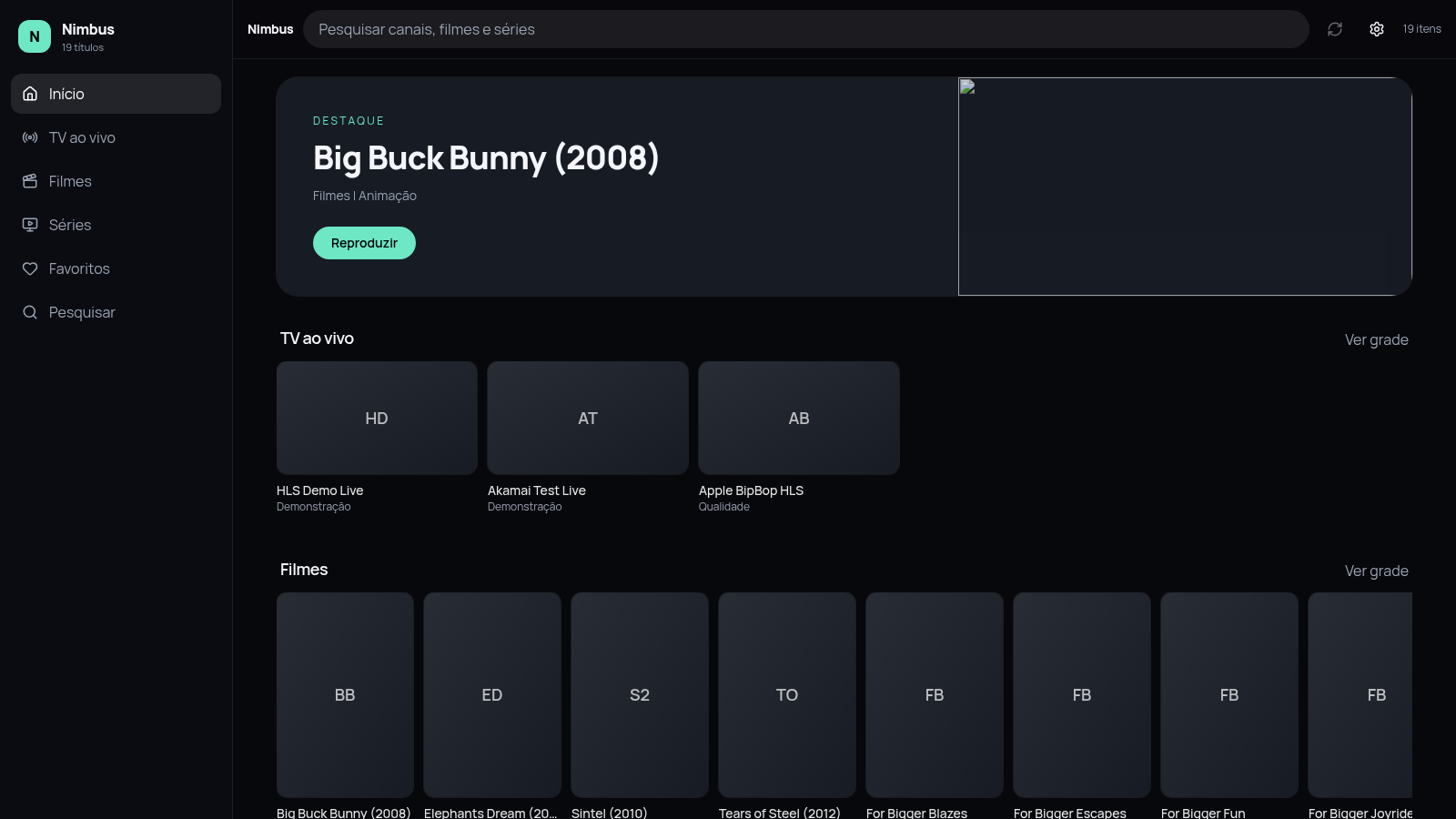
1Nimbus
Reprodutor IPTV no navegador. Importe listas M3U e assista TV, filmes e series.
 12
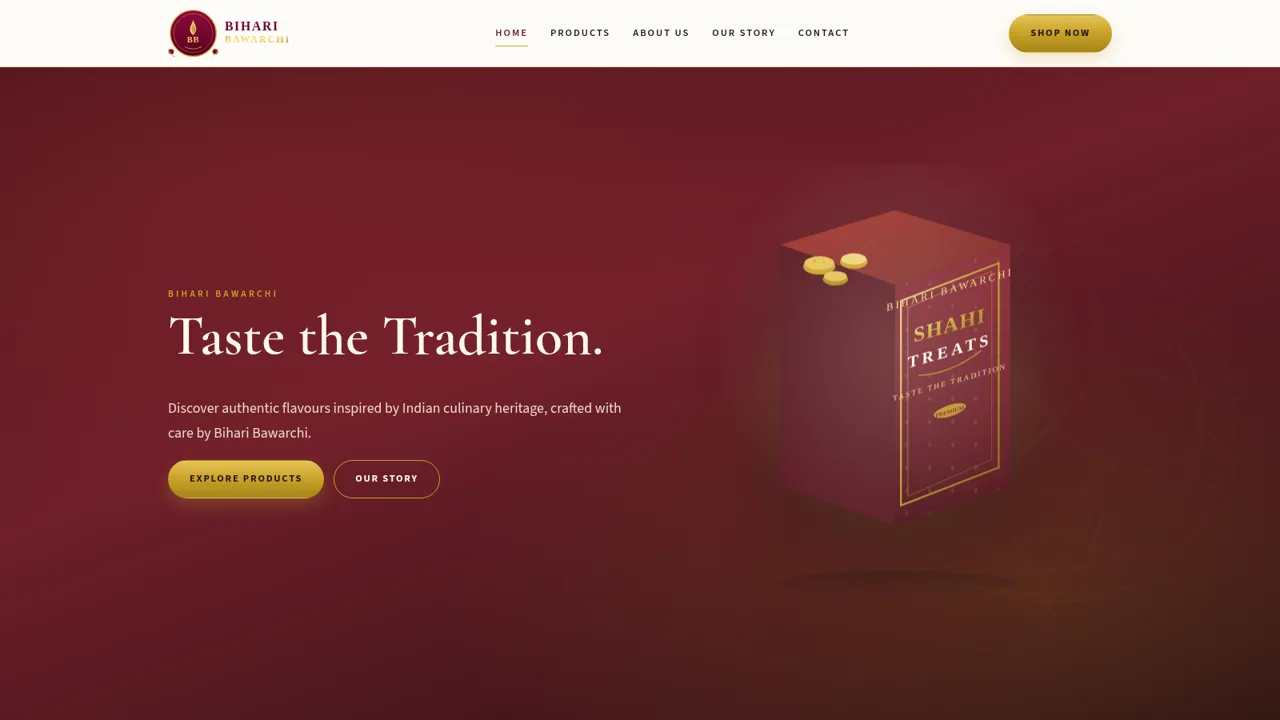
12Bihari Bawarchi
Authentic Indian food brand featuring Shahi Treats and traditional flavours.
Alpine Lodge
Mountain-themed music player with a YouTube playlist, glass UI, and shuffle.
 5
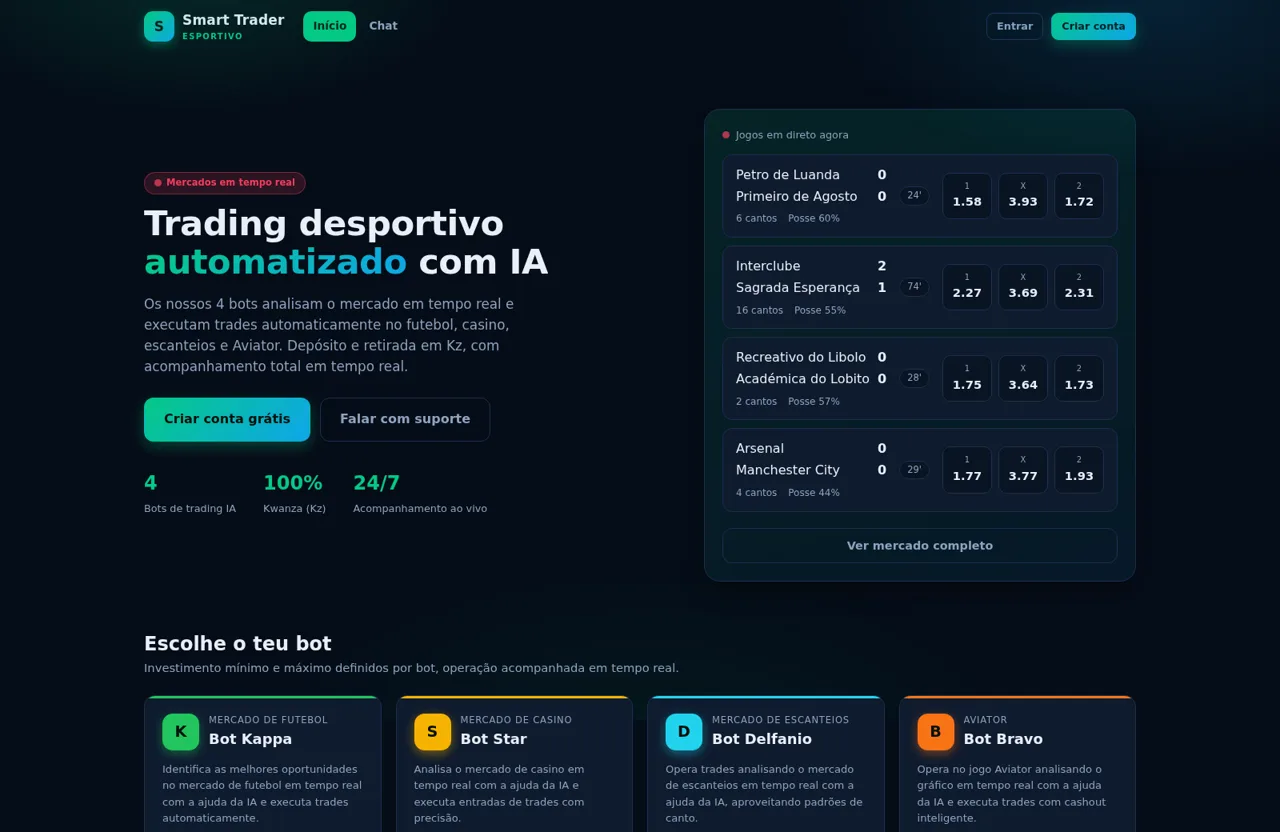
5Smart Trader Esportivo
Trading desportivo automatizado em Angola com bots de trading IA e depósito/retirada em Kz
 1
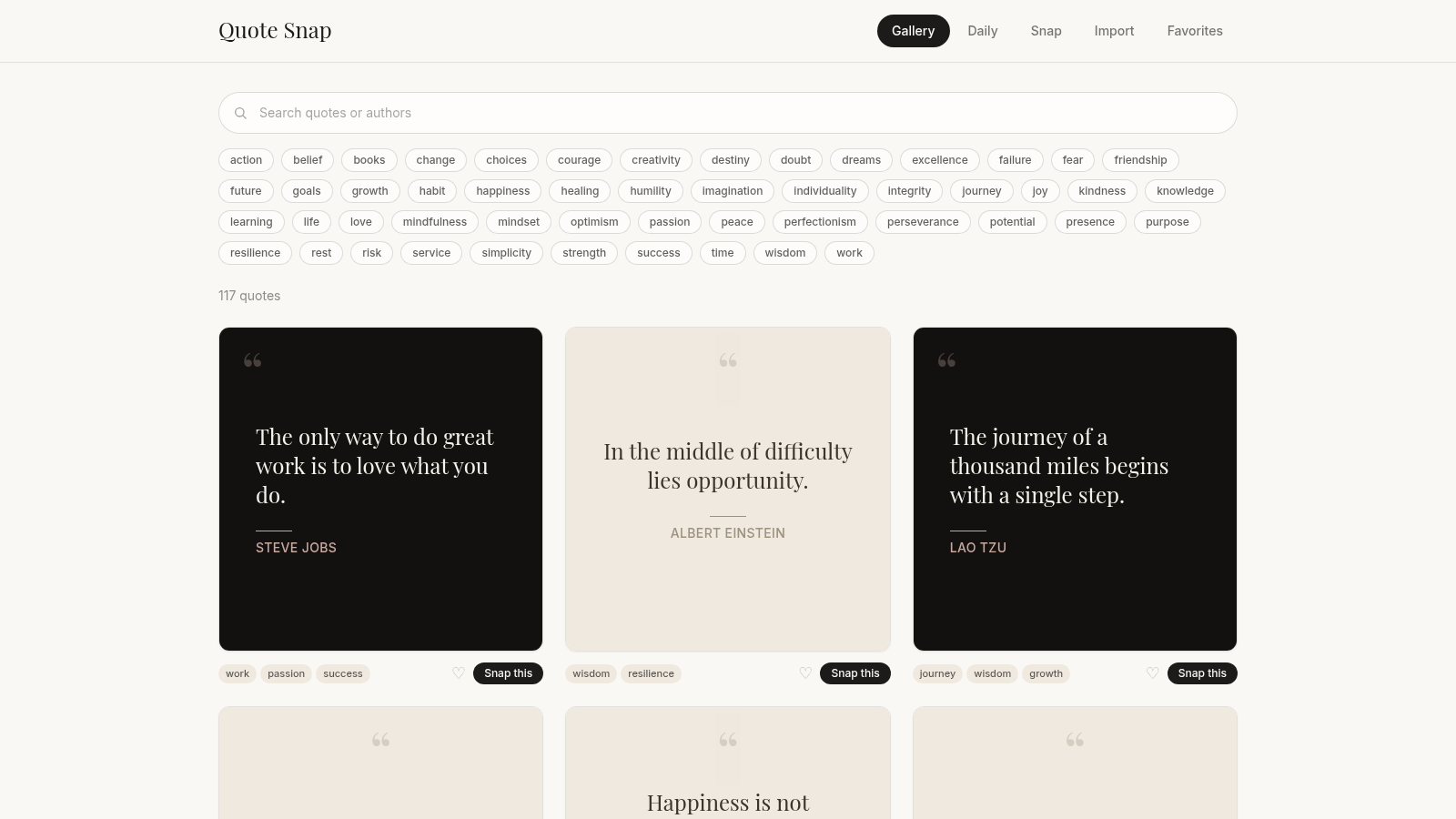
1Quote Snap
Discover, collect, and turn quotes into elegant shareable images.
 62
62Vexel: Cascade
Directional arrow puzzle with solo and versus rooms