
Calculadora TopCar
Turn kilometres driven into a service price, with a PIN-protected admin area for rates.
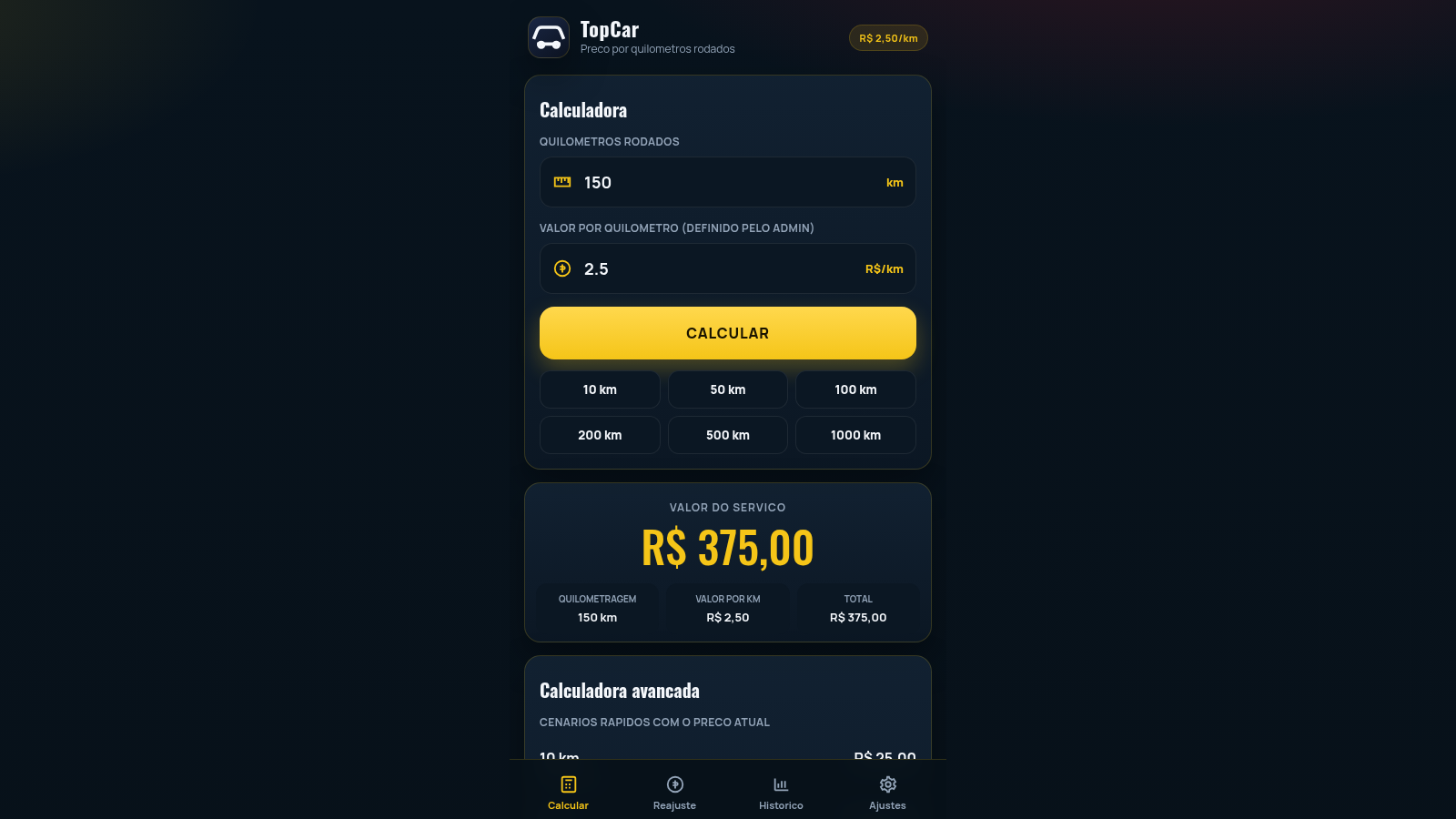
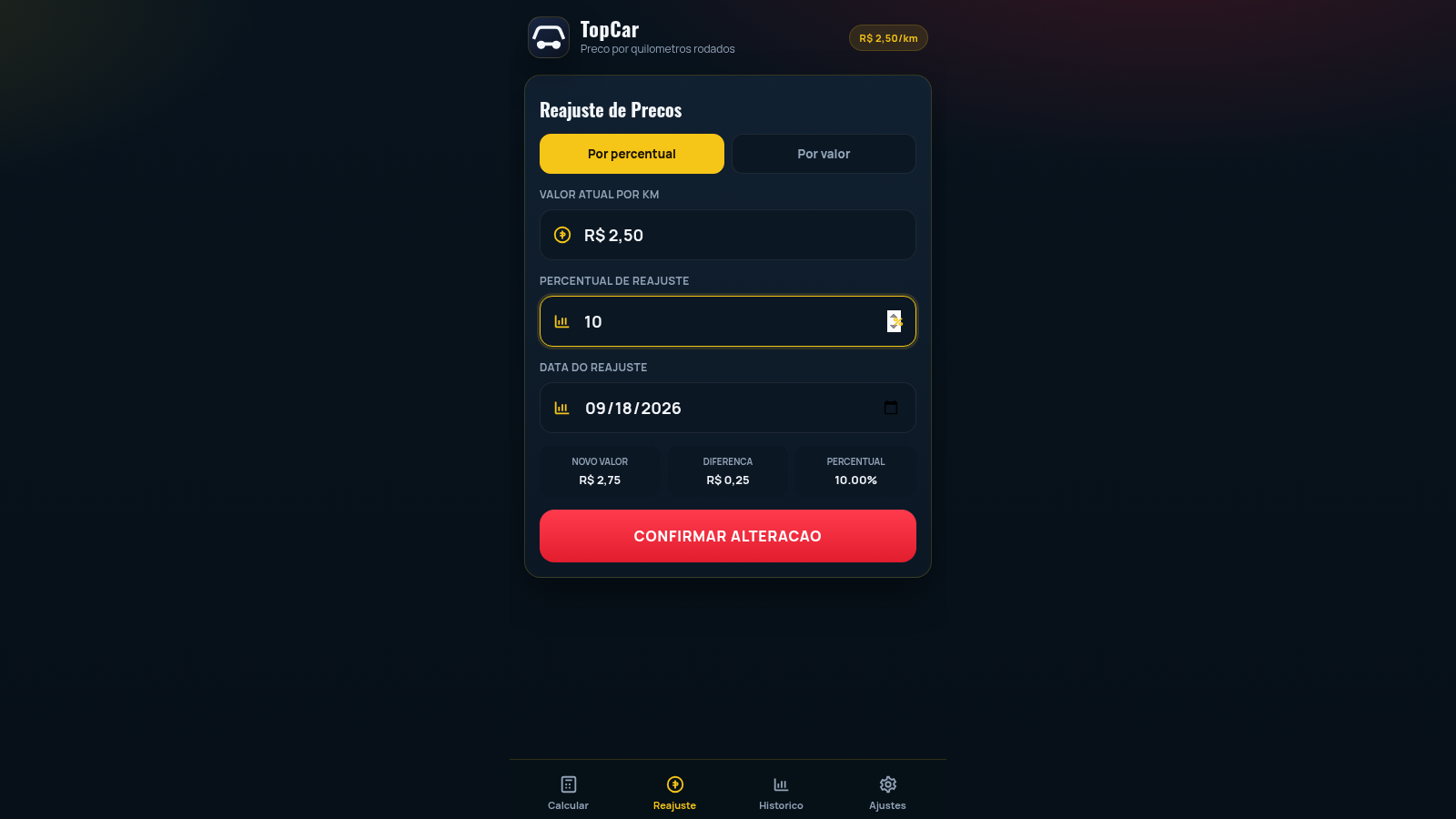
Calculadora TopCar is a single-page calculator for car and transport services that bill by distance. The calculator tab takes the number of kilometres driven together with the value per kilometre defined by an administrator, then shows the resulting service price, a result card with the mileage, rate and total, and a table of preset distances from 10 to 1000 km. A PIN-protected admin area allows changing the rate by percentage or fixed amount with a live preview and a confirmation step, keeps a history of every adjustment, and edits the company name, default rate, number of decimal places and logo. The interface is in Brazilian Portuguese and amounts are shown in Brazilian Reais.
Highlights
Instant pricing
Live totals
Quick km presets
One-tap scenarios
Admin rate control
PIN protected
Adjustment log
History of changes
Company settings
Name, decimals, logo
How to Use
Calculate a service price
Open the Calcular tab and type the number of kilometres driven into the first field, for example 300. The value per kilometre is controlled by the administrator and is shown in the second field; press CALCULAR and the result card fills with the mileage, the rate and the total service value. You can also tap one of the quick buttons for 10, 50, 100, 200, 500 or 1000 km to load that distance directly, and the Calculadora avancada table below lists the cost of each preset distance at the current rate.
Adjust the price per kilometre
Open the Reajuste tab and enter the administrator PIN when asked. Once inside, choose whether to adjust by percentage or by a fixed amount, type the figure and the effective date, and the new value, the difference and the percentage are previewed immediately. Press CONFIRMAR ALTERACAO, confirm in the dialog, and the rate shown in the header updates and a new entry appears in the history.
Check the adjustment history
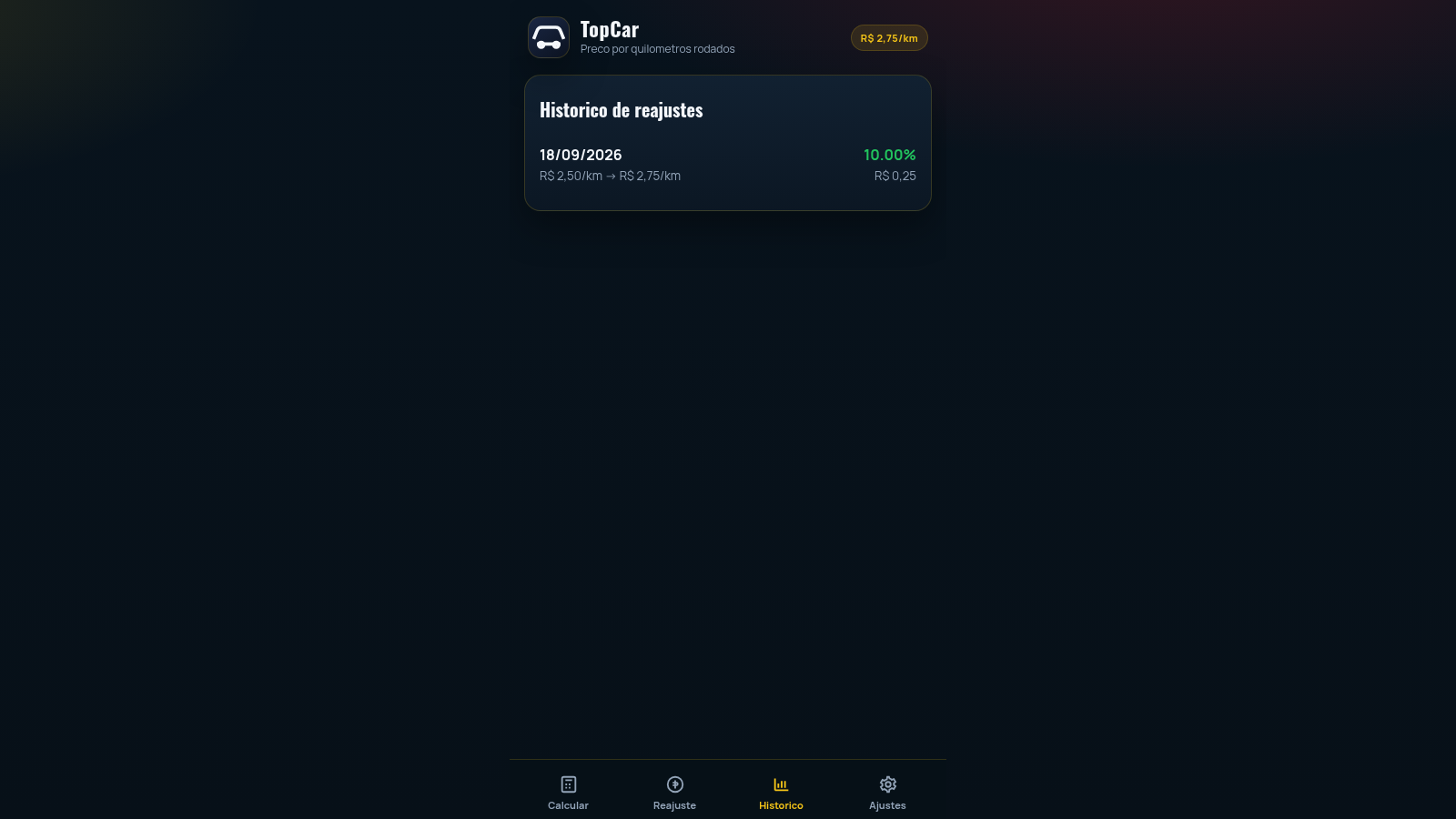
Open the Historico tab to see every recorded rate change. Each entry shows the date, the old and new value per kilometre, the percentage applied and the corresponding difference, so you can trace how the service price has evolved over time.
Change the company settings
Open the Ajustes tab to edit the company name, the default value per kilometre, the number of decimal places and the logo image, to toggle the confirmation step before adjusting, and to set a new administrator PIN. Press SALVAR to store the changes or RESTAURAR to revert to the defaults.
Similar Sites
 69
69Animates — Anime Merch Store
Full-stack Arabic RTL anime merch store with COD checkout and admin dashboard
 4
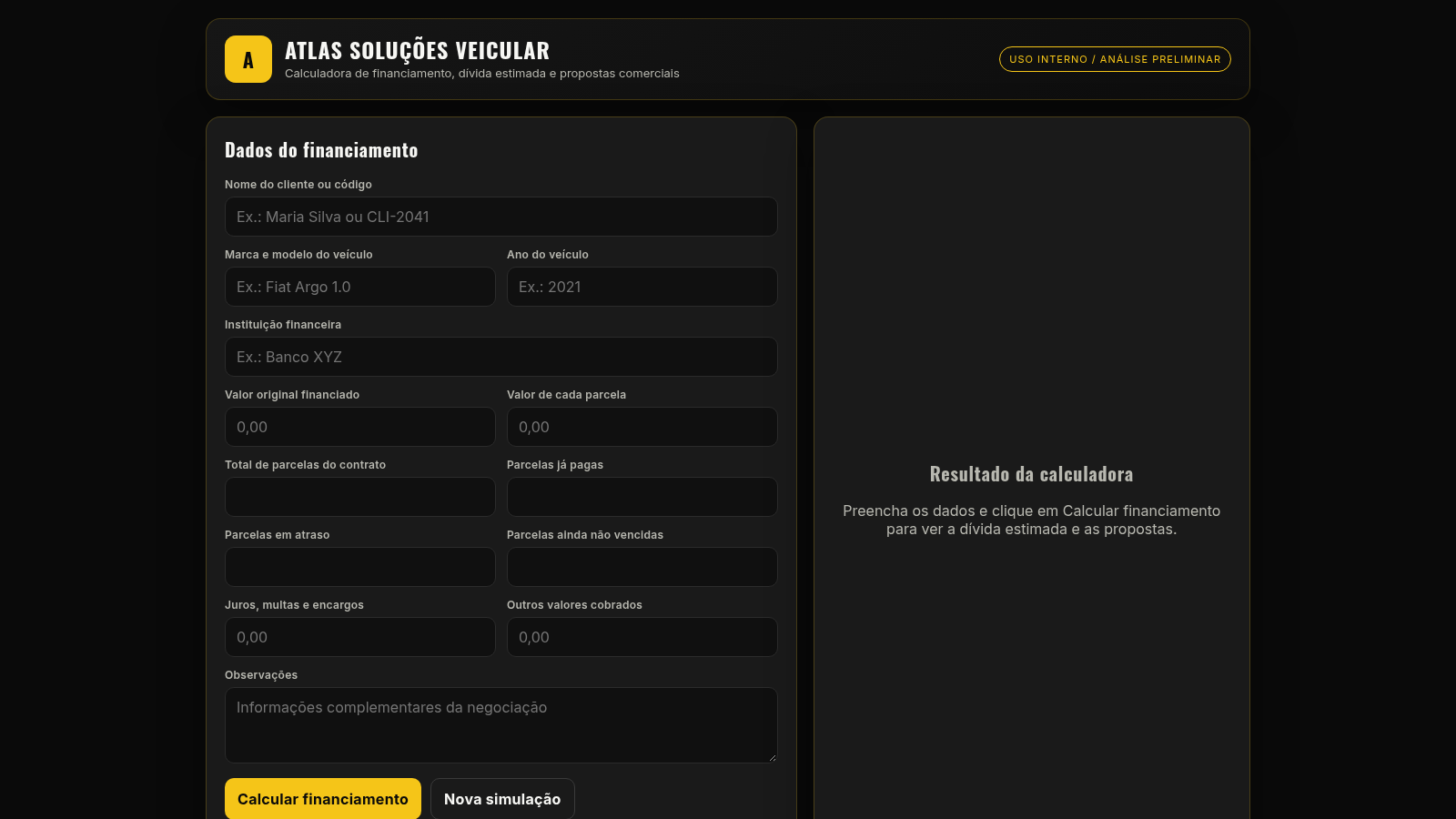
4ATLAS Calculadora Veicular
Calculadora de financiamento veicular e propostas comerciais da ATLAS.
 7
7AliCakes
Precios y presupuestos de pasteleria con el metodo de costos en 4 etapas
 3
3Arbitragem MEXC Spot x Futuros
Sistema de arbitragem Spot x Futuros na MEXC com calculadora de taxas e robo de execucao automatica
 417
417Smile Patisserie
Smile Patisserie menu: cakes, oriental, bakery, and WhatsApp cart
 492
492حاسبة رسوم الجمعية
حاسبة رسوم الجمعية لوكلاء Money Fellows — حساب القسط وصافي القبض شهر بشهر.