
OMG - Optical Media Grader
Offline teacher gradebook with bubble sheets and paper scanning
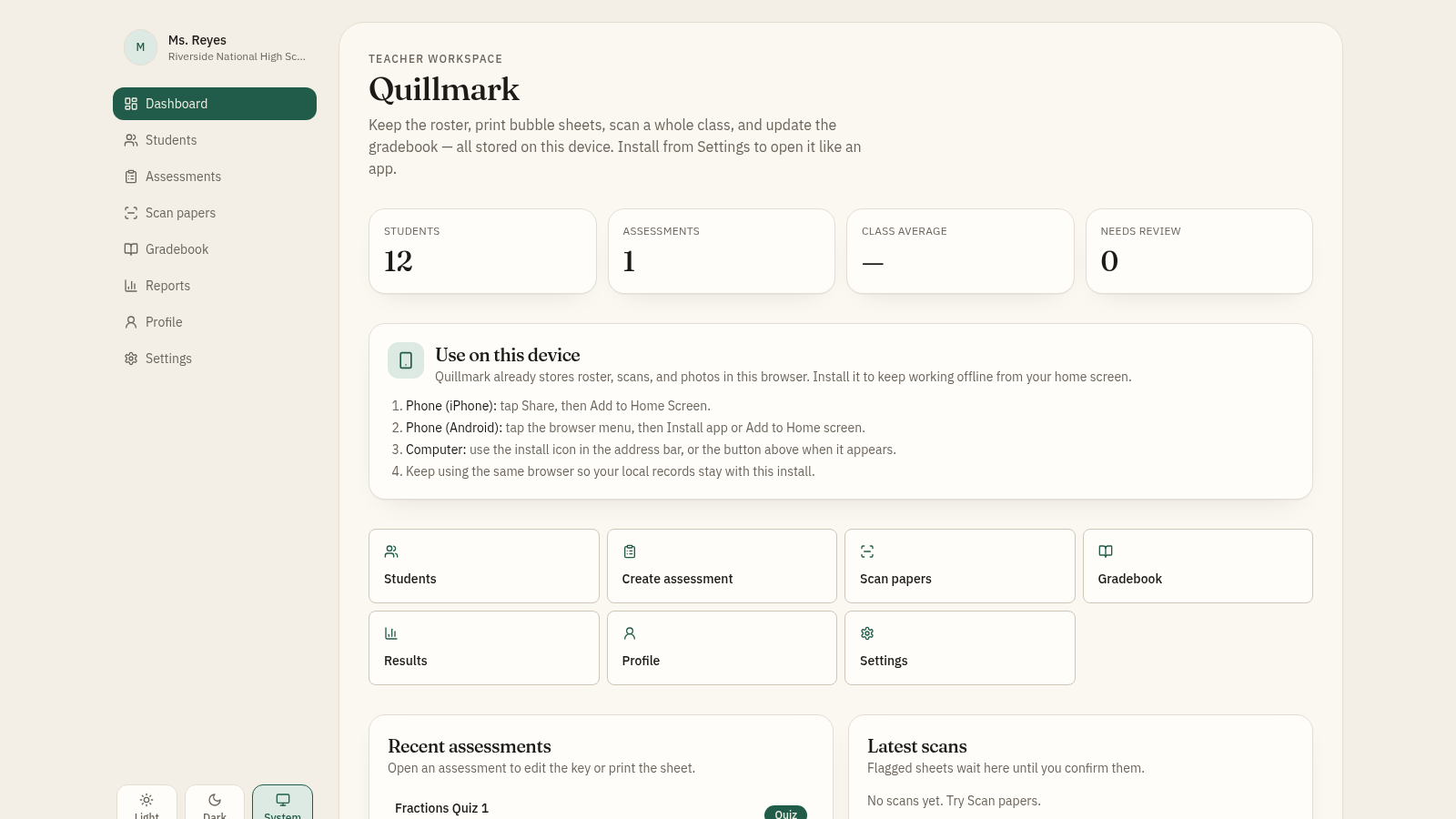
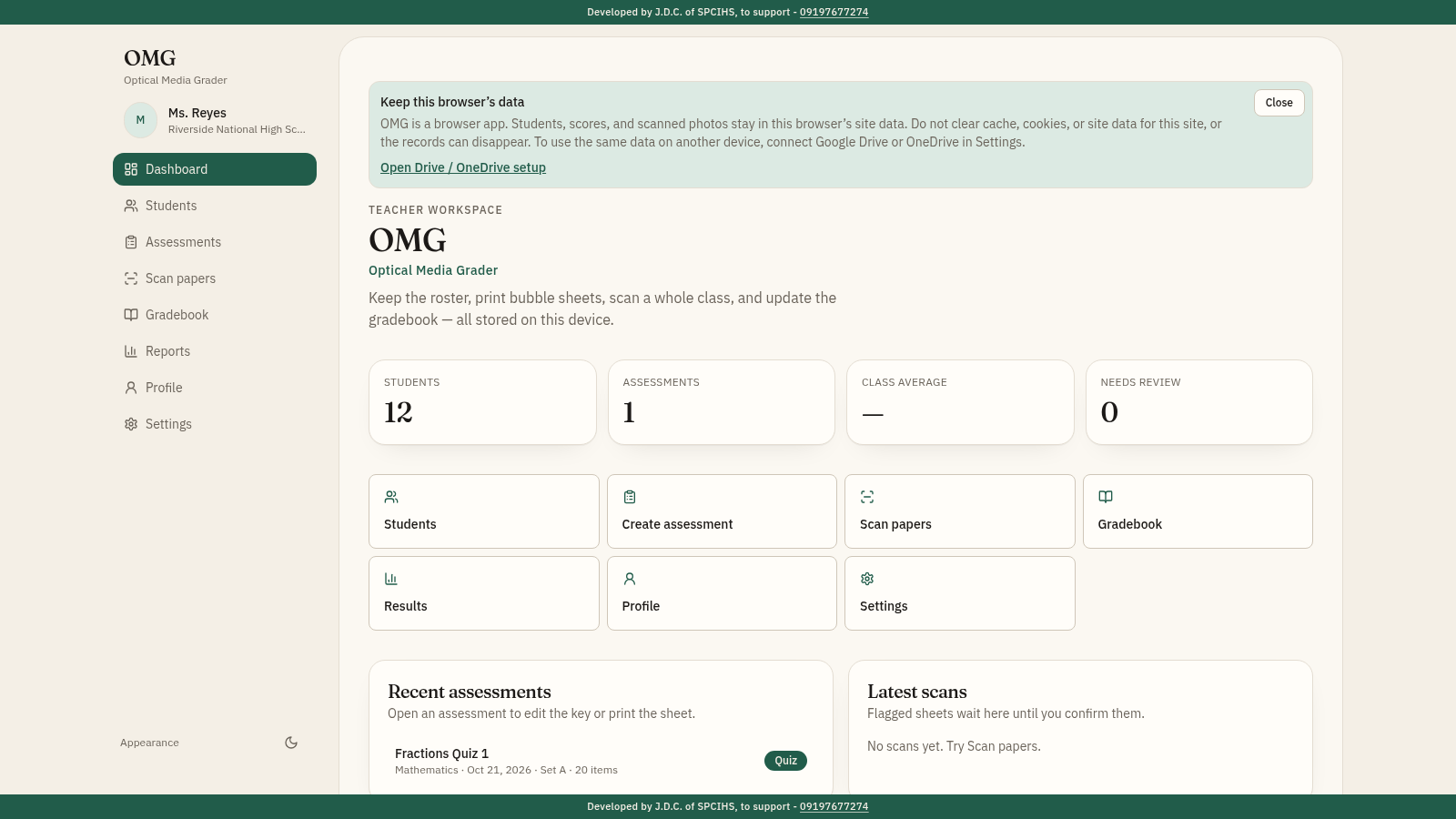
Quillmark is a browser-based gradebook built for teachers who work on a single device. It opens on a dashboard with quick stats and shortcuts, then walks through the full grading workflow: keep a student roster with roll number, LRN, grade and section; build a multiple-choice assessment and enter its answer key; generate a printable bubble sheet and download it as a PNG; then scan completed papers by image upload or webcam and let the app score the whole class. Scores flow into the gradebook, and the reports page turns them into item analysis, a score distribution, and wrong-answer similarity checks by section. Everything is stored locally in the browser, with Excel export, ZIP backup and restore, a teacher profile used on printed sheets, and light, dark and system themes.
Highlights
Bubble sheet export
Preview and download answer-sheet PNG
Paper scanning
Upload, webcam, or run a sample class
Auto gradebook
Scores update the roster automatically
Item analysis
Per-item difficulty and option counts
Similarity flags
Flags matching wrong answers by section
How to Use
Set up the roster
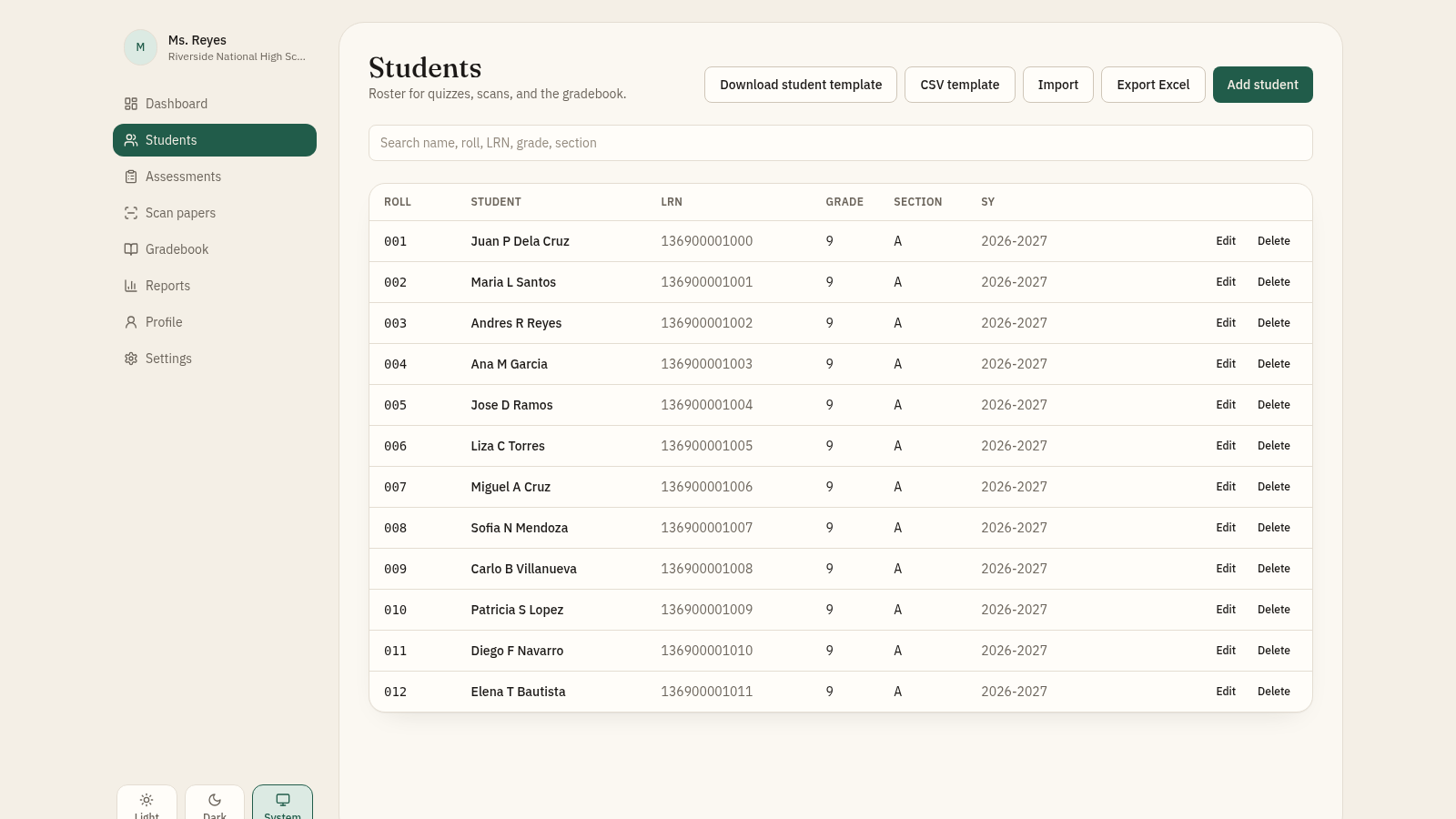
Open Students to see the seeded class of twelve pupils with roll, LRN, grade, section and school year. You can search the list, add a student, or download the CSV template and import your own roster; Export Excel saves the current list.
Create an assessment
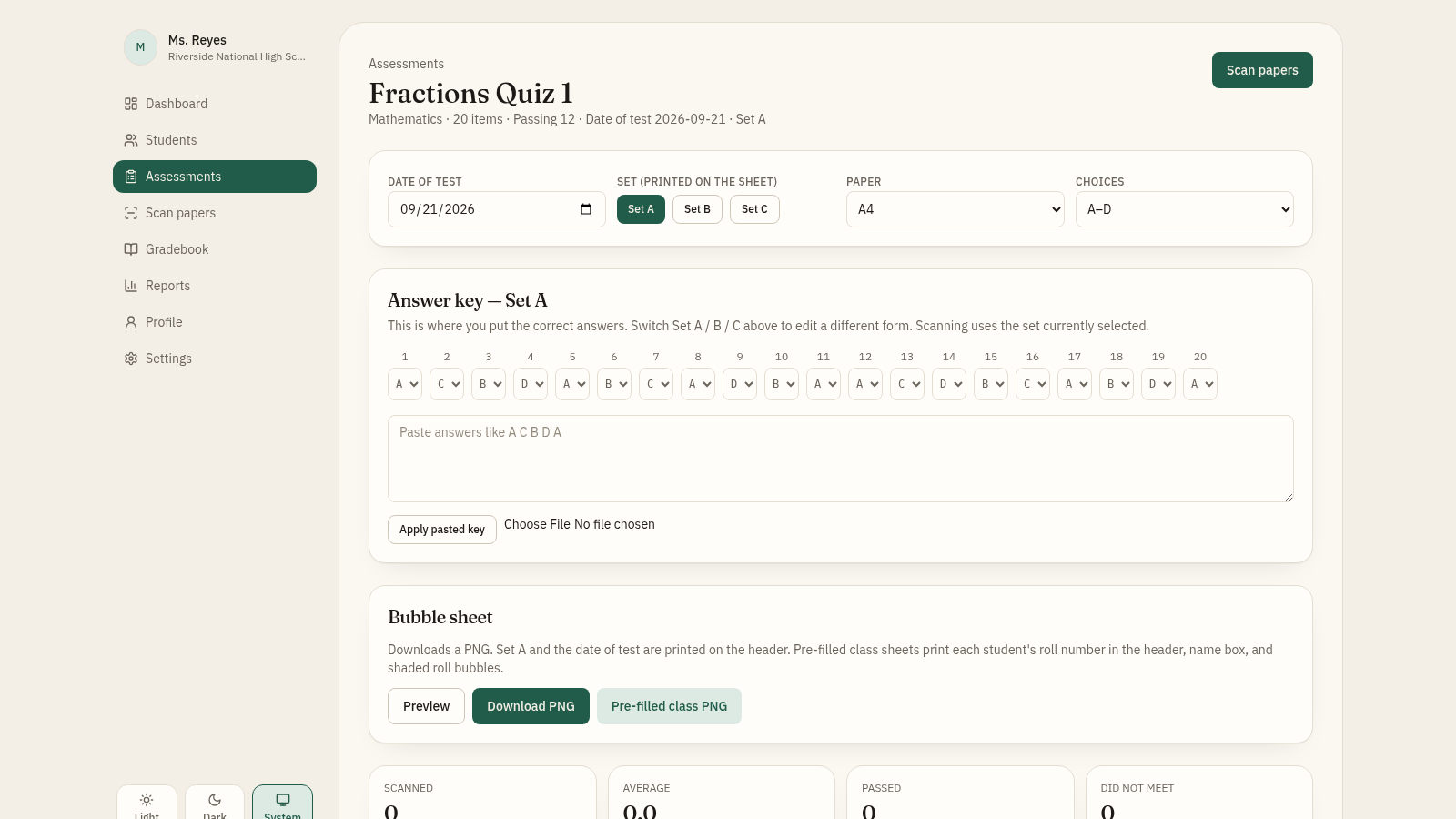
Go to Assessments and open or create a quiz. On the detail page set the date of test, the set (A, B or C), the paper size and the number of choices, then fill in the answer key item by item or paste a key such as A C B D. Use the Bubble sheet section to preview and download the PNG, or download a pre-filled class sheet that prints each student's roll number.
Scan and score papers
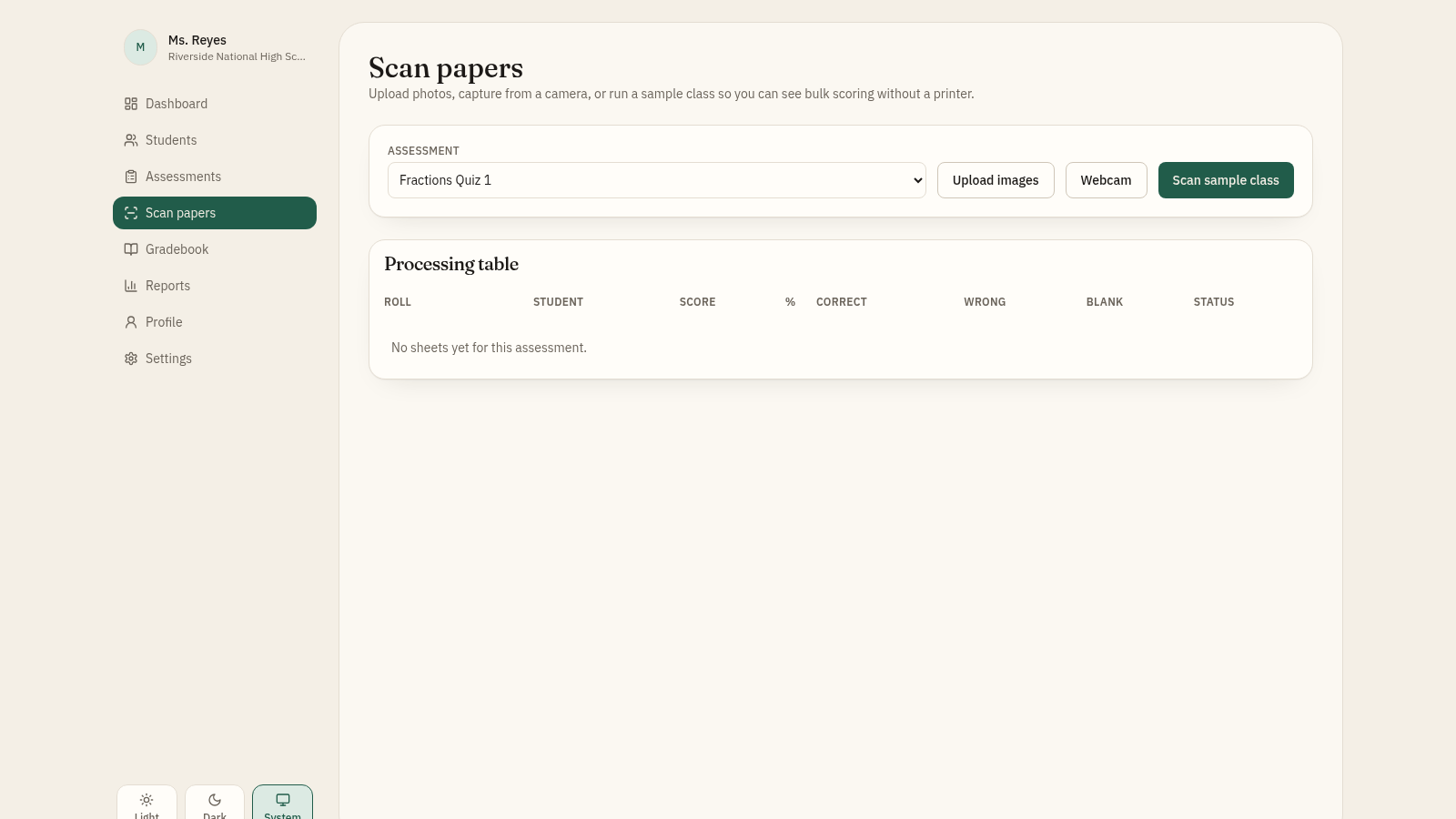
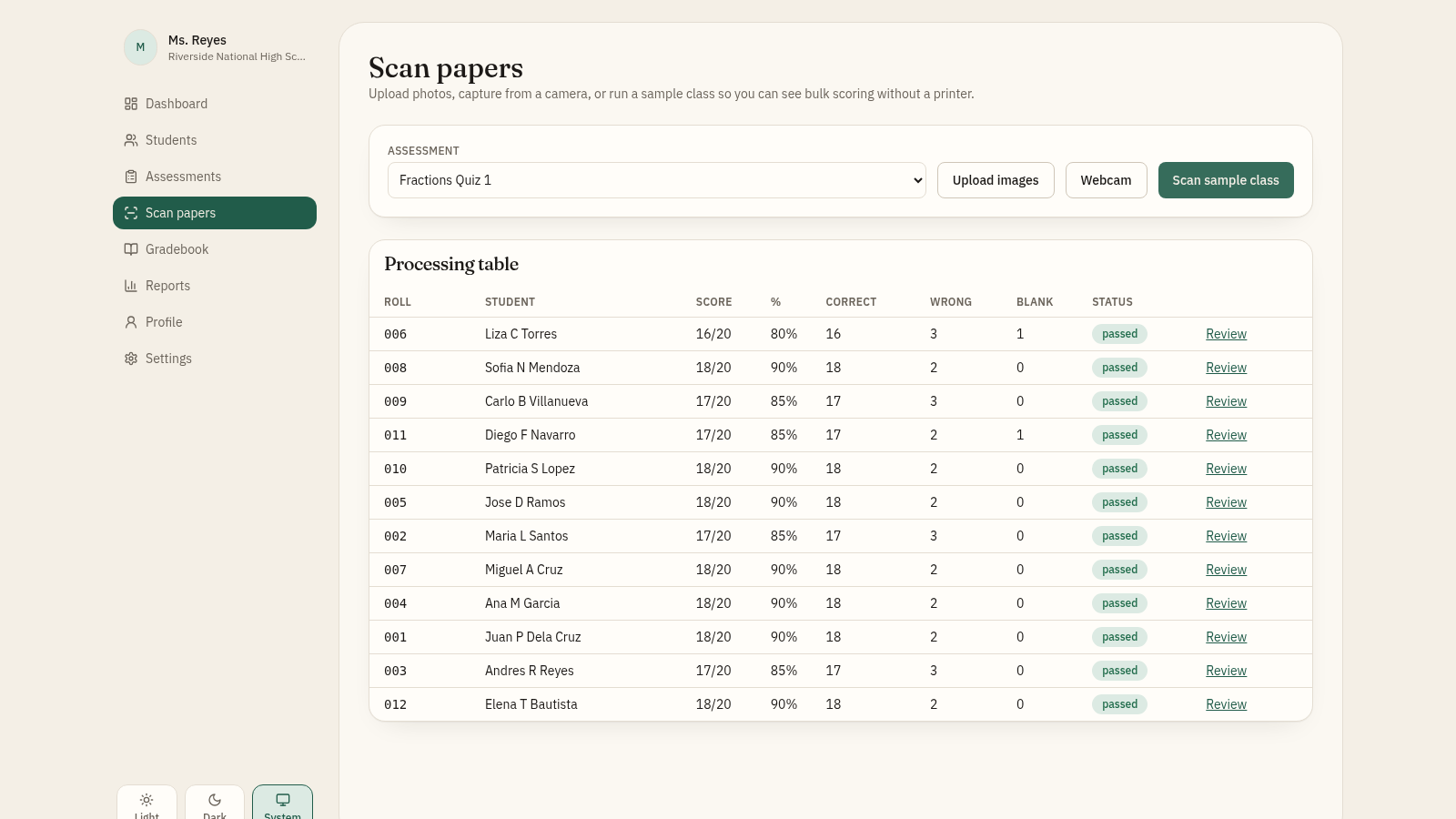
Open Scan papers, choose the assessment, and upload photos, capture from a webcam, or press Scan sample class to see bulk scoring without a printer. A processing table lists each student with score, percentage, correct, wrong, blank and status, and every row has a Review link.
Review results
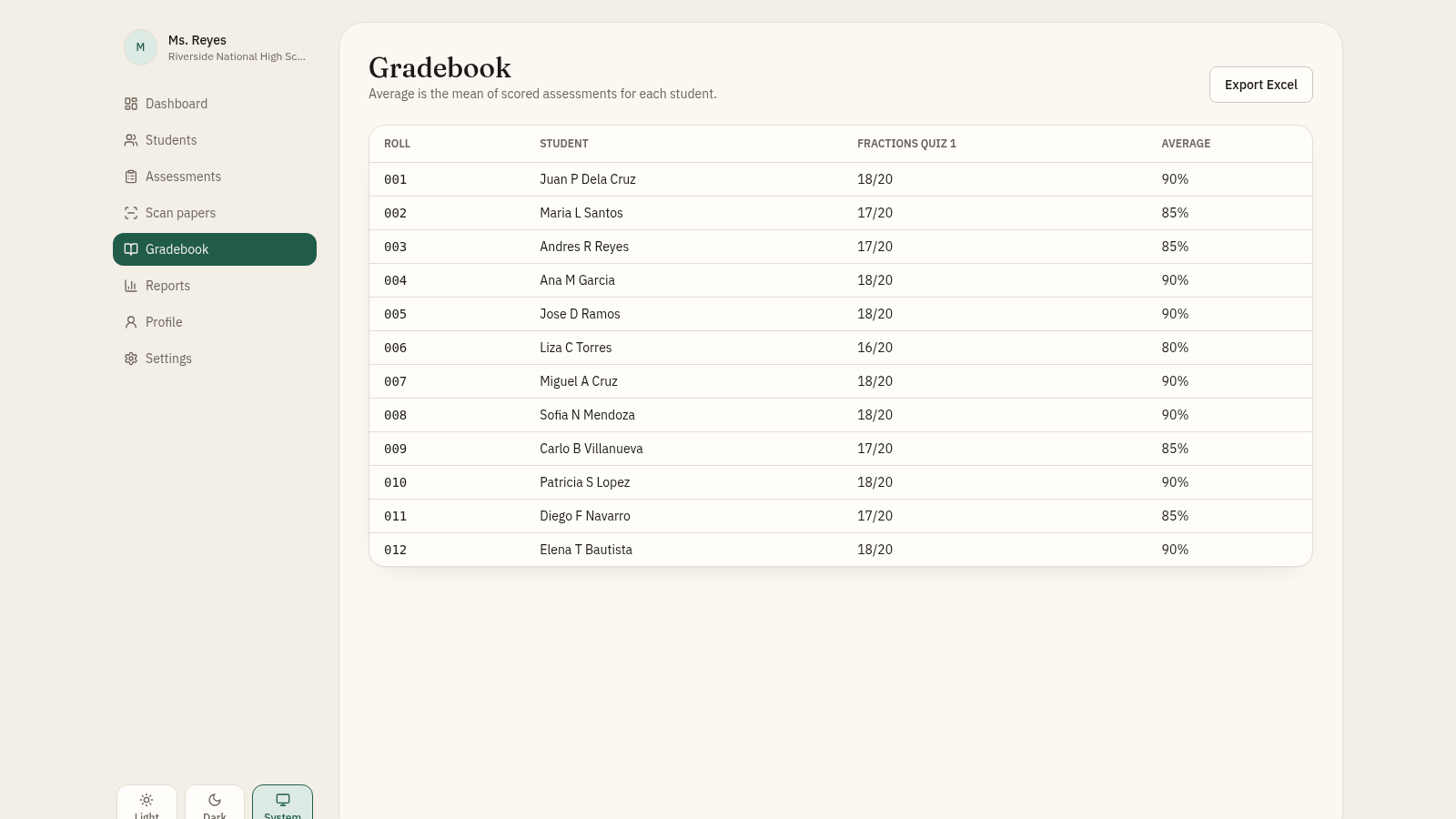
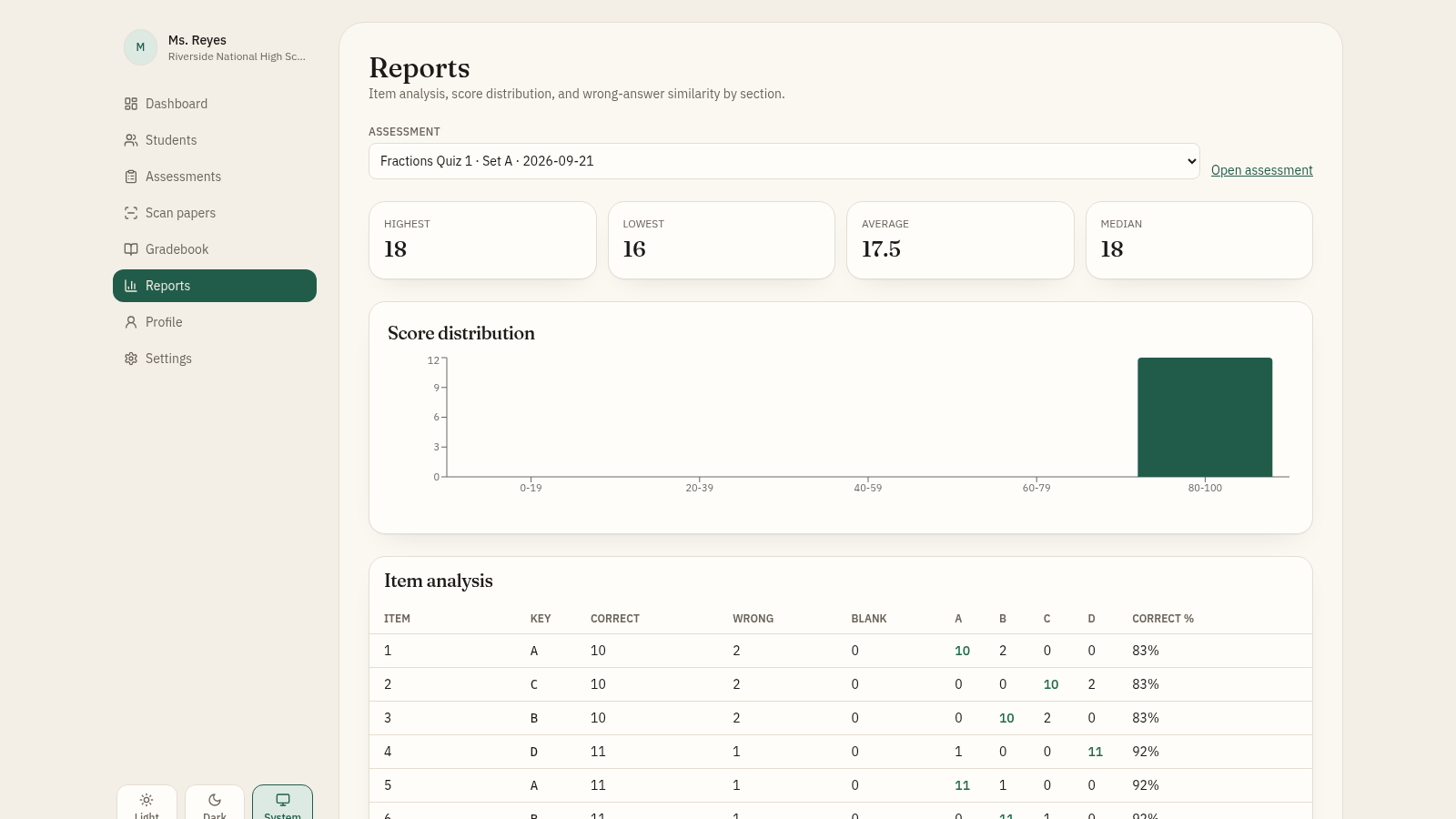
The Gradebook shows each student's score per assessment plus an average, and can be exported to Excel. Reports adds highest, lowest, average and median scores, a score distribution chart, item analysis with correct percentages, and wrong-answer similarity pairs that are flagged when the shared wrong answers pass the threshold.
Back up and personalize
Profile stores the teacher name, contact, school details and a cropped photo that appear on printed sheets. Settings holds class defaults, the Light, Dark and System theme choice, install instructions, and Export database or Import database to move a ZIP backup between devices.
Similar Sites
 18
18OMGrader
Offline-first teacher gradebook with bubble sheet generator and OMR scanner.
 10
10مدرسة النور الأهلية
نظام عربي لإدارة مدرسة أهلية عراقية: طلبة وأقساط وحضور ودرجات
 4
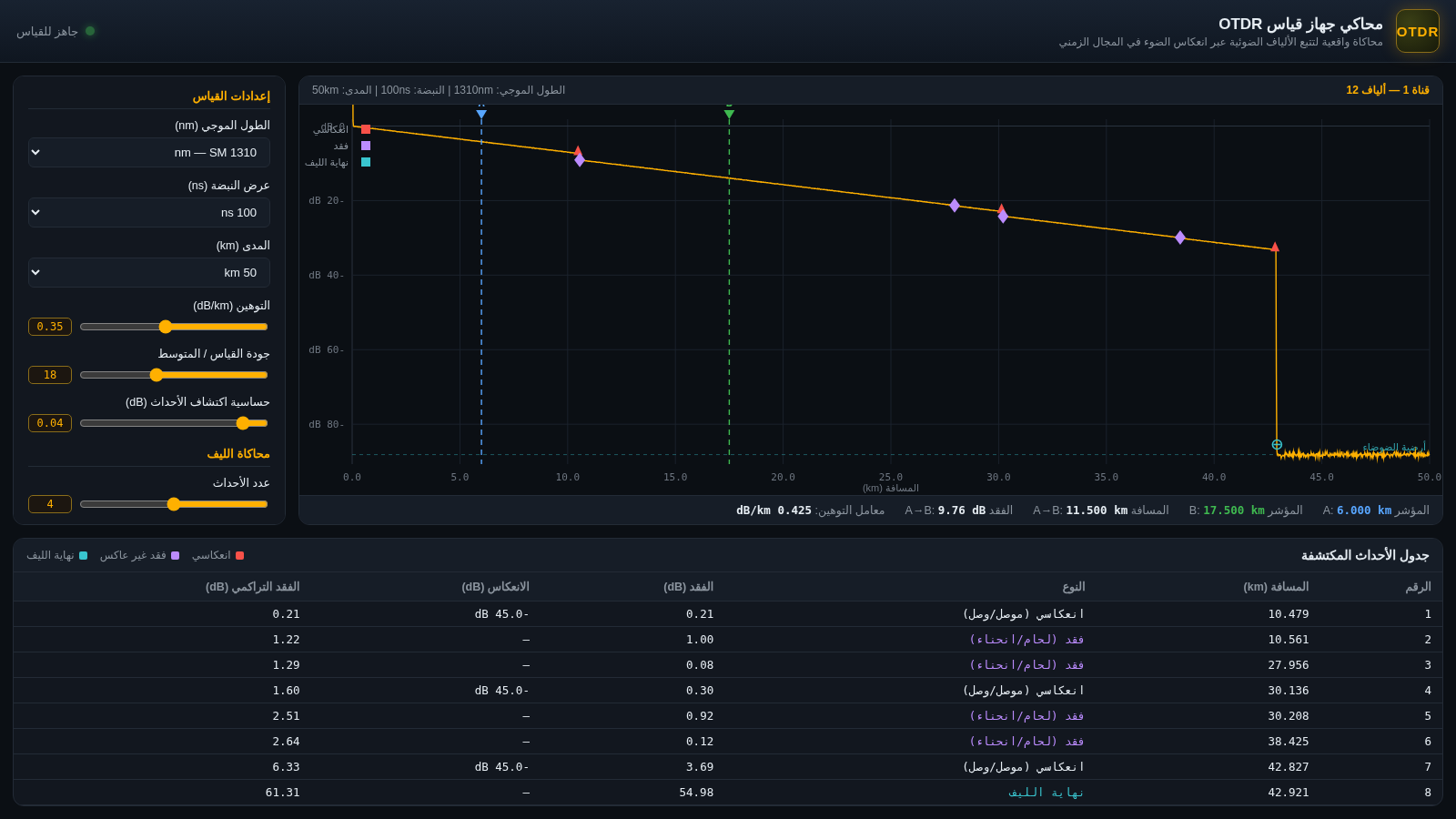
4محاكي جهاز OTDR
محاكاة واقعية لقياس الألياف الضوئية بتقنية OTDR — تتبع، أحداث، انعكاسات، وقياس التوهين
 2
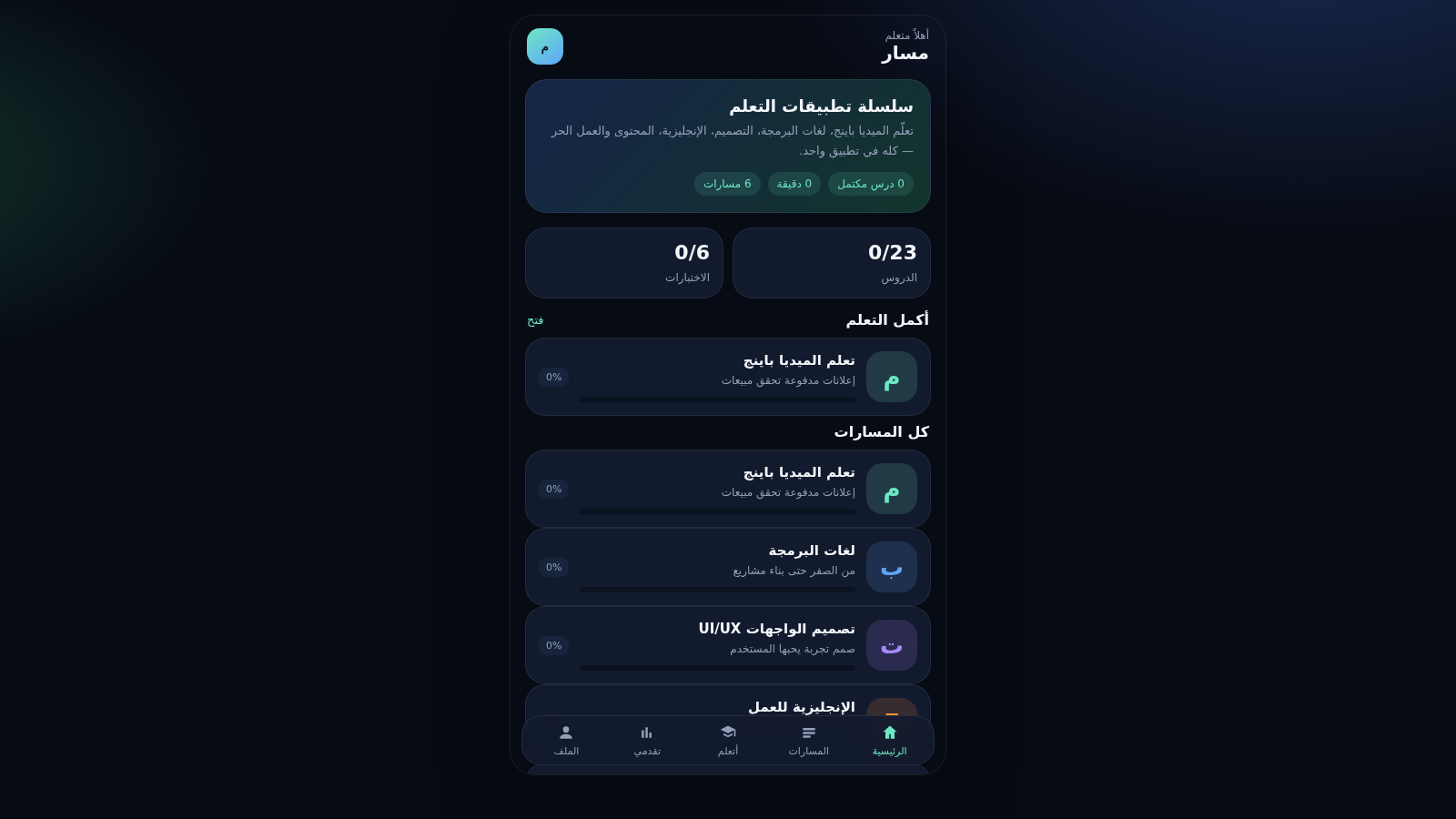
2مسار — سلسلة تطبيقات التعلم
تطبيق موبايل تعليمي بمسارات ميديا باينج وبرمجة وتصميم ومحتوى
 60
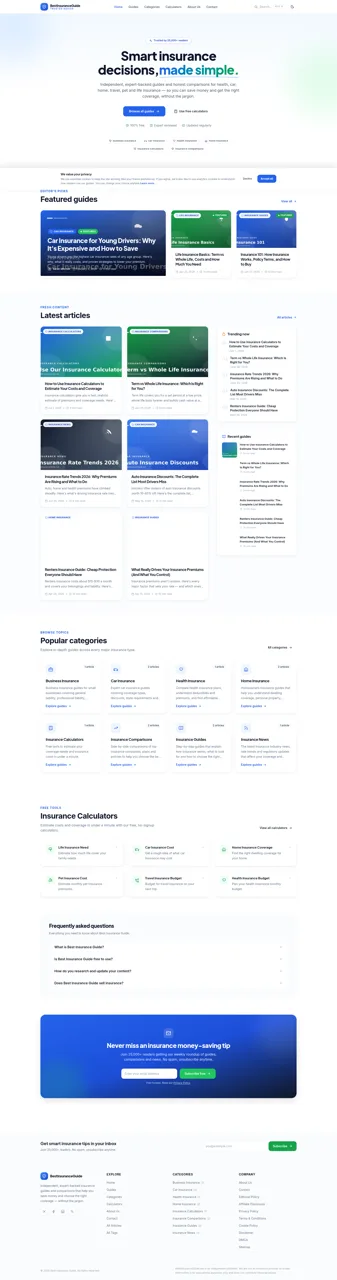
60Best Insurance Guide
Expert-written insurance guides, honest comparisons and trusted calculators.
 44
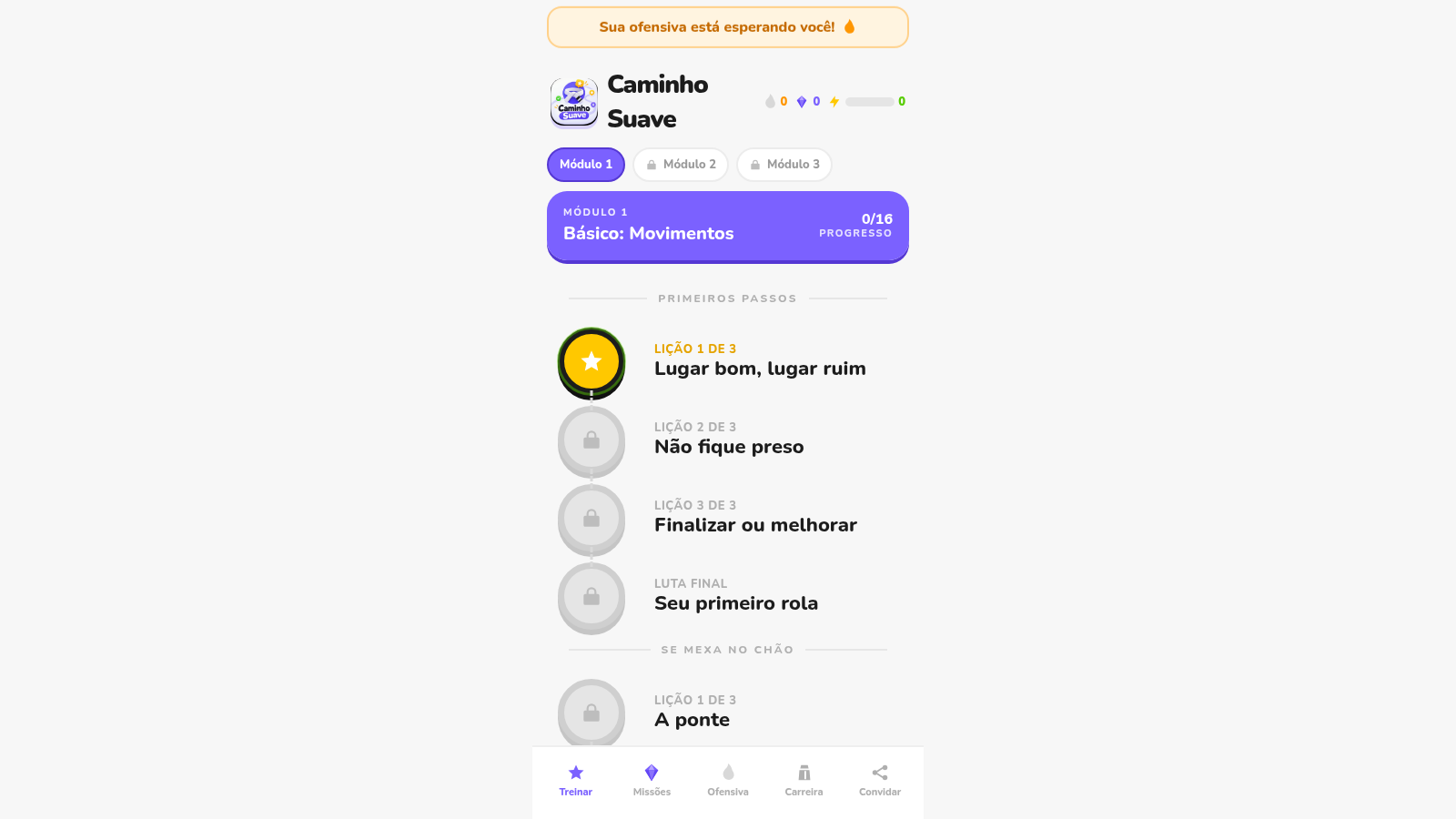
44Caminho Suave
Carreira kids de jiu-jitsu com faixas, aulas e atletas Premium