
OMGrader
Print bubble sheets, scan a class, and finish grading in one browser app
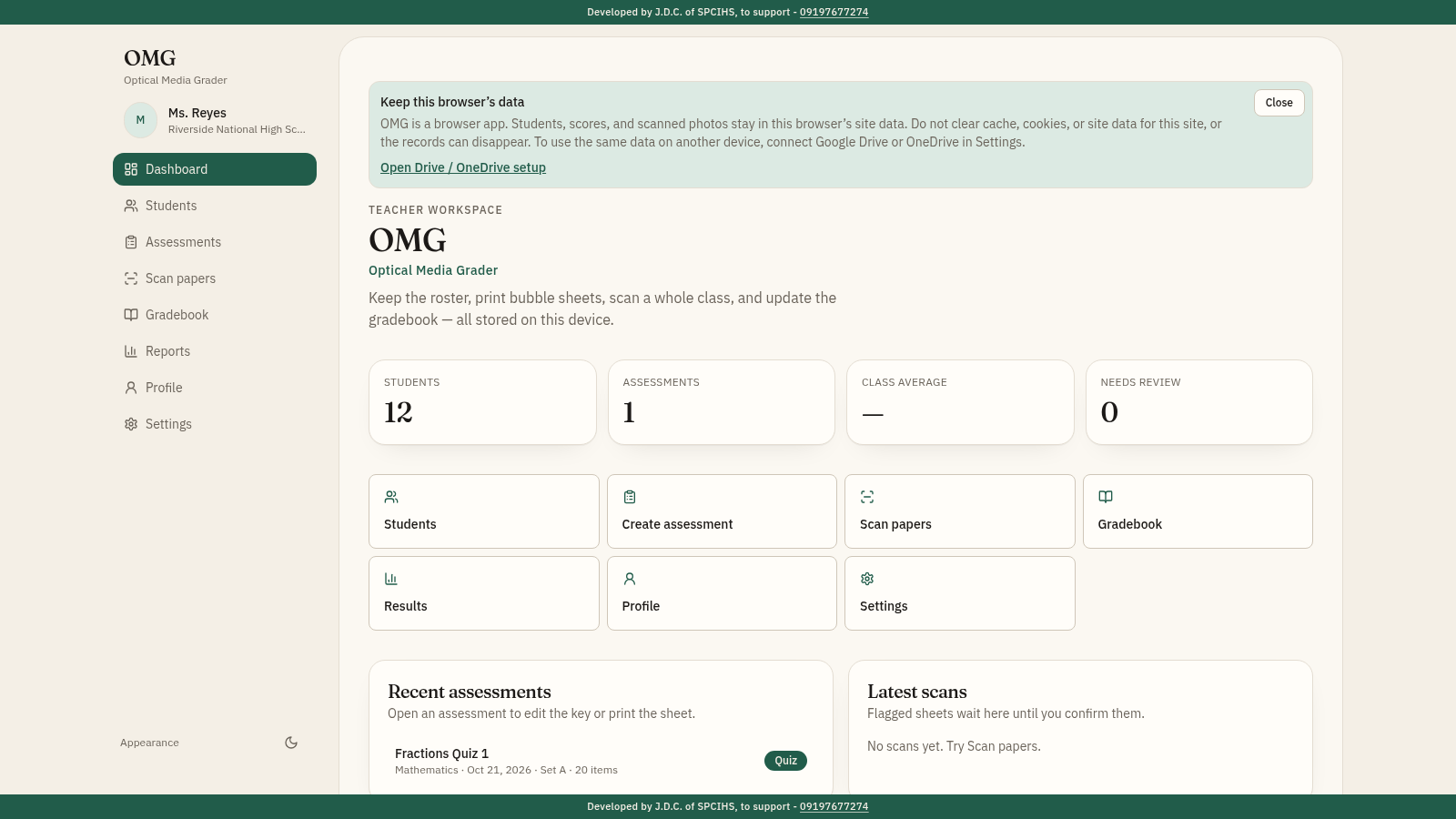
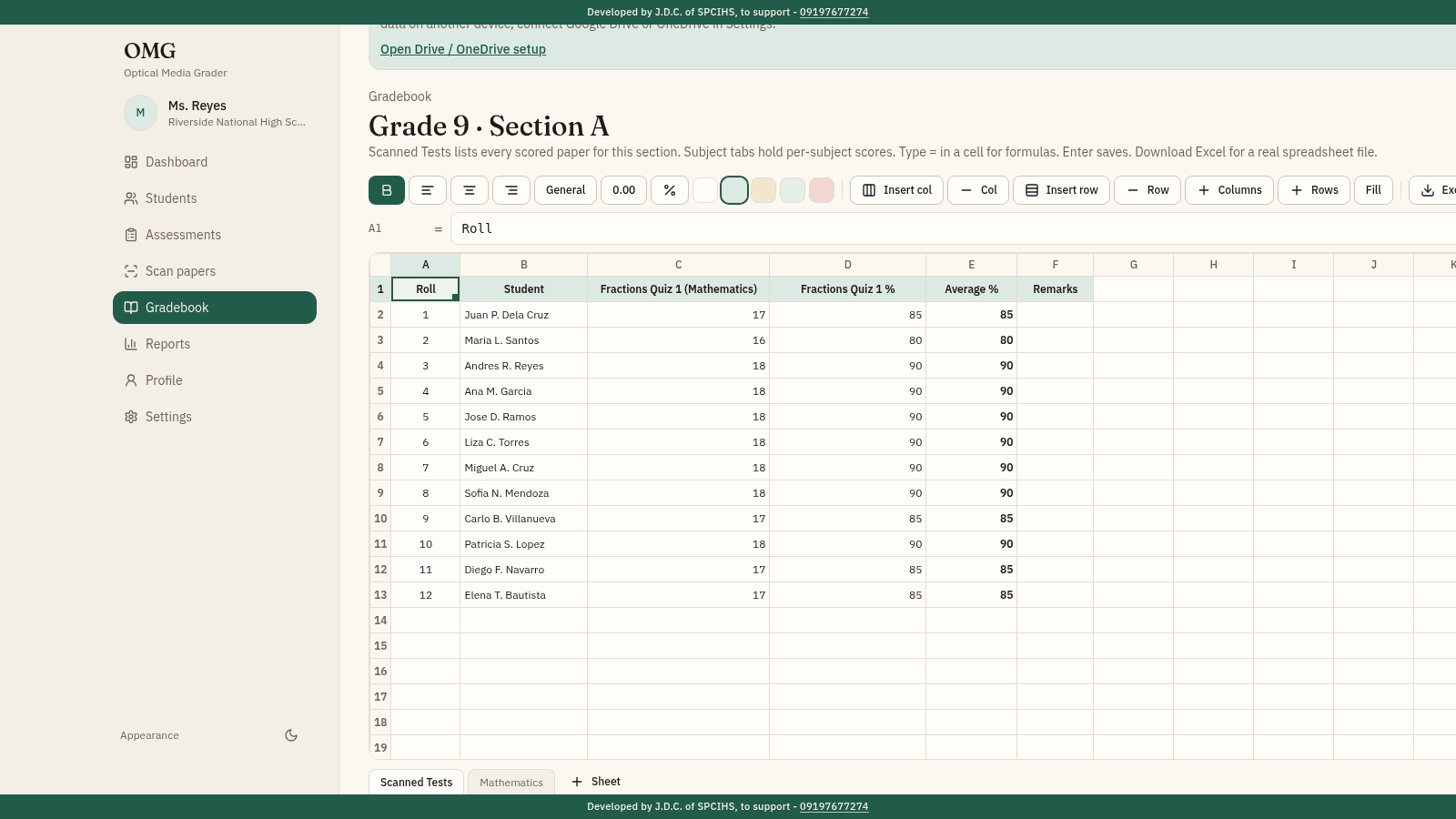
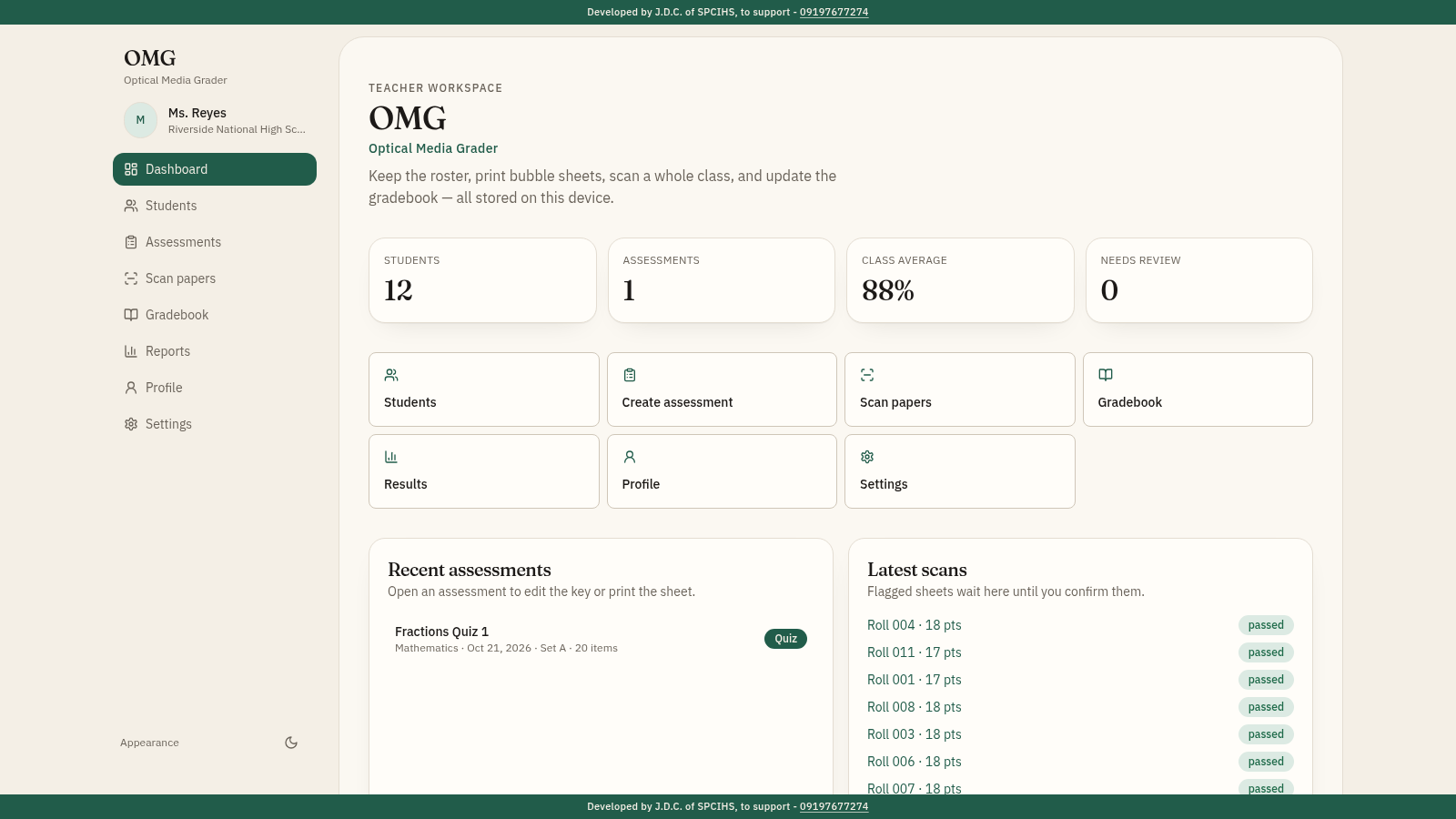
OMG (Optical Media Grader) is a local-first gradebook for teachers. It keeps a student roster with import and export, creates assessments with answer keys and Set A, B or C variants, generates blank or pre-filled bubble sheets as PNG or PDF, scans filled papers through uploads, PDF files or a live camera with optical mark recognition, and writes scored results into a spreadsheet gradebook. Reports add item analysis, score distribution and wrong-answer similarity. Records are stored in the browser and can be backed up from Settings.
Highlights
Bubble sheet export
Blank or pre-filled
OMR scanning
Photo-based scanning
Spreadsheet
Formulas and Excel
Reports
Item analysis charts
Offline-first
Data stays on device
How to Use
Add your roster
Open Students and add each learner with roll number, full name, grade level, section and school year, or download the CSV or Excel template, fill those columns and import. The preview flags missing names and duplicate roll numbers before anything is saved.
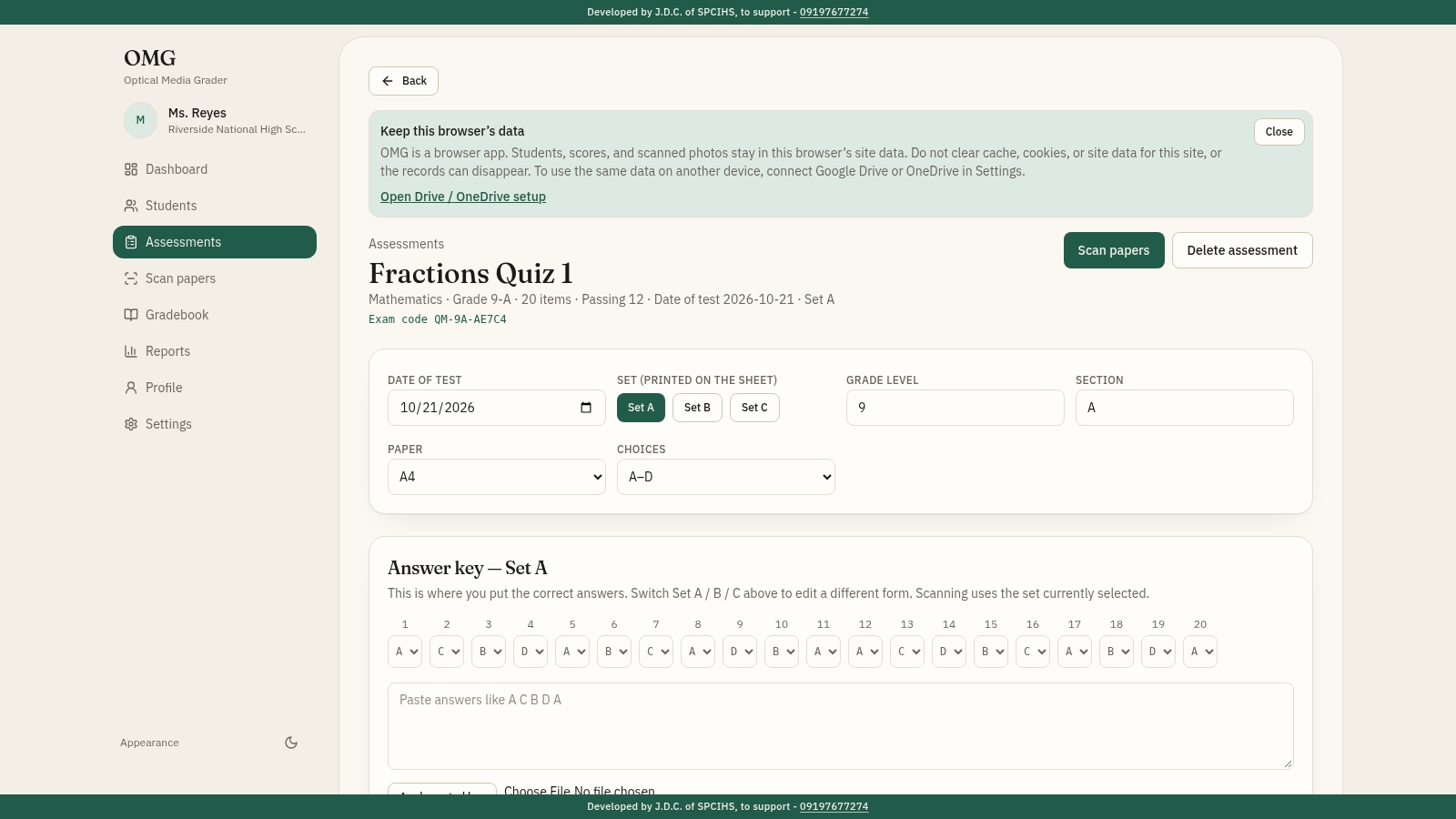
Create the assessment
Open Assessments and create a test with name, date, section, set, item count and choices. Enter the answer key item by item or paste a sequence; changing the key later recalculates existing scores.
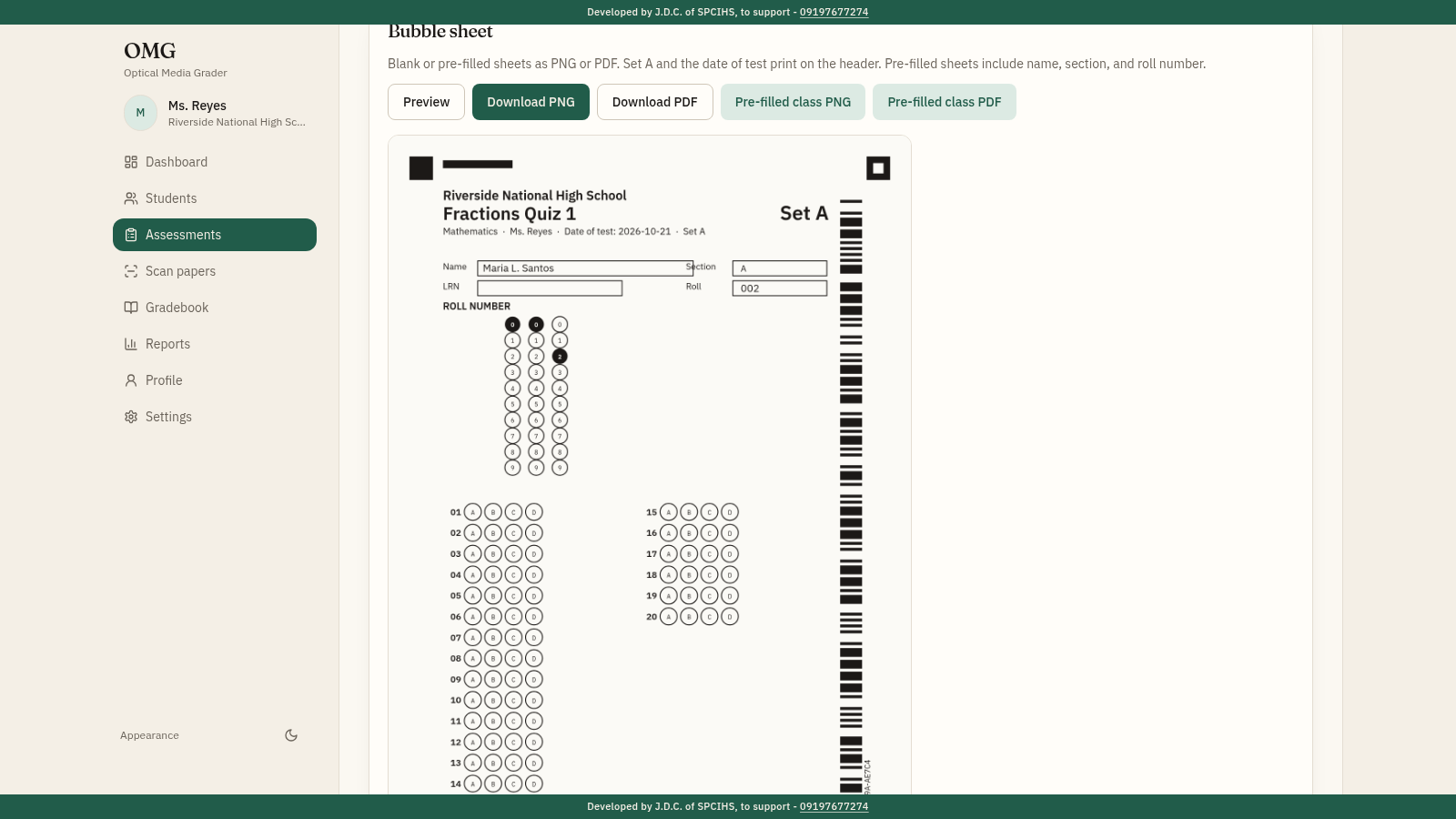
Print or export sheets
On the assessment page, preview the bubble sheet, then download a blank sheet or a pre-filled class set as PNG or PDF. Each sheet carries the exam code and student details used for matching.
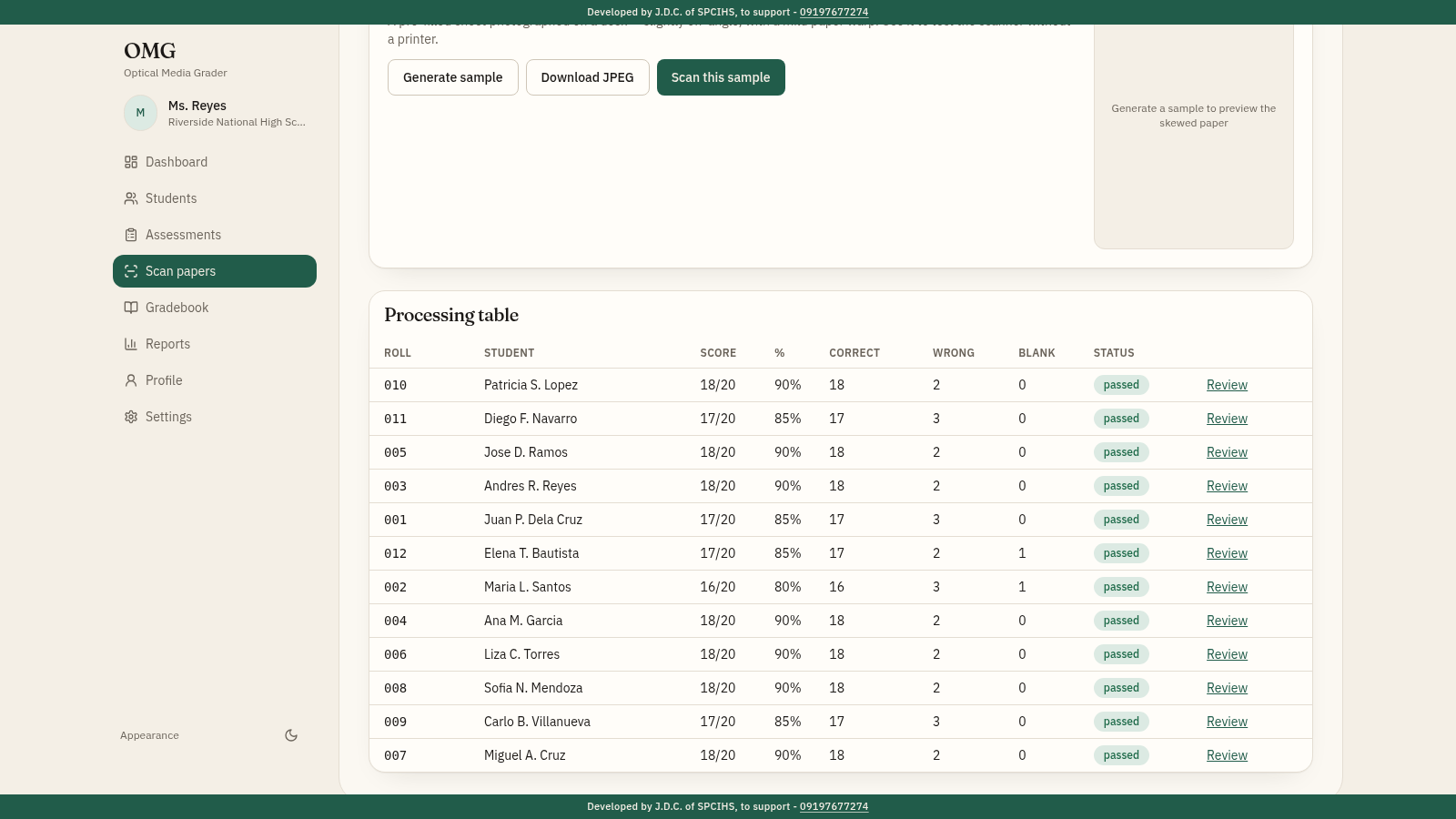
Scan the papers
Open Scan papers, choose the assessment, then upload images or a PDF, use the live camera, or run the built-in sample class. Review each flagged paper and confirm or discard it before it joins the results.
Work in the gradebook
Open Gradebook, pick a section, and use the spreadsheet toolbar for columns, rows, number formats, fills and formulas, then download the workbook as Excel or print it. The Scanned Tests tab already contains the scored papers.
Read the reports
Open Reports to see highest, lowest, average and median scores, the distribution chart, per-item correct and wrong counts, and wrong-answer similarity for the section.
Similar Sites
 15
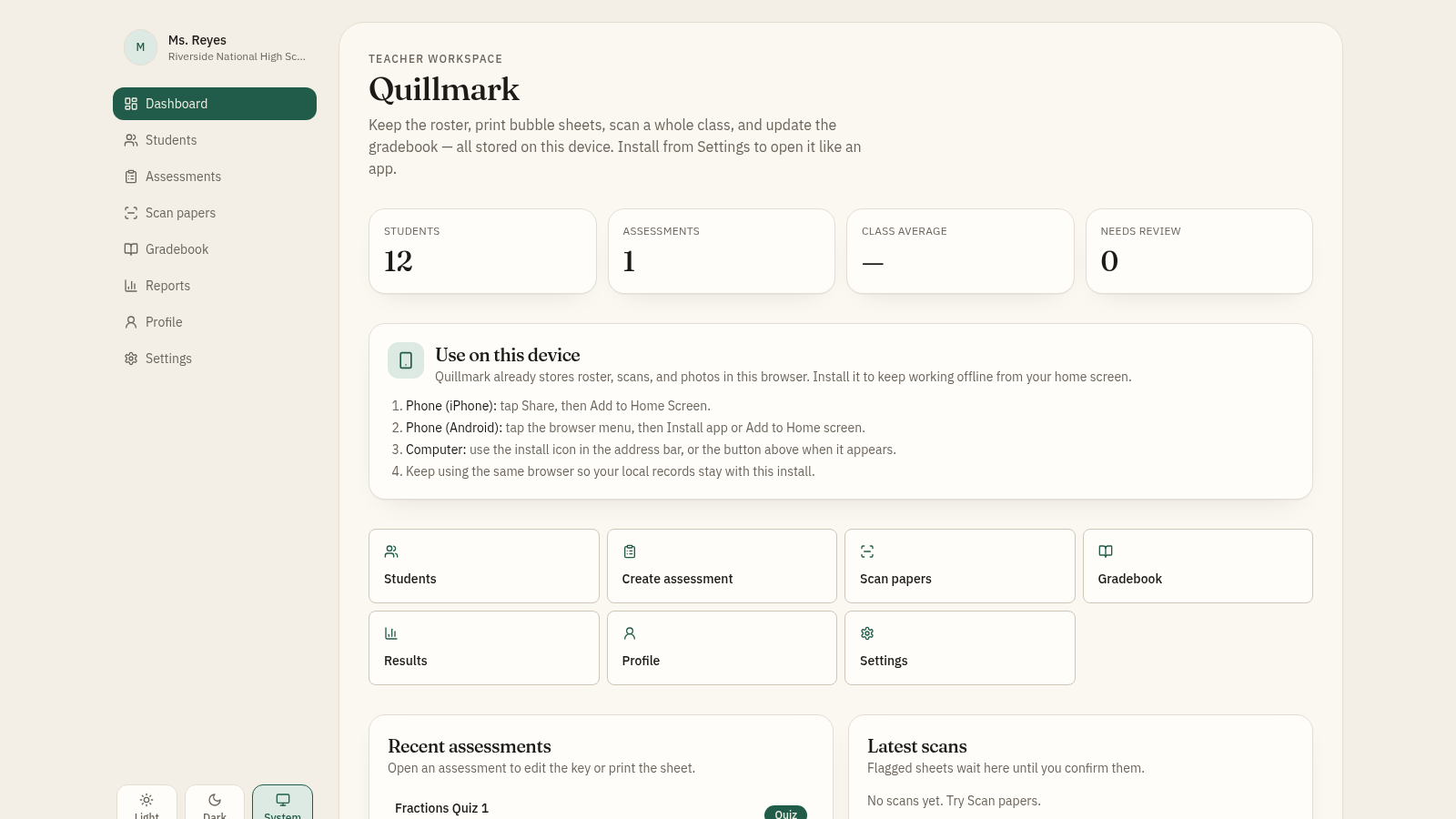
15OMG - Optical Media Grader
Offline-first teacher gradebook with bubble sheet generator and OMR scanner.
 61
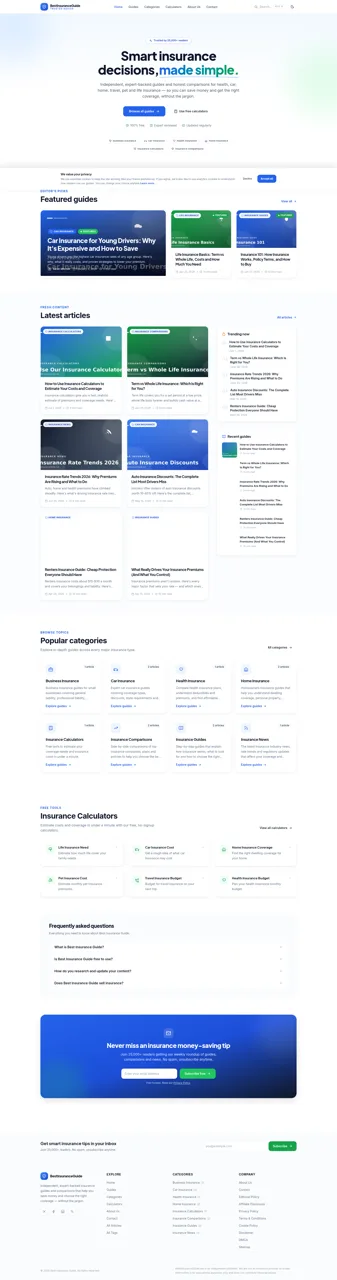
61Best Insurance Guide
Expert-written insurance guides, honest comparisons and trusted calculators.
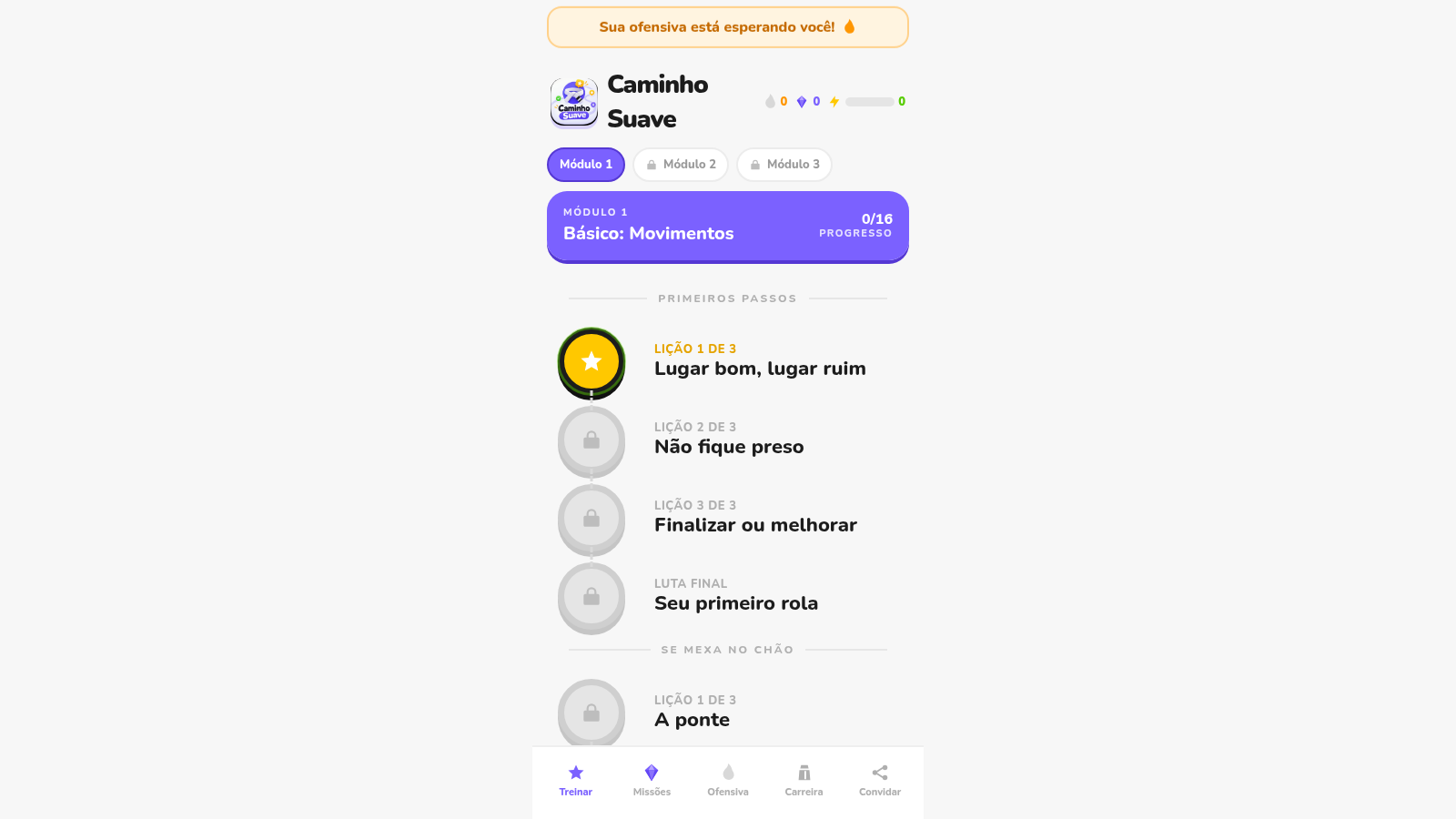 44
44Caminho Suave
Carreira kids de jiu-jitsu com faixas, aulas e atletas Premium
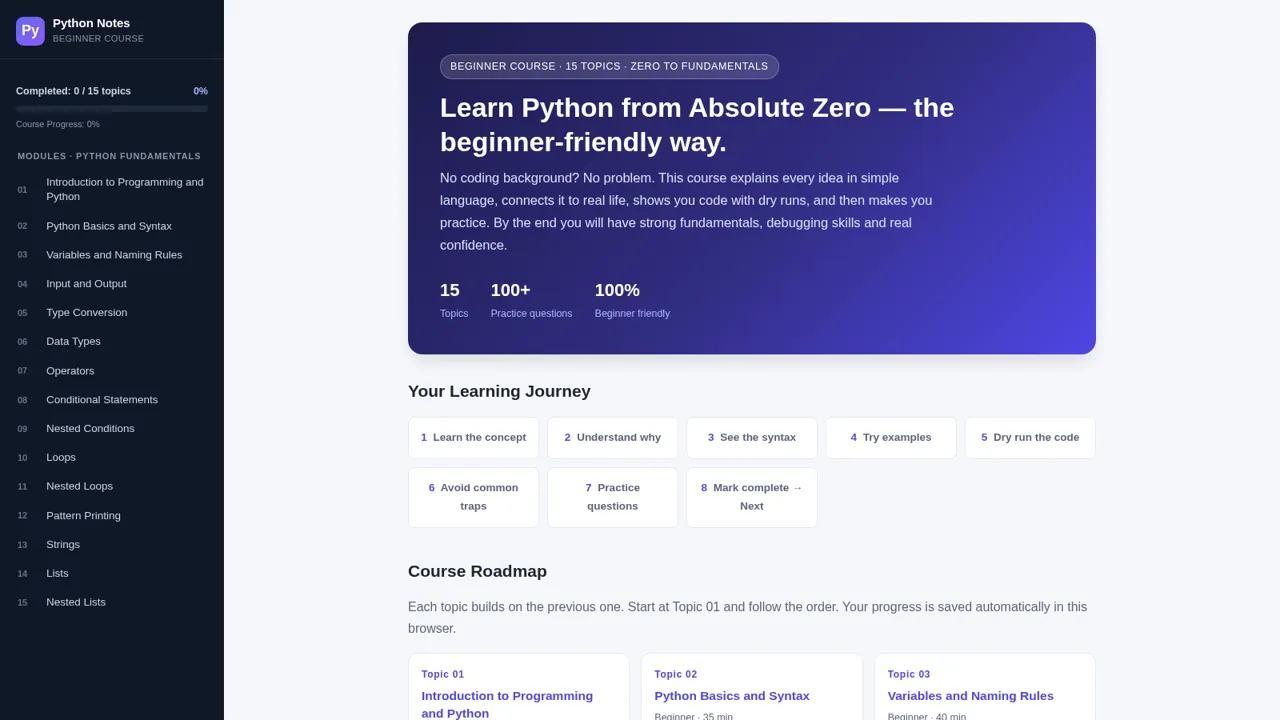 43
43Python Notes: Learn from Zero
A free beginner-friendly interactive course: learn Python from absolute zero across 15 hands-on topics
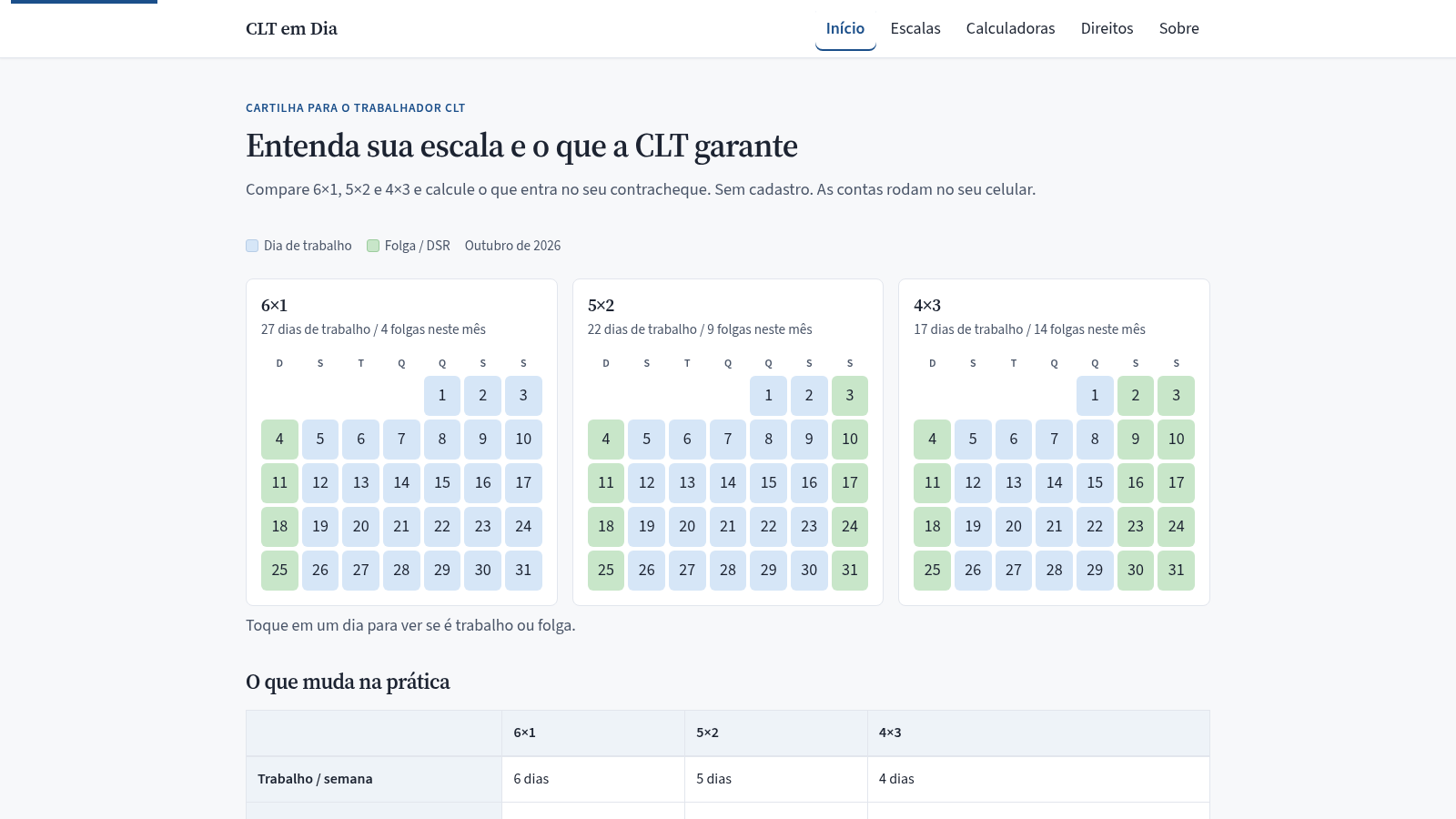 7
7CLT em Dia
Compare escalas 6x1, 5x2 e 4x3 e calcule hora extra, DSR e rescisão.
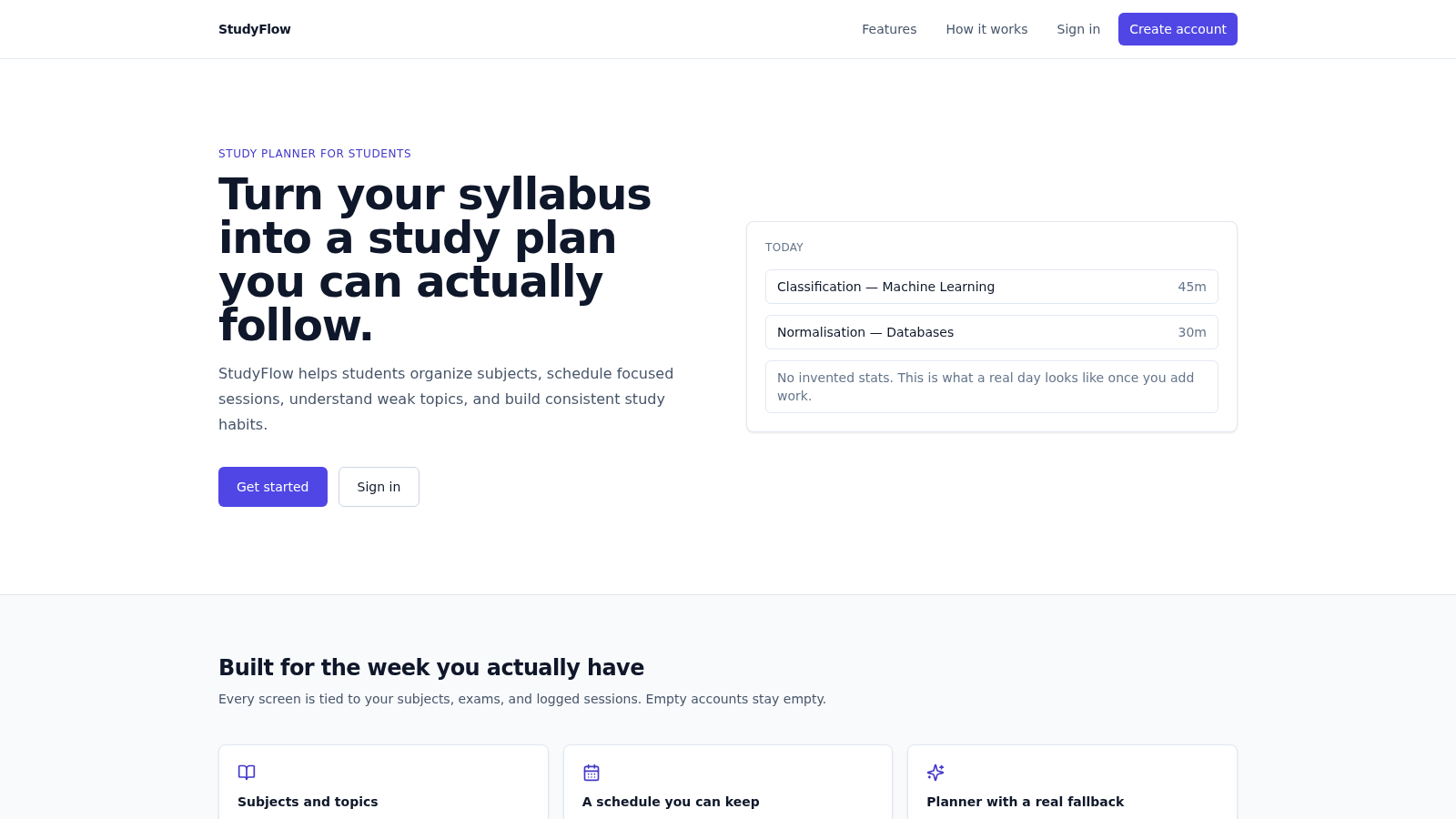 34
34StudyFlow
Student study planner with subjects, calendar, analytics, and an optional AI scheduler.