
MarketHub
A multi-tenant marketplace with multi-store carts, checkout and seller onboarding
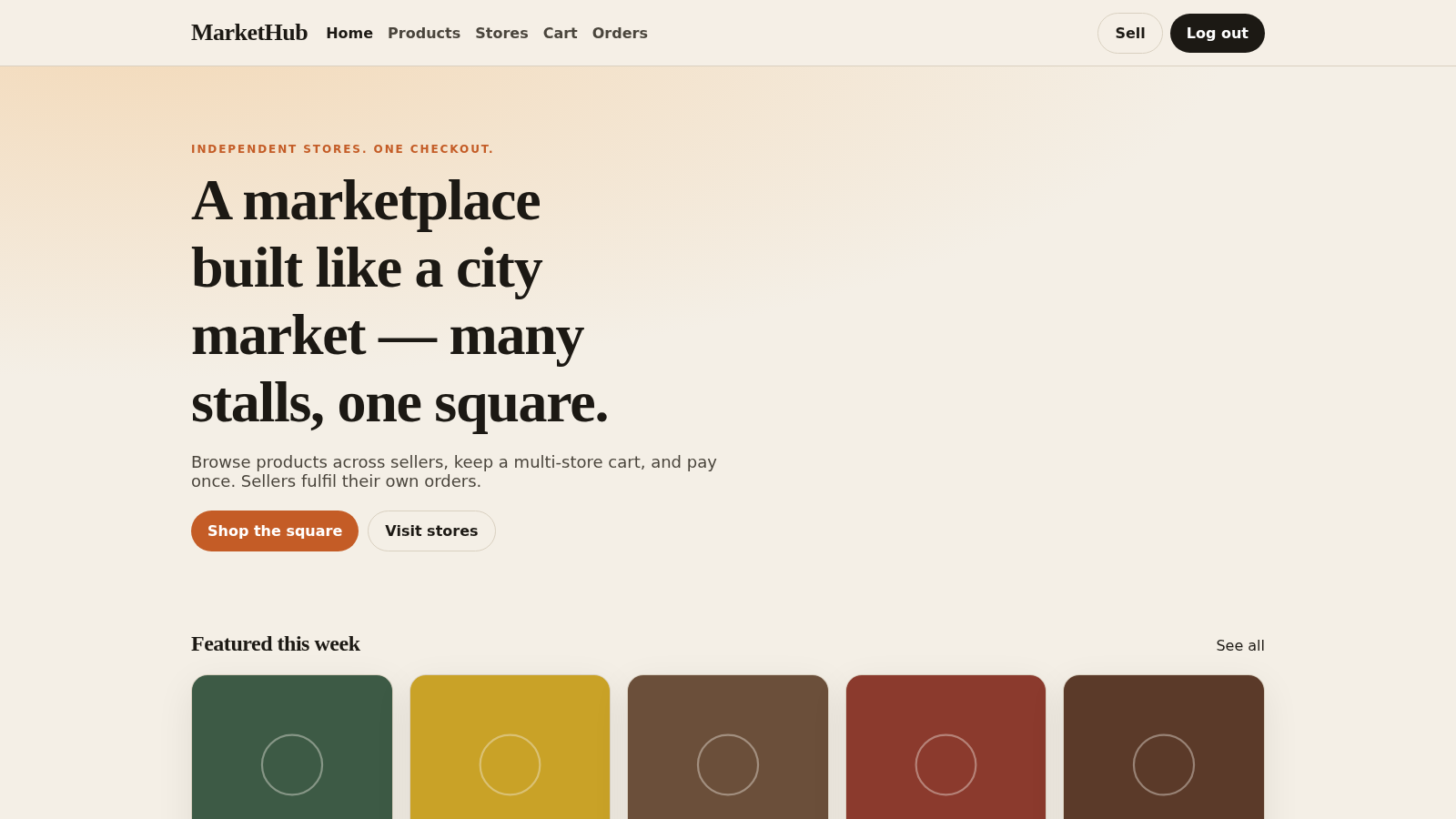
MarketHub is a browser-based multi-tenant marketplace built with Laravel and Angular. Visitors can browse products and stores, search and sort the catalog, open a product to see its price, SKU and stock, and build a cart that spans multiple sellers. After signing in with a demo account they can pick a shipping address, place an order that is recorded as paid and awaiting fulfilment, and review it in their order history. The demo also exposes a seller onboarding form for opening a store and a registration page for new accounts.
Highlights
Multi-store cart
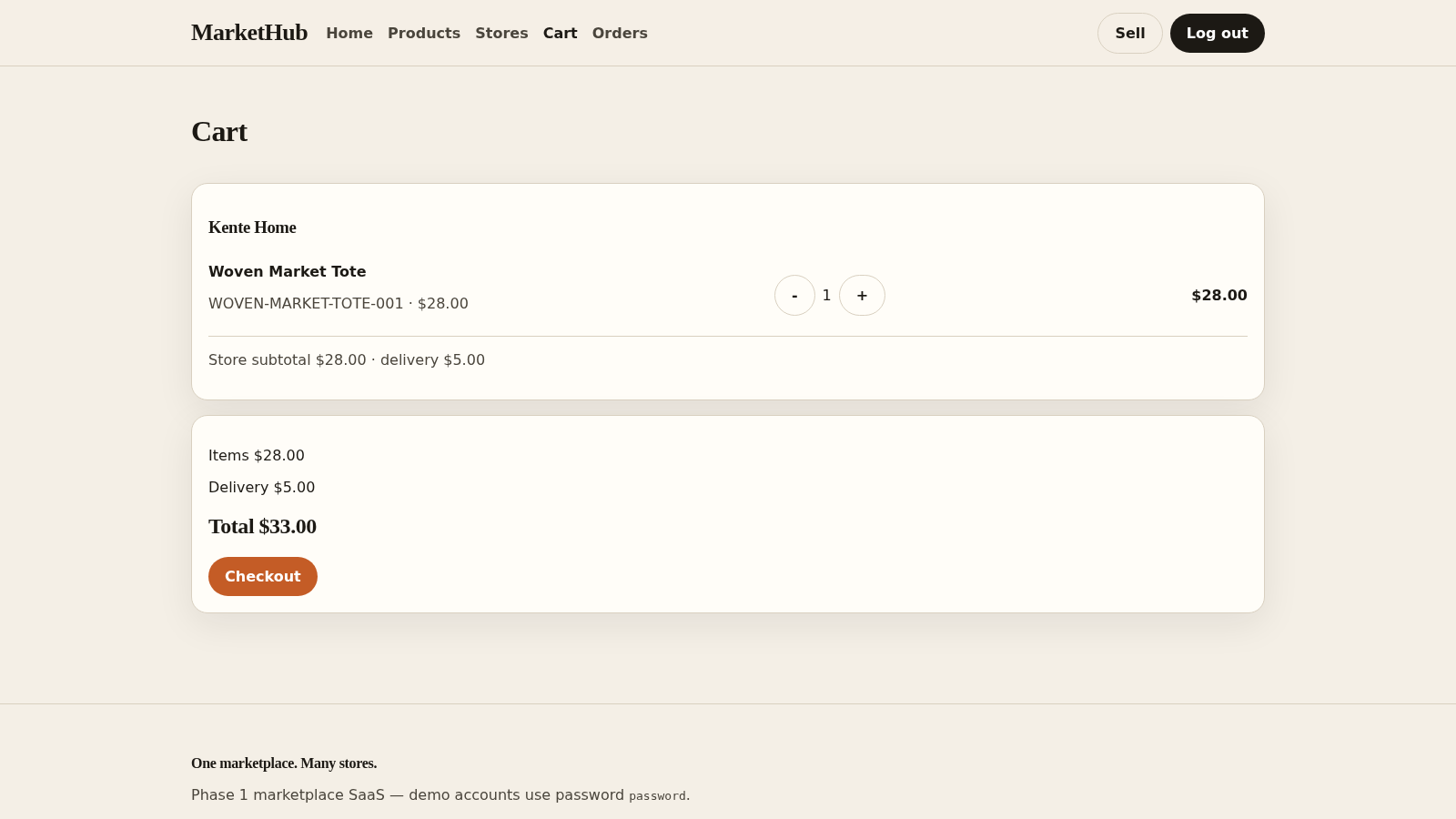
One cart, many stores
Live order flow
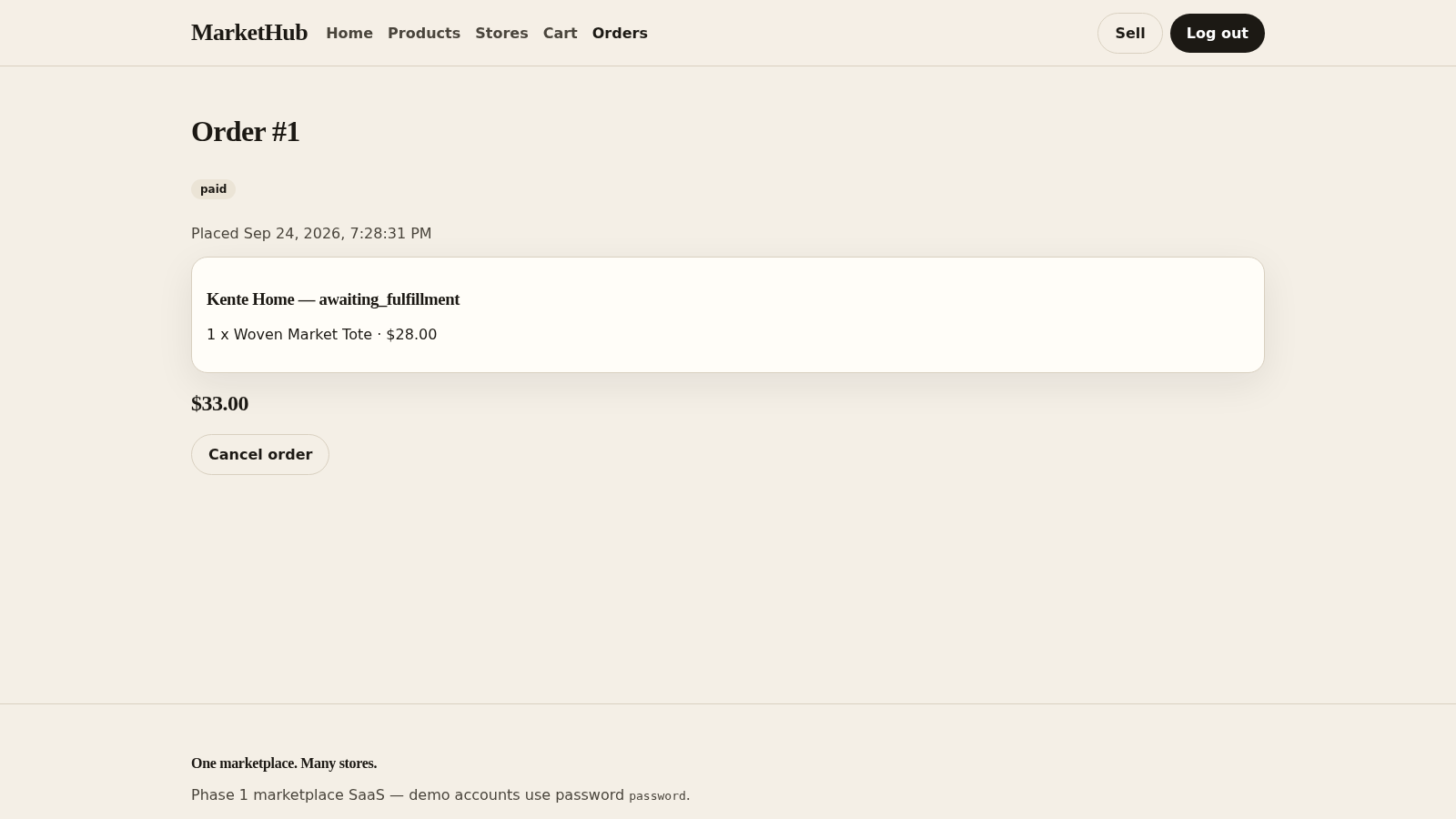
Order tracking demo
Seller onboarding
Open your own store
Demo accounts
Three demo logins
How to Use
Browse the catalog
Open the Products page from the header to see all listings, type a keyword into the search field, choose a sort order such as newest or price, and open any product to view its store, price, SKU and available stock.
Sign in to shop
Use the Log in link and sign in with one of the accounts shown on the page ([email protected], [email protected] or [email protected], password password). You can also create a new account from the Register page if you prefer.
Build a cart
On a product page press Add to cart. The header gains Cart, Orders and Sell links. In the cart you can group items by store, adjust each quantity with the minus and plus buttons, and read the store subtotal, delivery fee and overall total.
Check out and track
From the cart open Checkout, pick a stored shipping address or enter a new one, then press Place order and pay. The site creates an order, opens its detail page showing the paid status and store fulfilment state, and adds it to your Orders list where you can review or cancel it.
Apply to sell
Open the Sell page to register as a tenant by entering a business name, a first store name and a two-letter country code before pressing Apply. The page explains that a super admin must approve the request before the store can publish.
Similar Sites
 126
126Agenda de Pedidos - Confeitaria
Agenda digital de pedidos para confeitaria com integração WhatsApp
 60
60Ferreira atelier
Venda de fotografias digitais e impressas com PIX, cartao e boleto.
 38
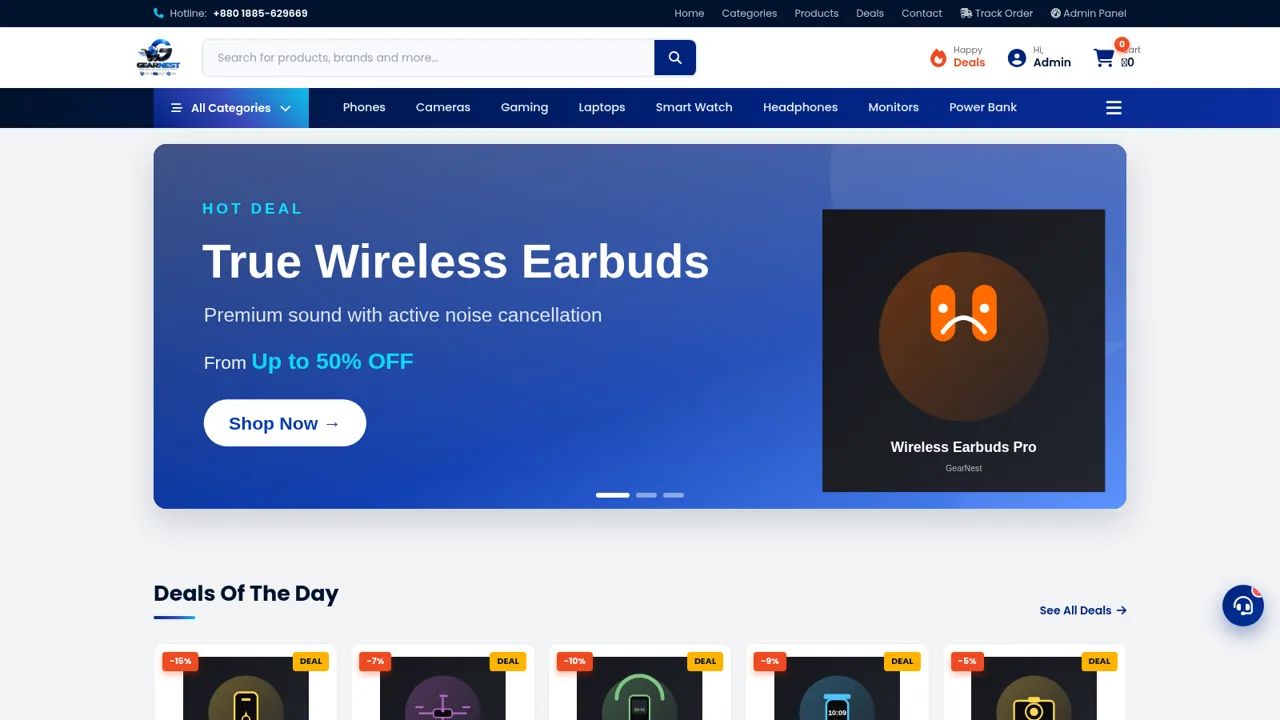
38GearNest | Premium Gadgets Store
Online store for original gadgets, phones, laptops and accessories in Bangladesh.
 22
22Jasa Bikin Website
Jasa pembuatan website profesional mulai Rp30.000. Pembayaran OVO, DANA, GoPay.
 22
22Gellato PDV
Gellato PDV — plataforma SaaS para lojas de açaí, sorveterias e sobremesas
 19
19Clique&Pede
Cardapio digital, delivery e impressao termica para lanchonetes e acaiterias