
PGIMS Rohtak CET 160+ Prep
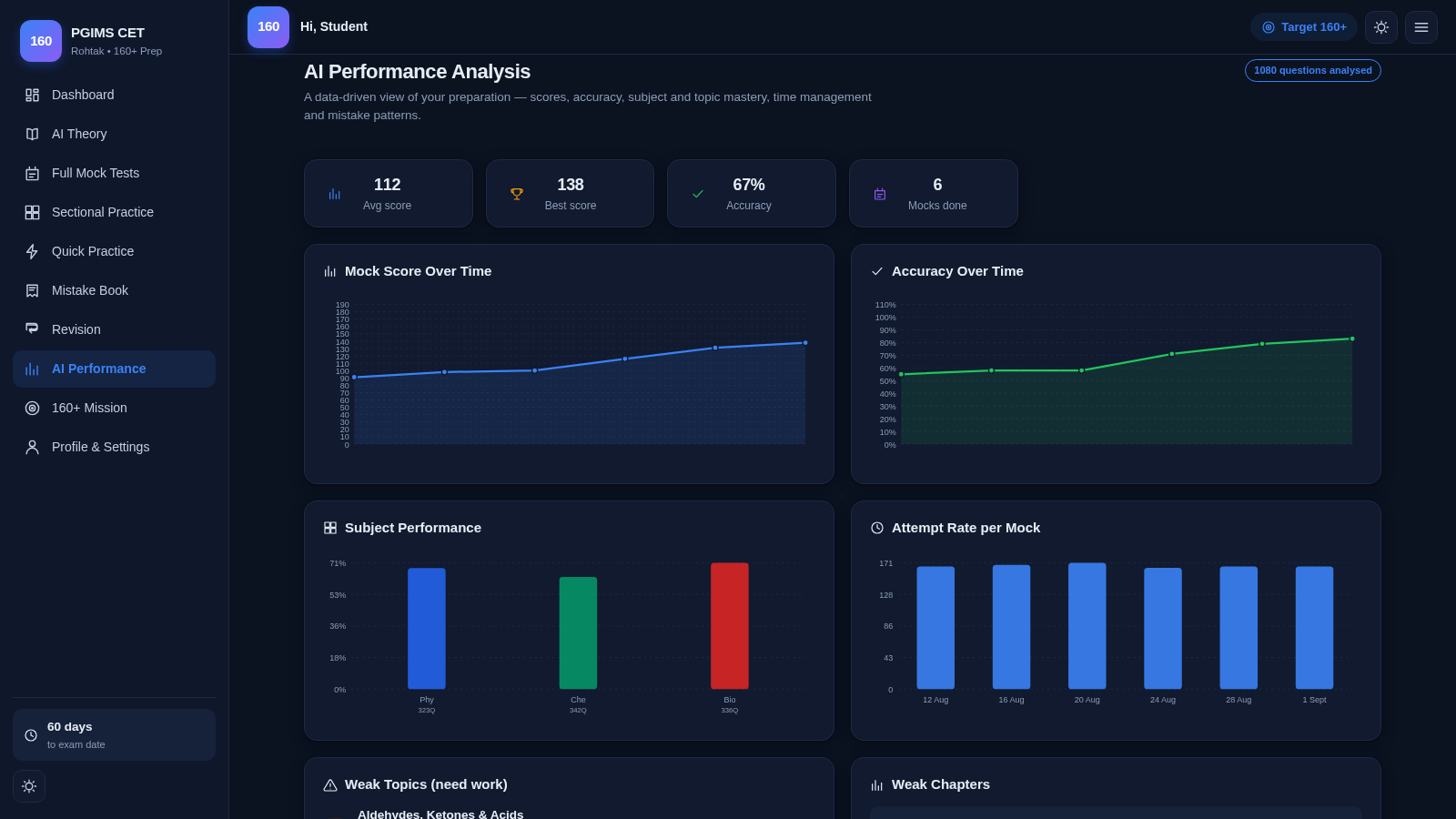
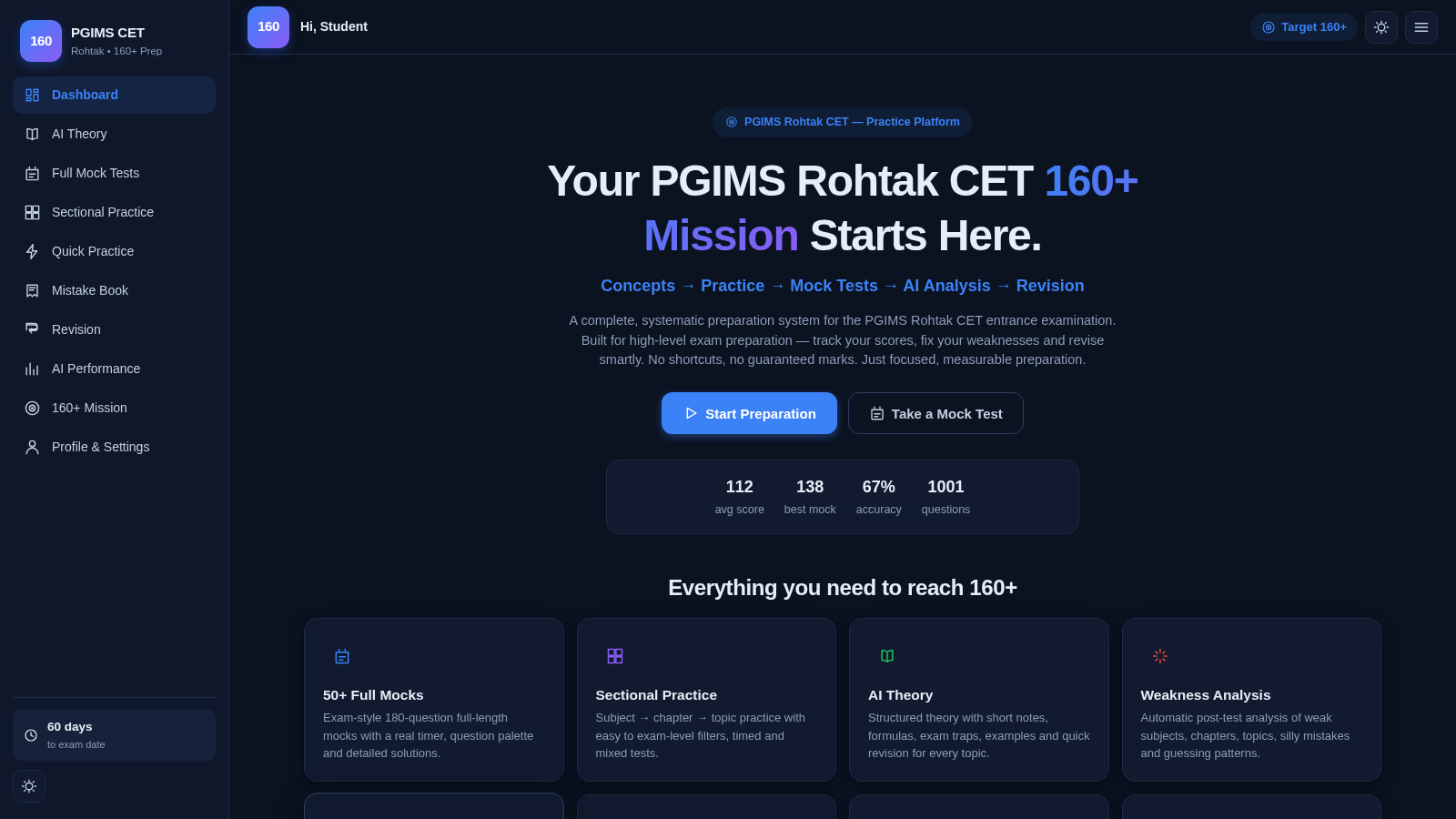
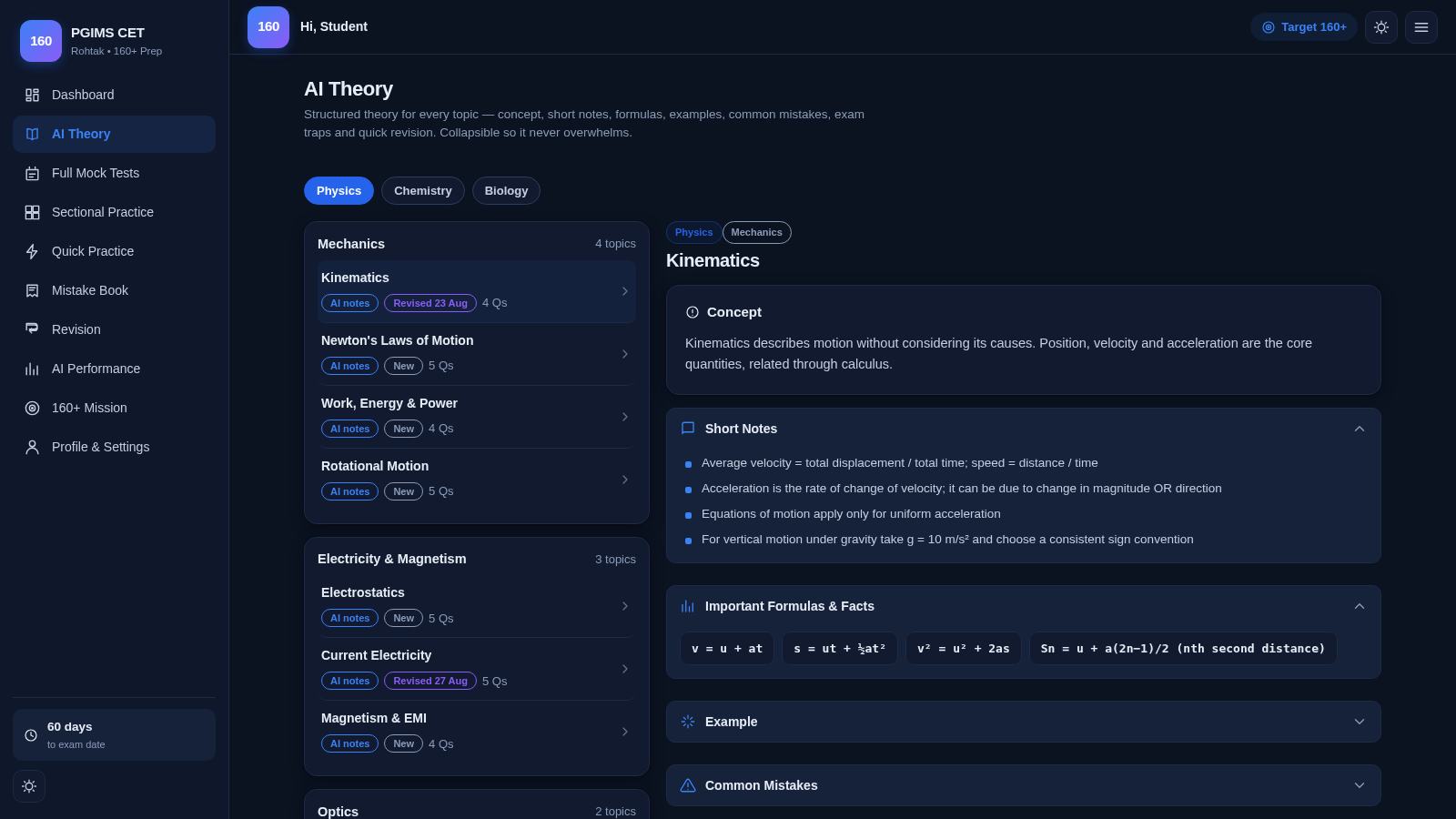
A structured PGIMS Rohtak CET workspace for learning concepts, practicing questions, testing under time, and acting on performance data.
PGIMS Rohtak CET 160+ Preparation is an interactive browser-based study system organized around a target score of 160 out of 180. Learners can read structured Physics, Chemistry, and Biology theory, launch full-length or filtered practice tests, use a timer and question palette, review automatically recorded mistakes, and follow revision cycles. The dashboard and AI Performance area summarize scores, accuracy, subject mastery, weak topics, repeated errors, attempt rate, and recommended next actions. Progress remains in browser local storage, while export, import, and sample data controls support backup and feature exploration without requiring an account.
Highlights
50 Full Mocks
Timed 180-question tests
Structured Theory
Notes, formulas, and traps
Focused Practice
Filter by topic and level
Mistake Tracking
Classify and retry errors
Progress Analysis
Scores, accuracy, weak areas
How to Use
Choose a preparation route
Open AI Theory to study a subject and topic, select Sectional Practice to build a filtered test, or choose Full Mock Tests for an exam-length session. Each page explains its scope and presents the available subjects, chapters, topics, or mock levels.
Complete practice questions
Start a test, select an answer, and use Previous or Next to move through the set. The test runner displays subject, difficulty, chapter, topic, elapsed time, progress, and question number, while Mark for Review, Clear Response, Palette, and pause controls support exam-style navigation.
Review mistakes and revision
After attempts, open Mistake Book to classify wrong answers as concept, silly, calculation, memory, or guessing errors. Retry unresolved items and use Revision for scheduled topic, formula, and spaced-review work.
Use performance guidance
Open AI Performance to inspect score and accuracy trends, subject results, weak topics, repeated mistakes, and process indicators. The study planner turns exam date, available daily hours, target score, and current performance into a timed sequence of practice, mini-tests, and theory review.
Manage local progress
Use Profile and Settings to change the learner name, exam date, study hours, target score, or theme. Export a JSON backup before changing devices, import it to restore progress, or load sample data to preview populated charts and recommendations before recording real attempts.
Similar Sites
 7
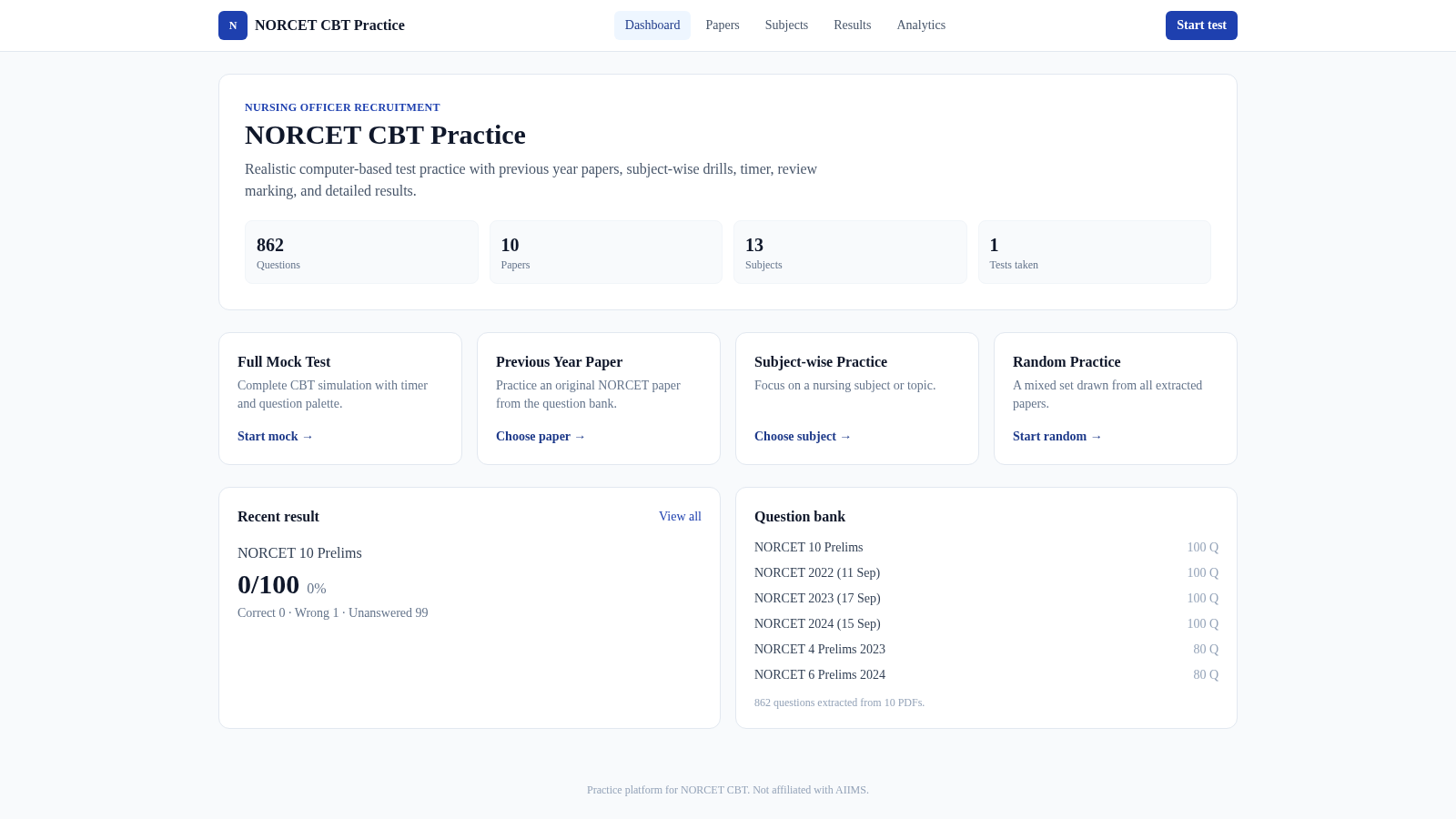
7NORCET CBT Practice
Practice NORCET papers in a realistic CBT exam with timer, review, and results.
 19
19SSC CHSL 2026 Prep
SSC CHSL 2026 mock tests, topic practice and study notes
 9
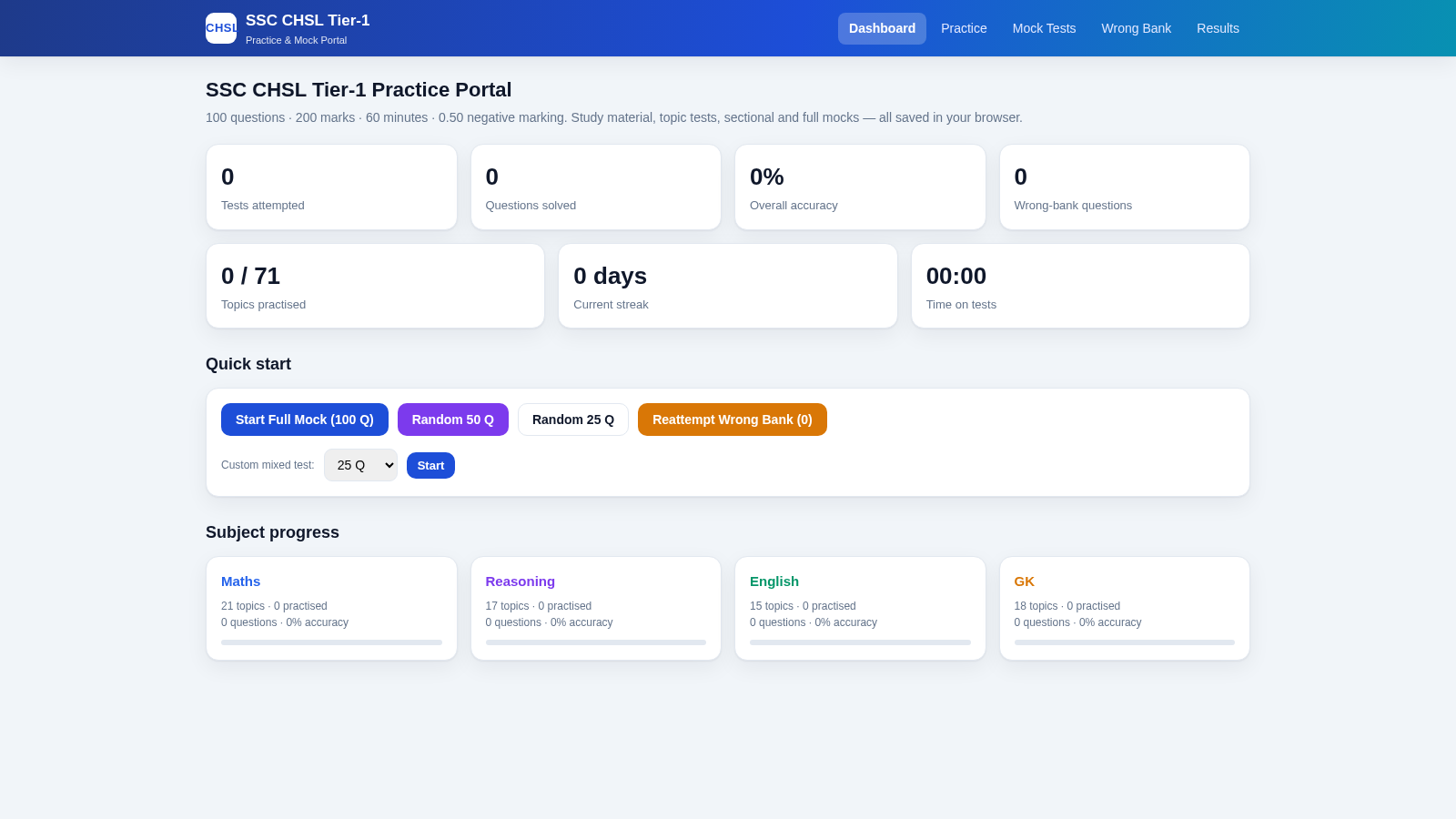
9SSC CHSL Tier-1 Practice Portal
SSC CHSL Tier-1 practice tests with instant explanations and full mocks.
 5
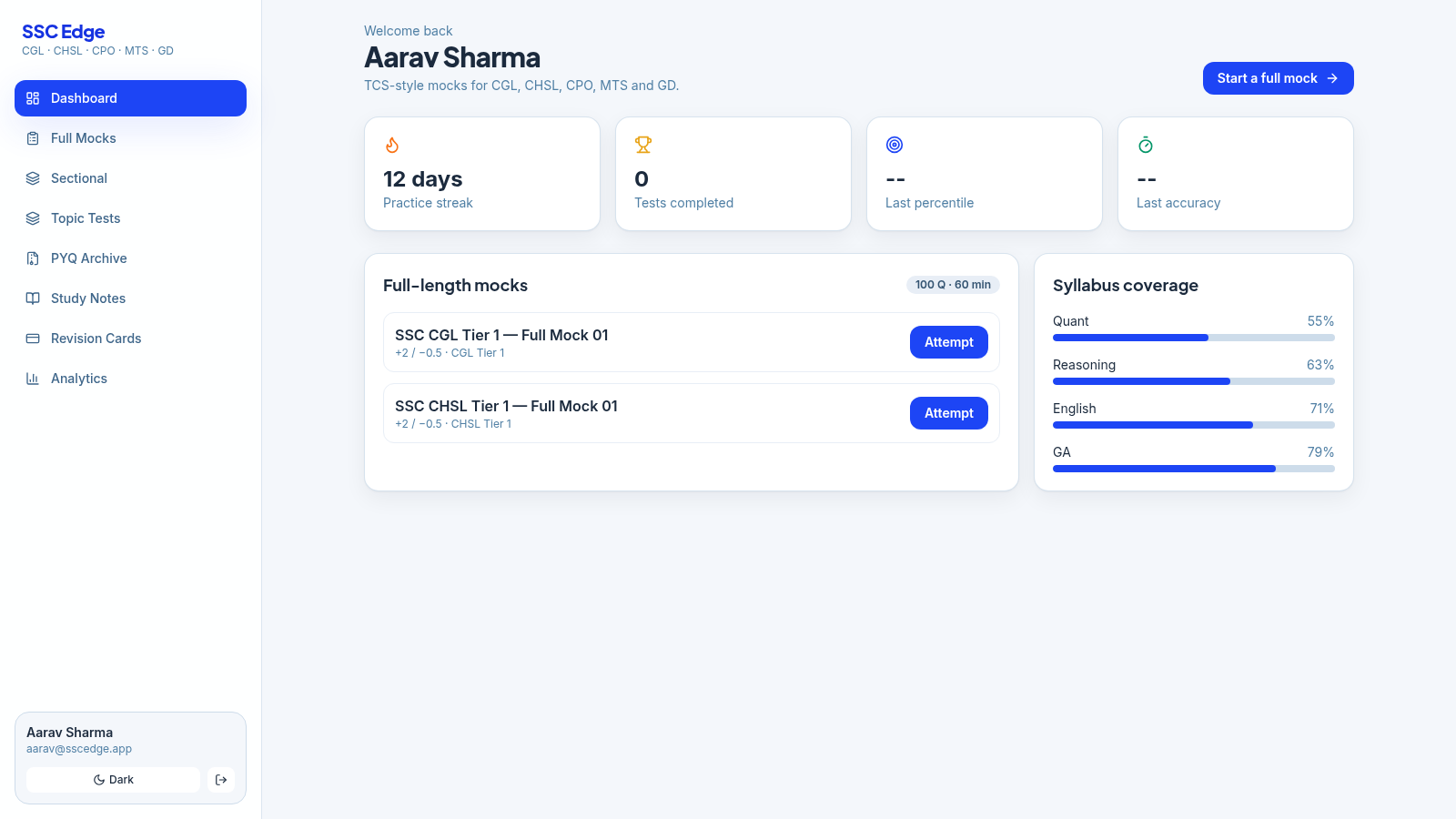
5SSC Edge
TCS-style SSC CGL, CHSL, CPO, MTS & GD mock tests with analytics
 5
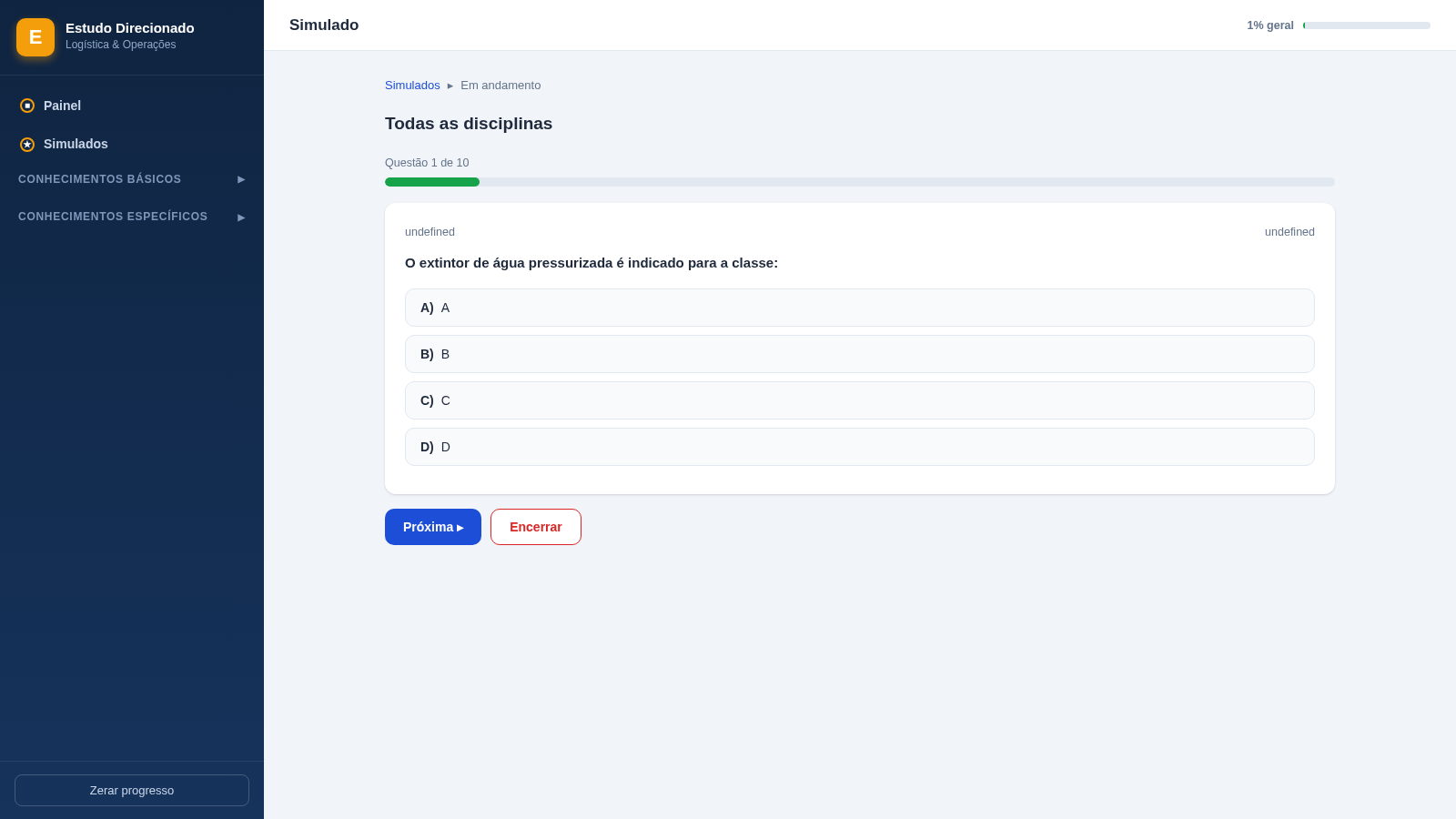
5Painel de Estudos - Logística
Estudo direcionado com 440 questões comentadas para concursos de logística
 64
64Best Insurance Guide
Expert-written insurance guides, honest comparisons and trusted calculators.