
StudyFlow
A student study planner for subjects, scheduling, tasks, analytics and notes
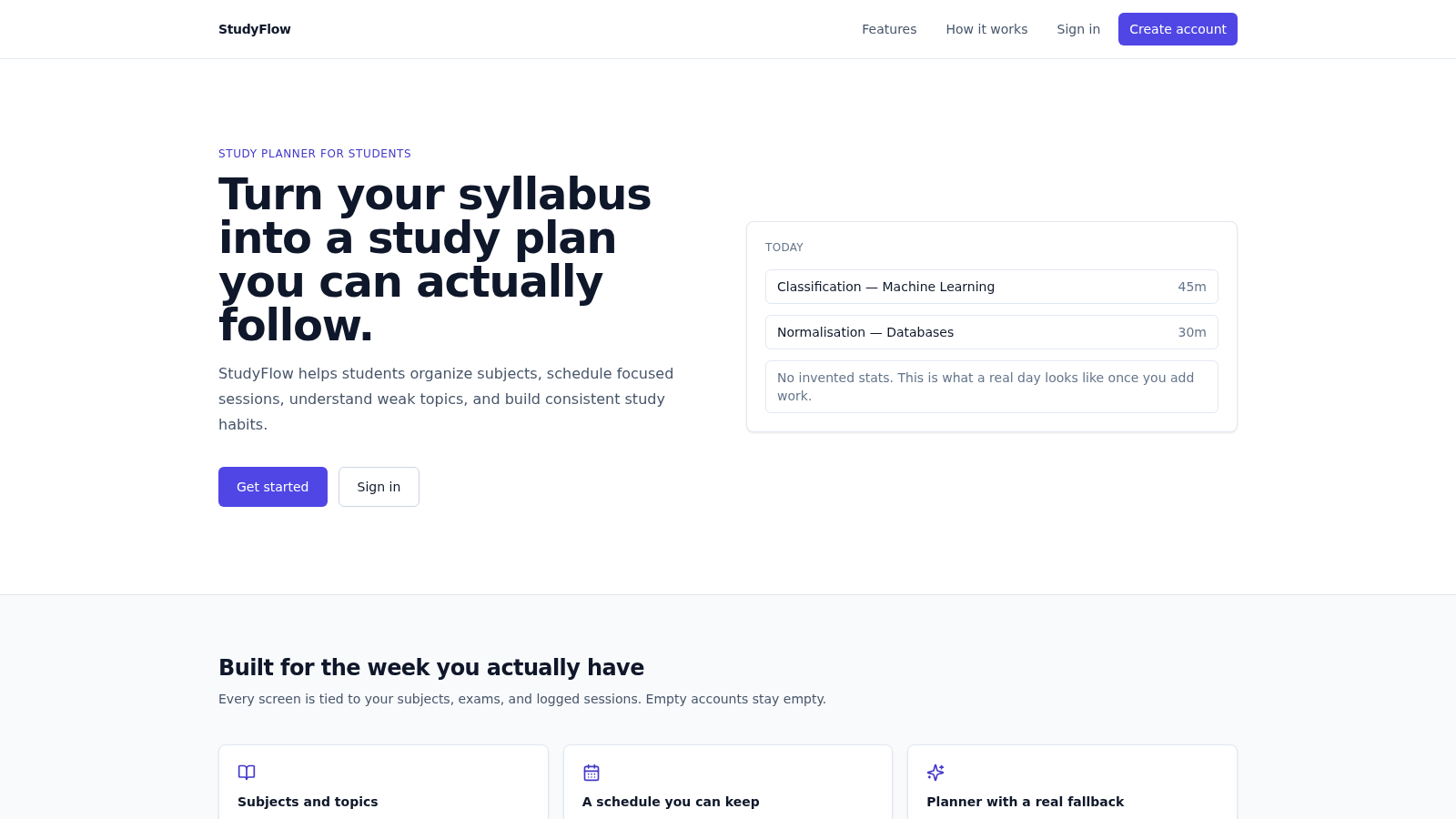
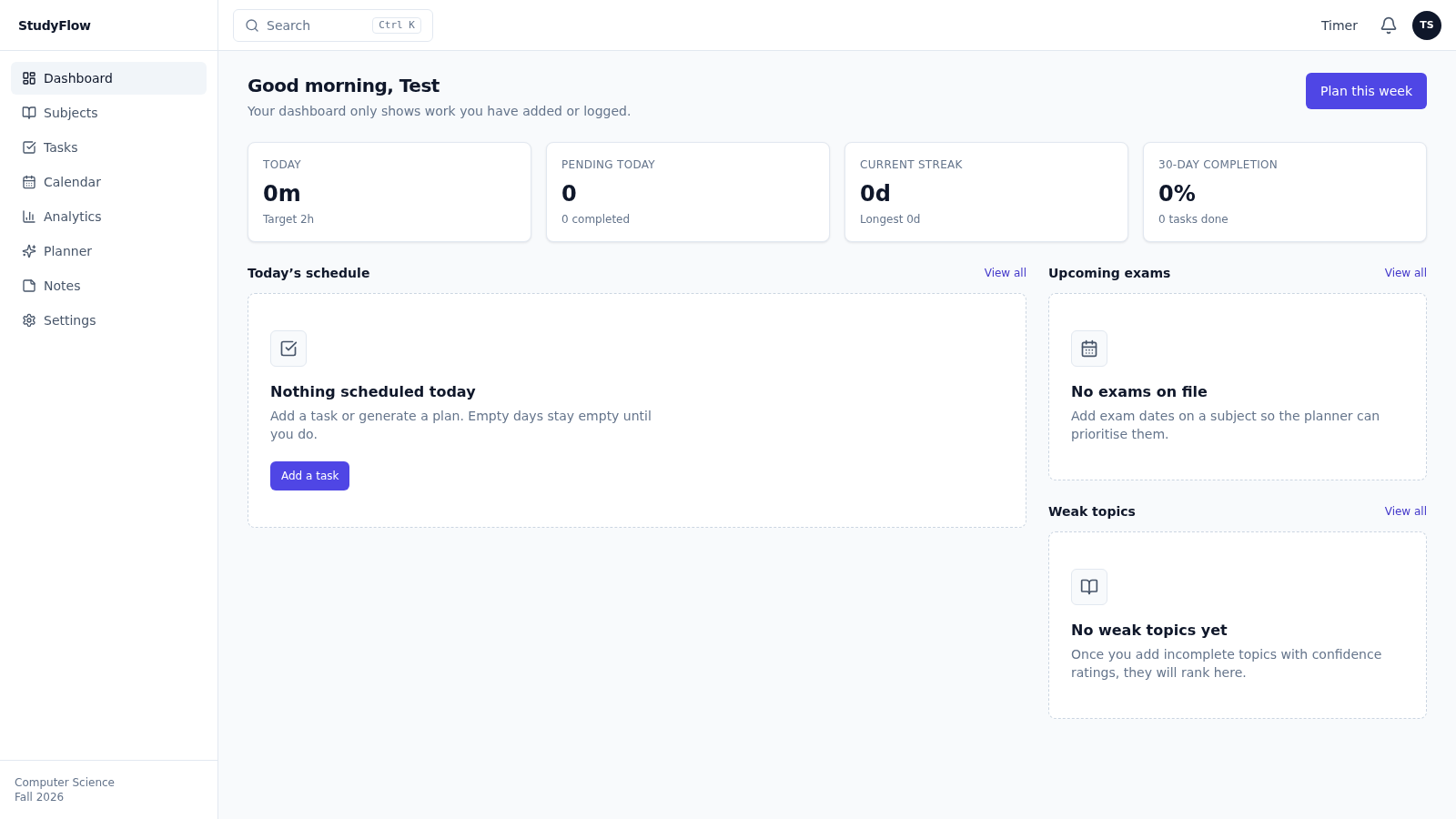
StudyFlow is a web application that helps students turn a syllabus into a study plan they can follow. After registering and setting a course, semester, daily study hours and preferred study time, users add subjects with difficulty, target hours and exam dates, then keep topics and confidence ratings under each one. The dashboard shows today's logged minutes against the daily target, pending tasks, current and longest streaks and a 30 day completion rate, all computed from data the user actually enters. A planner generates a week of sessions from incomplete topics, exams and available hours, and switches to a deterministic scheduler when no AI model is available. Tasks, a calendar, per topic notes, a study timer, analytics and a study advisor complete the workflow.
Highlights
Subjects and topics
Modules and topics
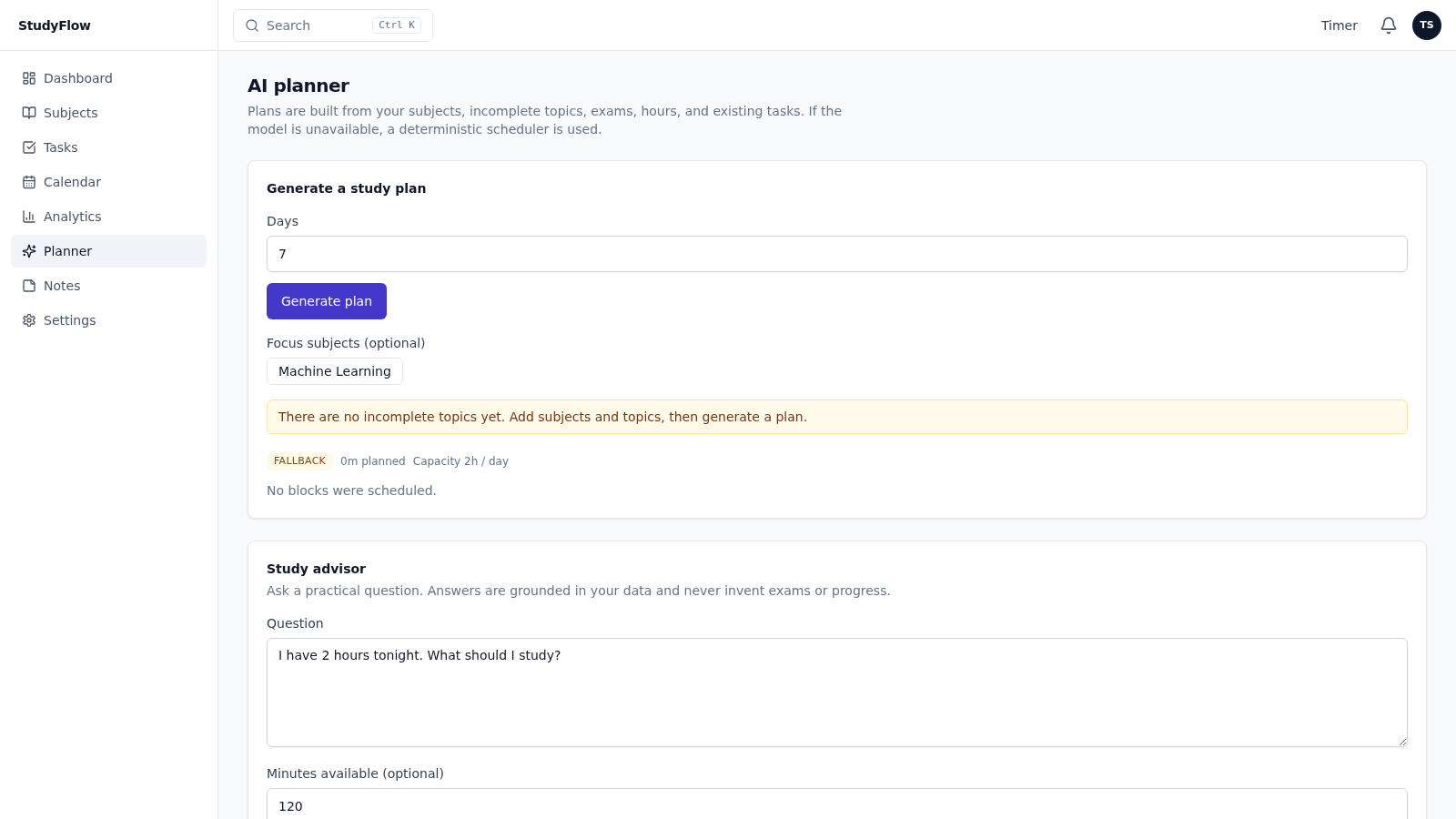
Planner fallback
Fallback scheduler
Analytics from logs
Real logged sessions
Timer and tasks
Sessions feed stats
Notes per topic
Notes with subjects
Honest empty states
No invented data
How to Use
Create an account
Open the site and choose Create account. Enter a name, email and a password of at least eight characters, and optionally a course and semester. No sample data is created, so the account starts empty and every number you later see comes from your own entries.
Set up your study week
After registering you are taken to an onboarding screen. Confirm the course and semester, set how many hours you can study each day, pick a preferred study time such as morning or evening, and add an optional study goal. These values drive the planner, timer defaults and daily capacity, and they can be changed later in Settings.
Add subjects and topics
Open Subjects and use Add subject to enter a name plus an optional code, a difficulty level and target hours. The subject then appears as a card showing topics, logged time and the next exam. Add topics under a subject so the planner has incomplete work, exam dates and confidence ratings to prioritise.
Generate a plan
Open Planner and set how many days to plan, optionally selecting focus subjects. The page builds sessions from your subjects, unfinished topics, exam dates, available hours and existing tasks. When a plan is produced a notification confirms whether it used the AI model or the deterministic fallback, and the scheduled blocks land on the calendar and task list.
Study and review
Use the Timer in the top bar to run a 25, 50 or custom minute session; saved sessions feed the dashboard statistics. Tick tasks off from the Tasks page or dashboard, keep notes beside their topics, and review Analytics for weekly hours, completion rate, streak and weak topics.
Similar Sites
 19
19SSC CHSL 2026 Prep
SSC CHSL 2026 mock tests, topic practice and study notes
 16
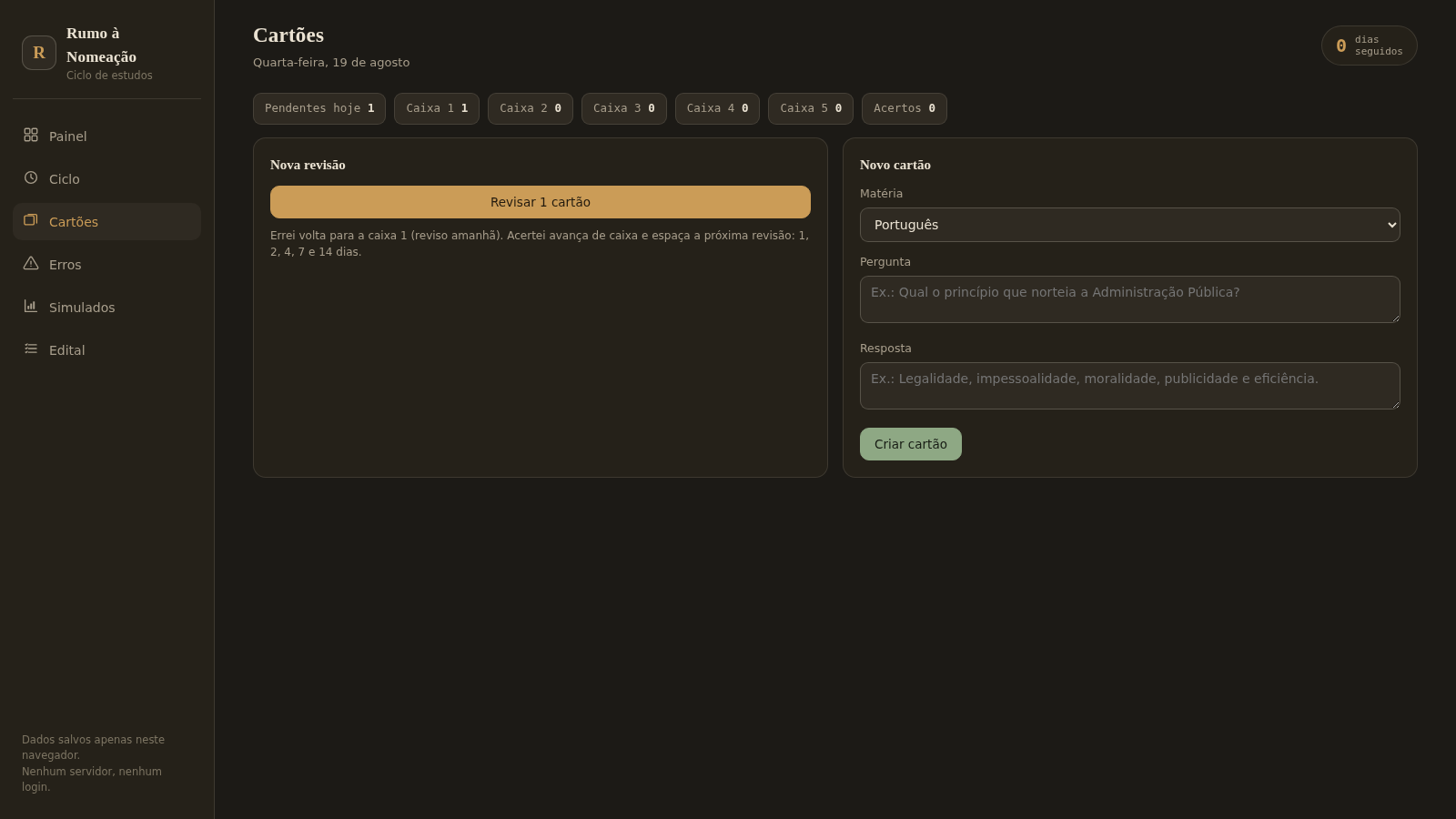
16Rumo à Nomeação
Ciclo de estudos para concursos: pomodoro, flashcards, caderno de erros, simulados e edital. Offline no navegador.
 11
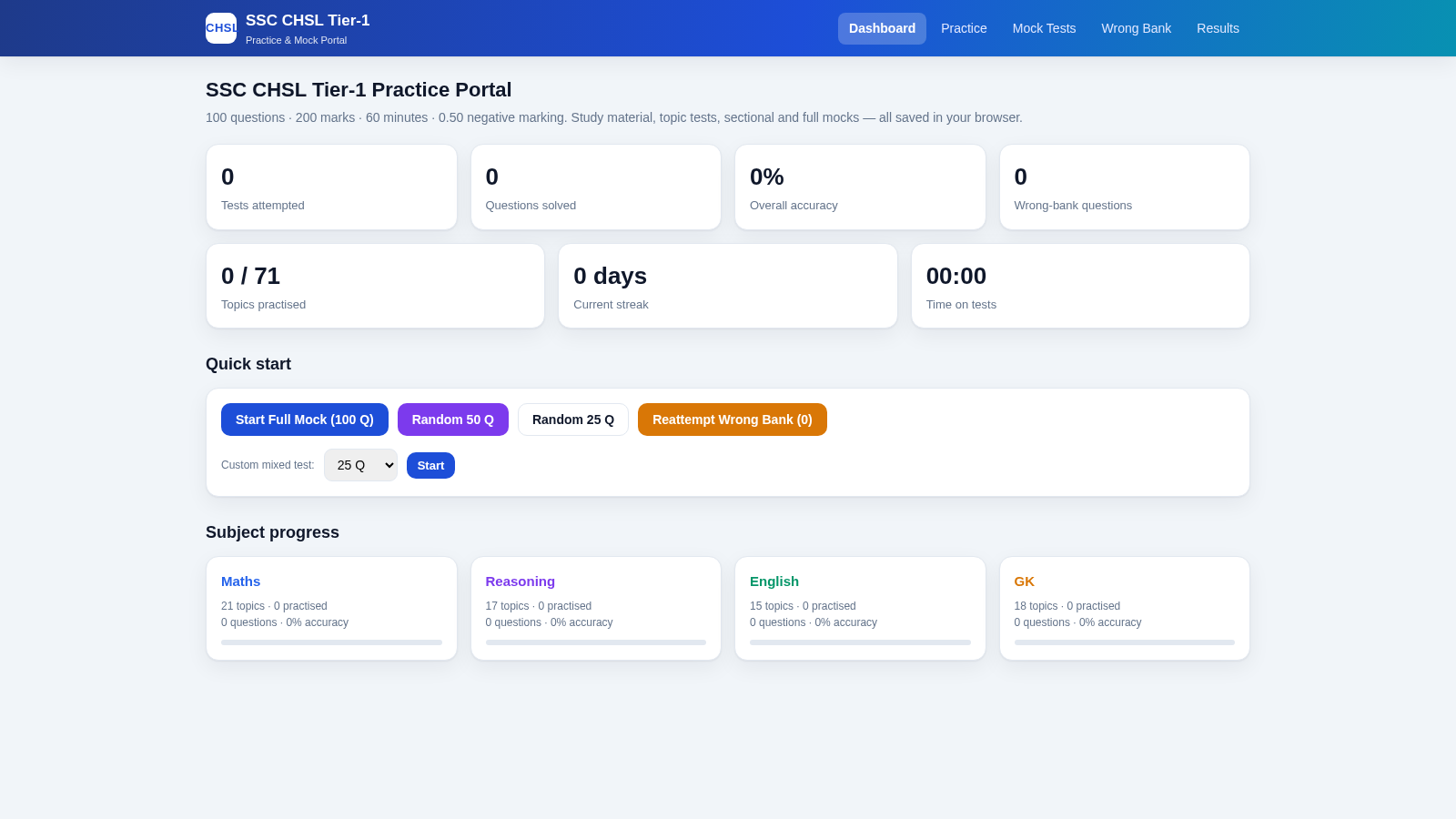
11SSC CHSL Tier-1 Practice Portal
SSC CHSL Tier-1 practice tests with instant explanations and full mocks.
 33
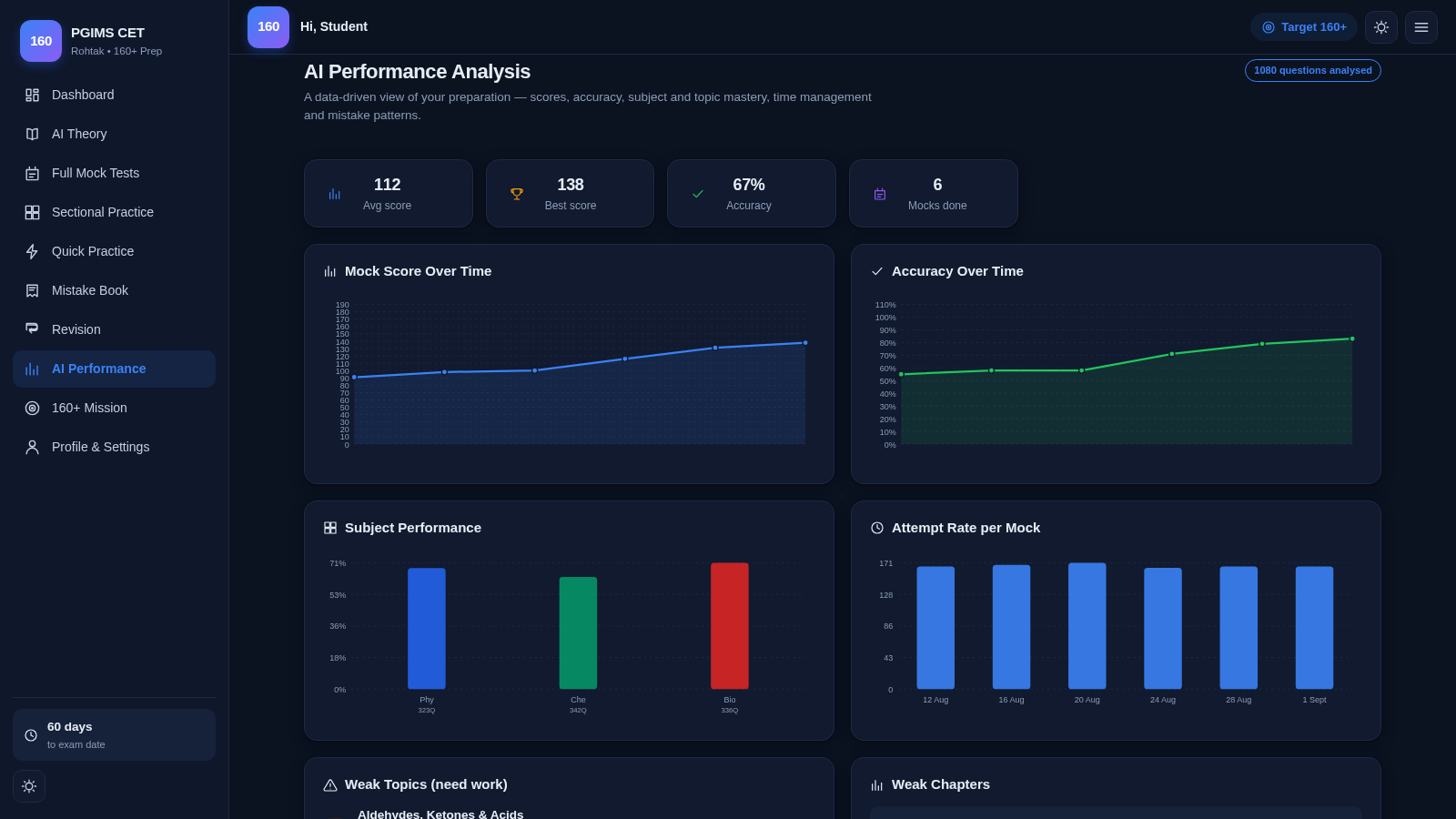
33PGIMS Rohtak CET 160+ Prep
PGIMS Rohtak CET prep: mock tests, AI theory, sectional practice, mistake book.
 5
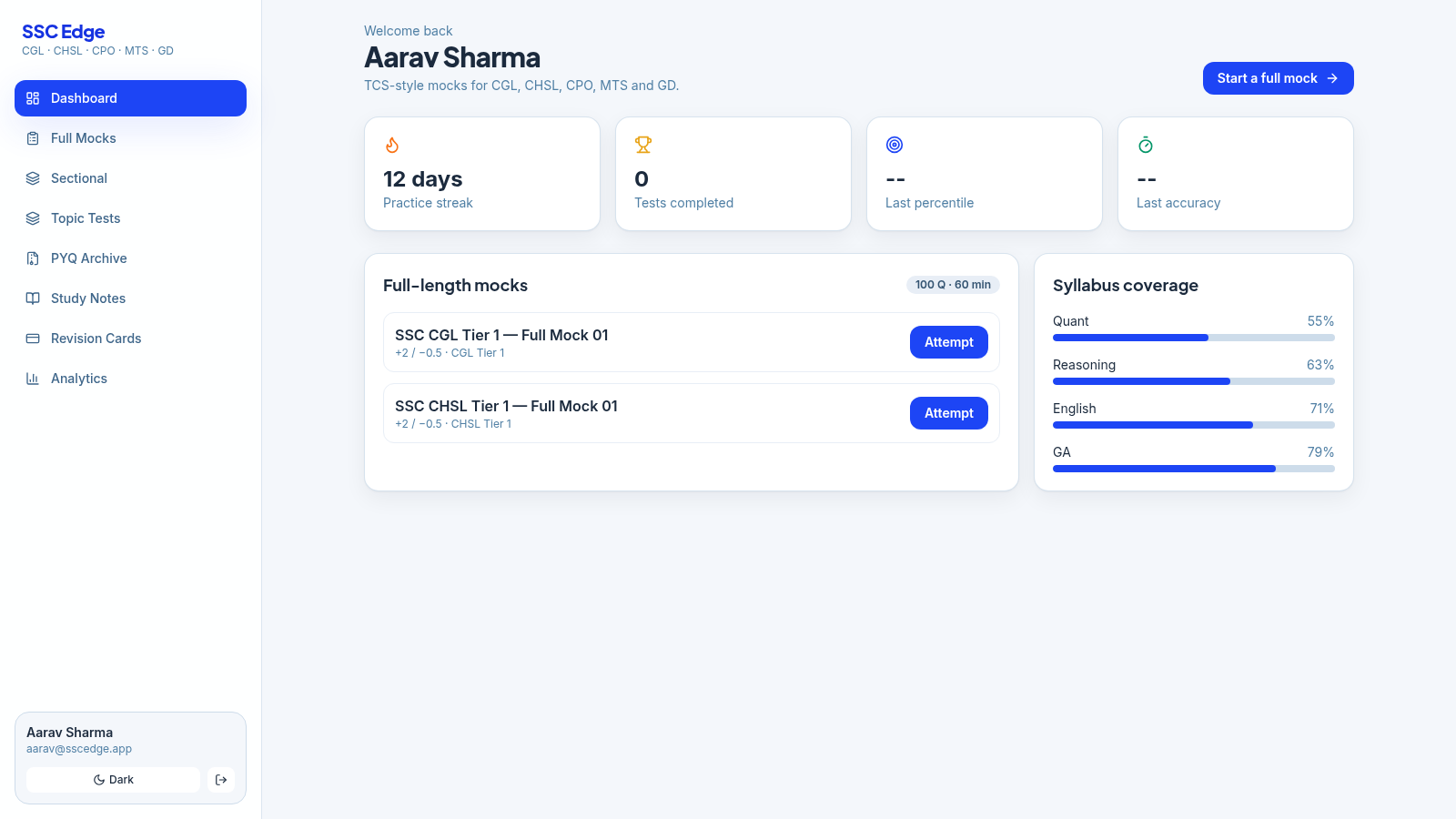
5SSC Edge
TCS-style SSC CGL, CHSL, CPO, MTS & GD mock tests with analytics
 5
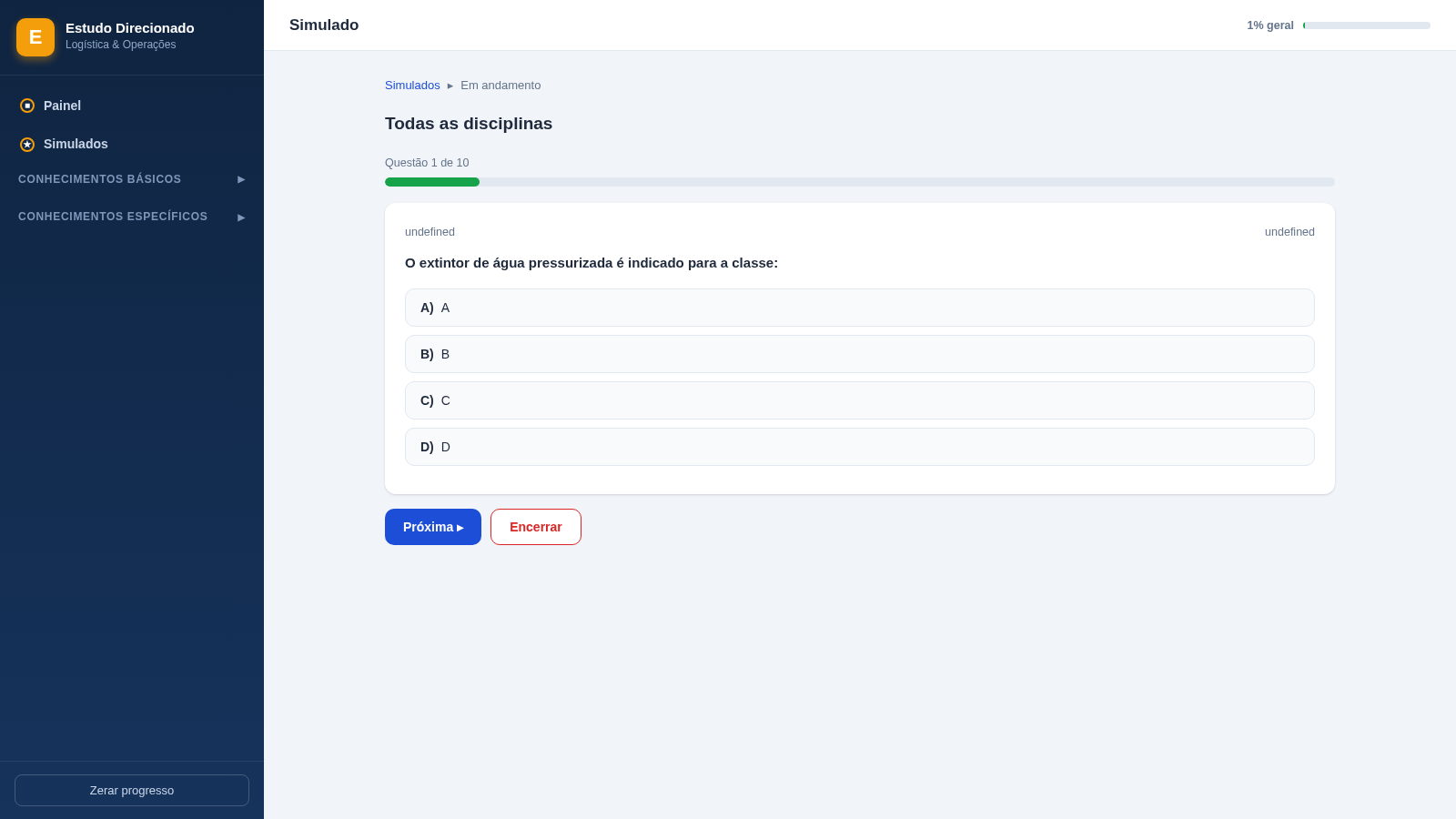
5Painel de Estudos - Logística
Estudo direcionado com 440 questões comentadas para concursos de logística