
Turbo Rush & Lawn Tennis
Two arcade games in one portal: a 3D mountain racer and a grass-court tennis match
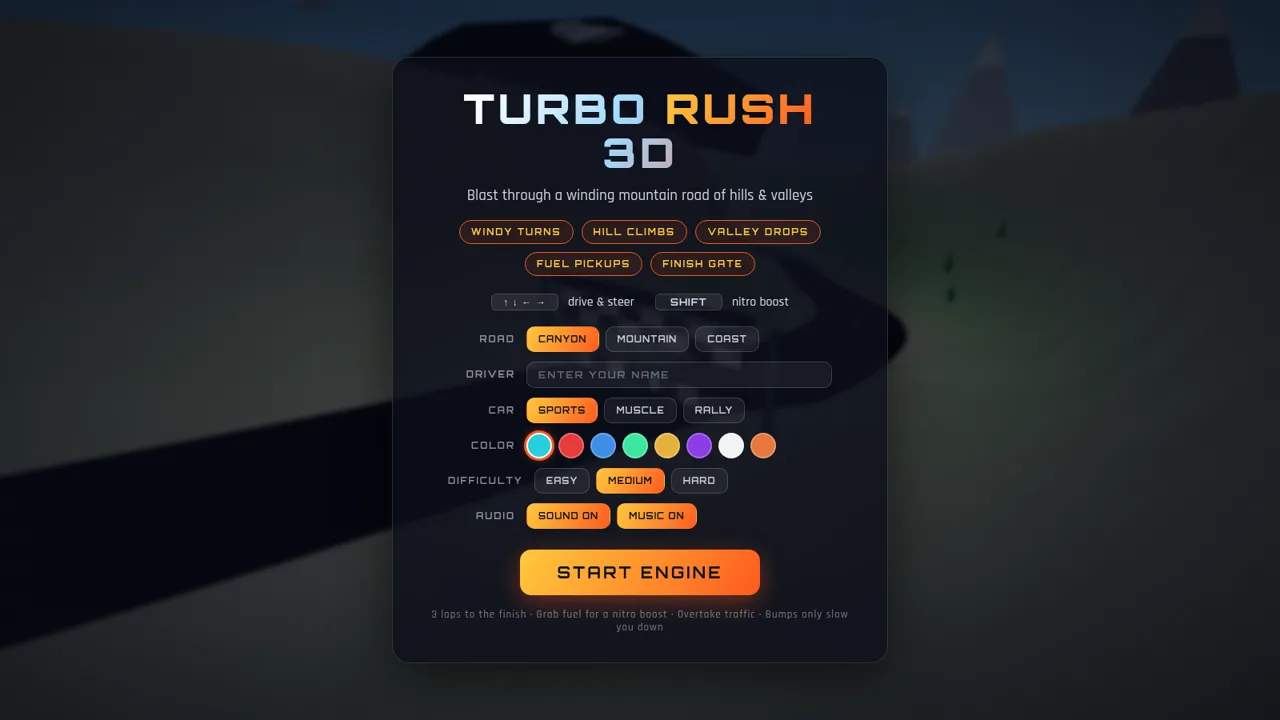
Turbo Rush & Lawn Tennis is a browser game portal that bundles two complete arcade titles behind a single landing page. The portal shows two cards, one for a 3D racing game and one for a lawn tennis game, each with a short description, a control hint and a play button. Turbo Rush 3D lets players choose a road, a car, a paint color and a difficulty, then race three laps on a winding mountain course while dodging traffic, collecting fuel for nitro boosts and chasing a best lap time. Lawn Tennis stages a grass-court match against a CPU opponent with three difficulty levels and a first-to-twelve, win-by-two scoring rule. Both games run entirely in the browser with keyboard or touch controls, require no account, and save a best lap and a match win-loss record locally.
Highlights
Two arcade games
Racing and tennis in one
Three race tracks
Canyon, mountain, coast
Car customization
Cars, colors, difficulty
Tennis vs CPU
First to 12, win by two
Saved records
Best lap and match record
How to Use
Pick a game on the portal
Open the site and you land on a dark navy page headed GAME PORTAL with two cards. The left card is Turbo Rush 3D and the right card is Lawn Tennis; each shows a description, a control line and a Play button. Click either button and only that game opens, so you can switch titles by using the back to game portal link inside each game.
Set up and race in Turbo Rush 3D
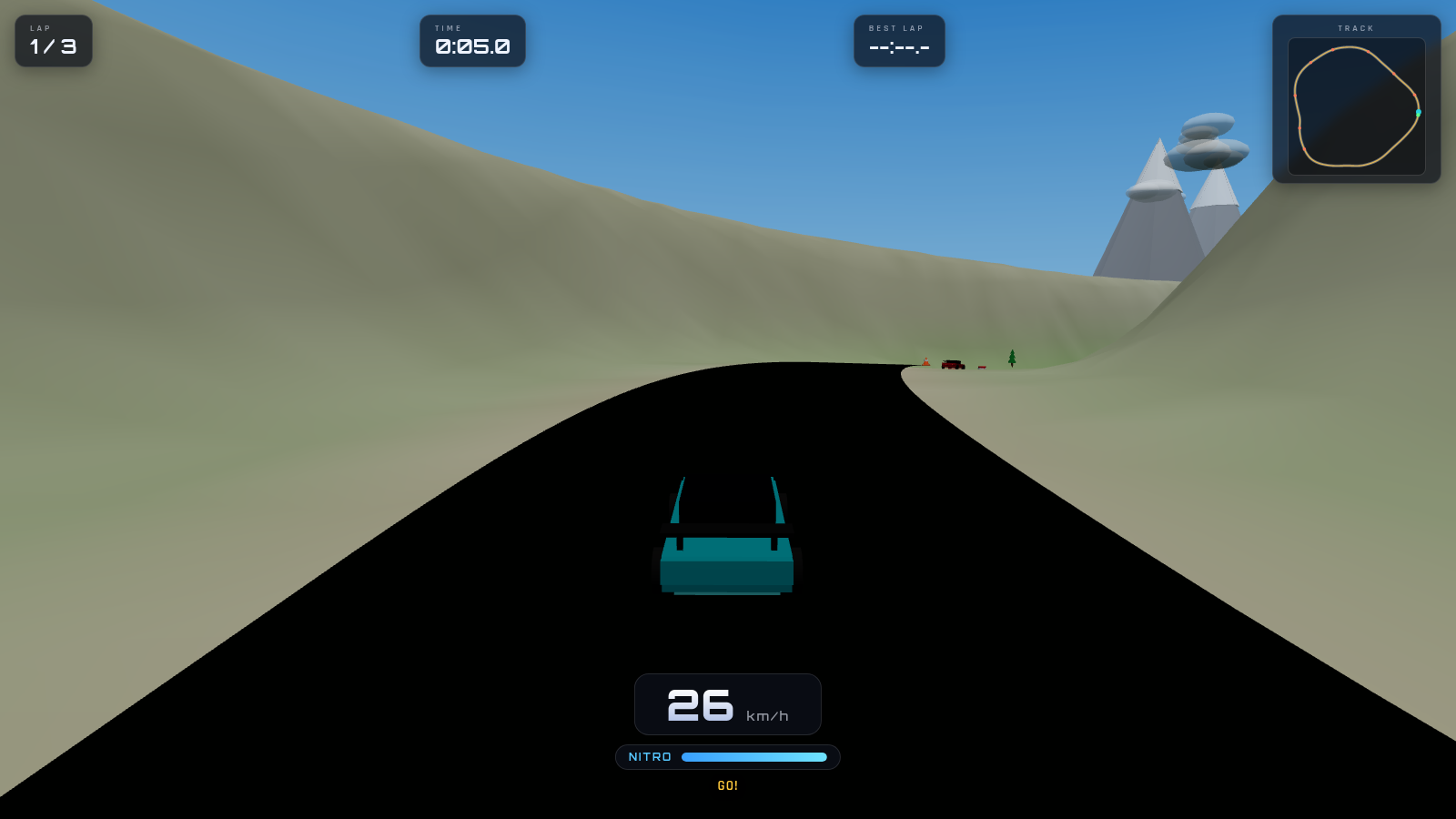
On the racing setup screen the top lists the route features and the controls: arrow keys to drive and steer, Shift for nitro boost, Esc or P to pause. In the garage panel choose one of three roads, type a driver name, pick a car body and one of eight colors, select Easy, Medium or Hard, then press START ENGINE. During the race the on-screen HUD tracks your lap out of three, a running timer, best lap, a small track map, current speed and a nitro bar that drains while Shift is held. Getting to the finish completes the race and updates your best lap.
Play a match in Lawn Tennis
On the tennis screen enter an optional player name, choose an opponent difficulty, then press TAKE THE COURT. Move your player with the left and right arrow keys or by dragging on touch, serve with Space when it is your turn, and hit with Space or a tap when the ball is within reach. The scoreboard tracks your points against the CPU along with small dots for games, and the first side to twelve points with a two-point lead wins. After the match your win-loss record shown under the setup button is updated.
Similar Sites
 45
45Turbo Rush 3D
3D racing game - dodge traffic, grab nitro, and cross the finish line first
 3
3Grassland Football Battle
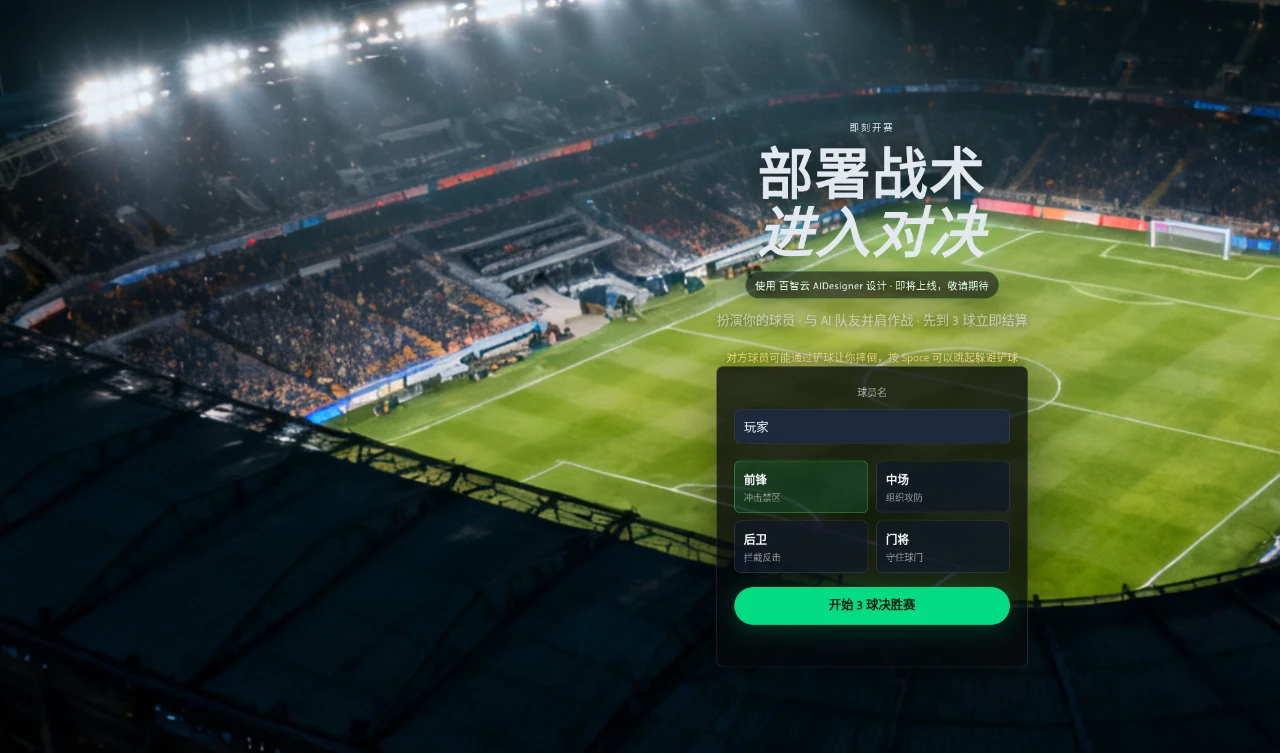
3D web football battle game, choose a position and work with AI teammates to complete a first-to-3-goals match.
 3
3Monkey Rush
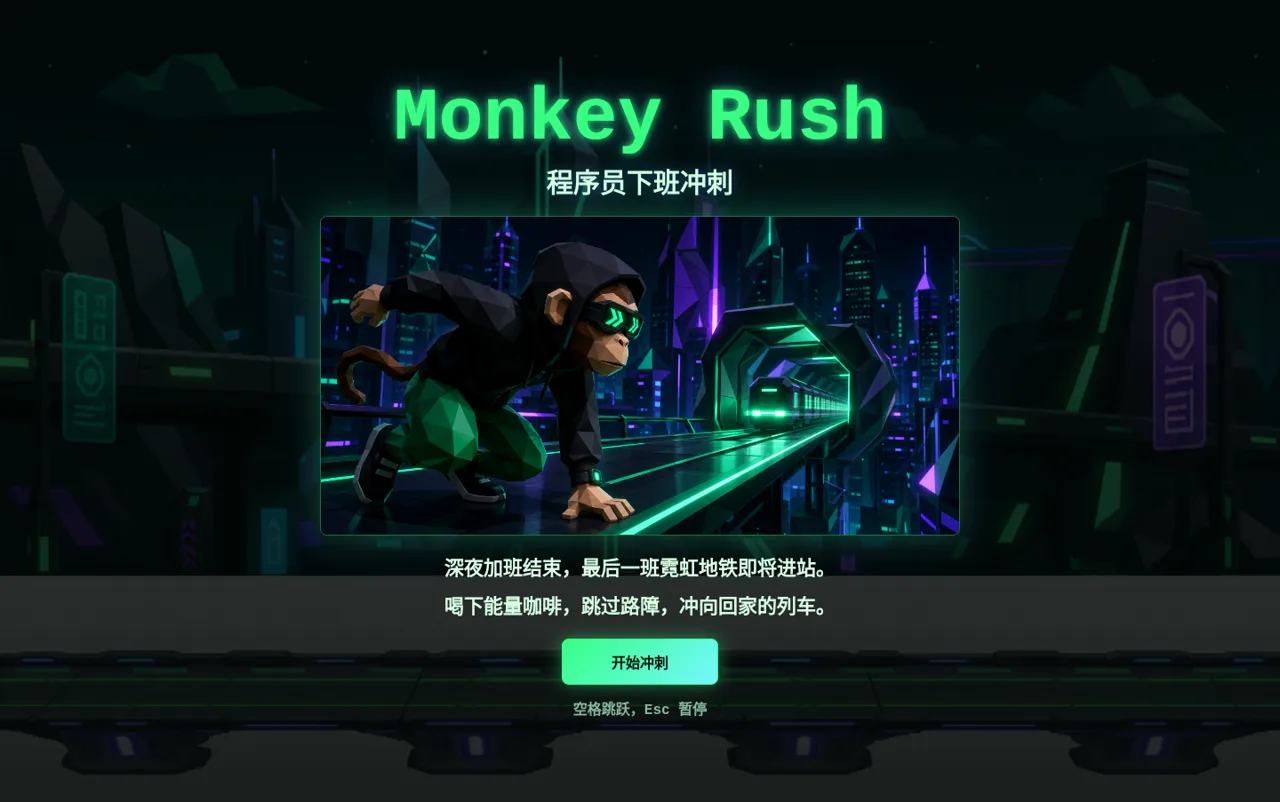
A parkour mini-game where the monkey wants to clock off, but I truly love clocking in.
 23
23Spin Wheel Prize Game
Multi-shop spin wheel with QR codes and real-time admin prize control
 18
18Snakes and Ladders
Classic board game: race to square 100, climb ladders, dodge snakes.
 4
4Nika guerreiro do Sol
Platformer pixelado 2D com poderes de borracha. Fase 1 no estilo Super Mario.