
Spin Wheel Prize Game
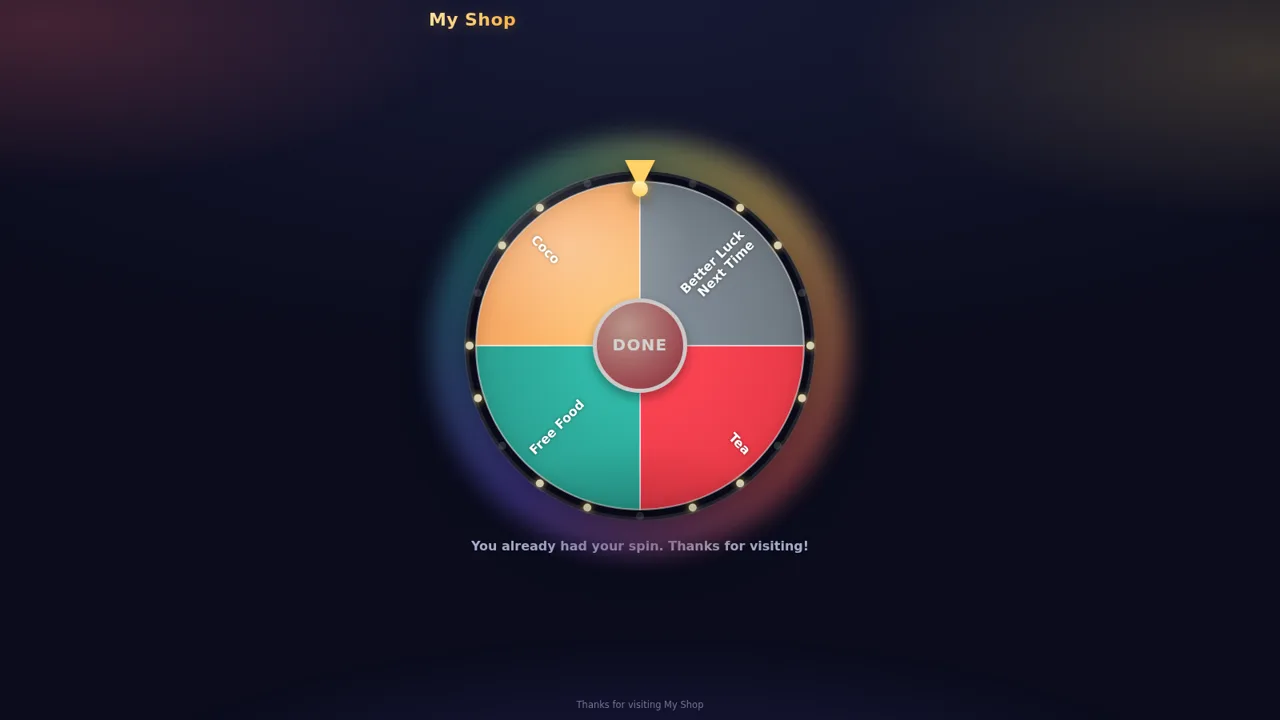
Scan a QR code, spin the wheel, and let shops control prizes live.
Spin Wheel Prize Game is a browser tool that lets a shop run a lucky-draw promotion. Each shop gets its own spinning wheel, and customers open it by scanning a QR code. A super admin signs in at the same domain to create shops, set prize options, choose how results are decided, generate unlimited QR codes, and watch spins arrive in real time. Results can be fully random, forced to a chosen prize, or picked manually by the operator while a customer waits.
Highlights
Multi-shop admin
One admin, all shops
QR code entry
Scan opens the wheel
Live prize control
Pick winners live
Forced win mode
Guarantee the prize
Spin history
Track every spin
How to Use
Open the public wheel
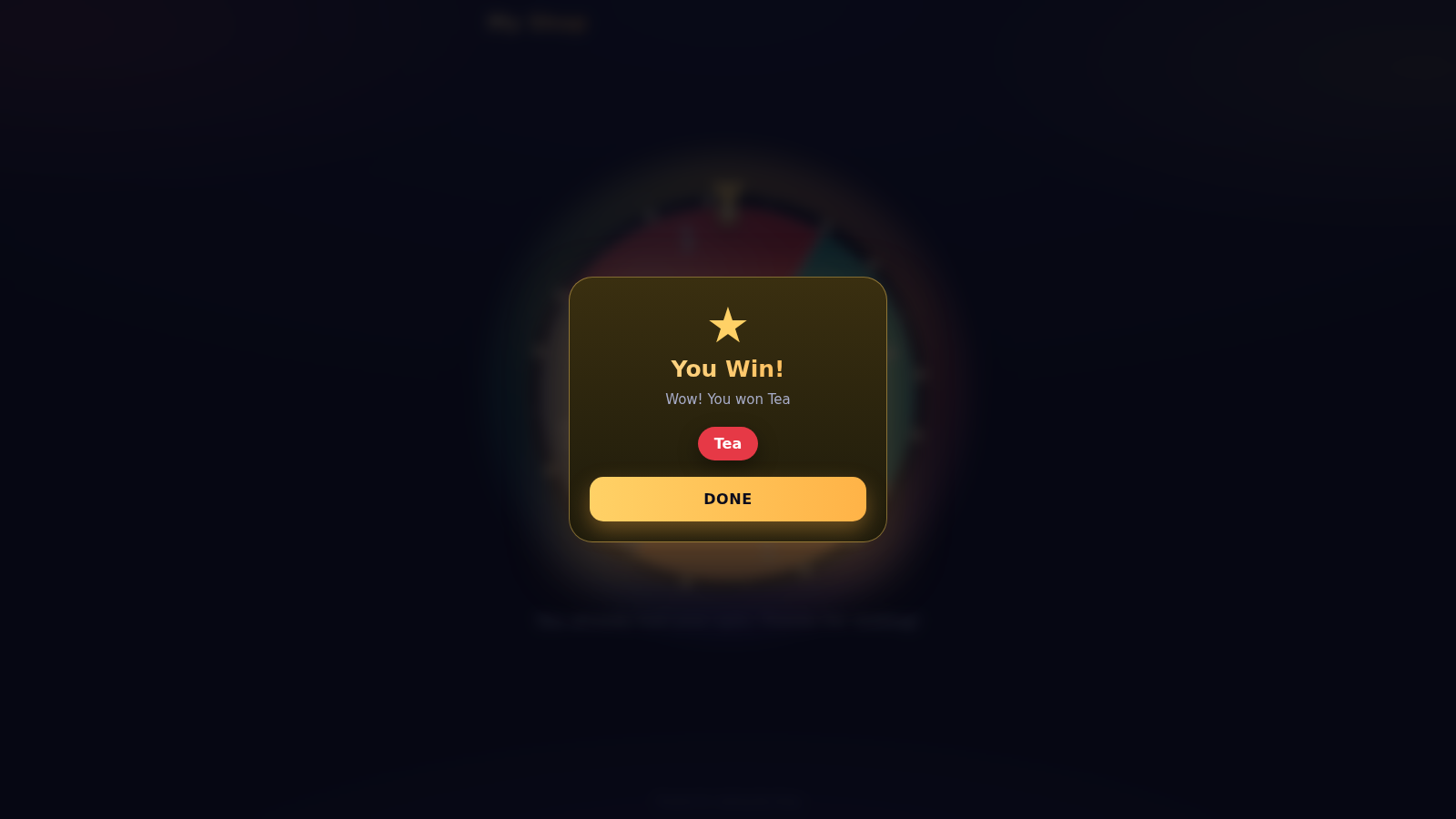
Go to the /play route to see the customer-facing wheel for a shop such as My Shop. The page shows the shop name, a colored wheel with prize sectors, and a SPIN button; tapping it animates the wheel and then displays a result modal such as You Win or Better Luck Next Time.
Sign in as admin
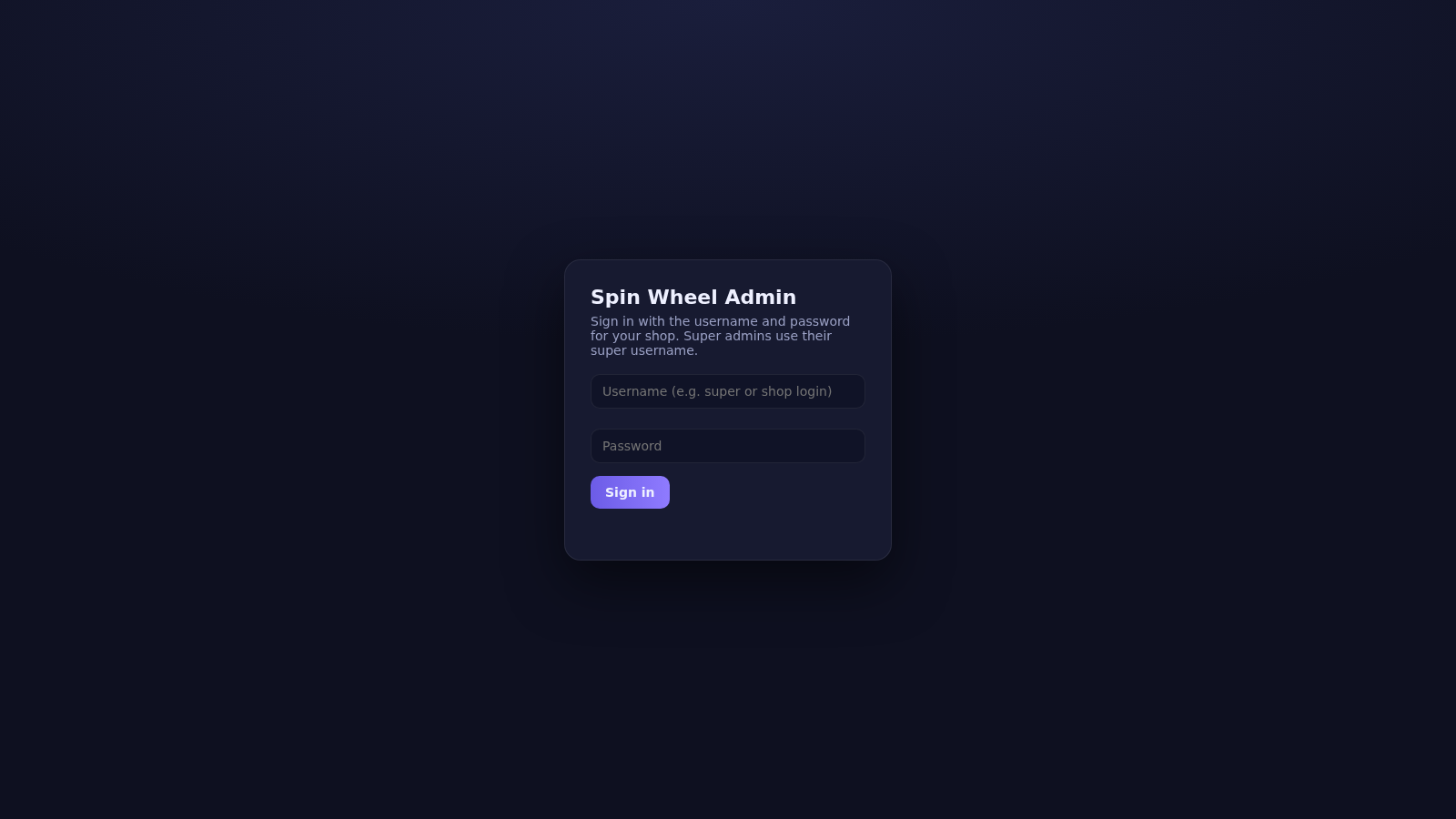
Open /admin and use a demo account listed on the login screen: super / 9347846421 for the super admin that manages all shops, or main / admin123 for the demo shop admin. You can tap a demo card to fill the fields, then press Sign in to reach the dashboard.
Create and manage shops
In the Shops tab, fill in a shop name, an optional shop code used in the link, and a login username and password, then press Create shop. Each shop keeps its own wheel, QR codes, admin password and counters such as spins, wins, better-luck results, scans and today's activity.
Choose how results are decided
On the Dashboard pick one of three spin modes: Auto (Random) uses the weights you set, Forced Win always lands on the prize you select, and Manual (Live) lets the customer spin and wait while you choose the result in real time from the pending spins list.
Generate QR codes
Open the QR Codes tab to create as many codes as needed, for example one per counter, table or entrance. Name a code and press Create QR code, or use the advanced form to give a specific code its own spins-per-customer limit or a fixed prize. Each code opens the live wheel for that shop.
Watch live results
Keep the Dashboard or Live Control tab open while customers spin. Pending manual requests and completed results appear instantly through the real-time connection, and the History tab lists past spins with their outcomes.
Similar Sites
 8
8Bowling King
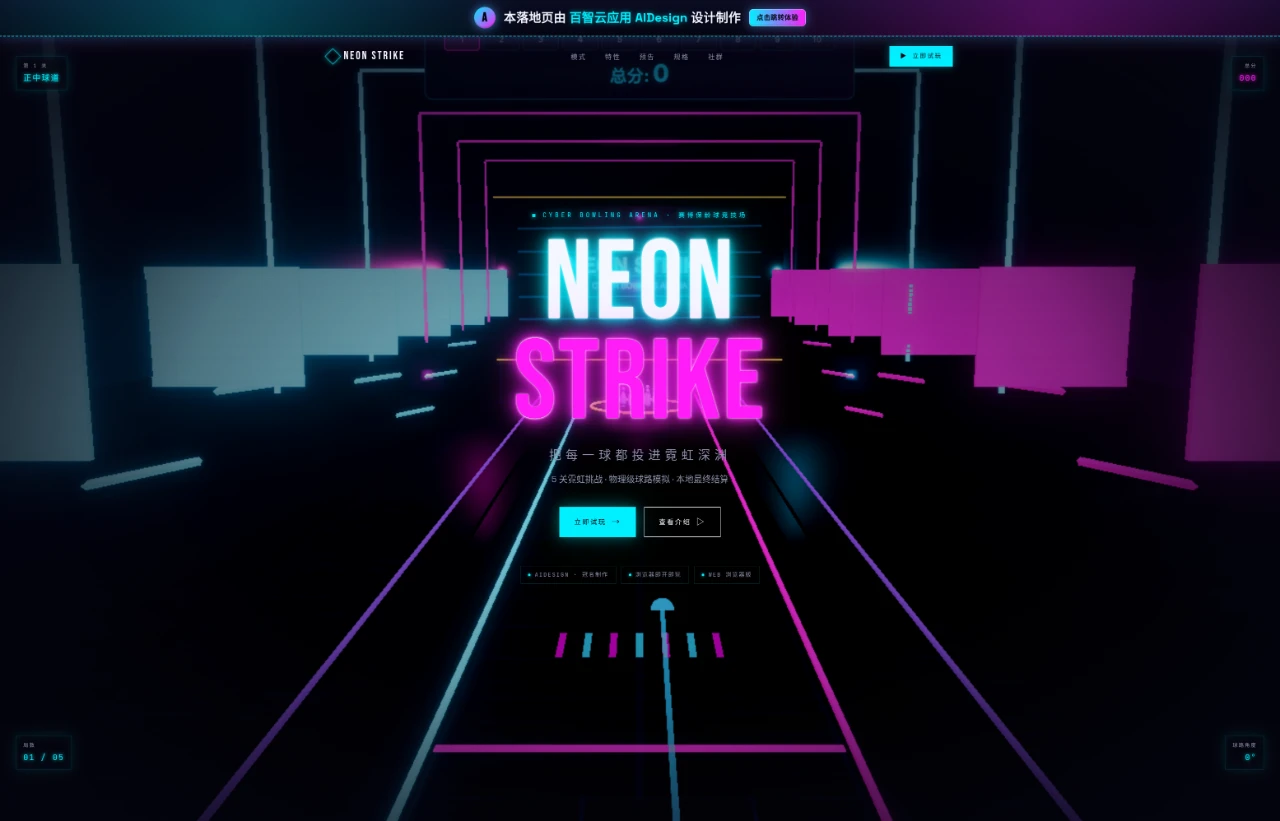
Cyberpunk-style 3D bowling web game featuring five levels of challenges. Come play!!! You'll regret not playing for eight lifetimes!!!!
 3
3Grassland Football Battle
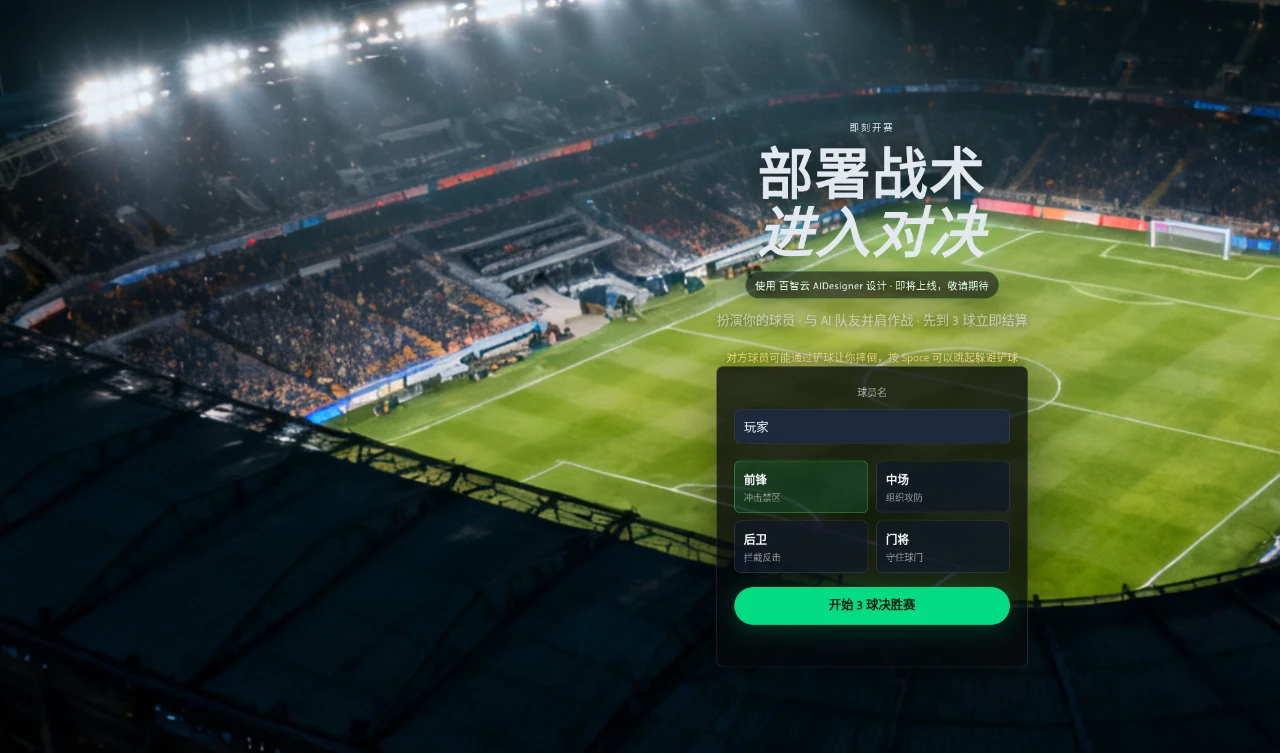
3D web football battle game, choose a position and work with AI teammates to complete a first-to-3-goals match.
 5
5Tap Tap Fun
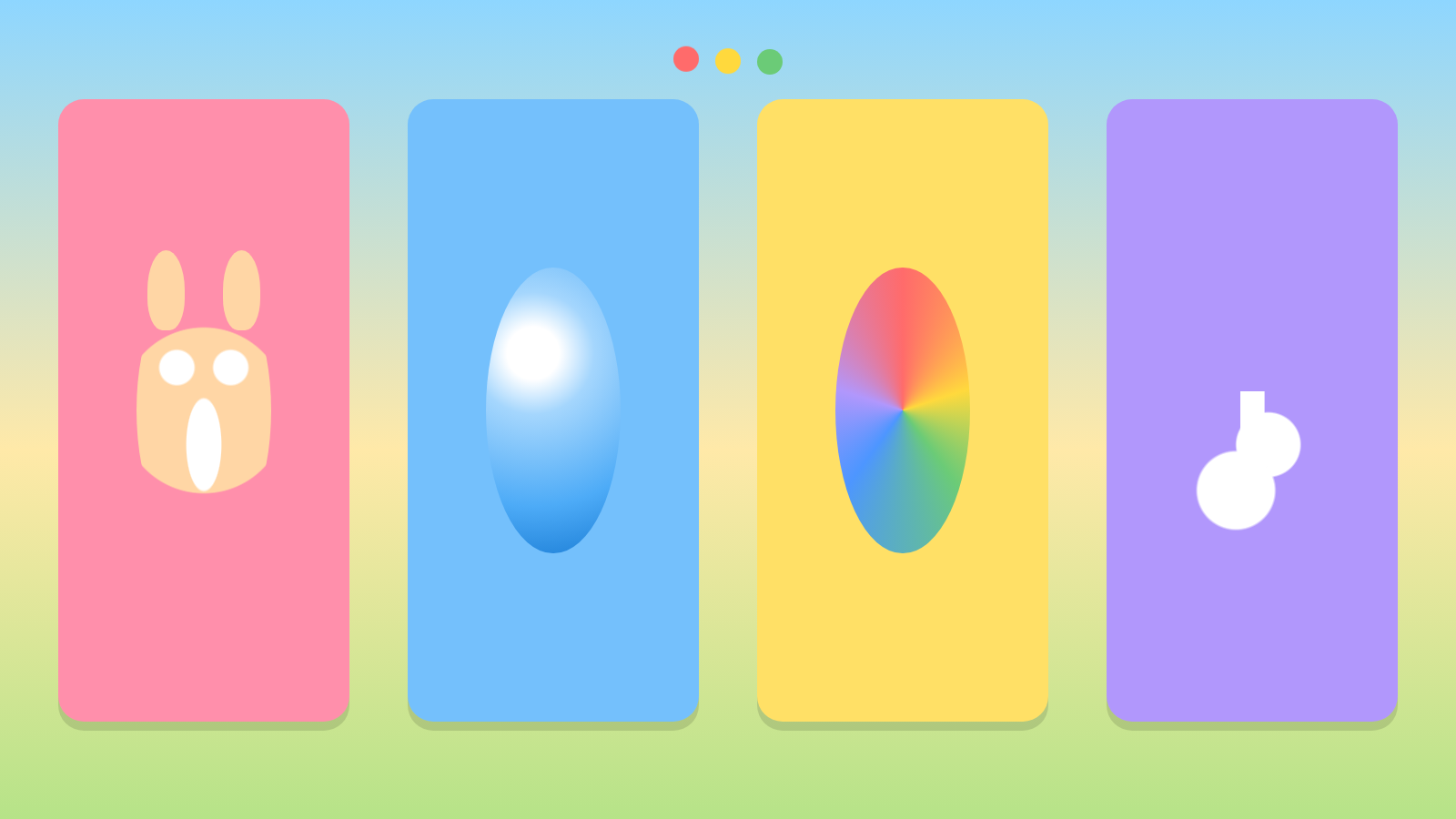
A colorful tap game for toddlers with animals, bubbles, colors, and music.
 2
2Pixel Brick-Hitting Coin Mini Game
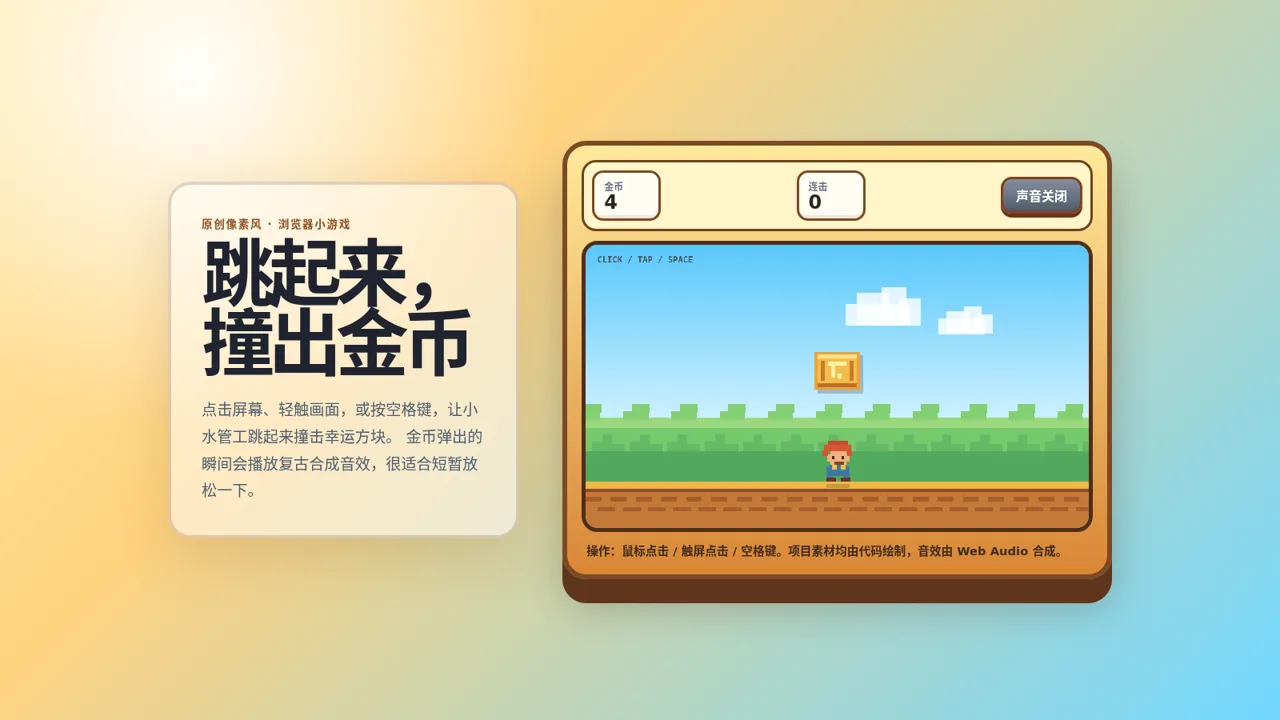
An original pixel-art browser mini-game where you click to jump and hit blocks to generate coins, with retro synthesized sound effects.
 45
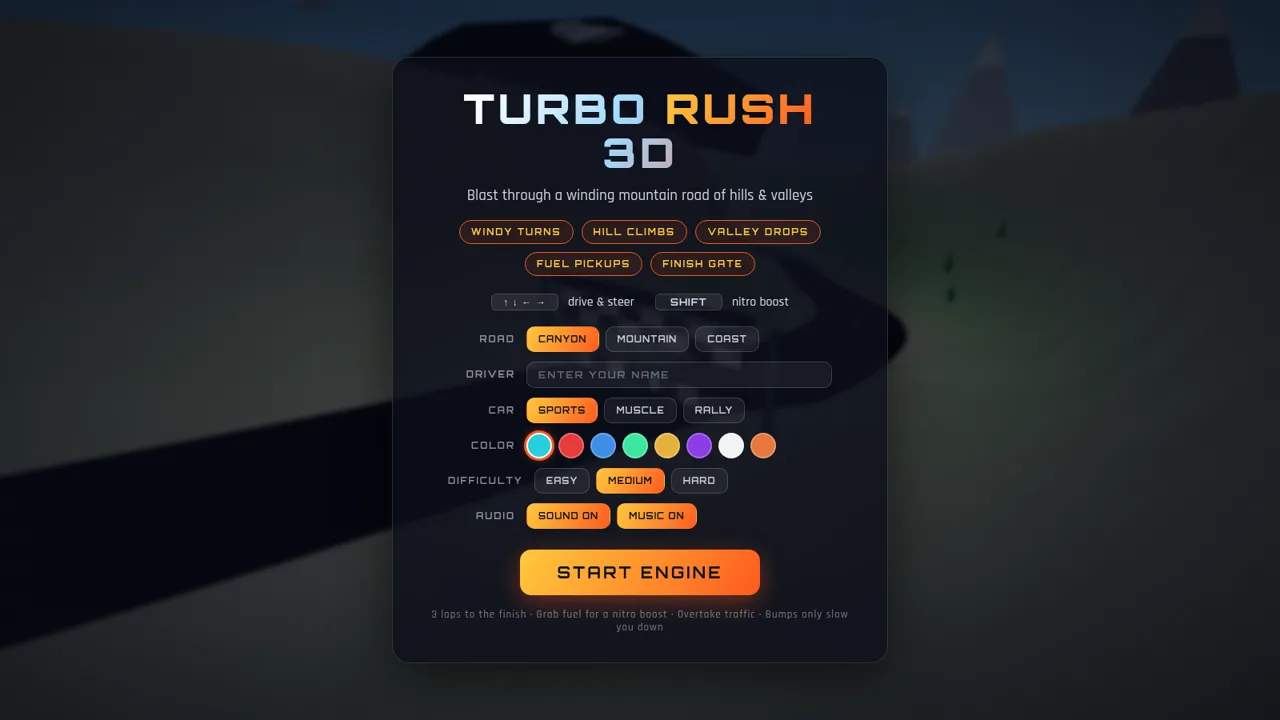
45Turbo Rush 3D
3D racing game - dodge traffic, grab nitro, and cross the finish line first
 37
37Turbo Rush & Lawn Tennis
Two arcade games in one portal: mountain-road racing and lawn-tennis rallies.