
Paraíso Fiscal

A unified fiscal ERP for moving Brazilian tax documents from import and validation to assessment, analytics, and audit.
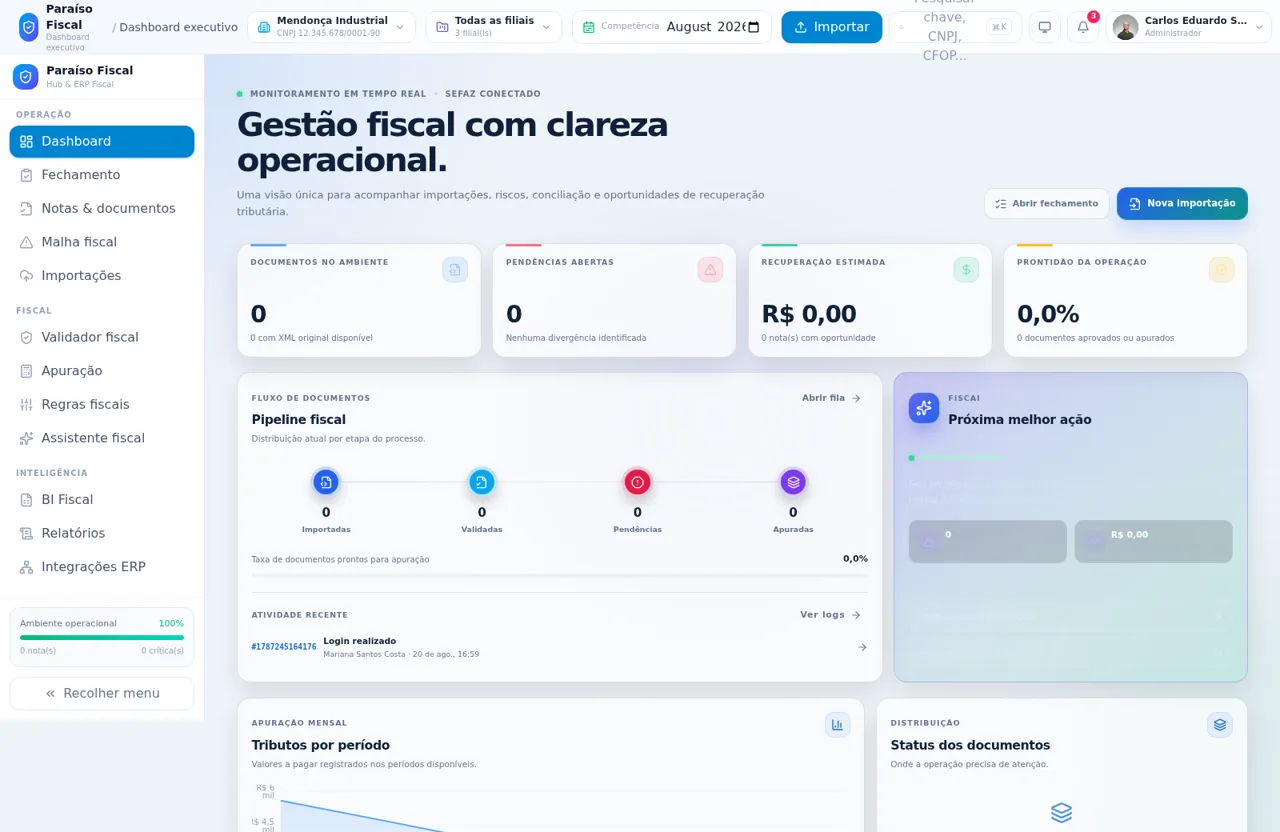
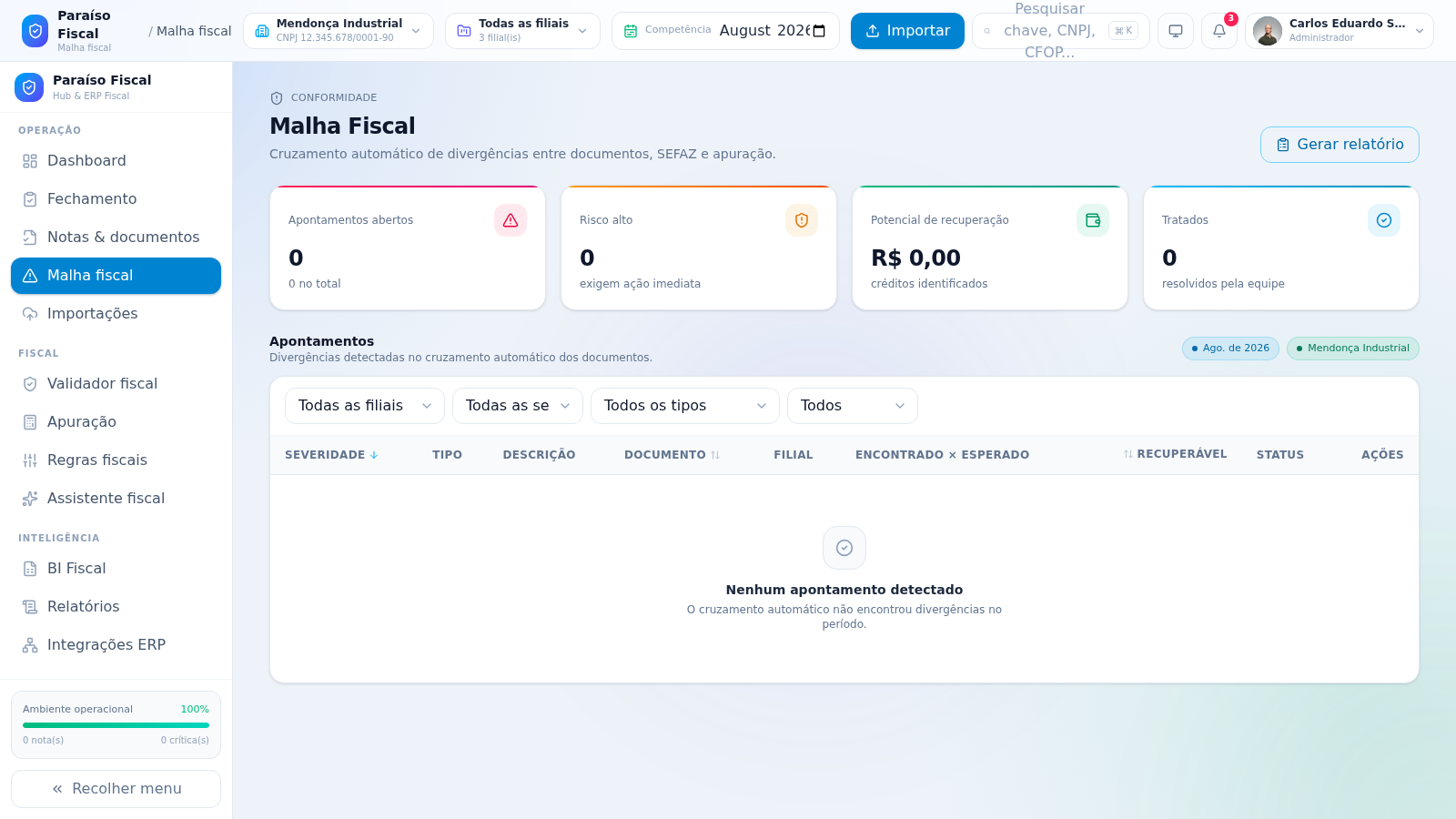
Paraíso Fiscal is an interactive fiscal operations platform designed for Brazilian accounting and tax teams. After signing in with one of the supplied demonstration roles, users enter a multi-company workspace with company, branch, and competency controls. The platform organizes document imports, NF-e repositories, fiscal validation, discrepancy monitoring, monthly tax assessment, fiscal rules, an assistant, BI dashboards, reports, ERP integrations, and governance features. The executive dashboard summarizes document flow, pending issues, estimated recovery, operational readiness, recent activity, monthly taxes, supplier risk, and environmental alerts. During inspection, the environment contained no imported documents, but the document repository and fiscal mesh displayed complete filters, columns, status choices, export actions, and informative empty states.
Highlights
Unified Fiscal Hub
Operations in one workspace
Multi-Company Scope
Company and branch context
Compliance Monitoring
Risks and discrepancies
Governance Controls
Roles, logs, and audit
How to Use
Sign in with a demonstration role
Choose an administrator, fiscal specialist, manager, or operator account on the login screen, enter the displayed standard demonstration password, and select the sign-in button. The platform then opens the fiscal workspace using the selected role.
Set the operating context
Use the controls in the top bar to choose a company, one or all branches, and the desired accounting competency. Dashboard indicators and fiscal module views reflect this operating context.
Import and review fiscal documents
Open the import action or the Imports module to add XML files or spreadsheets. Continue to Notes and Documents to search by status, review document and tax columns, filter discrepancies, and export the resulting repository when records are available.
Monitor discrepancies and assessment
Open Fiscal Mesh to filter findings by period, branch, severity, type, and treatment state. Use Fiscal Validator, Assessment, and Fiscal Rules for subsequent compliance and calculation work, with dashboard cards providing shortcuts into priority queues.
Analyze and govern the operation
Use Fiscal BI and Reports to review operational indicators, then access ERP Integrations and the governance modules to maintain companies, branches, users, permissions, notifications, audit records, SQL access, and platform settings.
Similar Sites
 20
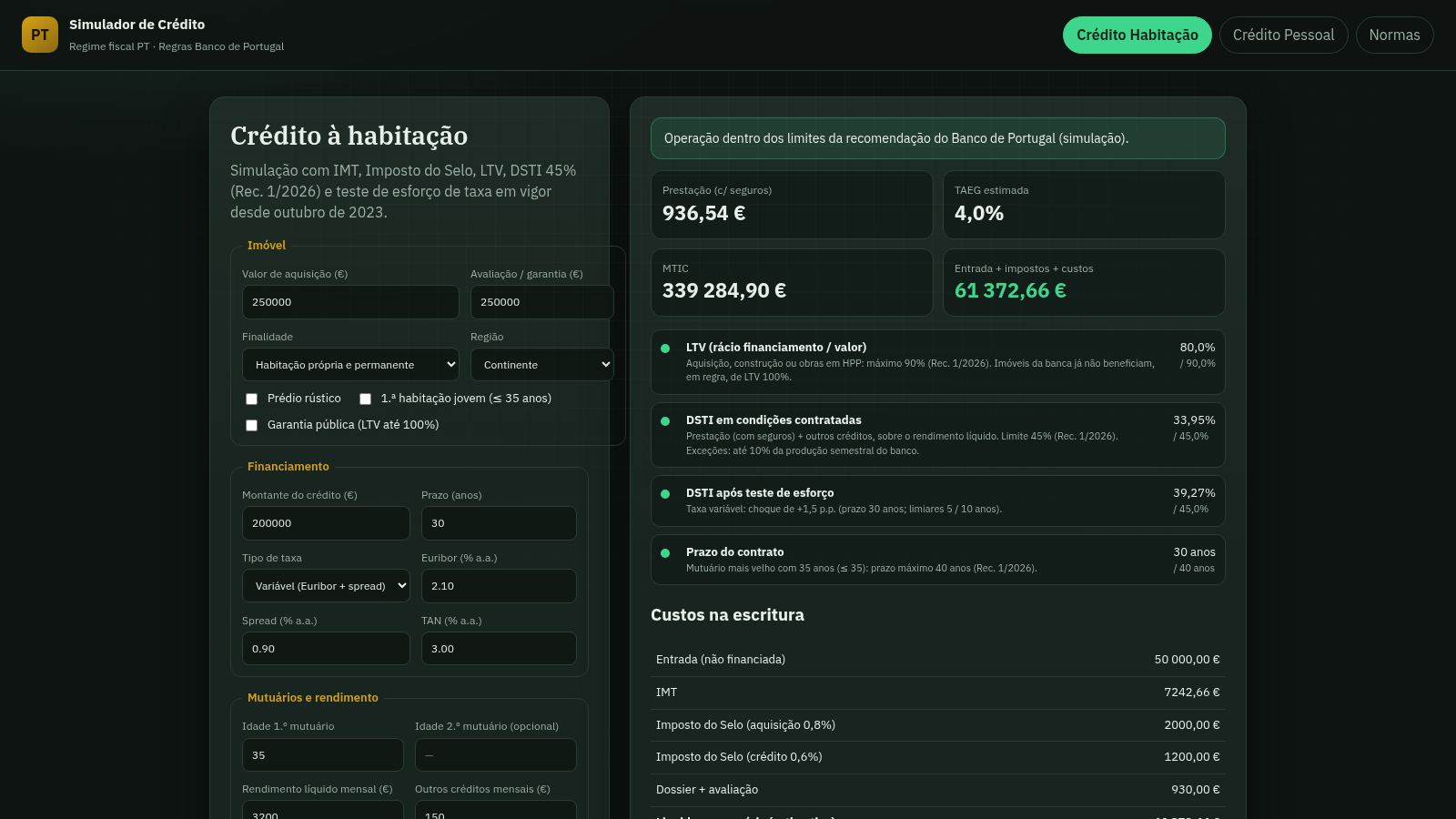
20Simulador de Crédito PT
Simulador de crédito habitação e pessoal alinhado com o regime fiscal português e a Rec. 1/2026 do Banco de Portugal.
 413
413Smile Patisserie
Smile Patisserie menu: cakes, oriental, bakery, and WhatsApp cart
 447
447حاسبة رسوم الجمعية
حاسبة رسوم الجمعية لوكلاء Money Fellows — حساب القسط وصافي القبض شهر بشهر.
 126
126Agenda de Pedidos - Confeitaria
Agenda digital de pedidos para confeitaria com integração WhatsApp
 49
49SGI CONTROL
Sistema Integrado de Gestão da Qualidade (ISO 9001) com painel B2B multiempresa
 49
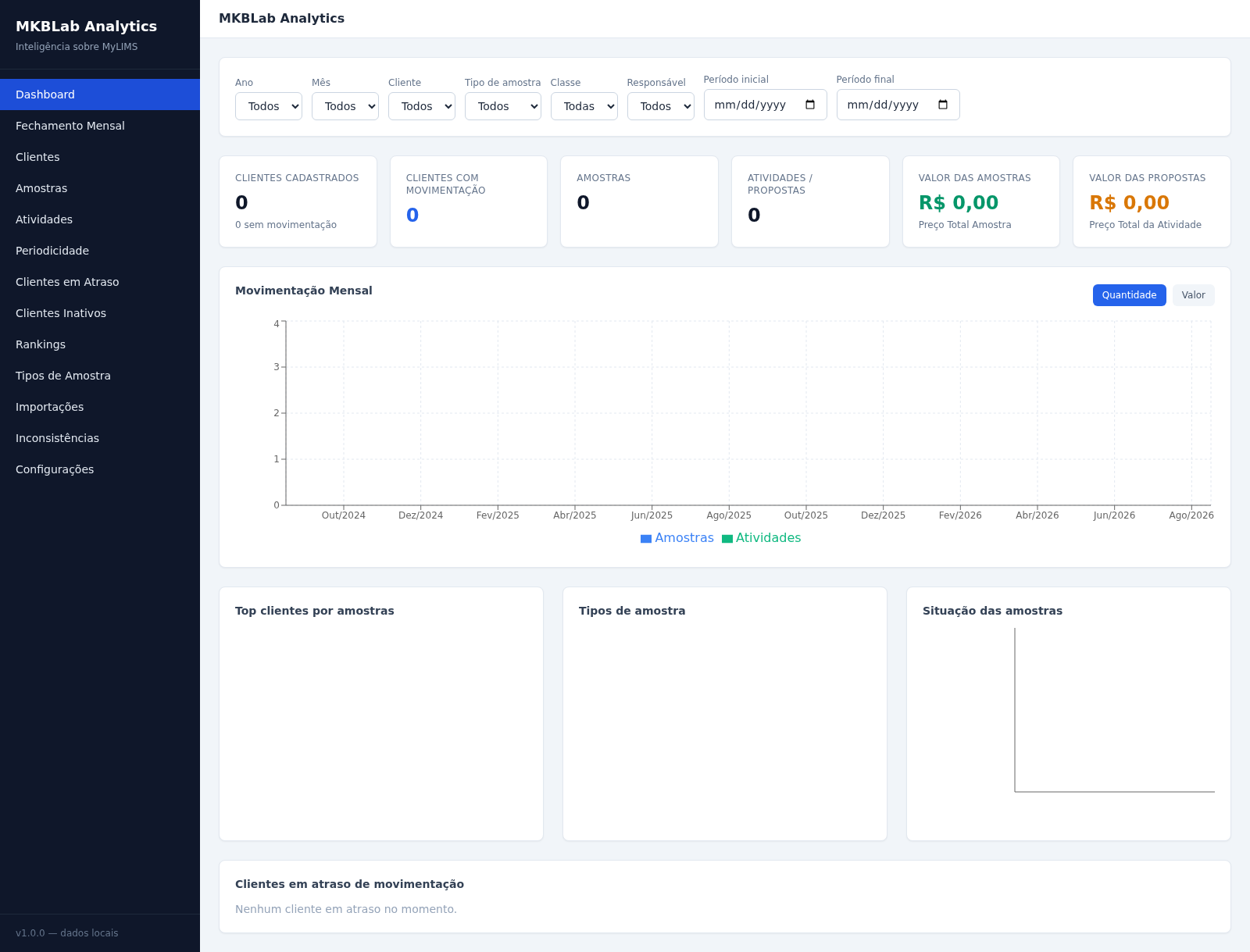
49MKBLab Analytics
Dashboard gerencial com importação de relatórios XLSX do MyLIMS