
Digital Barber
Book a verified barber to your door, or manage on-demand grooming work from the professional dashboard.
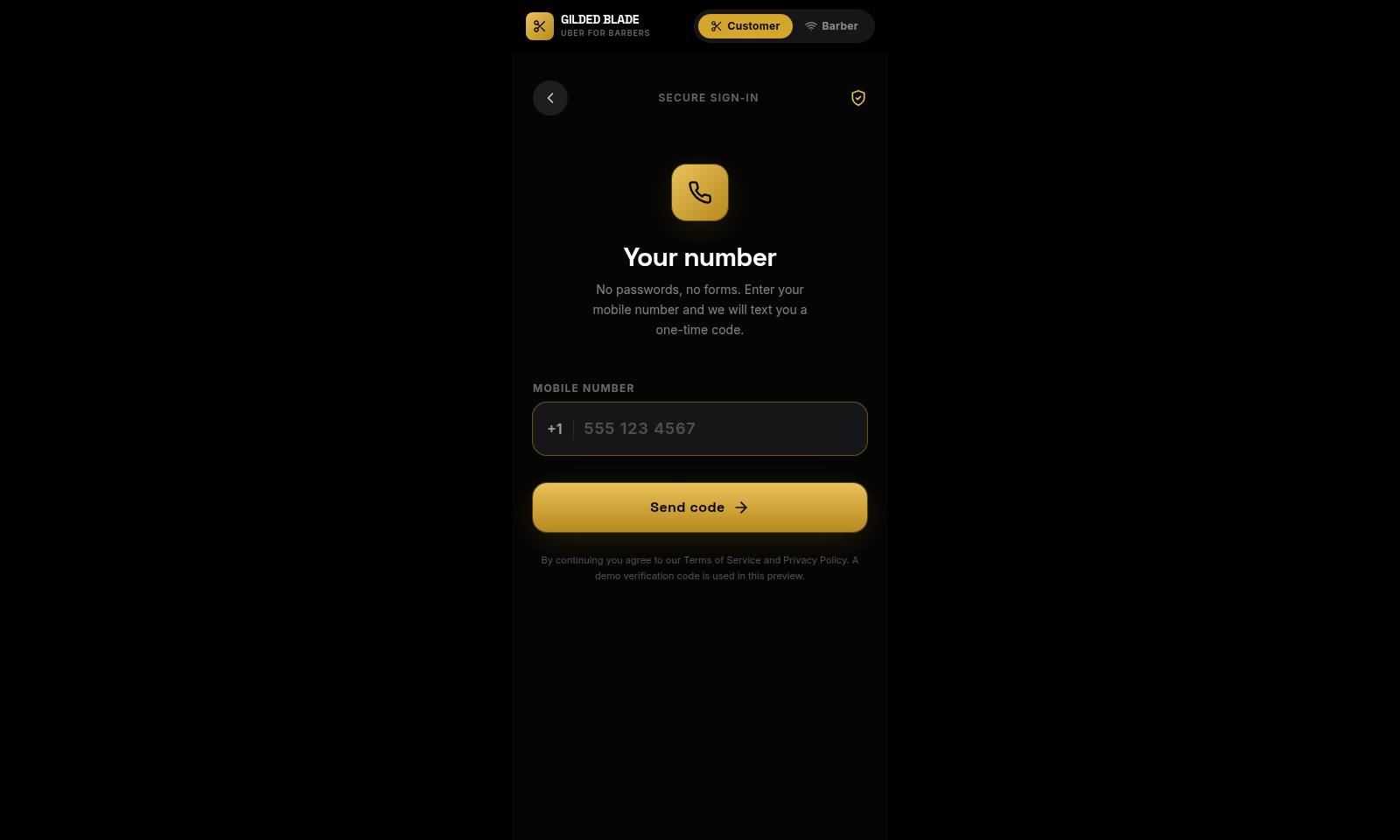
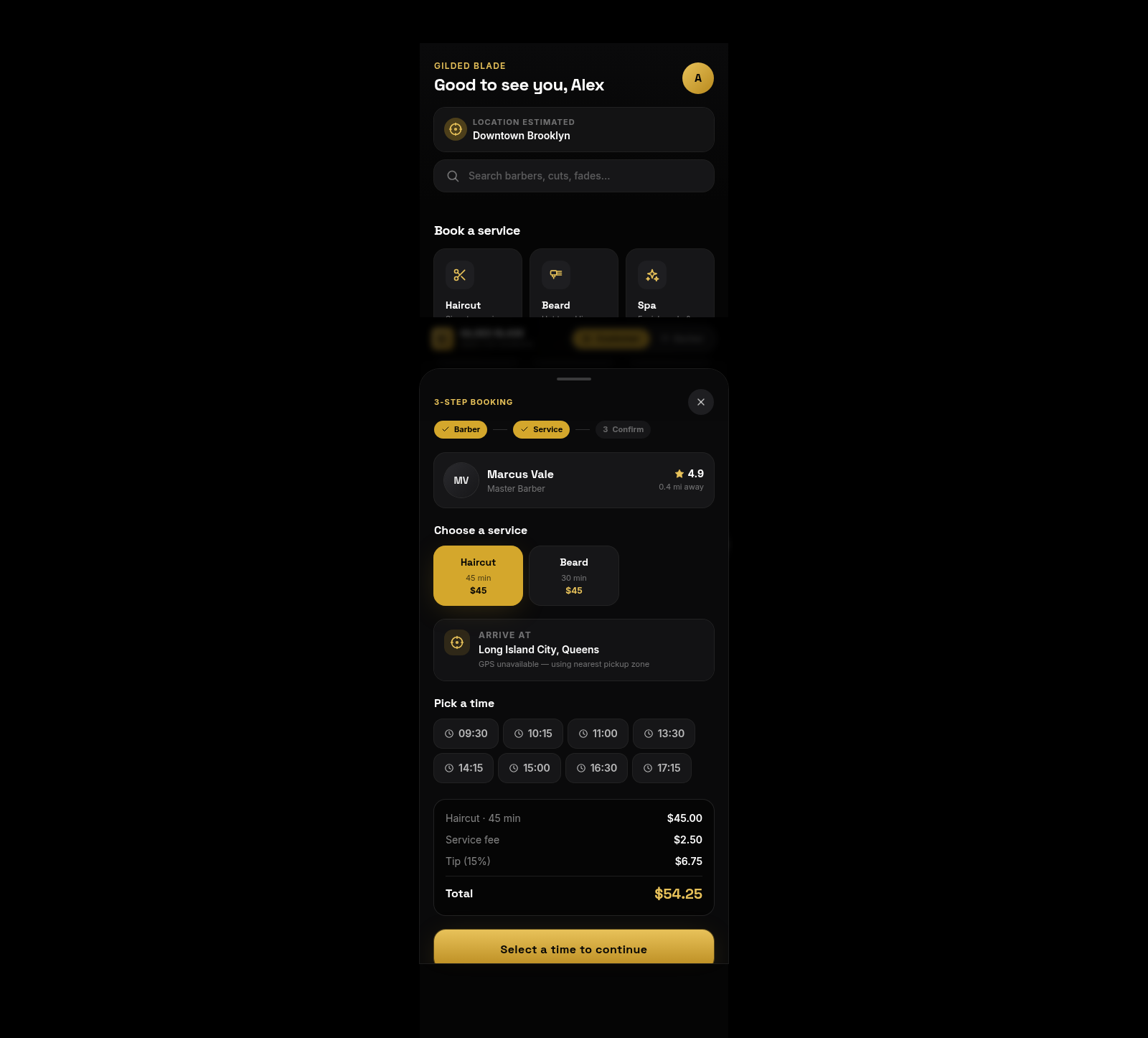
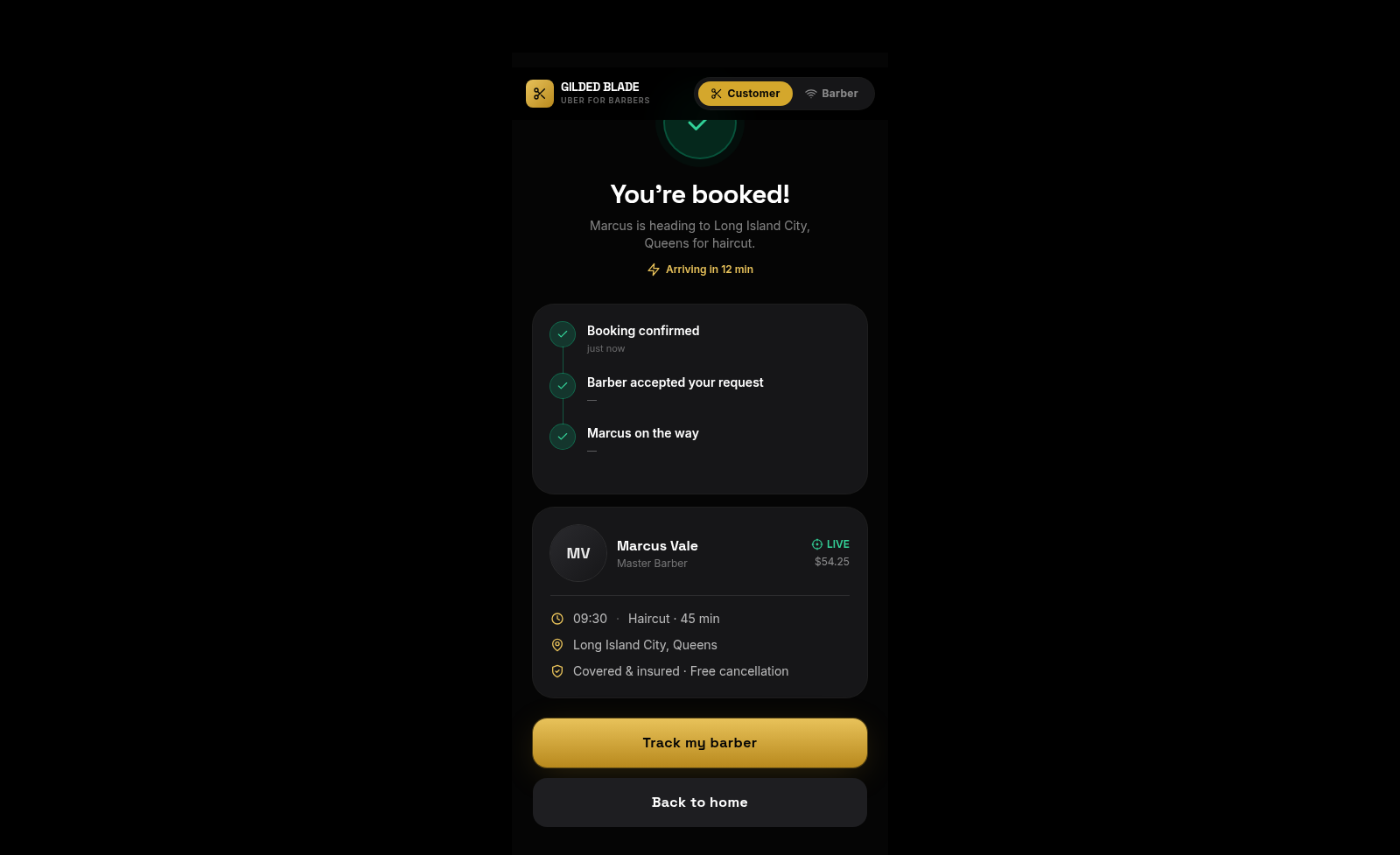
Gilded Blade is a two-sided on-demand barber booking prototype. Customers enter through a demo SMS verification flow, see an estimated location, browse nearby professionals and compare specialties, ratings, review counts, distance, prices and arrival times. A three-step booking panel lets them select a haircut or beard service, choose a time and review service fees and tip before confirming. The completed booking shows the assigned barber, destination, appointment time, price and progress timeline. Switching to the barber role opens a professional dashboard with online and offline controls, daily and weekly earnings, completed-job metrics, rating, punctuality and upcoming client requests.
Highlights
Dual-role workflow
Customer and barber views
Guided booking
Service, time and total
Provider metrics
Earnings and job status
Premium visual system
Consistent dark gold UI
How to Use
Sign in as a customer
Keep the Customer role selected, enter a mobile number and submit it. The preview displays the six-digit demo SMS code on the verification screen; enter that code and choose Verify & continue to open the customer marketplace.
Find a service provider
Browse the Haircut, Beard and Spa service shortcuts, use the search box or filter chips, and compare nearby barber cards by specialty, verification, rating, distance, price and estimated arrival time.
Configure the appointment
Open a barber card to reveal the three-step booking panel. Select an available service and time, review the destination, duration, service fee, tip and total, then use the enabled confirmation button to submit the booking.
Review the confirmation
After confirmation, review the assigned professional, appointment time, service, destination, total and arrival estimate. The page also provides controls for tracking the barber or returning home.
Explore the barber dashboard
Switch to the Barber role from the top role selector. The dashboard shows online and offline controls, earnings, weekly activity, completed jobs, rating, punctuality and waiting client requests.
Similar Sites
 126
126Agenda de Pedidos - Confeitaria
Agenda digital de pedidos para confeitaria com integração WhatsApp
 60
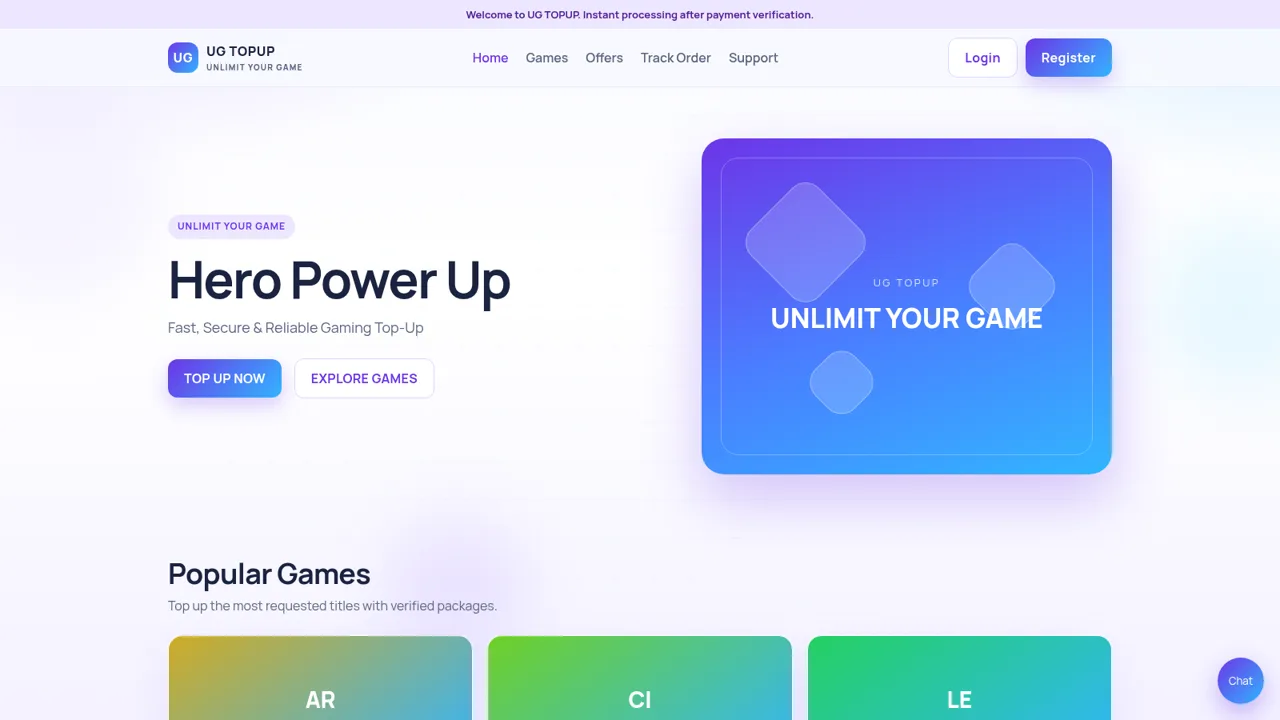
60UG TOPUP
Fast, secure gaming top-up for diamonds, UC, coins and crystals.
 56
56Ferreira atelier
Venda de fotografias digitais e impressas com PIX, cartao e boleto.
 49
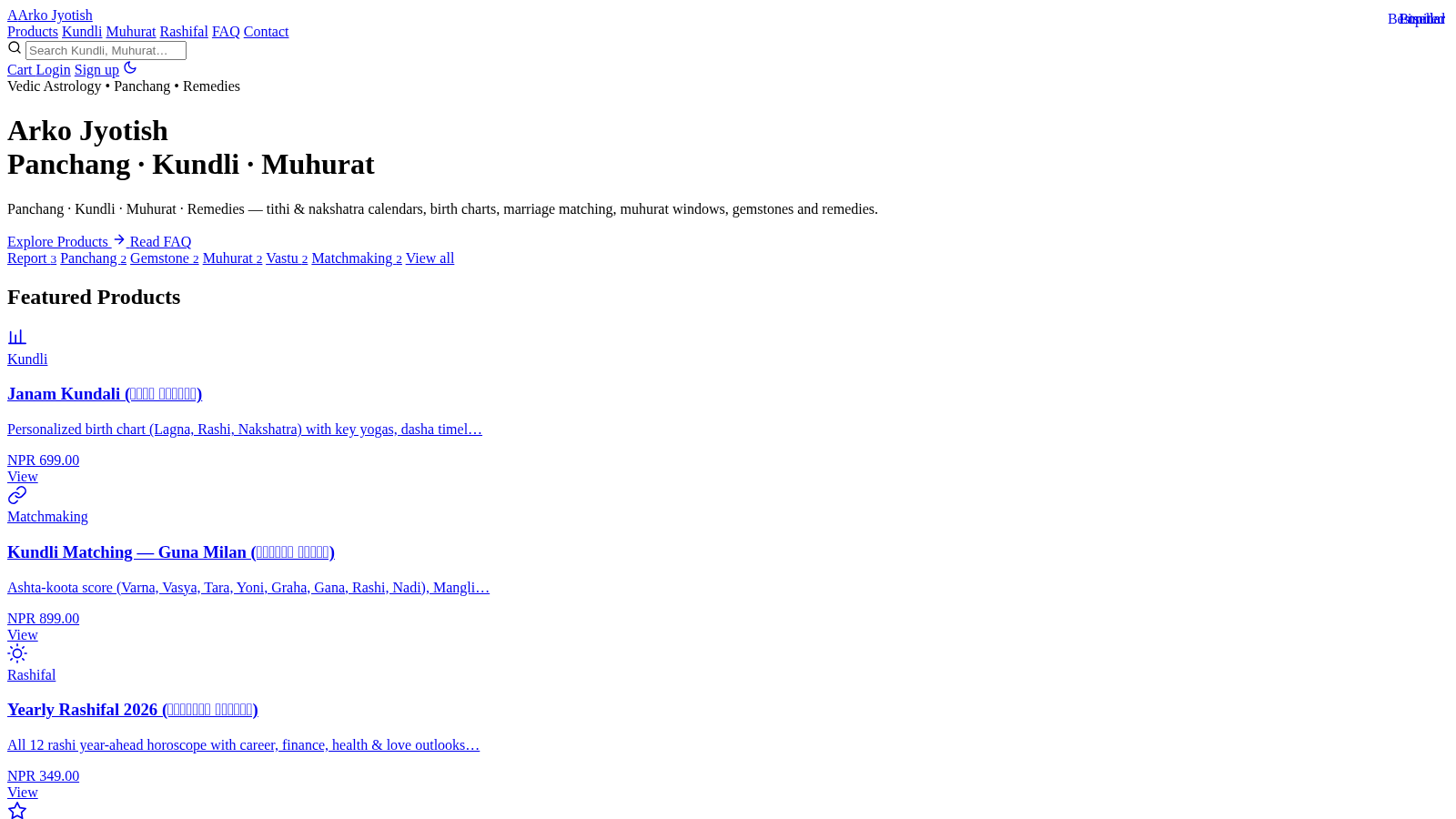
49Arko Jyotish
Astrology storefront: kundli, panchang, muhurat & rashifal PDF reports
 41
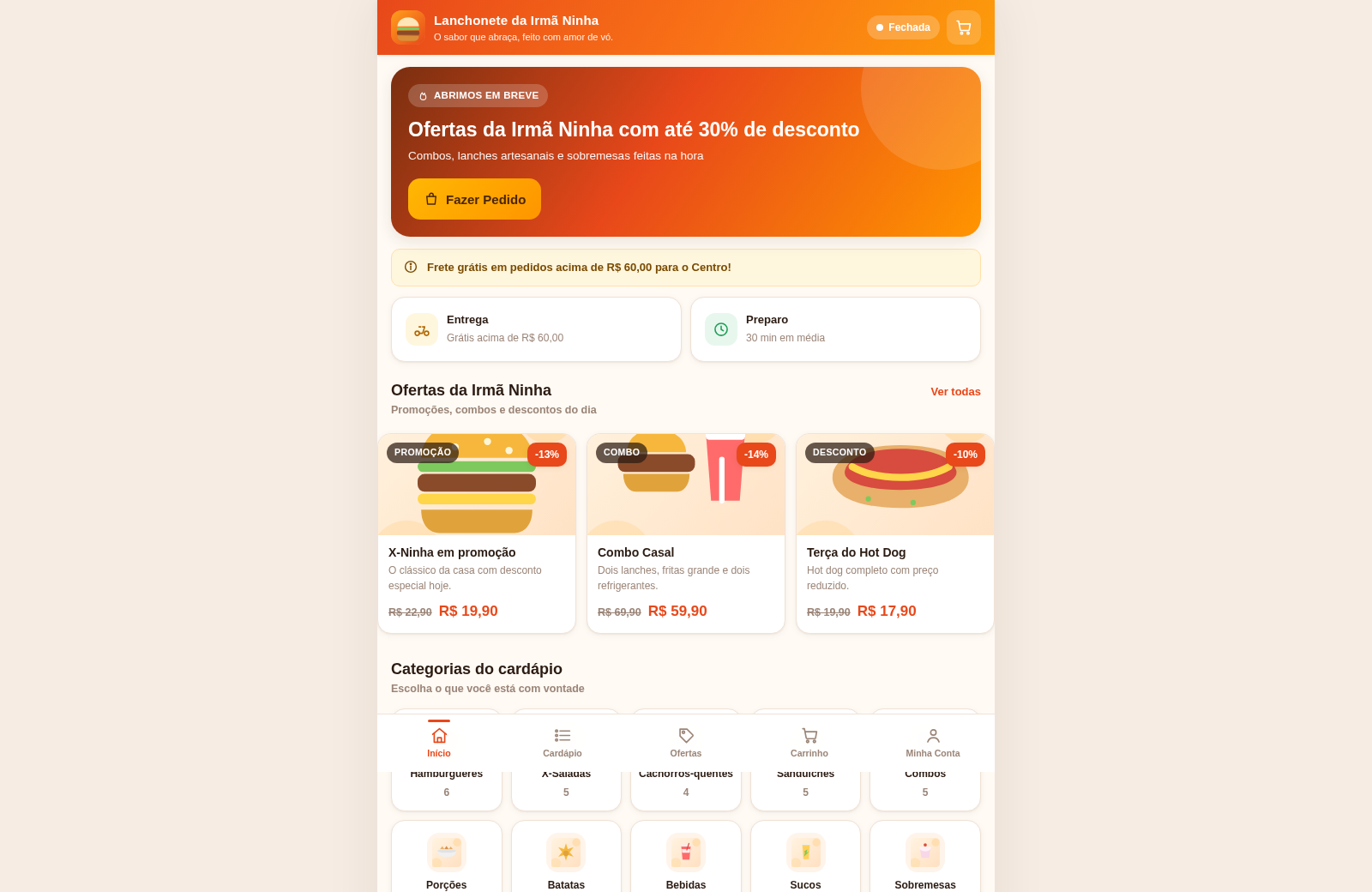
41Lanchonete da Irmã Ninha
Cardápio digital, ofertas e promoções com painel administrativo.
 25
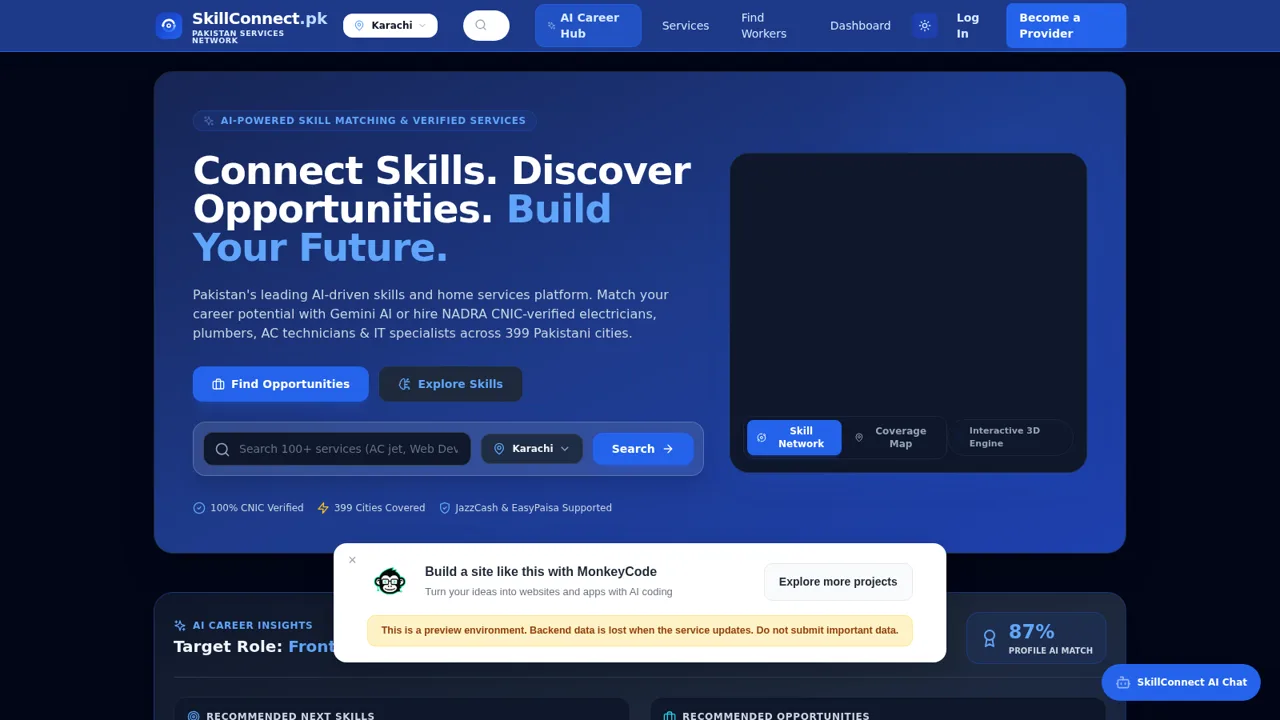
25SkillConnect Pakistan
Book CNIC-verified electricians, plumbers, AC technicians, carpenters and artisans across Pakistan.