
TREINAMENTO INICIAL FIDE DIC 6
A teacher dashboard for tracking a jiu-jitsu class through a 16-lesson module
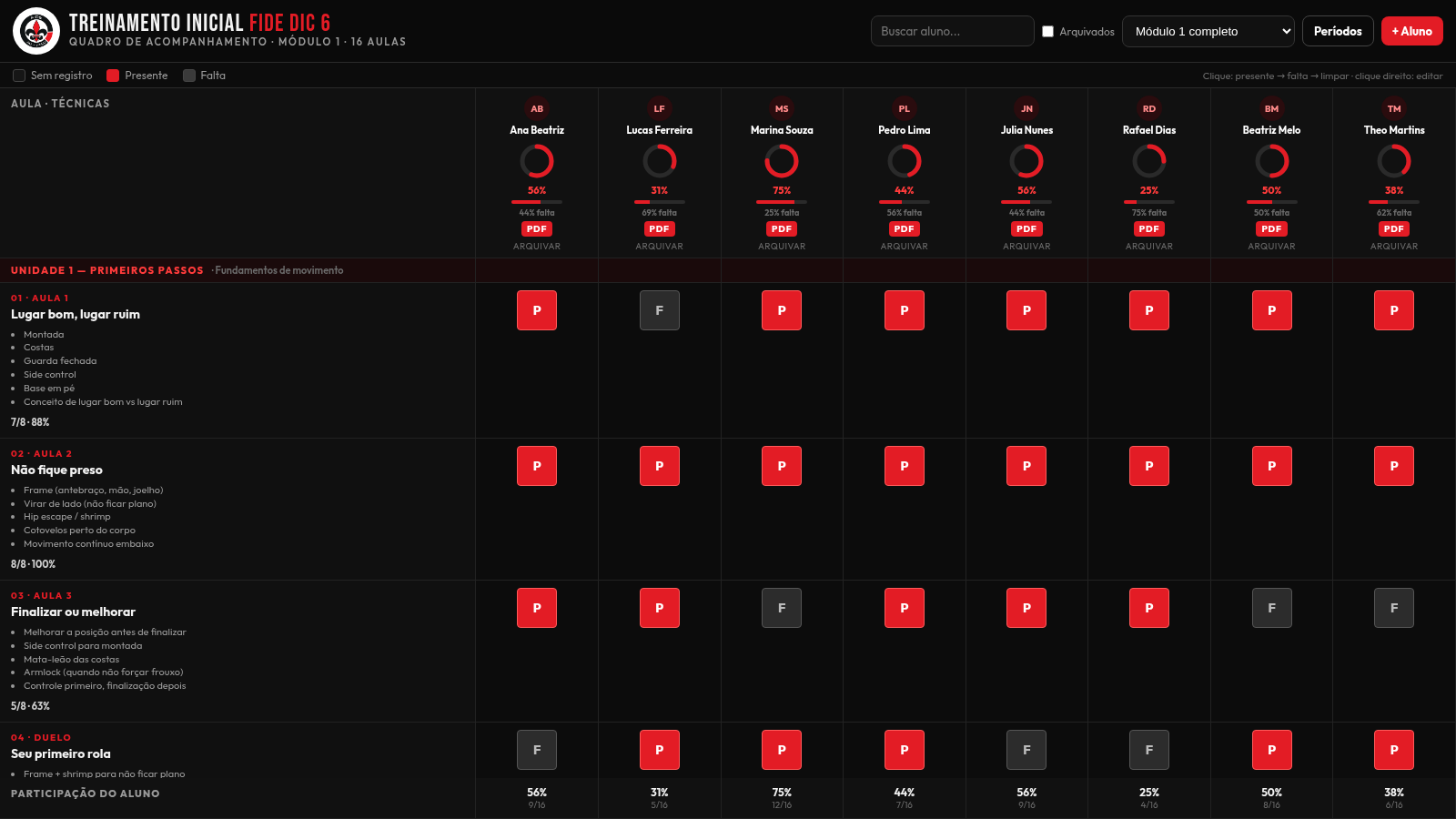
This is a browser-based attendance and progress dashboard for a jiu-jitsu teacher running an initial training module. The main screen is a grid: every column is a student and every row is one of sixteen lessons, which are grouped into four units and list the specific techniques each lesson covers. Clicking a cell cycles it through Presente, Falta and blank, and percentages update live per student and per lesson. A per-student PDF report composes the same data into a printable page, and a period manager lets the teacher define custom lesson cycles to use when generating reports.
Highlights
Attendance grid
Mark P/F per lesson
Per-student PDF
Full progress report
Periods manager
Define lesson cycles
Class filtering
Search and filter
Live progress
Live % per student
How to Use
Mark attendance
On the main grid, each column is a student and each row is a lesson. Click a cell to cycle from blank to Presente, then to Falta, then back to blank; right-click a cell to edit it instead. The student percentage and progress ring, the per-lesson totals and the bottom summary row update immediately.
Find and filter students
Use the search field at the top to filter the columns as you type; typing a partial name leaves only the matching student. The module dropdown switches between the full module and a single unit, and the Arquivados checkbox toggles archived students in and out of the view.
Open a student report
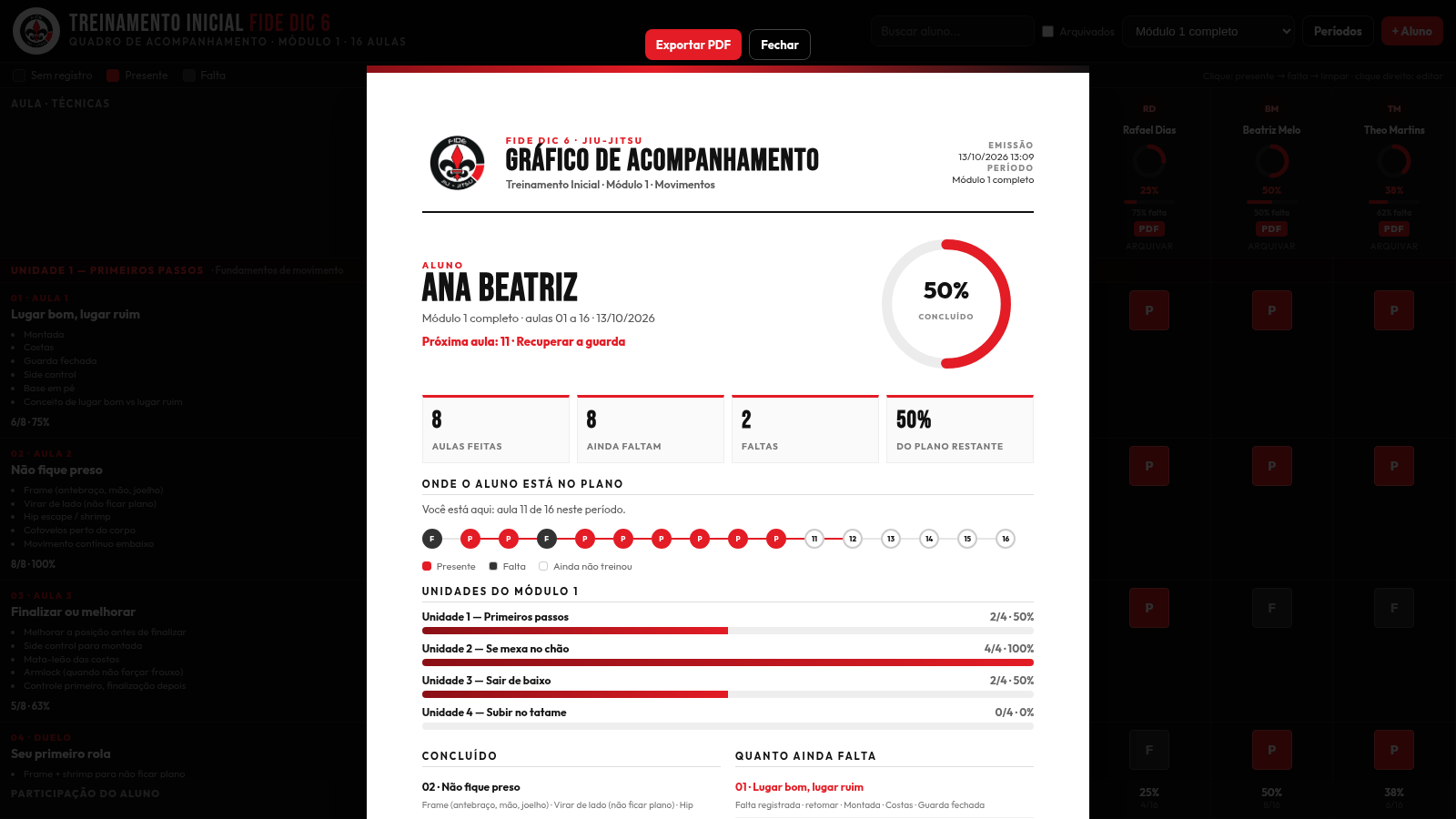
Press the PDF button under a student name to open a full-screen report for that person. It shows an emission timestamp, the selected period, a completion gauge, summary tiles, a lesson-by-lesson timeline, unit-by-unit completion and lists of completed versus pending lessons, ending with signature lines. Use Exportar PDF to produce the file, or Fechar to close.
Manage periods
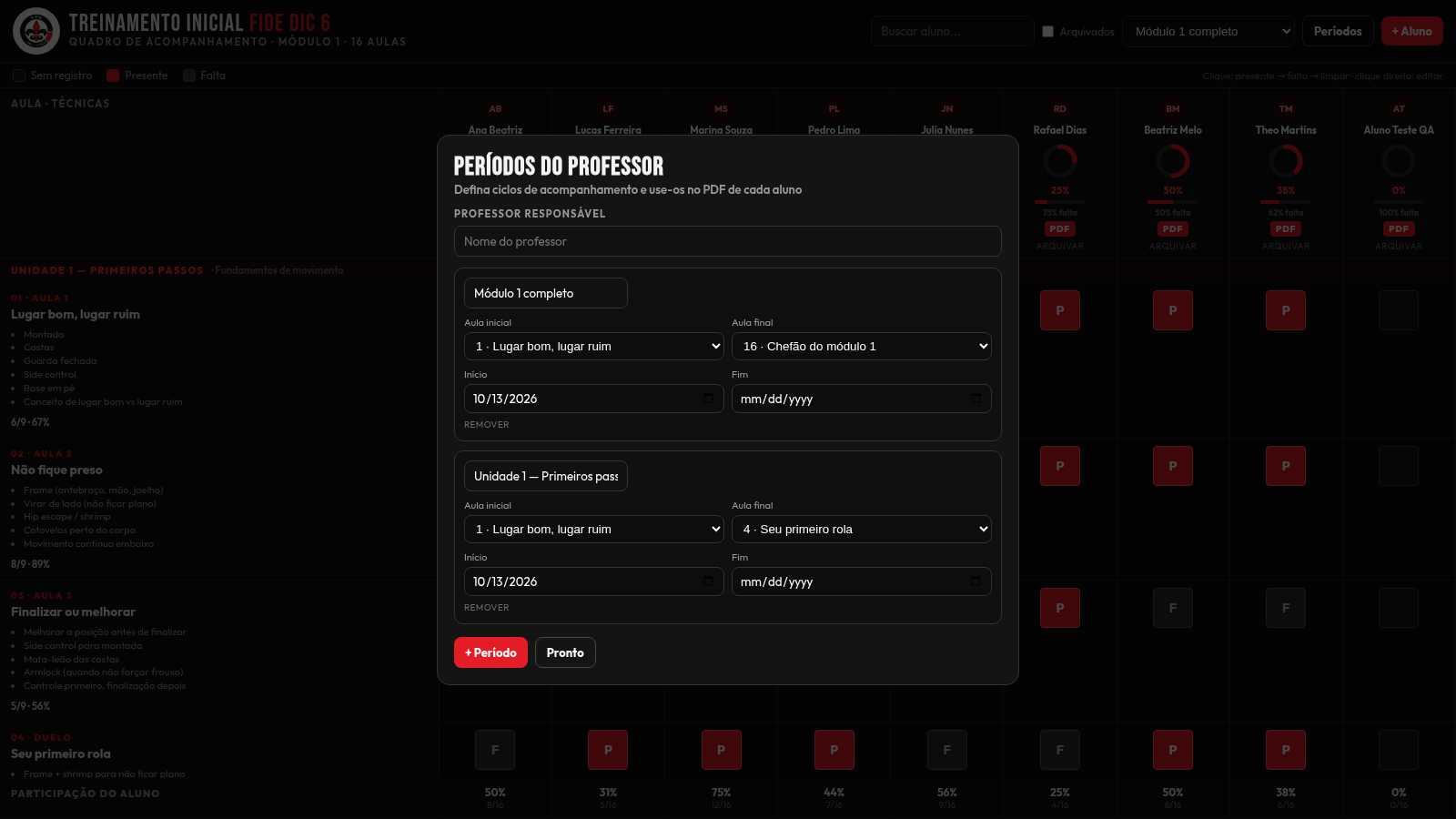
Press the Períodos button to open the period manager. Enter the responsible teacher name, then edit each period's name, starting lesson, ending lesson, start date and end date, add another period with the plus control or remove one. These periods then appear in the dropdown on the main page and serve as the range used in each student report.
Add a student
Press the plus Aluno button, type the student name in the prompt that appears and confirm. A new student column is added to the grid, ready to receive attendance marks and to have its own PDF report generated.
Similar Sites
 9
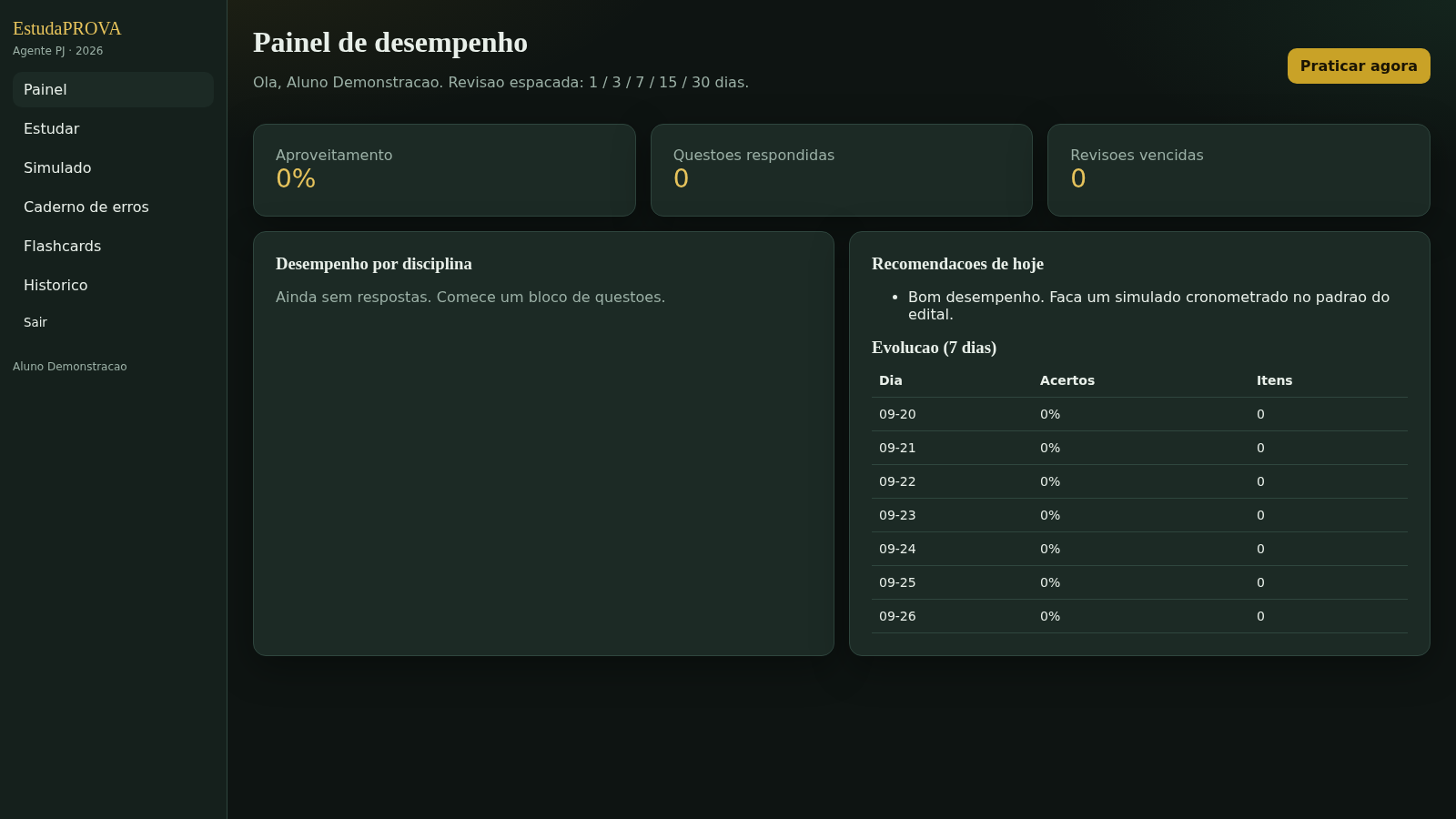
9EstudaPROVA
estuda provas
 7
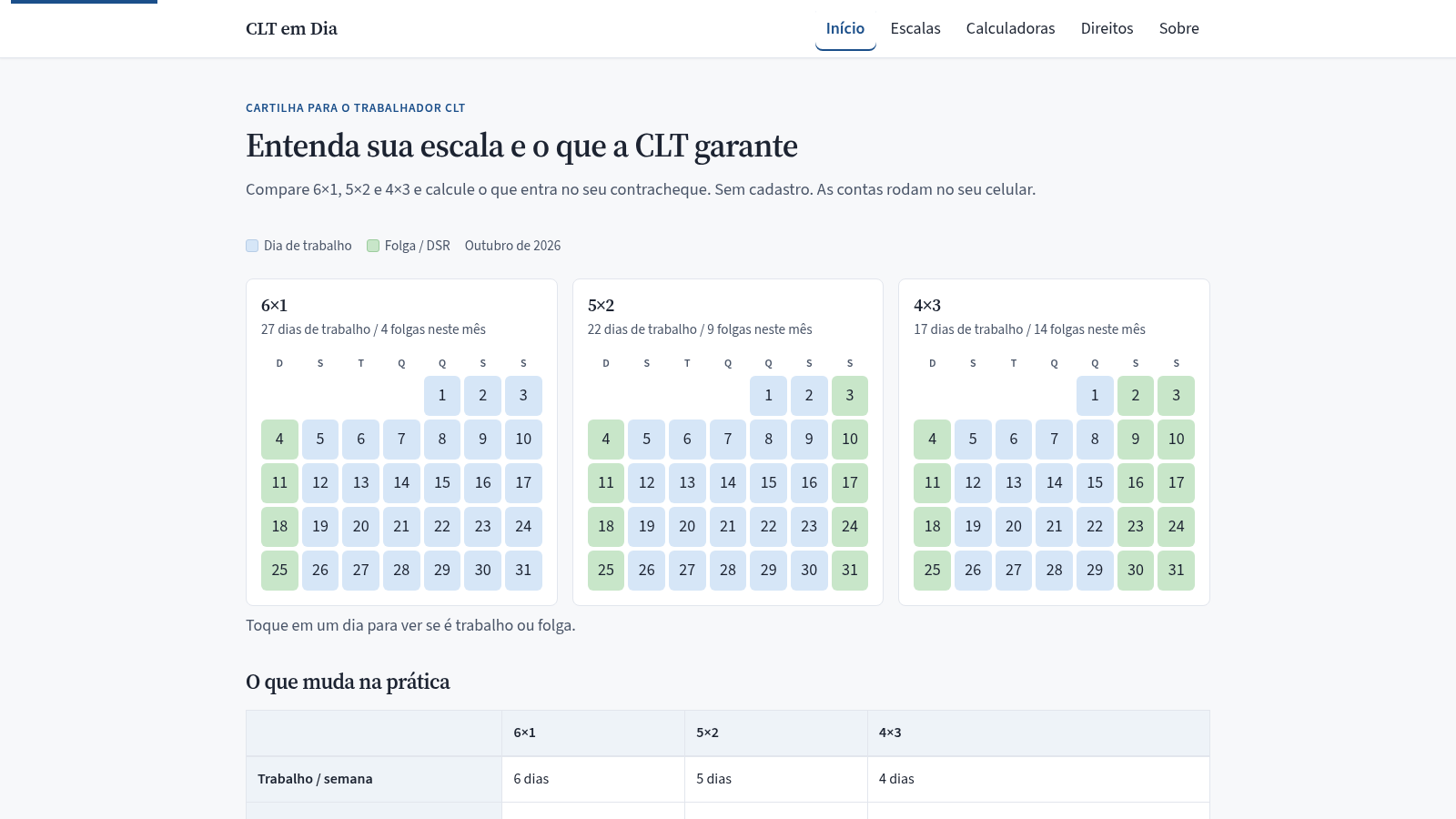
7CLT em Dia
Compare escalas 6x1, 5x2 e 4x3 e calcule hora extra, DSR e rescisão.
 34
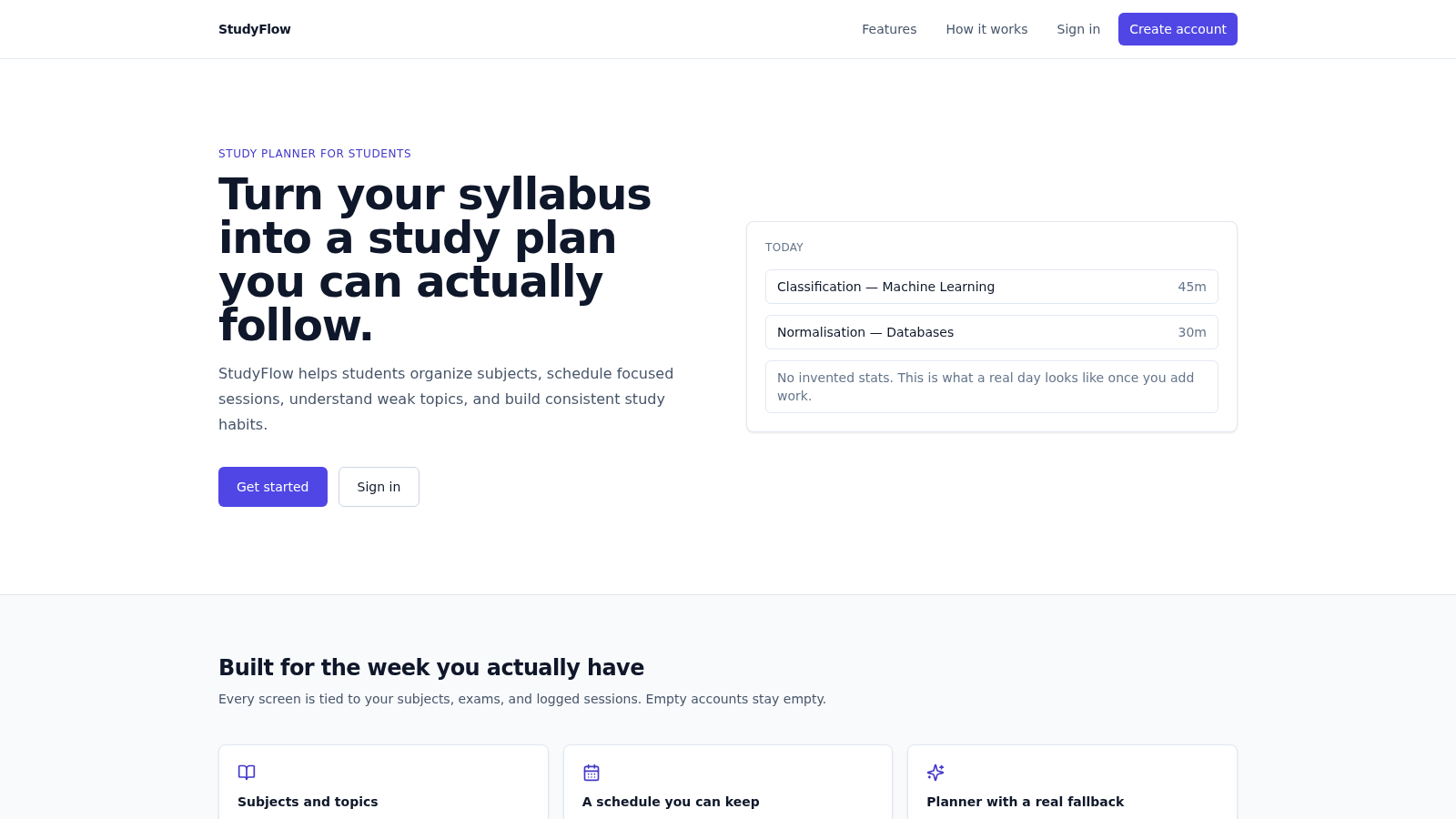
34StudyFlow
Student study planner with subjects, calendar, analytics, and an optional AI scheduler.
 33
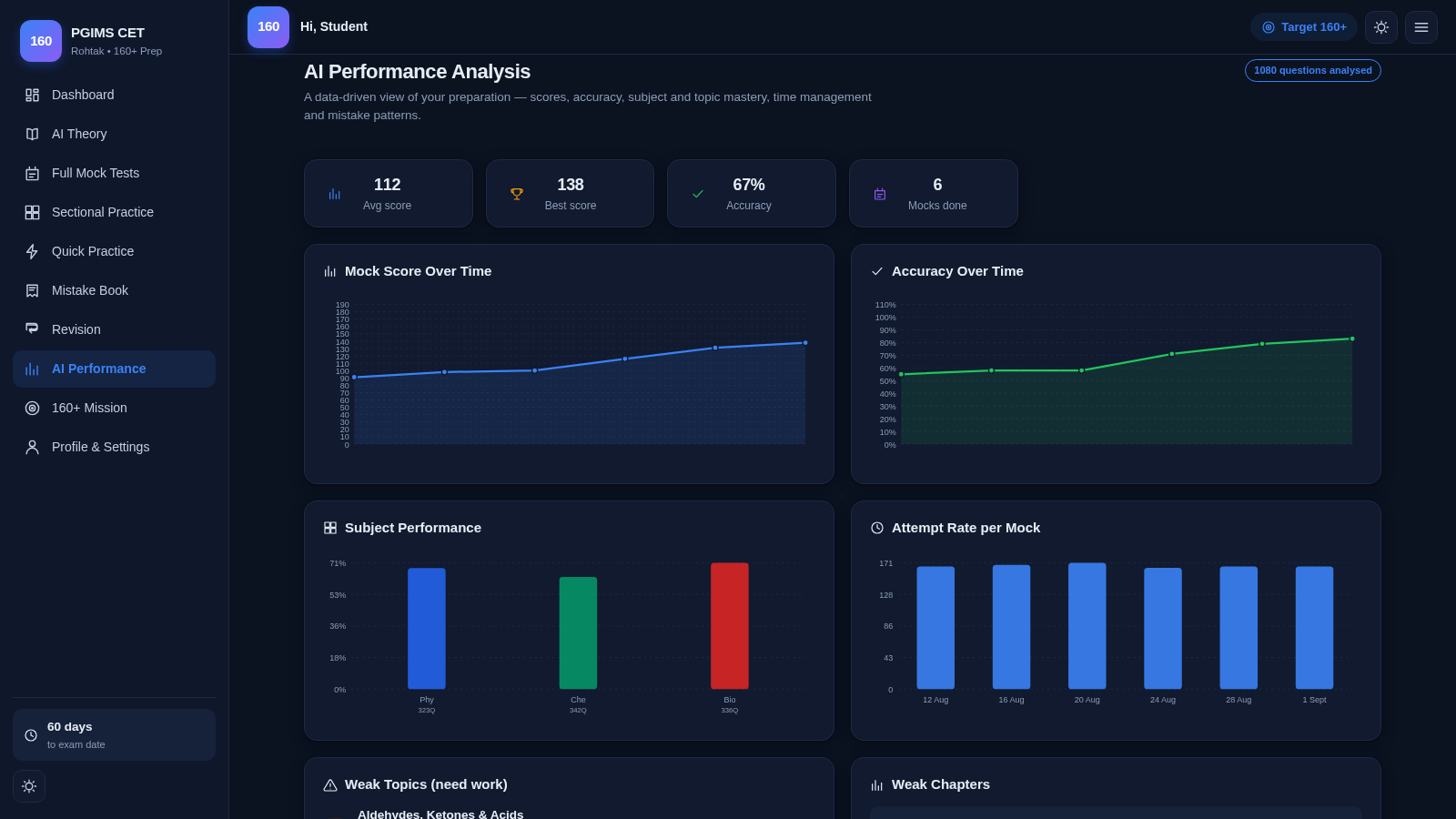
33PGIMS Rohtak CET 160+ Prep
PGIMS Rohtak CET prep: mock tests, AI theory, sectional practice, mistake book.
 27
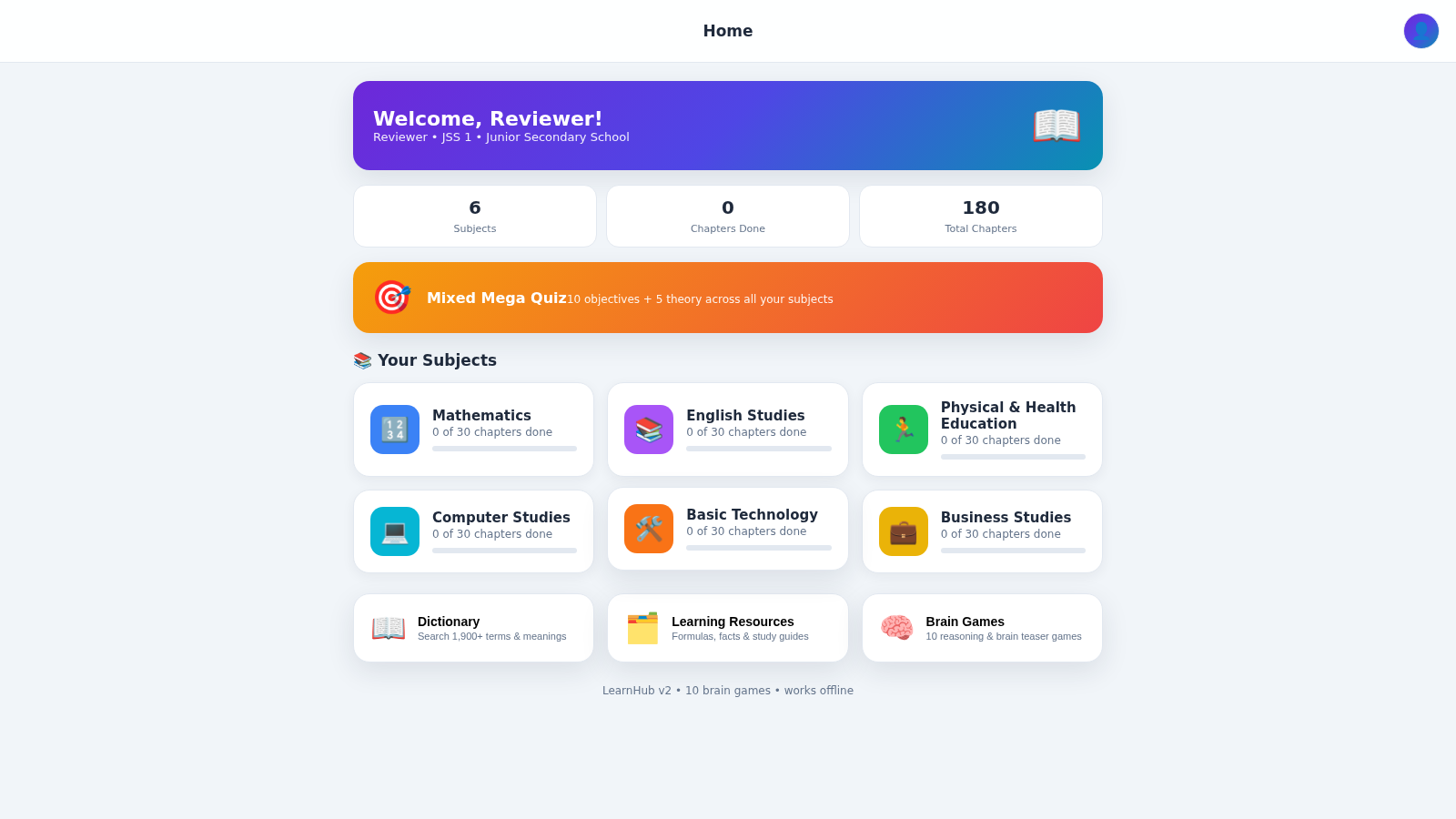
27LearnHub — Smart Learning App
Nigerian curriculum lessons, quizzes, dictionary and brain games for students
 23
23Bíblia & Harpa Cristã
Bíblia completa e Harpa Cristã com leitura premium, busca por referência e favoritos.