
Daianesed
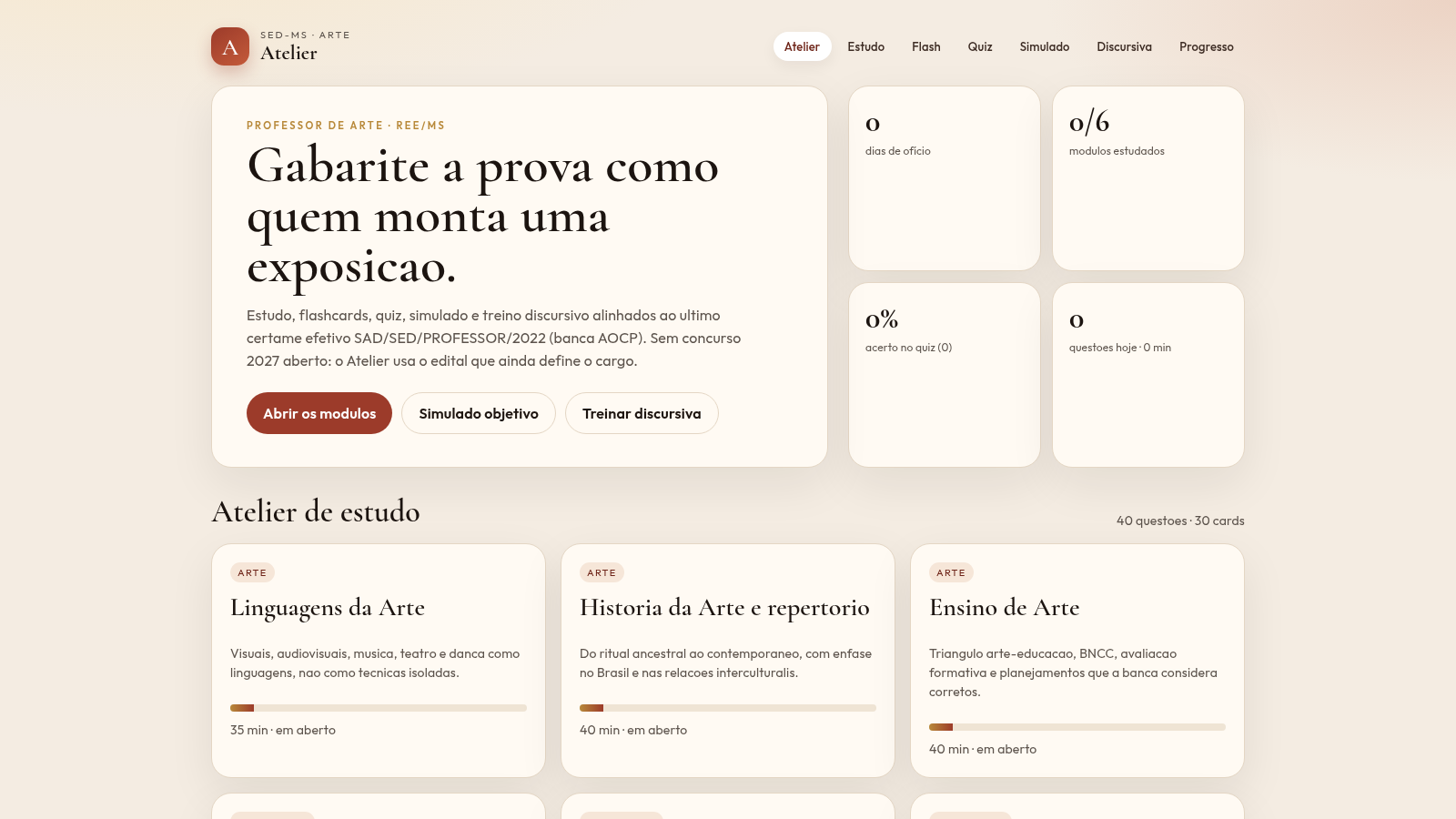
A Portuguese-language study workspace for the Art Teacher public exam in Mato Grosso do Sul.
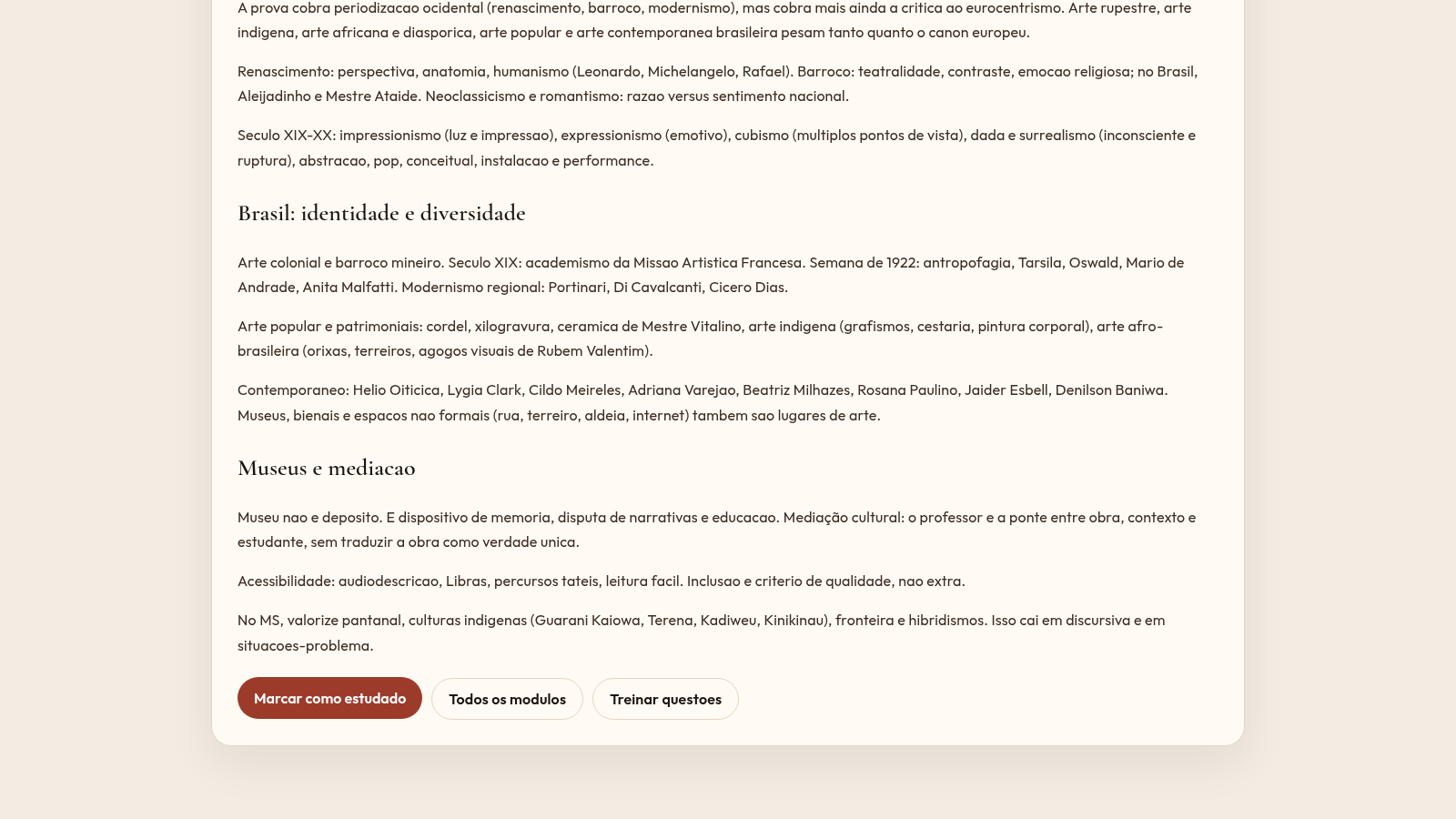
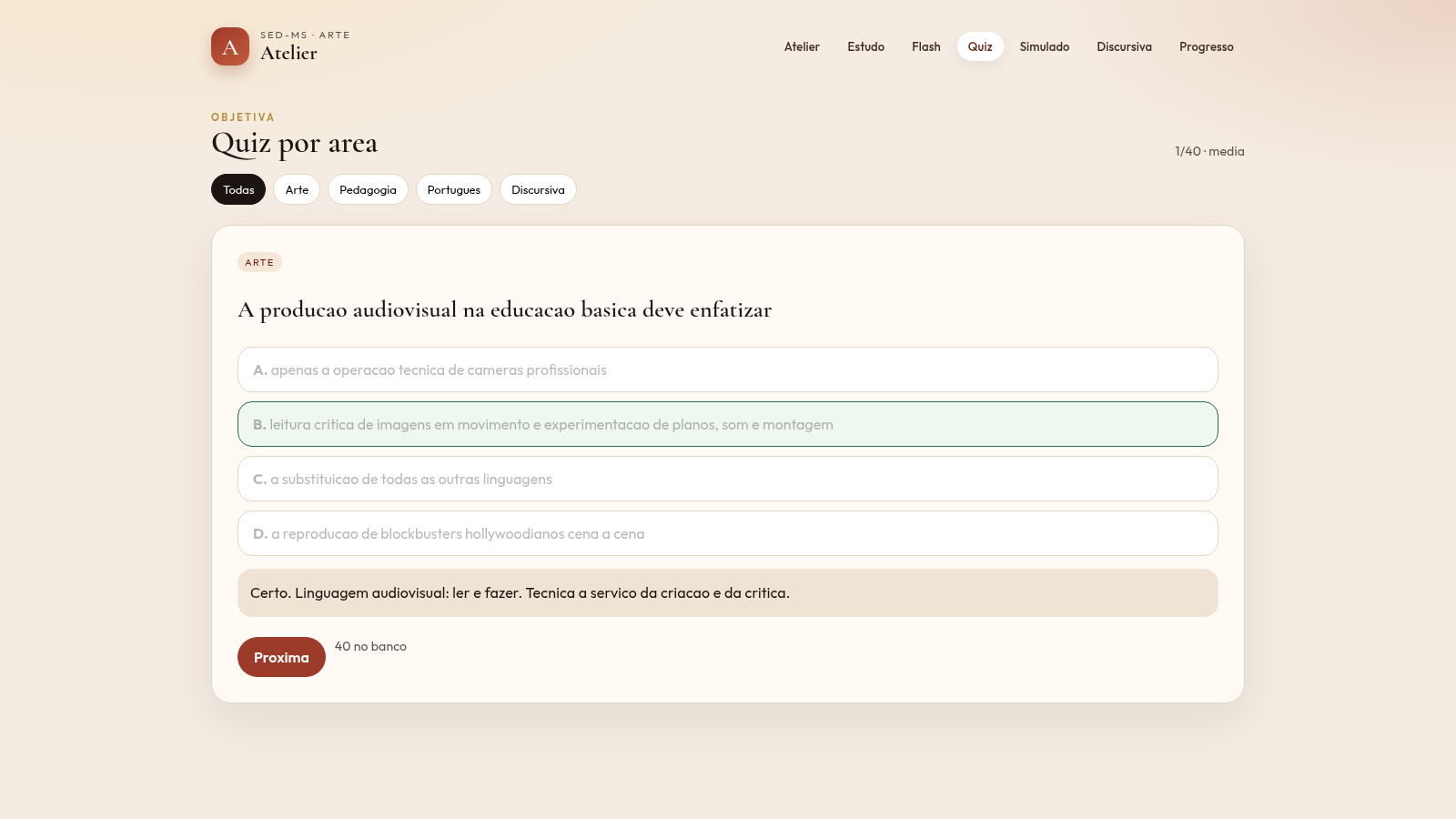
Atelier SED-MS is a browser study tool aimed at candidates preparing for the Art Teacher public exam used by the state education network of Mato Grosso do Sul, Brazil. The whole interface is in Portuguese and is organised around the last effective selection process, SAD/SED/PROFESSOR/2022 held by the AOCP board. The home page shows study counters and a weekly plan, then links to six reading modules: Linguagens da Arte, Historia da Arte e repertorio, Ensino de Arte, Pedagogia e legislacao, Lingua Portuguesa para prova and Prova discursiva. Each module contains short sections with headings and concept notes. Beyond reading, the site offers a 40-question quiz filtered by subject, a deck of 30 flashcards for active recall, an 80-question mock exam that mixes the question bank, and a discursive trainer with seven practical cases where the user writes an answer and receives a score plus rubric feedback. A progress page brings together modules completed, quiz accuracy, mock exam history and the latest essay score. Nothing is sent to a server and no account is needed.
Highlights
Six study areas
Readings per subject
Quiz by subject
40 Q with feedback
Flashcard deck
30 cards to review
Full mock exam
80 mixed questions
Essay trainer
Essay rubric scores
Progress tracker
Tracks study by area
How to Use
Open a study module
Start on the home page and click any card under Atelier de estudo, or use the Estudo link in the top navigation. A module page opens with several sections of text. At the bottom there is a button to mark the module as studied, which moves you to the next module and updates the counters on the home and progress pages.
Practise with the quiz
Open the Quiz page and use the filter buttons (Todas, Arte, Pedagogia, Portugues, Discursiva) to narrow the questions. Choose one of the A to D options; the page immediately marks it right or wrong and shows a short explanation, then enables the Proxima button to move on. The header keeps a running score.
Review with flashcards
On the Flashcards page each card shows a prompt and a note asking you to click to reveal. After revealing the answer you can choose Revisar depois or Dominei, and the deck counter at the top tracks how many cards are mastered. Use Anterior to step back through cards.
Take the mock exam
Open Simulado and press Comecar agora. You get a mixed set of up to 80 questions, about one hour and a half shorter than the real exam, with free navigation between items and a counter of answered questions. Press Encerrar e corrigir when you want to finish and see the result.
Write a discursive answer
On the Discursiva page pick one of the seven cases from the buttons at the top. A text box appears with a live count of lines and words and a stated line limit. When you have written enough the Corrigir button becomes active; pressing it returns a score out of ten, a list of missing key concepts, short remarks and a reference outline.
Check your progress
The Progresso page collects the data produced by the other sections: study streak, modules completed, flashcards mastered, quiz accuracy, mock exam history, an accuracy breakdown by subject and the score of your last discursive text, plus shortcut buttons back into the quiz and mock exam.
Similar Sites
 62
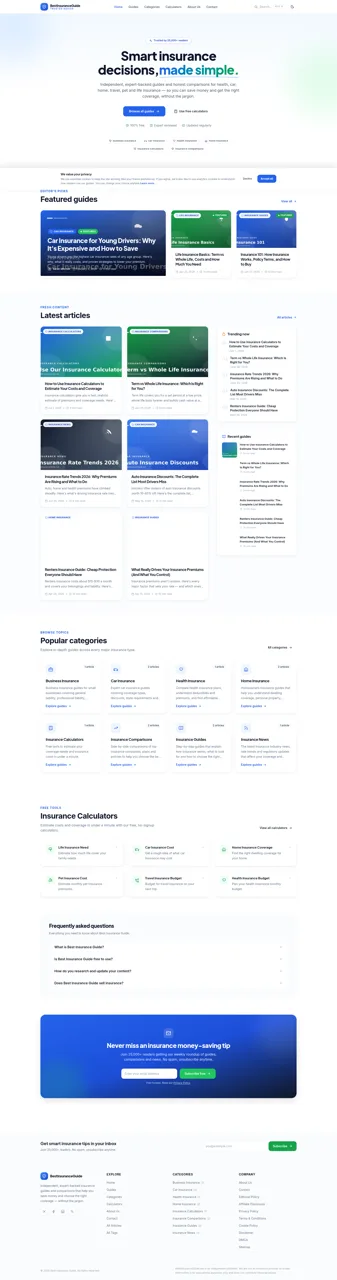
62Best Insurance Guide
Expert-written insurance guides, honest comparisons and trusted calculators.
 44
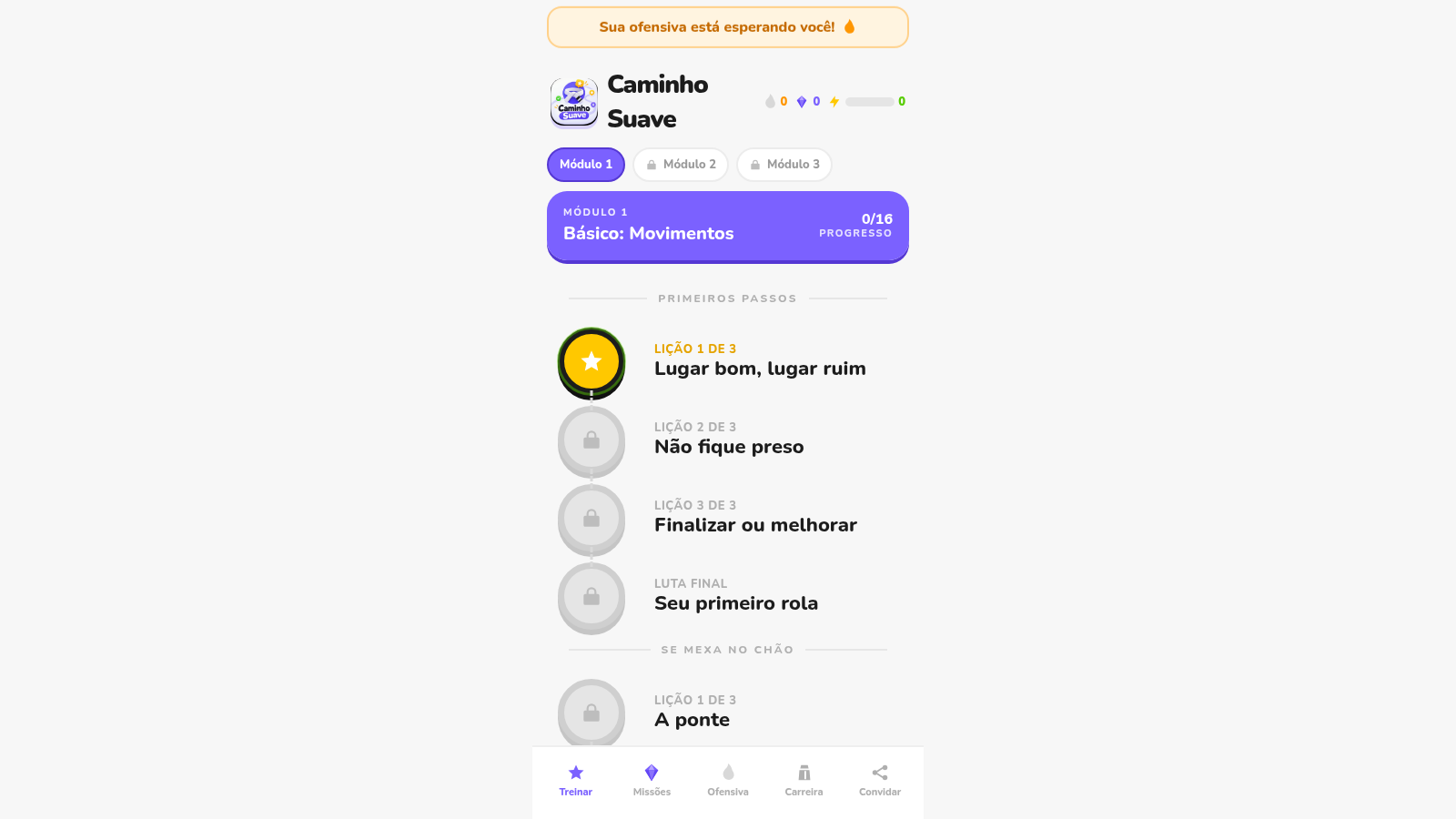
44Caminho Suave
Carreira kids de jiu-jitsu com faixas, aulas e atletas Premium
 43
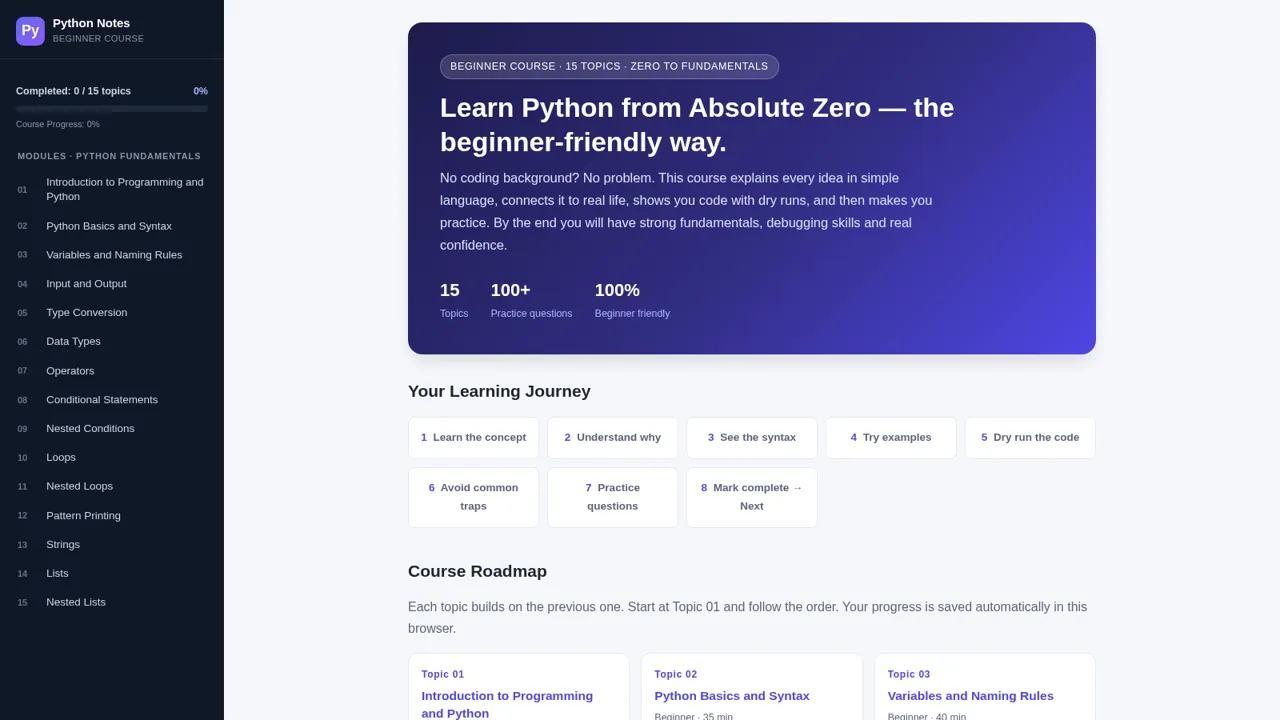
43Python Notes: Learn from Zero
A free beginner-friendly interactive course: learn Python from absolute zero across 15 hands-on topics
 35
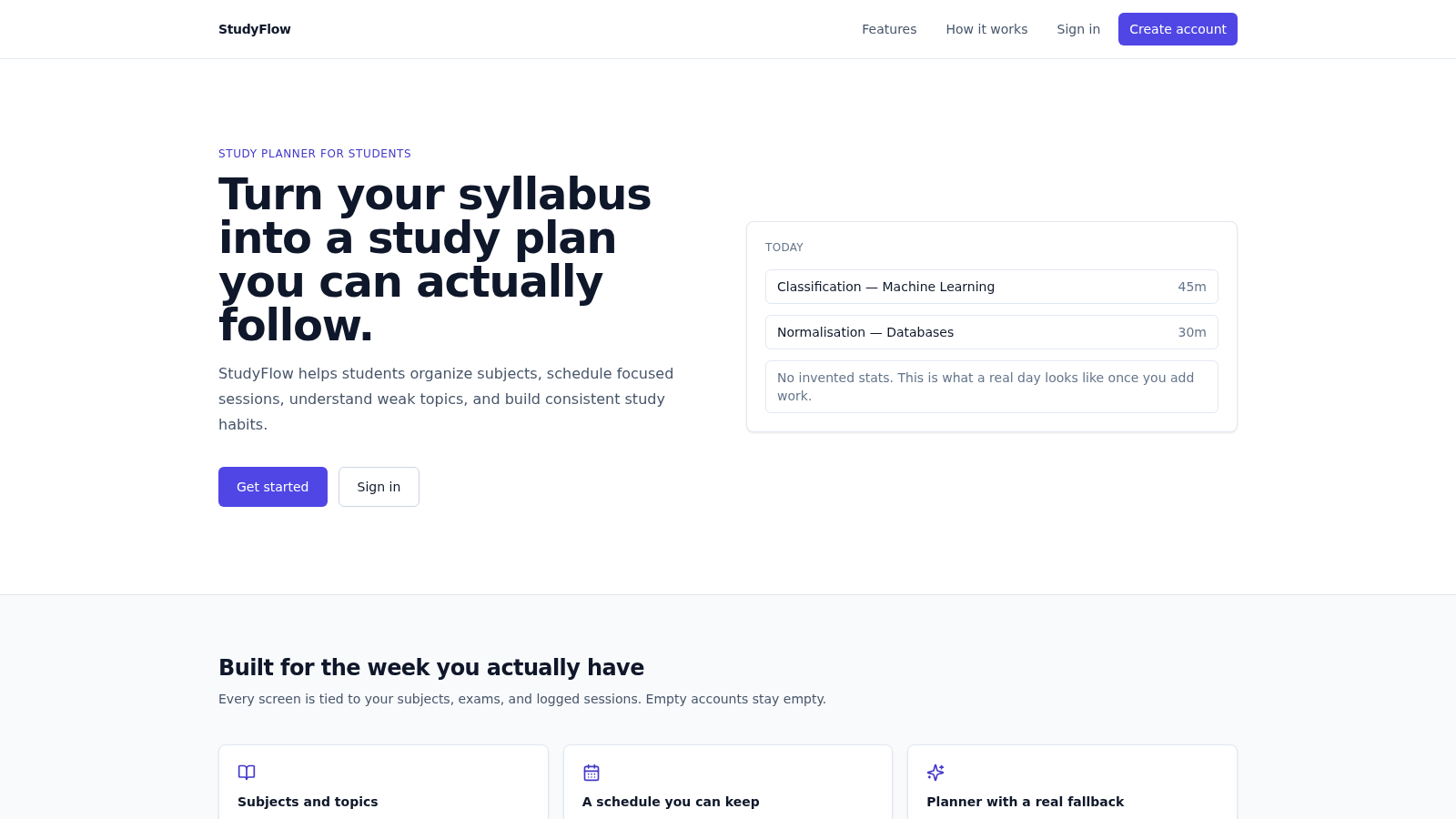
35StudyFlow
Student study planner with subjects, calendar, analytics, and an optional AI scheduler.
 7
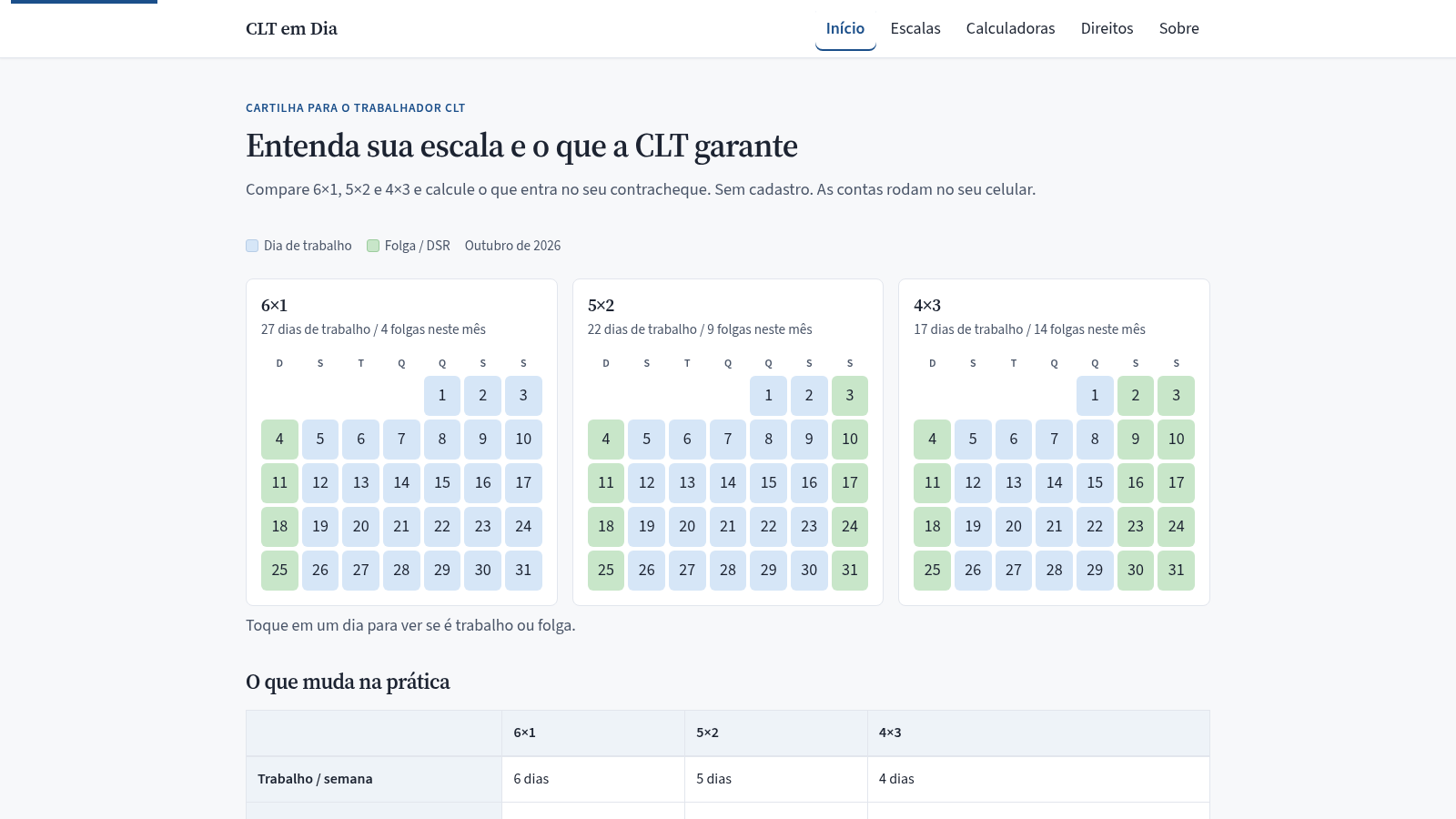
7CLT em Dia
Compare escalas 6x1, 5x2 e 4x3 e calcule hora extra, DSR e rescisão.
 33
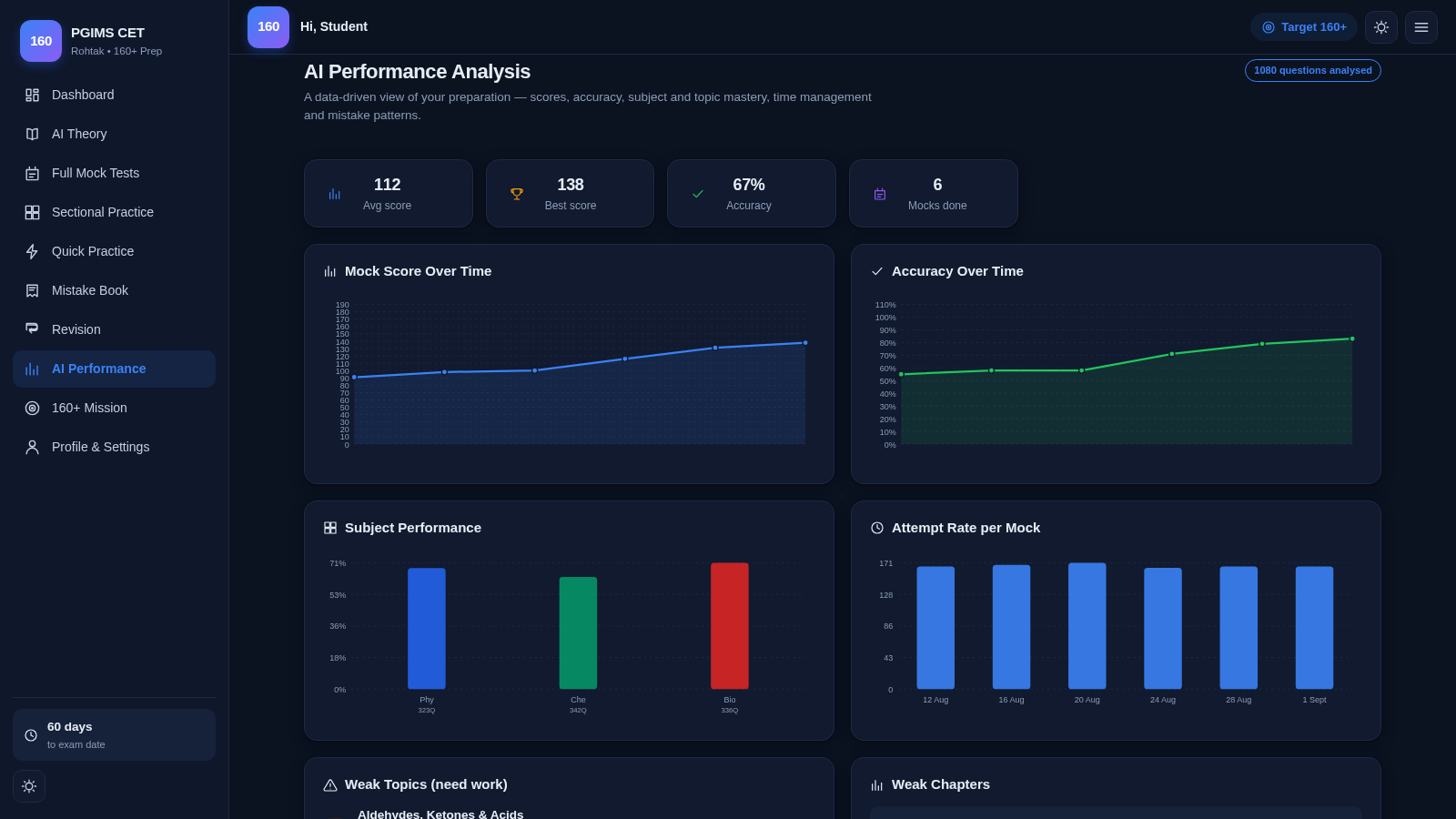
33PGIMS Rohtak CET 160+ Prep
PGIMS Rohtak CET prep: mock tests, AI theory, sectional practice, mistake book.