
LudoPlay
A calm, ad-free corner where young children browse and listen to illustrated stories.
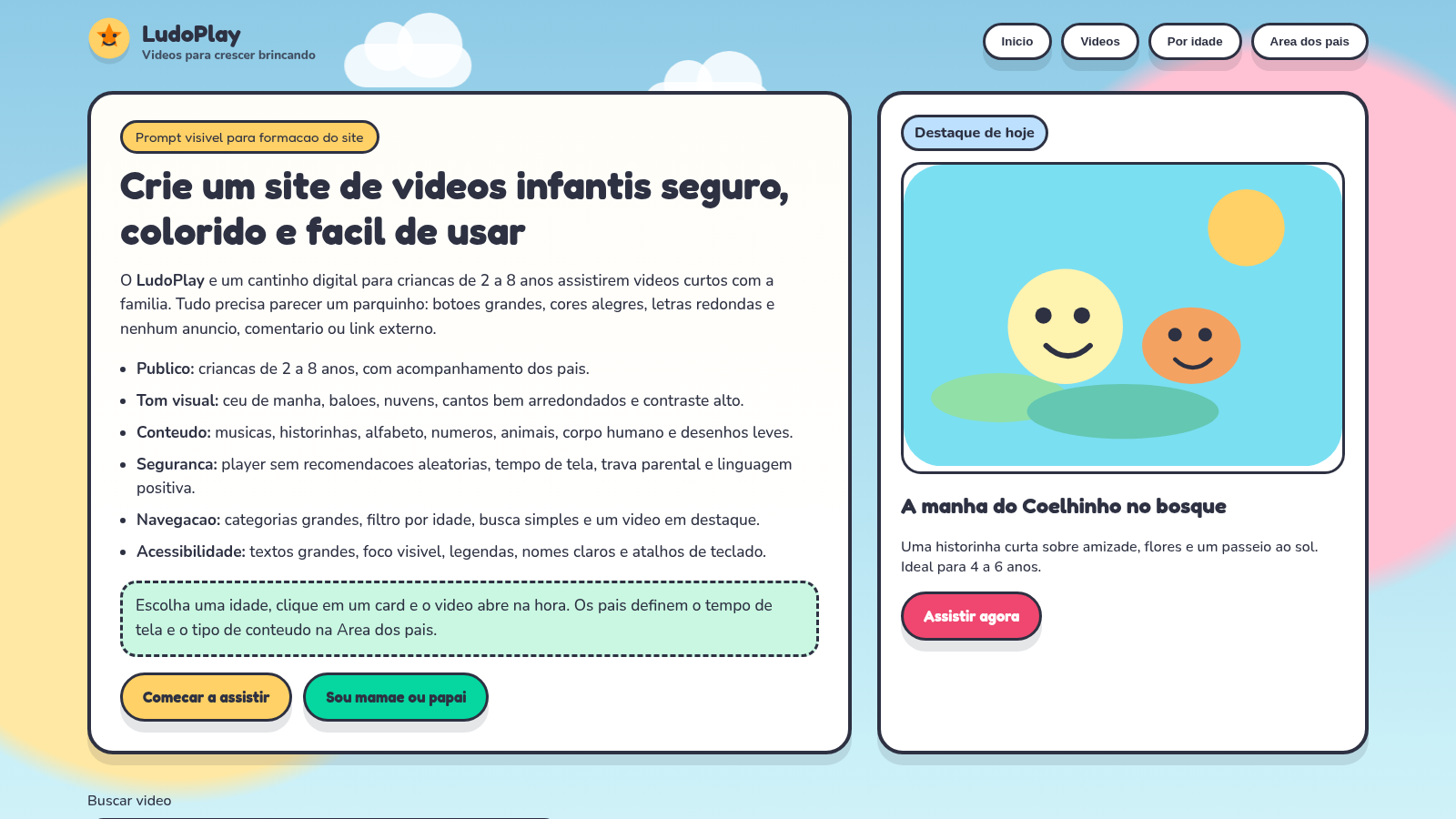
LudoPlay is a Portuguese-language children's story and video site designed for ages 2 to 8. The homepage presents a featured story, a highlighted set of eight AI-created tales, and a catalog of 50 items with age ranges, categories and durations. Visitors can filter by age, genre and story world, search by keyword, save favorites, and open a storybook player with four illustrated scenes, page controls and optional narration. A separate parents area uses a simple arithmetic gate to expose screen-time limits, allowed content levels and narration preferences.
Highlights
Safe ad-free library
50 stories, no ads
Age and world filter
Browse by 2-8 years
Parent time limits
Set screen time
Narrated storybook
4 scenes with voice
How to Use
Start from the catalog
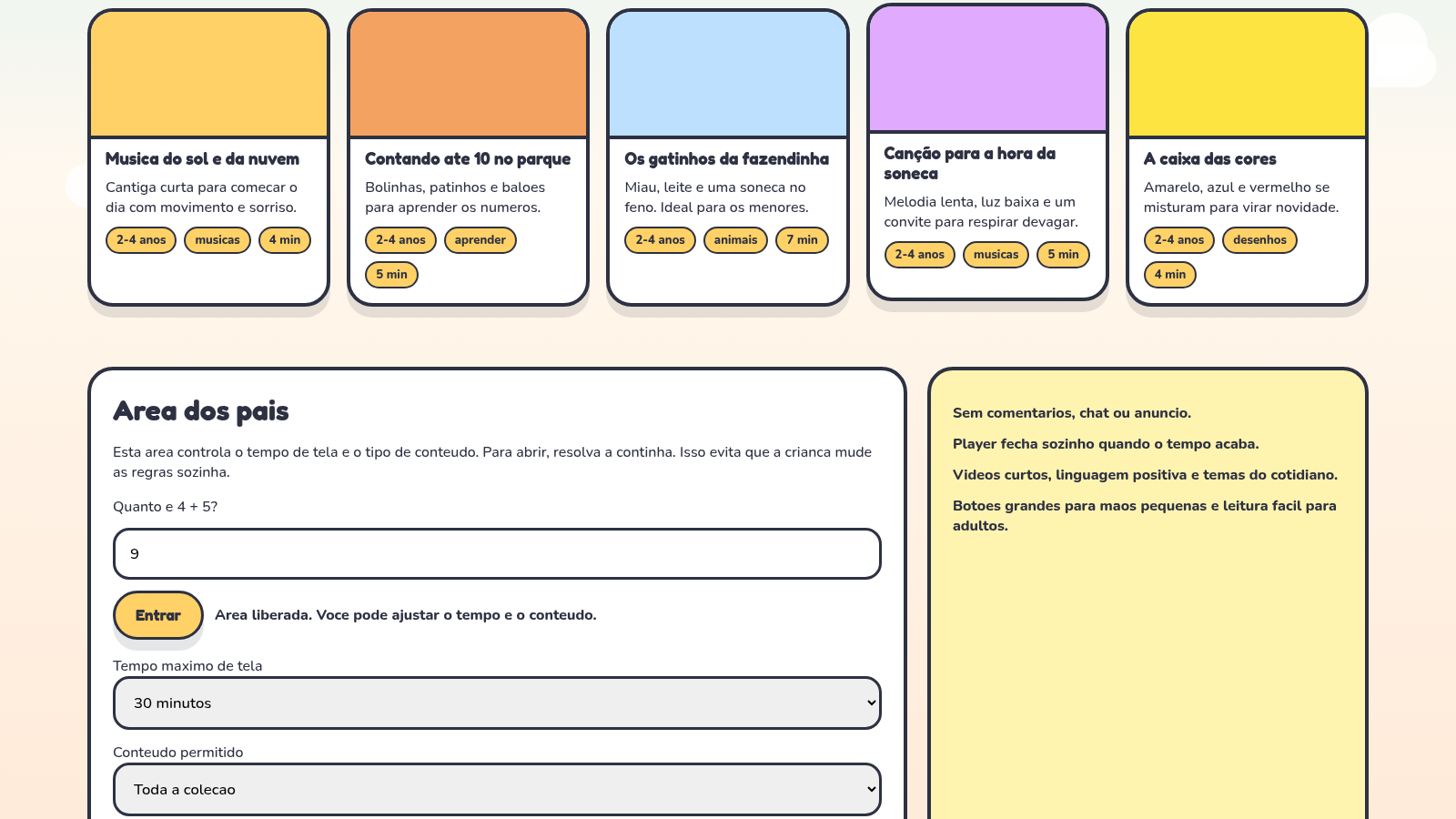
Open the homepage and scroll to the story sections or use the video catalog. Each card shows the title, a one-line synopsis, an age band, a category and an estimated duration, so you can choose something suitable before opening a story.
Narrow the collection
Use the search box to look for a word such as floresta, and combine it with the age buttons, category buttons and story-world buttons. The catalog heading updates to show how many items remain, and the cards re-render immediately.
Play an illustrated story
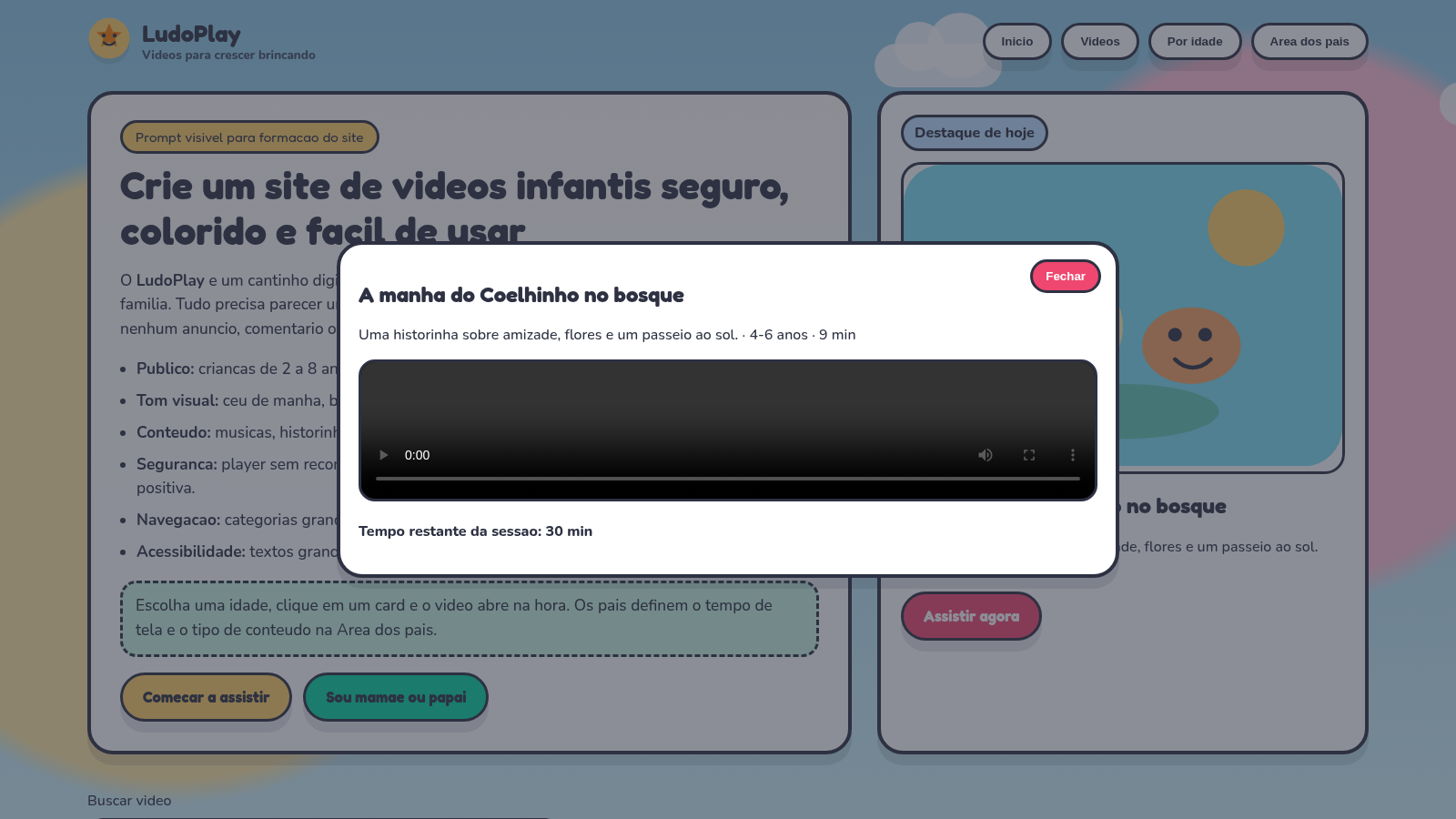
Click any story card to open the player dialog. Move between its scenes with the Anterior and Próxima buttons, pause the automatic progression, or turn on the Portuguese narration. The progress bar and scene counter show your position, and a save button adds the title to favorites.
Set up the parents area
Scroll to the parents section and answer the displayed addition question, then press Entrar. The panel unlocks controls for maximum screen time, permitted content level and narration behavior, and the summary line below confirms the chosen settings.
Similar Sites
 61
61Best Insurance Guide
Expert-written insurance guides, honest comparisons and trusted calculators.
 44
44Caminho Suave
Carreira kids de jiu-jitsu com faixas, aulas e atletas Premium
 43
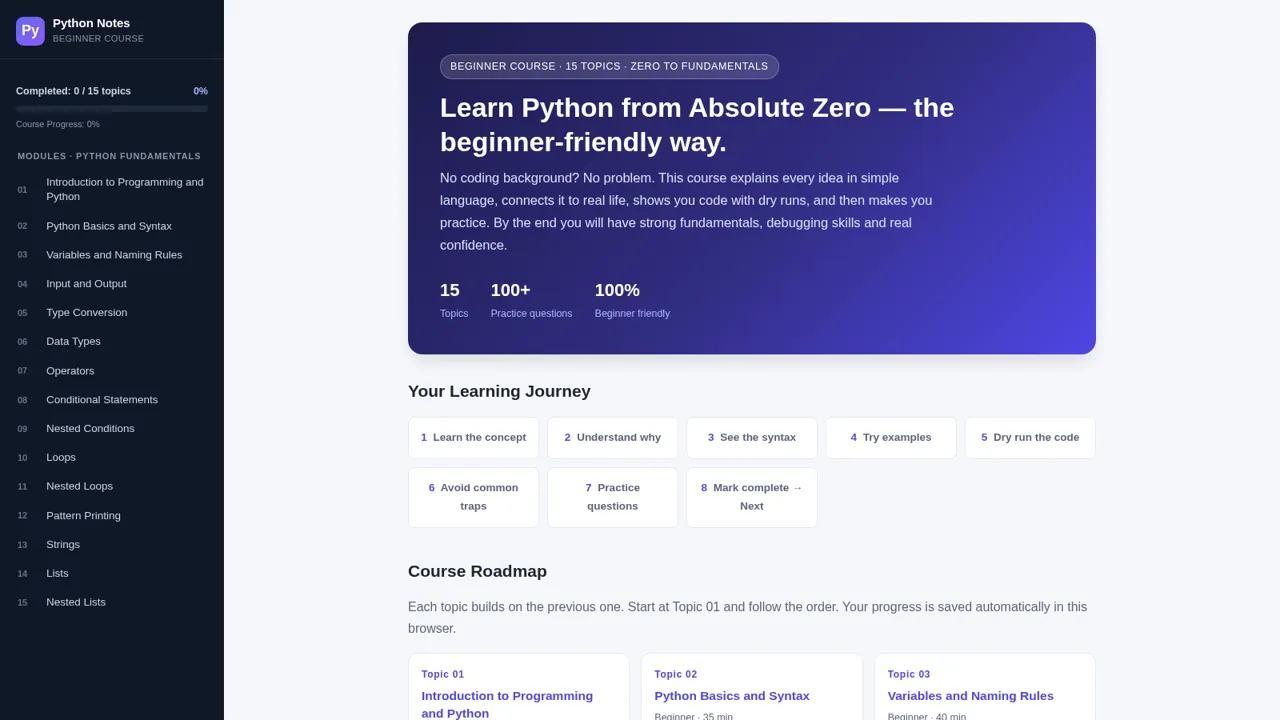
43Python Notes: Learn from Zero
A free beginner-friendly interactive course: learn Python from absolute zero across 15 hands-on topics
 7
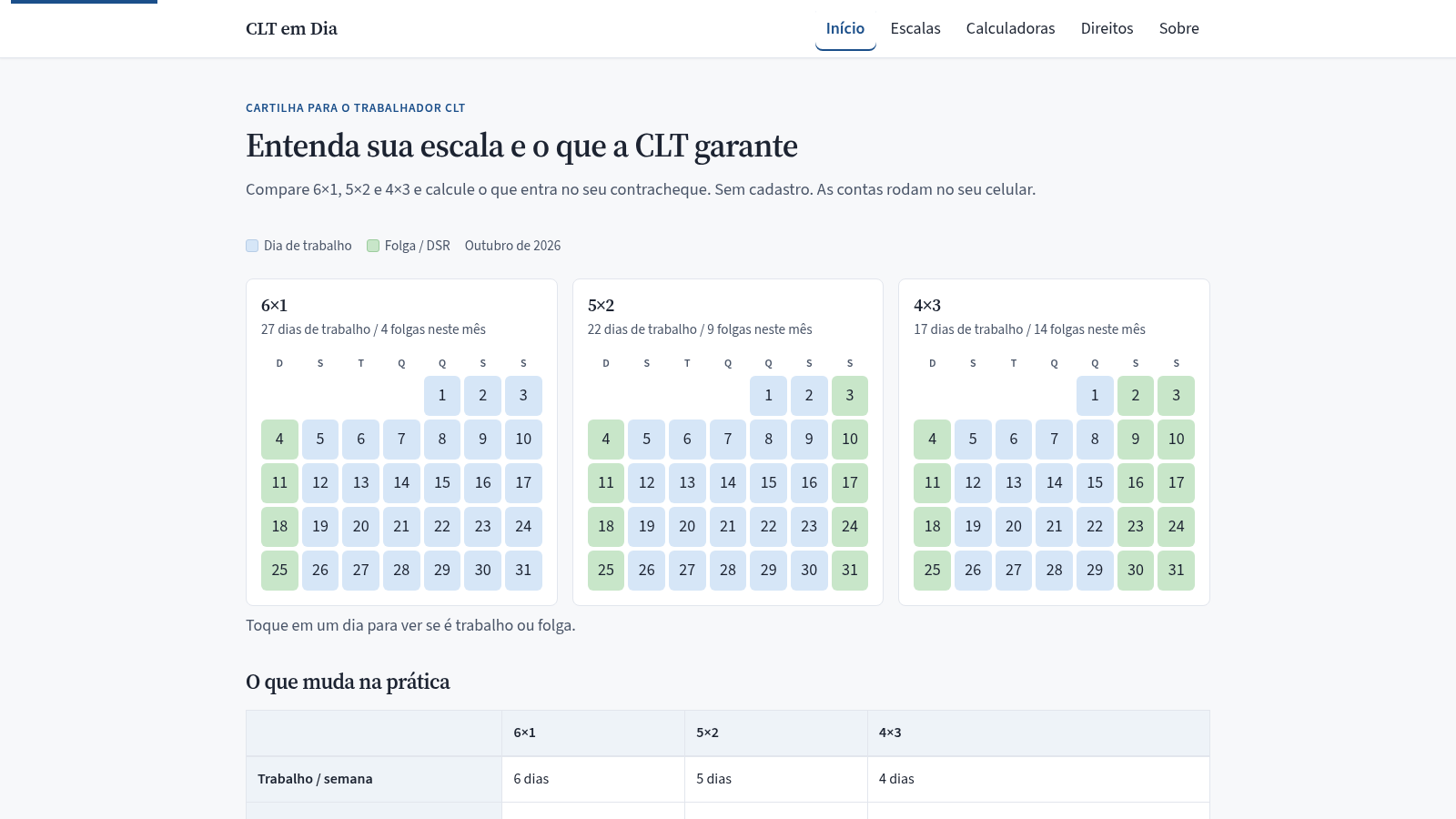
7CLT em Dia
Compare escalas 6x1, 5x2 e 4x3 e calcule hora extra, DSR e rescisão.
 34
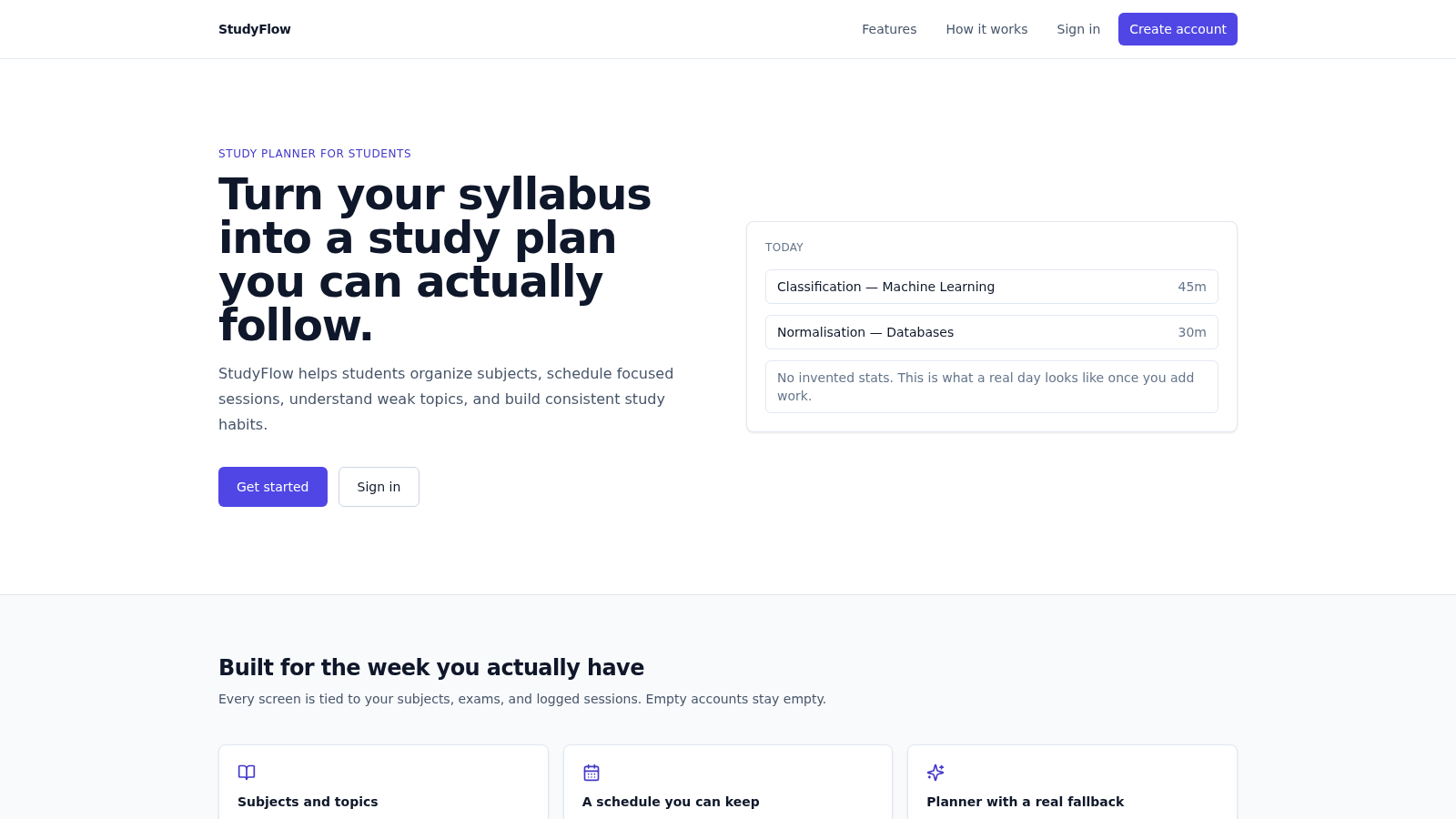
34StudyFlow
Student study planner with subjects, calendar, analytics, and an optional AI scheduler.
 33
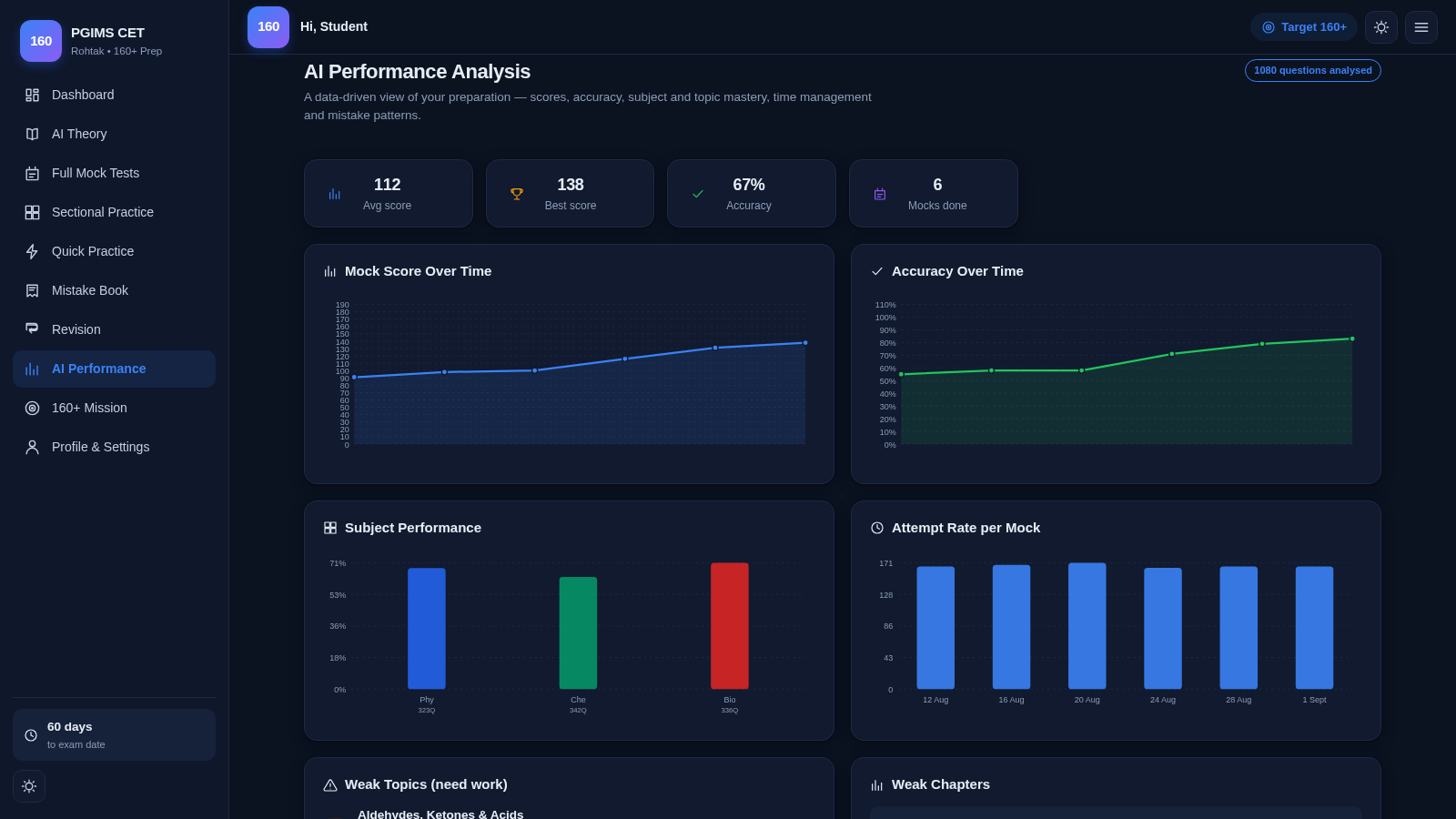
33PGIMS Rohtak CET 160+ Prep
PGIMS Rohtak CET prep: mock tests, AI theory, sectional practice, mistake book.