
MANTRA GYAN

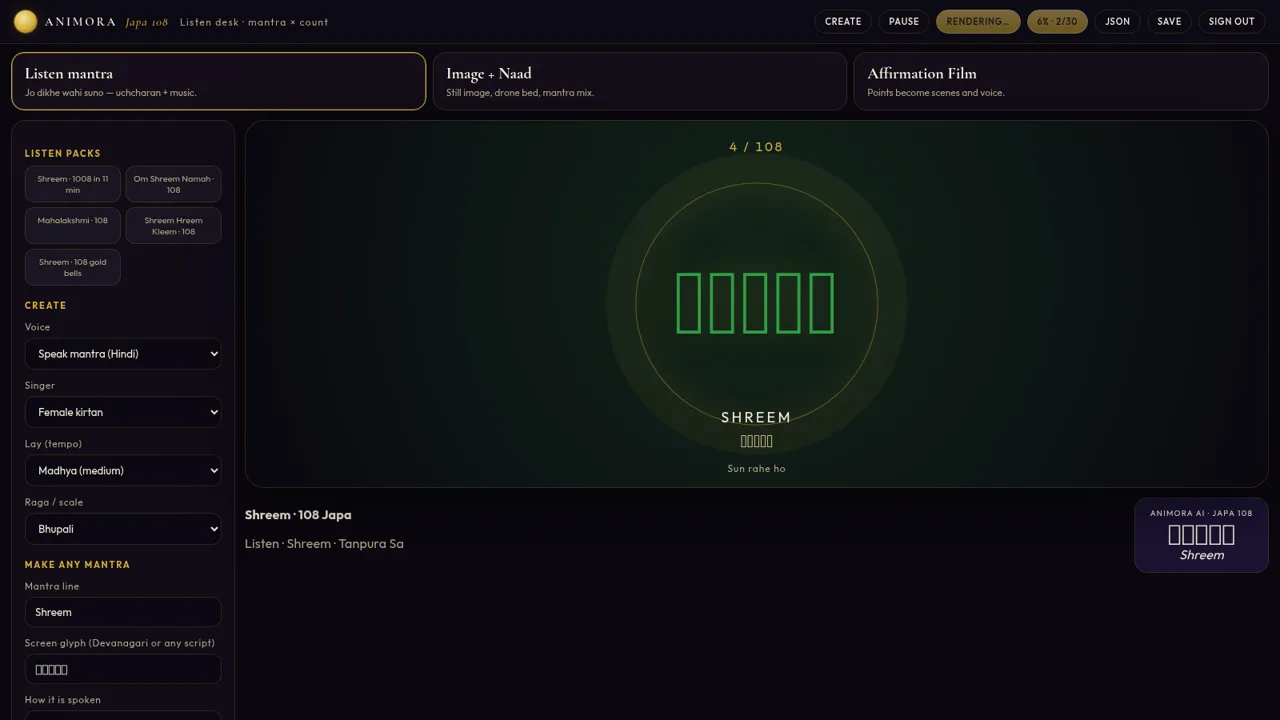
Build and listen to a single mantra with your own count, tempo and background bed
Animora Japa 108 is a browser-based listen studio for mantra recitation. After signing in with the demo account shown on the login page, you land on a listen desk where you pick a mantra, set how many times it is spoken (such as 108 or 1008), choose a tempo and scale, and lay a tanpura, bowl, bansuri, temple, nature or meditation bed underneath it. Four mix sliders control the balance between mantra, music, drone and click, and the app can play the resulting mix, export it as a WAV file, or render a short listen film. A preview panel shows the on-screen glyph, the live count and the current playback state as you work.
Highlights
Exact count control
Choose 1 to 1008 recitations
Nine sound beds
Tanpura, bowls, nature and more
WAV and video export
Download mix or render listen film
Custom mantra text
Set glyph, spelling and meaning
Listen packs
Ready-made Shreem and Om rooms
How to Use
Sign in with the demo account
Open the site and click Enter studio, then use the demo credentials printed on the signup and login pages ([email protected] / demo1234). After signing in you arrive at the listen desk at /app, which contains all creation controls.
Write the mantra and set the count
In the Make any mantra block, type the mantra line, the on-screen glyph and how it should be spoken, then pick an accent colour. Use the count slider or the quick buttons to set the number of recitations, and adjust the per-pronunciation time slider to change the total listen time shown below it.
Choose a voice, tempo and bed
Select a voice, singer, tempo and raga from the dropdowns, then pick a background bed category and a specific bed variant. You can also upload your own voice clip or music loop, toggle the click and soft chime, and use the four mix-level sliders to balance the layers.
Play, save or export
Click Play mix to hear the assembled recitation while the preview panel shows the live count. Use WAV to export the audio, Make video to render a listen film with a progress indicator, Save to store the setup, and JSON to view the structured plan.
Similar Sites
 19
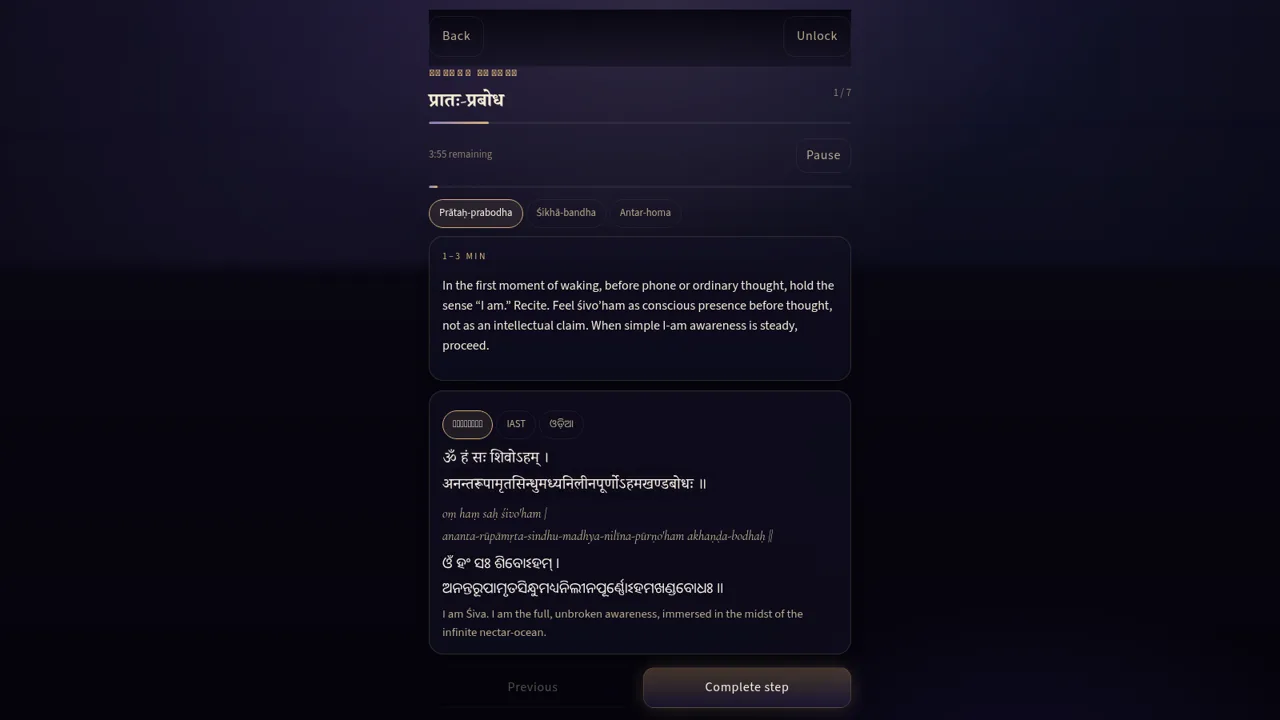
19Trika Hṛdaya Sādhana
Private offline-first SAUḤ practice companion
 120
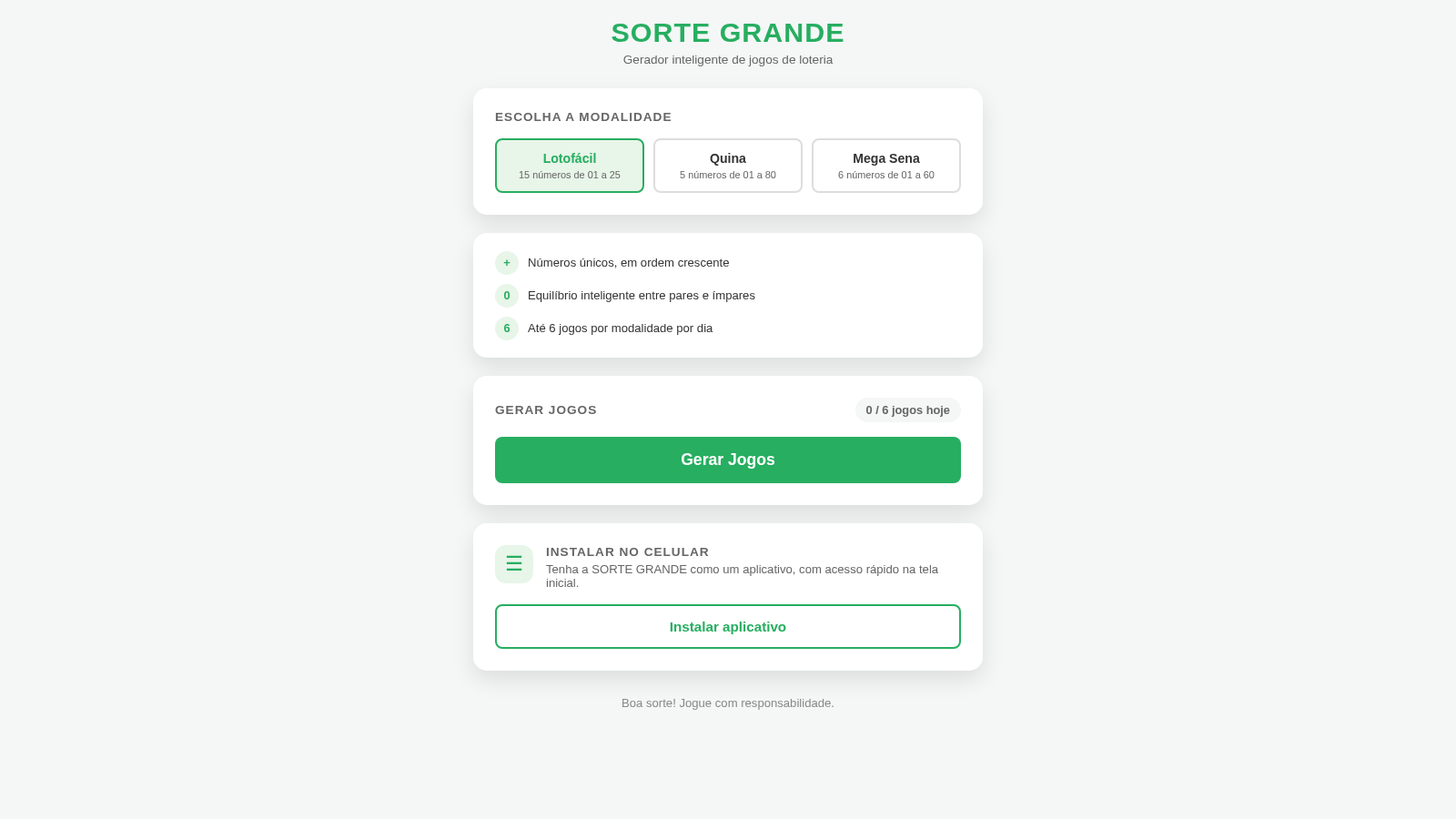
120Sorte Grande
Gerador inteligente de jogos de loteria (Lotofácil, Quina e Mega Sena)
 87
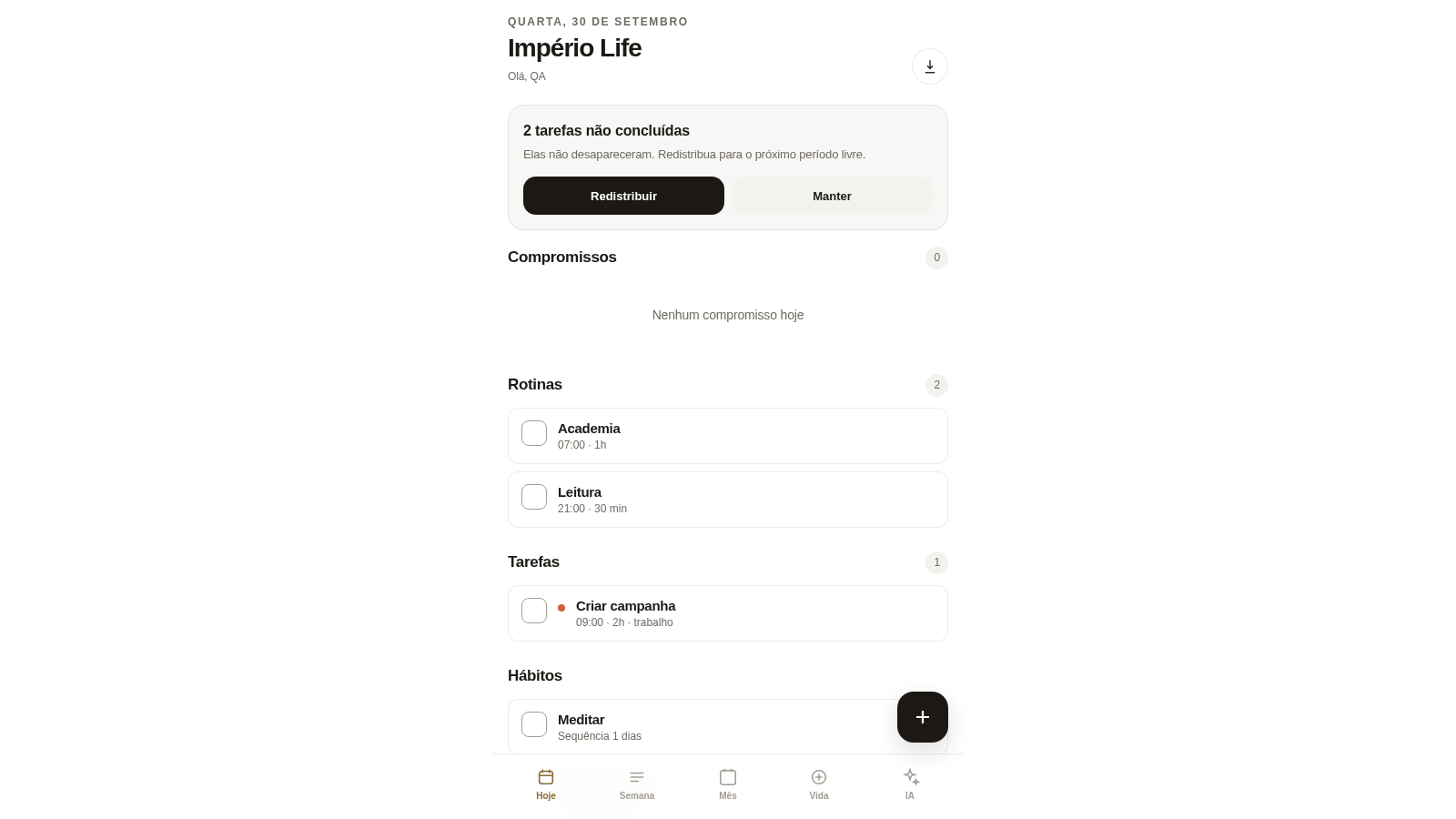
87Império Life
Organização pessoal: tarefas, rotinas e planejamento semanal.
 9
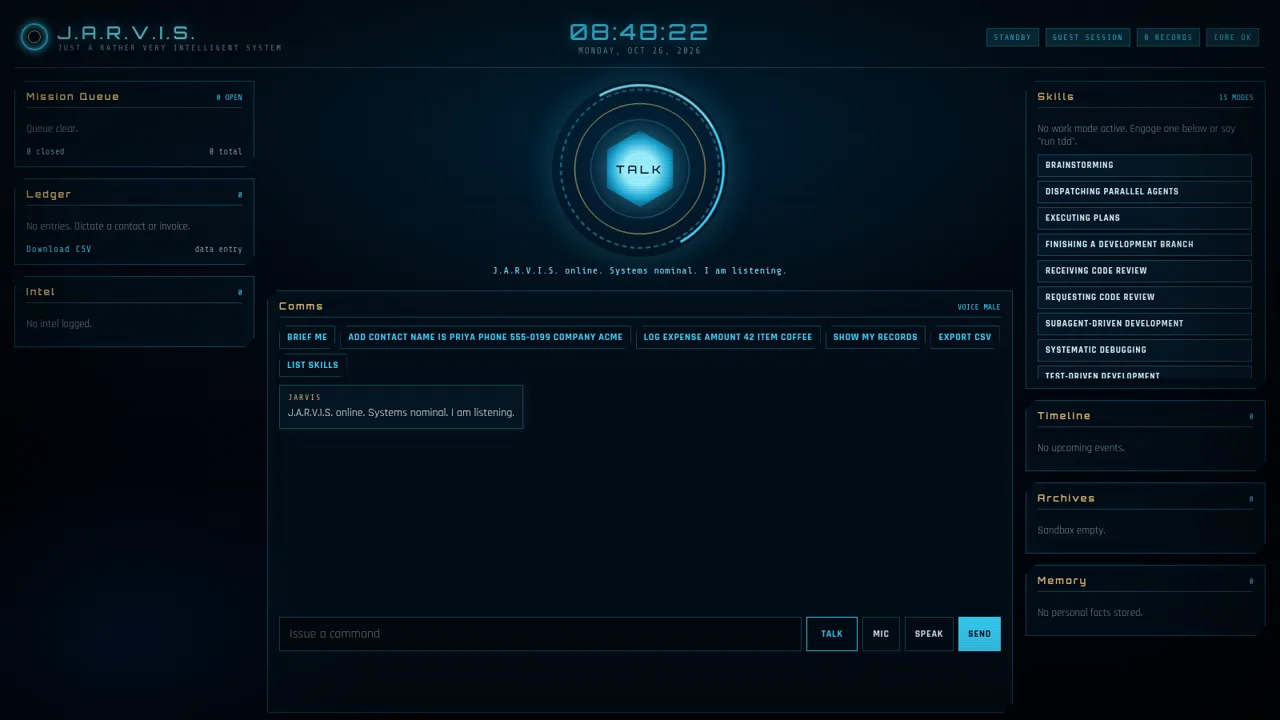
9J.A.R.V.I.S.
Voice-first HUD assistant for todos, notes, calendar, ledger, and skill modes.
 35
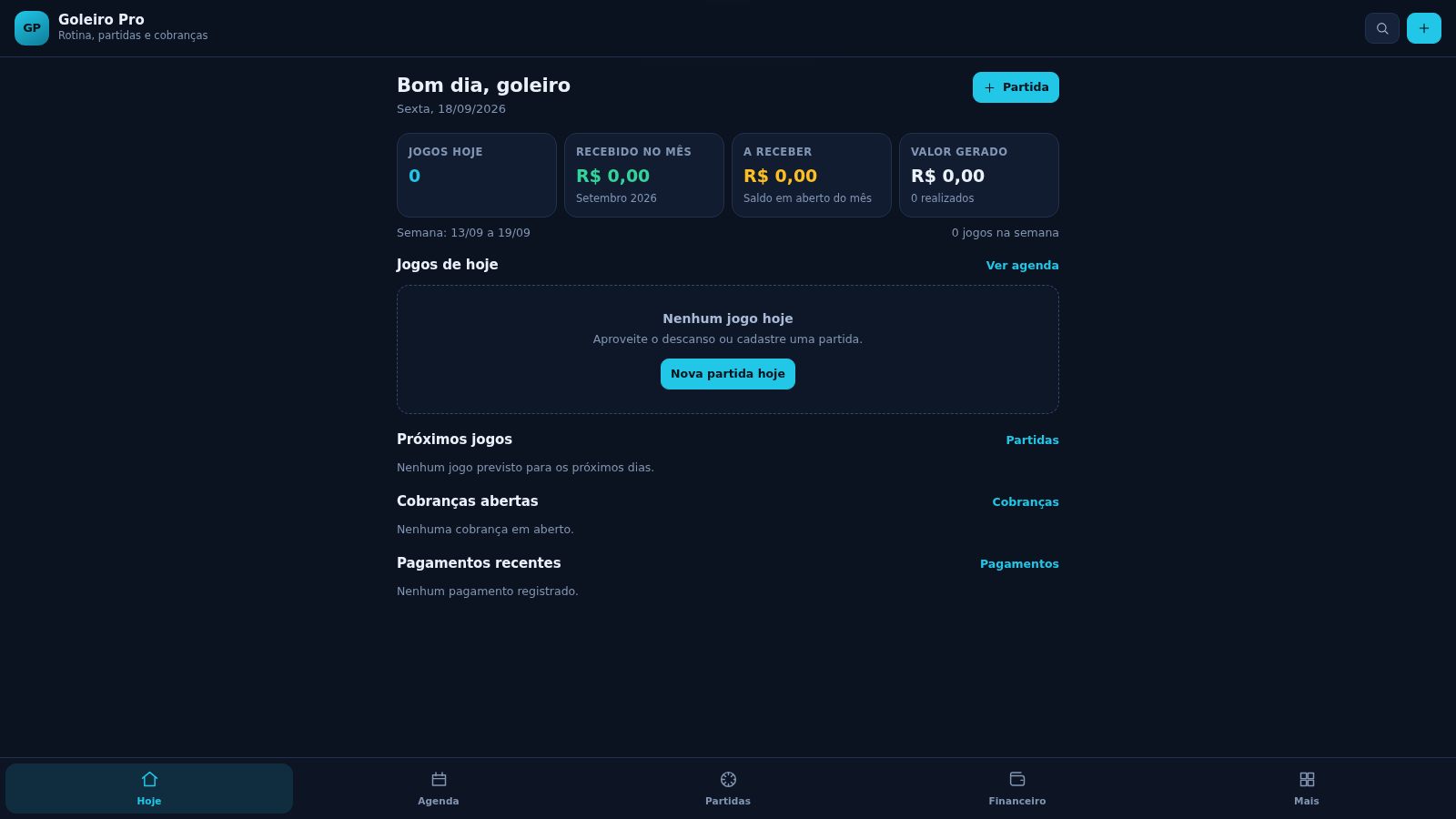
35Goleiro Pro
Controle pessoal de rotina, partidas, cobrancas, pagamentos e recibos do goleiro.
 33
33CONVIVA
CONVIVA — O familiar acompanha. O idoso vive. O Conviva conecta.