
Poco X4 Pro 5G GCam XML
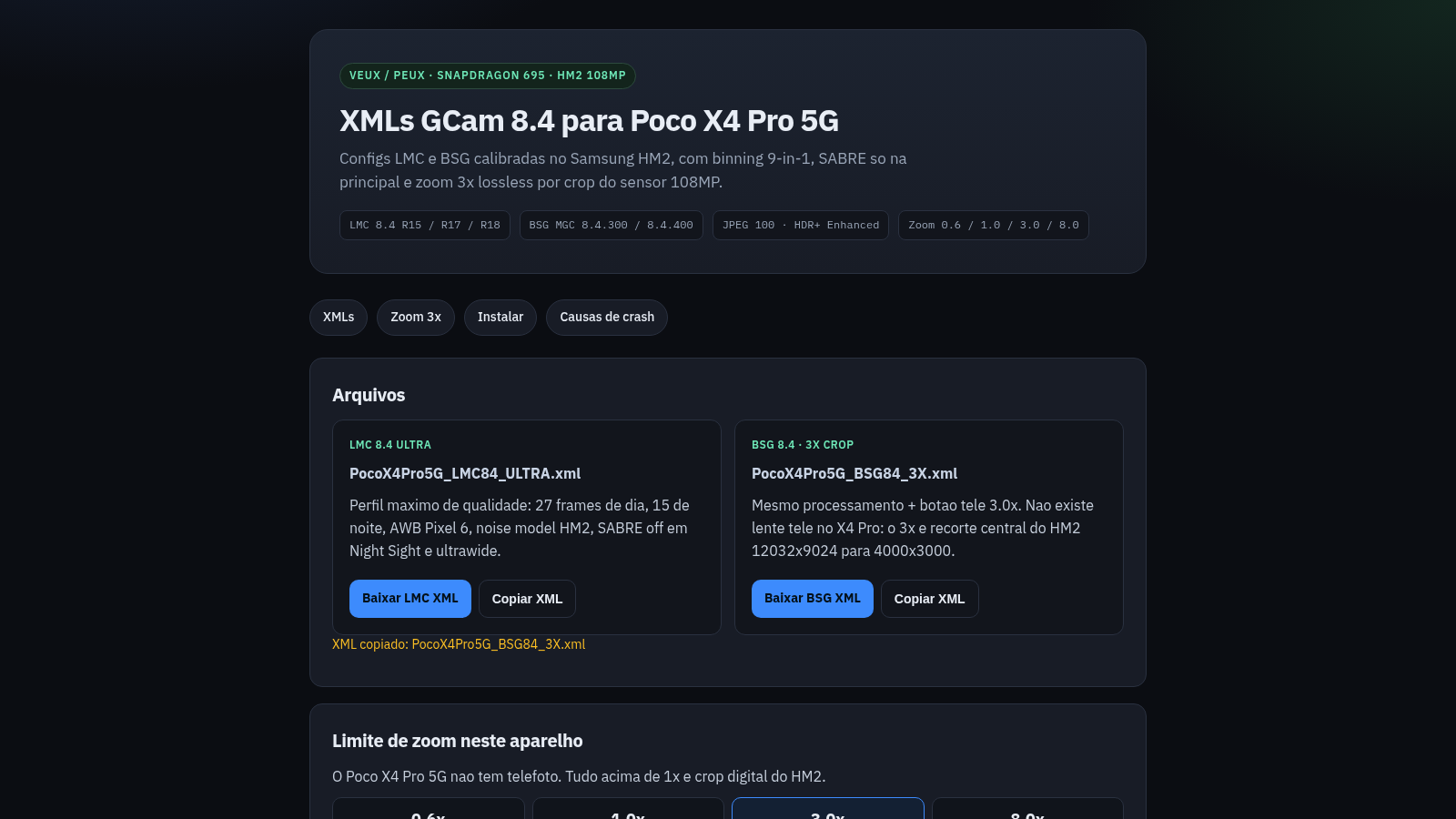
Device-specific GCam 8.4 setup notes for the Poco X4 Pro 5G and its Samsung HM2 sensor.
This Portuguese-language technical page documents camera tuning for the Poco X4 Pro 5G, also identified by the device codename veux. It presents separate LMC 8.4 and BSG 8.4 profiles, explains how the 108 MP Samsung HM2 sensor is used for a central 3x crop, and lists the practical zoom limits of the main and ultrawide cameras. Step-by-step sections show the expected app versions, Android storage folders, and restoration gestures for each GCam variant. A troubleshooting section connects common failures such as black preview, excessive HDR+ frames, native 108 MP capture, incompatible camera IDs, and unsuitable app versions to specific hardware constraints.
Highlights
Device-specific tuning
HM2 and SD695 settings
Two GCam variants
LMC and BSG instructions
Zoom explained
Sensor crop limits clarified
Crash guidance
Five failure causes listed
How to Use
Choose a GCam variant
Read the two configuration cards and select the LMC 8.4 or BSG 8.4 workflow that matches the compatible camera application already installed on the Poco X4 Pro 5G.
Review the zoom constraints
Open the 3x zoom section to understand how the main Samsung HM2 sensor, ultrawide camera, central crop, and practical 8x ceiling relate to the available camera buttons.
Follow the installation steps
Use the navigation link for installation, place the selected XML in the folder shown for LMC or BSG, restore it through the described in-app gesture, close the camera from recent apps, and reopen it.
Diagnose unstable behavior
If the camera closes or shows a black preview, compare the setup with the listed causes involving resolution, camera IDs, SABRE, HDR+ frame counts, and incompatible applications or profiles.
Similar Sites
 80
80PDF Master AI
Private in-browser PDF toolkit to convert, merge, compress, edit, and protect files.
 59
59ToolCraft - Free Online Tools
Free, fast, privacy-friendly online tools & expert guides - all in your browser.
 17
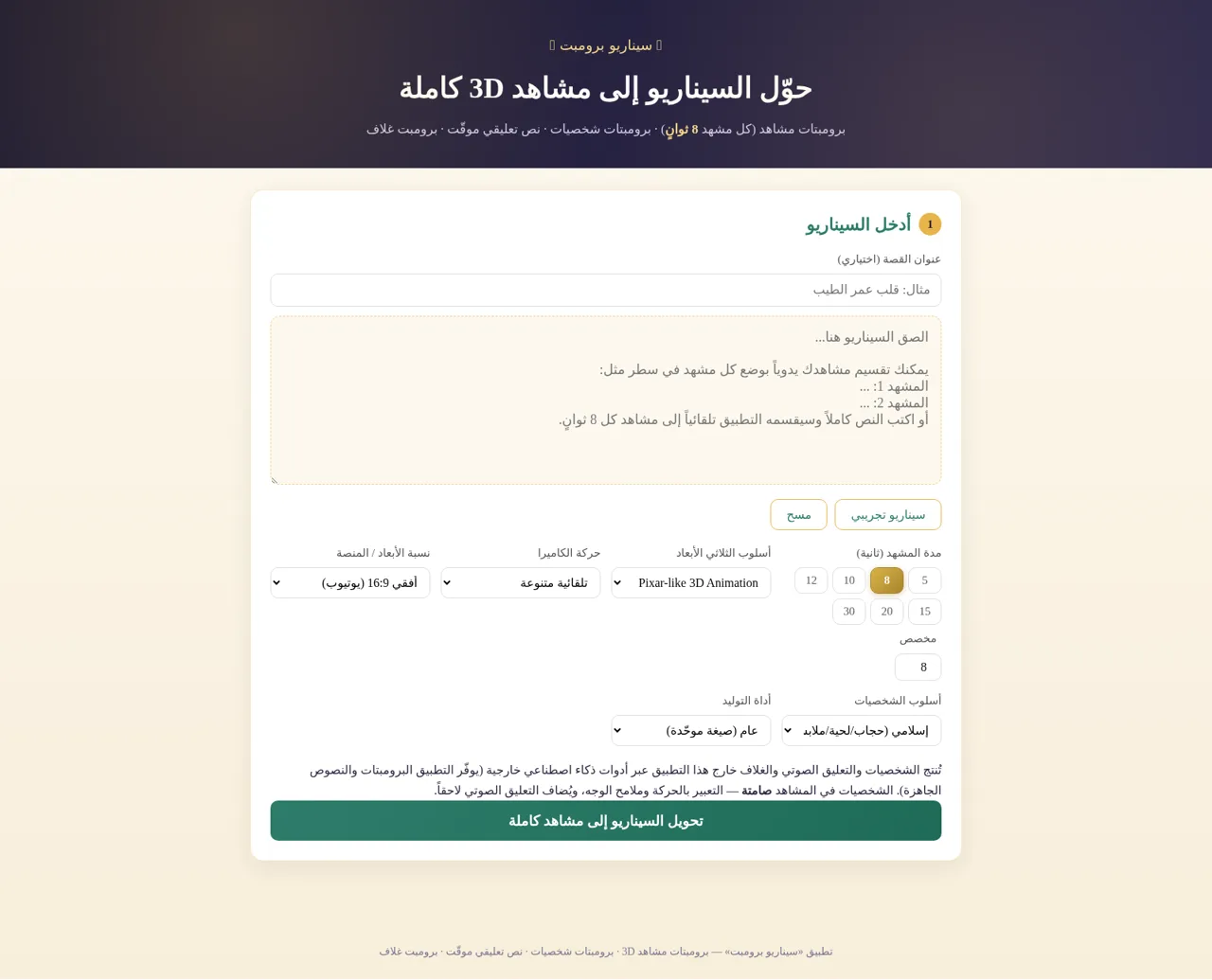
17سيناريو برومبت
حوّل السيناريو إلى برومبتات مشاهد 3D وشخصيات ونص تعليقي وبرومبت غلاف
 12
12Counter to 100
Animated counter from 1 to 100 with a pop effect, start/pause/reset controls, and shimmer gradient text
 11
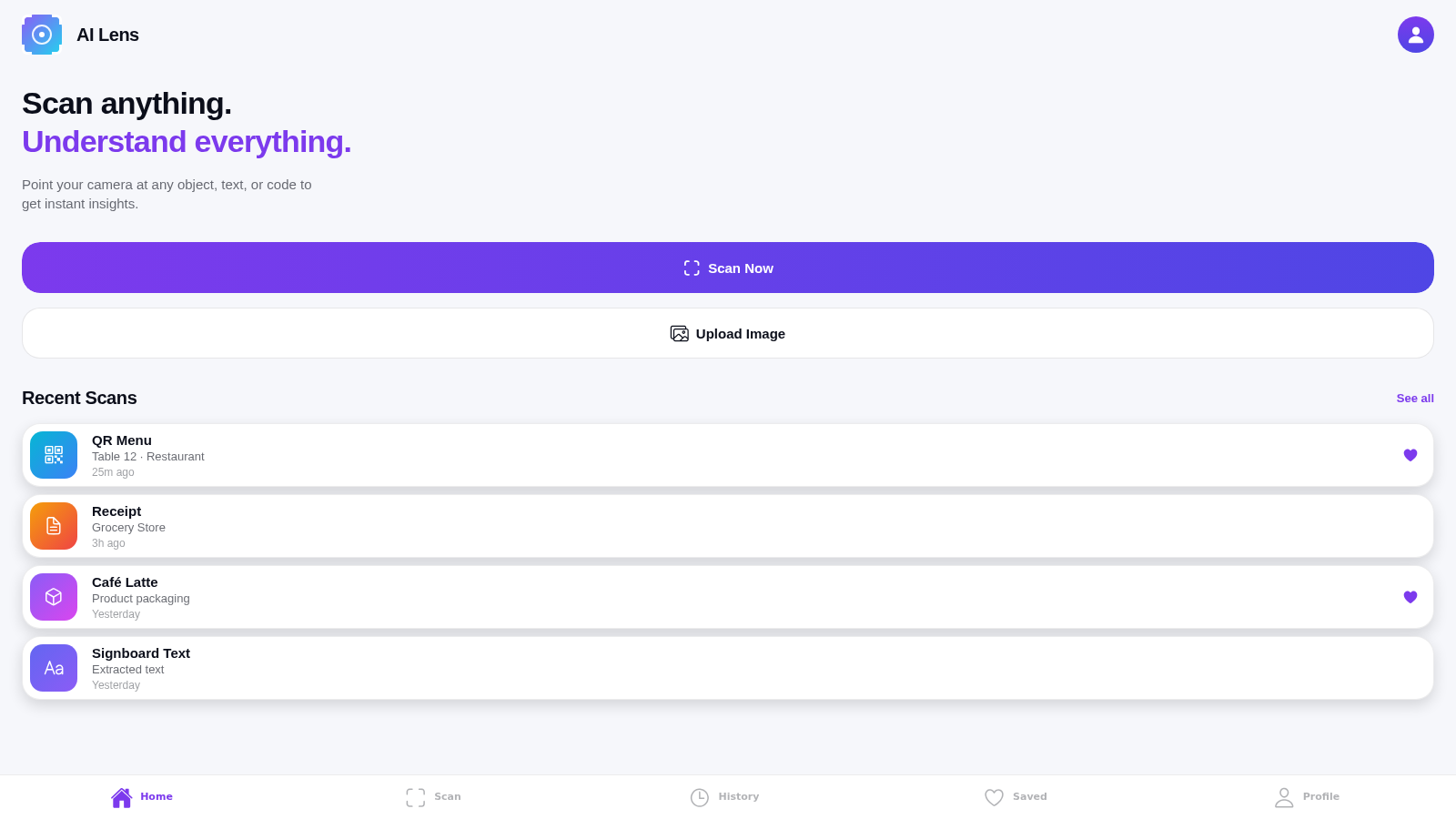
11AI Lens
Smart camera app to scan and understand objects, text, and codes around you
 10
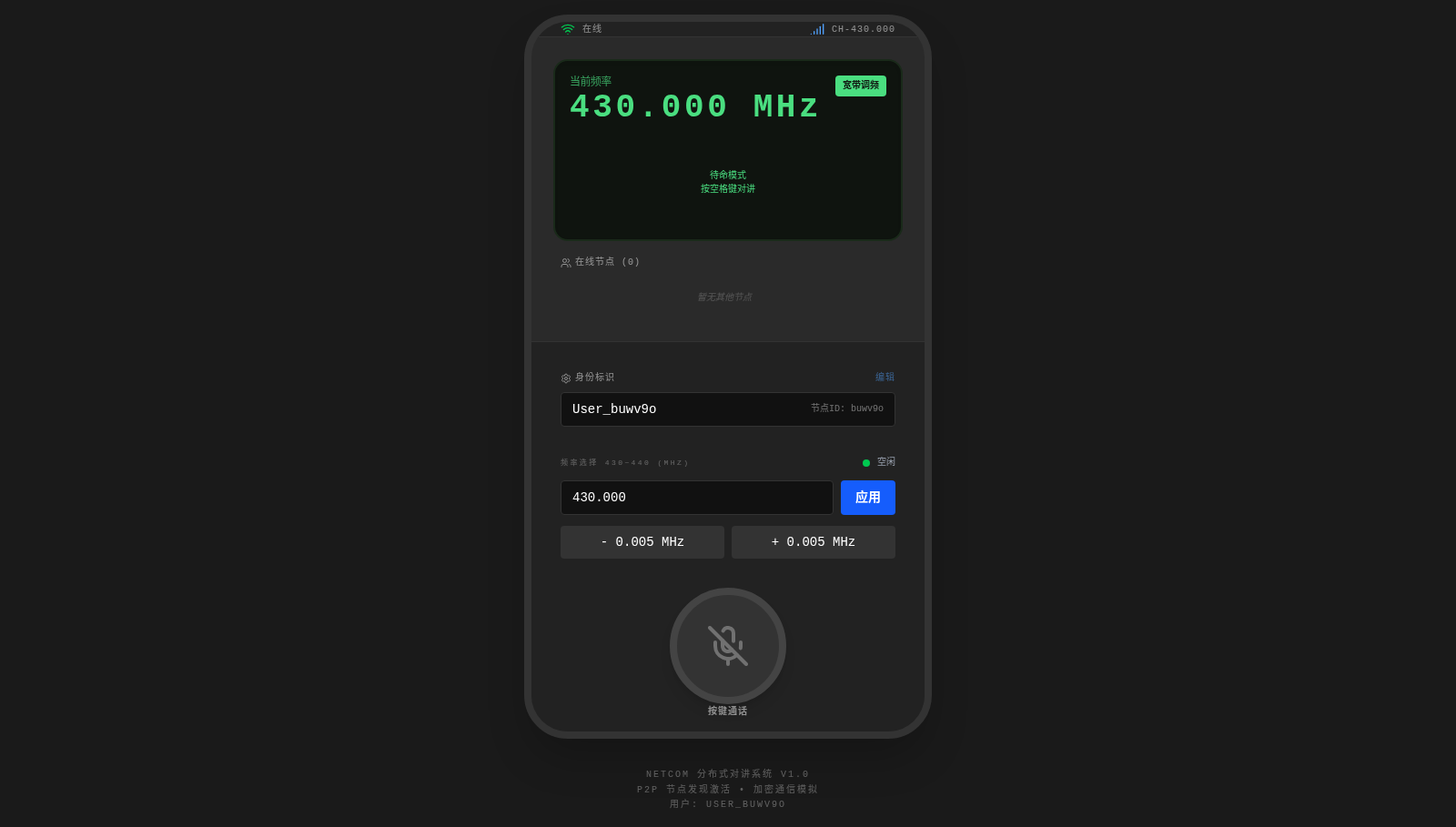
10NetCom
Amateur radio network walkie-talkie supporting voice PTT, text messages, callsign registration, and channel reservation