
كرت إستلام الخبز
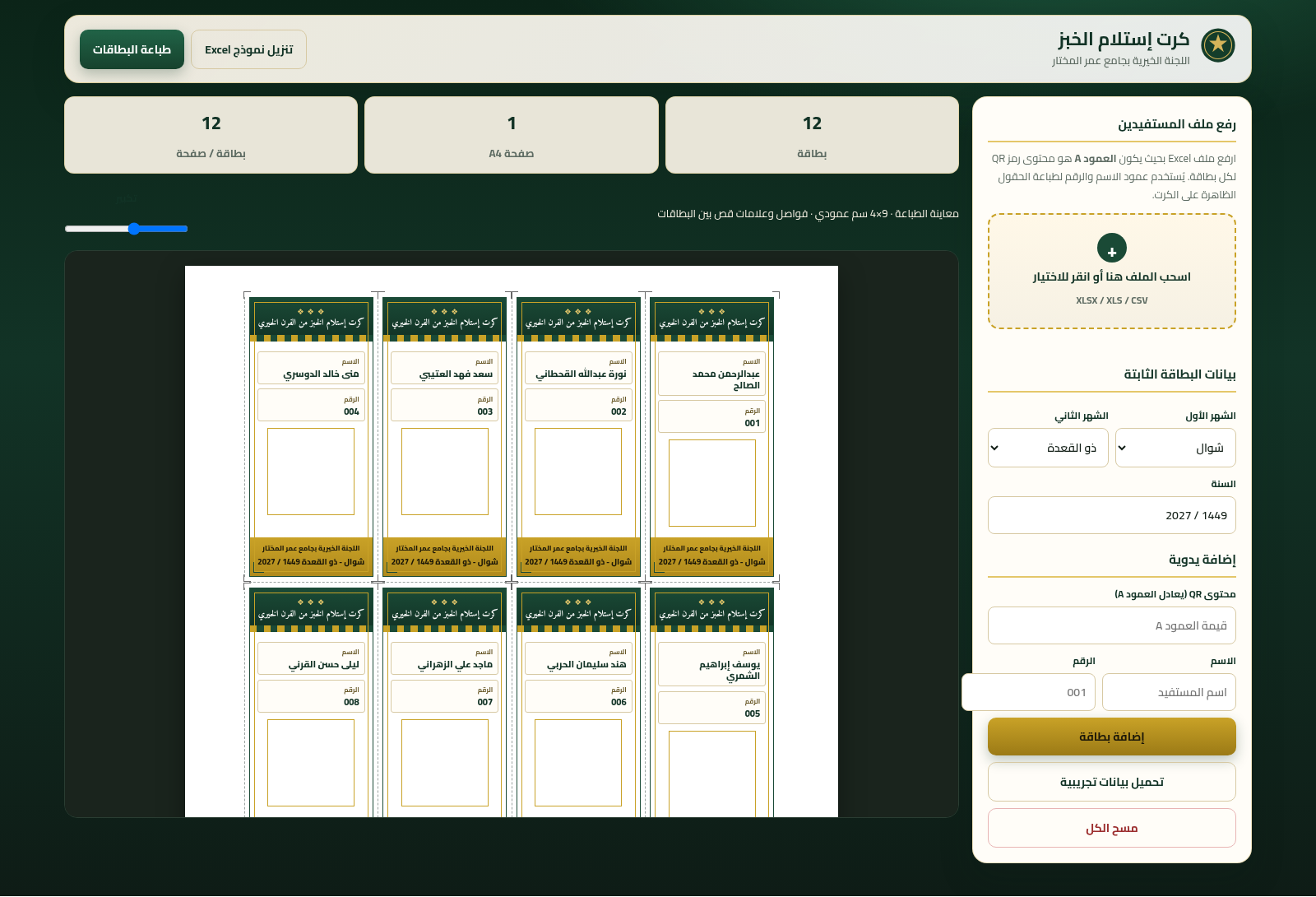
Turn beneficiary spreadsheets into organized Arabic bread receipt cards with individual QR codes and print-ready A4 layouts.
Bread Receipt Card is a focused Arabic utility for the charitable committee at Omar Al Mukhtar Mosque. Staff can download a prepared Excel template, import beneficiary records from XLSX, XLS, or CSV files, or add a recipient manually. Each record becomes a portrait receipt card containing the beneficiary name, number, charitable organization, selected distribution months, year, and a QR code carrying the beneficiary number. The page groups up to twelve cards on each A4 sheet, reports card and page totals, provides a zoomable preview with cut marks, supports Gregorian and Hijri periods, and opens the browser print workflow for production.
Highlights
Spreadsheet import
Reads XLSX, XLS, CSV
Automatic QR
Encodes recipient number
Calendar options
Gregorian and Hijri
Print-ready sheets
Twelve cards per A4
How to Use
Prepare the beneficiary list
Download the Excel template from the header and enter each beneficiary name and number in its columns. An existing XLSX, XLS, or CSV file can also be used when it contains equivalent name and beneficiary-number data.
Import or add records
Drag the spreadsheet onto the upload area or click it to choose a file. The page reports how many cards were imported and immediately rebuilds the preview. For an individual record, enter a name and number in the manual fields and select the add-card button.
Set the distribution period
Choose Gregorian or Hijri in the calendar selector, then select the first month, second month, and year. Every previewed card updates with the chosen period; switching to Hijri also presents the corresponding Arabic month list.
Review and print
Check the card and page totals, move the zoom control to inspect names, numbers, QR images, and cut guides, then use the print-cards button to open the browser printing flow. Clear all removes the current list, while load sample data restores a twelve-record demonstration.
Similar Sites
 413
413Smile Patisserie
Smile Patisserie menu: cakes, oriental, bakery, and WhatsApp cart
 432
432حاسبة رسوم الجمعية
حاسبة رسوم الجمعية لوكلاء Money Fellows — حساب القسط وصافي القبض شهر بشهر.
 126
126Agenda de Pedidos - Confeitaria
Agenda digital de pedidos para confeitaria com integração WhatsApp
 49
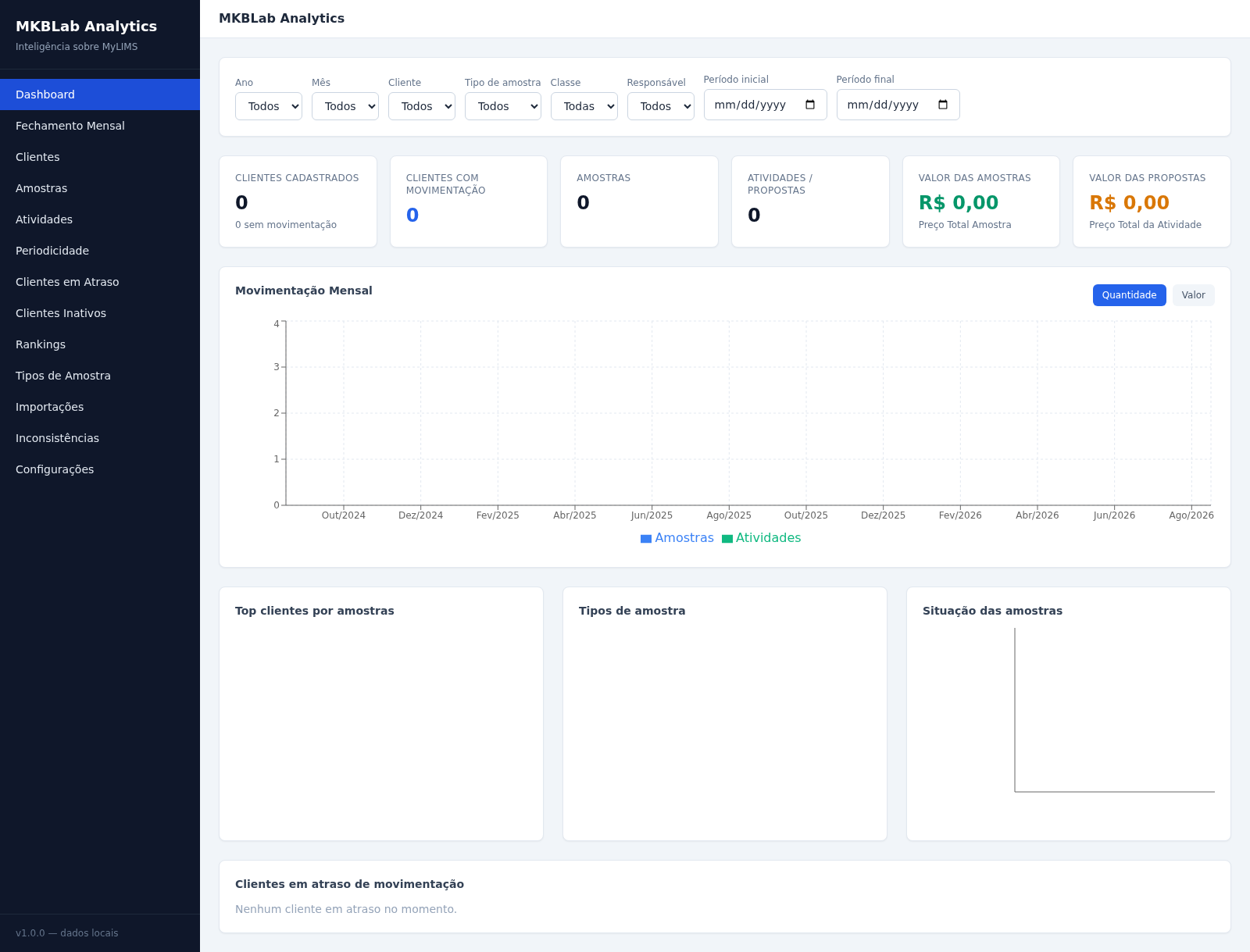
49MKBLab Analytics
Dashboard gerencial com importação de relatórios XLSX do MyLIMS
 48
48SGI CONTROL
Sistema Integrado de Gestão da Qualidade (ISO 9001) com painel B2B multiempresa
 70
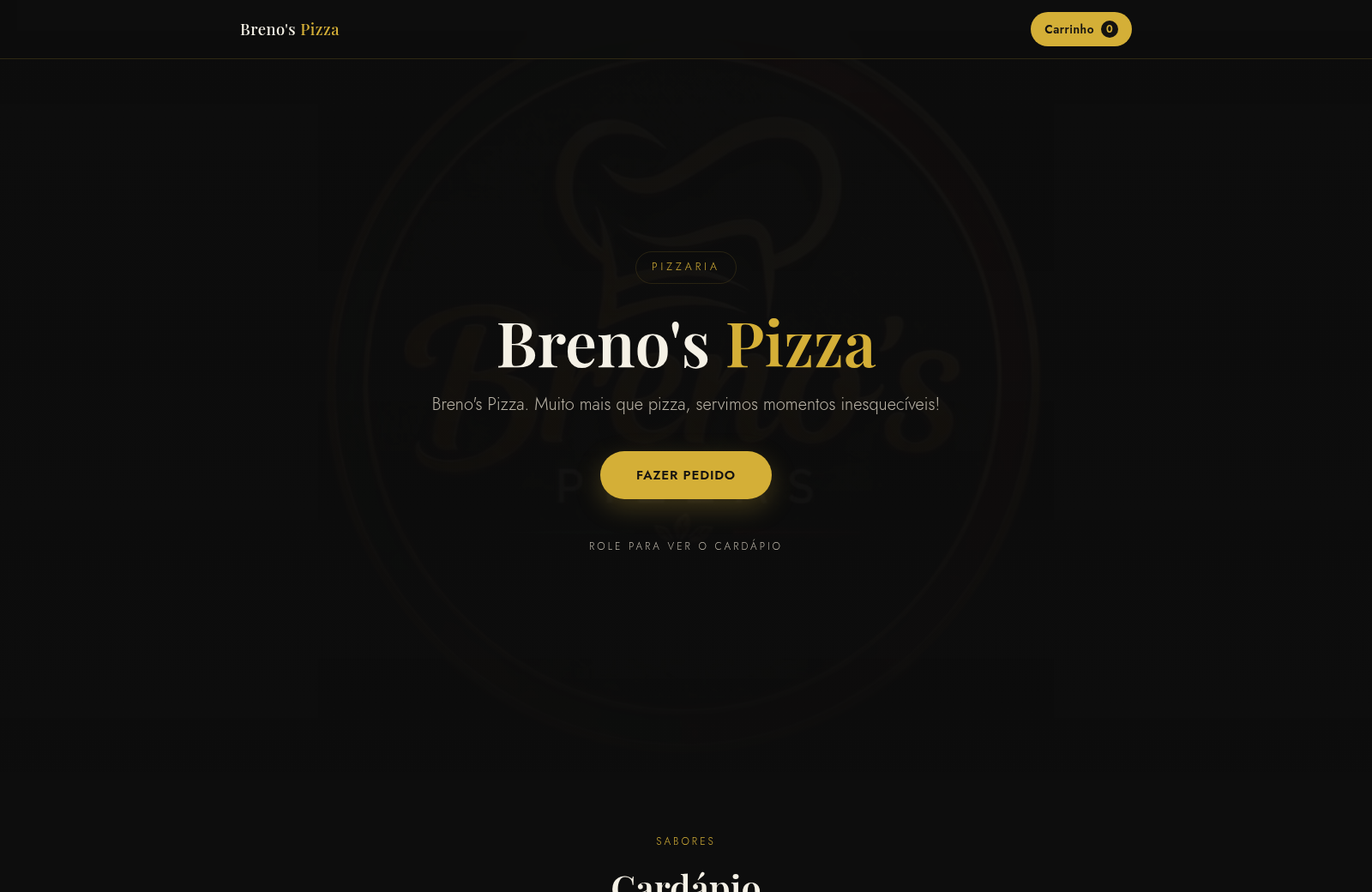
70Breno's Pizza
Breno's Pizza. Muito mais que pizza, servimos momentos inesqueciveis! Peça a sua pizza pelo WhatsApp.