
Flavios Burguer
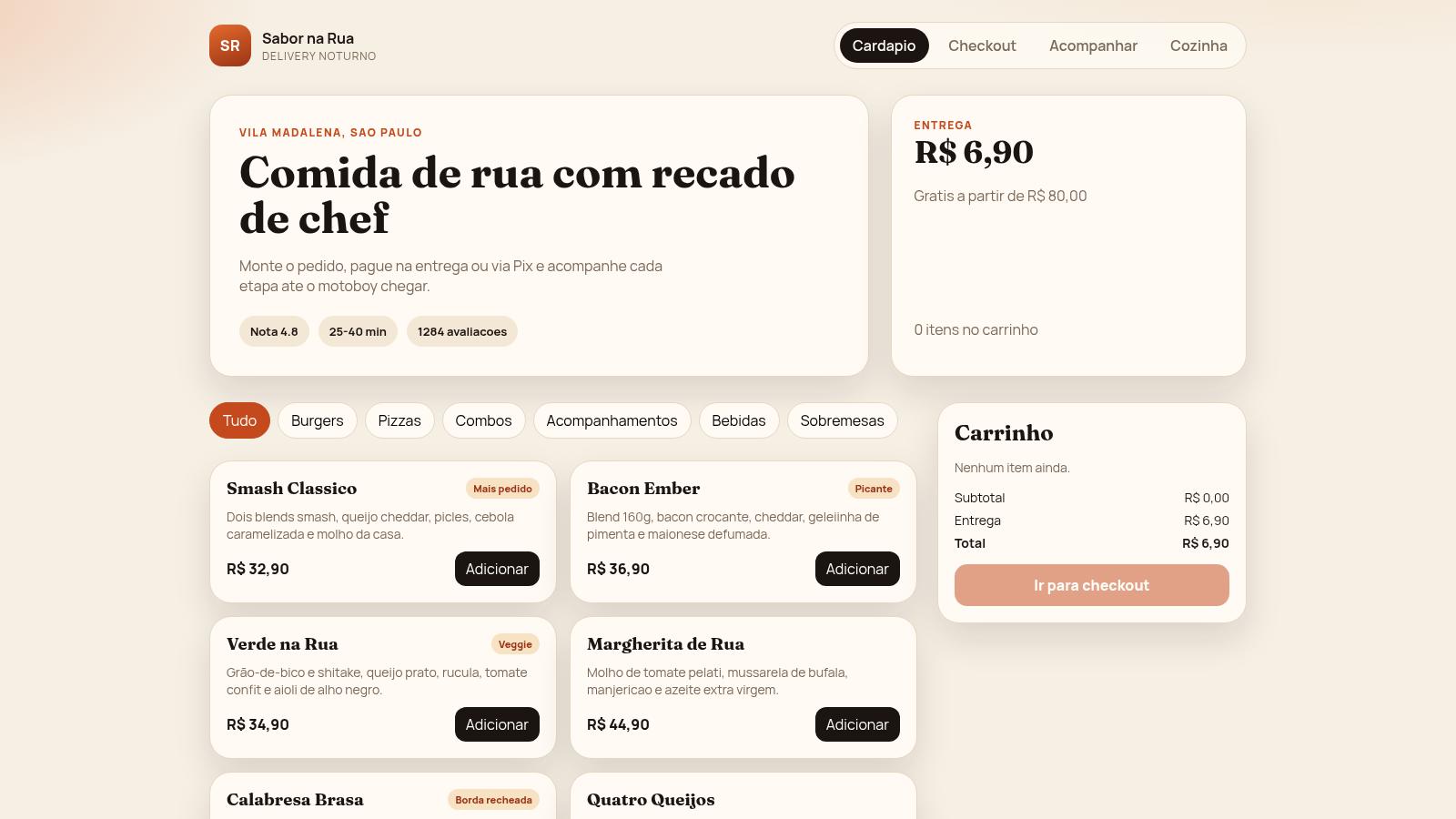
A night street-food delivery flow with menu, cart, checkout and kitchen board
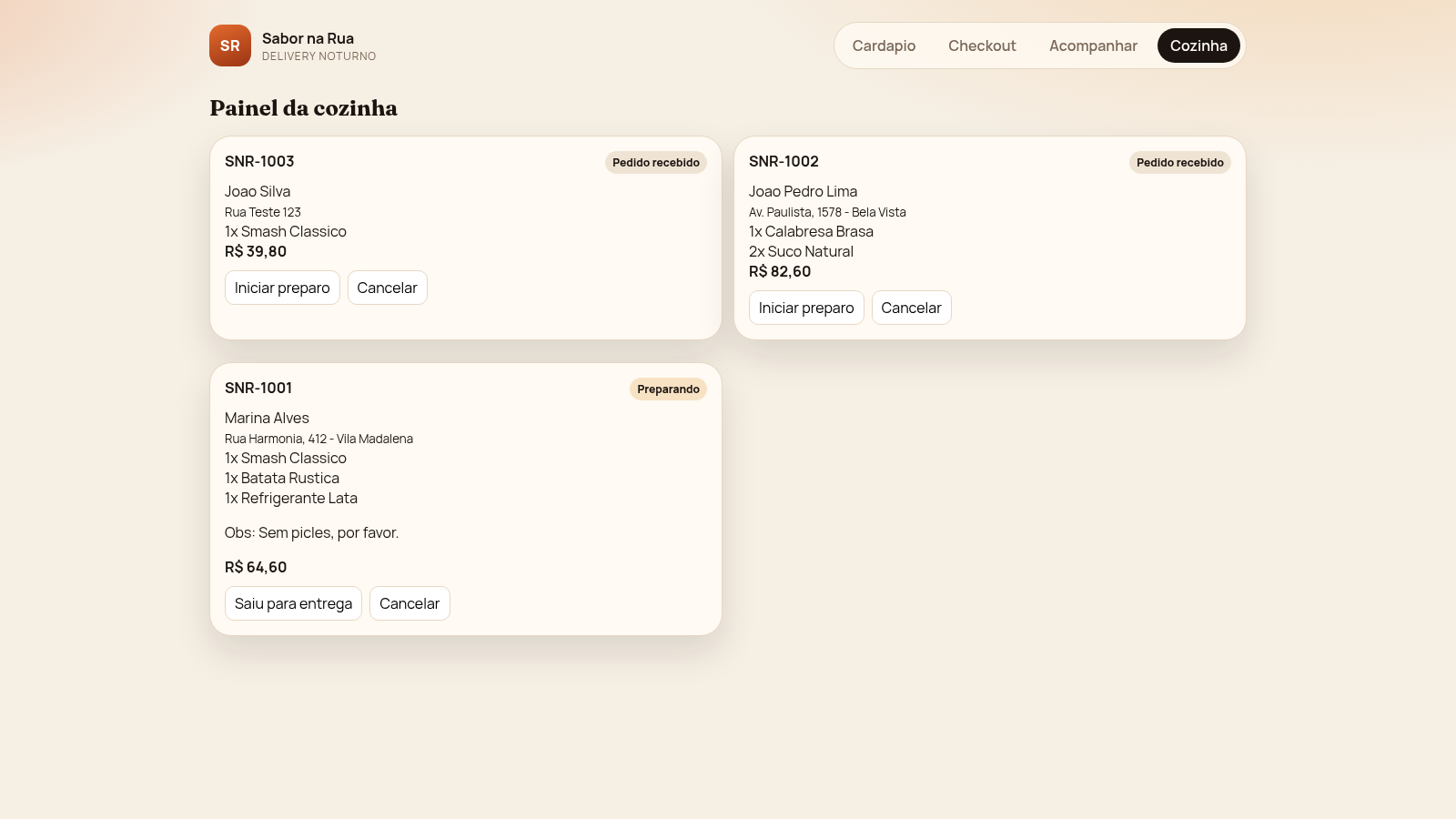
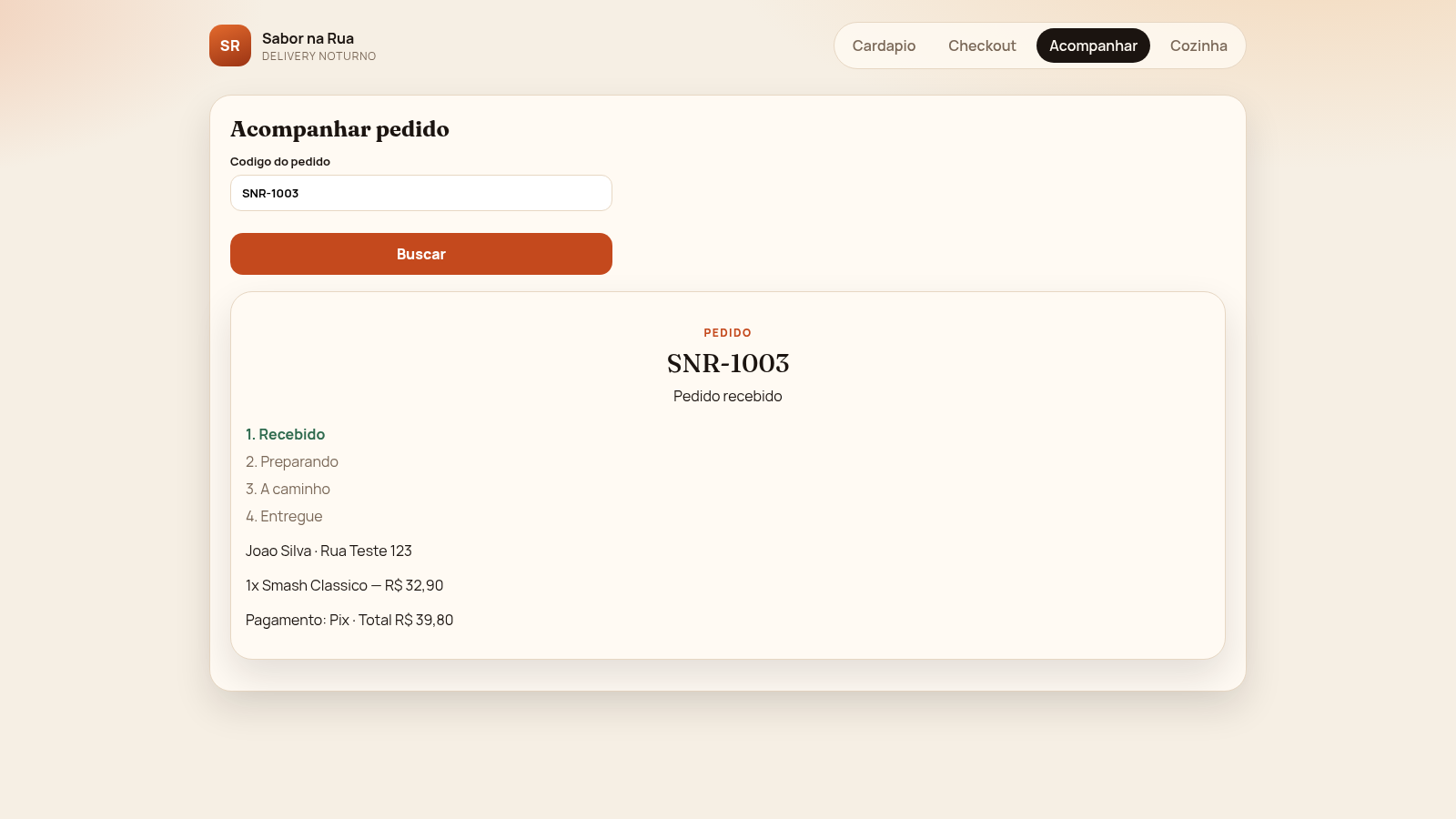
Sabor na Rua is a browser-based food delivery demo for a fictional street food kitchen in Vila Madalena, Sao Paulo. The site is split into four views reached from the top navigation: a menu with categories and a live cart, a checkout form, an order tracking page, and a kitchen panel. Visitors can browse burgers, pizzas, combos, sides, drinks and desserts, adjust quantities in the cart, enter customer and address details, choose Pix, card on delivery or cash, and place an order. The order then receives a code such as SNR-1003 and can be looked up in the tracking view, where a four-step timeline shows received, preparing, on the way and delivered. On the kitchen panel staff orders appear as cards with customer name, address, line items, total and action buttons to start preparation, send the order out for delivery or cancel it. Menu and order data come from the site own API, so changes made in the kitchen board are reflected in the tracking view.
Highlights
Menu with 17 dishes
Six categories from burgers to desserts
Live cart totals
Quantity, subtotal and delivery update
Checkout and order code
Place an order and get a tracking code
Four-step tracking
Follow received to delivered status
Kitchen operations board
Advance or cancel orders in the queue
Three payment options
Pix, card on delivery or cash
How to Use
Browse the menu and add items
Open the site and stay on the Cardapio view. Filter dishes with the category buttons at the top, then press Adicionar on any card. The item appears in the Carrinho panel on the right, where the subtotal, delivery fee and total update immediately, and the Ir para checkout button becomes active.
Adjust the cart and check out
Use the plus and minus buttons beside a cart line to change its quantity, or press it down to zero to remove it. When the cart looks right, press Ir para checkout to open the form, then fill in Nome, Telefone and Endereco, optionally add Complemento and Observacoes, pick Pix, Cartao na entrega or Dinheiro, and press Confirmar pedido.
Track the order
After confirming, the app shows the tracking view with a generated code such as SNR-1003. You can also open Acompanhar from the navigation and search any code in the Codigo do pedido field. The page lists the customer, address, line items, payment and total, and marks the current stage on the four-step timeline.
Work the kitchen panel
Open Cozinha to see incoming orders as cards with code, status, customer, address, items and total. Press Iniciar preparo to move an order into preparation, Saiu para entrega to send it out, or Cancelar to stop it. Each action calls the order status API and the board refreshes to show the new stage.
Similar Sites
 19
19Clique&Pede
Cardapio digital, delivery e impressao termica para lanchonetes e acaiterias
 17
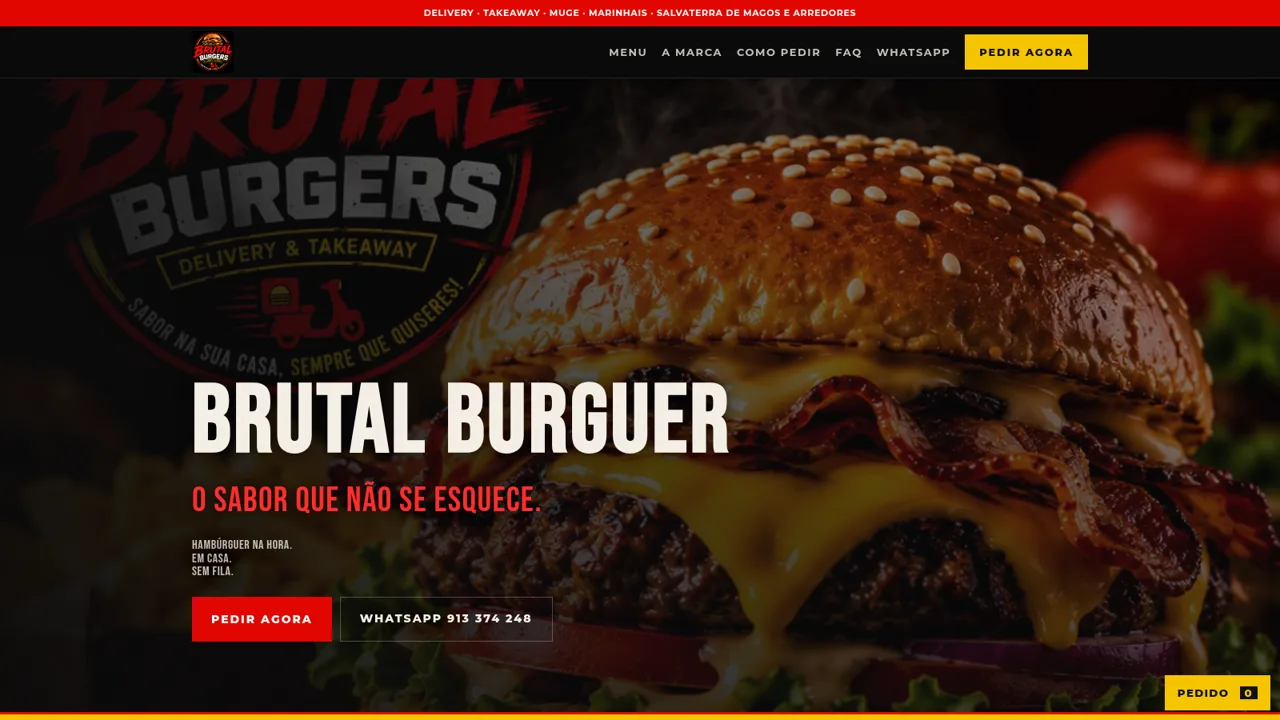
17Brutal Burguer
Hambúrgueres na hora, delivery e takeaway em Muge.
 4
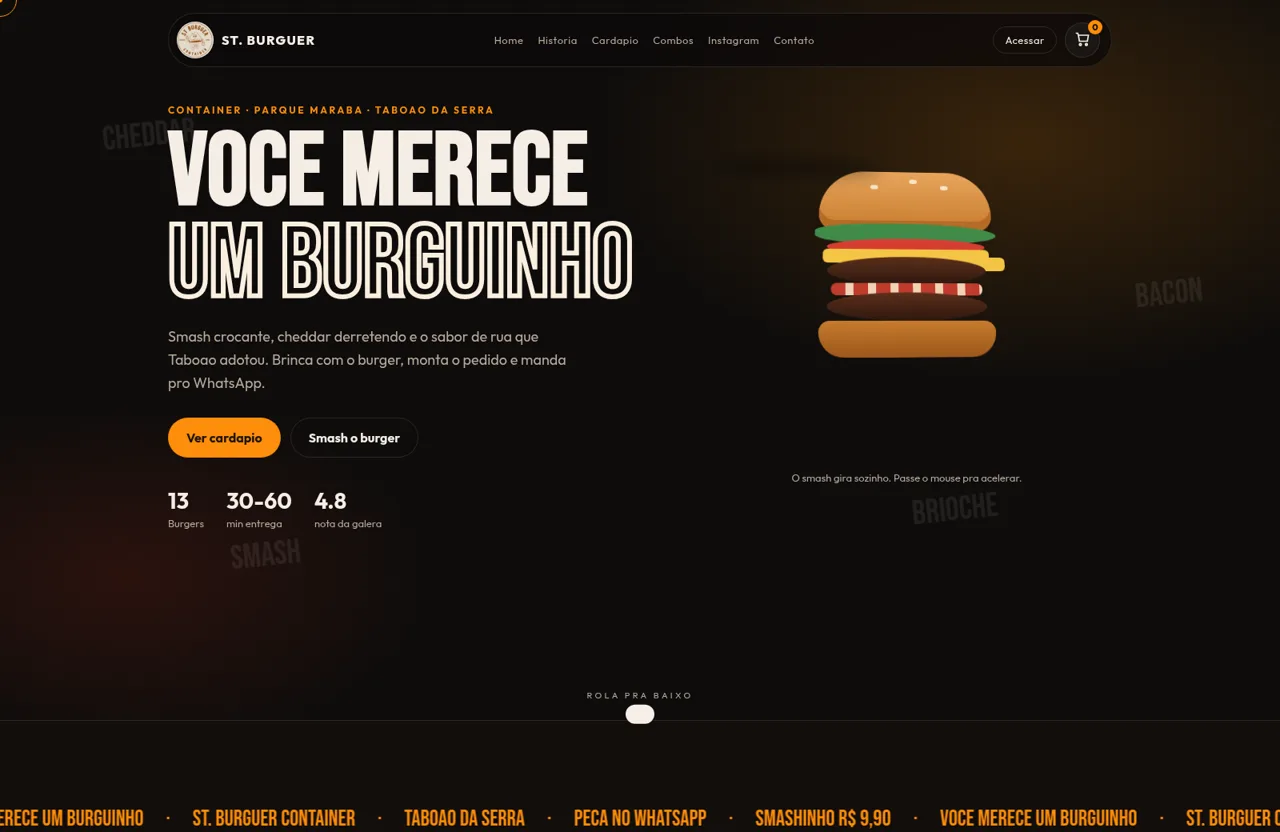
4ST. Burguer Container
Smash, burgers e combos em Taboao da Serra. Peca pelo WhatsApp.
 127
127Agenda de Pedidos - Confeitaria
Agenda digital de pedidos para confeitaria com integração WhatsApp
 50
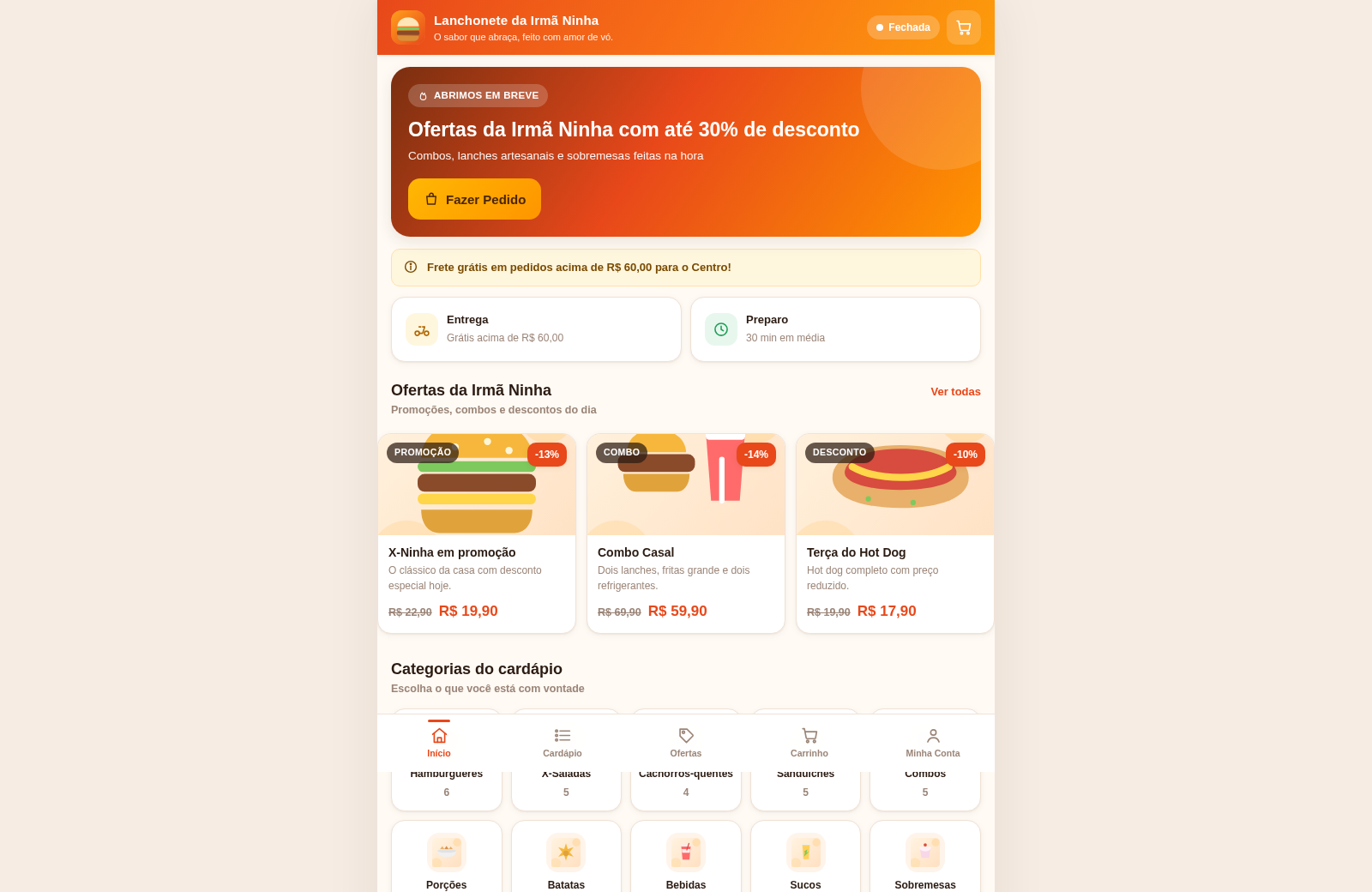
50Lanchonete da Irmã Ninha
Cardápio digital, ofertas e promoções com painel administrativo.
 18
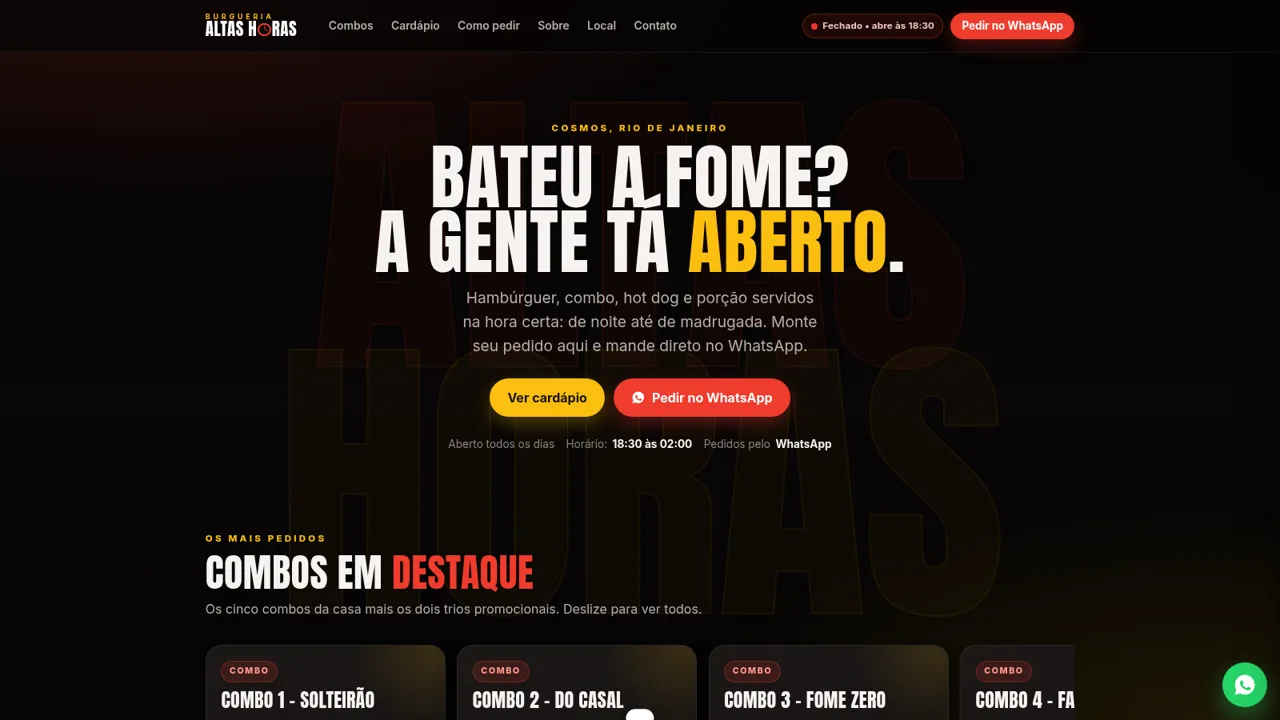
18Burgueria Altas Horas
Cardápio digital: combos, hambúrgueres, hot dogs, porções. Pedido pelo WhatsApp.