
Os Meus Testes
An offline browser-based planner for school tests, grades, monthly calendars and per-subject statistics
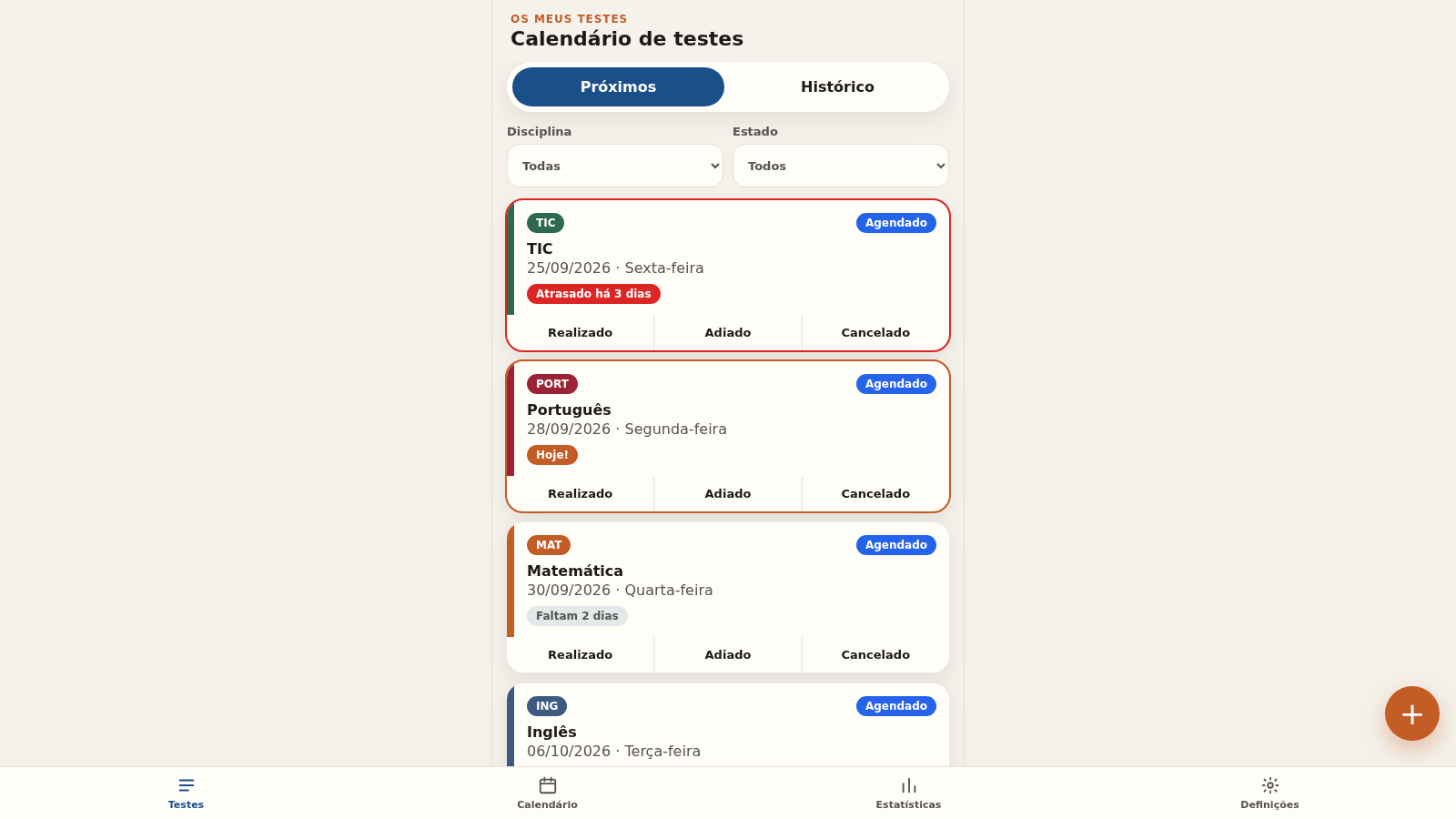
Os Meus Testes is a mobile-first web app for keeping track of school tests. Users add a test by choosing a date and one of thirteen subjects, then move it between the Agendado, Realizado, Adiado and Cancelado states and record a grade from 0 to 100 once it is done. The main screen lists upcoming tests with relative date labels and offers subject and status filters plus a Próximos / Histórico switch. A month calendar shows tests on their days and lets a new test be added directly to a selected date. A statistics tab reports the next test, counts per status and average grades per subject, while a settings tab switches between system, light and dark themes, toggles local reminders and explains that all data stays on the device with no account or internet required.
Highlights
Monthly calendar
Browse tests by date
Status tracking
Mark done/deferred
Grade statistics
Averages per subject
Offline by design
No account needed
Light and dark mode
Theme follows device
How to Use
Add a test
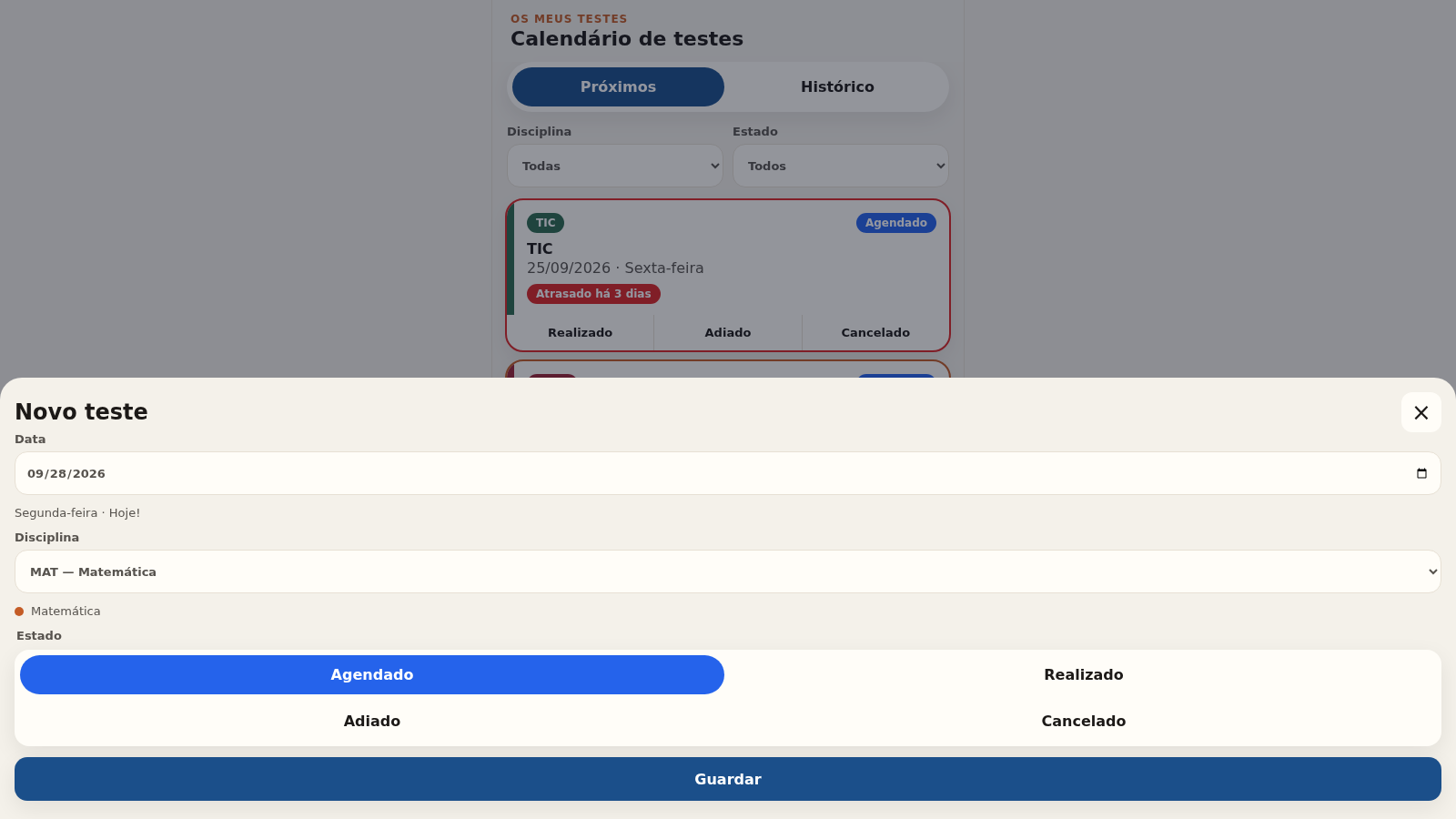
Tap the round plus button at the bottom of the Testes screen to open the Novo teste dialog. Pick the date, choose a subject from the list and select a status, then press Guardar. The new card appears in the list with its weekday and a relative label such as Hoje! or Faltam 2 dias.
Update status and grade
On any test card use the Realizado, Adiado or Cancelado buttons to change its state directly, or tap the card to open the Editar teste dialog. There you can change the date and subject, switch the status and enter a grade from 0 to 100, then Guardar or Eliminar the entry.
Review the calendar
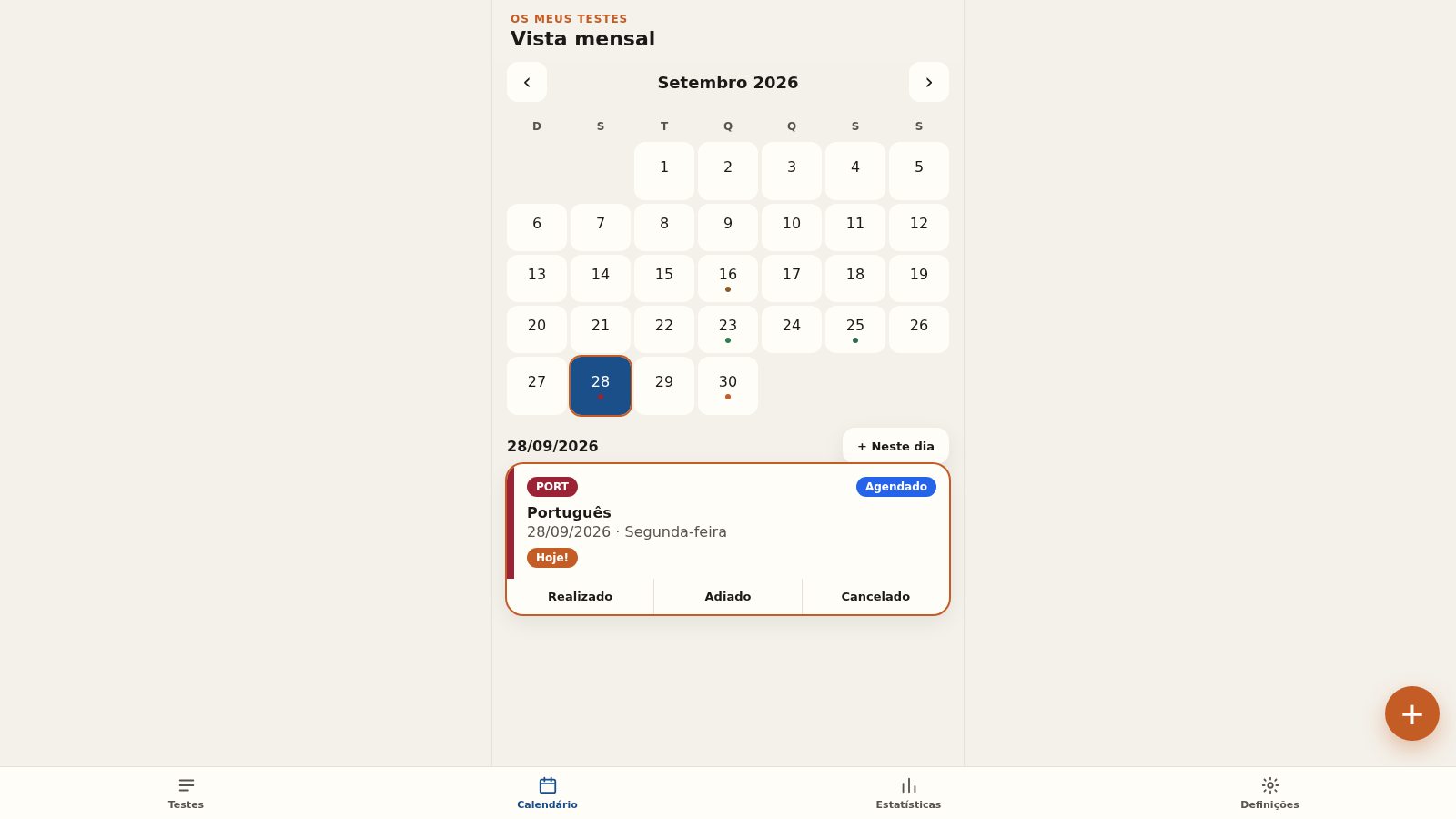
Open the Calendário tab to see a month grid with the weekday initials at the top. Days holding tests are highlighted; tapping a day loads its list underneath together with a plus button that adds a test on that exact date, and the arrows move between months.
Check statistics
The Estatísticas tab shows the next test, a count for each status and average grades per subject alongside the number of tests behind each figure. The numbers update automatically whenever a status or grade is changed elsewhere.
Adjust settings
In Definições choose Sistema, Claro or Escuro for the theme, toggle the local reminders that are described as firing on the day and the day before a test, and read the note explaining that data stays on the device and that the app can be added to the home screen.
Similar Sites
 7
7Meus Estudos
Organizador pessoal de estudos: semana, cronômetro, desafios de memória e metas
 64
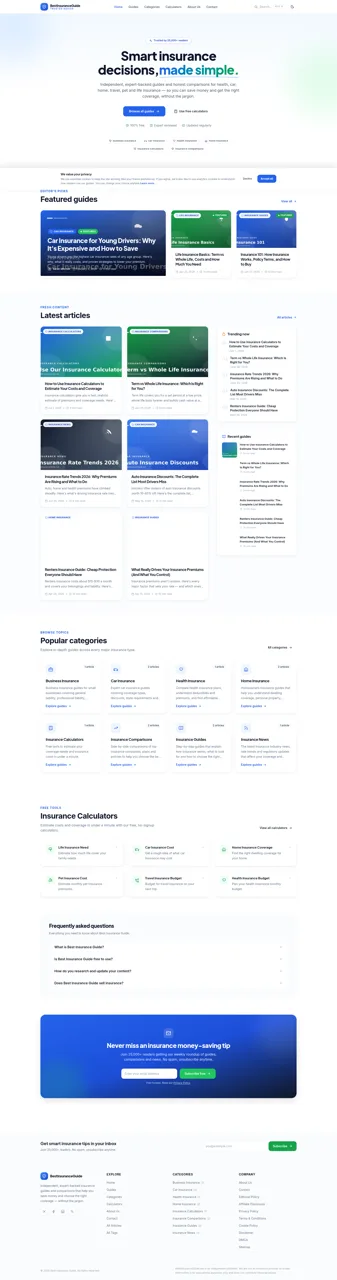
64Best Insurance Guide
Expert-written insurance guides, honest comparisons and trusted calculators.
 43
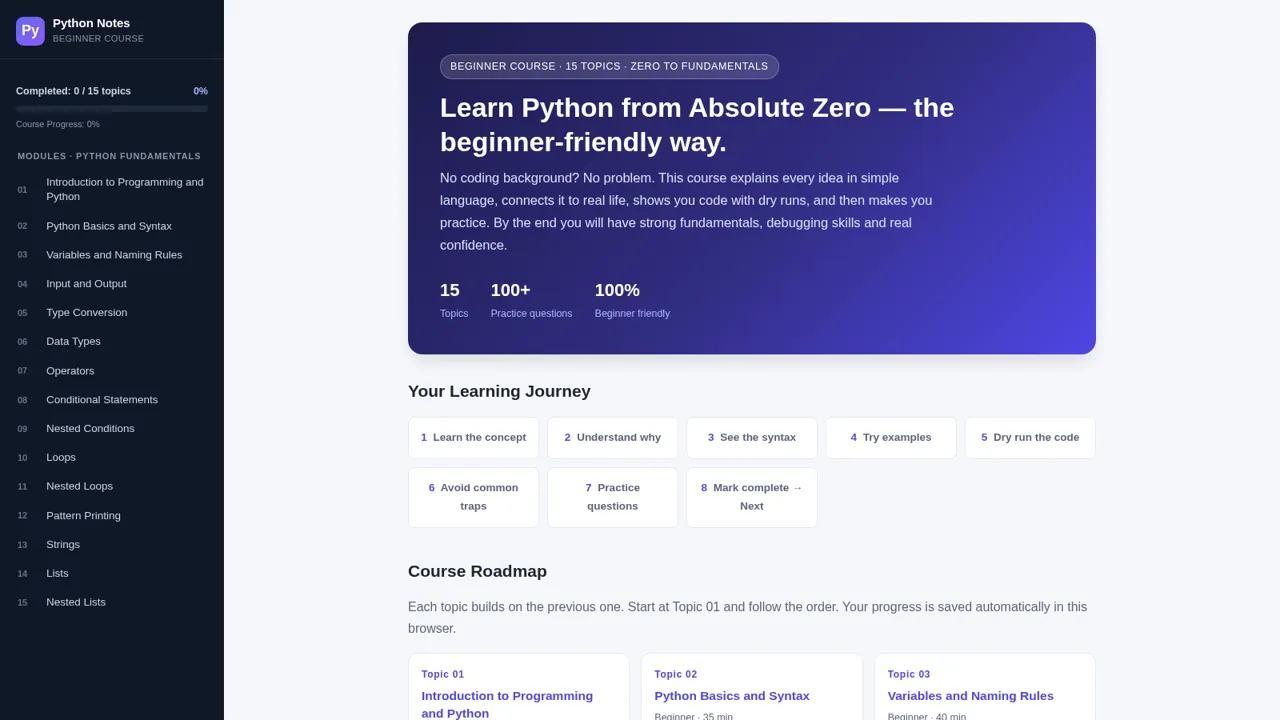
43Python Notes: Learn from Zero
A free beginner-friendly interactive course: learn Python from absolute zero across 15 hands-on topics
 23
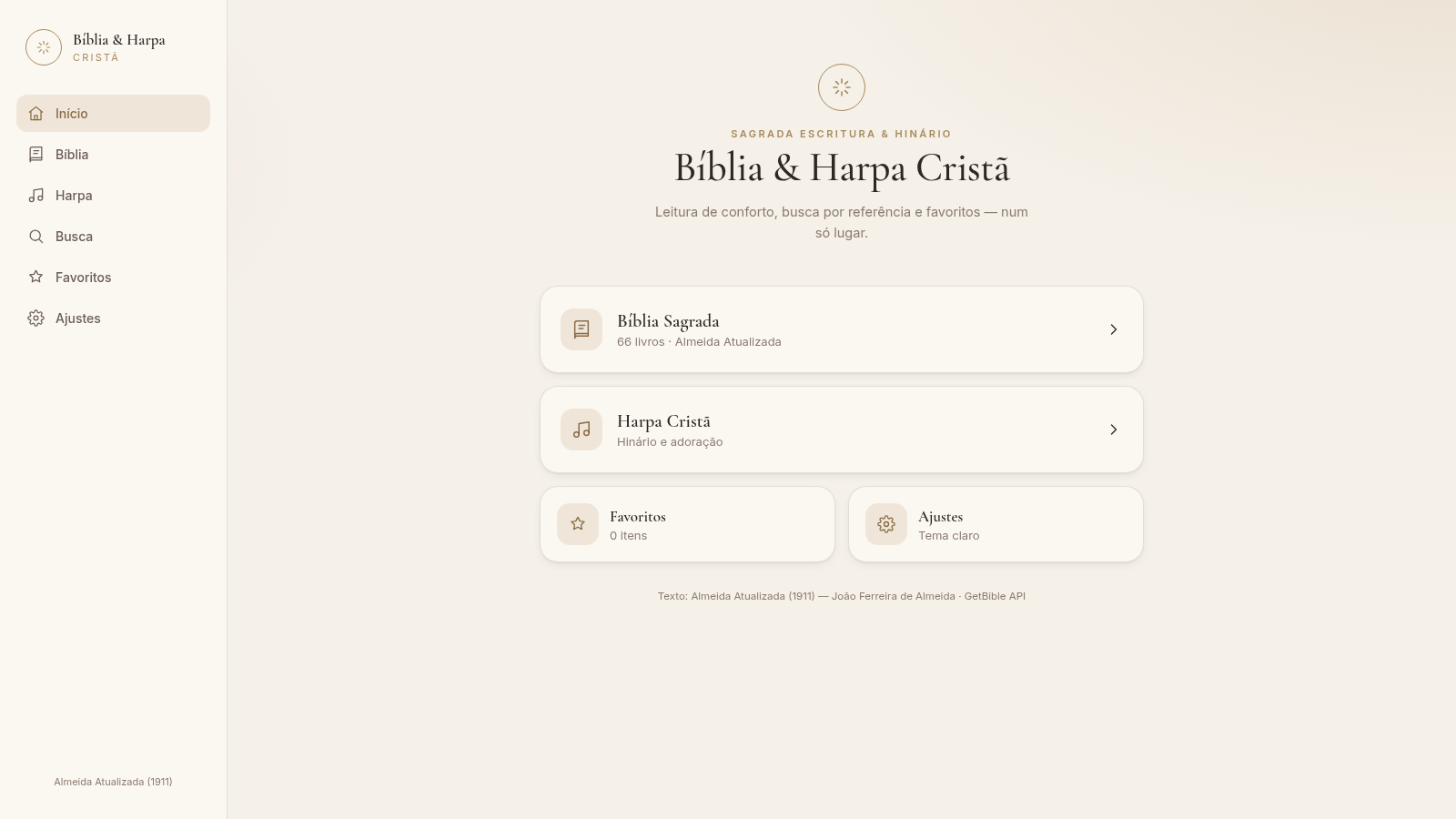
23Bíblia & Harpa Cristã
Bíblia completa e Harpa Cristã com leitura premium, busca por referência e favoritos.
 22
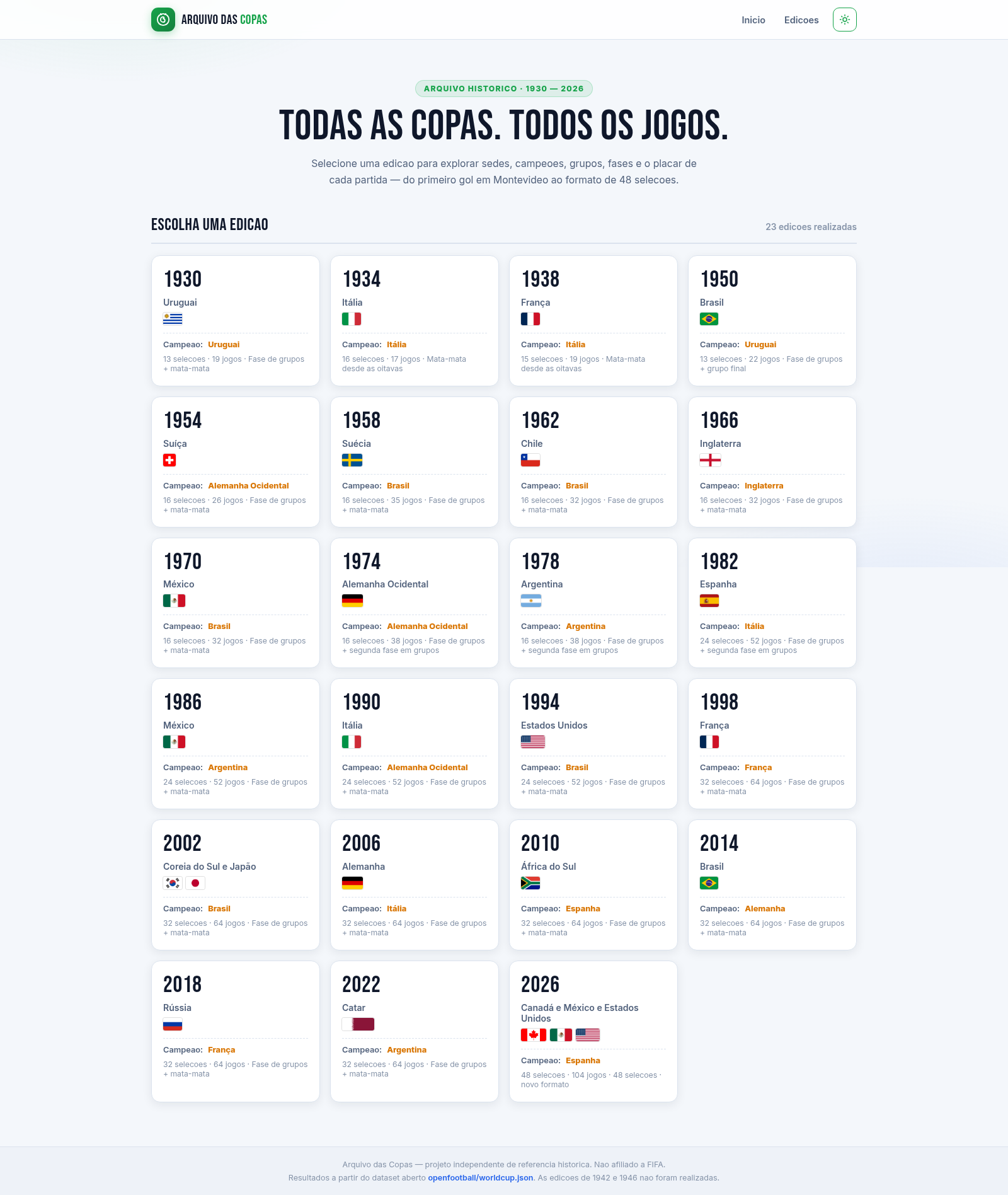
22Arquivo das Copas
Todas as Copas do Mundo (1930-2026): edições, grupos, fases e todos os resultados.
 18
18OMGrader
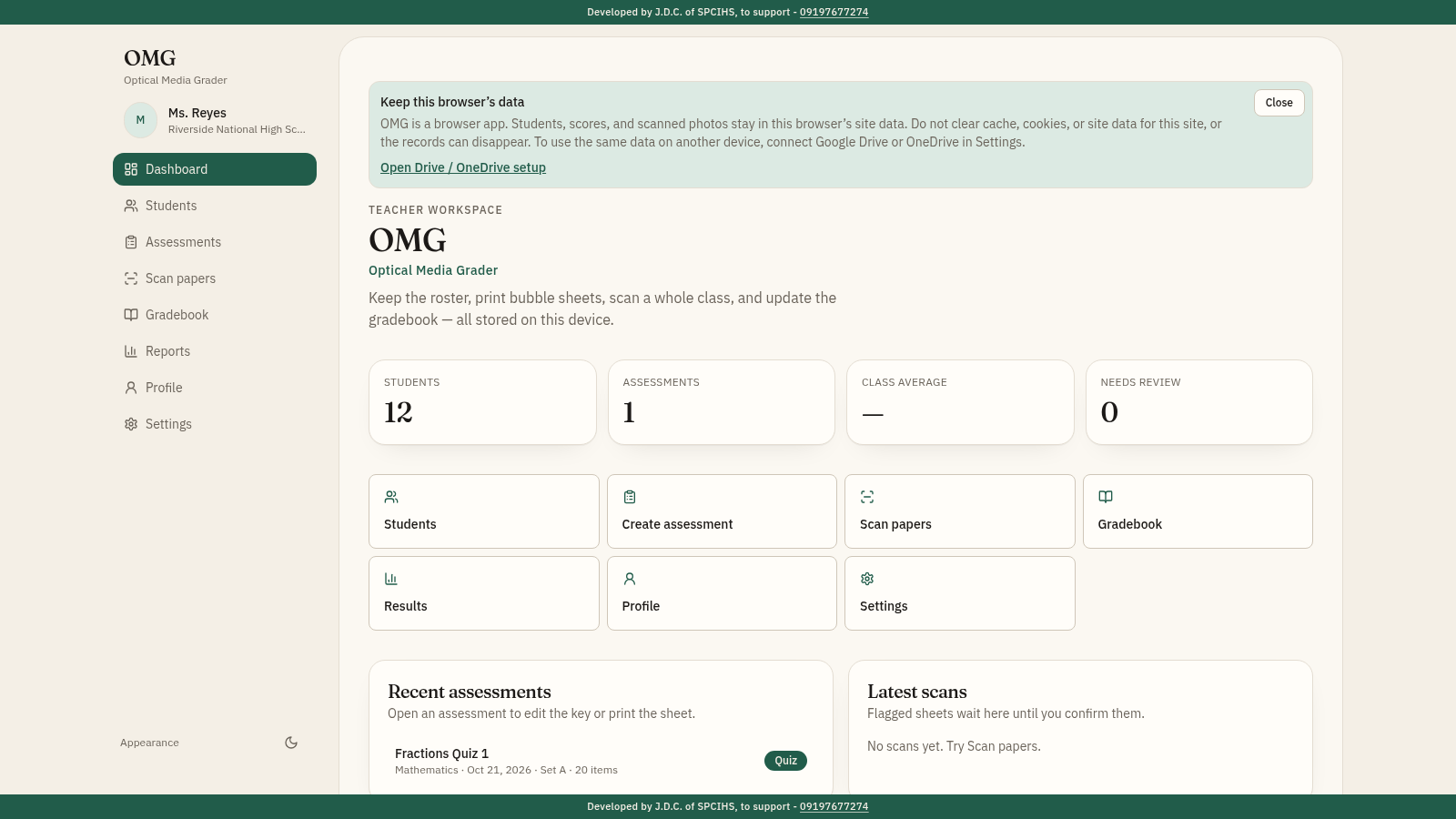
Offline-first teacher gradebook with bubble sheet generator and OMR scanner.