
Larranya Study Hub
An ICSE Class 8 study workspace with subjects, search and weekly mock tests
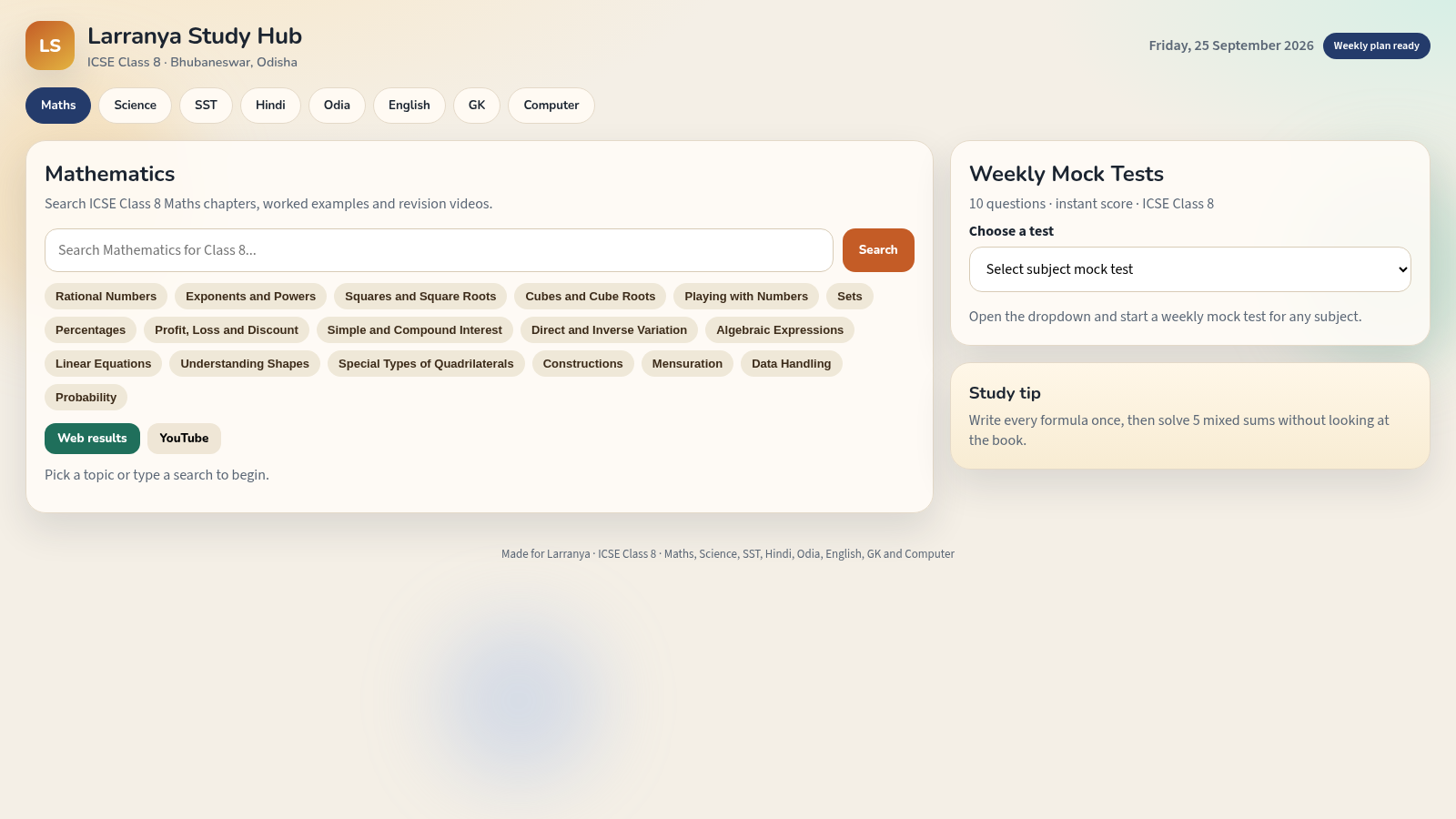
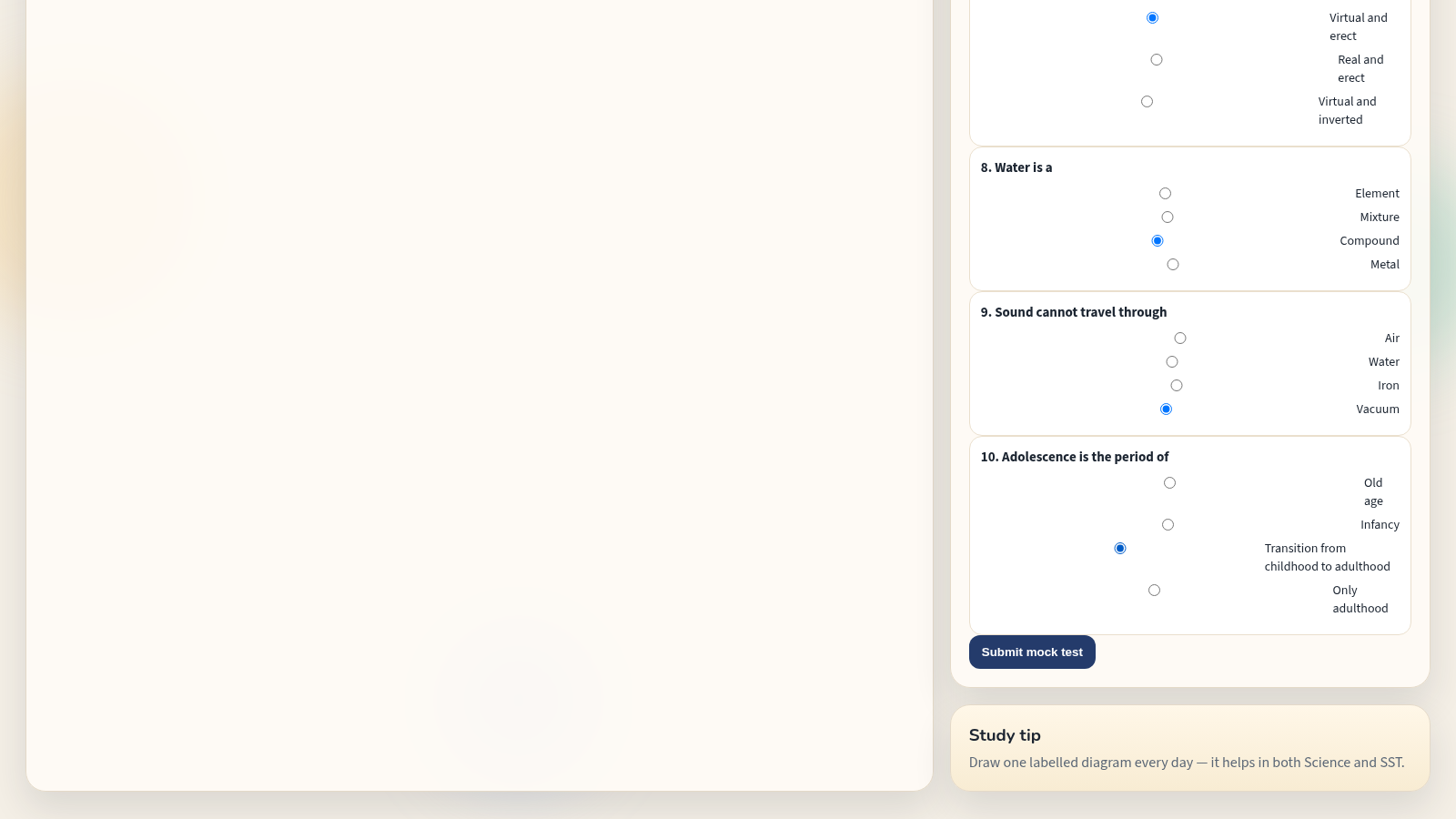
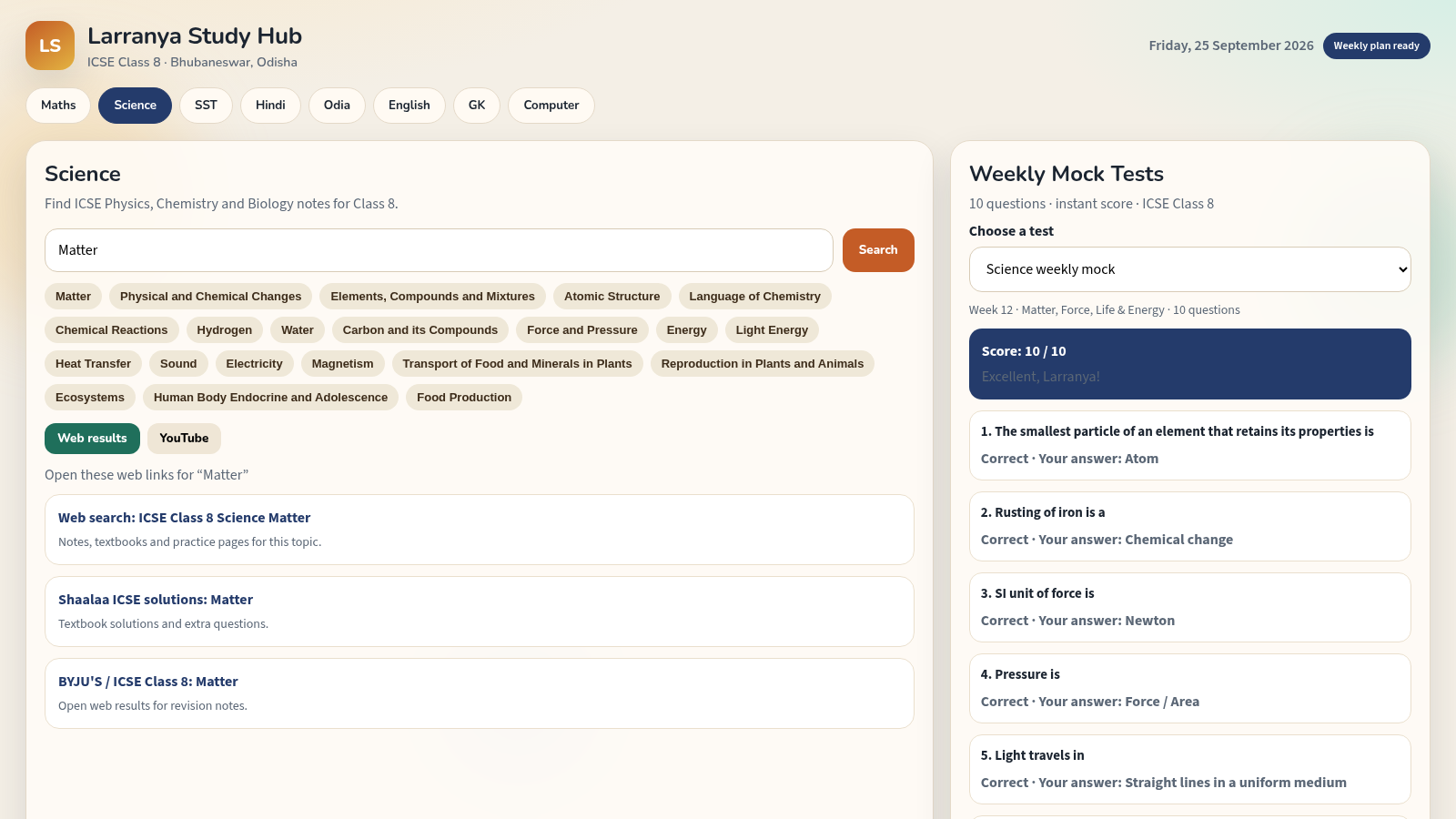
Larranya Study Hub is a browser-based study workspace built for ICSE Class 8. The page is organised around eight subject tabs: Maths, Science, SST, Hindi, Odia, English, GK and Computer. Selecting a subject swaps the main panel and shows a short description, a search field and a grid of chapter topics for that subject. Choosing a topic, or typing a query and pressing Search, opens a results area that can be switched between Web results and YouTube, each listing clearly labelled external study links. On the right, a Weekly Mock Tests panel lets a student pick any subject from a dropdown and immediately load a ten-question multiple choice test. Submitting gives an instant score, a short message, per-question correctness and a retry button. Everything runs without login or installation.
Highlights
Eight subject tabs
Maths to Computer in one page
Topic driven search
Chapter buttons or typed queries
Web and YouTube views
Switch between link sources
Weekly mock tests
Ten questions per subject
Instant scoring
Score and answer feedback
How to Use
Pick a subject
Open the site and use the subject bar under the header to choose Maths, Science, SST, Hindi, Odia, English, GK or Computer. The main panel updates immediately with the description, search box and chapter topics for that subject, and the search placeholder changes to match.
Search a topic
Either click one of the chapter topic buttons or type a query into the search field and press Search. A results area appears underneath, and you can toggle between Web results and YouTube to view labelled external study links for the selected topic.
Take a mock test
In the Weekly Mock Tests panel on the right, open the Choose a test dropdown and select any subject. A ten-question multiple choice test loads in place. Answer each question by selecting a radio option, then press Submit mock test to see your score, a feedback line, a correct or incorrect note under every question, and a Try this test again button.
Review and retry
After submitting, read the per-question feedback to see which answers were right, then use the retry button to reload the same test. You can switch subjects at any time from the dropdown or by changing the main subject tab.
Similar Sites
 34
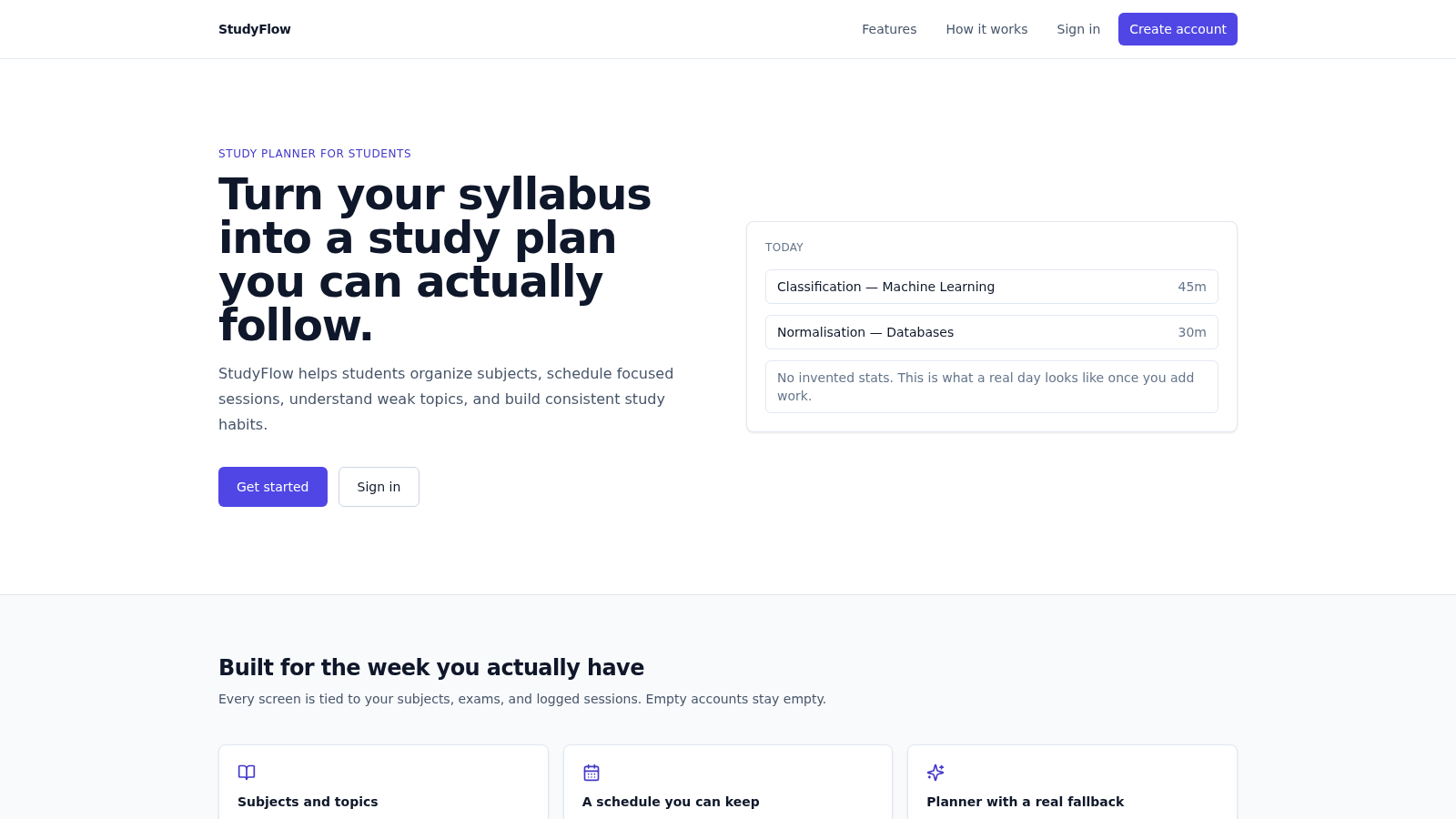
34StudyFlow
Student study planner with subjects, calendar, analytics, and an optional AI scheduler.
 33
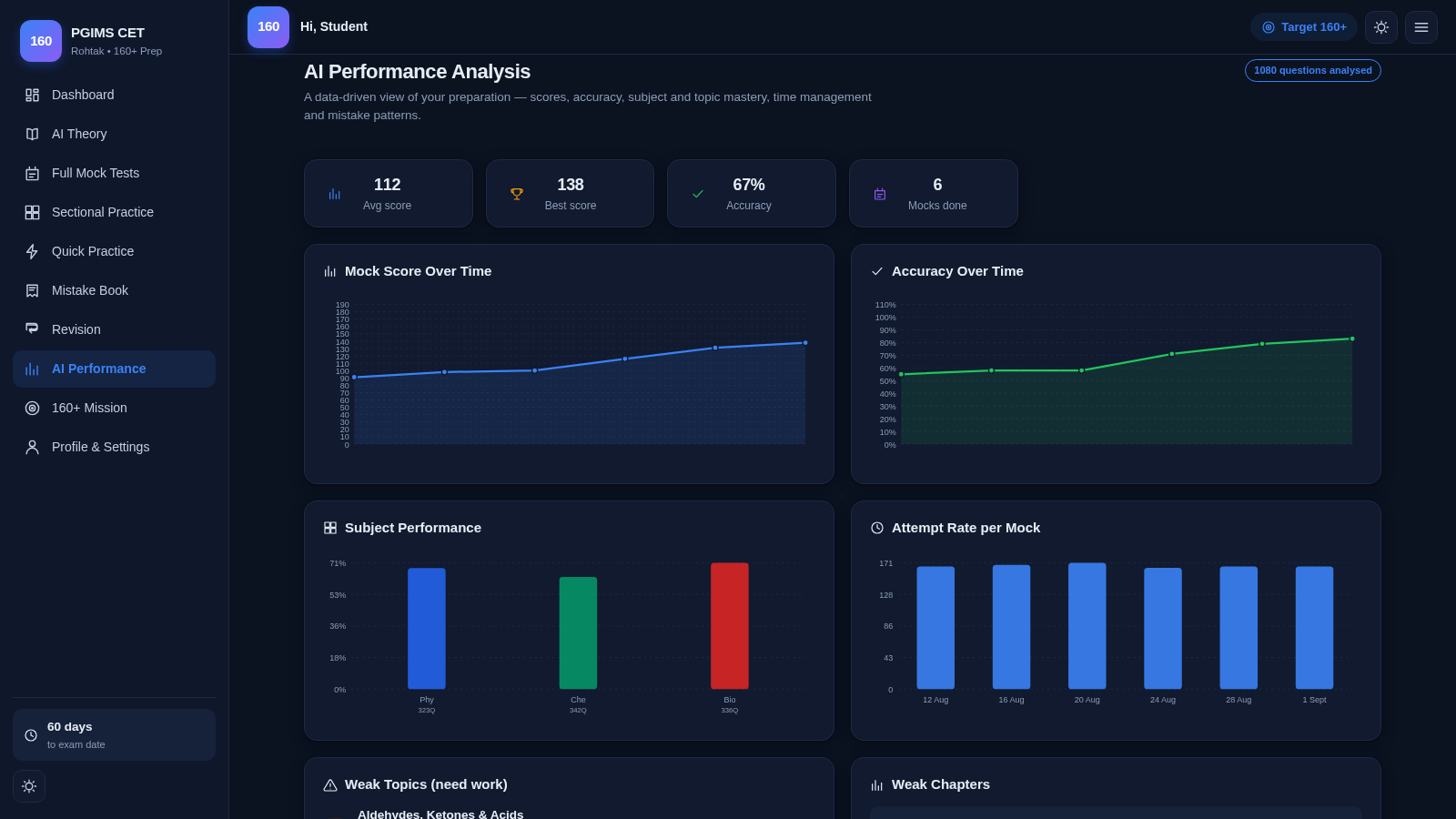
33PGIMS Rohtak CET 160+ Prep
PGIMS Rohtak CET prep: mock tests, AI theory, sectional practice, mistake book.
 19
19SSC CHSL 2026 Prep
SSC CHSL 2026 mock tests, topic practice and study notes
 16
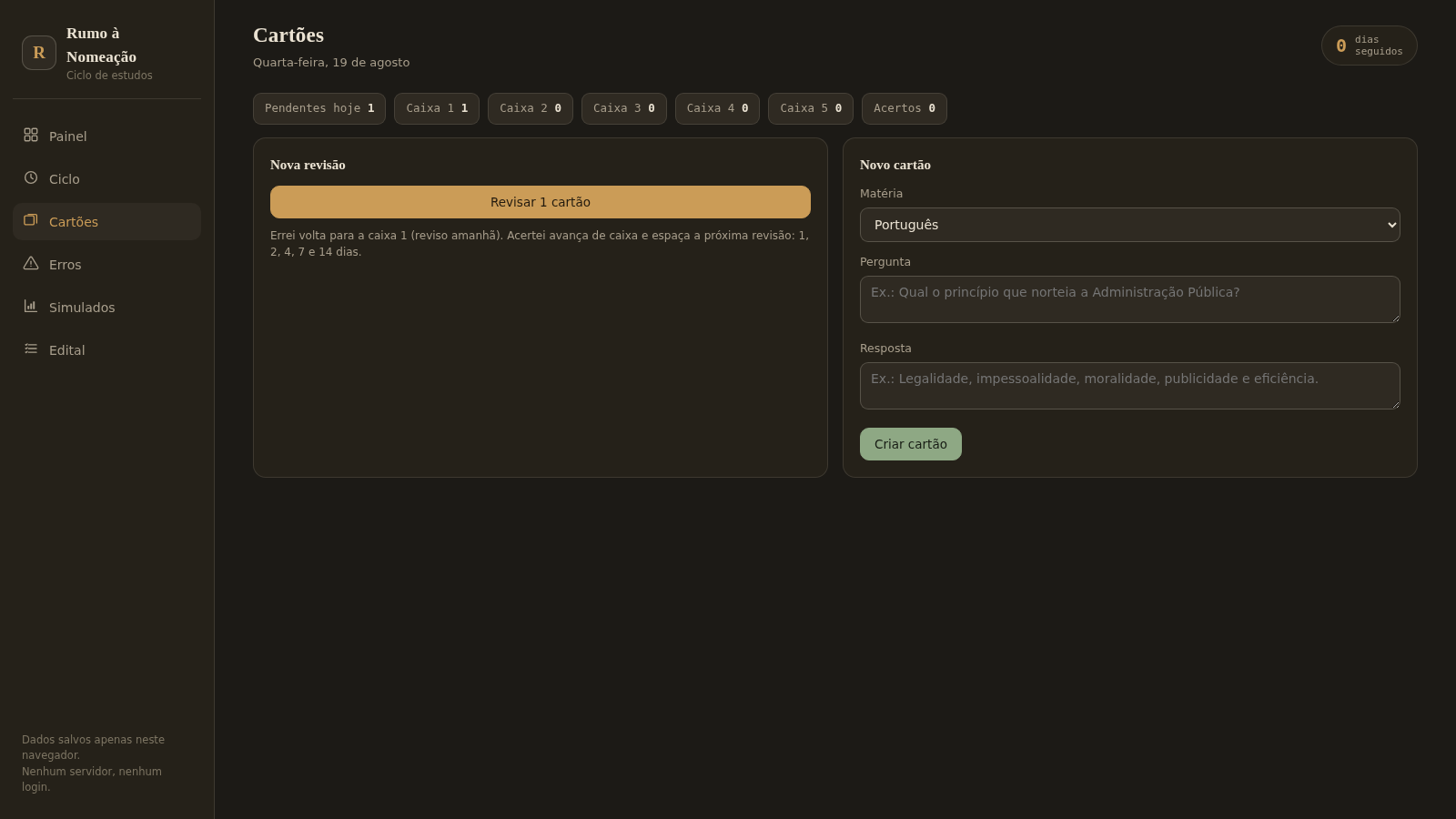
16Rumo à Nomeação
Ciclo de estudos para concursos: pomodoro, flashcards, caderno de erros, simulados e edital. Offline no navegador.
 9
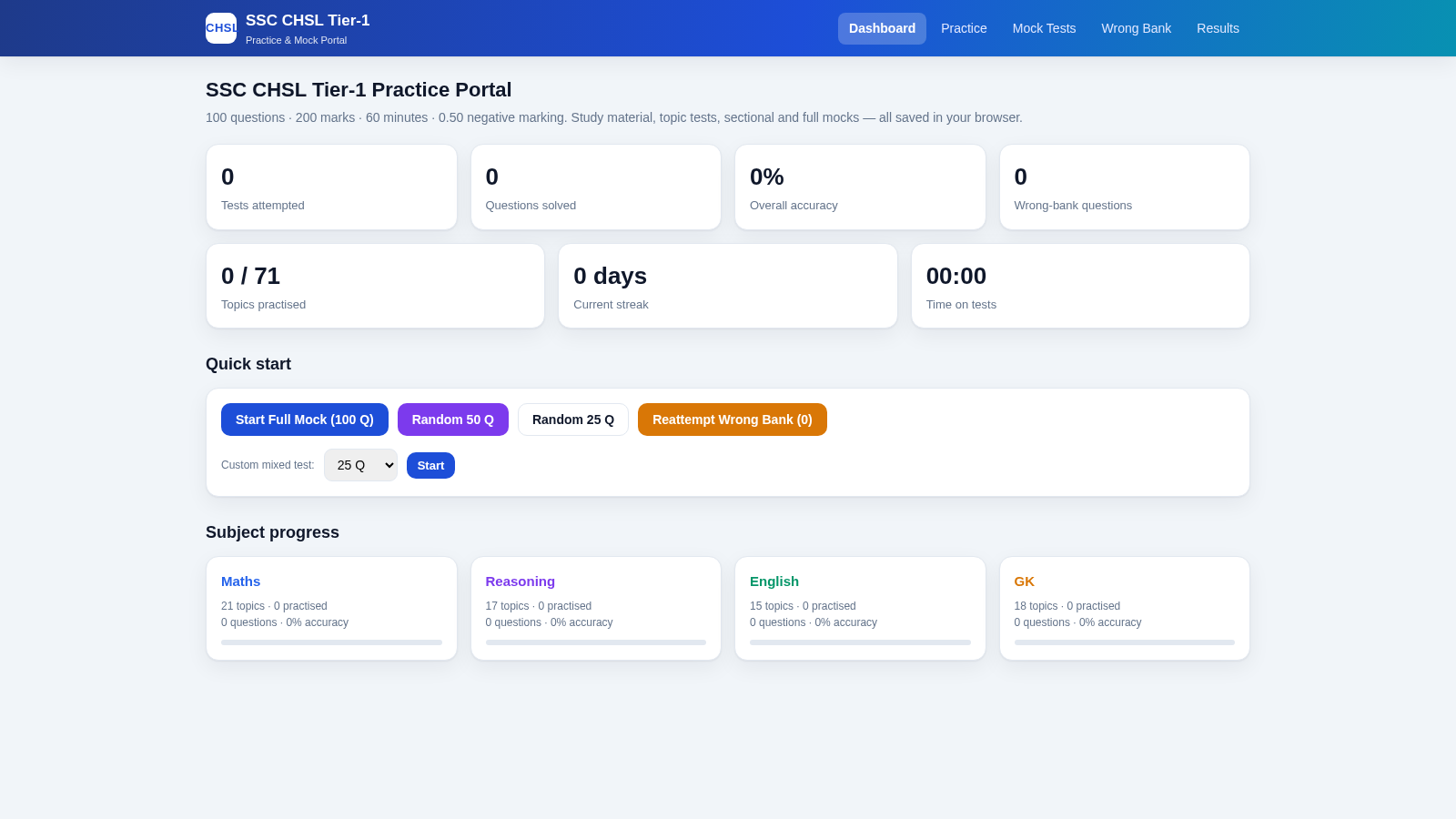
9SSC CHSL Tier-1 Practice Portal
SSC CHSL Tier-1 practice tests with instant explanations and full mocks.
 7
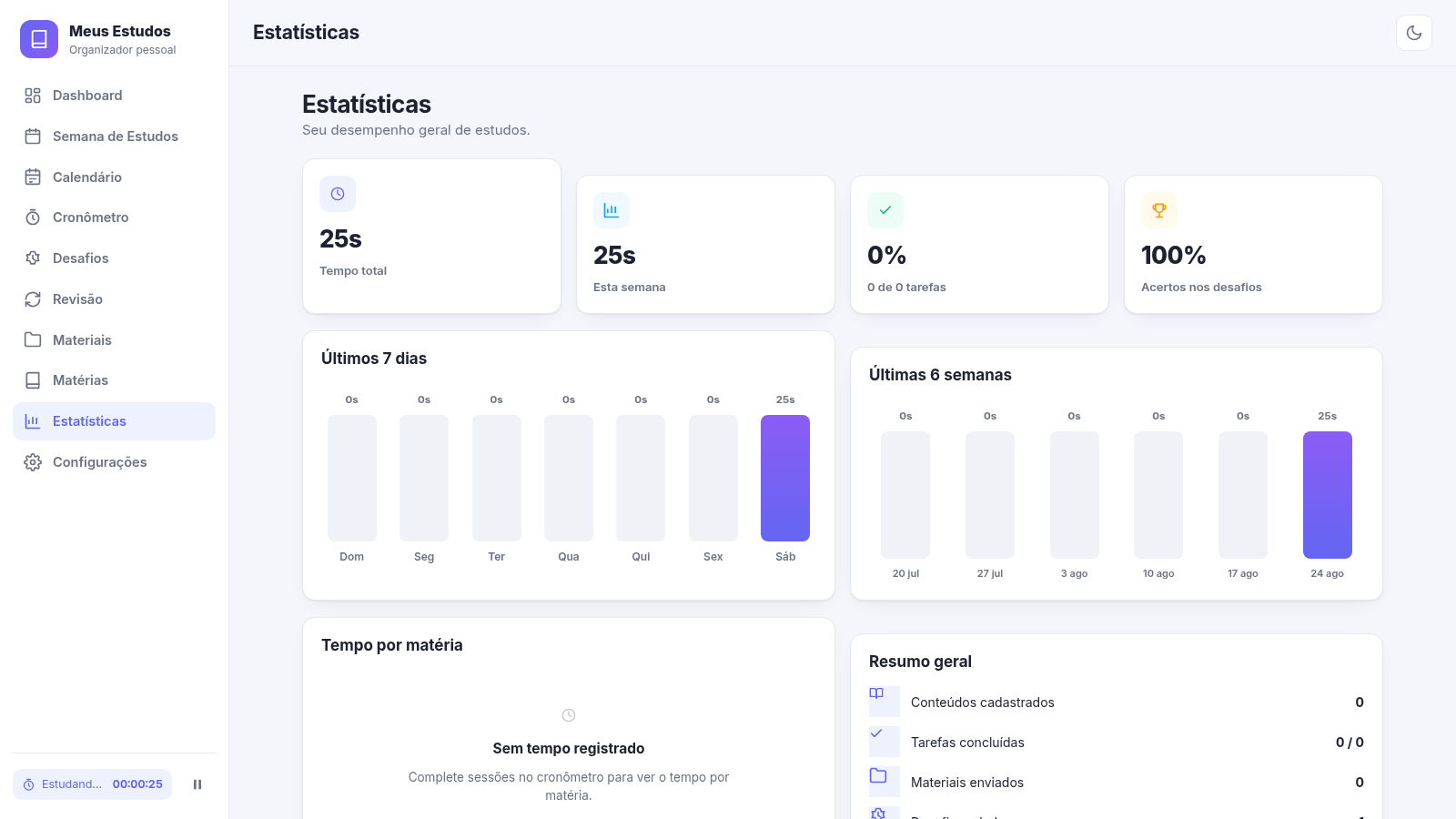
7Meus Estudos
Organizador pessoal de estudos: semana, cronômetro, desafios de memória e metas