
CCR ViaQuatro
Edit a transit billing sheet and watch the dashboard recalculate instantly
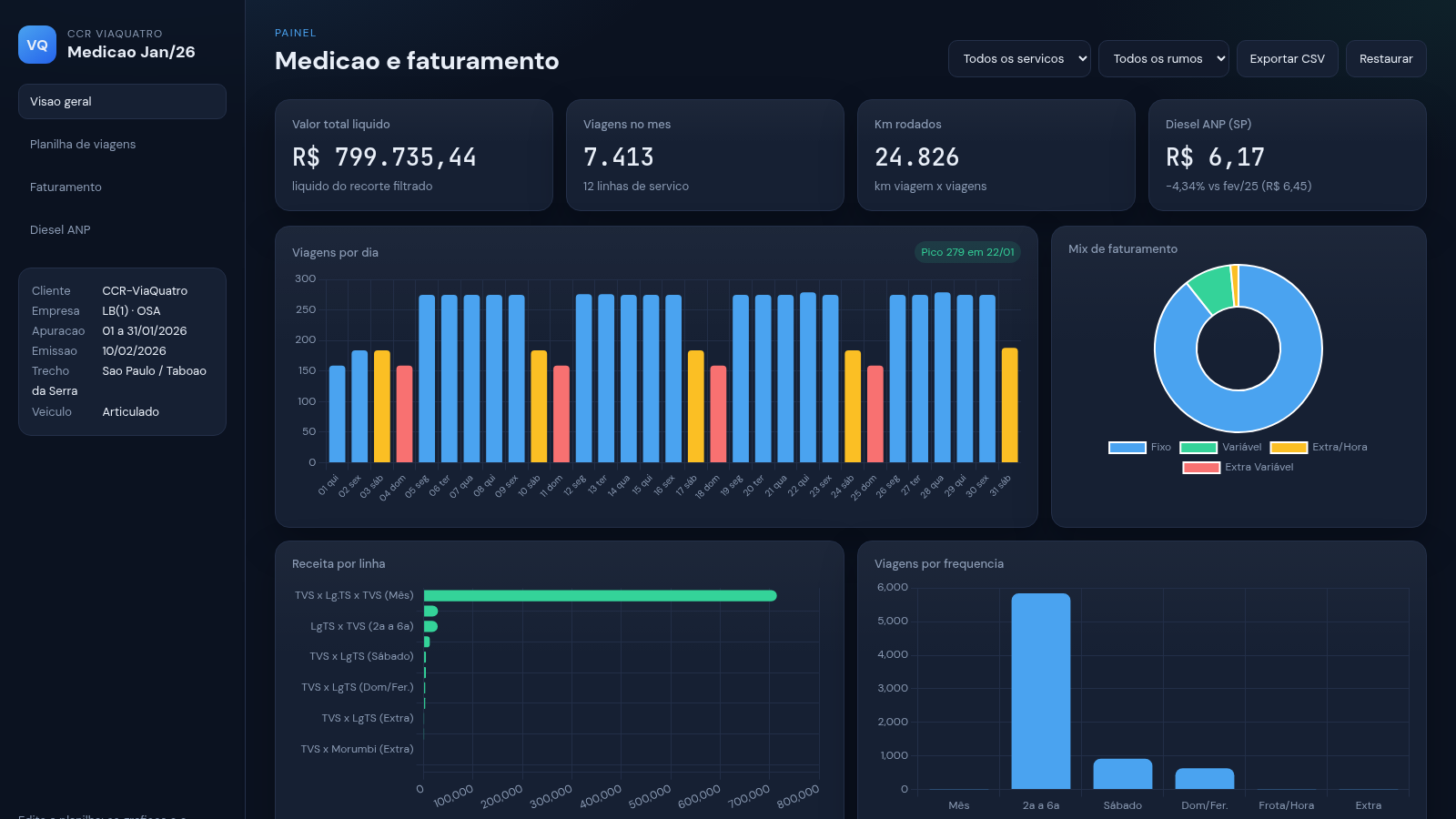
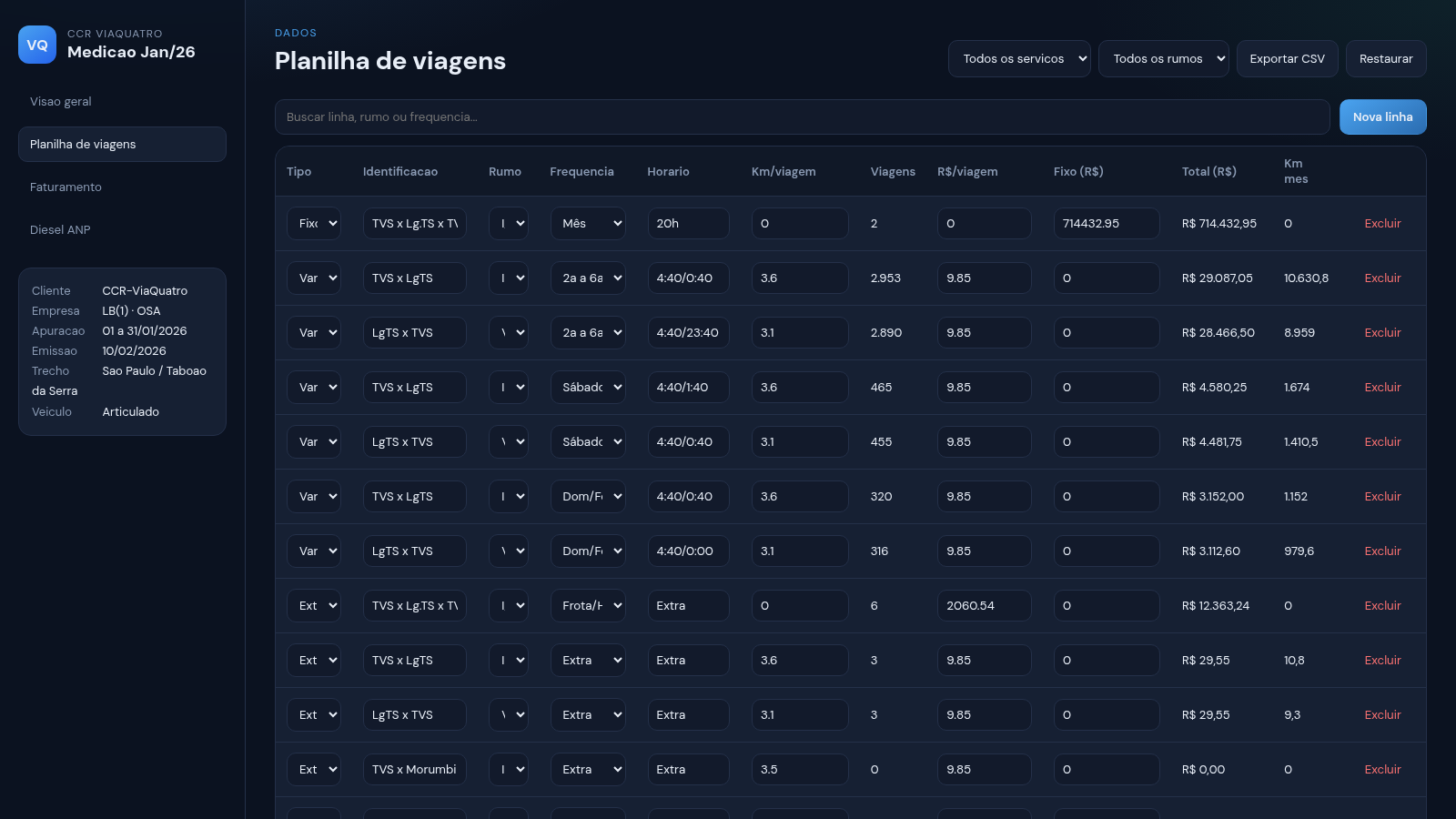
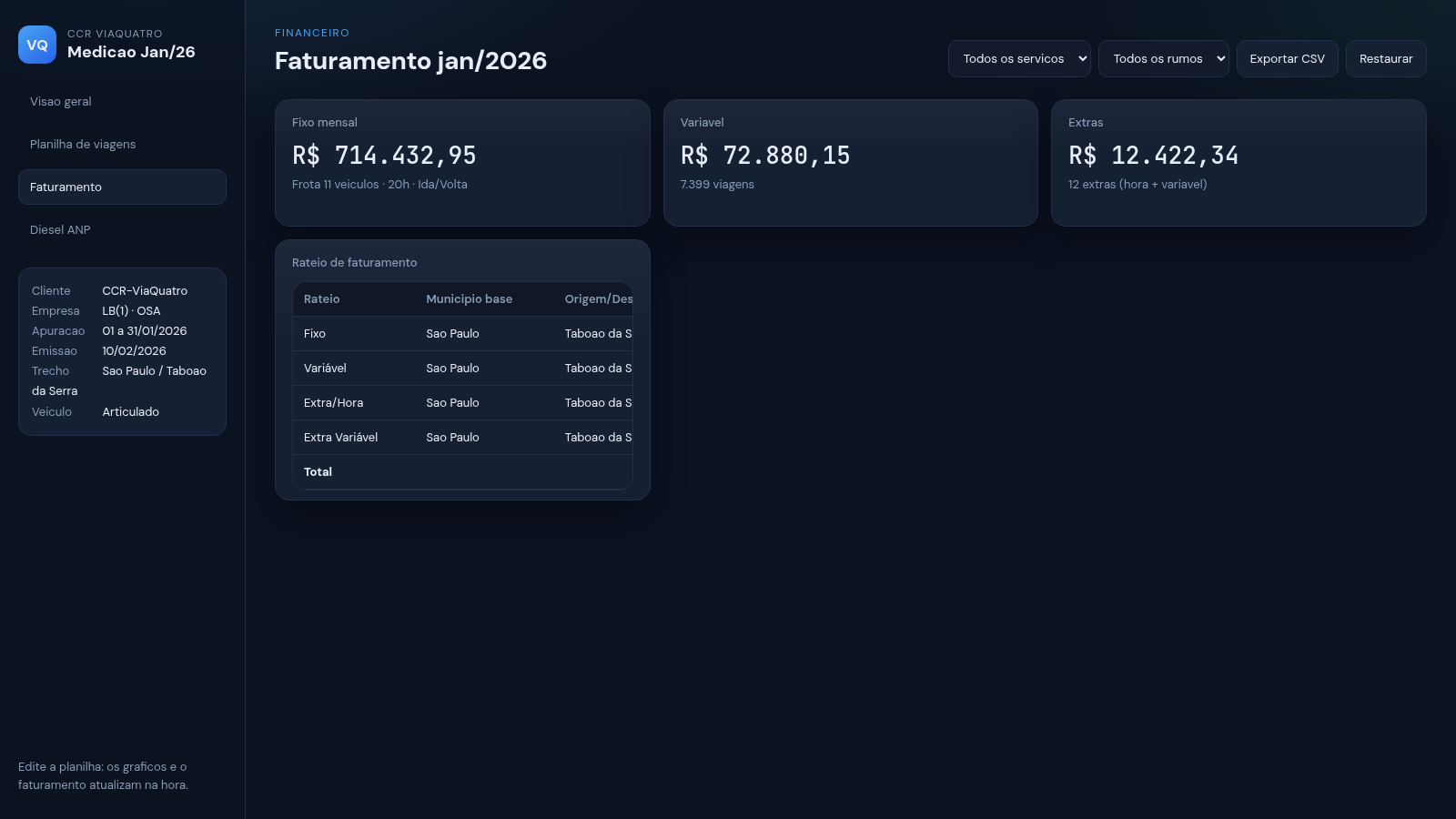
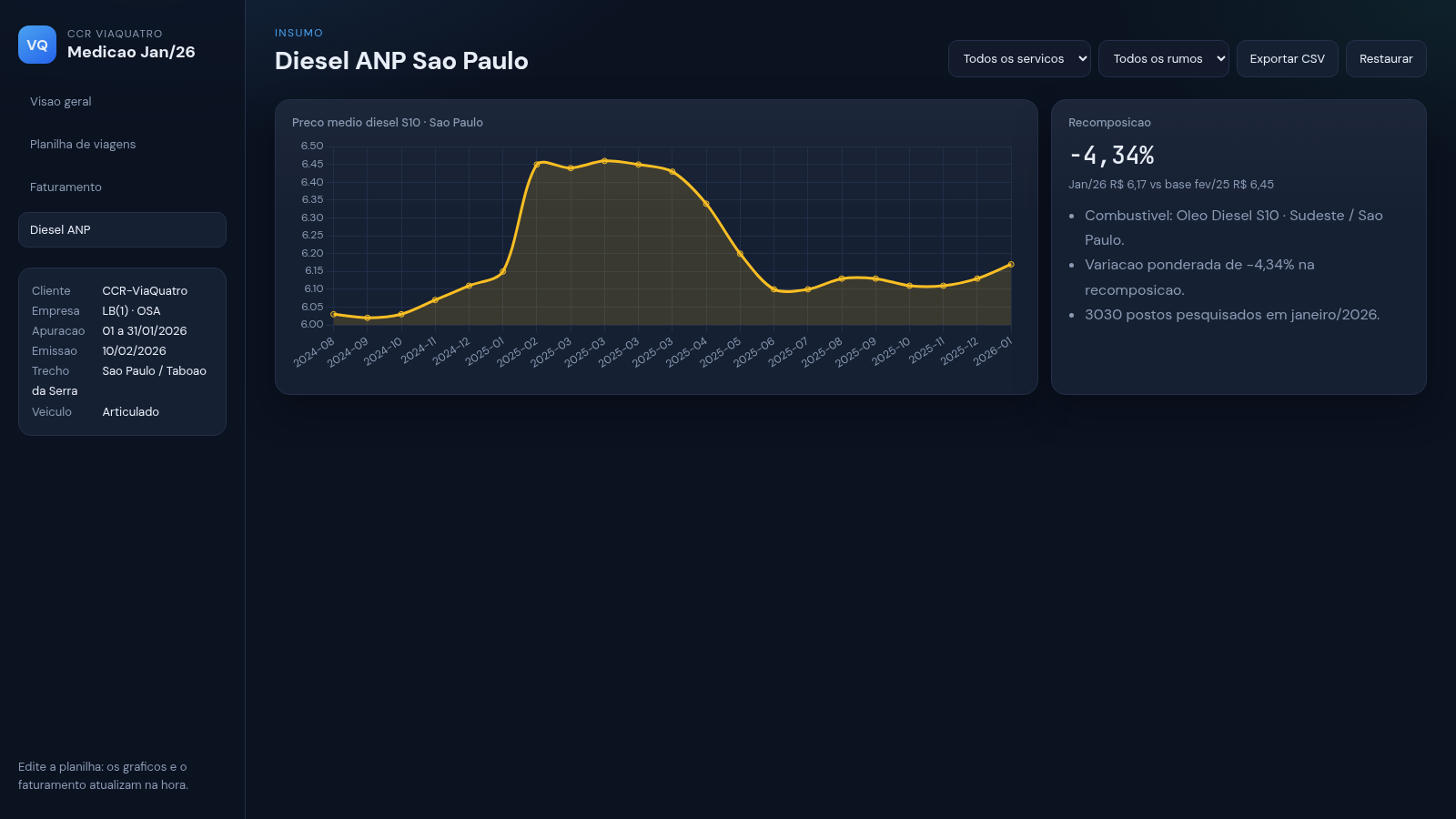
This is a browser-based measurement and billing workspace for the CCR ViaQuatro transit operation for January 2026. It combines an editable spreadsheet with a live dashboard. The sheet holds service lines for fixed, variable, extra-hour and extra-variable services, each with direction, frequency, schedule, kilometres per trip, rate per trip and daily trip counts for the whole month. As you type, paste from Excel, or import a CSV file, the summary cards, daily trip chart, revenue mix chart and apportionment table recalculate on the spot. A separate billing tab breaks the month into fixed, variable and extra amounts and shows a municipal apportionment table with gross value and INSS, ICMS and ISSQN deductions. Another tab tracks the ANP diesel S10 price for Sao Paulo and its change against the February 2025 base. A final tab lets you restyle the dashboard with preset palettes or custom colours. Everything is stored in the browser, and data can be exported to CSV or restored to the default state.
Highlights
Live recalculation
Cards and charts update as you type
Full month grid
31 days per service line, editable
Billing apportionment
Gross, INSS, ICMS, ISSQN and net
Diesel price view
ANP S10 Sao Paulo vs base month
Colour themes
Five presets plus custom colours
Import and export
Excel/CSV in, CSV out, restore
How to Use
Open the sheet
The Planilha + dashboard tab opens with a preloaded month of service lines. Review the summary cards at the top, then scroll to the grid where each row is one service with its type, identification, direction, frequency, schedule and per-trip values.
Feed in data
Type directly into any cell, paste a block copied from Excel, or use the Importar planilha button to load an Excel/CSV file. Every edit immediately updates the total net value, trip count, kilometres, the trips-per-day chart, the revenue mix and the monthly totals in the last columns.
Filter and organise
Use the Tipo and Rumo dropdowns to narrow the rows, the search box to find a line, and the Nova linha and Excluir buttons to add or remove service lines. Each row keeps its own daily columns so you can adjust one day without affecting the others.
Review billing
Switch to the Faturamento tab to see the month split into fixed, variable and extra amounts, followed by the apportionment table that lists trips, gross value and the deductions for each service type, ending in the net total.
Check fuel and style
The Diesel ANP tab shows the average diesel S10 price for Sao Paulo and its variation against the previous base. In Cores e aparencia you can pick one of five ready palettes or set custom colours, and the change applies immediately and stays saved in the browser.
Save or export
Your work is saved to this browser automatically, so you can close the page and return later. Use Exportar CSV to download the sheet, or Restaurar to return every line to the default values.
Similar Sites
 4
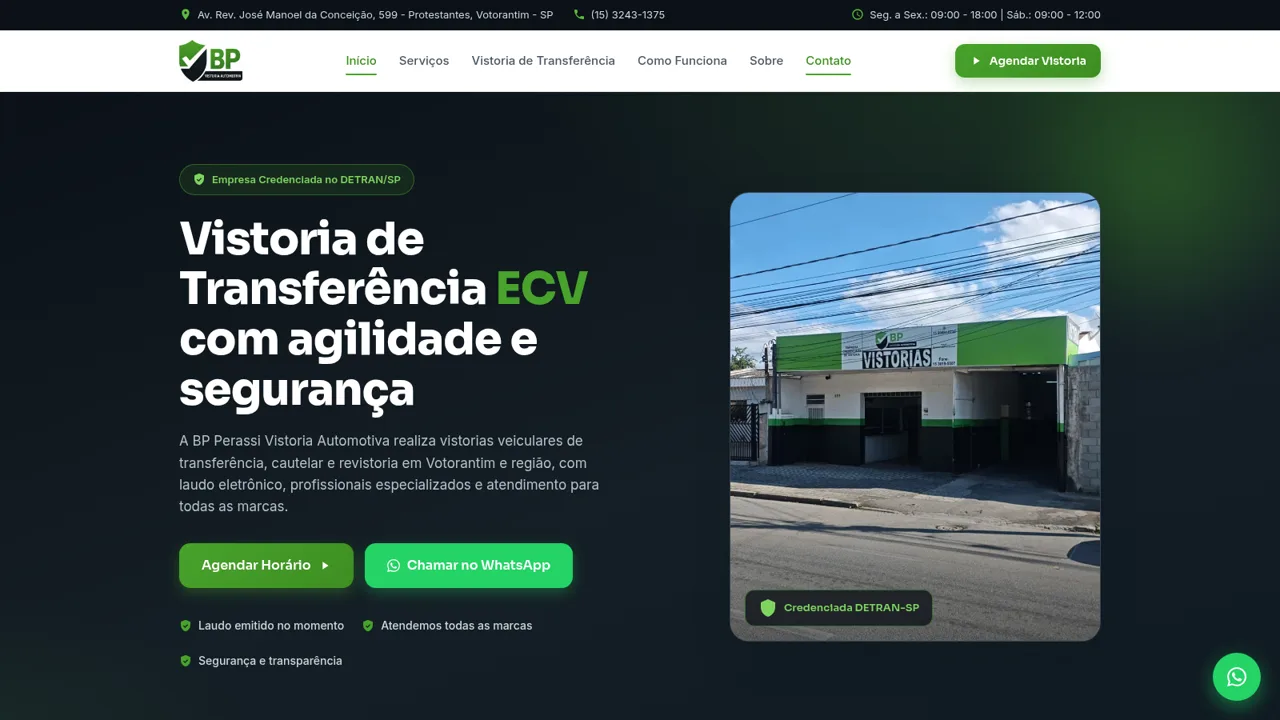
4BP Perassi Vistoria Automotiva
Empresa de Vistoria de transferência veicular, vistoria de infração de trânsito, credenciada pelo Detran SP.
 416
416Smile Patisserie
Smile Patisserie menu: cakes, oriental, bakery, and WhatsApp cart
 486
486حاسبة رسوم الجمعية
حاسبة رسوم الجمعية لوكلاء Money Fellows — حساب القسط وصافي القبض شهر بشهر.
 126
126Agenda de Pedidos - Confeitaria
Agenda digital de pedidos para confeitaria com integração WhatsApp
 49
49SGI CONTROL
Sistema Integrado de Gestão da Qualidade (ISO 9001) com painel B2B multiempresa
 49
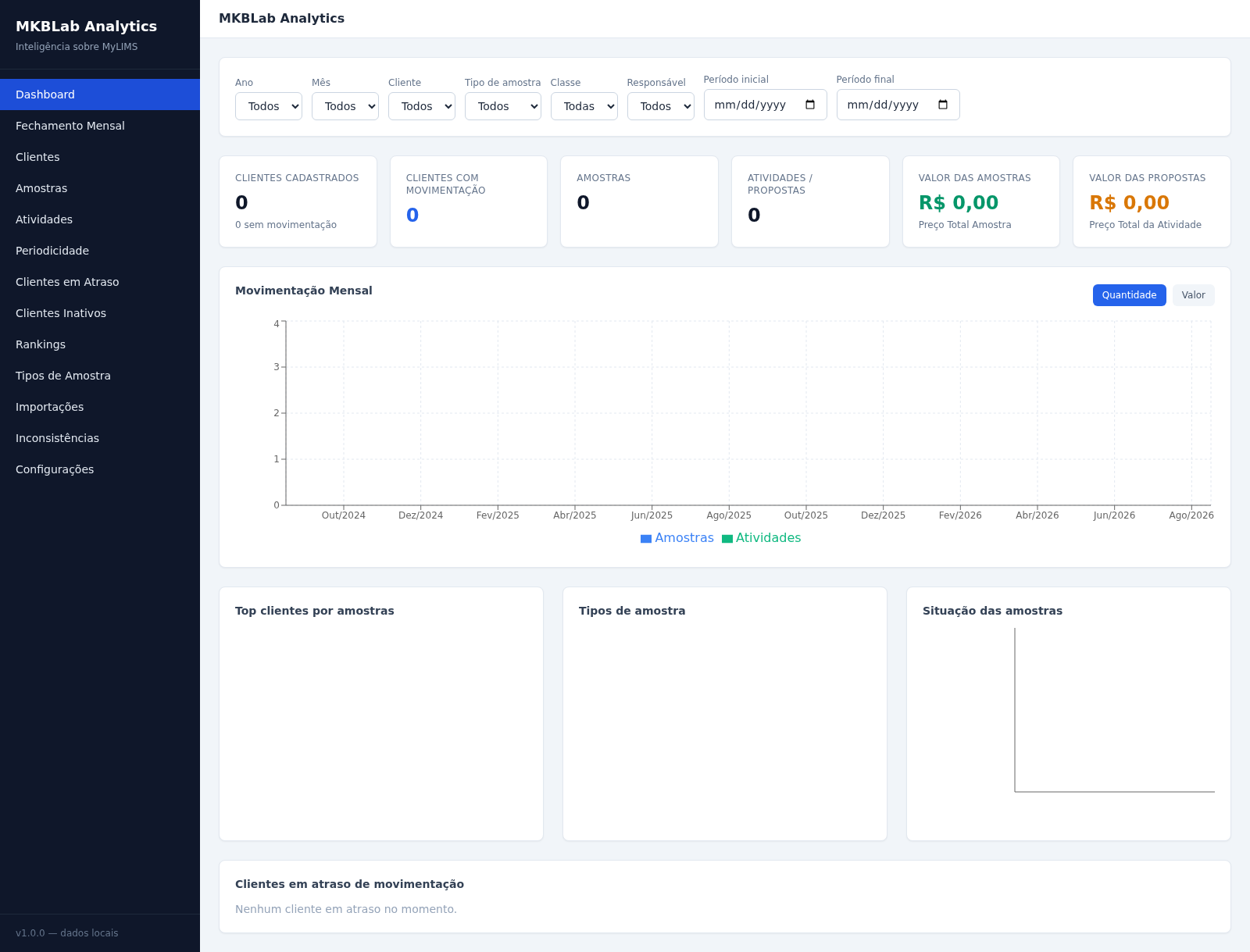
49MKBLab Analytics
Dashboard gerencial com importação de relatórios XLSX do MyLIMS