
Meridian Health EHR
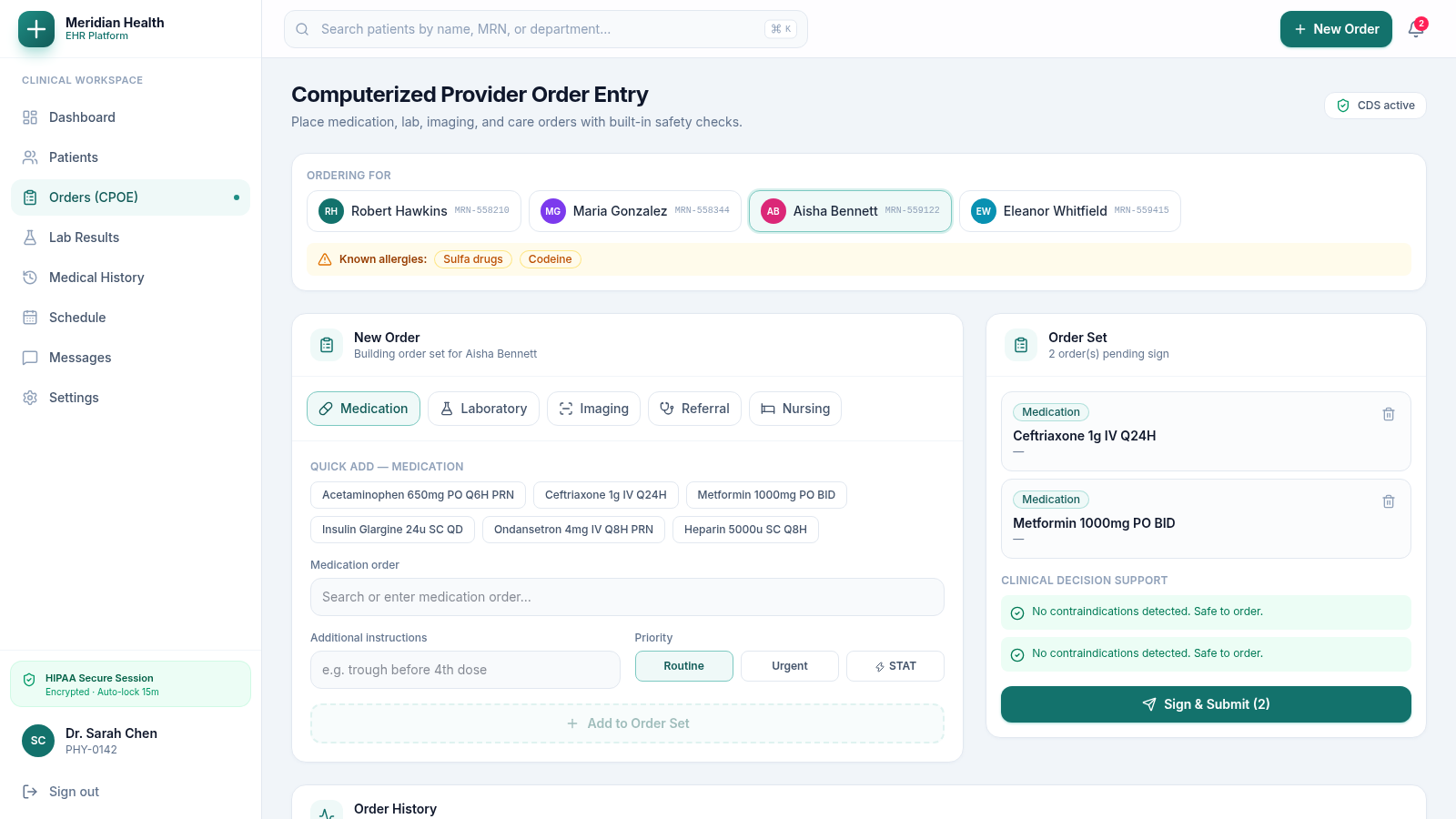
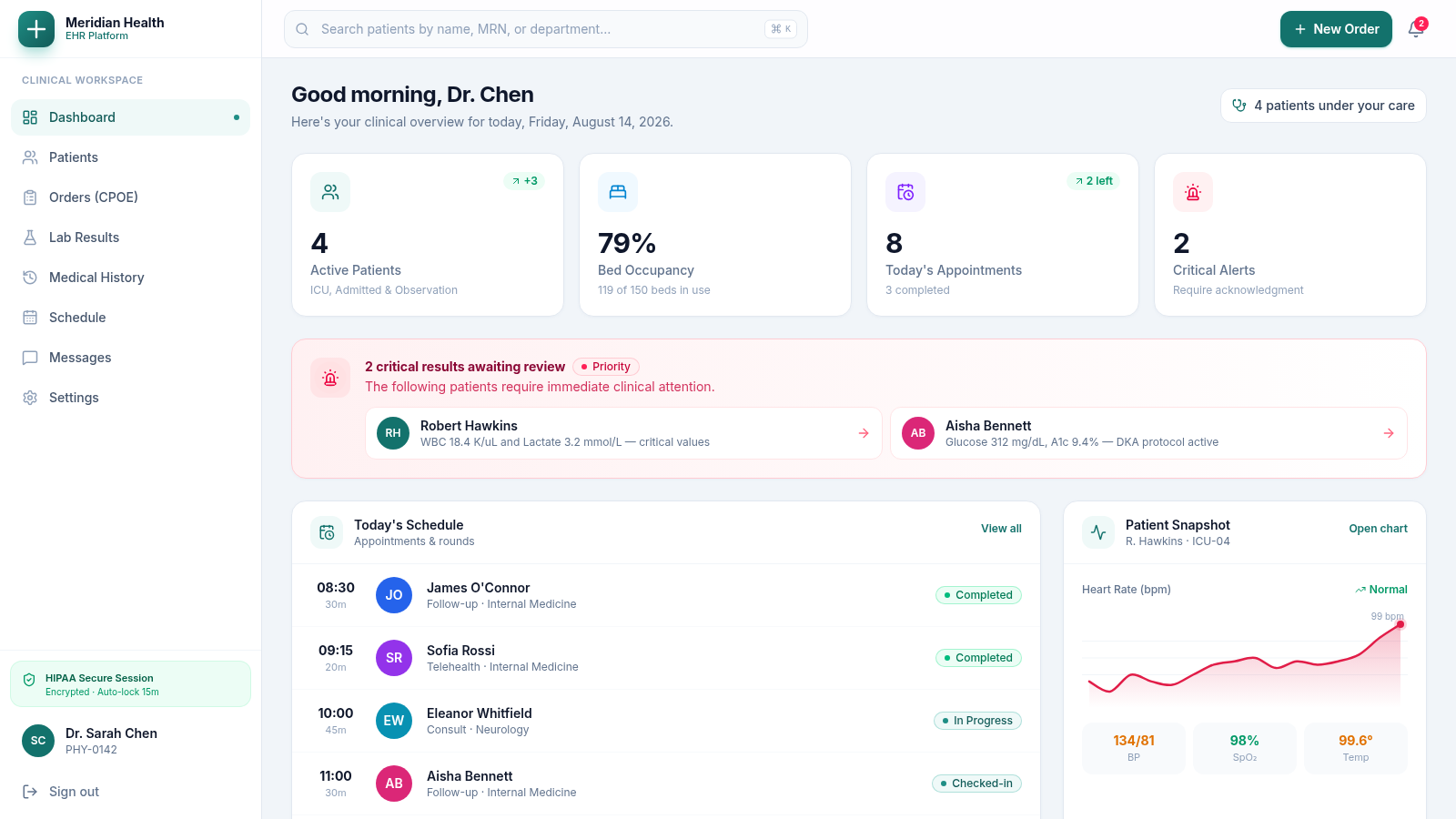
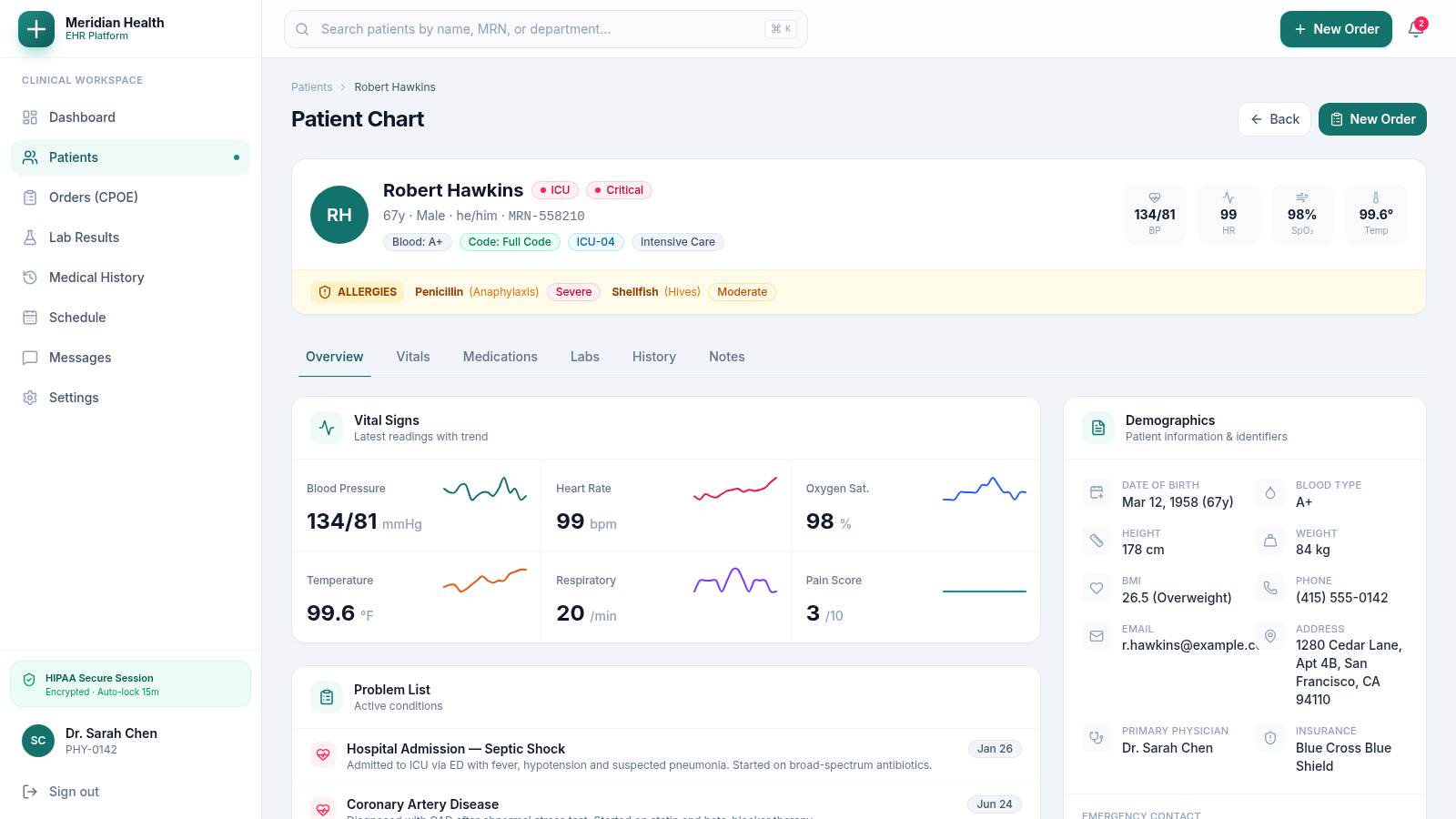
A unified clinical workspace for reviewing patients, interpreting care data, and building provider orders.
Meridian Health EHR is an interactive electronic health record demonstration designed around a physician workspace. After entering the provided demo, users receive an operational dashboard with active-patient counts, bed occupancy, appointments, critical alerts, department census data, and high-acuity patient summaries. Individual charts organize demographics, allergies, vital signs, medications, laboratory results, history, and notes into focused tabs. The CPOE module supports multiple order categories, patient selection, quick-add entries, priority controls, pending order sets, and clinical decision-support feedback. Additional navigation covers lab results, longitudinal history, schedules, messages, and settings.
Highlights
Clinical Dashboard
Live care overview
Patient Charts
Structured chart tabs
CPOE Workflow
Orders with safety checks
Acuity Tracking
Alerts and census status
How to Use
Enter the demo workspace
Open the landing page and select Enter Demo Workspace. The application moves directly into the clinical dashboard without requiring a separate account, where summary cards, alerts, appointments, patient vitals, and department utilization provide the starting context.
Review a patient chart
Choose Patients from the sidebar or open a patient from an alert, schedule entry, snapshot, or attention list. Use the chart tabs to move among the overview, vitals, medications, labs, history, and notes while the patient identity, acuity, location, allergies, and latest observations remain visible.
Build an order set
Open Orders or select New Order, choose the intended patient, and select a medication, laboratory, imaging, referral, or nursing order type. Enter or quick-add the order, add instructions and priority when needed, then add it to the set. The pending count updates and the clinical decision-support panel reports the safety result before submission becomes available.
Explore supporting workflows
Use the persistent sidebar to review consolidated lab results, longitudinal medical history, the care schedule, secure messages, and workspace settings. Returning to Dashboard restores the operational overview and links back into high-priority patient records.
Similar Sites
 17
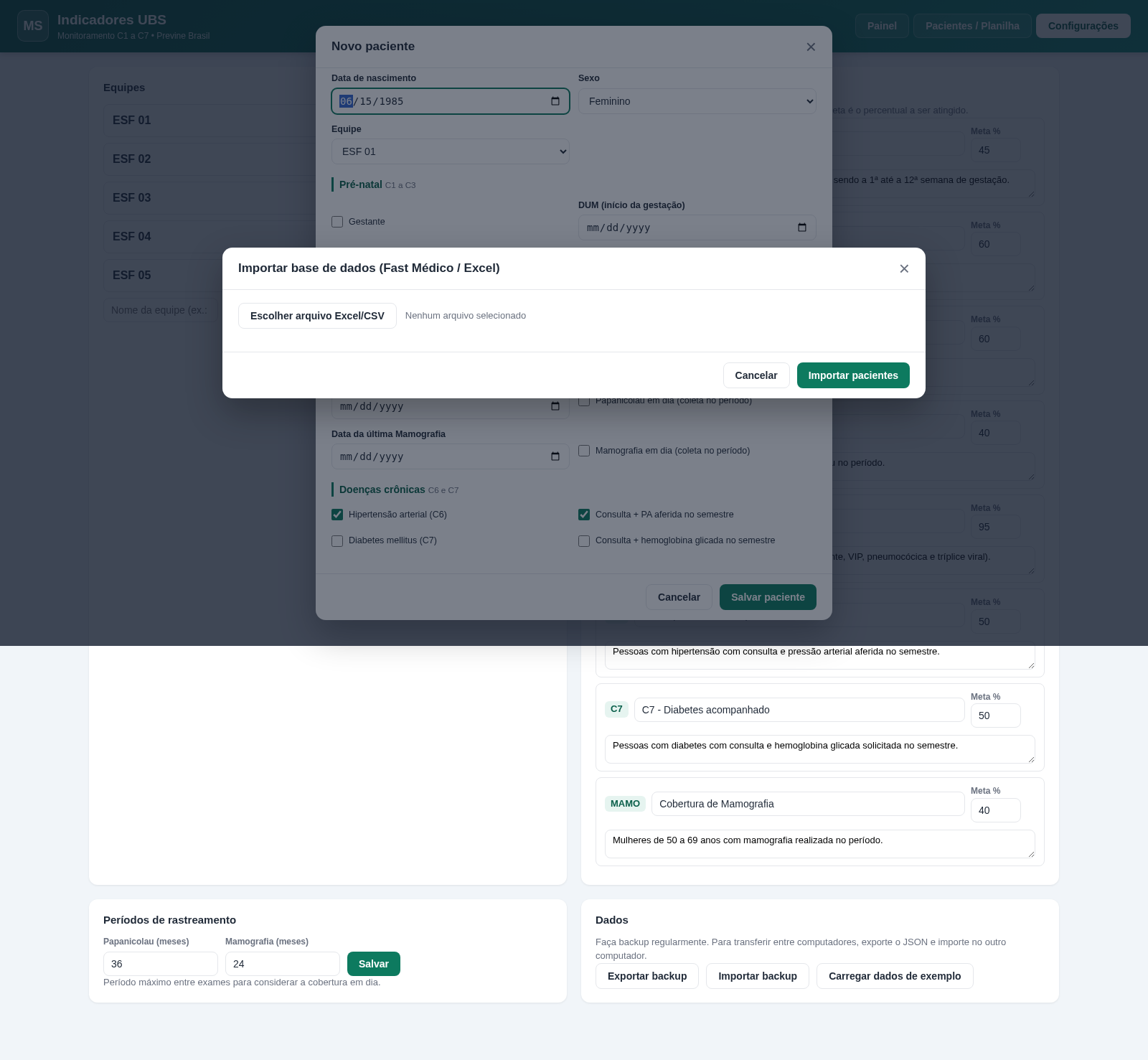
17Indicadores UBS - C1 a C7
Planilha e dashboard para monitorar indicadores C1 a C7 (Previne Brasil) na UBS.
 9
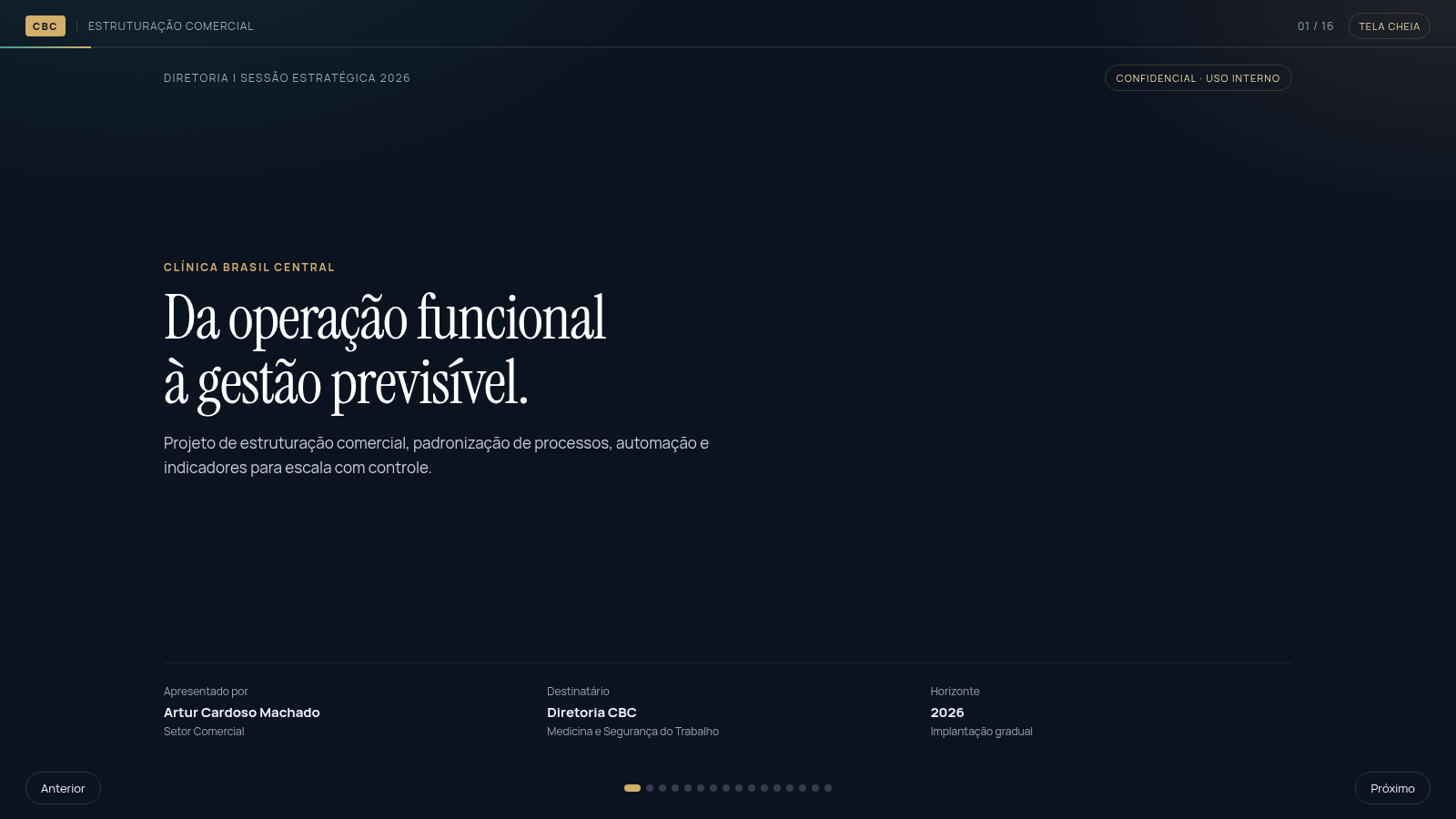
9CBC | Estruturação Comercial
Apresentação estratégica da CBC: processos, automação e gestão por dados.
 6
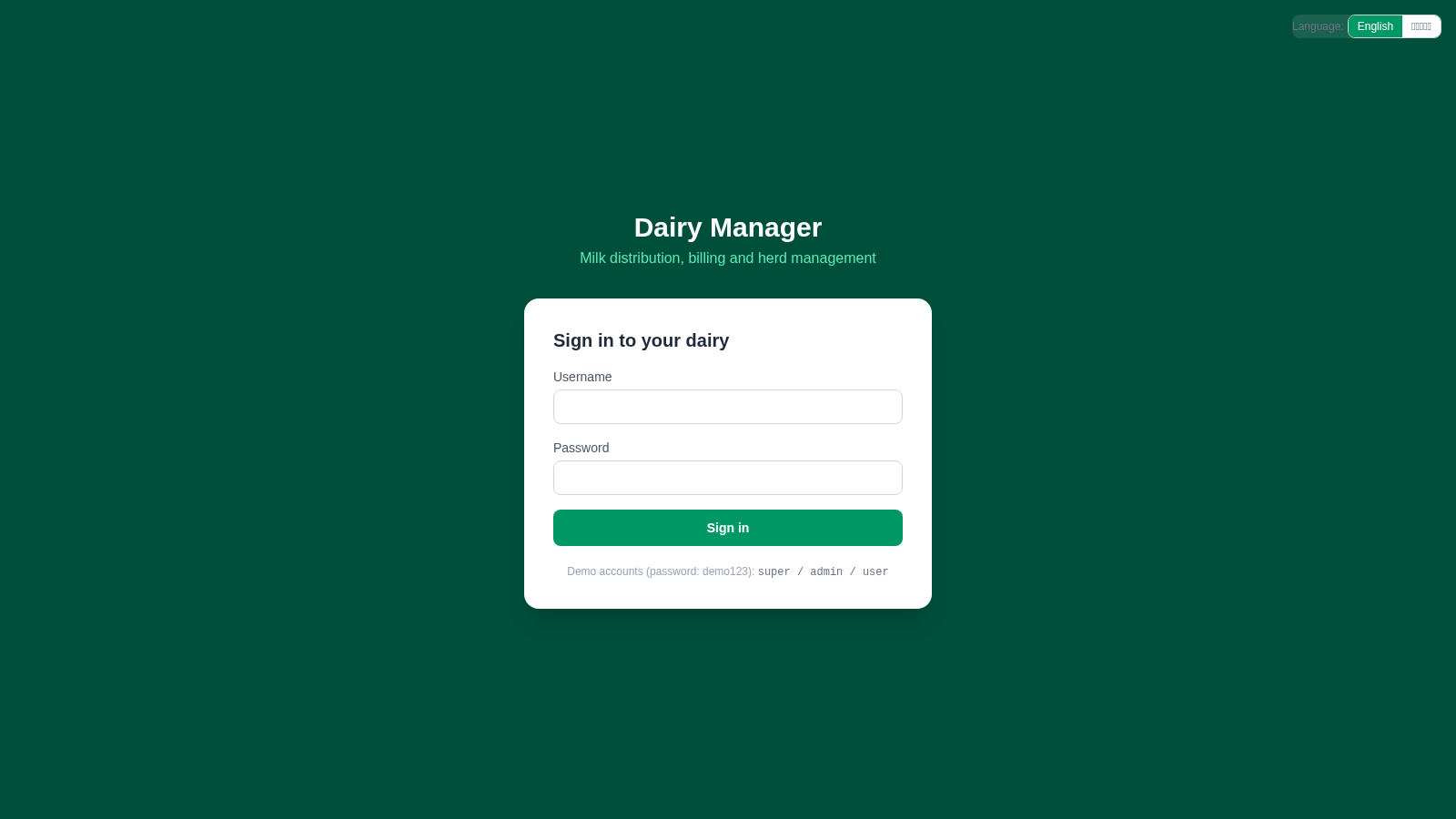
6Dairy Milk Manager
Dairy management: milk distribution, billing, herd, labor & feed tracking
 3
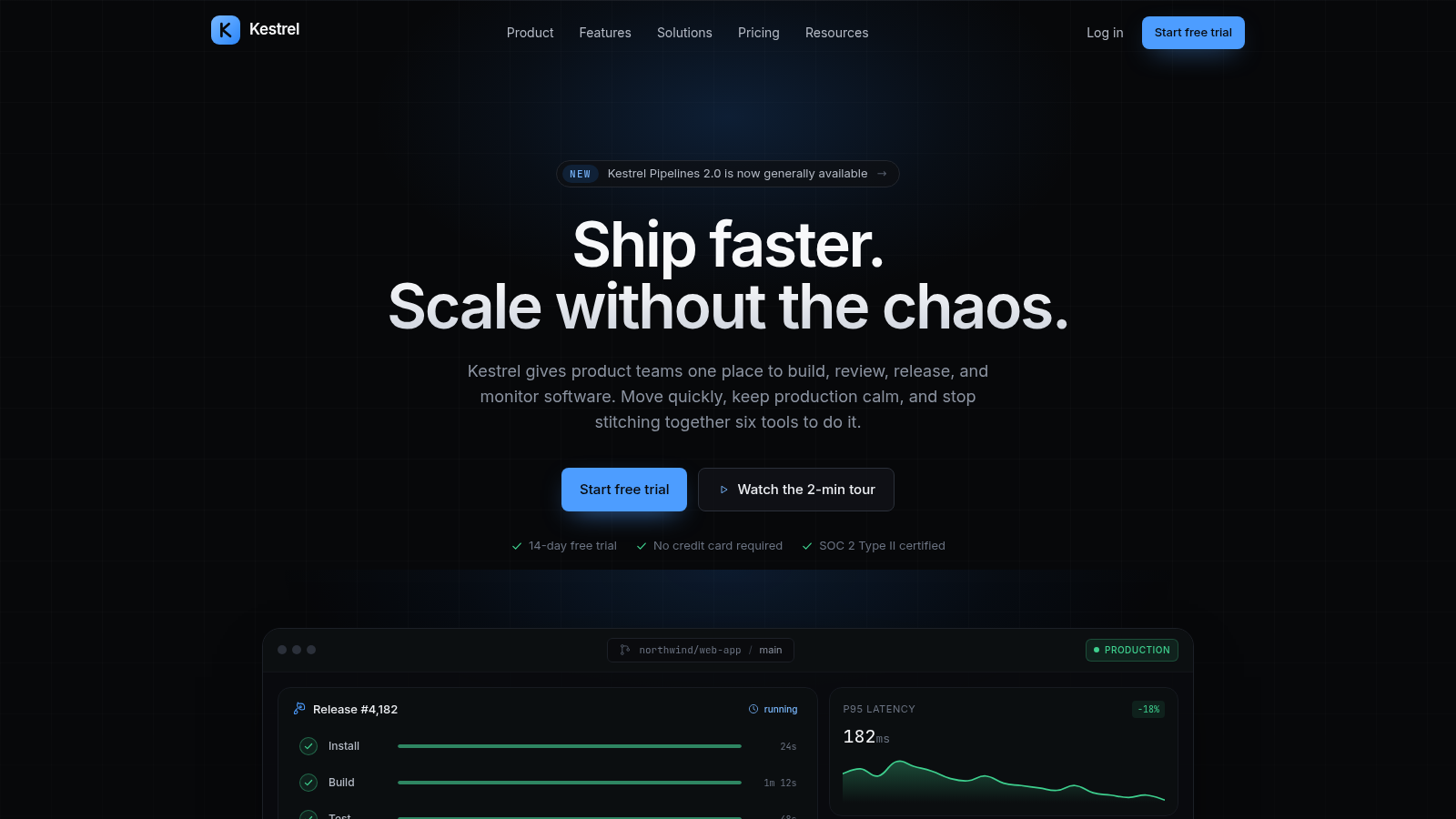
3mahmoud
Premium marketing site for Kestrel, a modern software delivery platform.
 413
413Smile Patisserie
Smile Patisserie menu: cakes, oriental, bakery, and WhatsApp cart
 452
452حاسبة رسوم الجمعية
حاسبة رسوم الجمعية لوكلاء Money Fellows — حساب القسط وصافي القبض شهر بشهر.