
KeyTurn
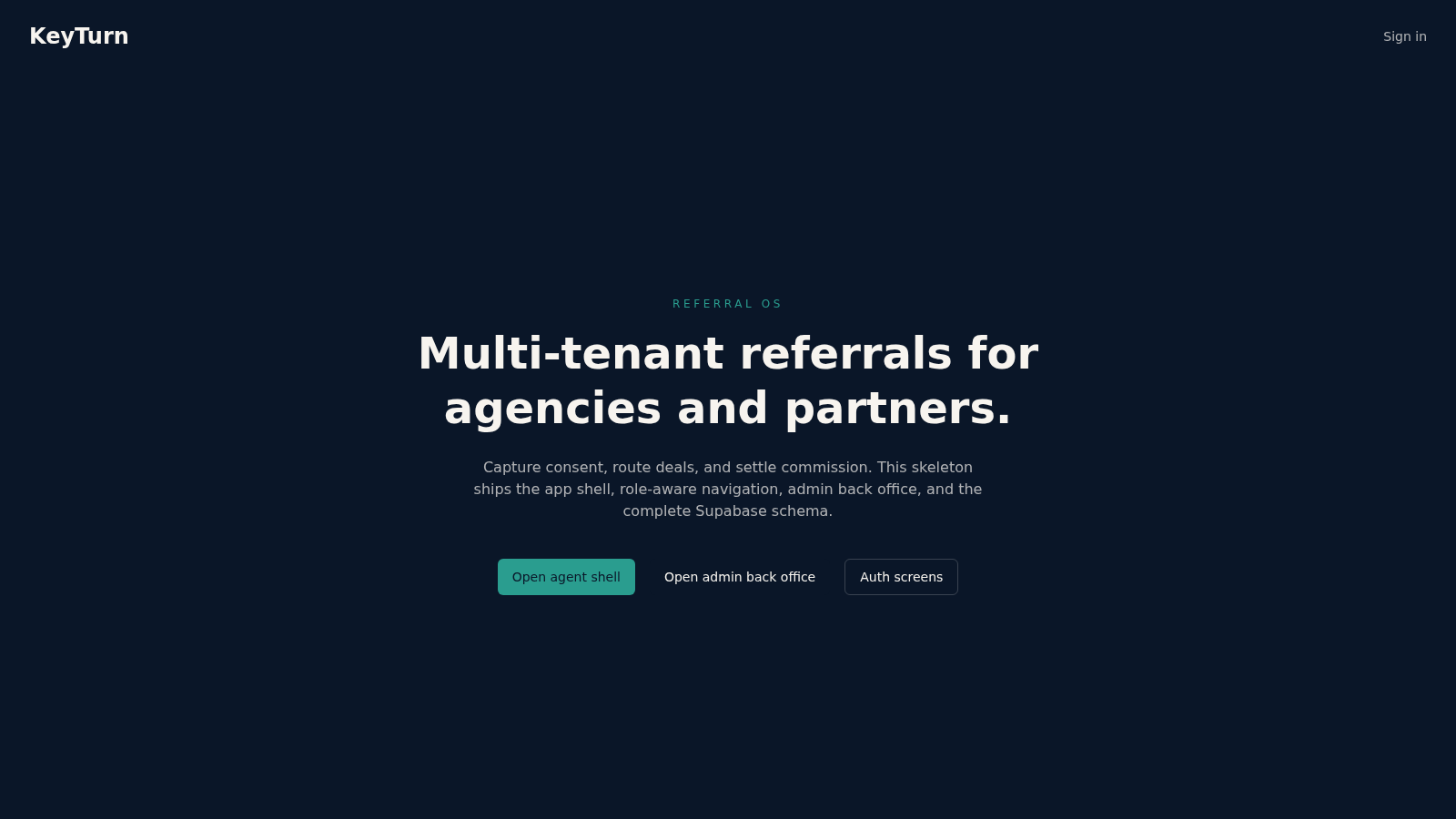
A multi-tenant referral workspace for agencies, partners, and admins.
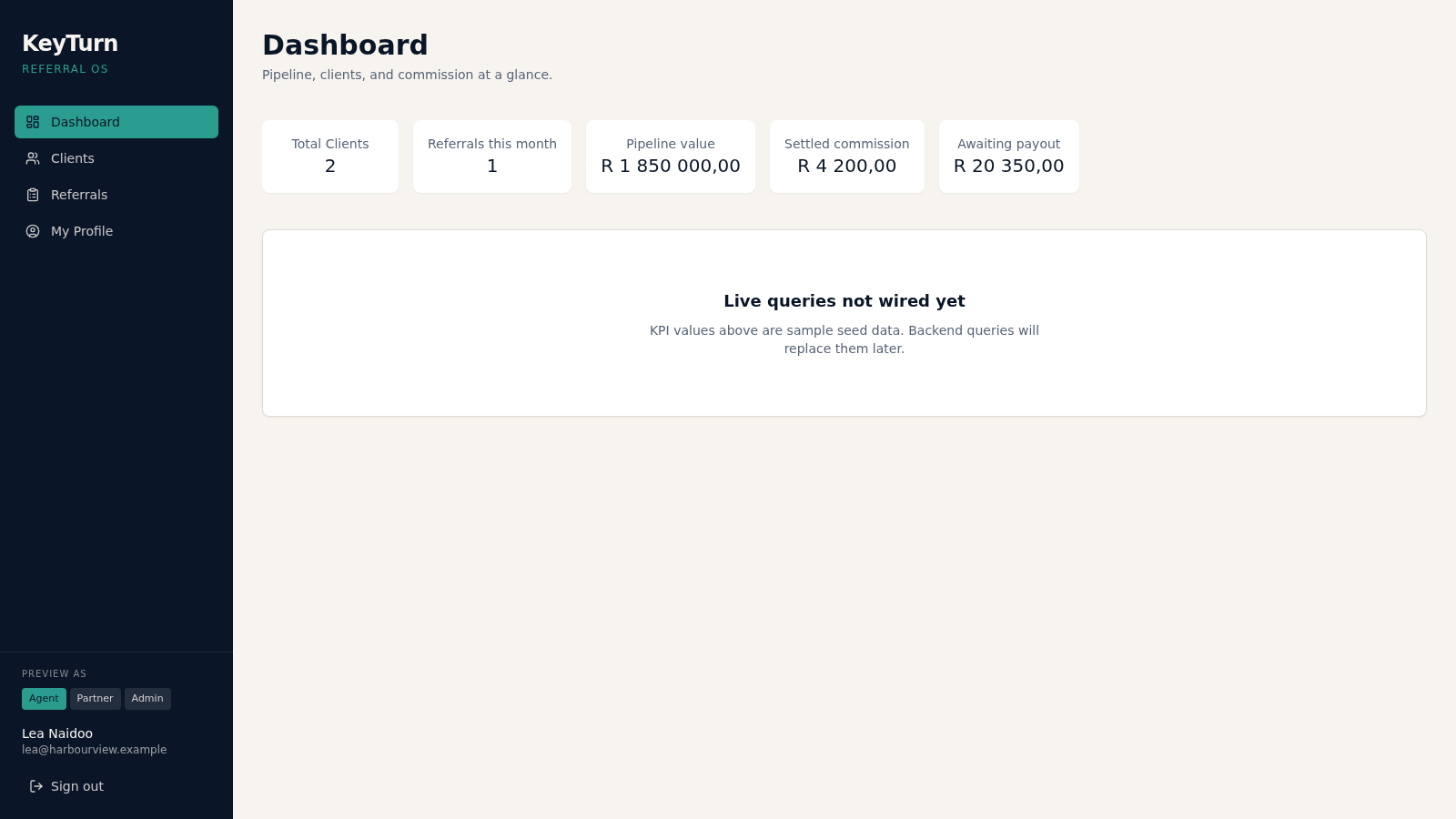
KeyTurn presents itself as a referral operating system for agencies, partner firms, and platform administrators. The web application shows a role-aware sidebar and a set of connected screens: a dashboard with KPI tiles, client and referral tables, a client detail view with tabs, and an admin back office covering organisations, partners, payouts, and an audit log. Authentication is demonstrated through a prefilled login account and a signup form that redirects into the workspace. The current build is an application shell with seeded sample data across South African rand amounts, and several create actions are visible but disabled. It works well as a structural reference for how a referral management product can be organised.
Highlights
Role-aware shell
Switch between agent, partner, and admin views
KPI dashboard
Clients, pipeline, commission, and payout tiles
Admin back office
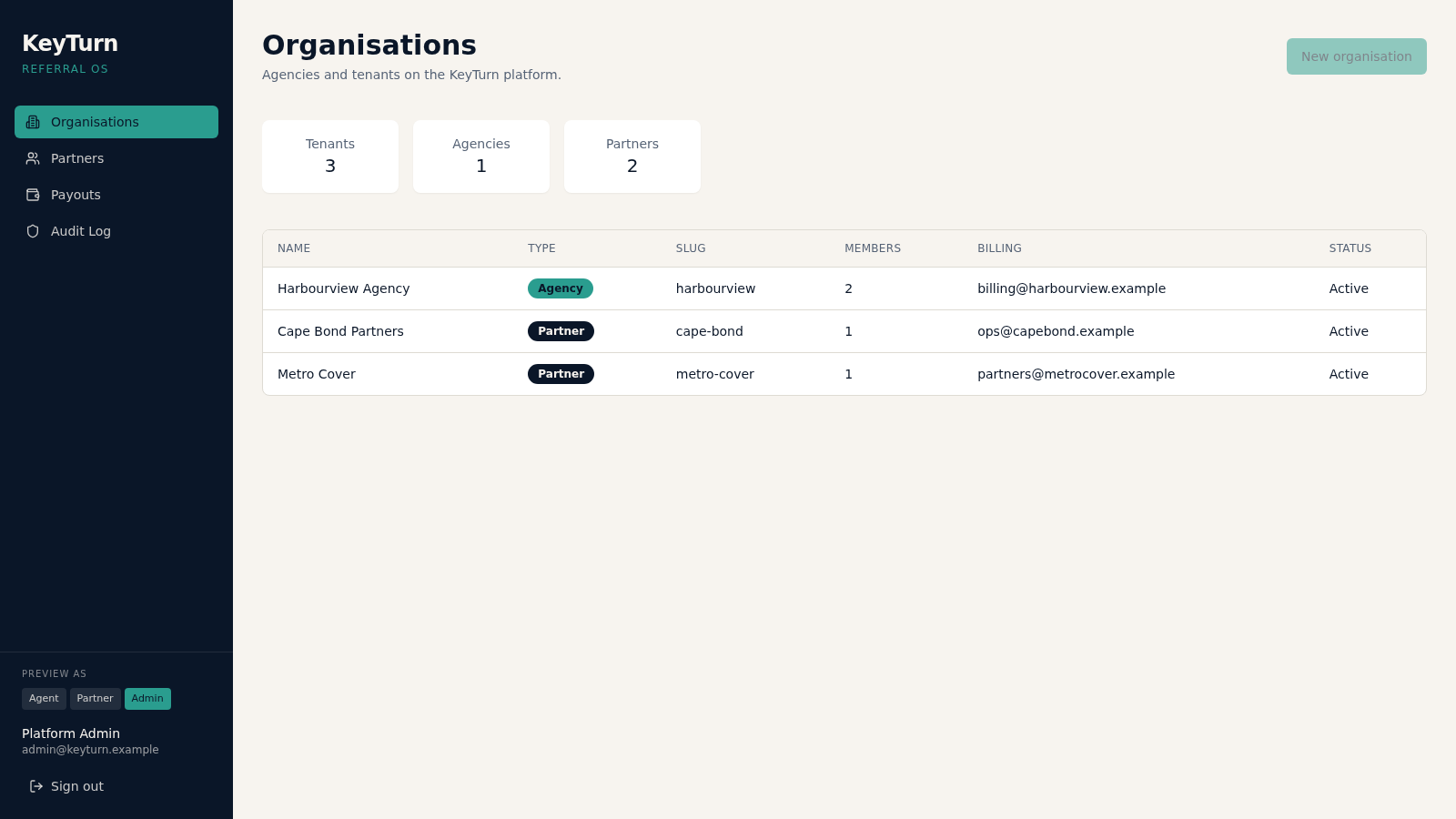
Organisations, partners, payouts, and audit log
Demo authentication
Prefilled login and a working signup screen
How to Use
Open the landing page
Load the site and you see a short hero explaining multi-tenant referrals plus three entry links: the agent shell, the admin back office, and the auth screens. Choose the agent shell to start on the dashboard.
Sign in with the demo account
The login form already contains a demo email and password. Pressing Sign in redirects to the dashboard under the Lea Naidoo account, and the profile page shows the current demo role and contact details.
Switch preview roles
In the sidebar, the Preview as control offers agent, partner, and admin buttons. Selecting a role updates the account label and the navigation, and choosing admin lands on the organisations screen instead of the agent dashboard.
Review business records
Use Clients and Referrals to browse the seed tables, and open a client row to reach the detail view with Overview, Referrals, Documents, and Consent tabs. Note that the current panels are placeholders, so treat them as layout previews.
Explore the admin section
As admin, open Organisations, Partners, Payouts, and Audit Log from the sidebar. Each screen shows a table with sample entries, status badges, and summary tiles. The New organisation button is disabled in this build.
Similar Sites
 441
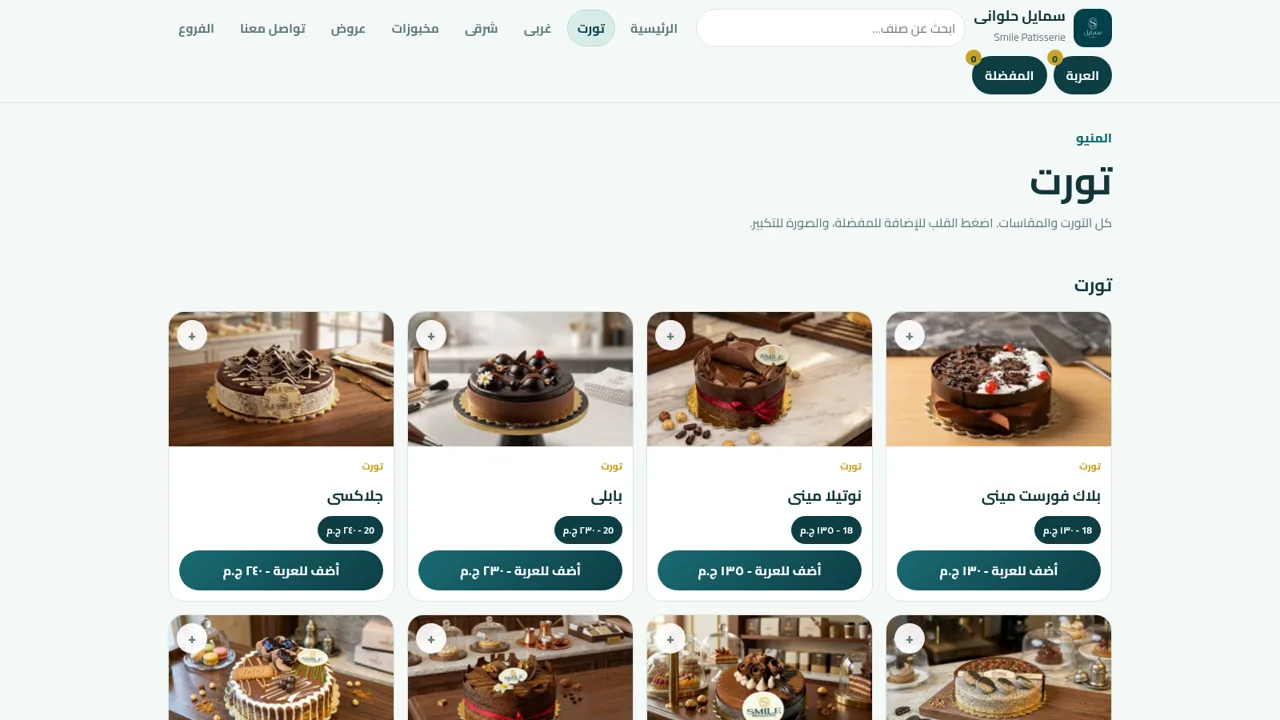
Smile Patisserie
Smile Patisserie menu: cakes, oriental, bakery, and WhatsApp cart
 601
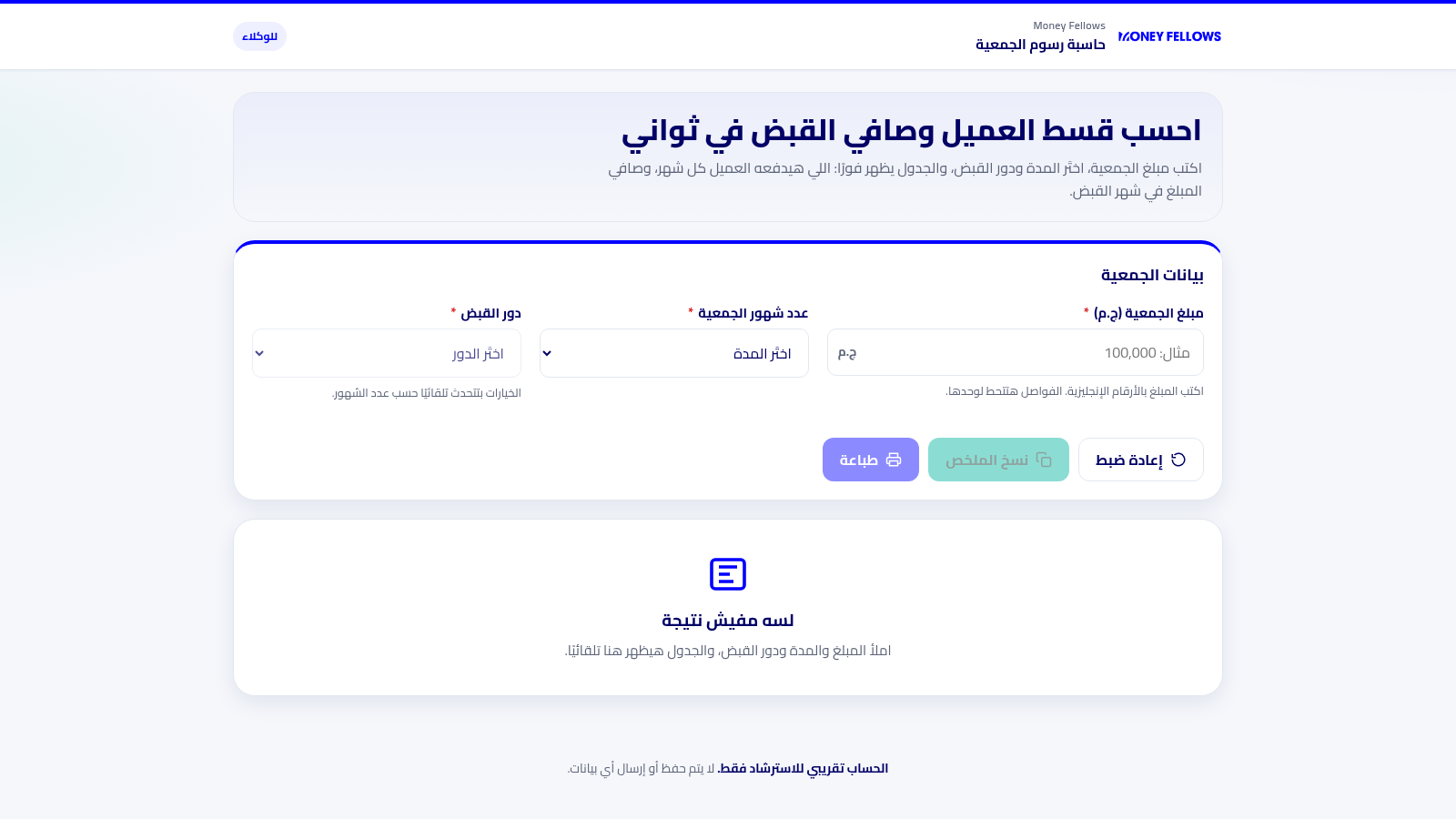
حاسبة رسوم الجمعية
حاسبة رسوم الجمعية لوكلاء Money Fellows — حساب القسط وصافي القبض شهر بشهر.
 51
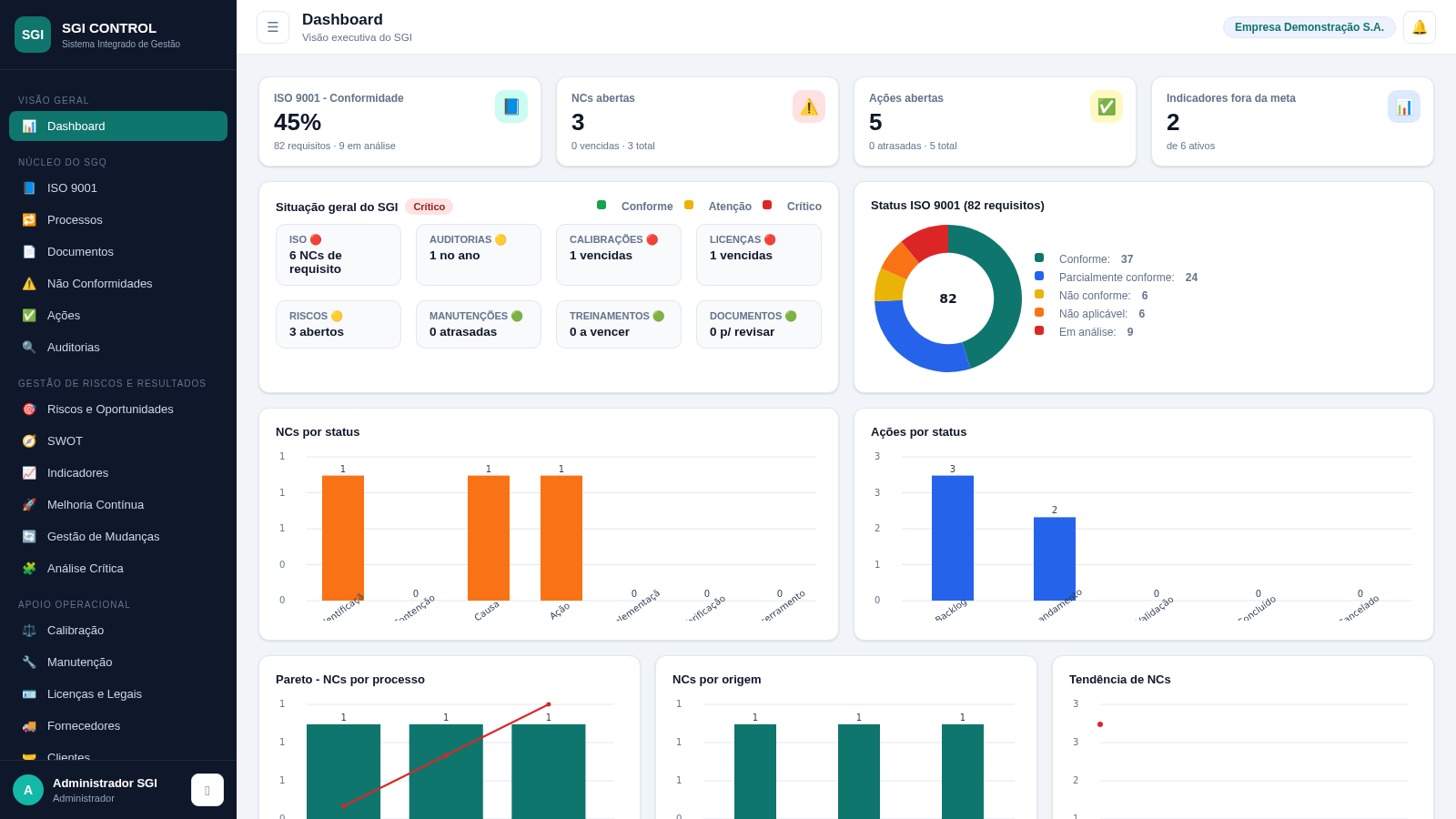
SGI CONTROL
Sistema Integrado de Gestão da Qualidade (ISO 9001) com painel B2B multiempresa
 127
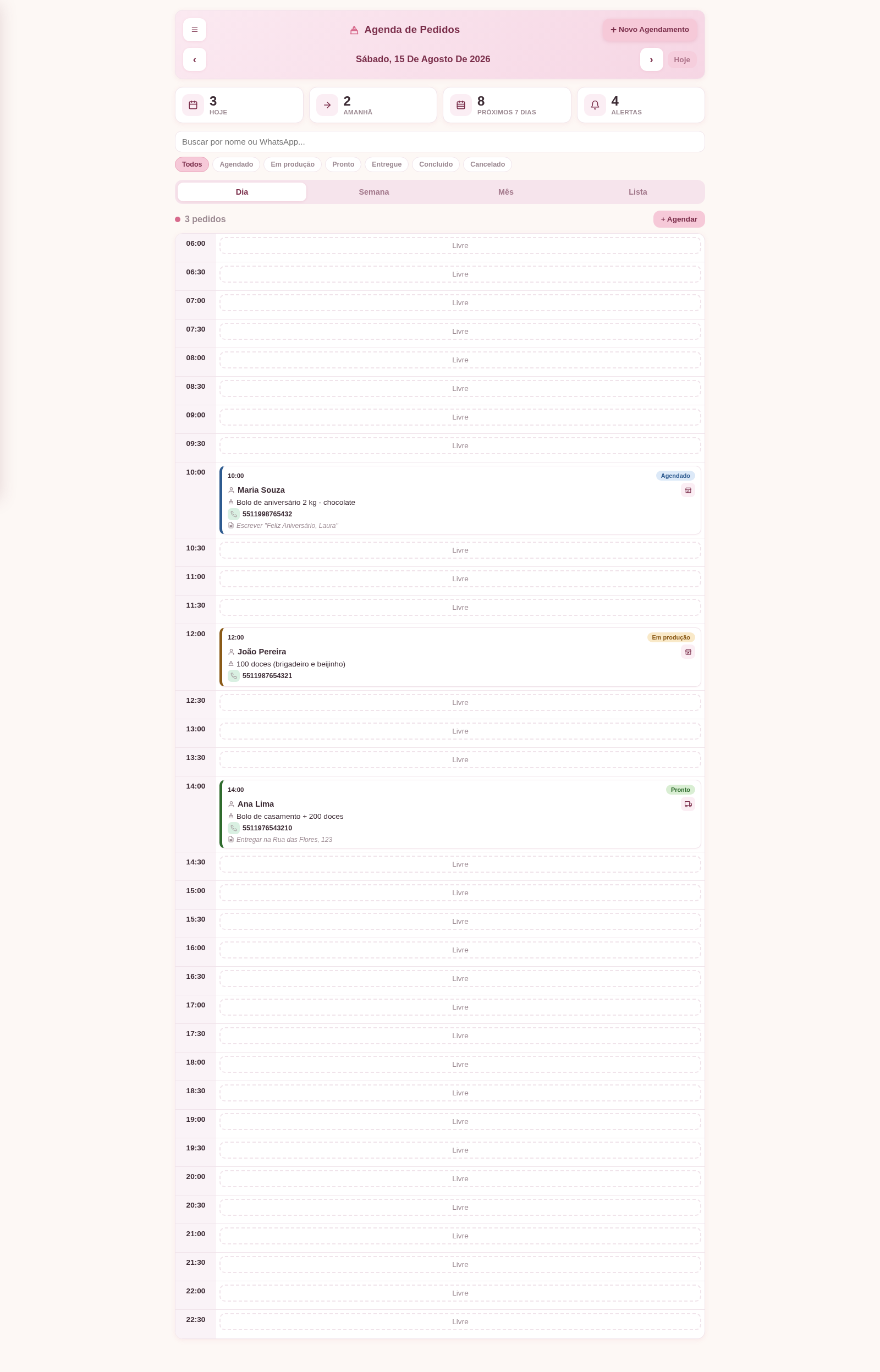
Agenda de Pedidos - Confeitaria
Agenda digital de pedidos para confeitaria com integração WhatsApp
 50
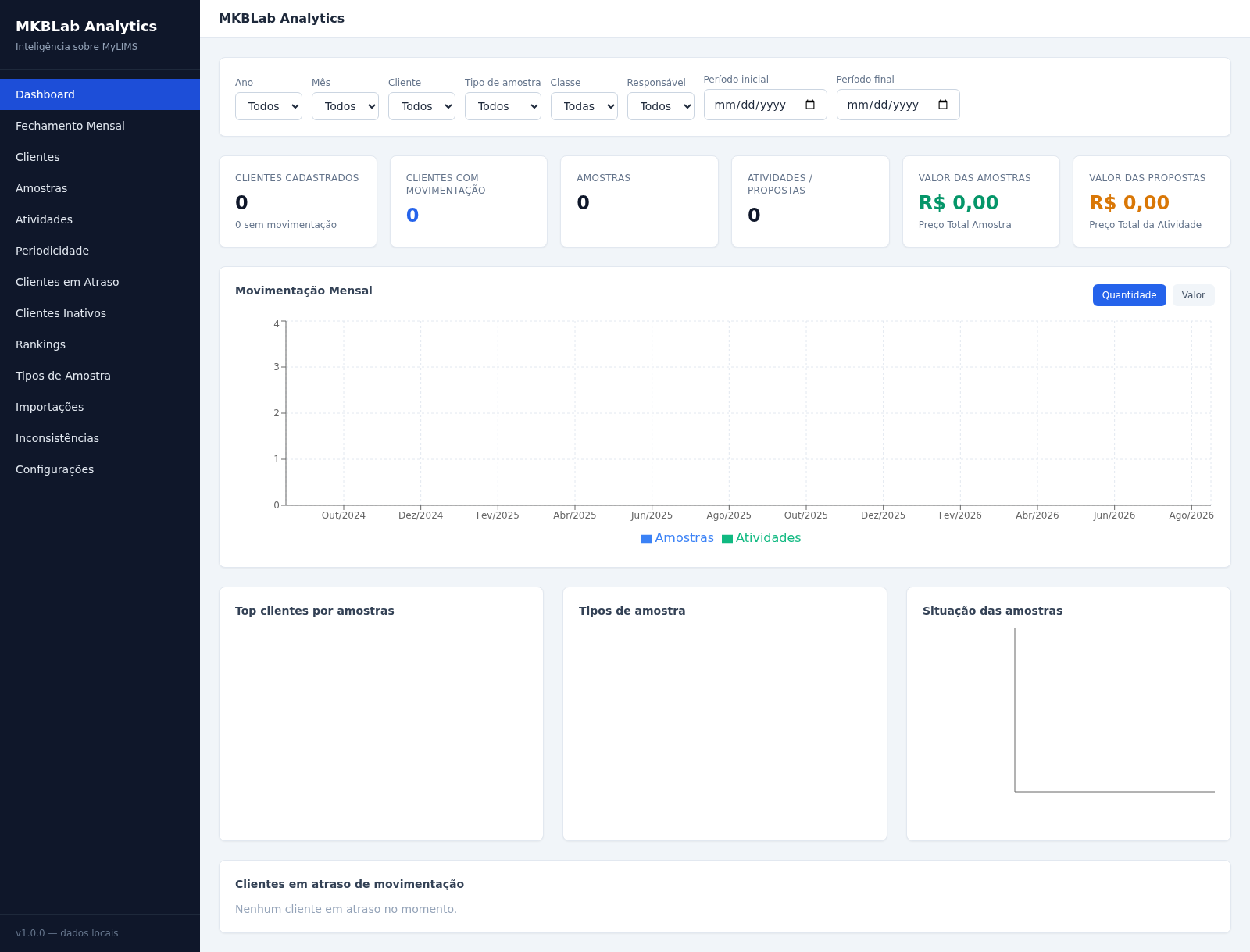
MKBLab Analytics
Dashboard gerencial com importação de relatórios XLSX do MyLIMS
 89
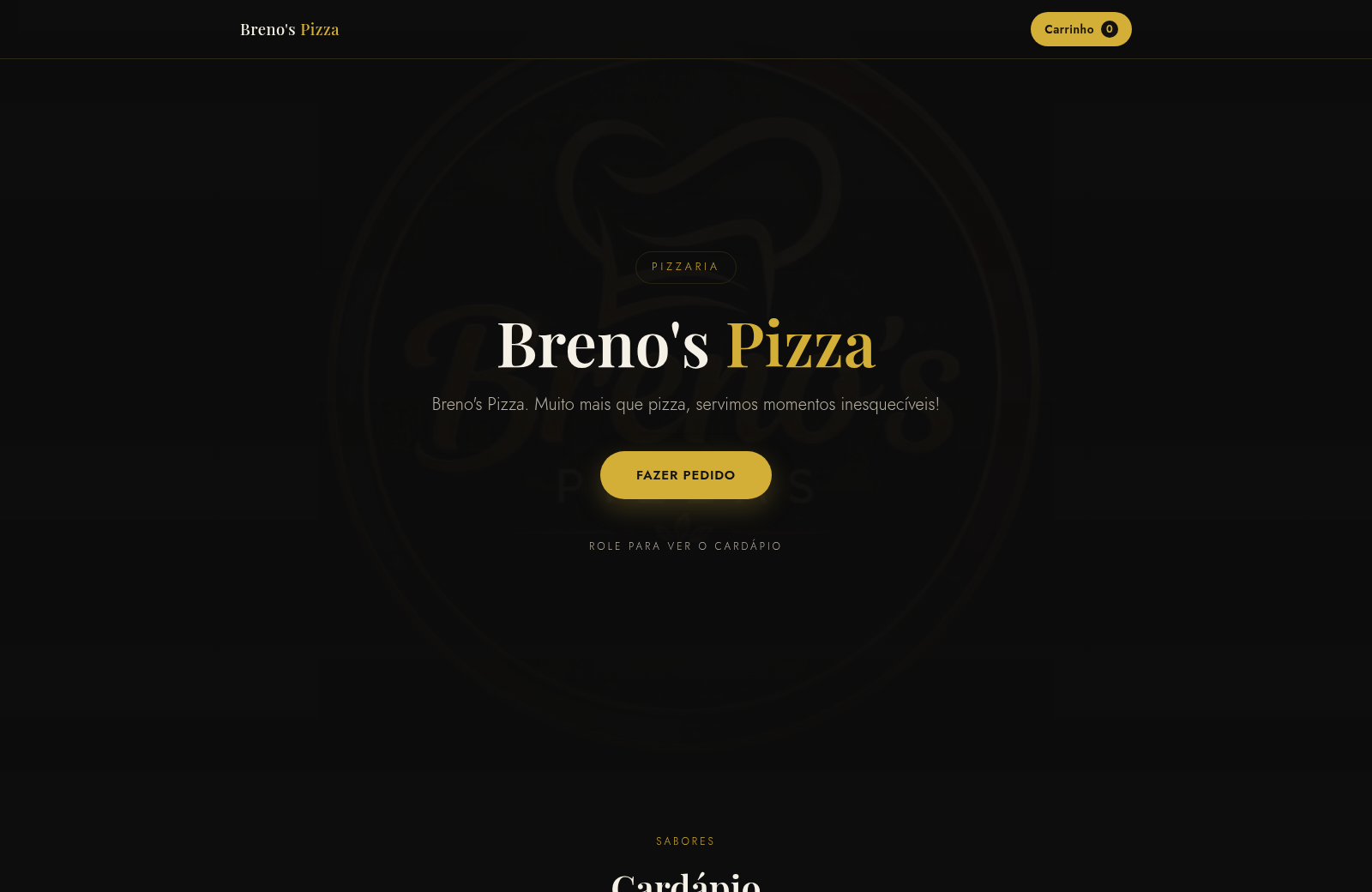
Breno's Pizza
Breno's Pizza. Muito mais que pizza, servimos momentos inesqueciveis! Peça a sua pizza pelo WhatsApp.