
هوية المؤمن
An Arabic daily worship companion for Quran reading, remembrance, prayer planning, qibla guidance, and tasbih tracking.
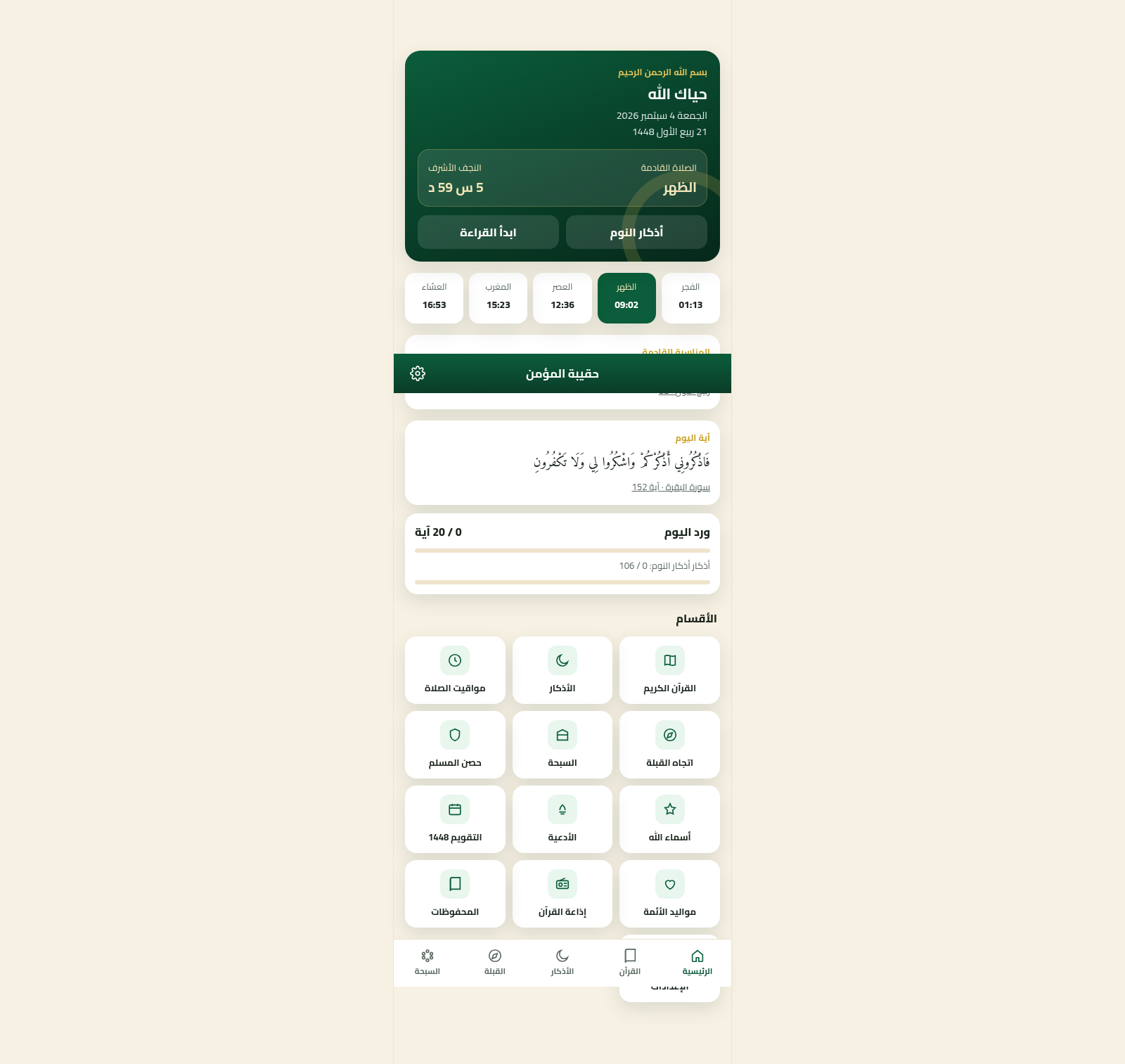
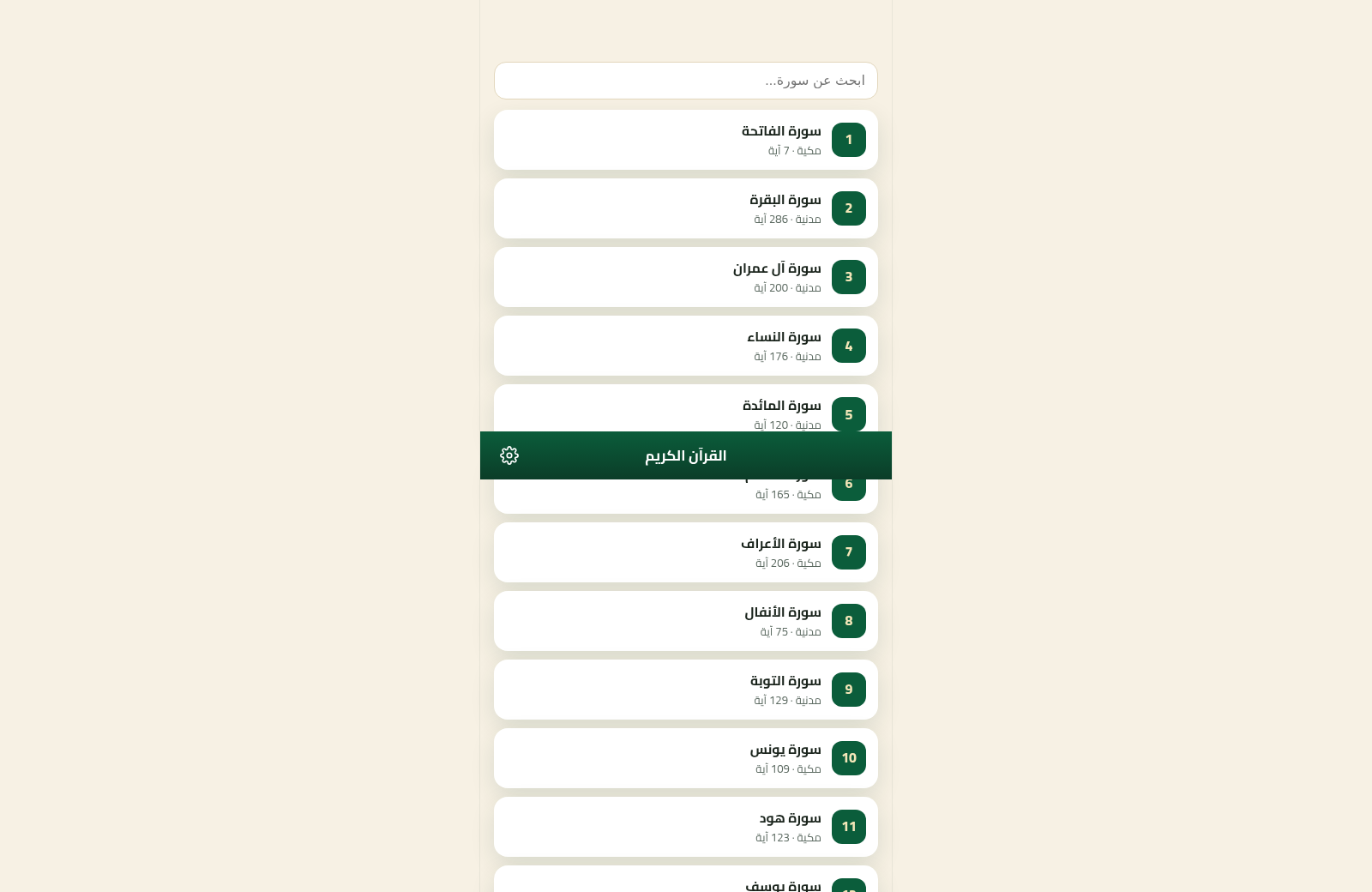
Haqibat Al-Mumin is an Arabic, right-to-left Islamic utility app that gathers everyday devotional activities into one dashboard. It presents the current Gregorian and Hijri dates, the next prayer with a countdown, daily Quran and adhkar progress, a daily verse, and an upcoming Islamic occasion. Users can browse all 114 Quran surahs, open verse pages, choose among several reciters, save verses, and mark where they stopped. Dedicated sections cover morning, evening, sleep, waking, prayer, and home adhkar with persistent counters. The app also includes configurable prayer schedules, qibla direction and distance, a digital tasbih with daily totals, Hisn al-Muslim, Names of Allah, duas, a Hijri calendar, Imam birth dates, Quran radio, bookmarks, and settings.
Highlights
Unified dashboard
Daily tools together
Complete Quran list
All 114 surahs
Tracked adhkar
Persistent counters
Prayer planning
Times and week view
Digital tasbih
Daily totals saved
How to Use
Review the daily dashboard
Open the home page to see the date, Hijri date, next prayer countdown, current prayer timetable, daily verse, upcoming occasion, and Quran and adhkar progress. Use the section grid or persistent bottom navigation to continue into a specific activity.
Read and track Quran progress
Choose Quran from the dashboard or bottom navigation, select one of the 114 surahs, and read its verses. On a verse page, use the available controls to request recitation, save a verse, or mark the point where reading stopped for a later visit.
Complete an adhkar routine
Open Adhkar, select the morning, evening, sleep, waking, prayer, or home routine, then press each counter as repetitions are completed. The page updates the item count and overall daily progress and indicates that progress is saved.
Check prayer and qibla information
Open Prayer Times to review the current and upcoming prayers, auxiliary times, and the seven-day table. Select a calculation method when appropriate. Open Qibla to see the direction in degrees, distance to the Kaaba, and the on-screen orientation guidance.
Use the digital tasbih
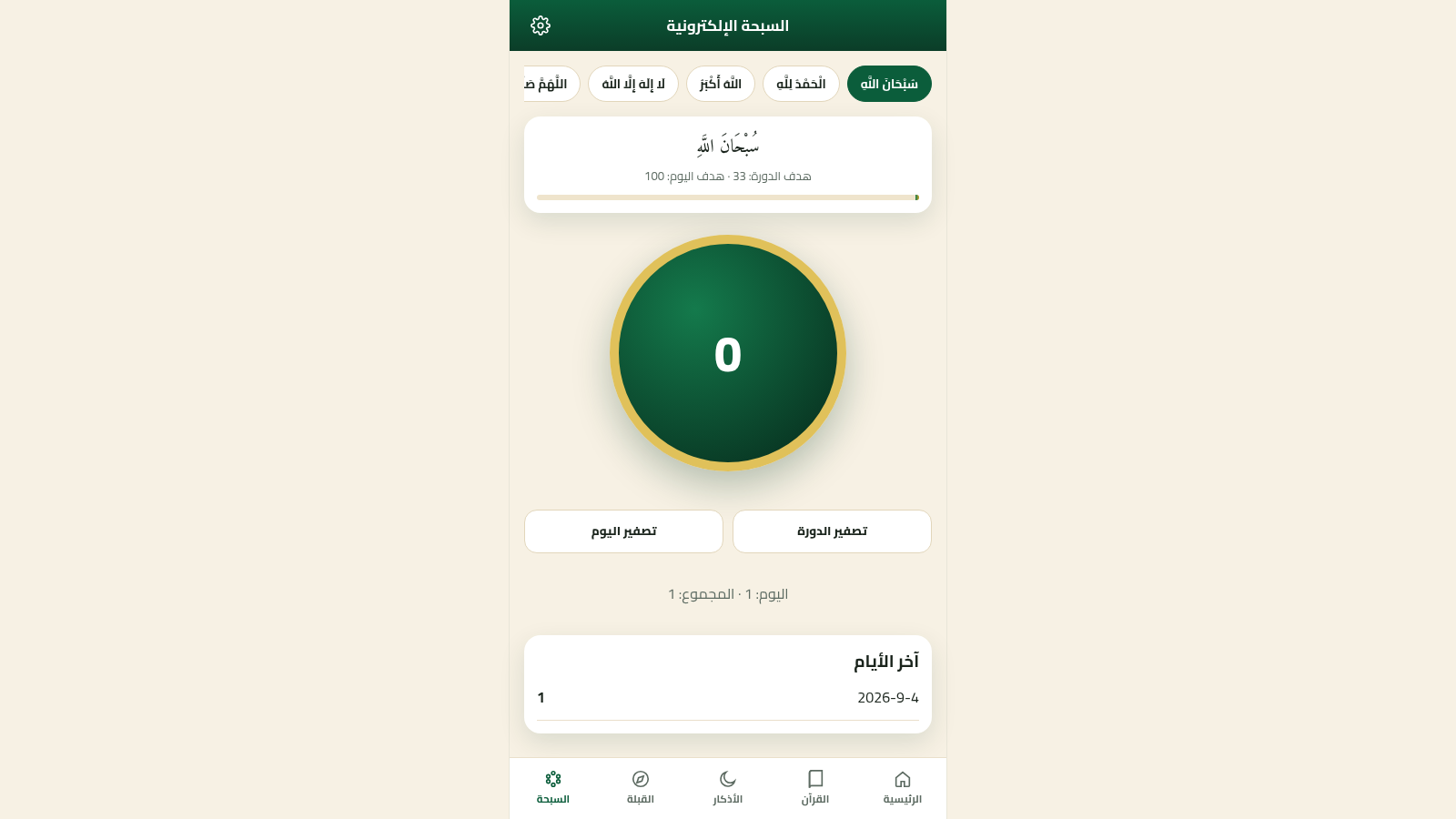
Open Tasbih, select a remembrance phrase, and press the large count control for each repetition. The cycle count, daily count, lifetime total, and recent-day history update on the page; reset controls are available for the cycle and day.
Similar Sites
 7
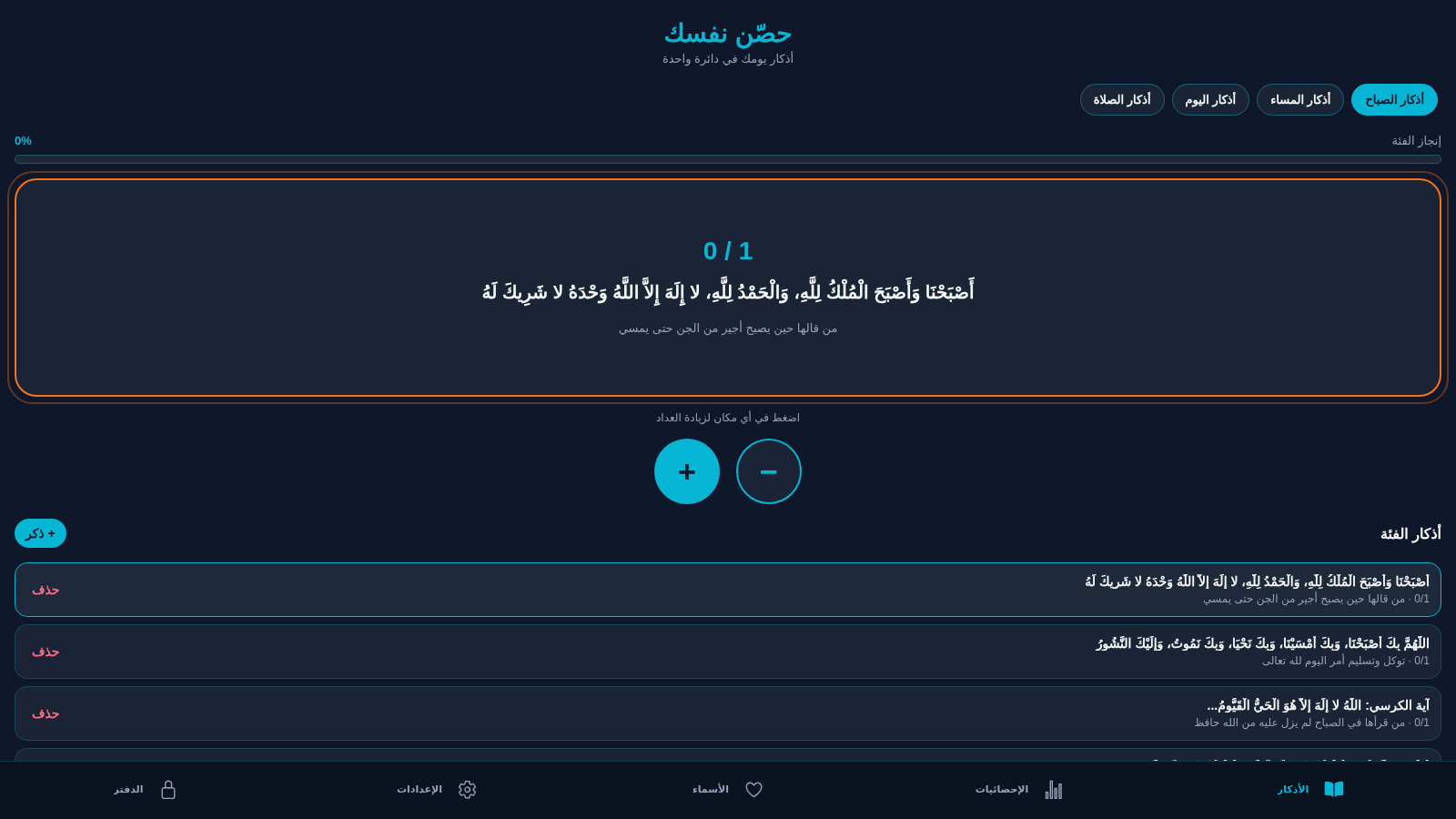
7حصّن نفسك
تطبيق أذكار إسلامي بعدّ ذكي وحفظ محلي
 122
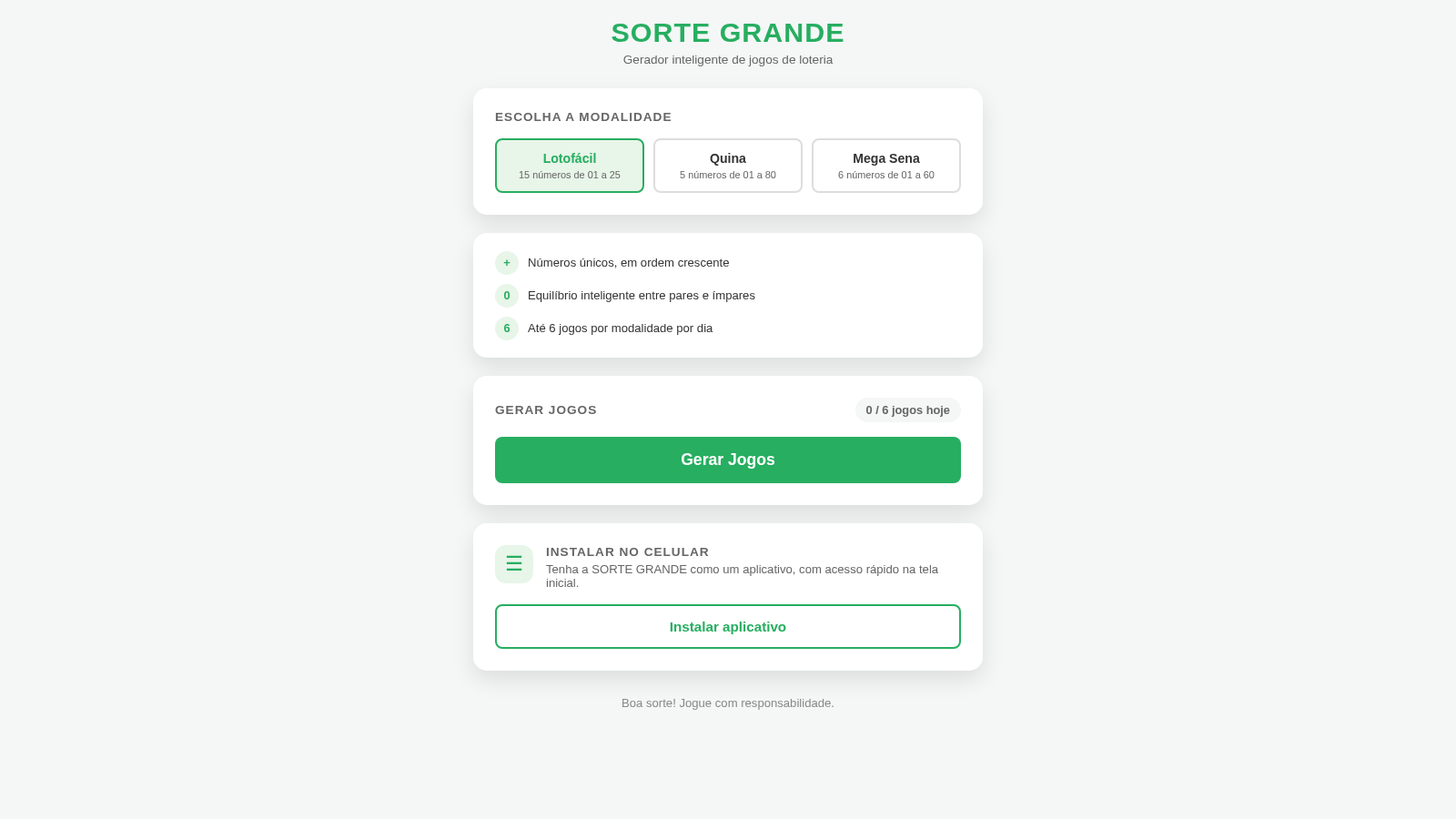
122Sorte Grande
Gerador inteligente de jogos de loteria (Lotofácil, Quina e Mega Sena)
 87
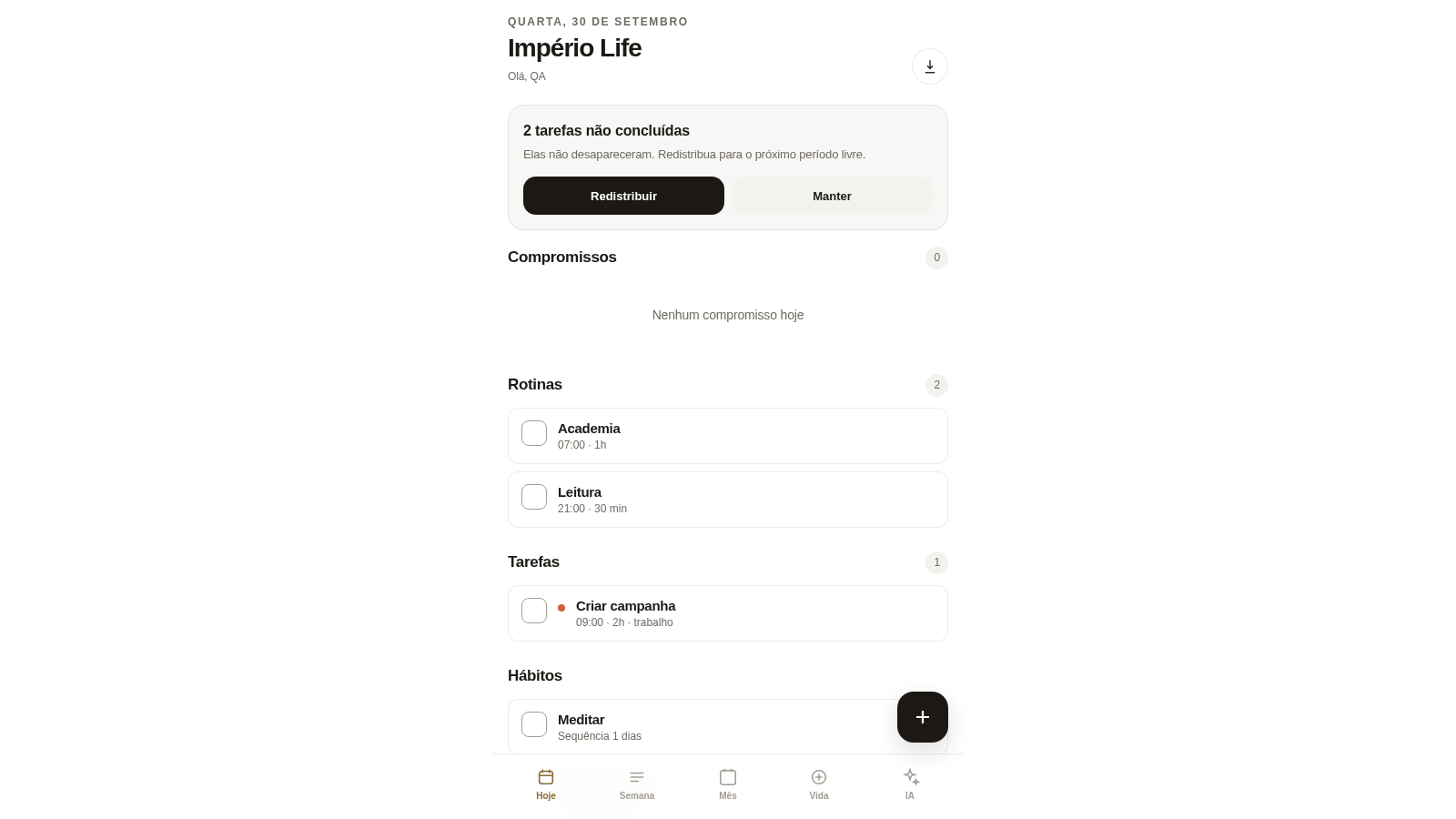
87Império Life
Organização pessoal: tarefas, rotinas e planejamento semanal.
 35
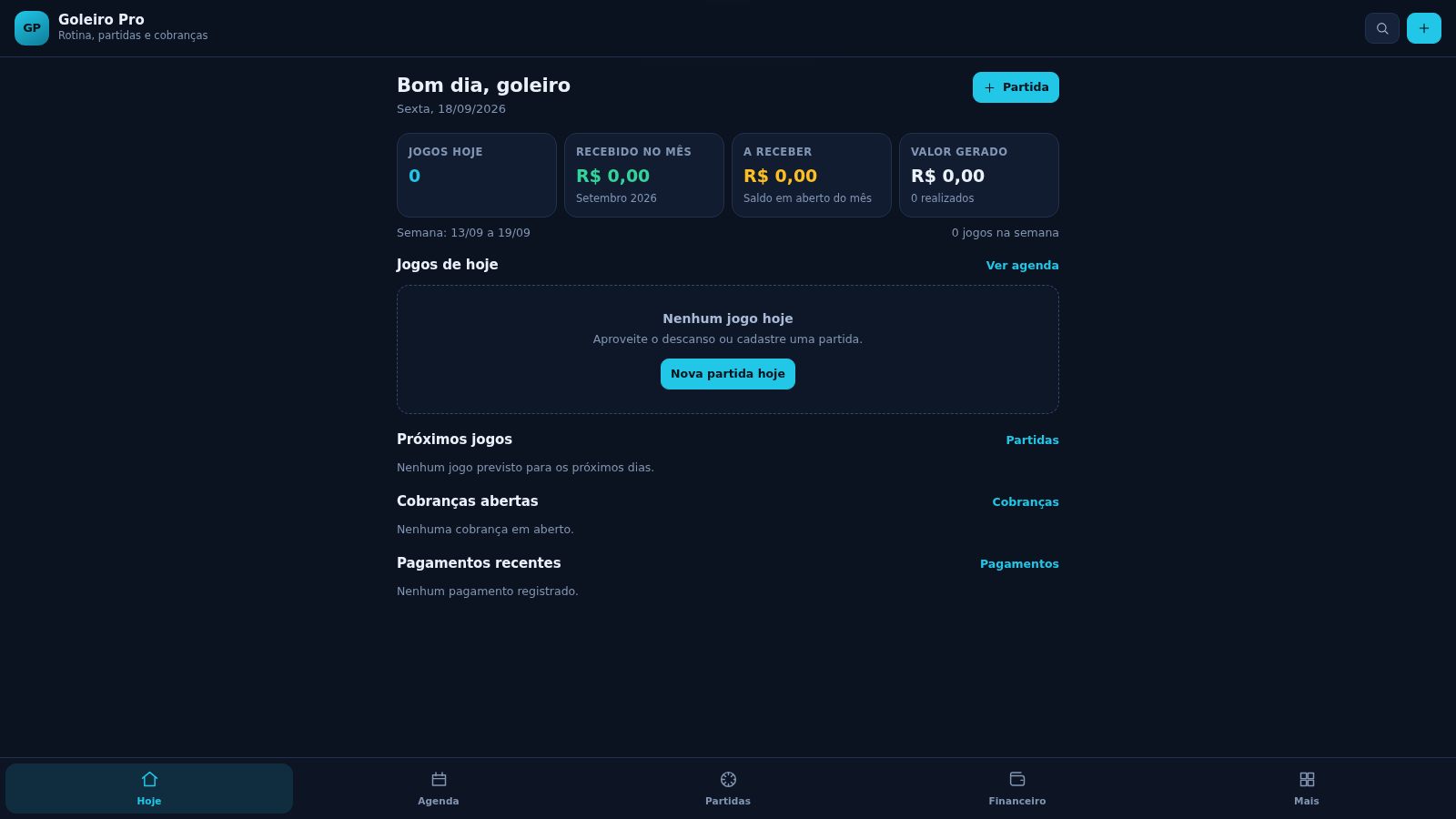
35Goleiro Pro
Controle pessoal de rotina, partidas, cobrancas, pagamentos e recibos do goleiro.
 33
33CONVIVA
CONVIVA — O familiar acompanha. O idoso vive. O Conviva conecta.
 28
28MuscleTri
App web mobile-first de treinos, alimentação e evolução física.