
InstaFlow Bot Instagram
Configure and control an Instagram auto-reply bot from a single web panel
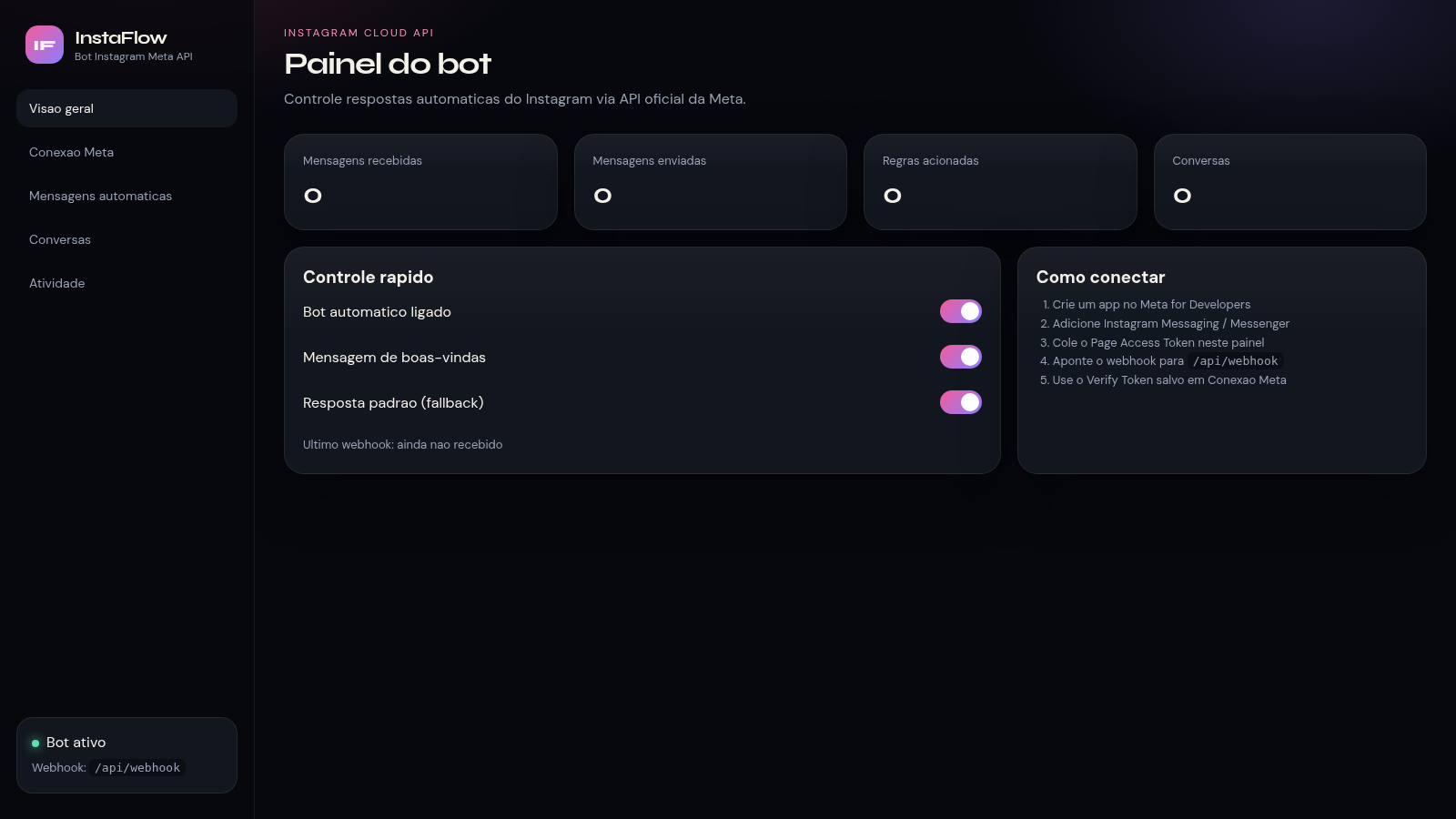
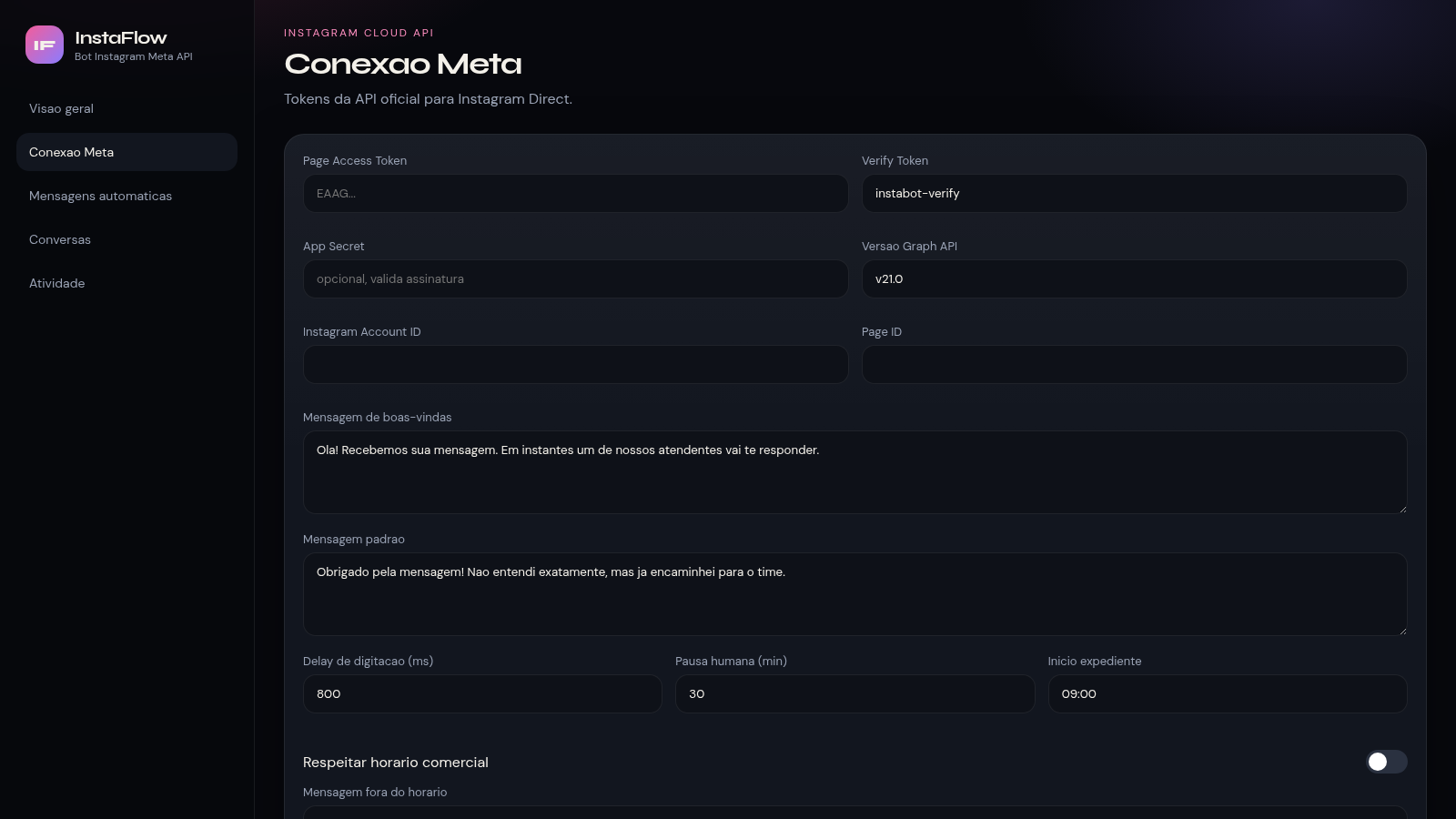
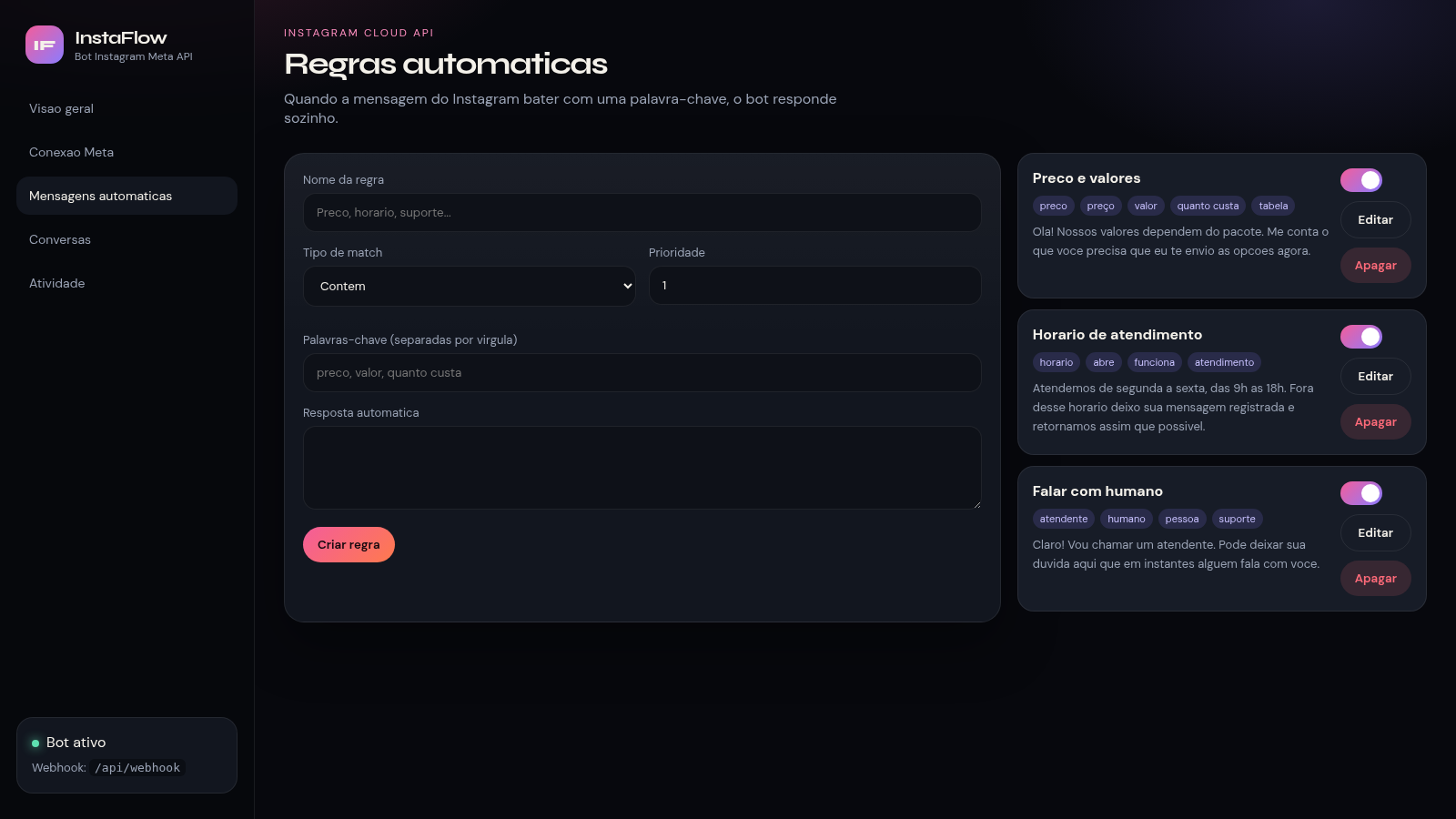
InstaFlow is a browser-based control panel for an Instagram direct-message bot built on the official Meta Instagram Cloud API. It is organized as a dark sidebar with five sections: an overview with message counters and quick switches, a connection screen for API tokens and account identifiers, a keyword rule engine that decides automatic replies, a conversation inbox, and an activity log. The interface language is Portuguese. Users can store a Page Access Token, verify token, app secret and Graph API version, set welcome and fallback reply templates, tune typing delay and human pauses, enforce business hours, and define rules that answer incoming Direct messages by matching keywords with contains, exact or starts-with modes.
Highlights
Bot control panel
Toggle the bot
Meta API connection
Tokens and IDs
Keyword rule engine
Match and auto-reply
Conversation inbox
Read and pause bot
Activity logging
Webhooks and errors
How to Use
Open the overview
Load the panel and look at the four counters at the top of the overview page. They report received messages, sent messages, triggered rules and conversations, so you can confirm the dashboard is connected before changing anything. The quick control card below them holds switches for the automatic bot, the welcome message and the fallback reply.
Save the connection
Open the connection tab and paste the Page Access Token, the Instagram Account ID and the Page ID, then adjust the verify token, the Graph API version and the optional app secret. Edit the welcome and standard reply templates if needed, set the typing delay, human pause and business hours, then press the save button to store the settings or the test button to check the token.
Create reply rules
On the automatic messages tab, fill in a rule name, choose contains, exact or starts with, set a priority and list the keywords separated by commas. Write the automatic reply and press create. The new entry appears in the list on the right, where every rule can be edited or deleted, and the seeded examples for pricing, business hours and human handoff show the expected format.
Monitor activity
Use the conversations tab to review incoming Direct messages, pause the bot and answer by hand, and the activity tab to follow webhook calls, sent messages, errors and human handoffs as they arrive. Both screens show a clear empty state until the connected account actually receives traffic.
Similar Sites
 69
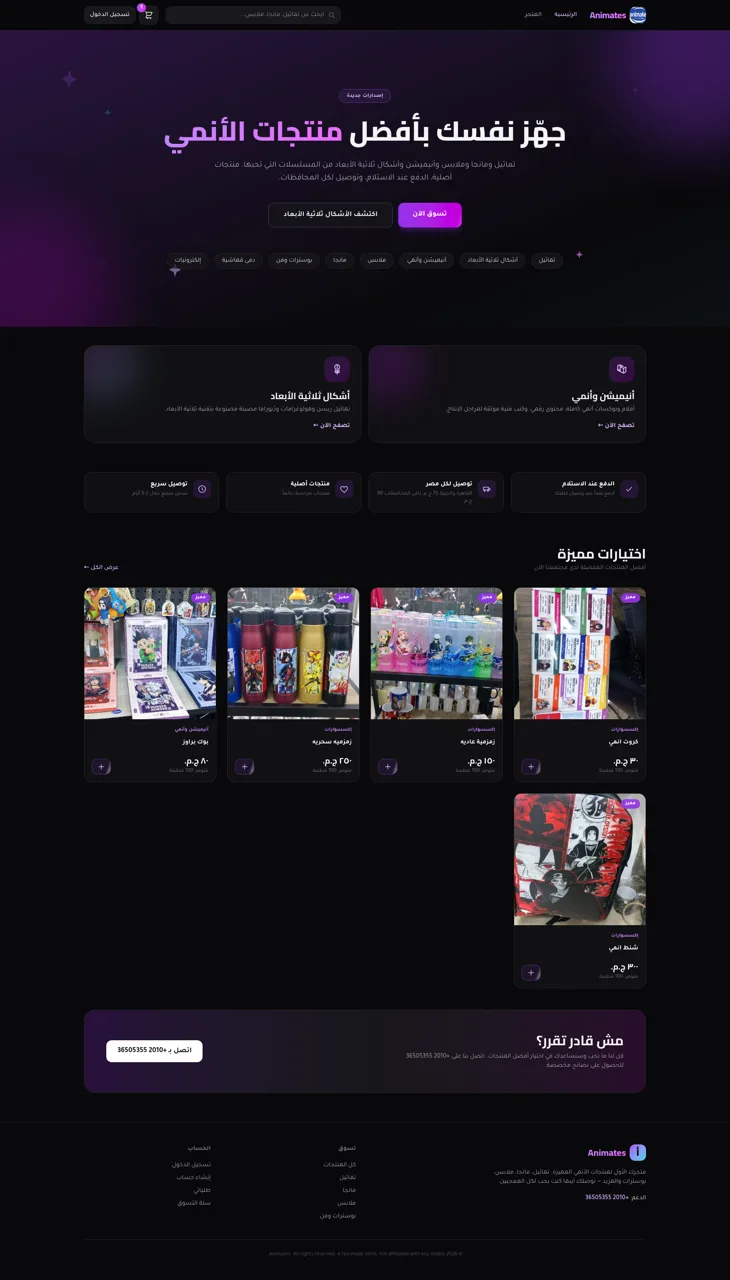
69Animates — Anime Merch Store
Full-stack Arabic RTL anime merch store with COD checkout and admin dashboard
 42
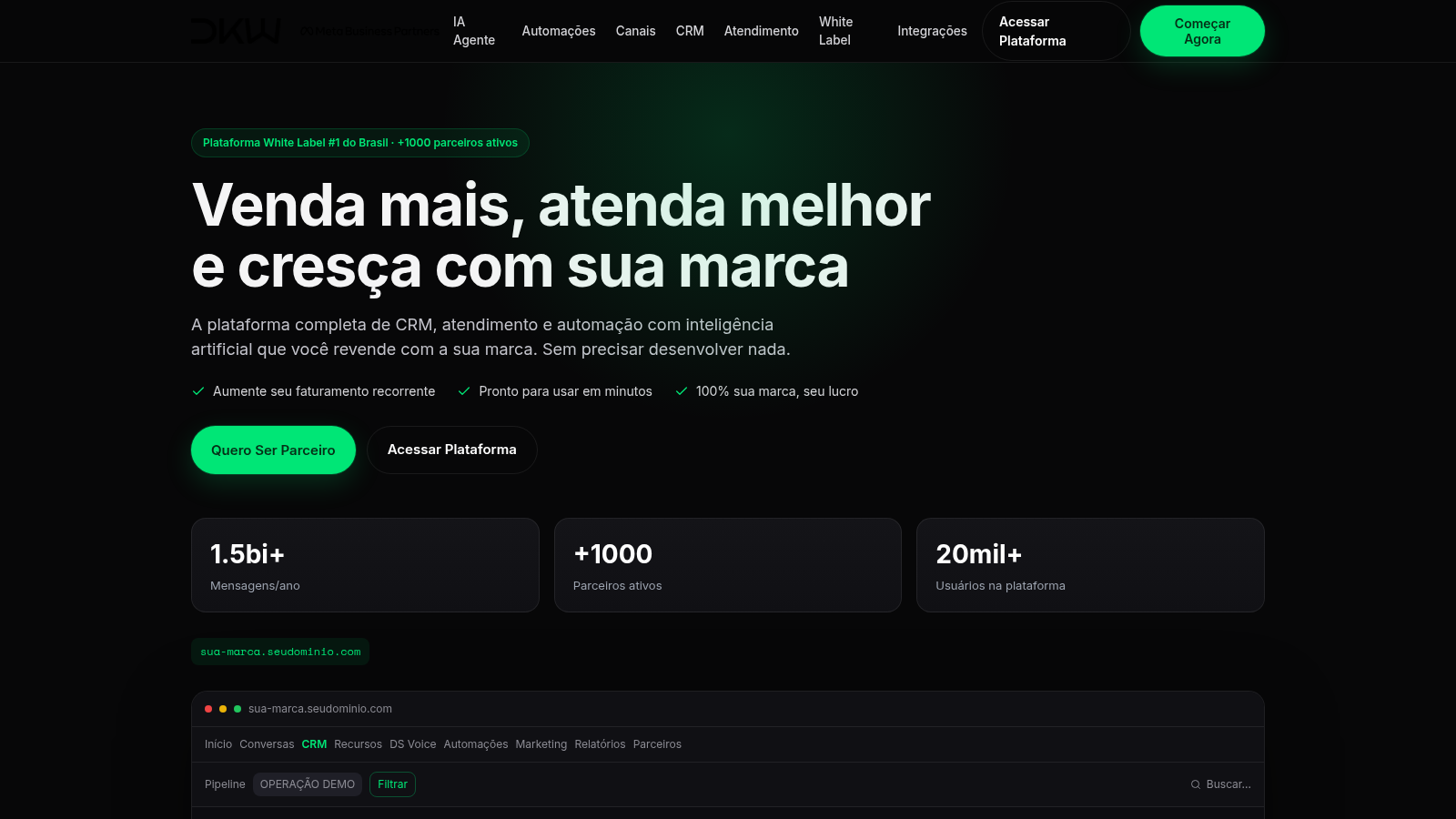
42DKW System CRM com IA
CRM white label com WhatsApp, Instagram, IA e automações
 22
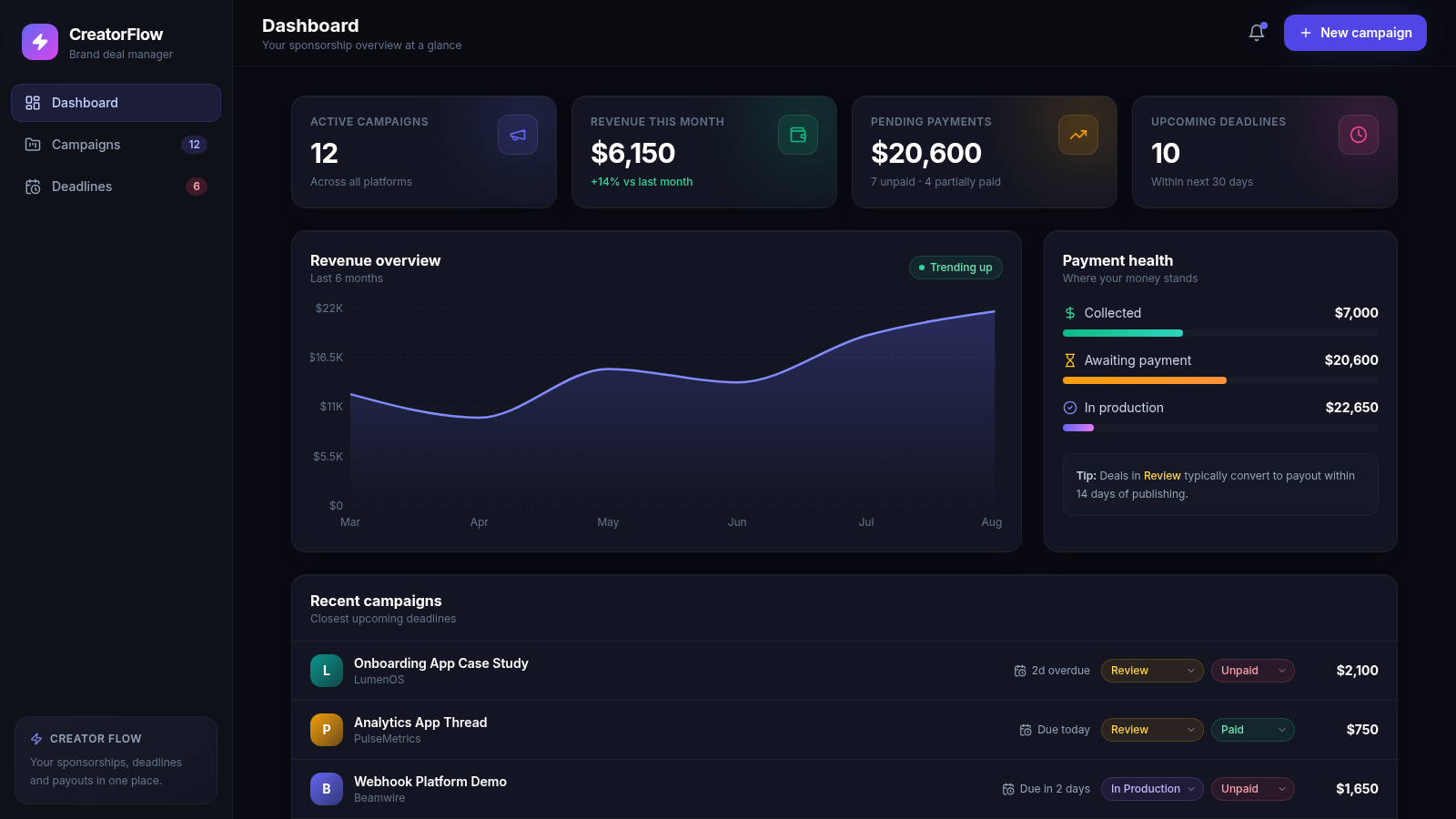
22CreatorFlow — Brand Deals
Sponsorship and brand-deal management for content creators
 18
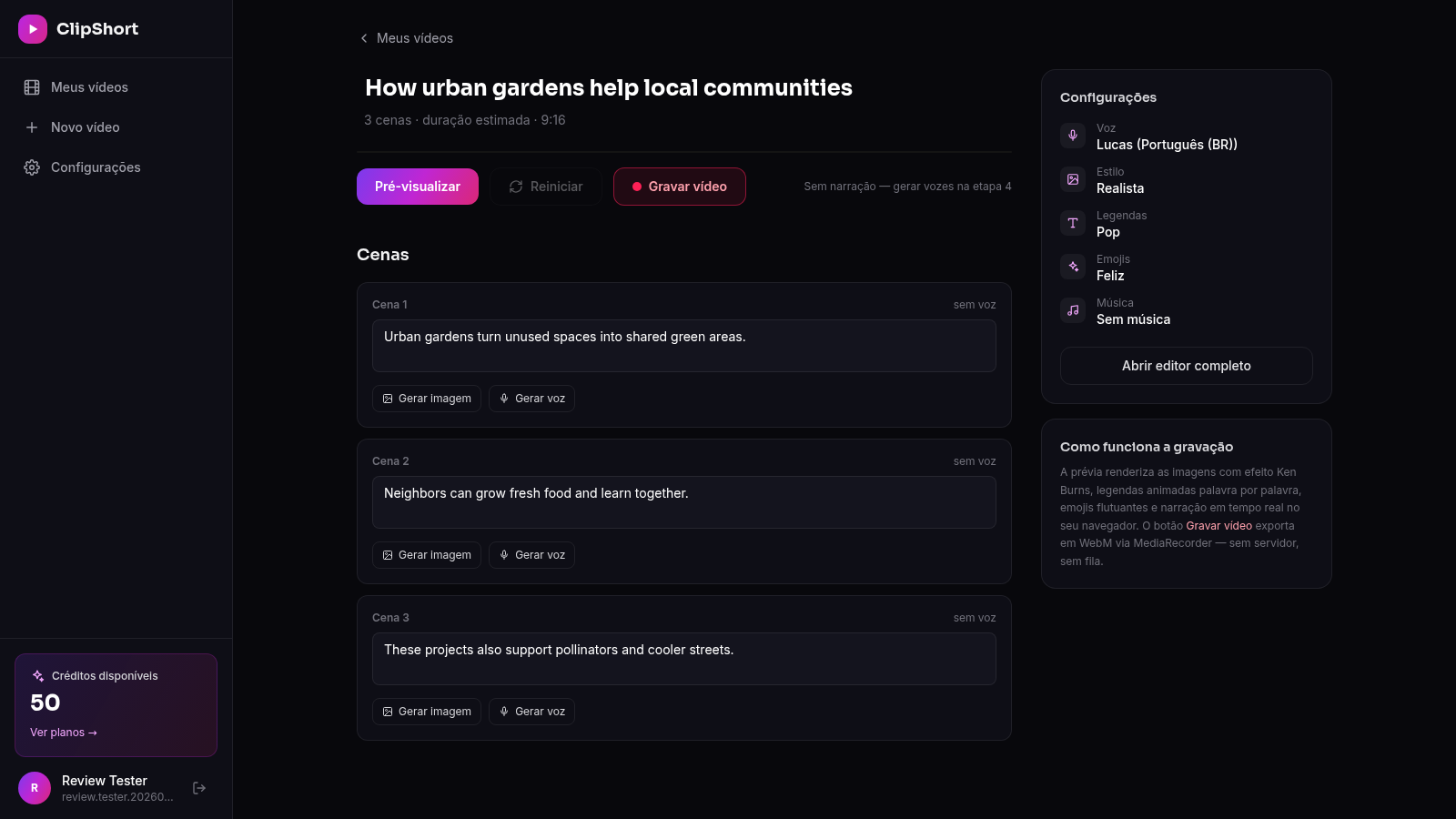
18ClipForge
Crie TikToks, Reels e Shorts com IA: roteiro, imagens, vozes realistas, legendas e música em minutos
 14
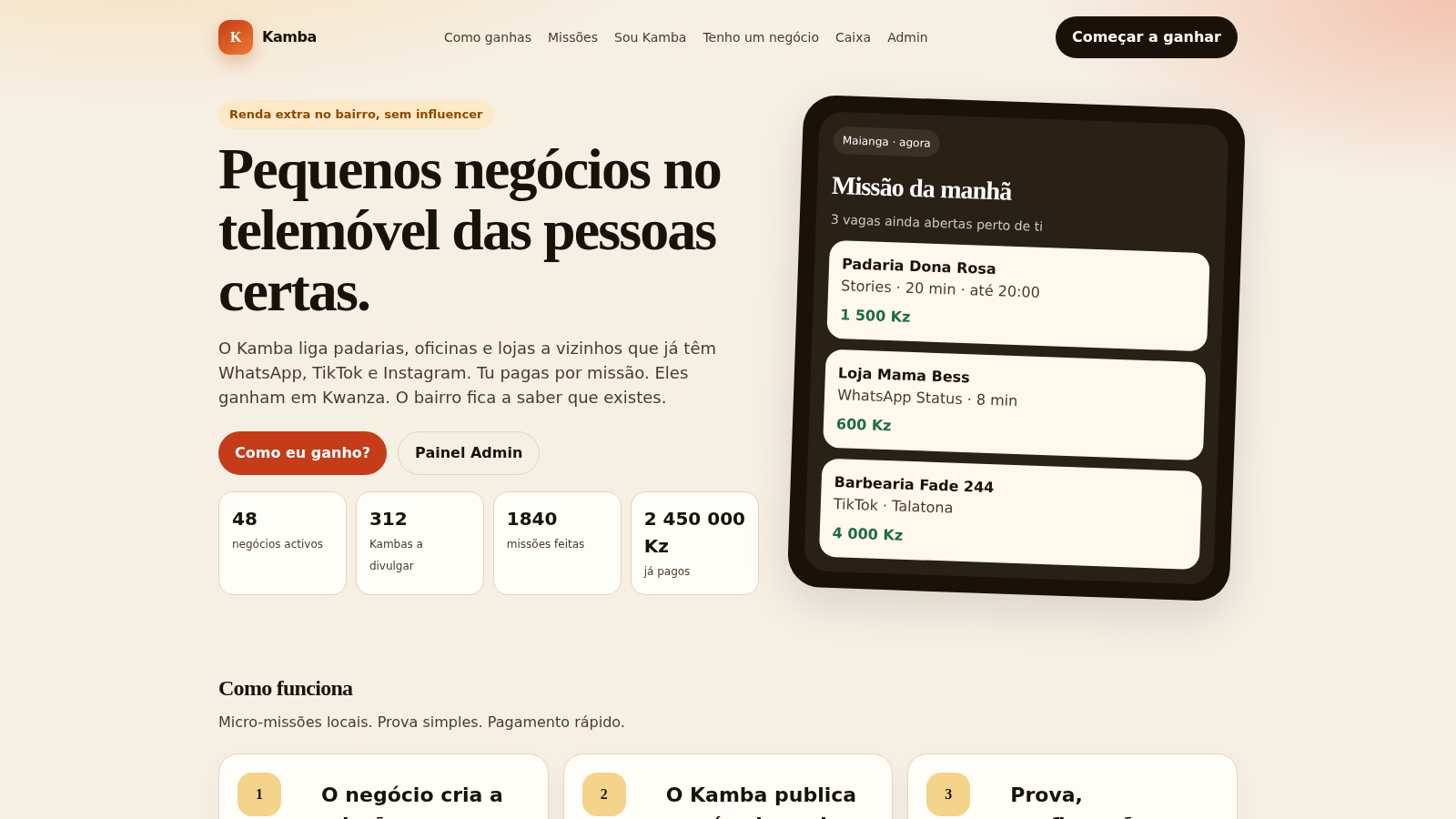
14Kamba — Divulga o bairro
Micro-missões: vizinhos divulgam lojas de Angola e recebem em Kwanza.
 11
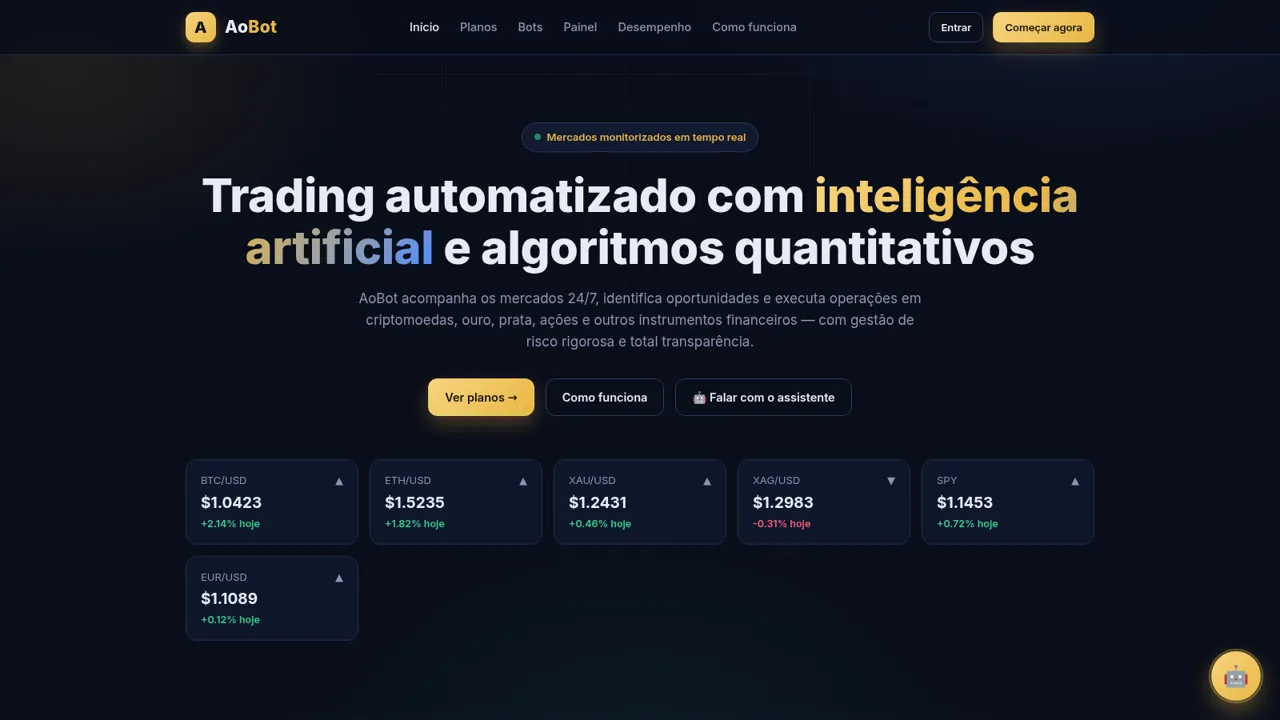
11AoBot Trader
Plataforma de trading automatizado com IA e algoritmos quantitativos