
AKsent — Accent Improvement
Practise British and American English pronunciation with instant scoring
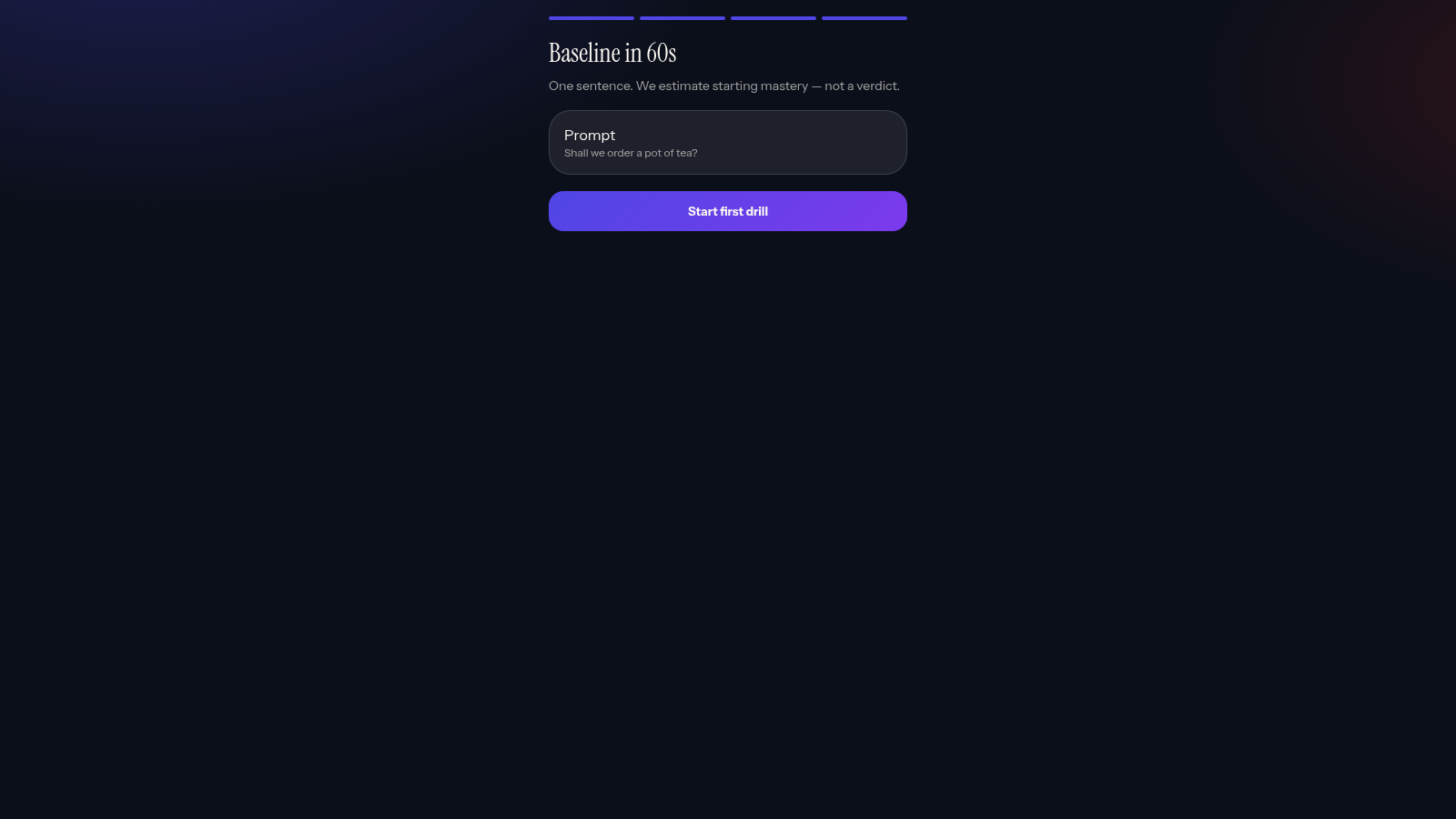
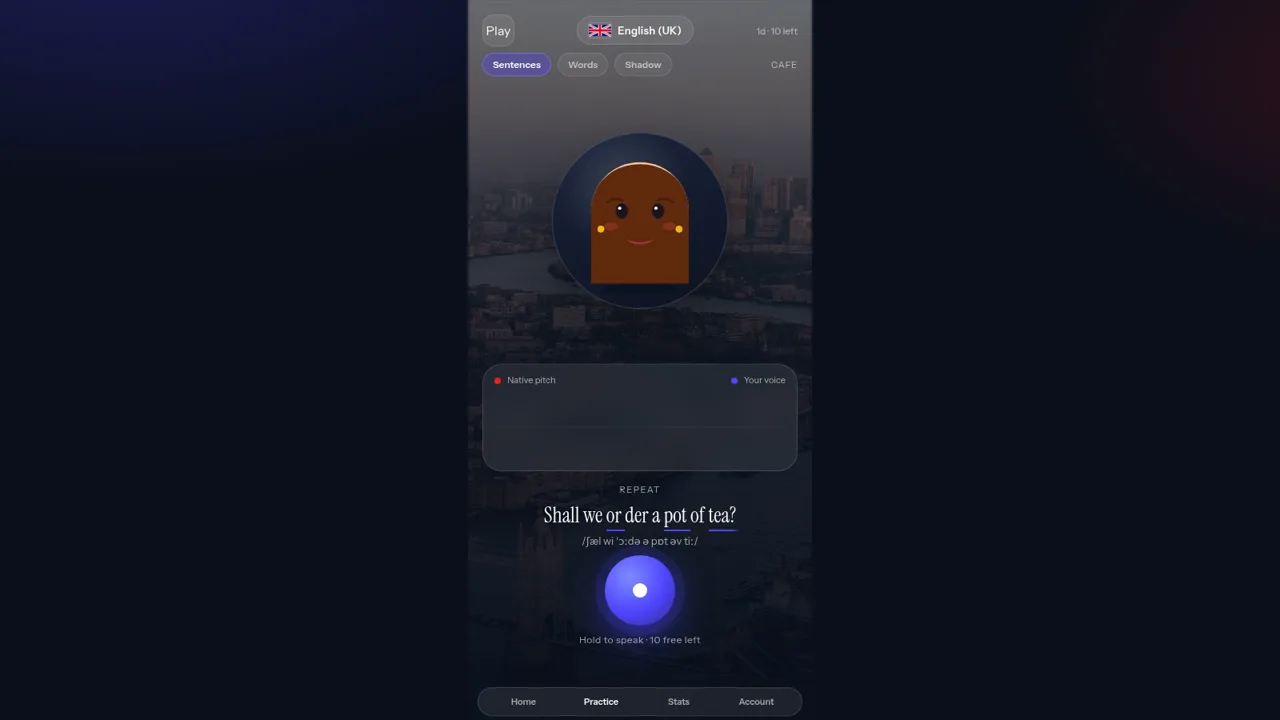
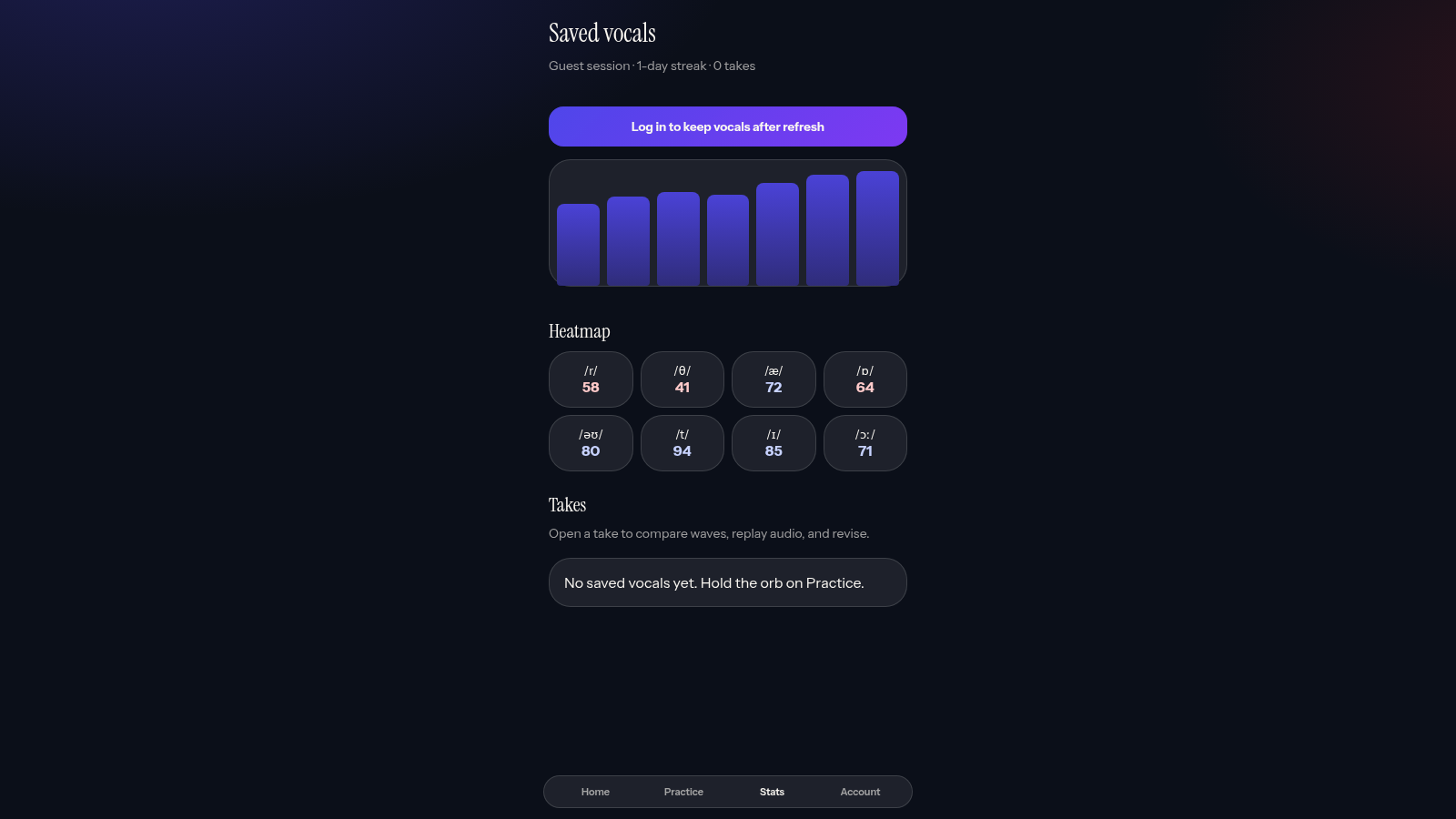
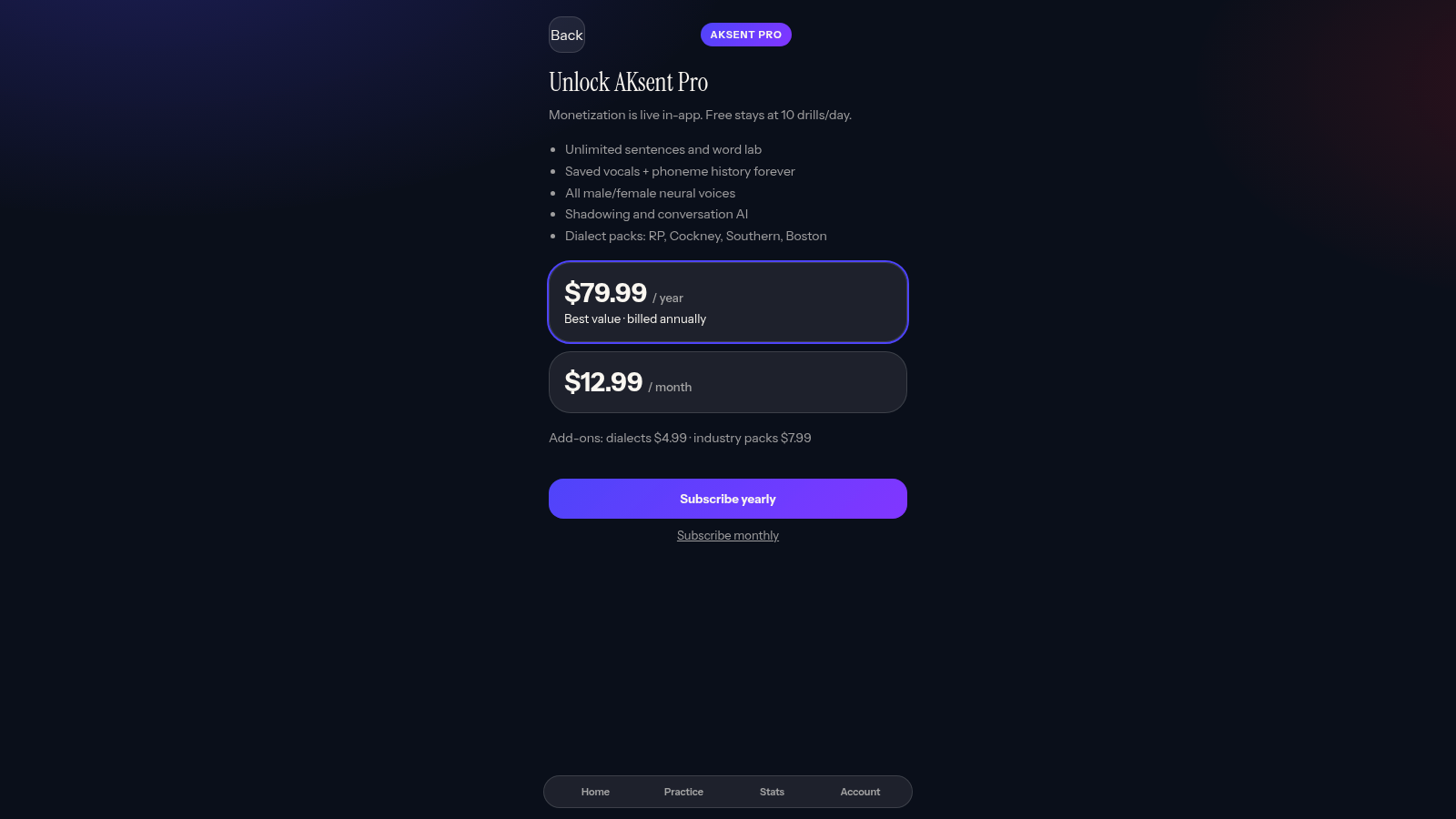
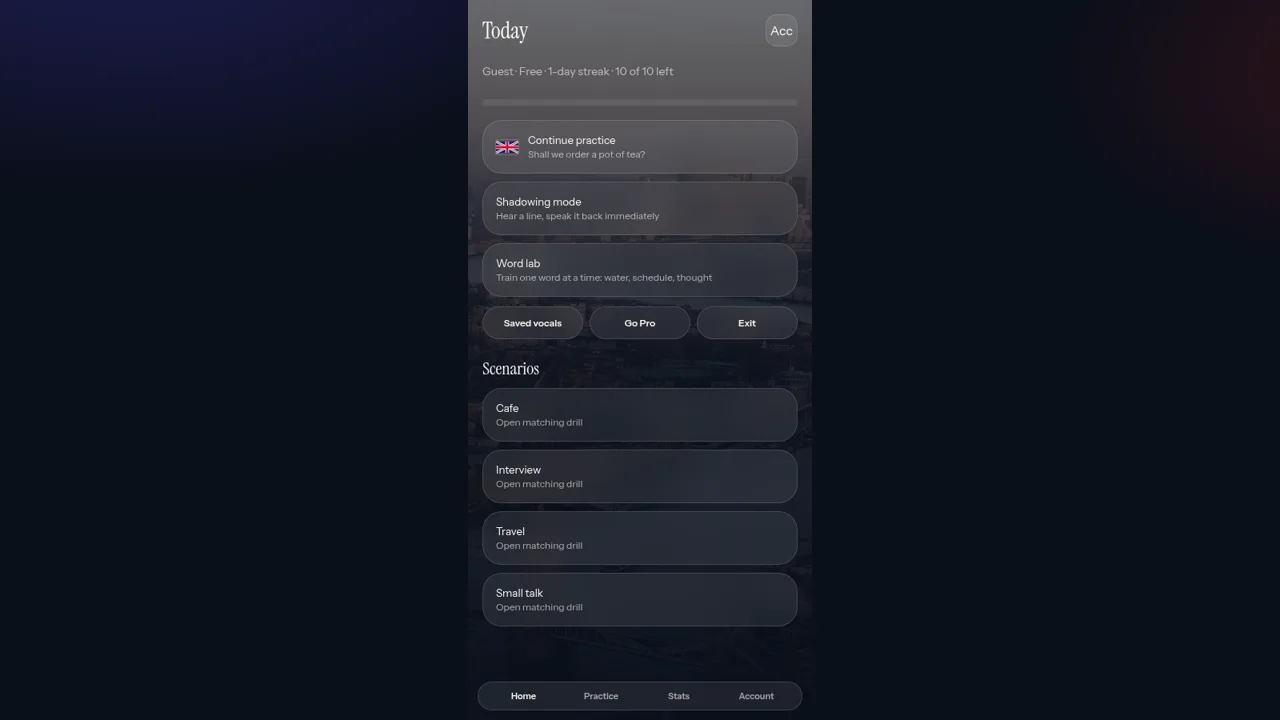
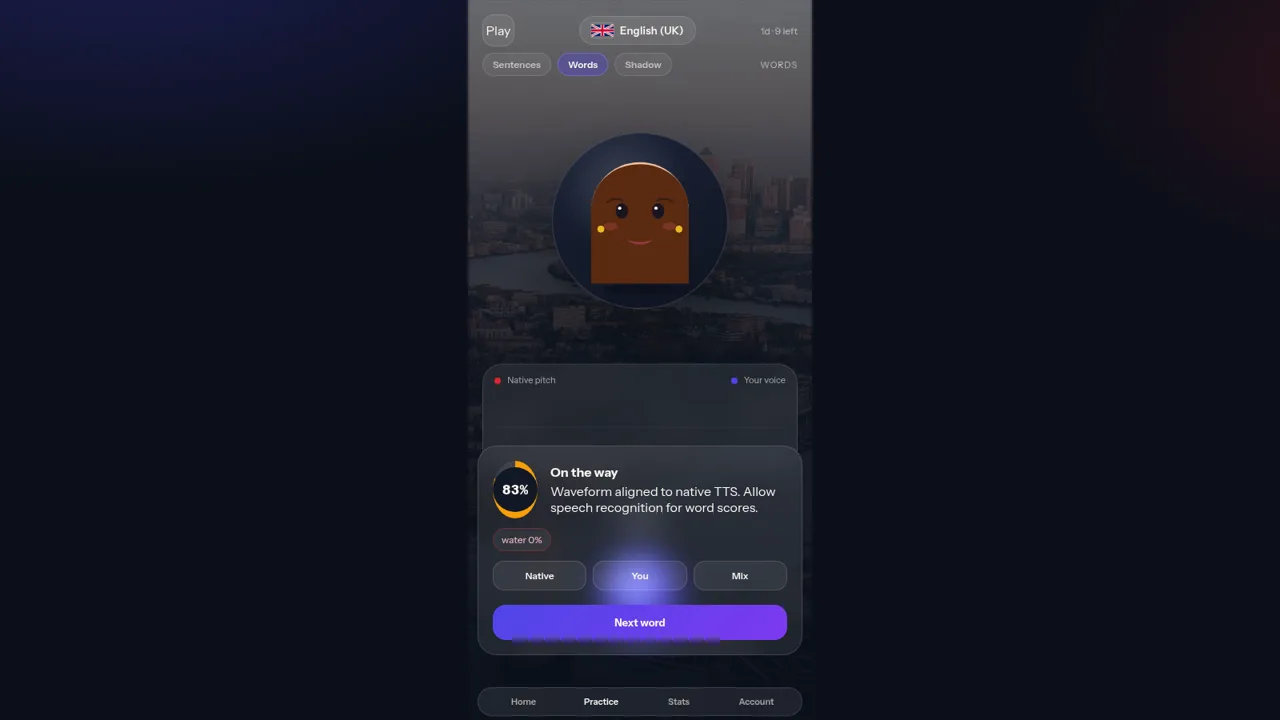
AKsent — Accent Improvement is a browser app that trains English pronunciation in either a British or an American accent. The interface is laid out as a phone screen with Home, Practice, Stats and Account tabs. During setup you choose a target accent and a voice profile, then practice with four scenes (Cafe, Interview, Travel, Small talk) across three modes (Sentences, Words and Shadow). Each prompt shows a syllable-split line with the stressed syllable marked and an IPA transcription, and a Play button speaks it. Holding an on-screen orb records your attempt and returns a percentage score with a Native/You/Mix comparison. Stats keeps recent scores and four phoneme results, and the Account tab tracks the guest session, a free daily quota and a Pro upgrade screen.
Highlights
UK and US accents
Switch any time
Live waveforms
Native vs your voice
Scored takes
Hold orb to score
Four scenes
Cafe, travel, more
How to Use
Set up accent and voice
On first load the app asks for a target accent, British English or American English, and a voice profile such as Female young adult or Male mature. Pick one of each and continue, then the Practice screen opens with the matching city backdrop. The flag pill in the header lets you switch accent later, and the IPA under each line updates with it.
Pick a scene and mode
Use the three tabs under the header to choose Sentences, Words or Shadow, and the scene buttons on the Home screen to choose Cafe, Interview, Travel or Small talk. Each prompt then shows a syllable-split heading with the stressed part highlighted and an IPA transcription beneath it.
Listen to the native model
Tap the Play button in the header to hear the line. The top waveform, labelled Native wave, is drawn while the audio plays, so you can compare rhythm and stress before speaking. In Shadow mode the instruction changes to Play, then speak along.
Record and read the score
Press and hold the orb at the bottom of the screen. While held it shows LISTENING and Release to score; on release it shows Aligning pitch and then a result page with a percentage, a label such as Near-native, and a Native/You/Mix comparison. Press Next word to move on, and open the Stats tab to review past scores and phoneme results.
Similar Sites
 76
76Best Insurance Guide
Expert-written insurance guides, honest comparisons and trusted calculators.
 46
46Caminho Suave
Carreira kids de jiu-jitsu com faixas, aulas e atletas Premium
 45
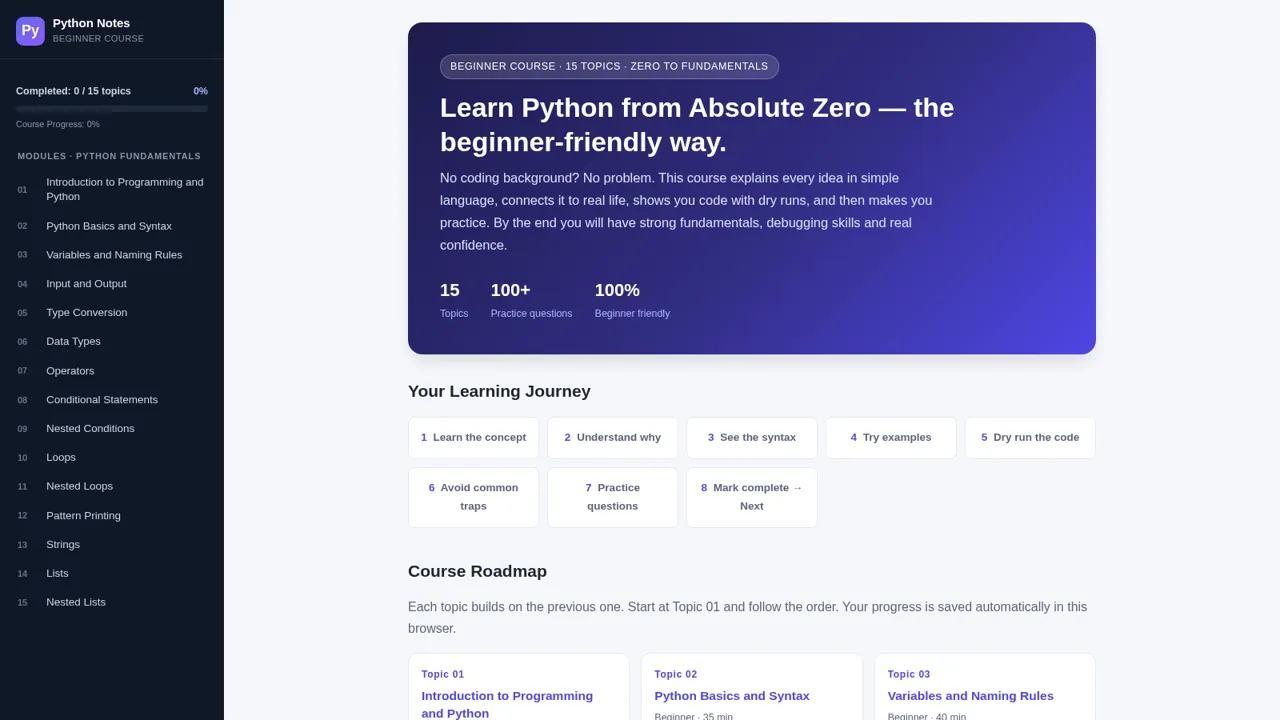
45Python Notes: Learn from Zero
A free beginner-friendly interactive course: learn Python from absolute zero across 15 hands-on topics
 39
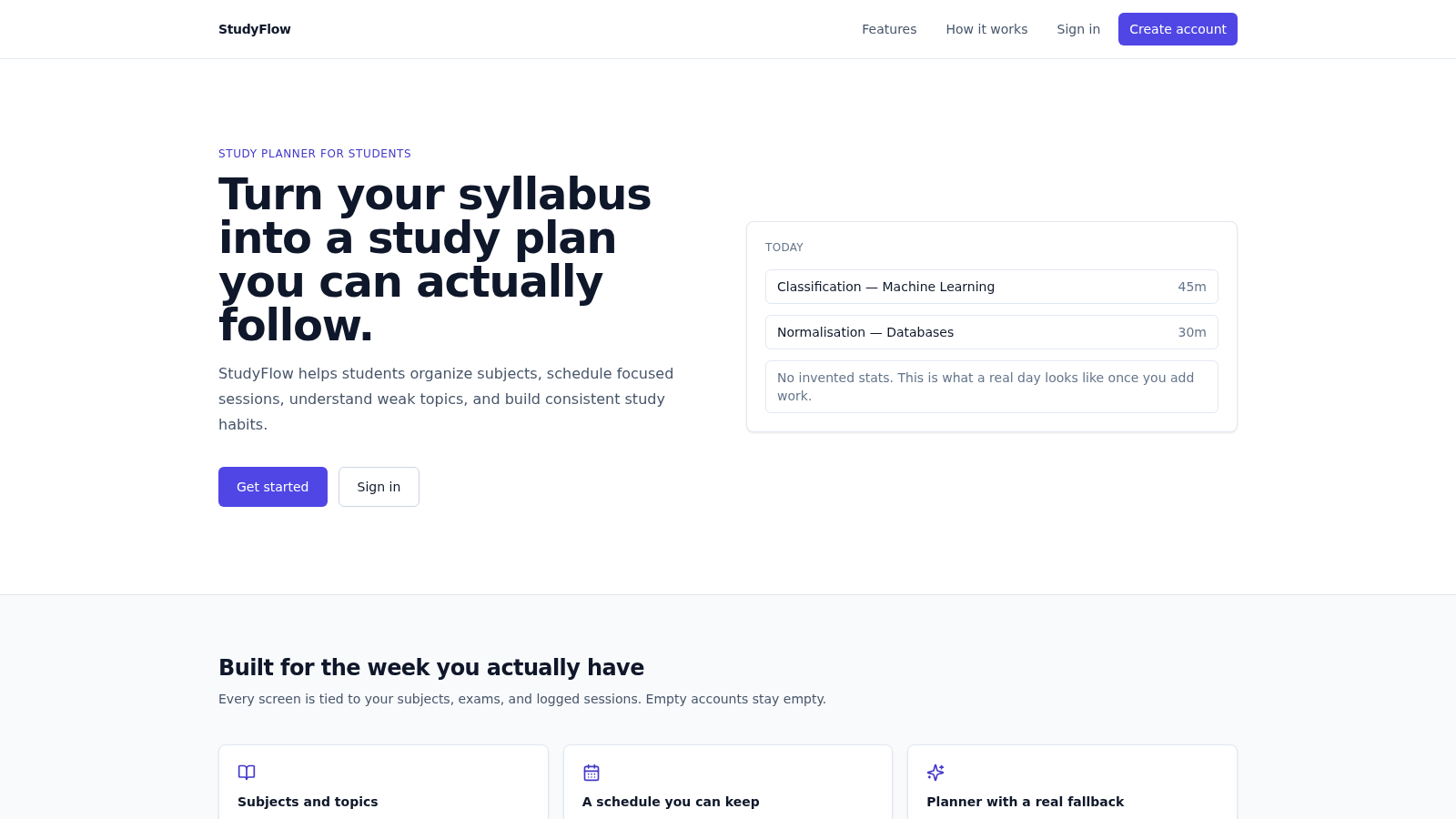
39StudyFlow
Student study planner with subjects, calendar, analytics, and an optional AI scheduler.
 33
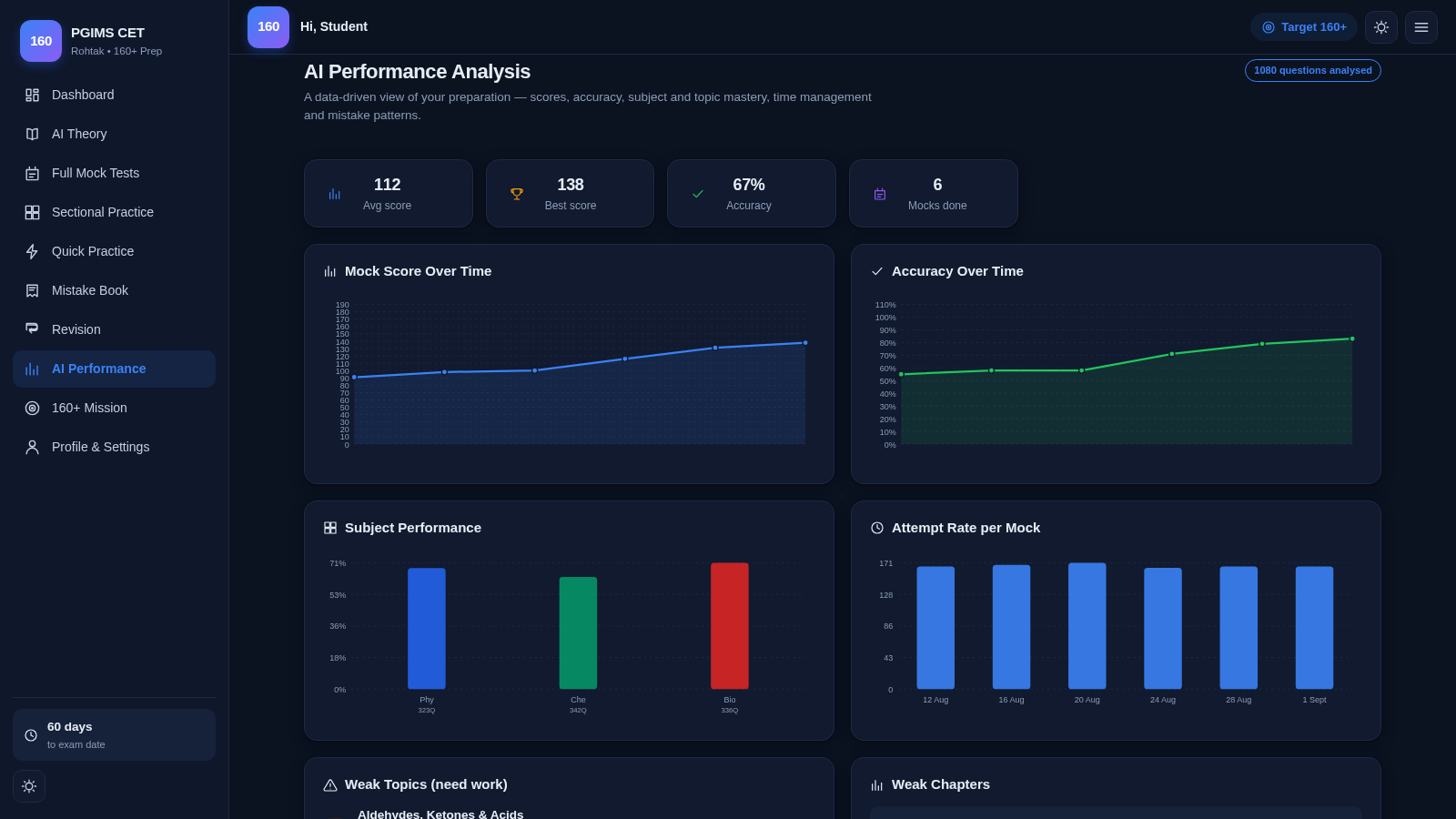
33PGIMS Rohtak CET 160+ Prep
PGIMS Rohtak CET prep: mock tests, AI theory, sectional practice, mistake book.
 32
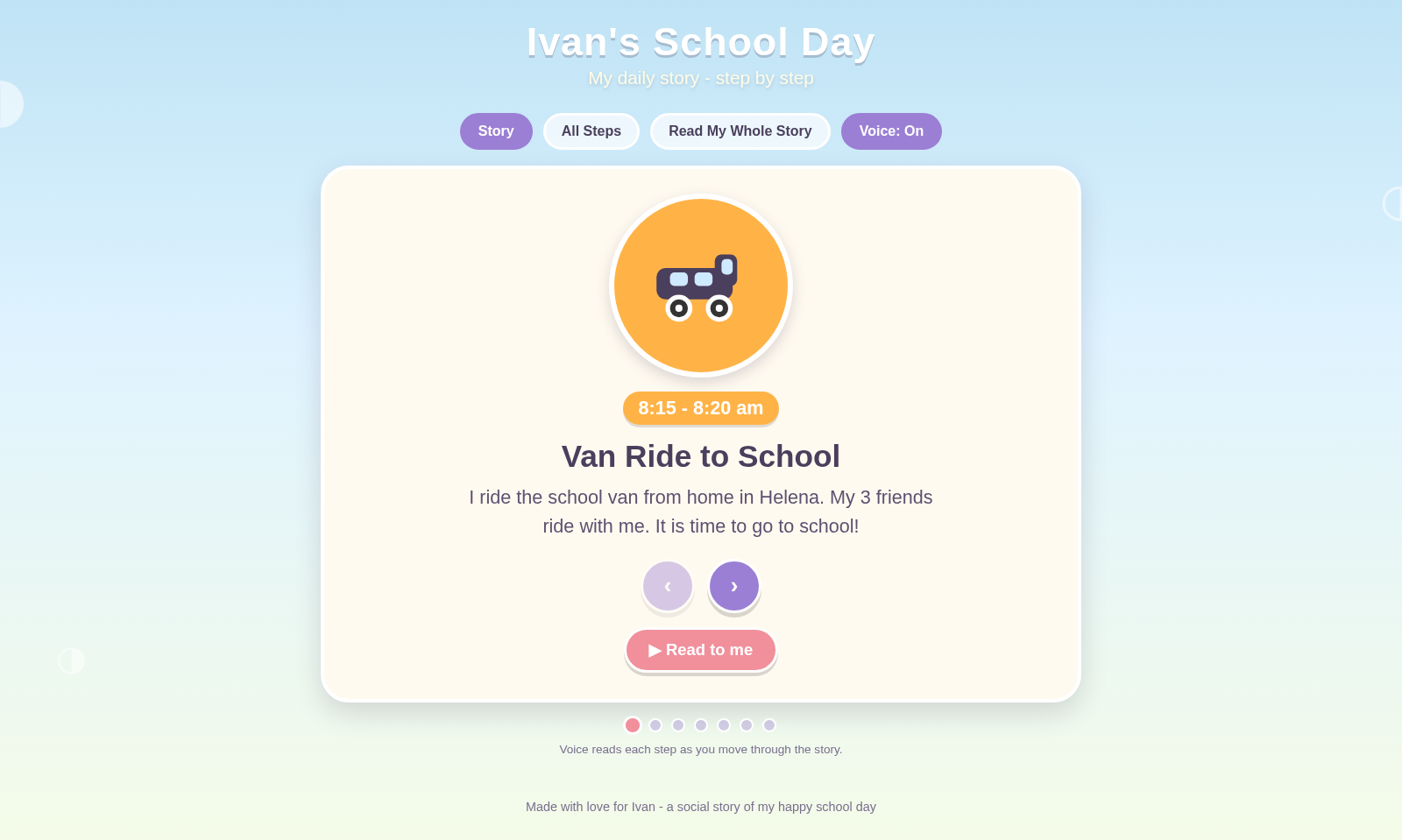
32Ivan's School Day
Ivan's school day routine as a voice-narrated social story