
AgriChem Pocket Field Guide
A field-ready chemical reference for safer dosing, crop protection, and resistance-aware spray planning.
AgriChem Guide combines a searchable agricultural chemical directory with practical tools for field application. Users can browse 187 registered products by category, crop, mode of action, and resistance risk; review active ingredients, registration holders, target pests or diseases, dosage, and pre-harvest intervals; calculate chemical and water requirements for a chosen field area and sprayer tank; build spray sequences across IRAC, FRAC, or HRAC groups; and work through PPE, toxicity, first-aid, and container-handling guidance. The interface also presents an offline-ready guidebook, regulatory and seasonal alerts, and printable field documents.
Highlights
187 Product Records
Detailed field data
Live Dose Planning
Area-based calculations
MoA Rotation
Resistance-aware plans
Safety Protocols
PPE and first aid
How to Use
Find a registered product
Open Chemical Database, search by product or active ingredient, or narrow the list by pesticide category, crop, MoA group, and resistance risk. Each card shows registration details, recommended crops, target organisms, dosage, PHI, and links to dosage, safety, PDF, and detailed views.
Calculate a field prescription
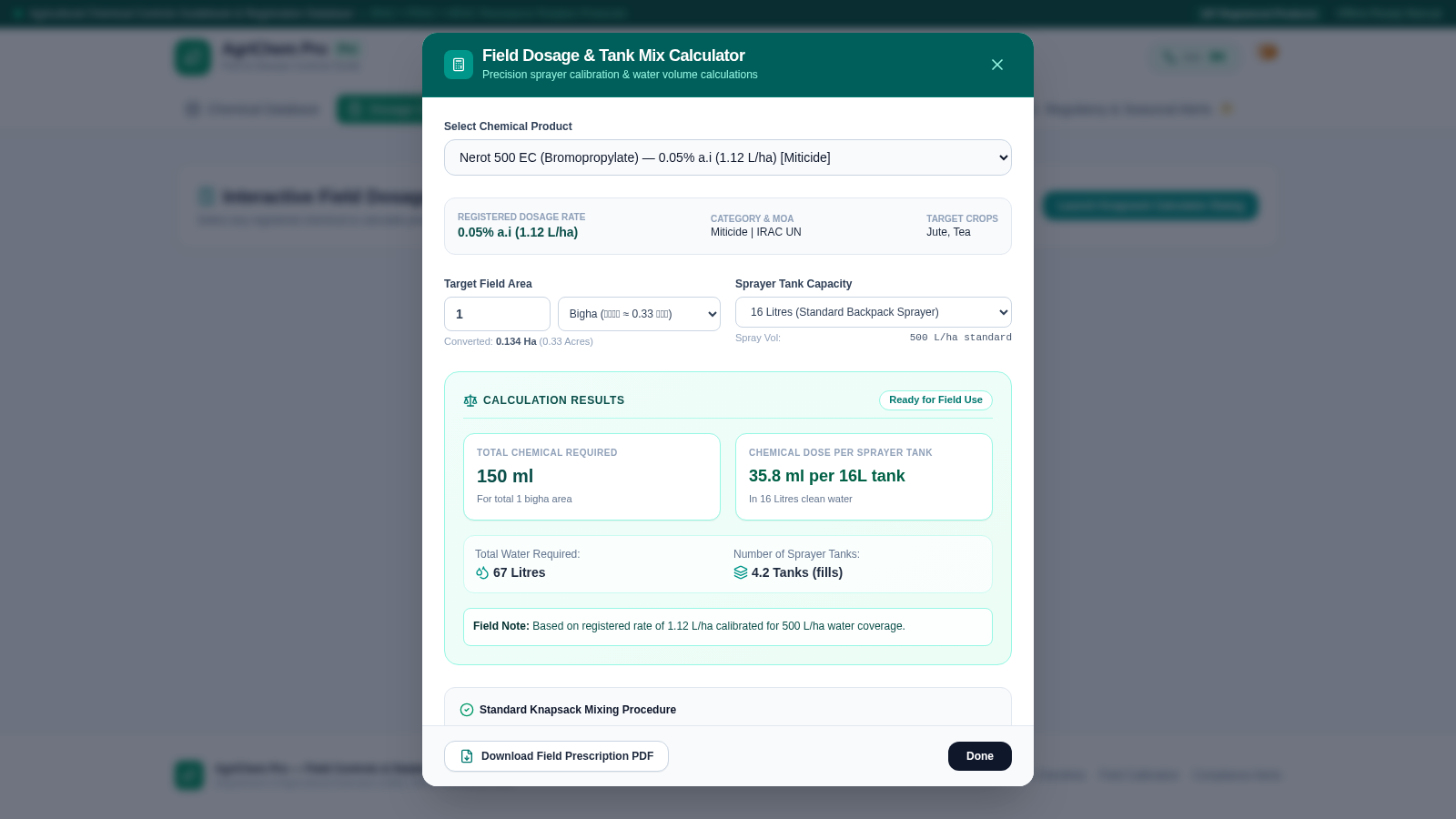
Open Dosage Calculator and choose a chemical product. Enter the target field area, select the area unit and sprayer tank capacity, and review the live calculation for total chemical, dose per tank, total water, and the approximate number of tank fills. The dialog also provides a mixing procedure and a field prescription PDF action.
Plan a MoA rotation
Open MoA and Rotation Planner, select a crop and target pest, disease, or weed, then inspect the available IRAC, FRAC, or HRAC groups. Choose products for sequential application windows and keep consecutive windows on distinct biochemical modes of action before exporting the schedule.
Complete the safety check
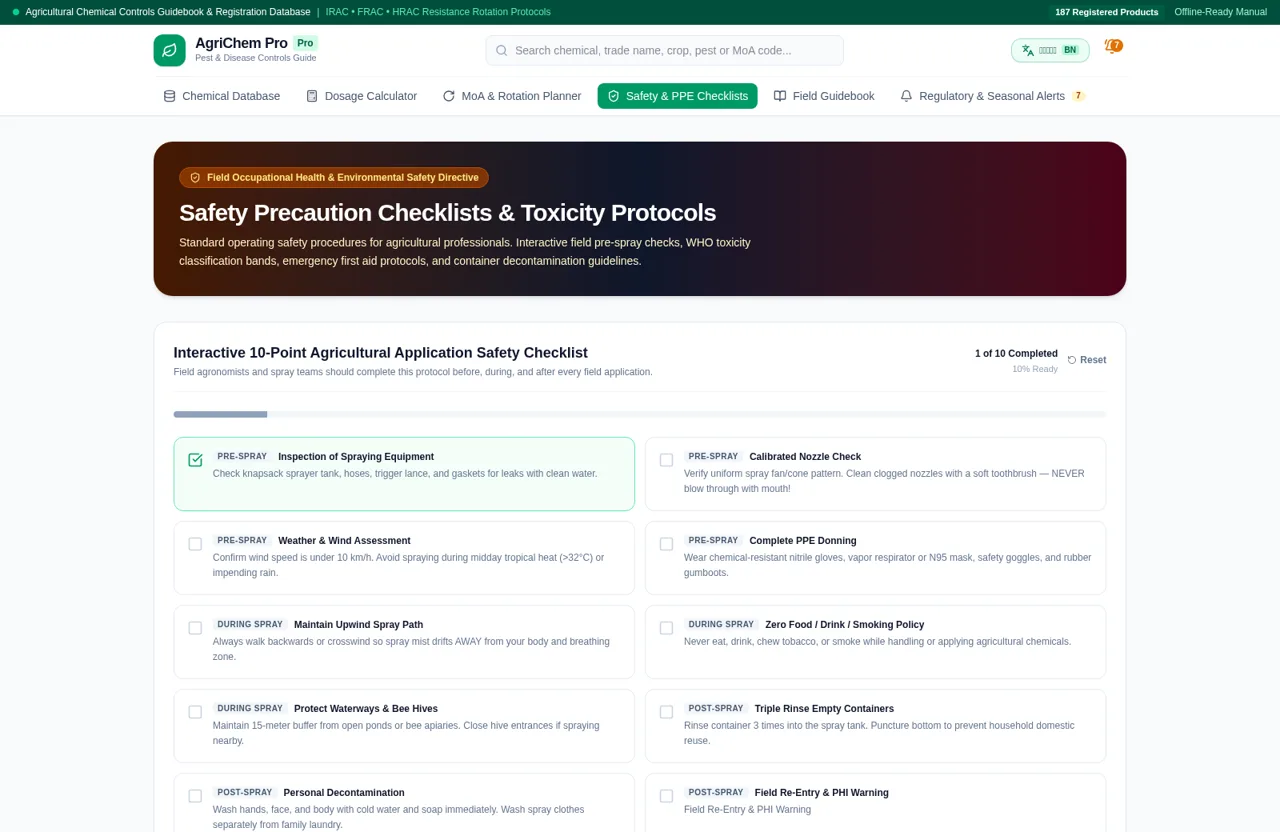
Open Safety and PPE Checklists before spraying and select each completed inspection item. The page updates the completed count and readiness percentage while keeping WHO hazard bands, exposure first aid, PPE requirements, and decontamination guidance nearby.
Similar Sites
 62
62Best Insurance Guide
Expert-written insurance guides, honest comparisons and trusted calculators.
 7
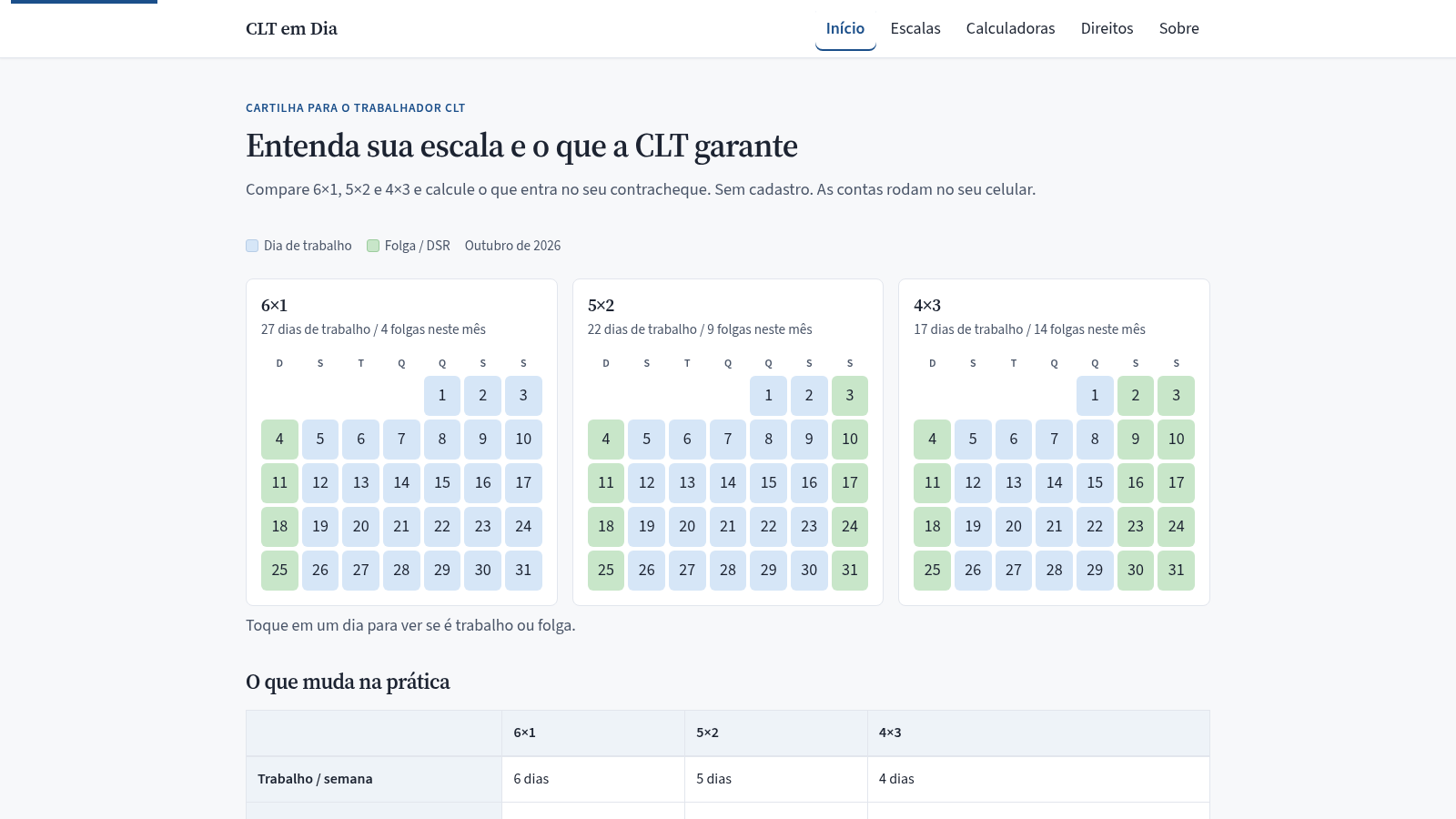
7CLT em Dia
Compare escalas 6x1, 5x2 e 4x3 e calcule hora extra, DSR e rescisão.
 24
24A Guerra do Estoque
Jogo educacional de controle de estoque com certificado em PNG
 15
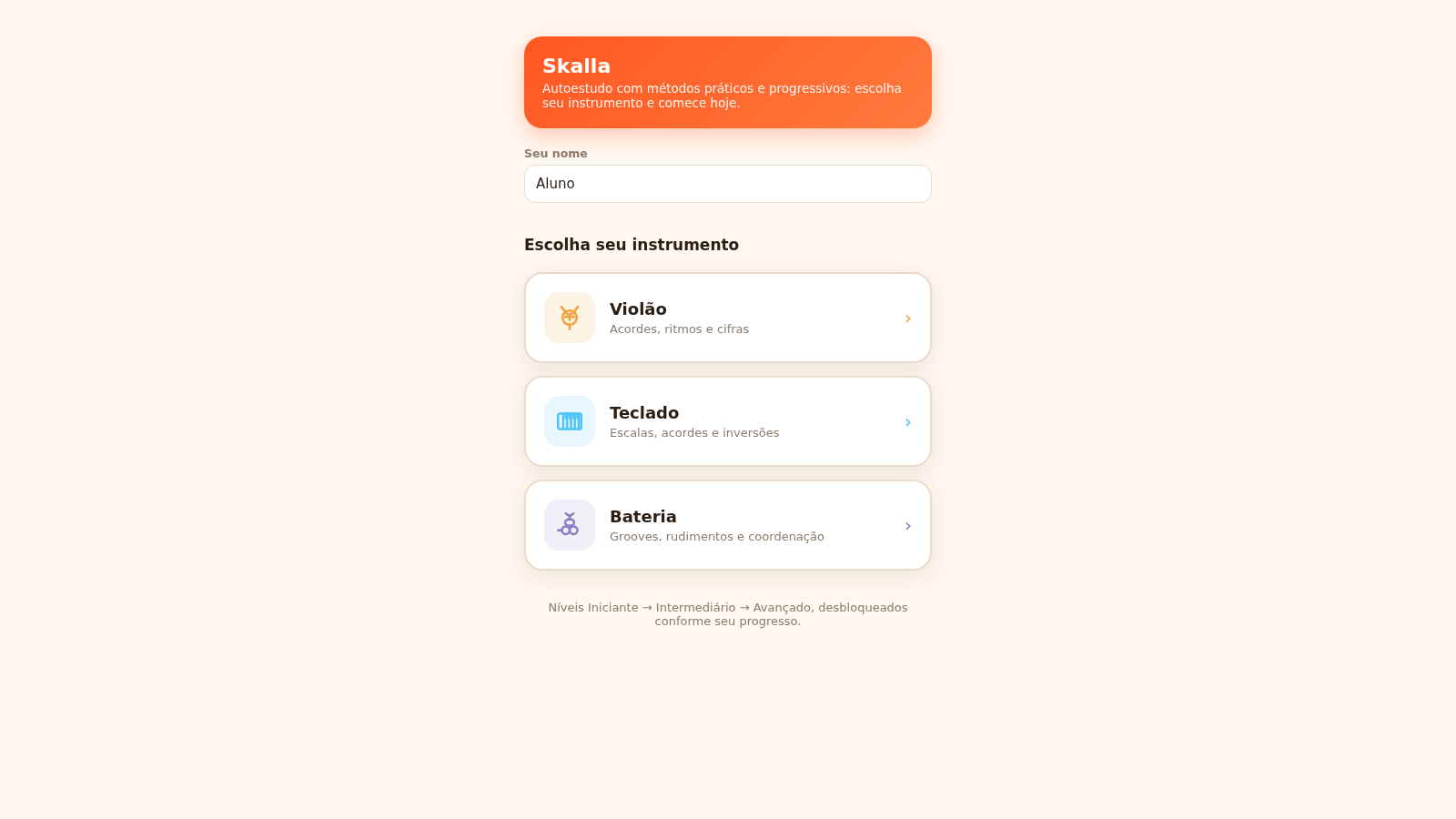
15Skalla
Skalla - autoestudo de música: violão, teclado e bateria
 12
12CodeNest
Student coding studio with a live editor for 18 languages.
 8
8Teaching Kids with AI
A practical parent's guide to raising AI-literate children at home