
يوتيوب استوديو
A right-to-left Arabic YouTube Studio dashboard demo covering content, analytics and monetization.
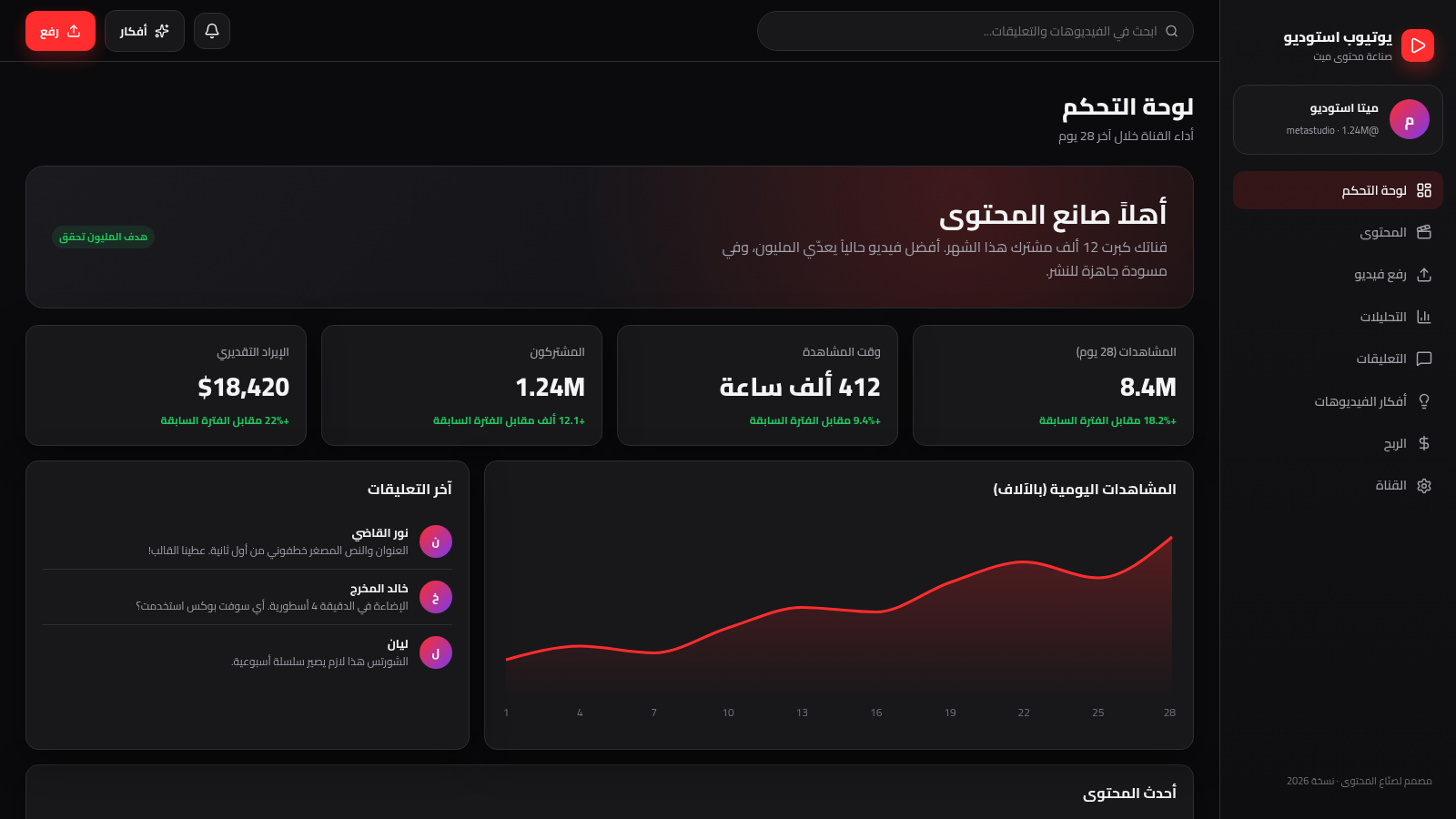
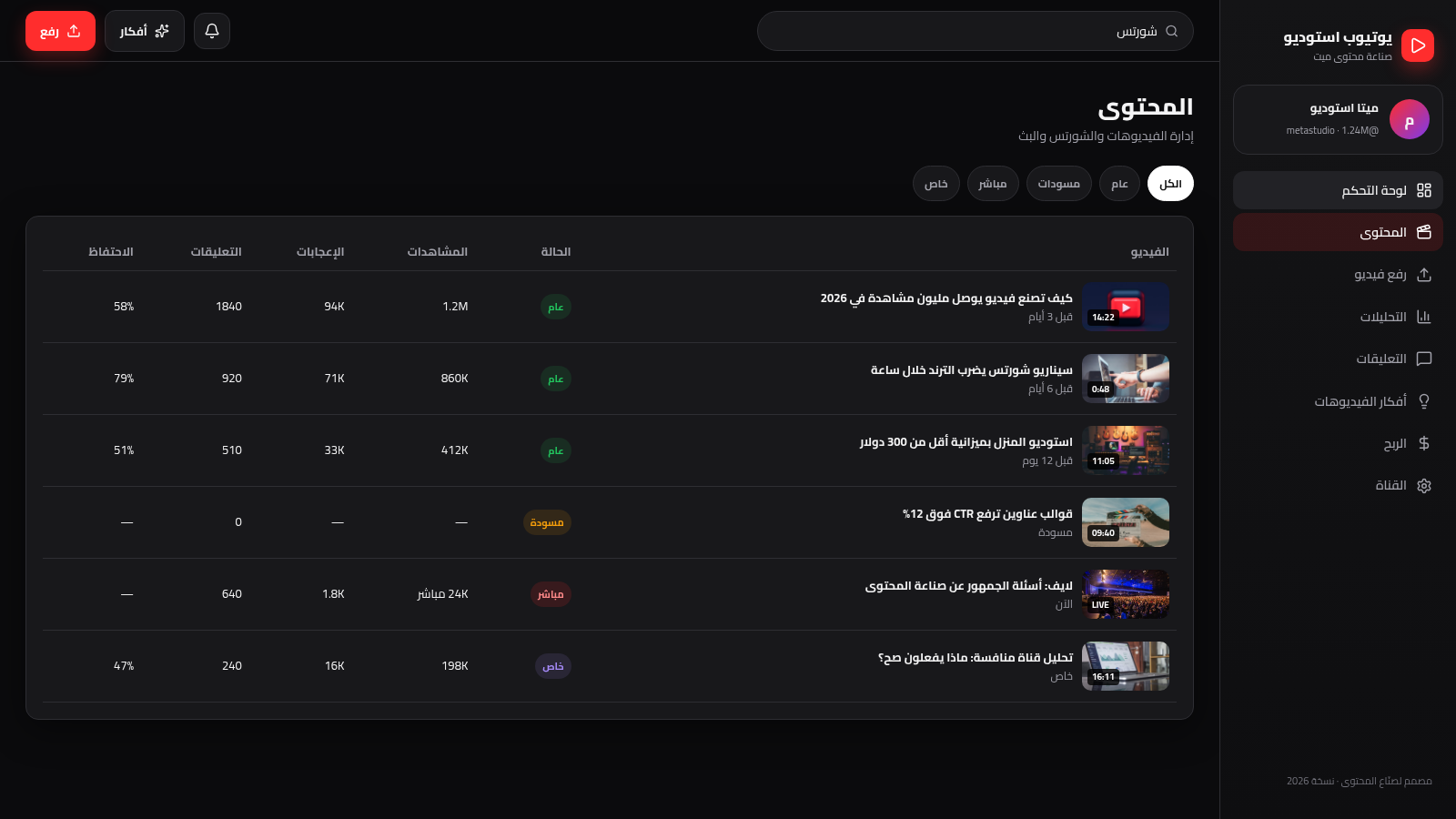
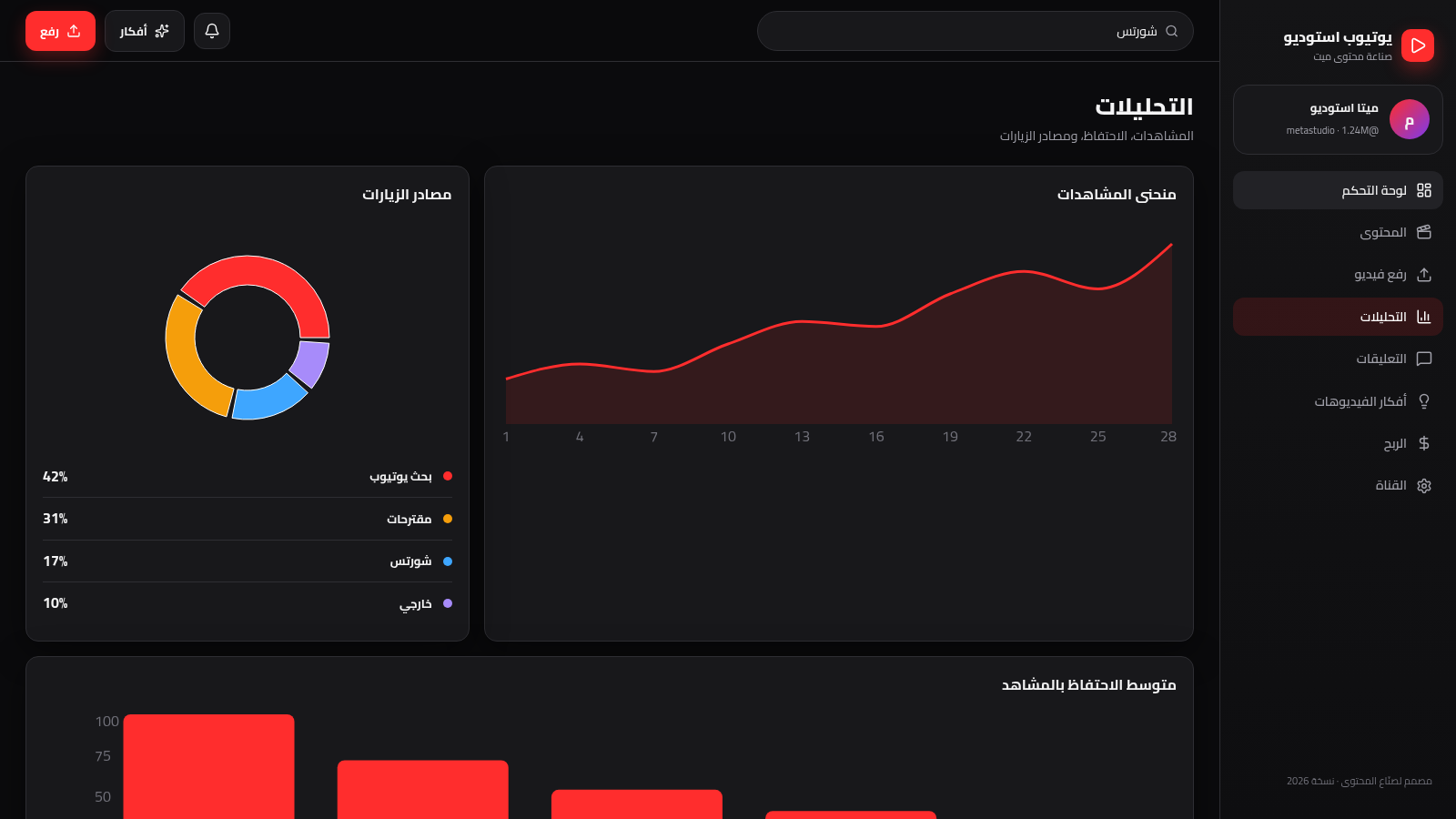
This is a single-page web demo that recreates a YouTube Studio style creator dashboard in Arabic. A right-hand sidebar switches between eight sections: a channel dashboard, a content library, an upload form, analytics, comments, video ideas, monetization and channel settings. The dashboard shows view, watch-hour, subscriber and revenue cards plus a 28-day views chart; the content page is a filterable table of videos and Shorts; the upload page collects a title, description, keywords and visibility; analytics presents traffic-source, view and retention charts; comments offers moderation controls; ideas lists ready-made titles with hooks; monetization reports revenue, RPM and sponsorship figures; and settings edits the channel identity. All numbers are illustrative sample data.
Highlights
RTL creator studio
Arabic dashboard layout
Filterable content
All, draft, live tabs
Chart analytics
Views and traffic
How to Use
Start at the dashboard
Open the site and the dashboard loads first. Four metric cards show views, watch hours, subscribers and estimated revenue with month-over-month changes, a line chart plots daily views across a 28-day axis, and side panels list recent comments and the latest content. The right-hand sidebar is always visible for moving between sections.
Browse and filter content
Use the sidebar to open the content page, which displays a table of videos and Shorts with thumbnails, titles, status badges, views, likes, comments and retention. The tabs above the table switch between All, Public, Drafts, Live and Private, and the table updates immediately to show only the matching rows.
Explore upload and analytics
On the upload page you can drag a file onto the dropzone or open the file picker, then fill in the title, description and keywords, choose public, unlisted, private or draft visibility, and use the publish or schedule button. The analytics page shows a traffic-source donut chart, a 28-day views line chart and a retention bar chart; the ideas, monetization and channel pages complete the tour with sample data and editable settings.
Similar Sites
 2
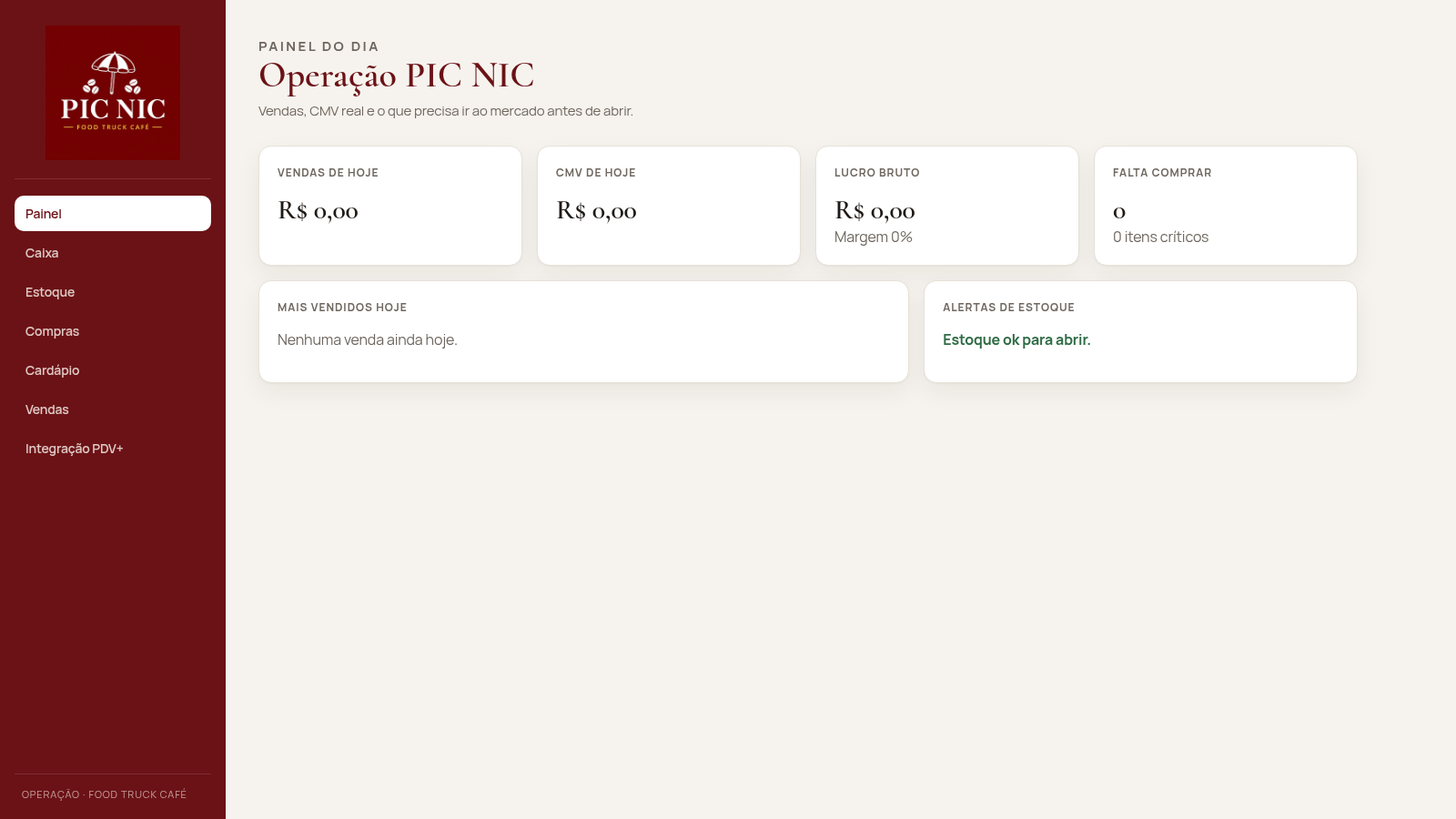
2PIC NIC Caixa e Estoque
Caixa, estoque por receita e CMV real para o food truck PIC NIC.
 1
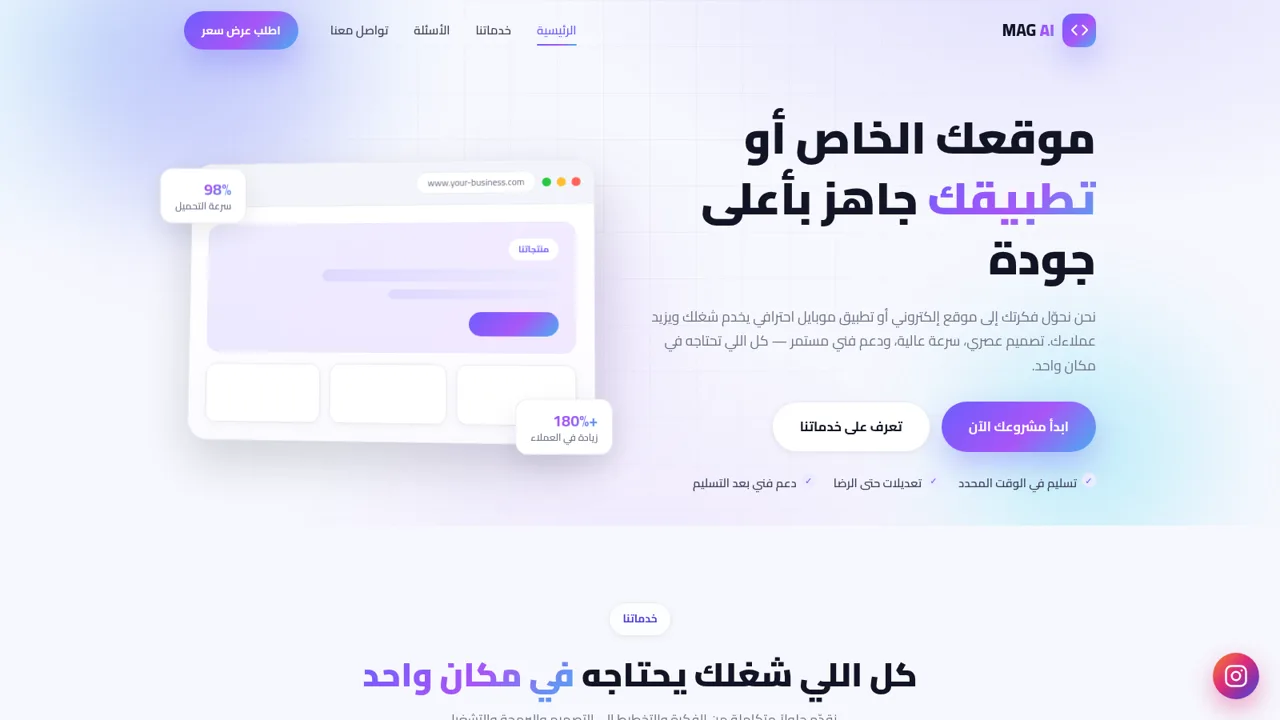
1MAG AI - تصميم مواقع وتطبيقات
استوديو متخصص في تصميم وتطوير المواقع الإلكترونية وتطبيقات الموبايل
 413
413Smile Patisserie
Smile Patisserie menu: cakes, oriental, bakery, and WhatsApp cart
 446
446حاسبة رسوم الجمعية
حاسبة رسوم الجمعية لوكلاء Money Fellows — حساب القسط وصافي القبض شهر بشهر.
 126
126Agenda de Pedidos - Confeitaria
Agenda digital de pedidos para confeitaria com integração WhatsApp
 49
49SGI CONTROL
Sistema Integrado de Gestão da Qualidade (ISO 9001) com painel B2B multiempresa