
2tan
A Persian RTL boutique where you can spin every product in 360 degrees and order in minutes
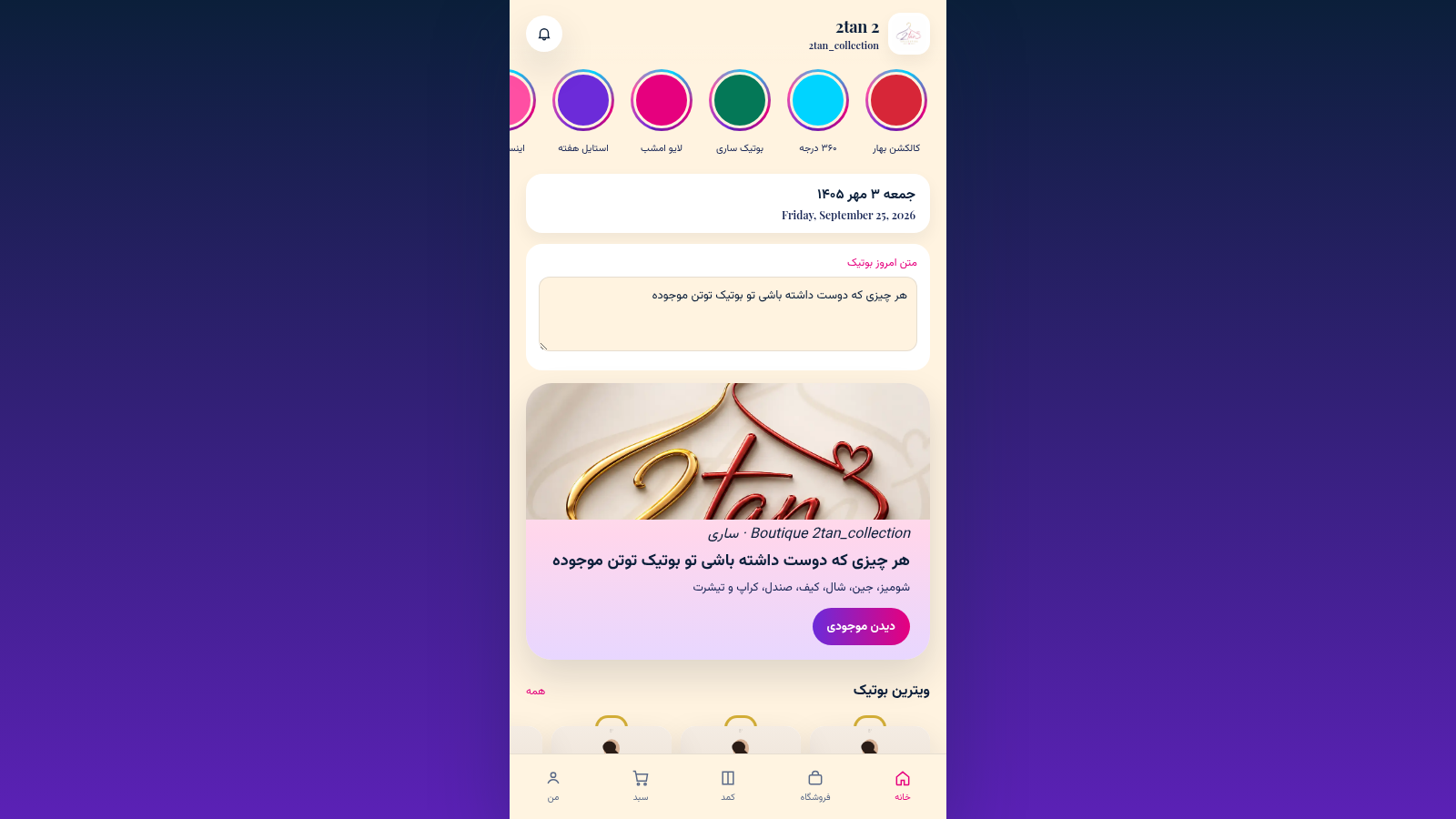
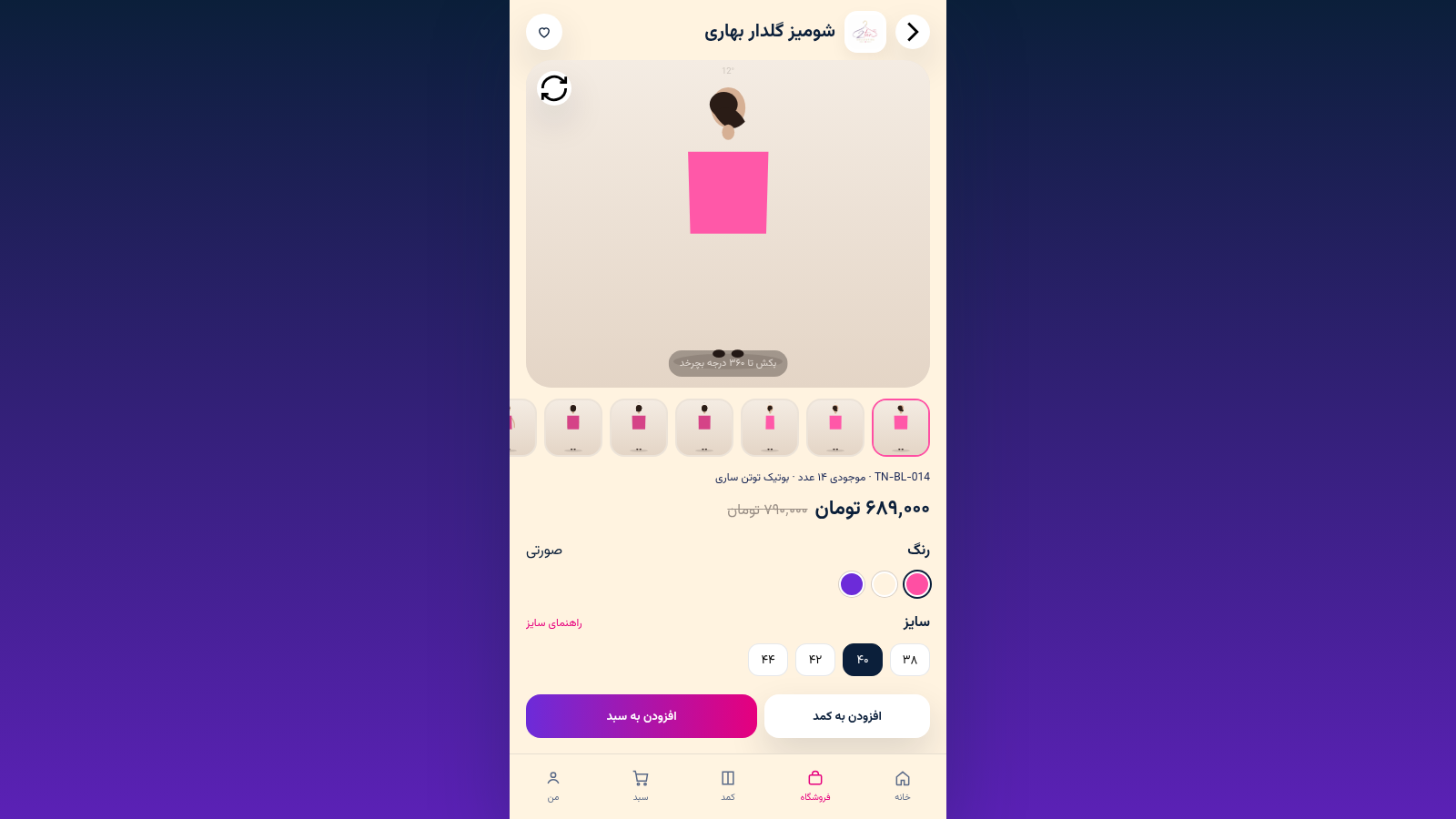
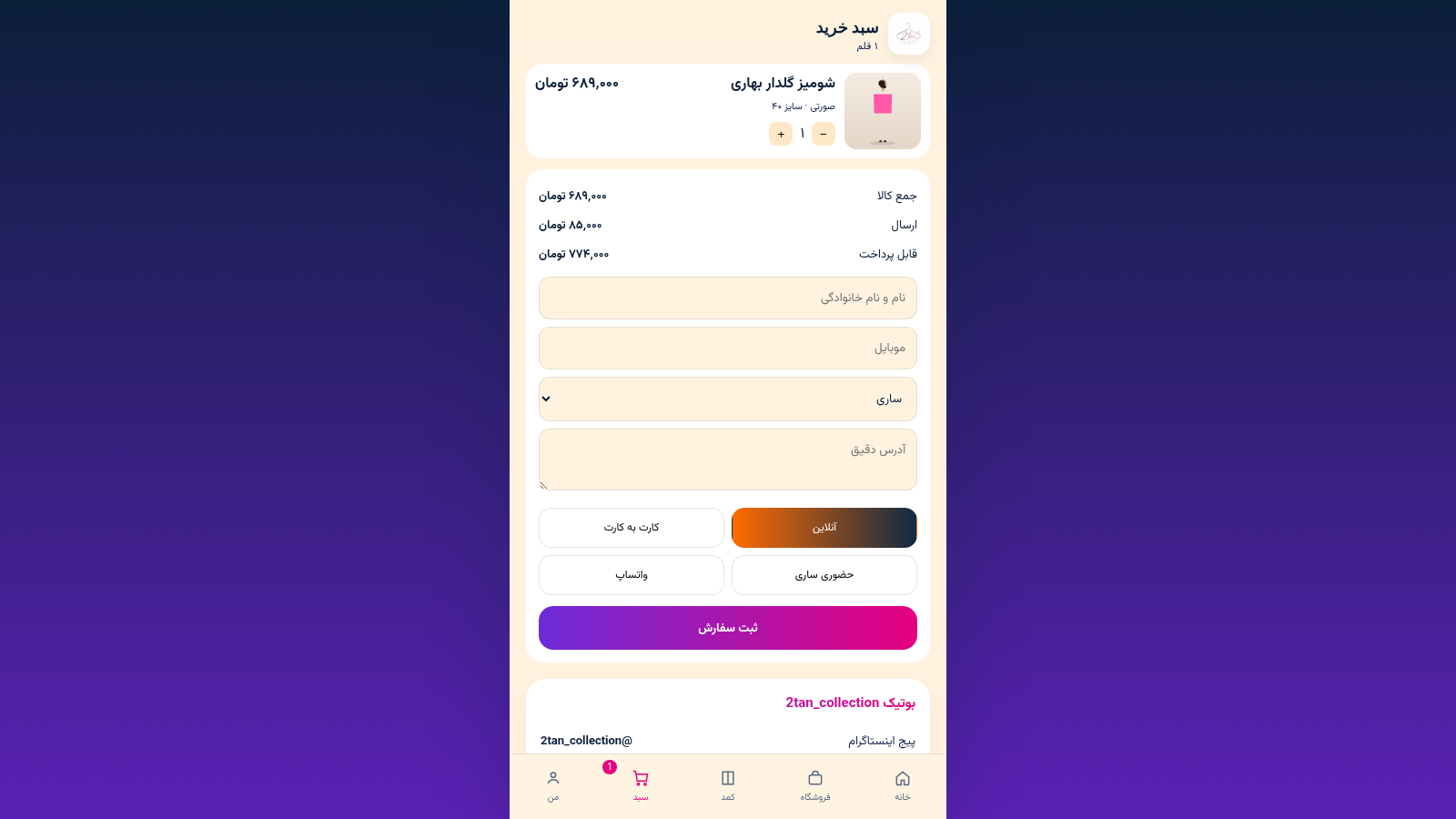
2tan_collection is a Persian-language, right-to-left online boutique for a real clothing shop in Sari, Iran. The homepage presents a hero banner, a featured showcase and quick category chips, while the shop lists sixteen apparel and accessory items with prices in Toman. Each product opens a detail view with a draggable 360-degree rotation, color and size selection, a size guide and a spec table, and can be saved to a closet or added to the cart. The cart recalculates subtotal, shipping and total as quantity and destination city change, and supports online payment, card-to-card transfer, in-person pickup or ordering through two WhatsApp numbers. Placing an order creates an order record that appears in a personal account area alongside closet and wishlist counters, and a separate owner login opens product management.
Highlights
360 product rotation
Drag images to spin
Fixed-price catalog
16 items with tags
City-based shipping
Delivery fee by city
Multi-way checkout
Online or WhatsApp
How to Use
Browse the collection
Open the Shop tab to see all sixteen items. Use the category buttons or the search field above the grid to narrow down blouses, jeans, scarves, bags and more, and tap the heart on a card to add it to your favorites.
Inspect a product
Tap any card to open its detail page. Drag the product image left or right to rotate it 360 degrees. Below the viewer you can read the stock code, available quantity, current and original price, then choose a color swatch and a size, or open the size guide for reference.
Add it to the cart
Choose either add to closet for later or add to cart to buy now. If you go to the cart, use the plus and minus buttons to set the quantity and pick your destination city from the dropdown; the line subtotal, shipping fee and payable total update immediately.
Place the order
Fill in your full name, mobile number and exact address, then pick a payment method: online, card-to-card, in-person at Sari, or one of the WhatsApp options. Press submit order to create the order, which will then appear under your account with its city, payment method and status.
Similar Sites
 413
413Smile Patisserie
Smile Patisserie menu: cakes, oriental, bakery, and WhatsApp cart
 447
447حاسبة رسوم الجمعية
حاسبة رسوم الجمعية لوكلاء Money Fellows — حساب القسط وصافي القبض شهر بشهر.
 126
126Agenda de Pedidos - Confeitaria
Agenda digital de pedidos para confeitaria com integração WhatsApp
 49
49SGI CONTROL
Sistema Integrado de Gestão da Qualidade (ISO 9001) com painel B2B multiempresa
 49
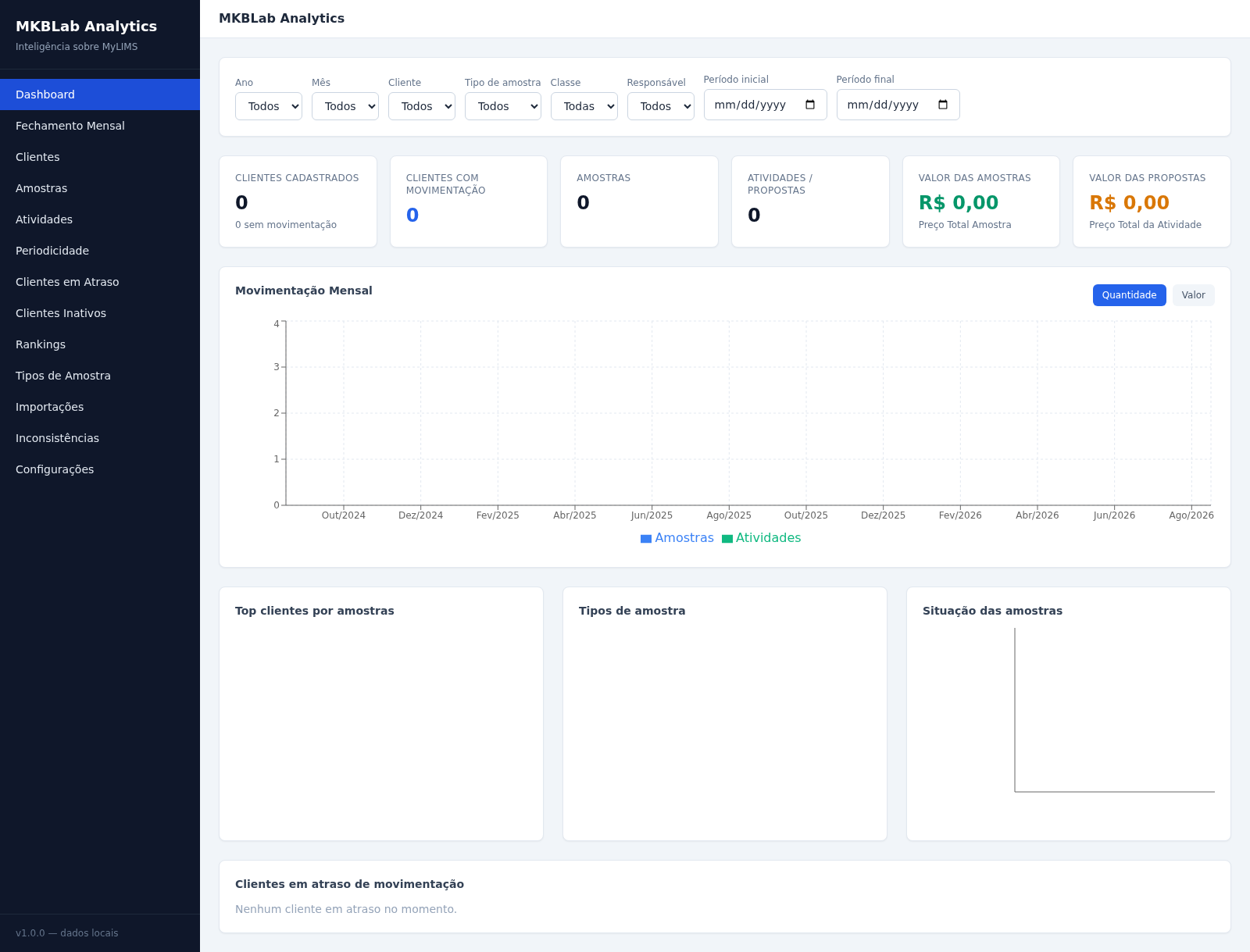
49MKBLab Analytics
Dashboard gerencial com importação de relatórios XLSX do MyLIMS
 70
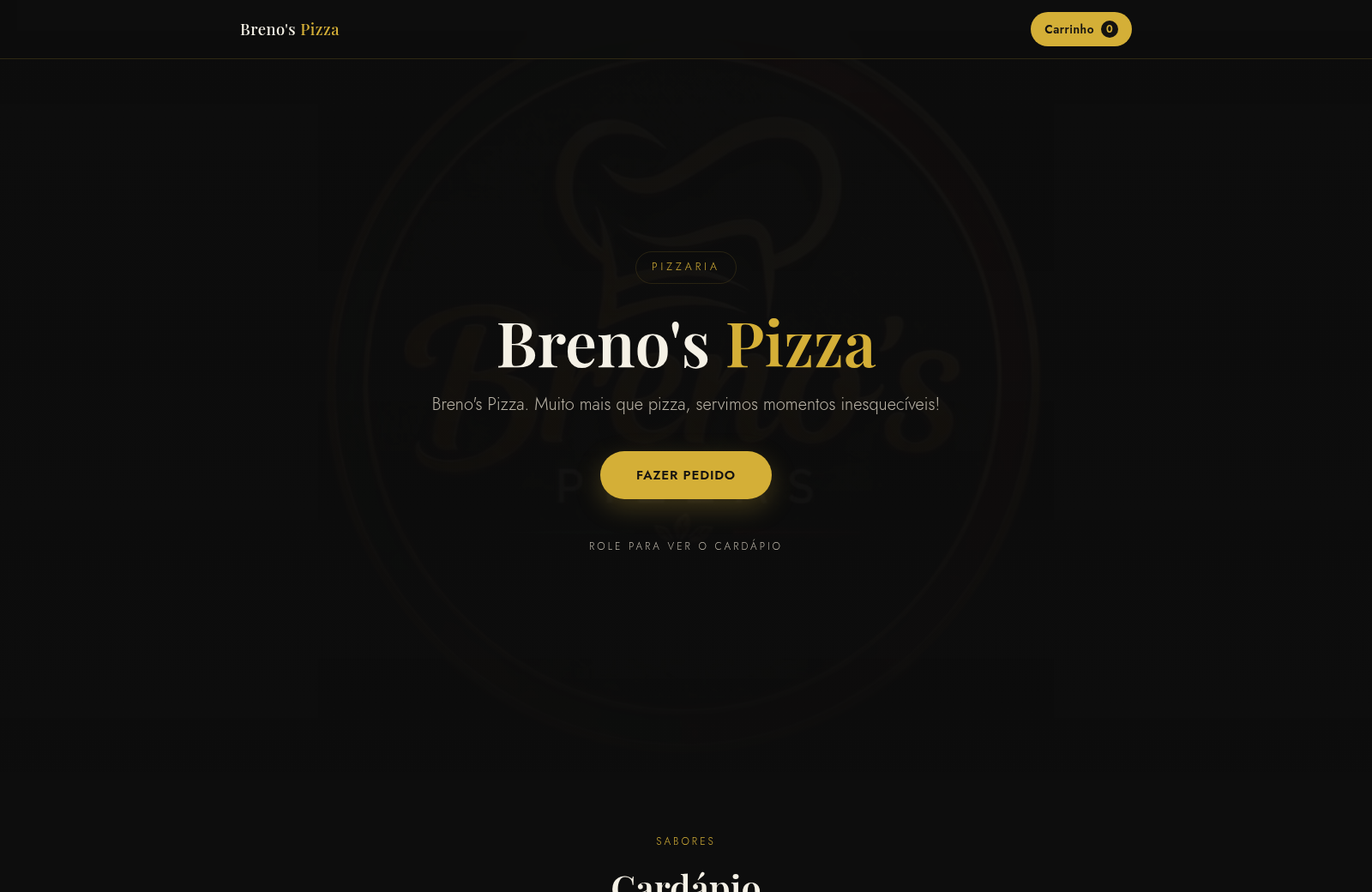
70Breno's Pizza
Breno's Pizza. Muito mais que pizza, servimos momentos inesqueciveis! Peça a sua pizza pelo WhatsApp.