
ZEUS Local AI Workstation
A private local AI tutor that runs GGUF models in your browser
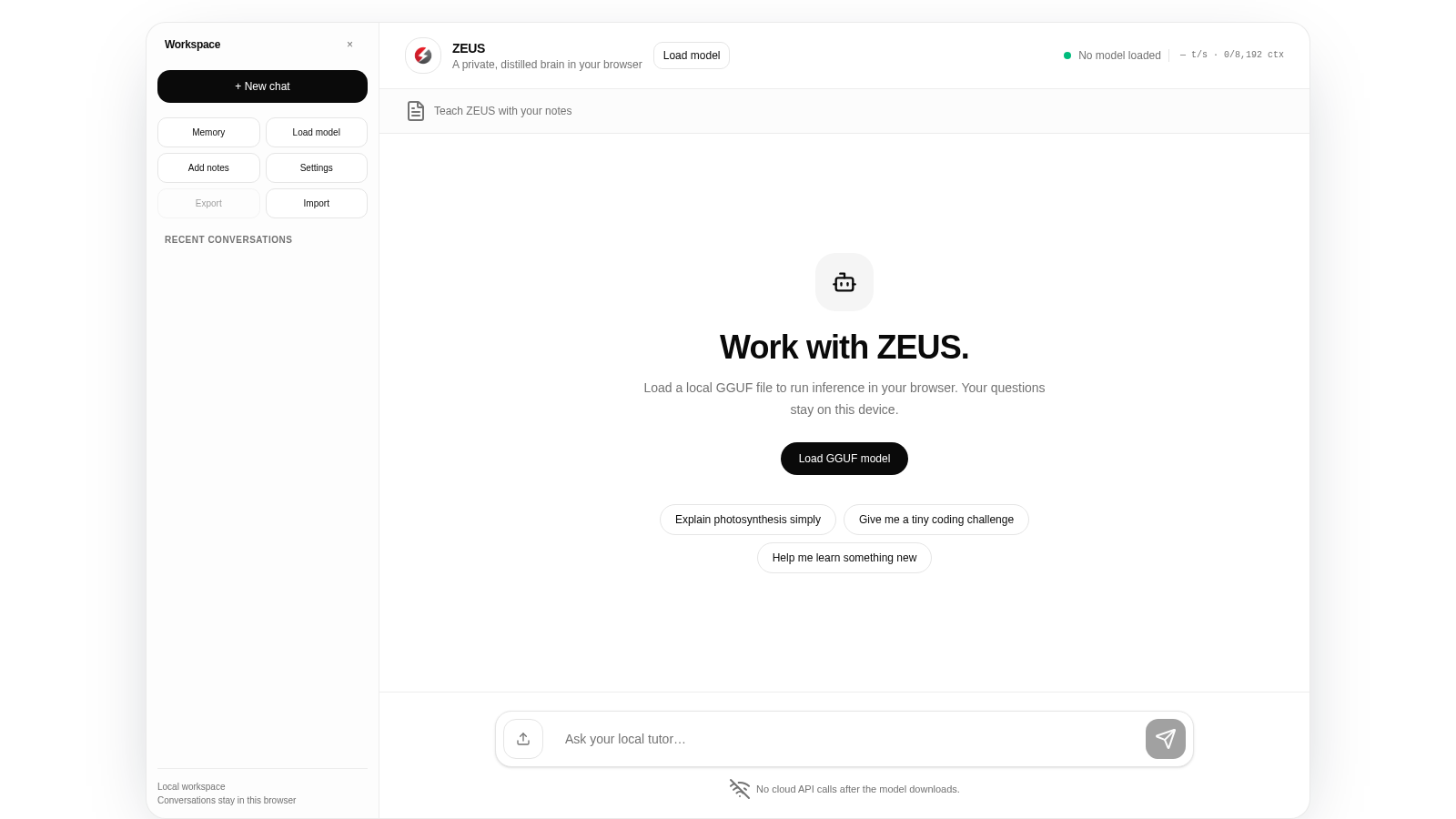
ZEUS is a browser-based workspace for running local GGUF language models as a personal tutor. After loading a model file, you can chat with it, choose among five built-in skills, upload notes and documents to build a memory library for source-aware answers, adjust temperature, response length and context size, and export or import conversations. All processing happens on the device, and no cloud API calls are made once the model has loaded.
Highlights
Fully local privacy
No cloud API calls
Teach with notes
Notes become memory
Five tutoring skills
Tutor, coach and more
Tunable generation
Set temp and context
Local conversations
Export your chats
How to Use
Load a local model
Open the page and click Load GGUF model in the center of the screen, or use the Load model button in the top bar. A file picker opens and expects a .gguf model file from your own device. After the file is read, the status chip switches away from No model loaded and the telemetry readout starts reporting tokens per second.
Add notes for the tutor
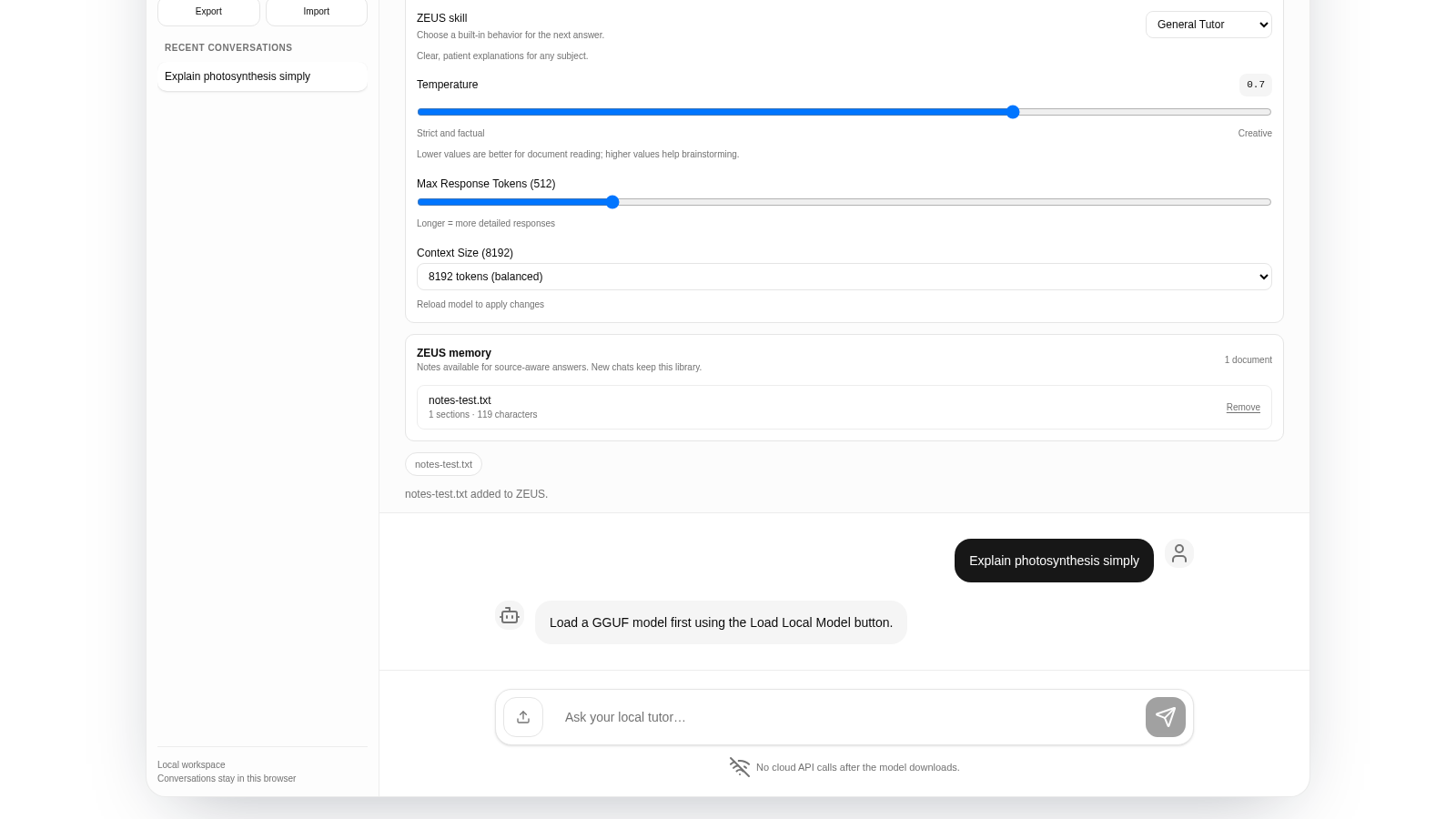
Use Add notes in the sidebar to upload study material such as txt, md, json, csv, html, pdf or docx files. The Memory panel then lists each document with its section and character counts, and a Knowledge library strip shows the active files. These notes are kept for new chats so answers can reference your sources.
Choose a skill and tune settings
Open Settings and pick one of the five ZEUS skills, then adjust the Temperature slider, the Max Response Tokens slider and the Context Size dropdown. Temperature and token limits apply to the next answer, while context size takes effect after you reload the model.
Ask questions and keep records
Type a question in the message box at the bottom, or click one of the three suggestion chips. If no model is loaded the app replies with a prompt to load one first; once a model is running, answers stream into the conversation. Recent conversations stay in the sidebar, and Export and Import move your workspace in and out of the browser.
Similar Sites
 80
Best Insurance Guide
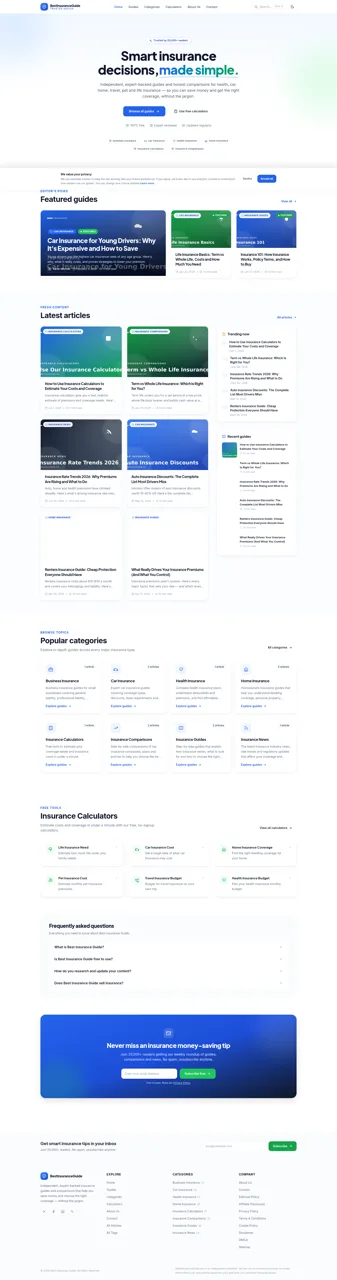
Expert-written insurance guides, honest comparisons and trusted calculators.
 49
Caminho Suave
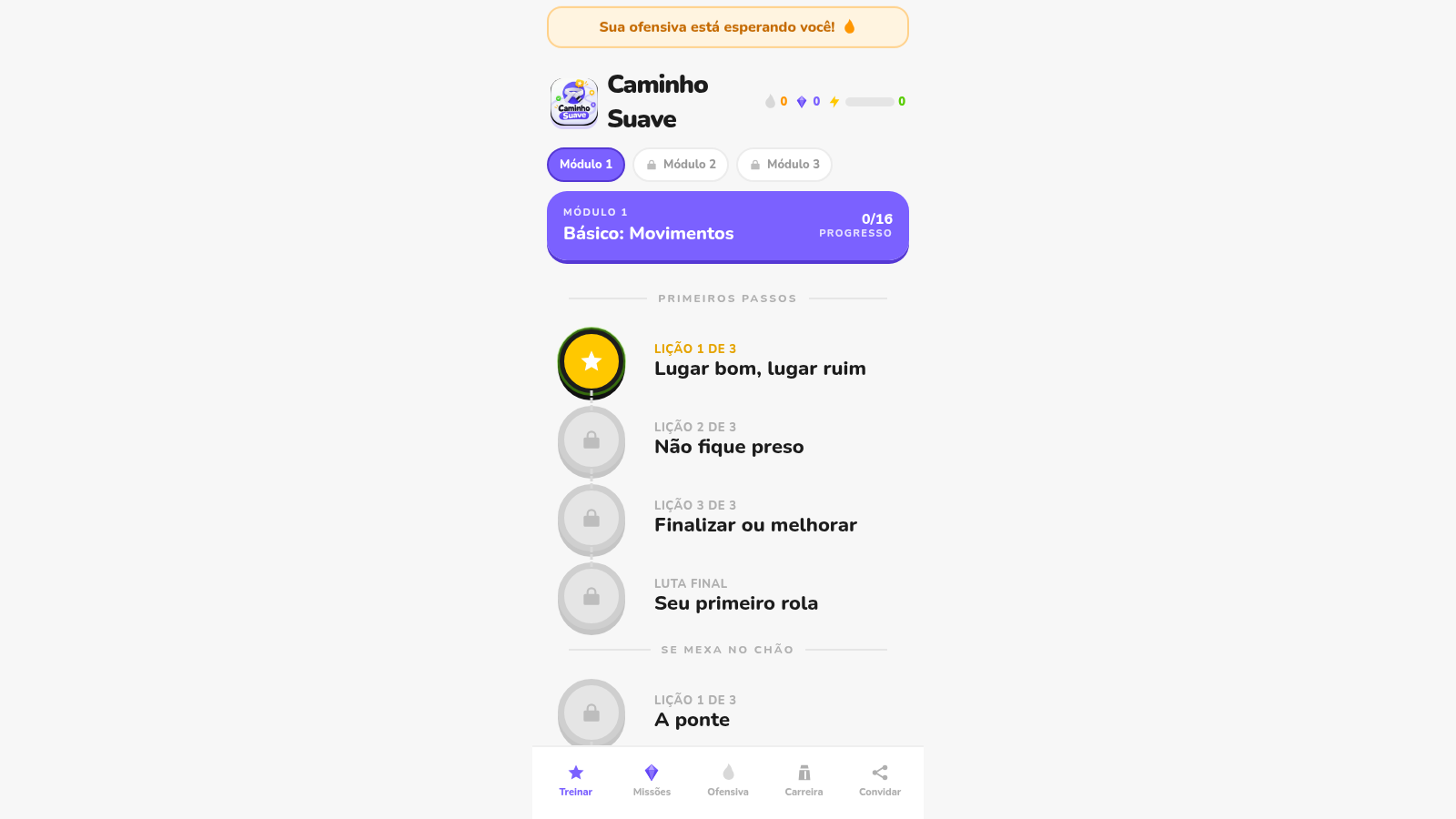
Carreira kids de jiu-jitsu com faixas, aulas e atletas Premium
 45
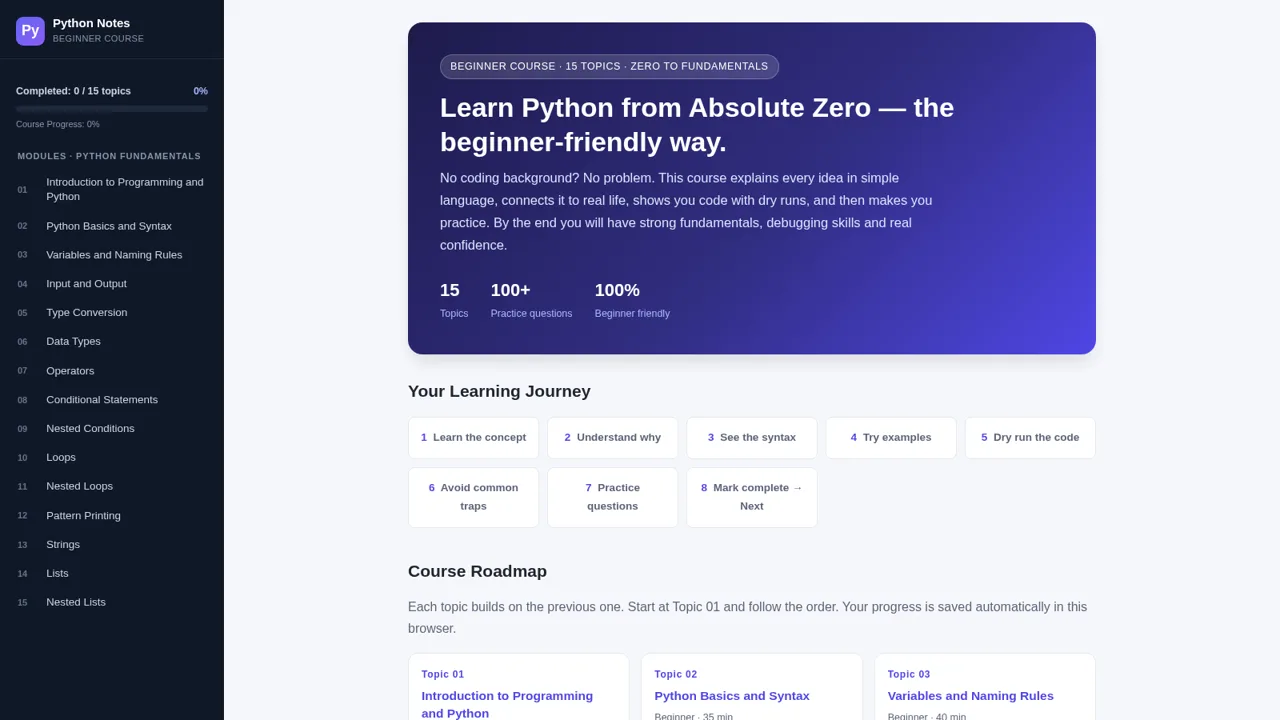
Python Notes: Learn from Zero
A free beginner-friendly interactive course: learn Python from absolute zero across 15 hands-on topics
 39
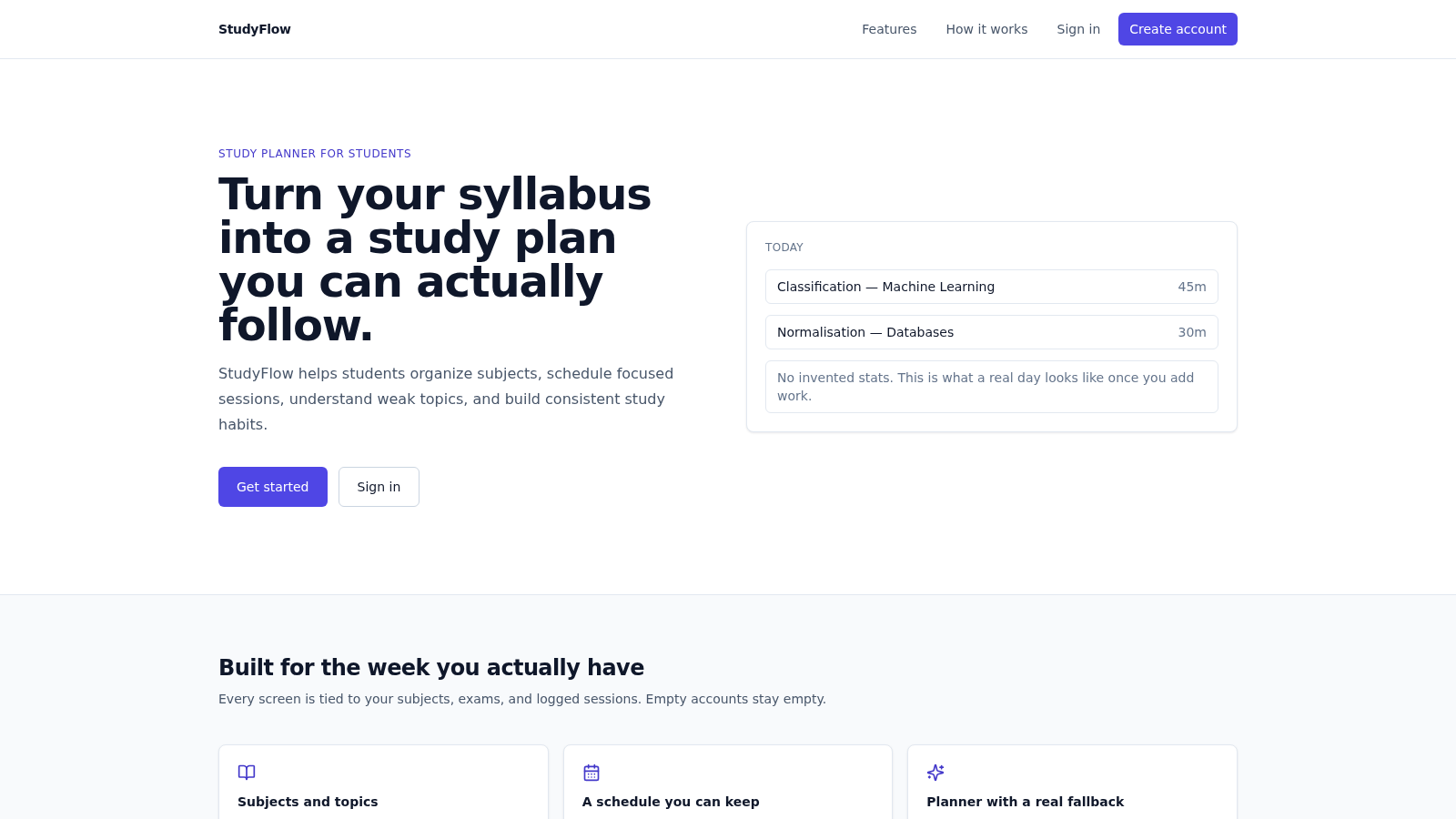
StudyFlow
Student study planner with subjects, calendar, analytics, and an optional AI scheduler.
 33
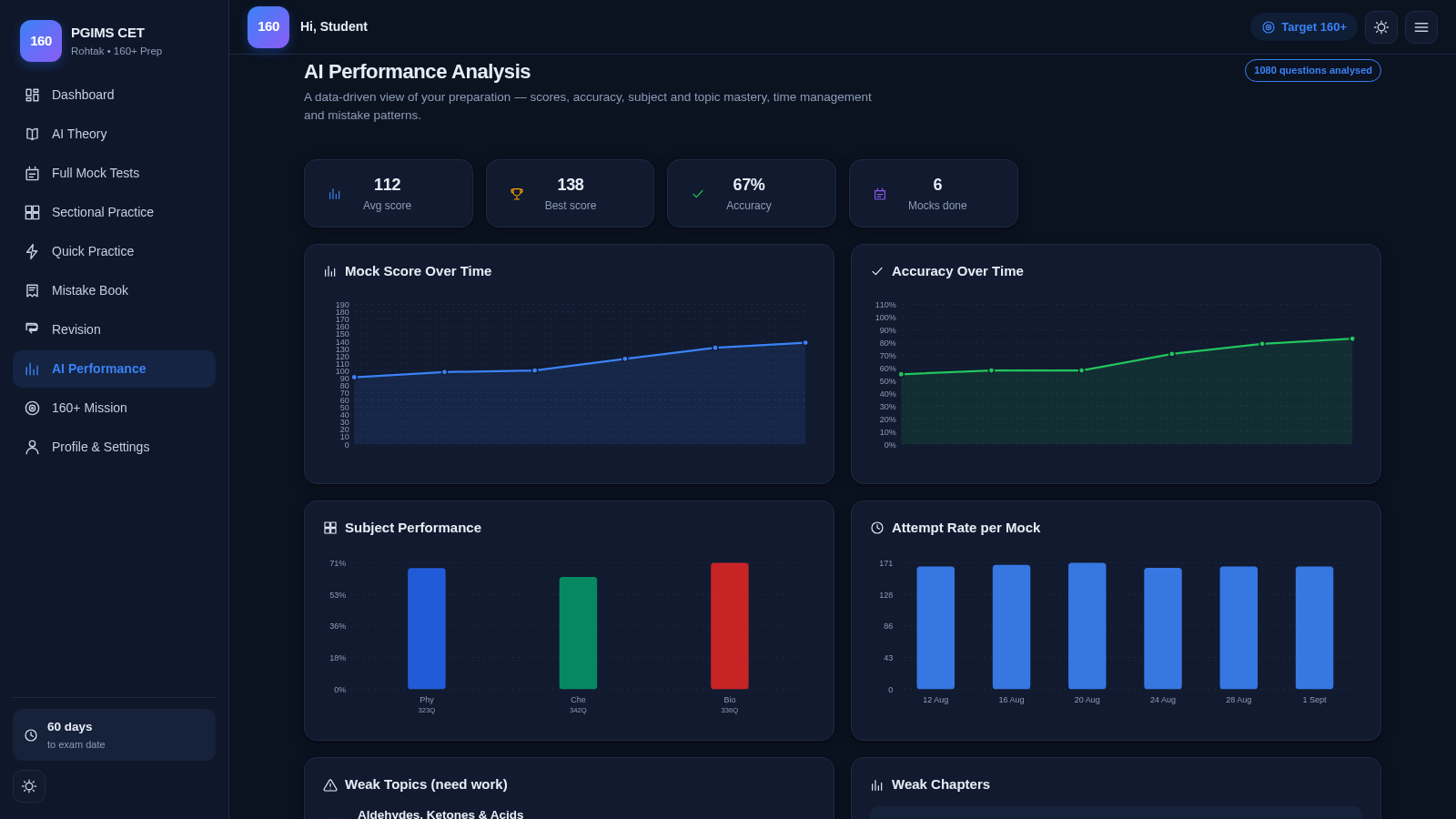
PGIMS Rohtak CET 160+ Prep
PGIMS Rohtak CET prep: mock tests, AI theory, sectional practice, mistake book.
 28
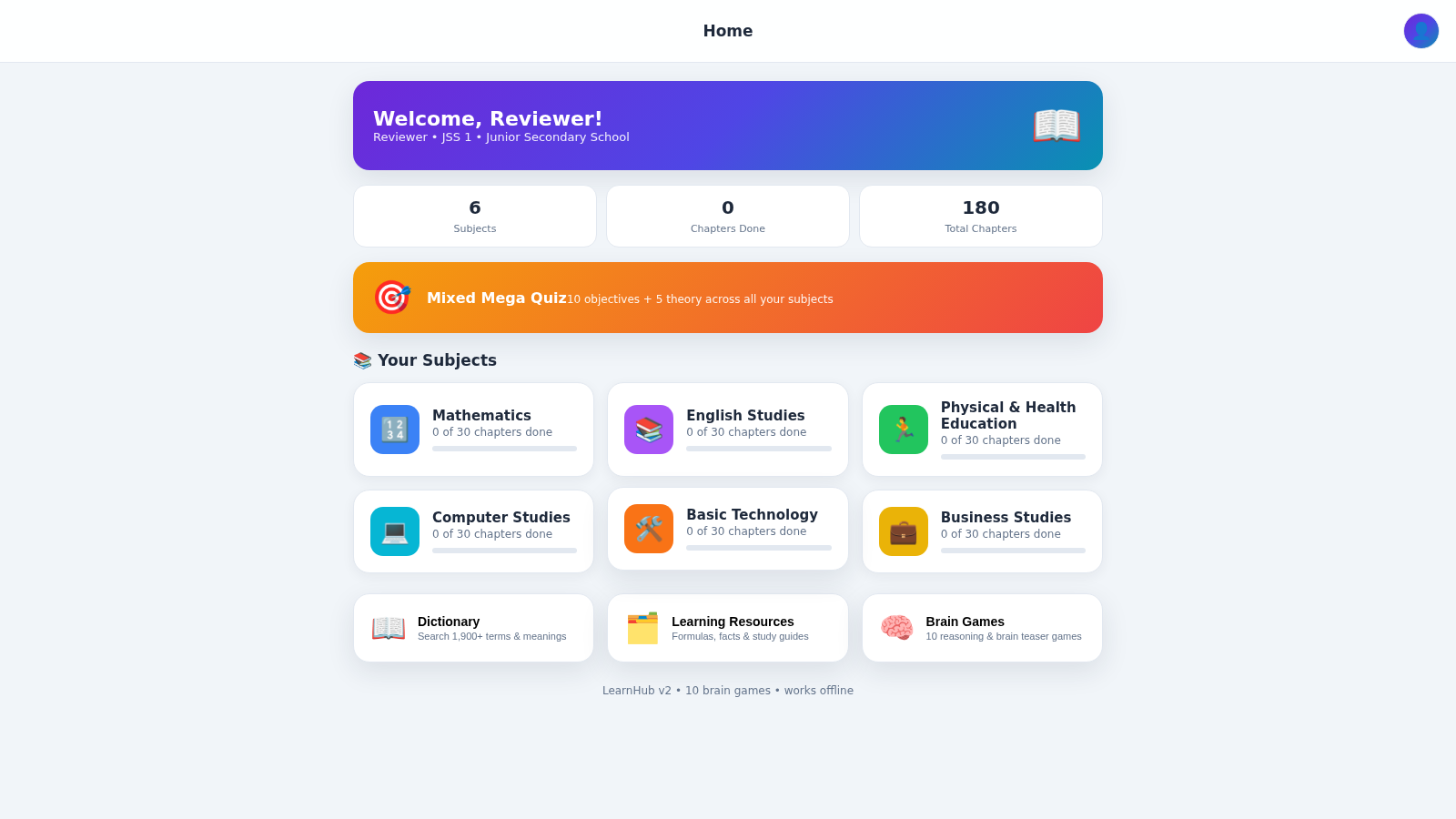
LearnHub — Smart Learning App
Nigerian curriculum lessons, quizzes, dictionary and brain games for students