
JurisFlow
Run a law office from one page: CRM, client chats and case flow together
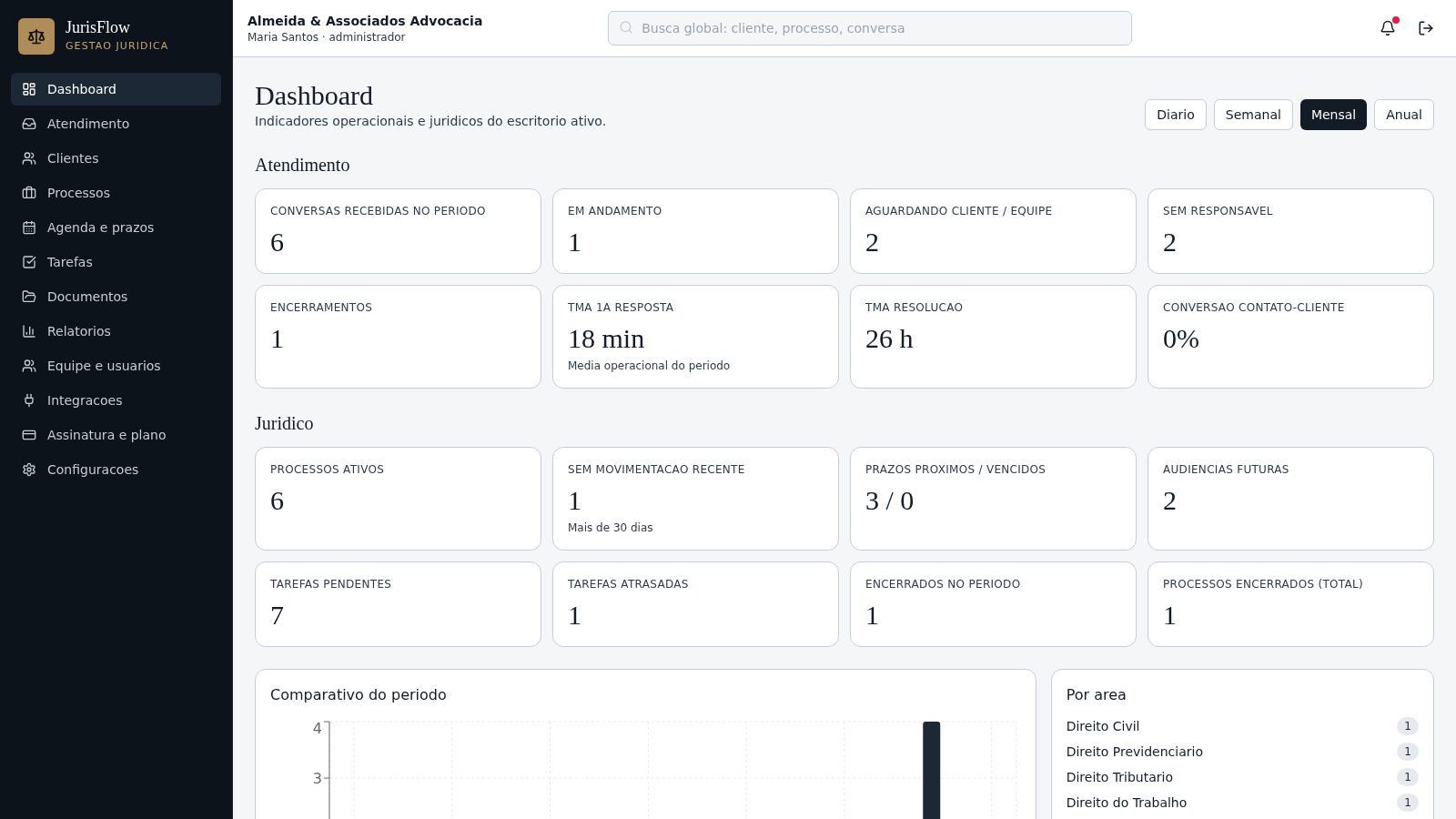
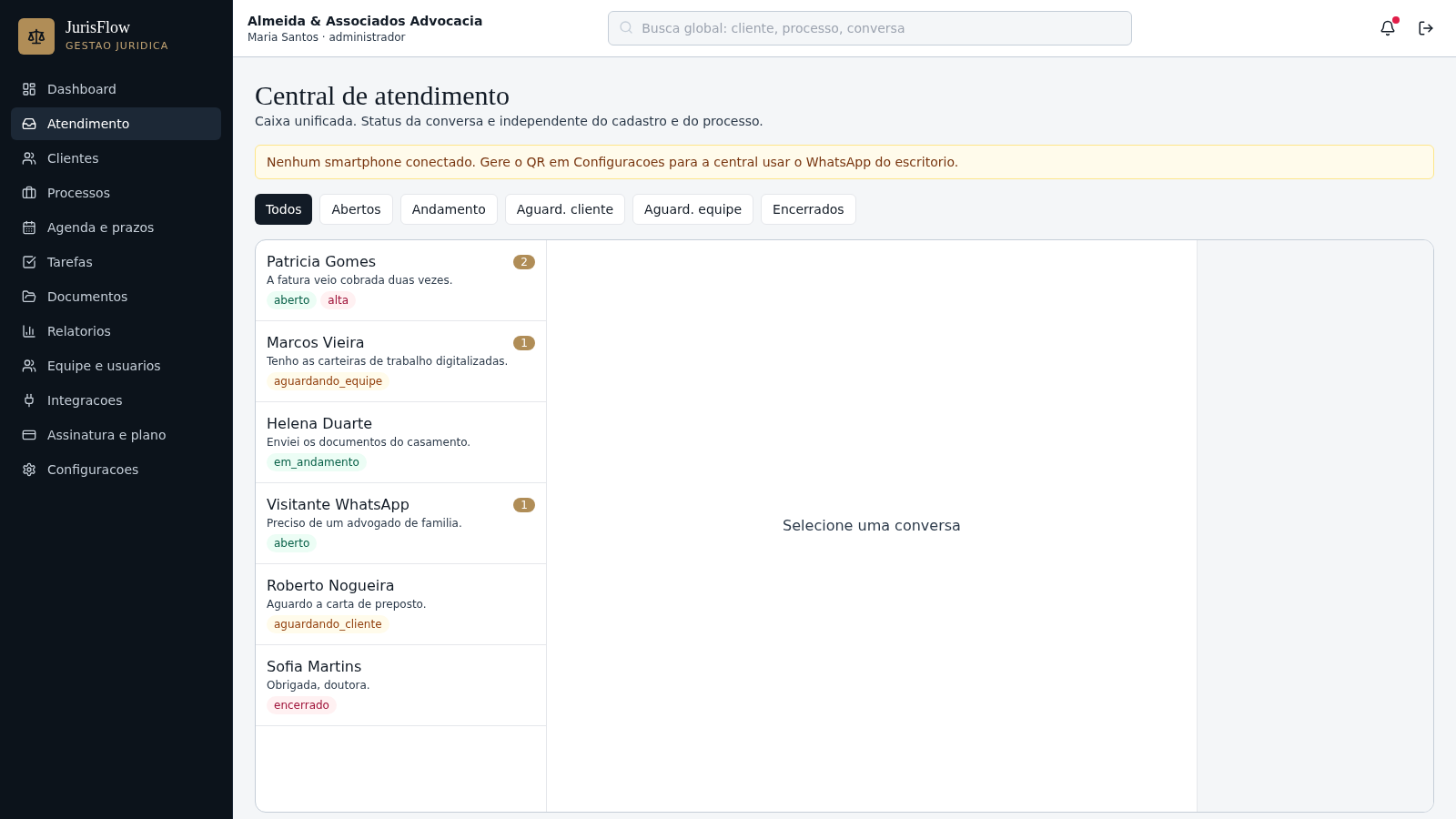
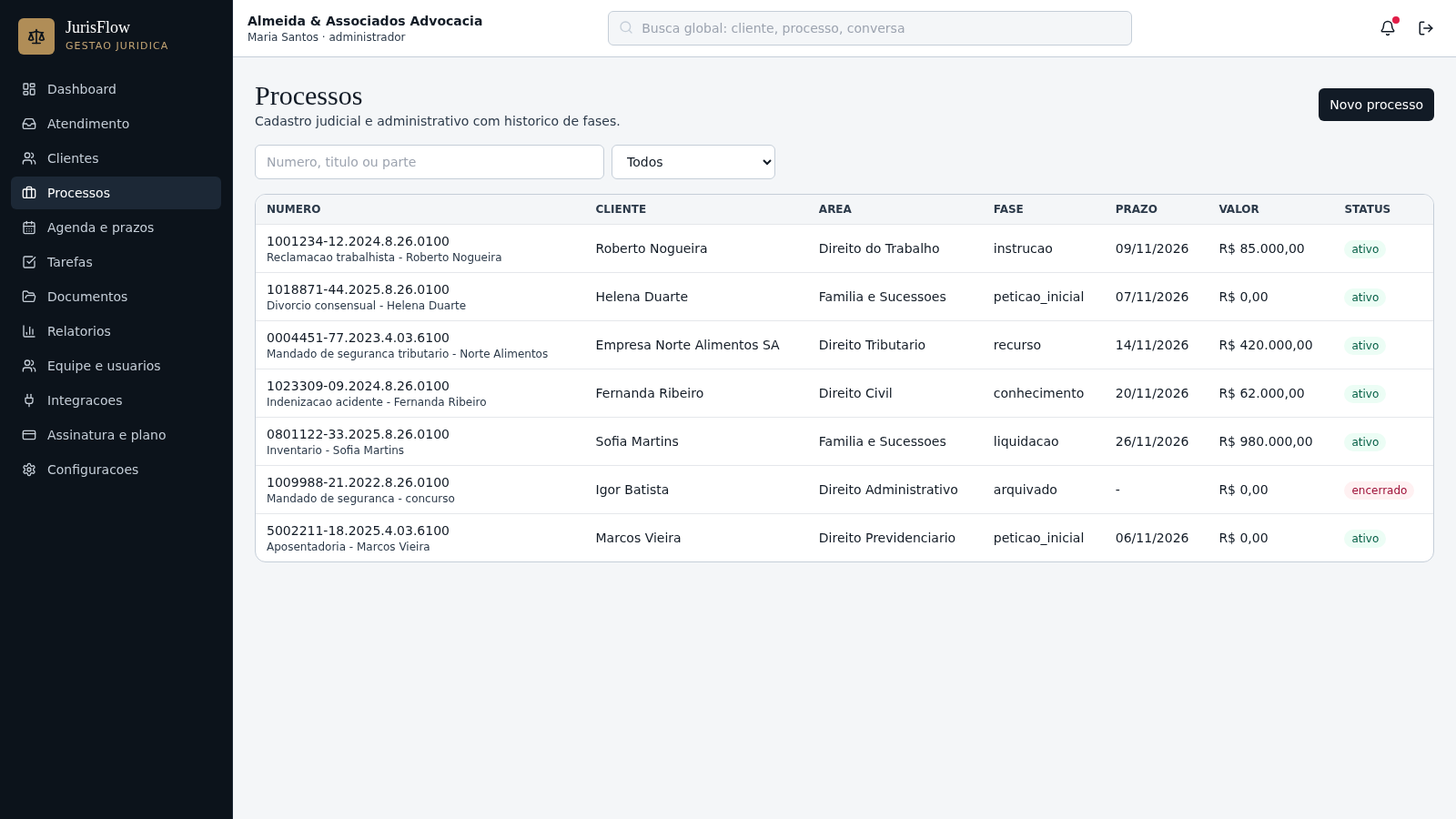
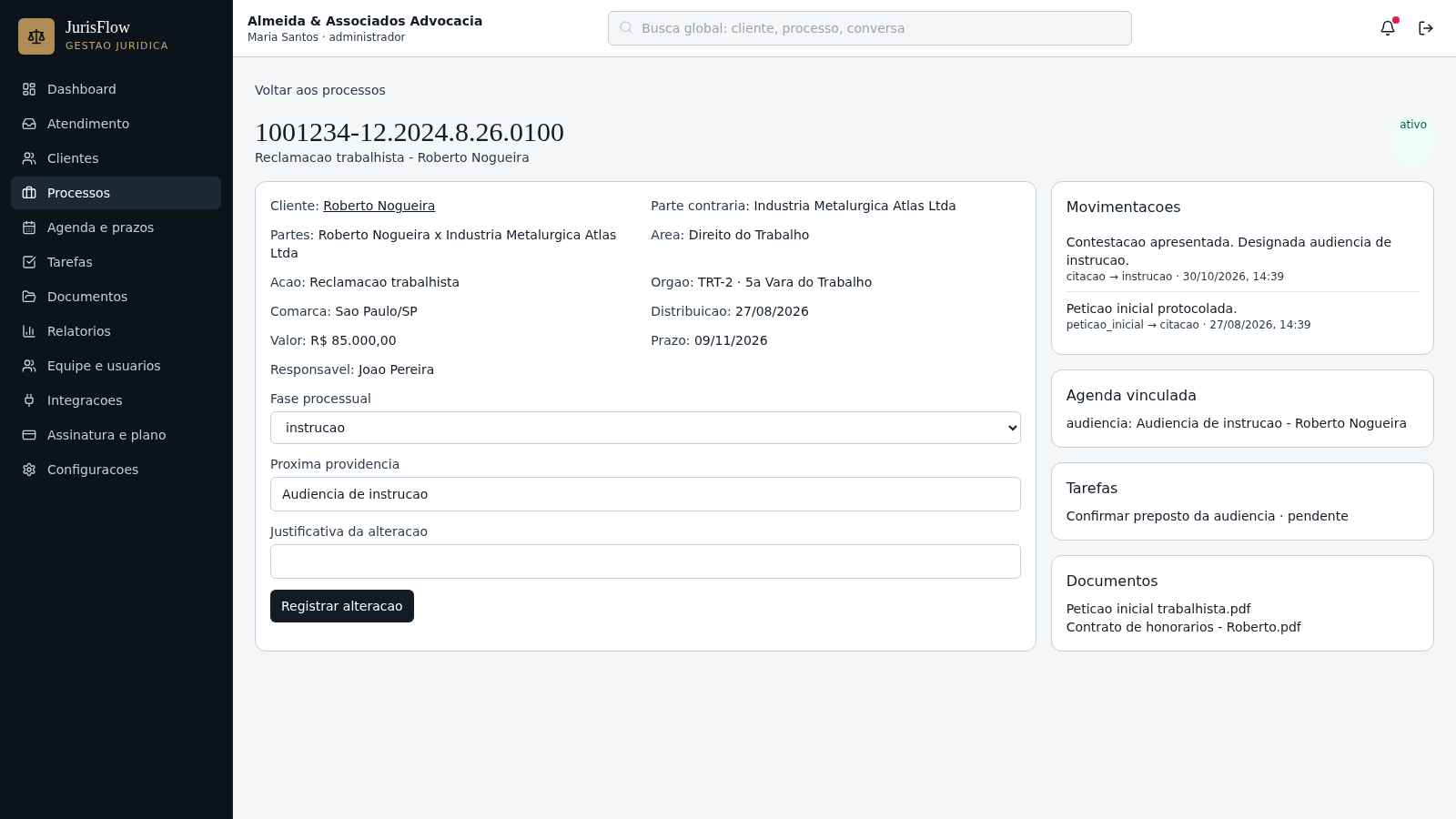
JurisFlow is a multi-tenant web application for legal practices. After signing in with a demo account, a user lands on a dashboard that summarizes intake volume, response times, active cases, upcoming deadlines and task counts. The left navigation opens a unified service inbox, a client CRM with funnel stages, a searchable process registry, a deadline agenda, tasks, documents, reports, team management, integrations, subscription plans and office settings. Data is scoped to the selected office, and actions such as assigning a conversation or advancing a case phase are recorded in an audit trail.
Highlights
Unified inbox
Chats with status
Legal CRM
Pipeline and clients
Case tracking
Phases and deadlines
Multi-tenant
Isolated office data
Audit trail
Recent activity log
How to Use
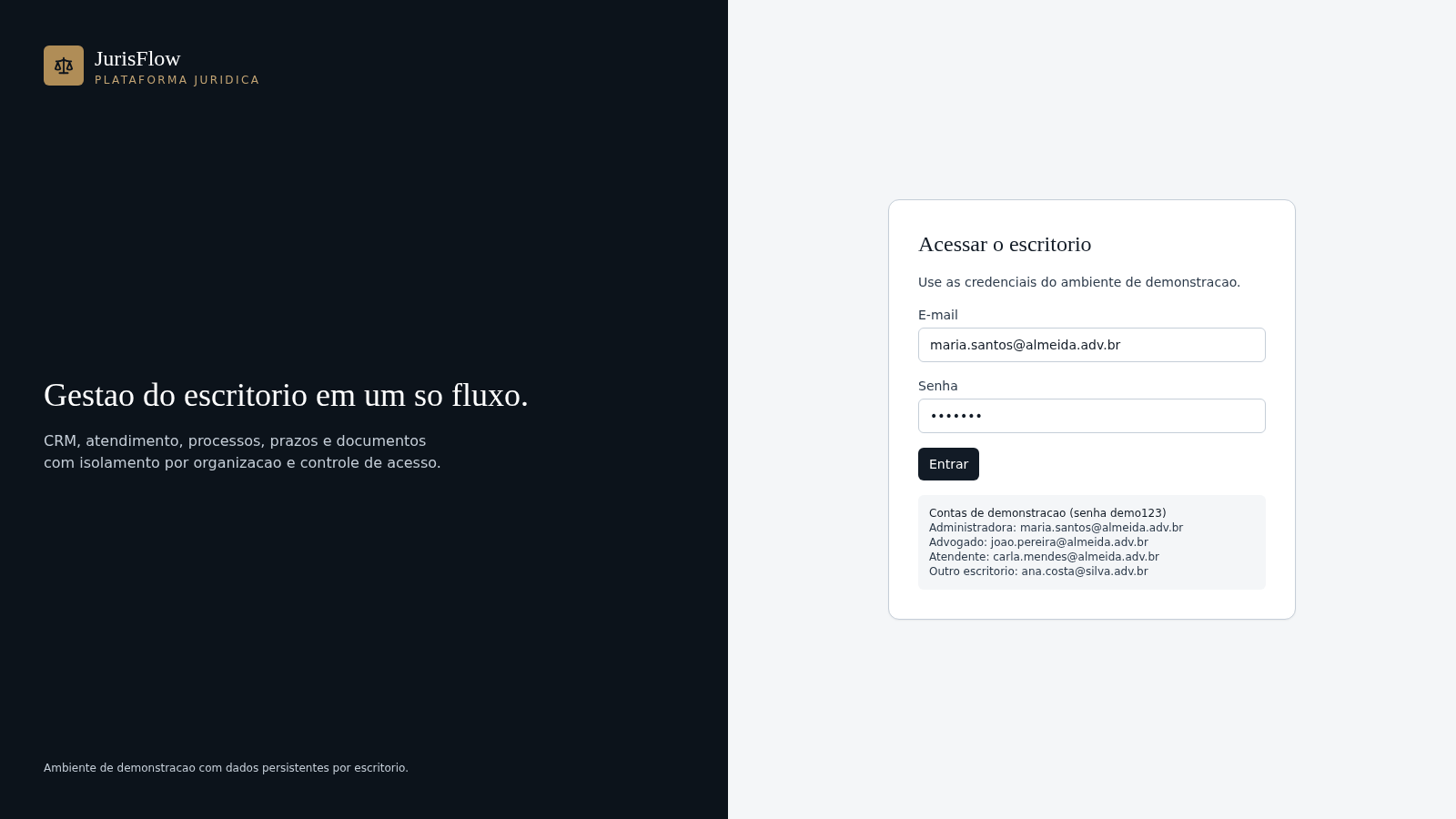
Sign in with a demo account
Open the login page and use one of the listed demo accounts with the shared password demo123, for example the administrator Maria Santos. The app then loads the dashboard for the office associated with that account.
Review the dashboard
Use the daily, weekly, monthly and annual tabs to read intake and legal indicators such as open conversations, average first response time, active processes, upcoming deadlines and pending tasks. The chart and the breakdowns by area and phase update with the selected period.
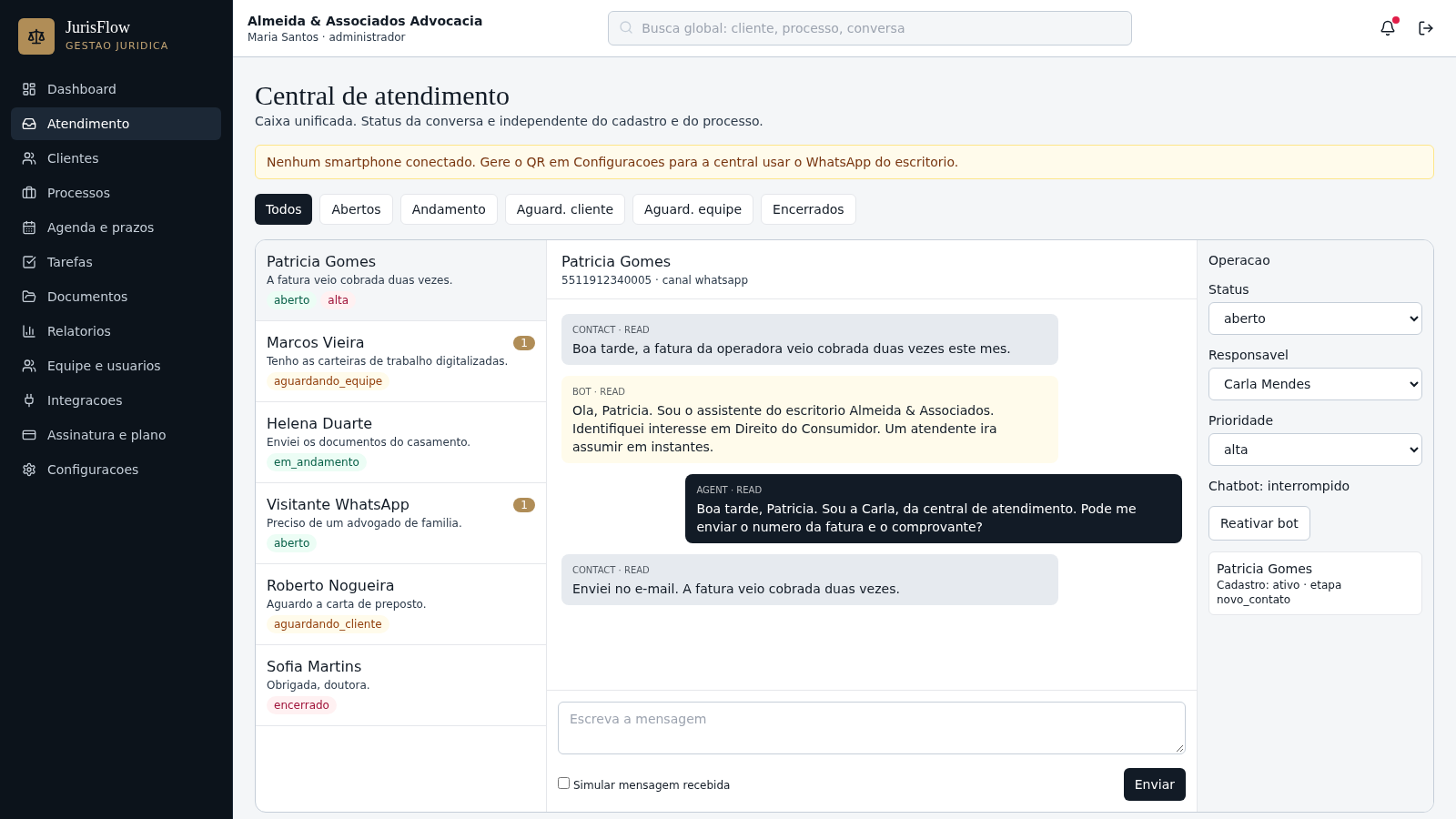
Work the service inbox
Open the Atendimento section, pick a conversation from the list and read the threaded messages. From the side panel you can change status, assign a responsible teammate, set priority or resume the chatbot, and the conversation list reflects the new state.
Manage clients and cases
In Clientes you can search records, filter by funnel stage or switch to a Kanban view. In Processos you can filter active or closed cases, open a case number and update its procedural phase with a justification, after which the movement history and audit log are updated.
Similar Sites
 30
Paulo Henrique Advocacia
Assessoria jurídica: Consumidor, Previdenciário, Empresarial e Civil.
 18
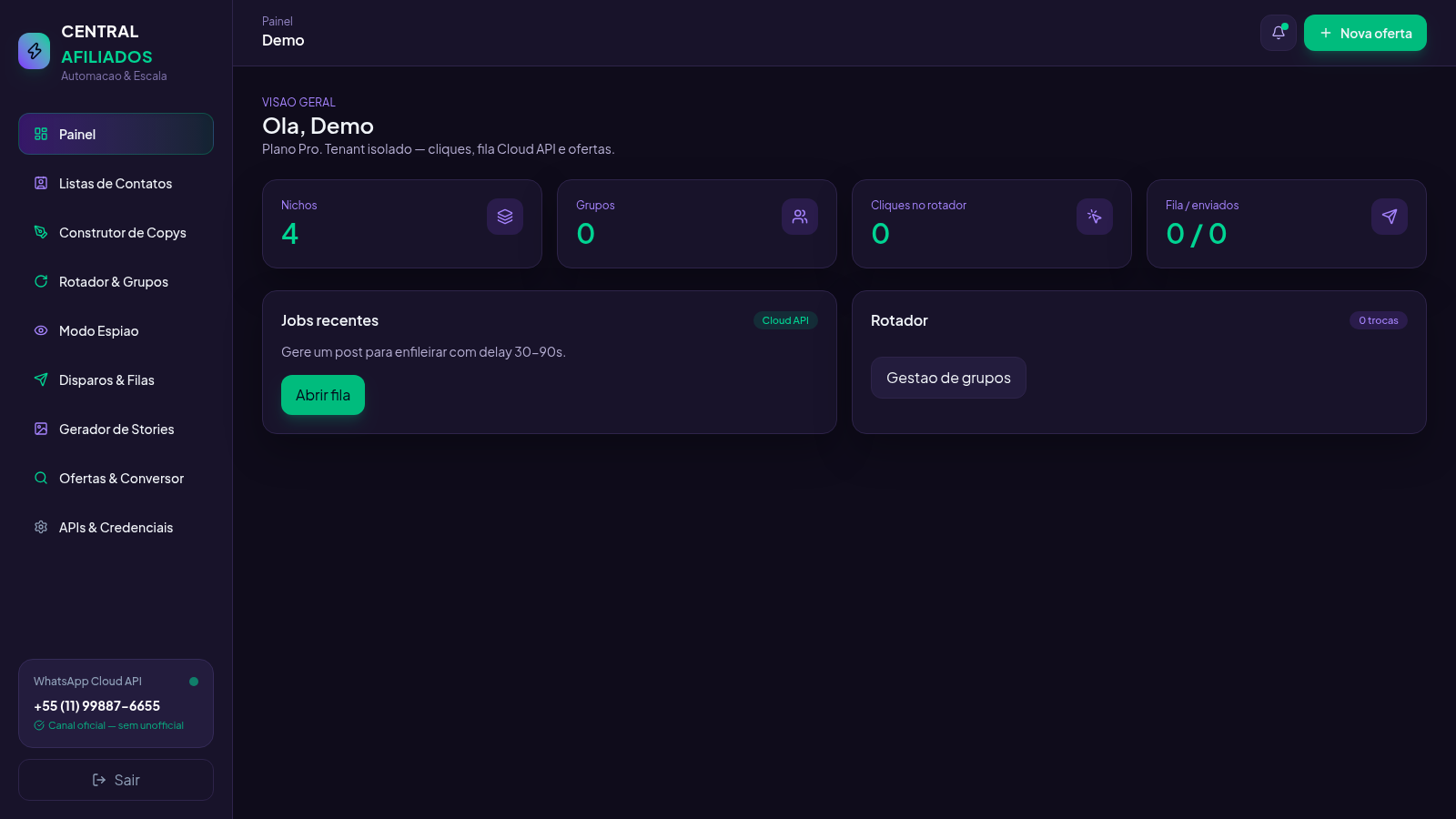
Central Afiliados
SaaS multi-tenant de ofertas, conversão de links e rotador de grupos
 17
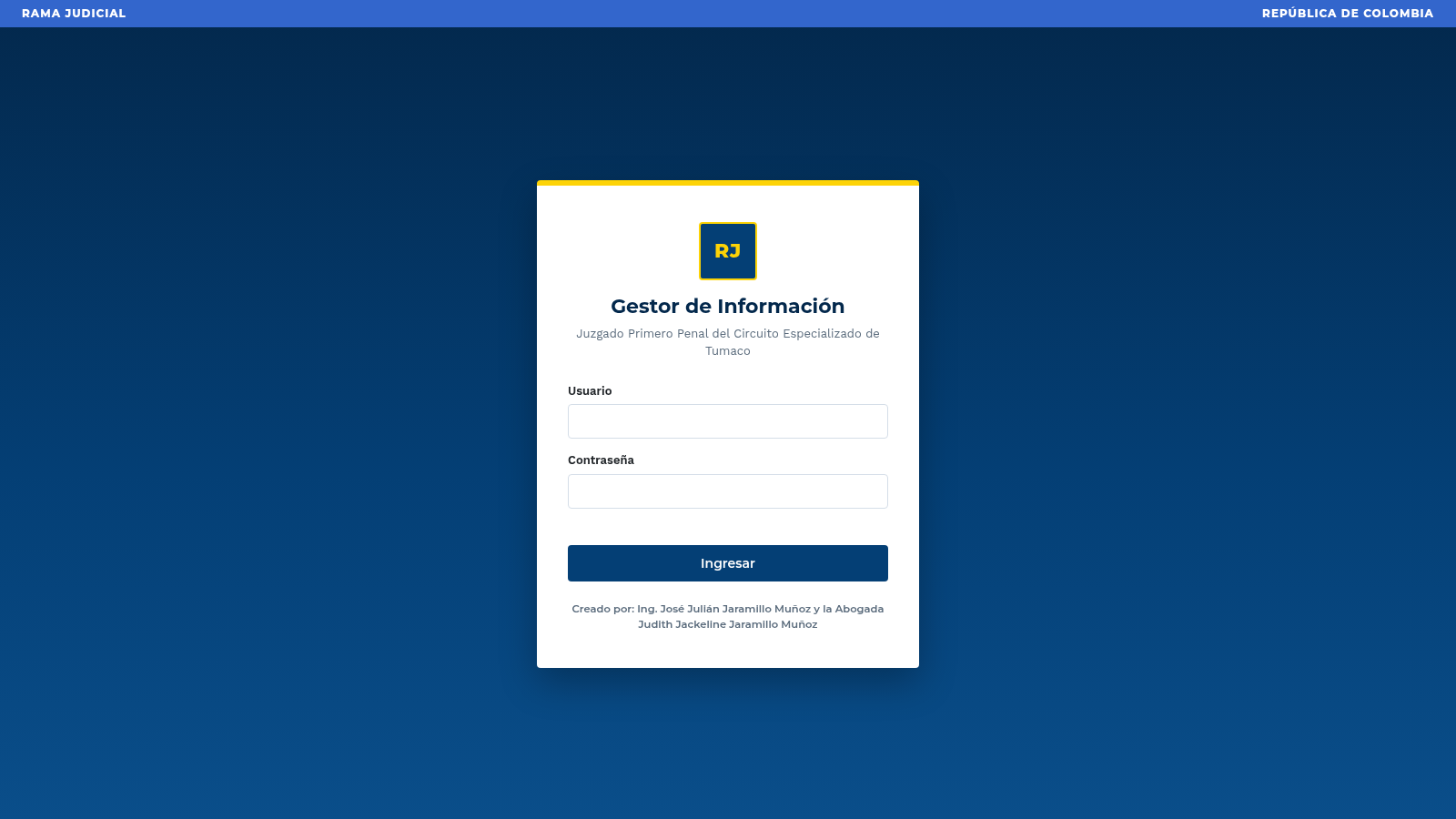
Gestor Informacion Juzgado
Gestor judicial con login demo, token Bearer y APIs autenticadas.
 15
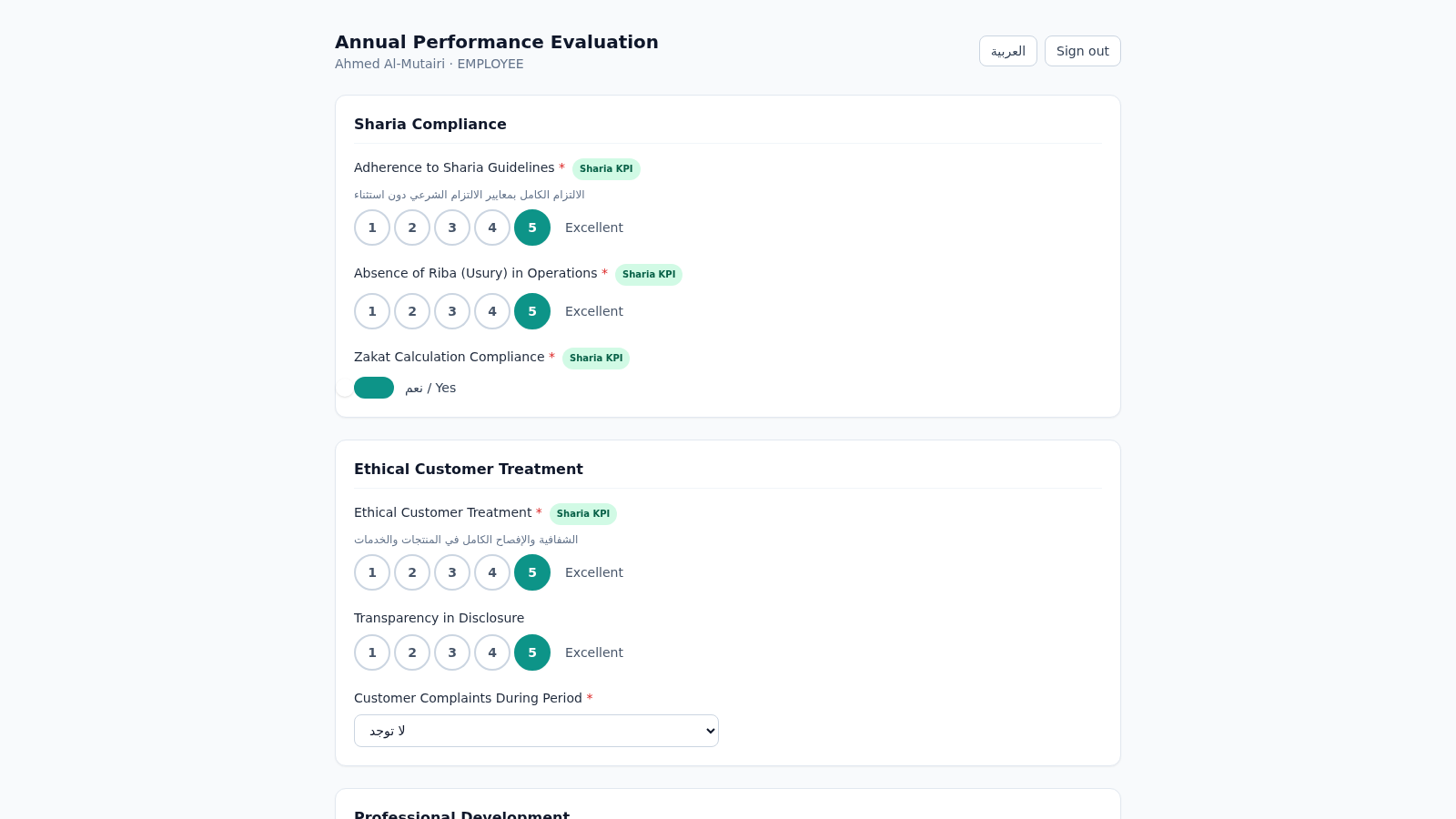
Islamic Bank Performance Evaluation
Annual performance evaluation system for an Islamic bank: dynamic Sharia-KPI form engine, weighted scoring, immutable cryptographic audit trail, and 3-role approval workflow with Arabic/RTL support.
 13
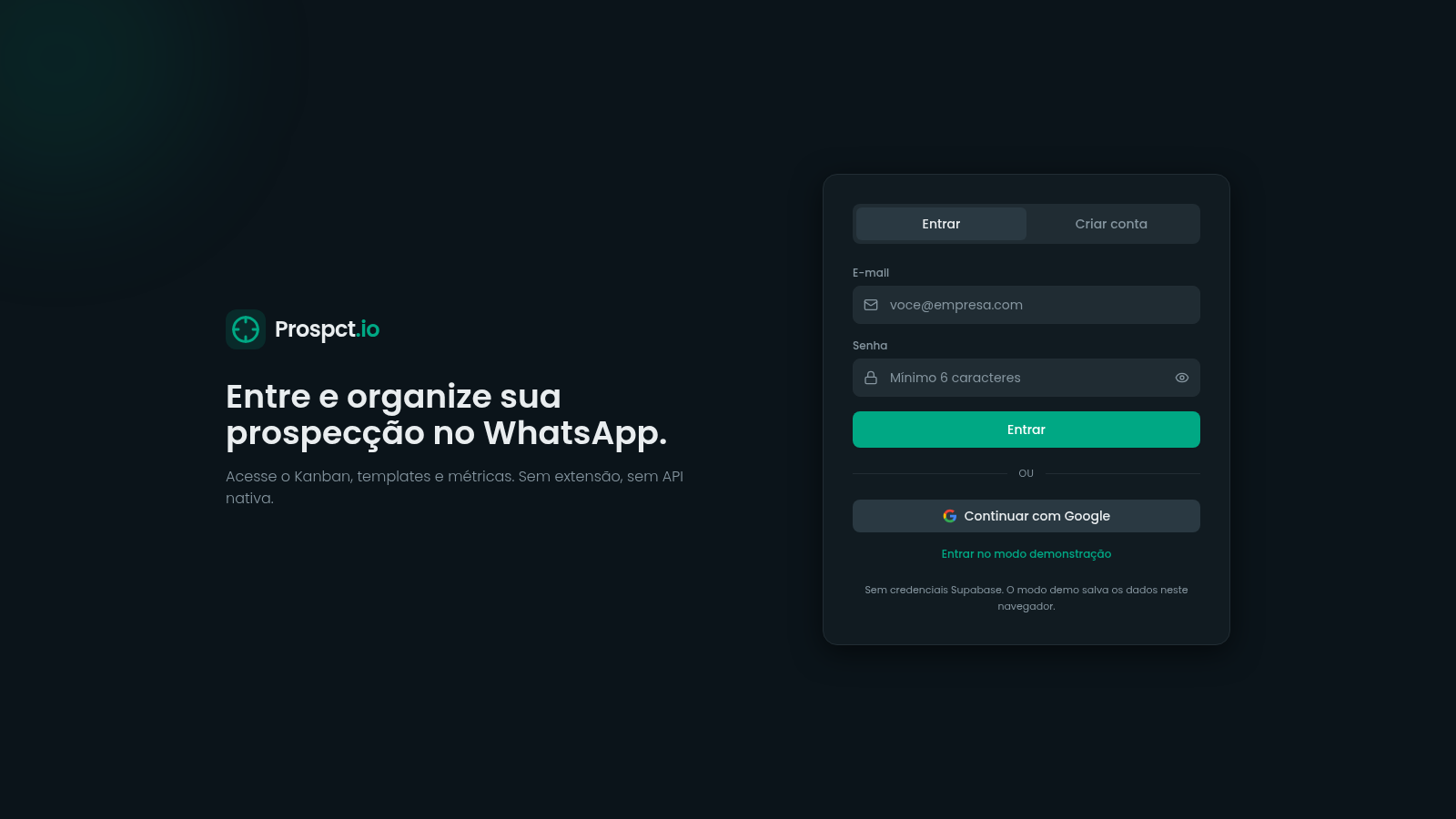
prospct
CRM de prospecção para SDRs e closers organizarem leads e abordagens no WhatsApp.
 9
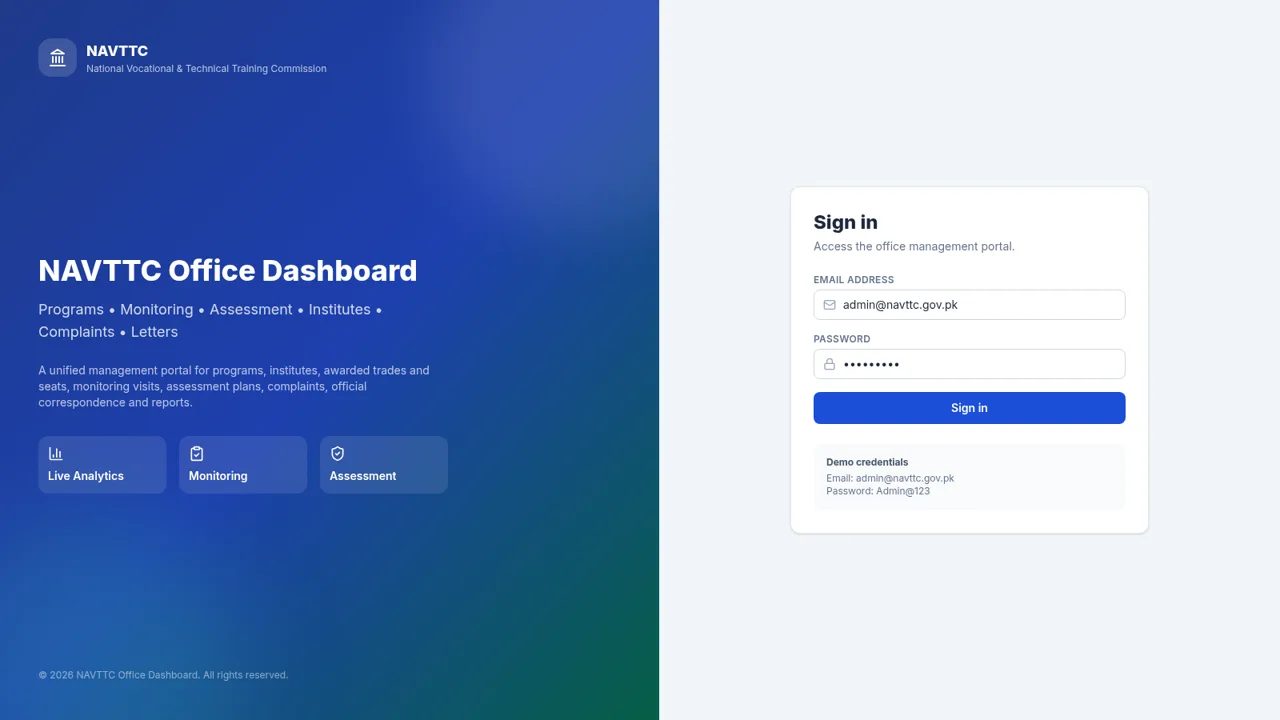
NAVTTC Office Dashboard
Programs, monitoring, assessment and complaints portal for NAVTTC.