
Tower Hearth
Farm around the Hearth, then climb five tower floors to face the Harvest Warden.
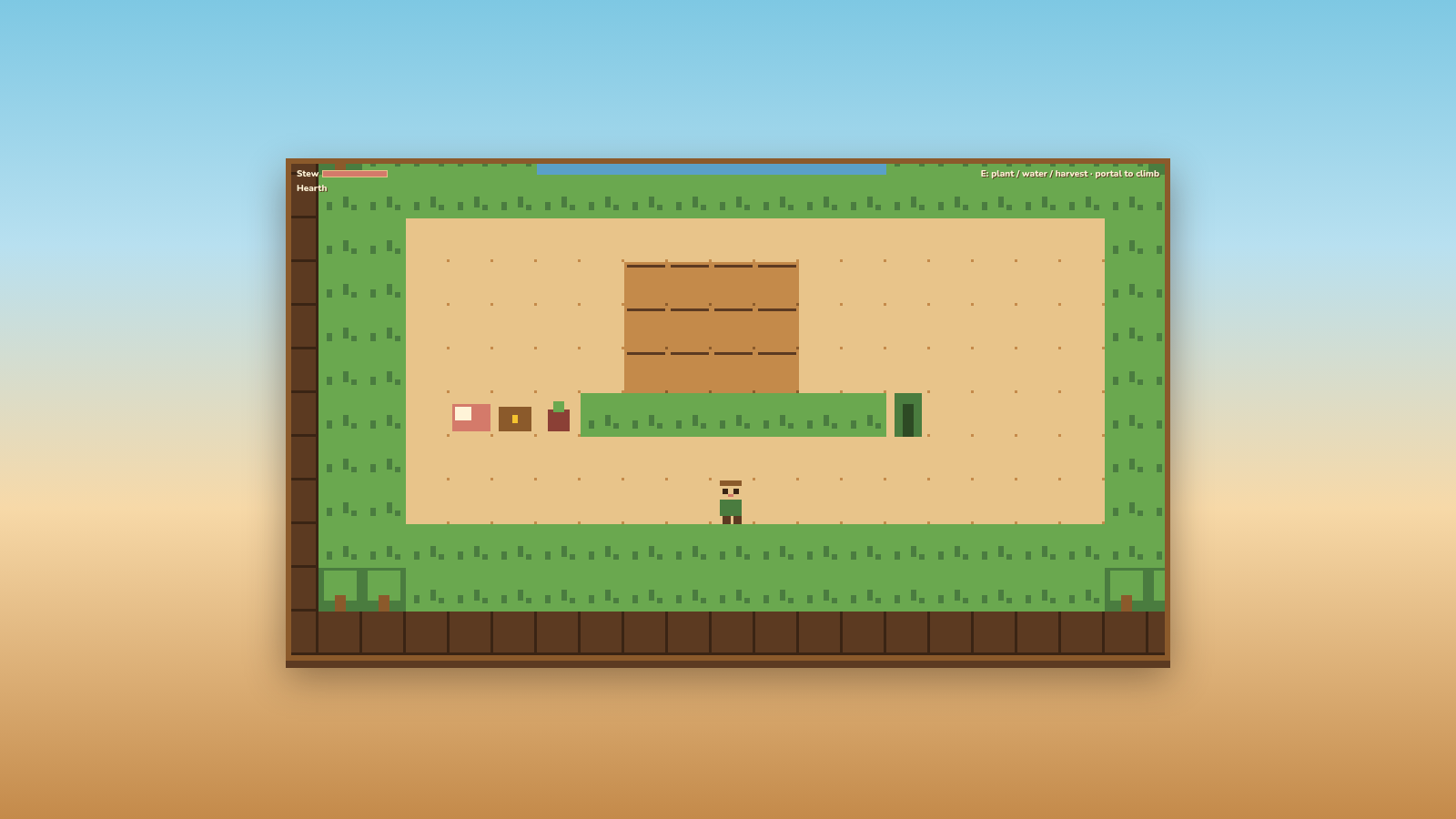
Tower Hearth is a cozy 2D farming and tower-climbing adventure that runs in the browser. After entering a farmer name, you start at the Hearth, where crop plots, a cooking pot, a soul-bound chest and a portal sit on a single screen. You plant, water and harvest crops, cook stew for a temporary buff, and store permanent relics in the chest. Stepping into the portal moves you up the tower floor by floor, each floor being a themed map with its own objective, wild resources and enemies. Your crops and progress are saved on the server and reloaded whenever you enter the same name, so a session can be resumed later. The climb ends in a confrontation with the Harvest Warden.
Highlights
Cozy farm loop
Plant and harvest
Climb five floors
Themed tower stages
Soft death
Lose bag, keep chest
Name-based saves
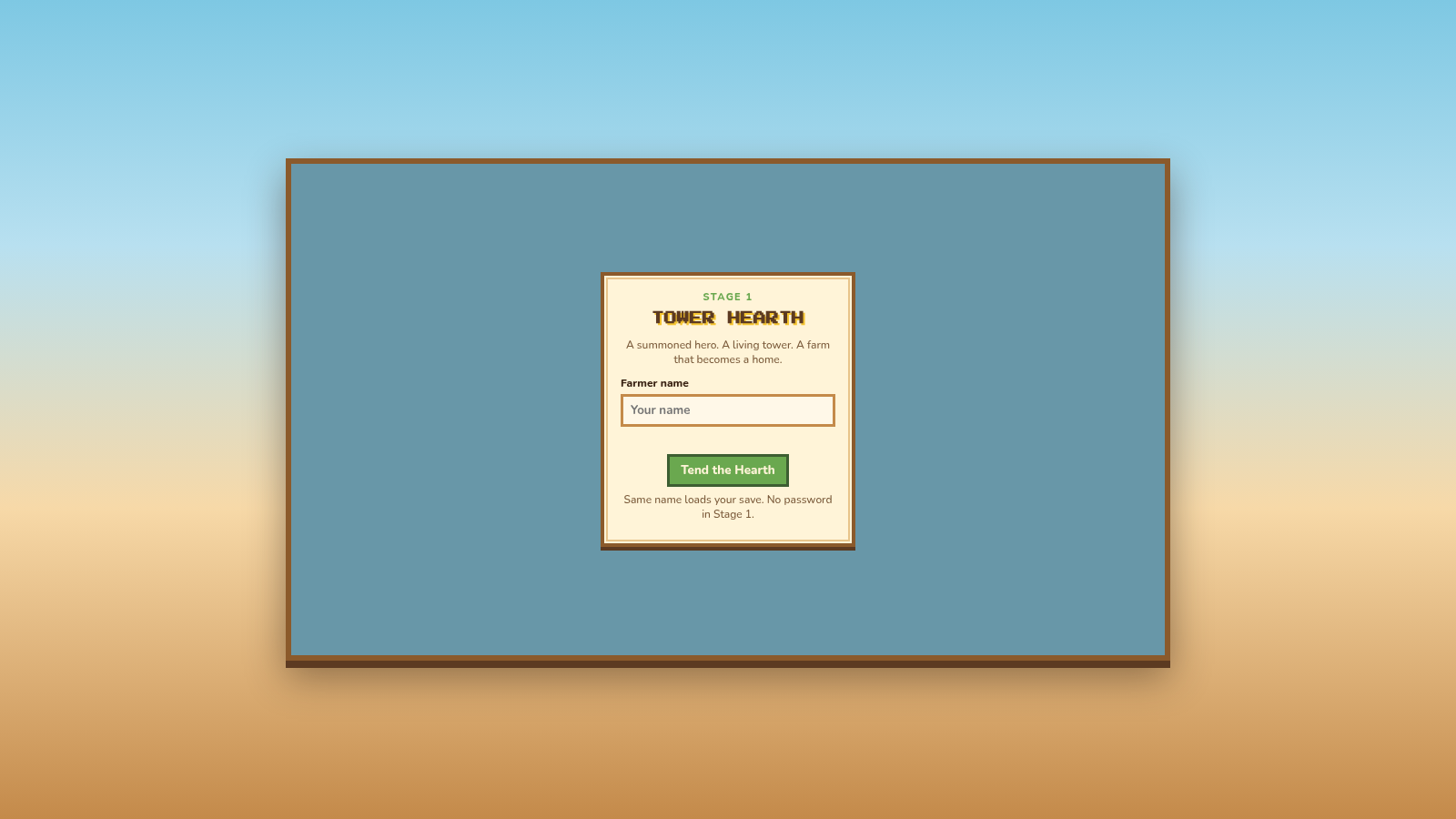
Name loads your save
How to Use
Enter your farmer name
On the title screen, type a name into the Farmer name field and press Tend the Hearth. The same name later reloads your save, so pick something you can remember. A short help panel explains movement and interaction keys; press I understand to continue into the Hearth.
Tend the Hearth
Walk with WASD, the arrow keys or the on-screen pad. Stand next to a crop plot and press E to plant, water or harvest depending on the plot state. Near the cooking pot the prompt changes to cook stew, which needs wheat and grants a temporary warmth buff shown in the HUD.
Store and recover
Open the Hearth Chest to view relics; items stored there are permanent and stay with you. If you are defeated the run is soft: your character sits down, fireflies rise, the carried bag is lost, but the chest keeps its contents, so you can return and rebuild.
Climb the tower
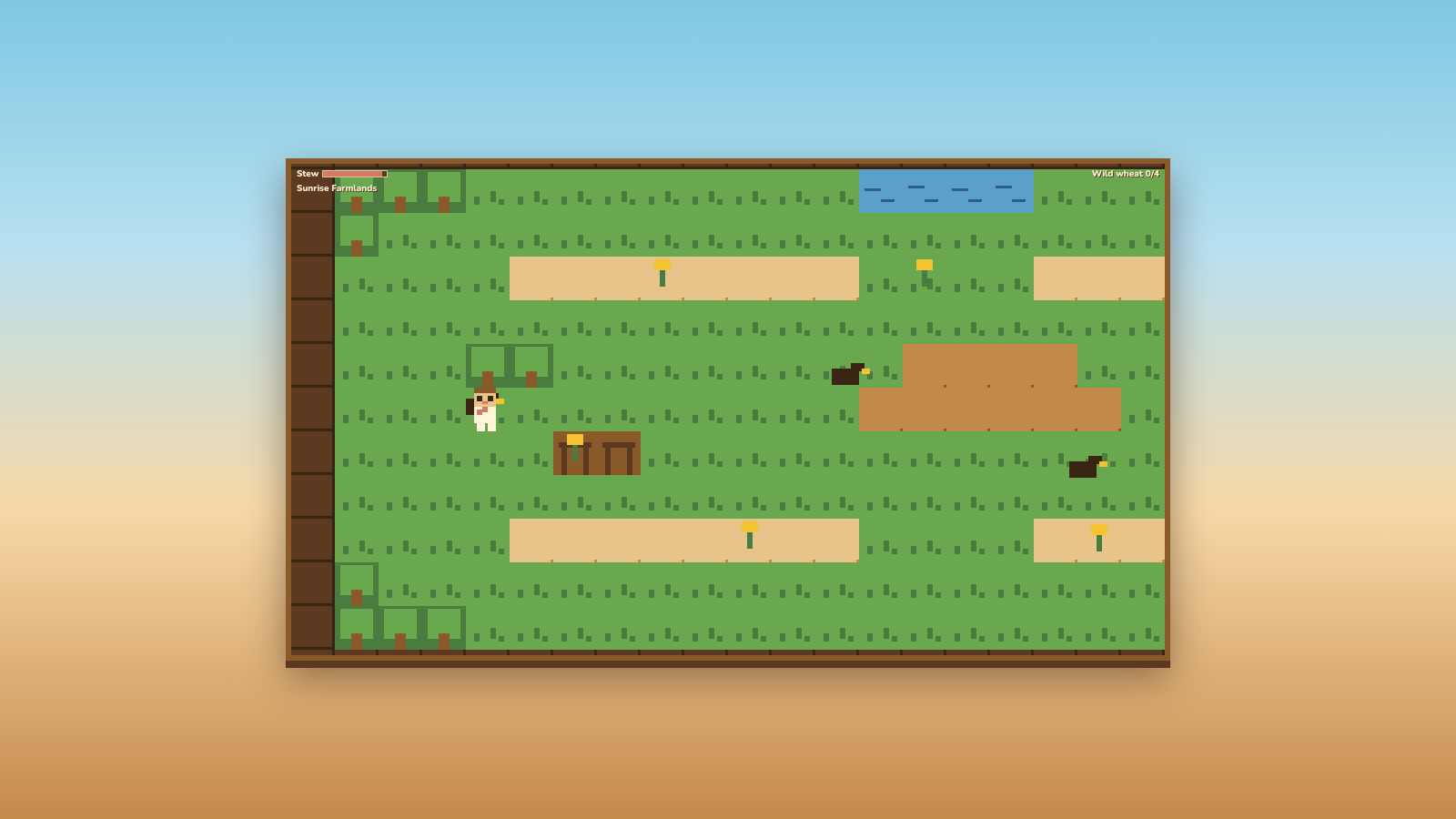
Walk into the portal at the edge of the Hearth to travel to the next floor. Each floor shows a name and an objective in the top right, such as collecting wild wheat, and contains wild resources, buildings and roaming enemies you can fight. Progress is written back to the server as you play.
Pause and continue
Press Esc or the pause control at any time to open the pause panel and review controls or stop playing. Re-entering the same farmer name from the title screen restores your saved farm and floor progress on any future visit.
Similar Sites
 18
18Super Macaco Prego World 64
Jogo de plataforma estilo 16-bit com o macaco-prego em 3 fases e 30 desafios
 2
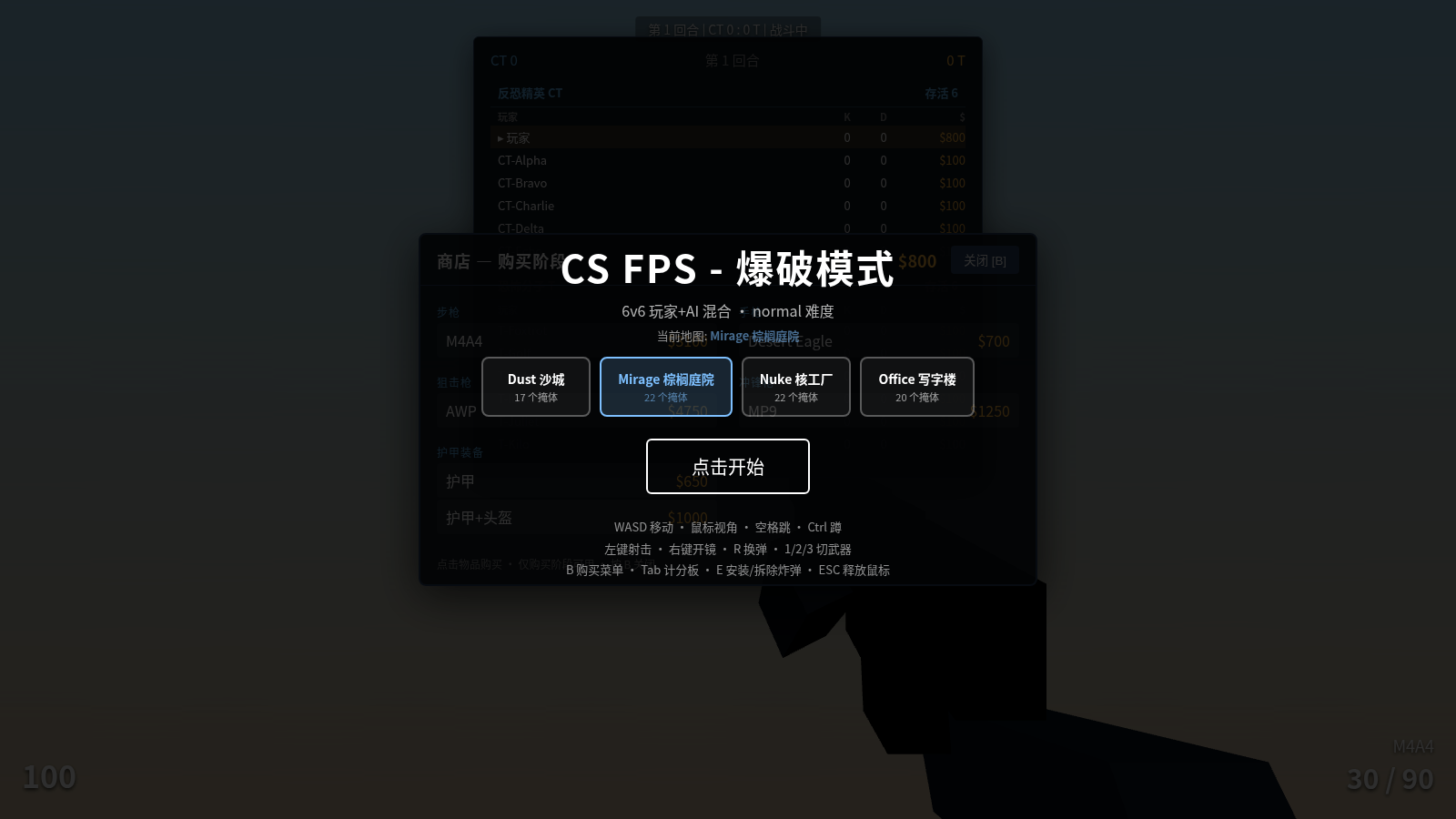
2CS FPS - Bomb Defusal Mode
A web-based first-person shooter game built on Three.js, CS-style bomb defusal mode
 162
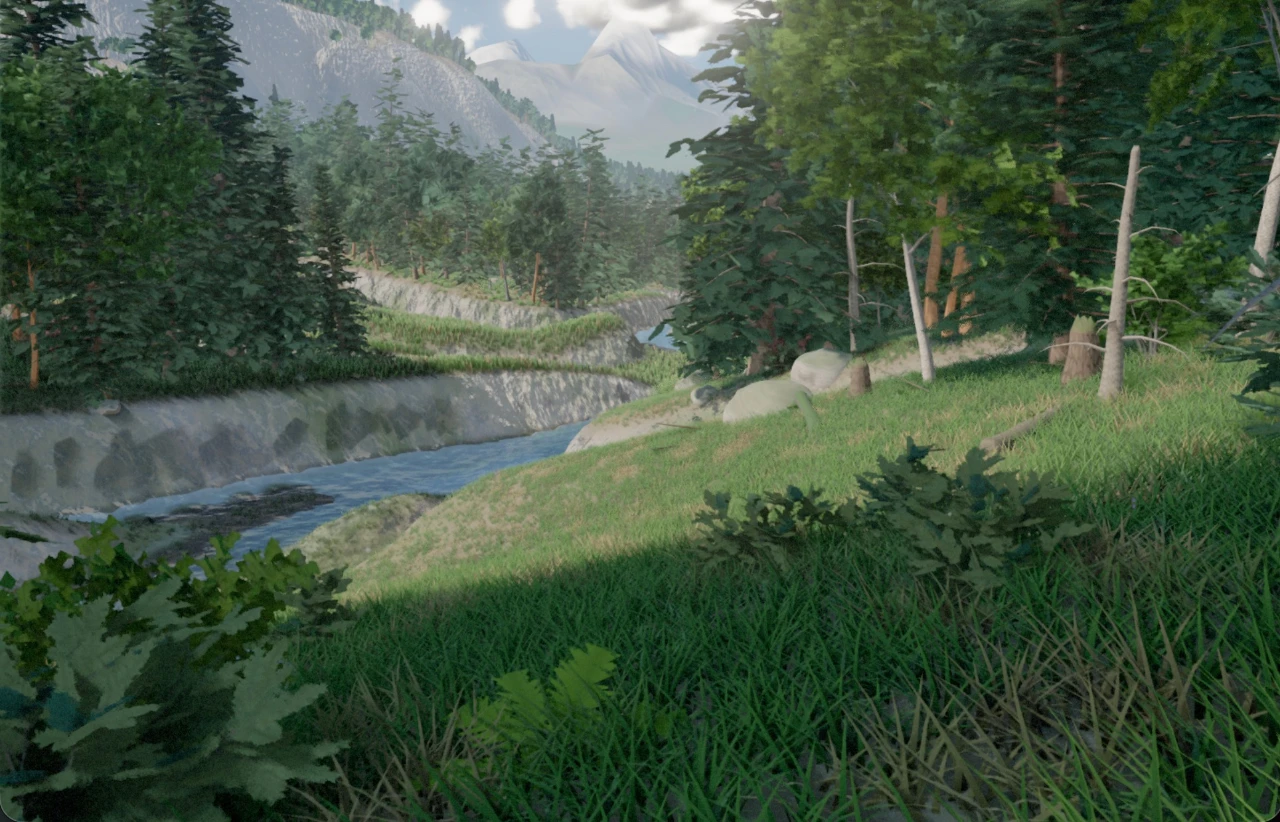
1623D Forest
 14
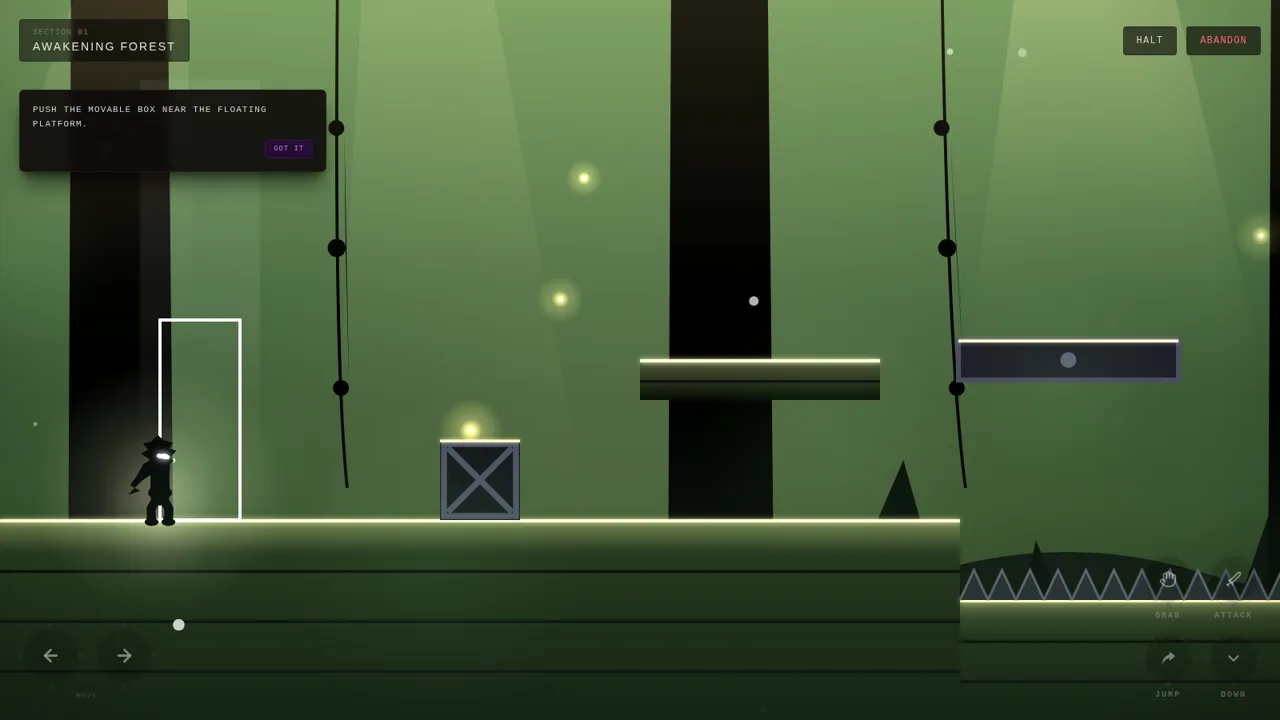
14Silhouette
Dark atmospheric 2D side-scrolling adventure inspired by Limbo and INSIDE
 13
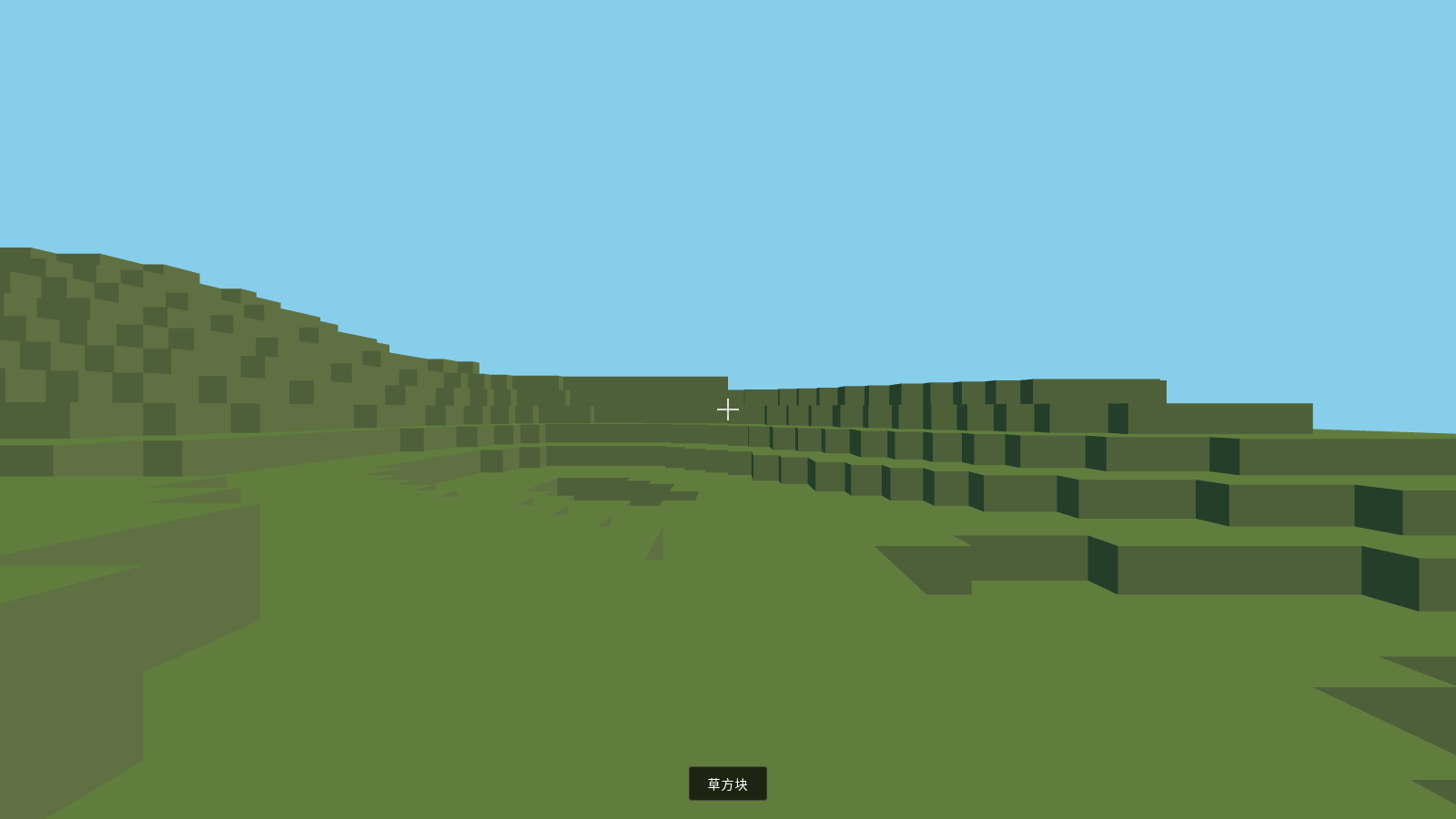
13VoxelCraft
A 3D voxel block mini-game running in the browser, built with Three.js.
 2
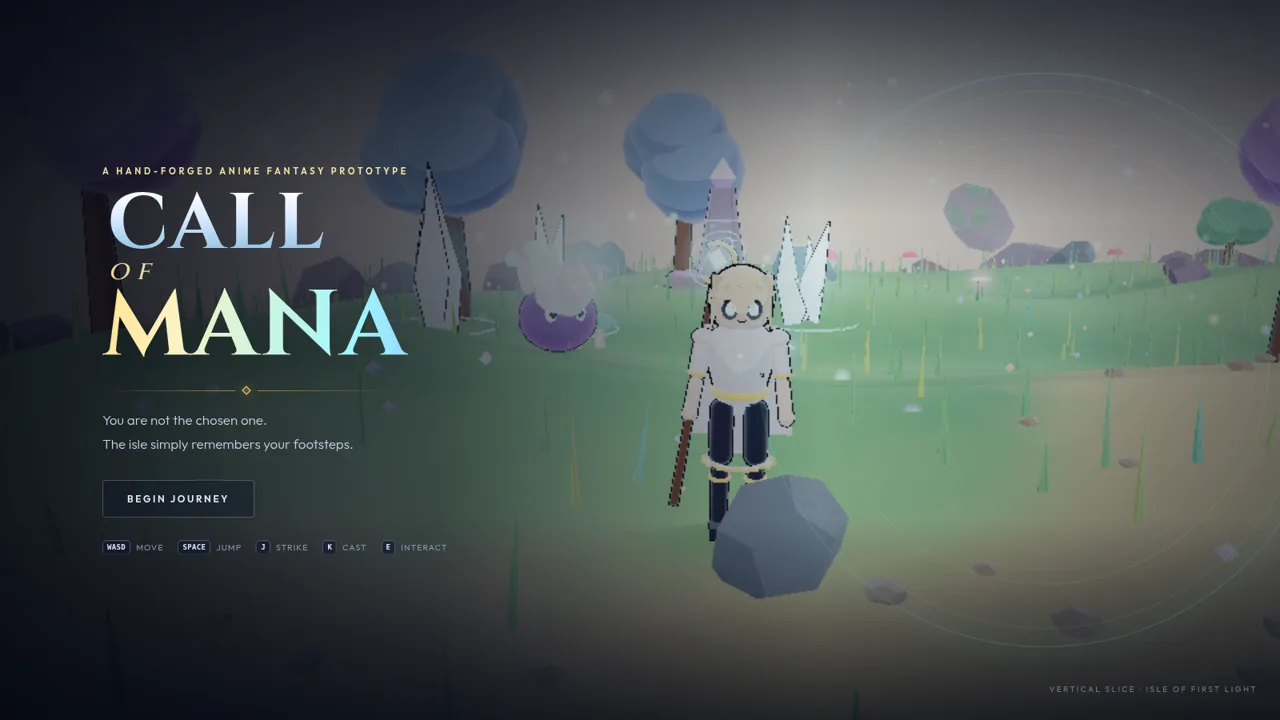
2Call of Mana
Explore the isle, gather blooms, awaken the shrine, and attune your wanderer.