
Call of Mana
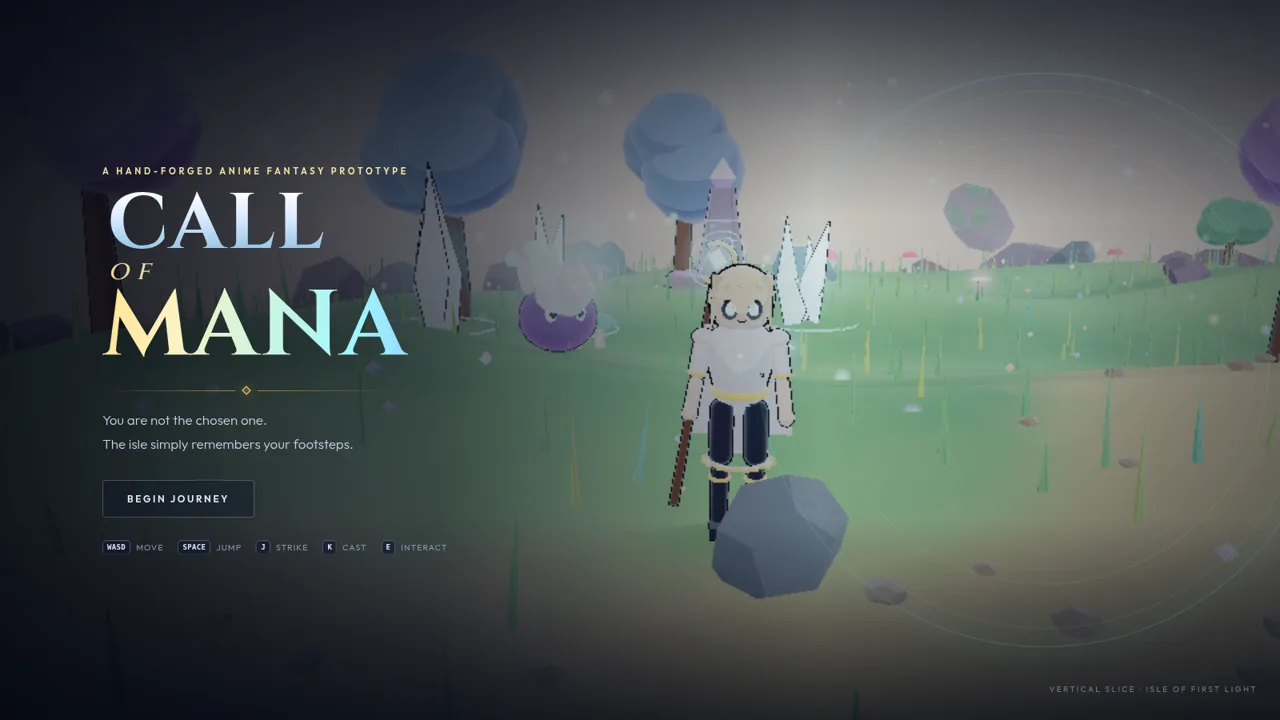

Explore a pastel isle, gather mana blooms, and awaken the shrine.
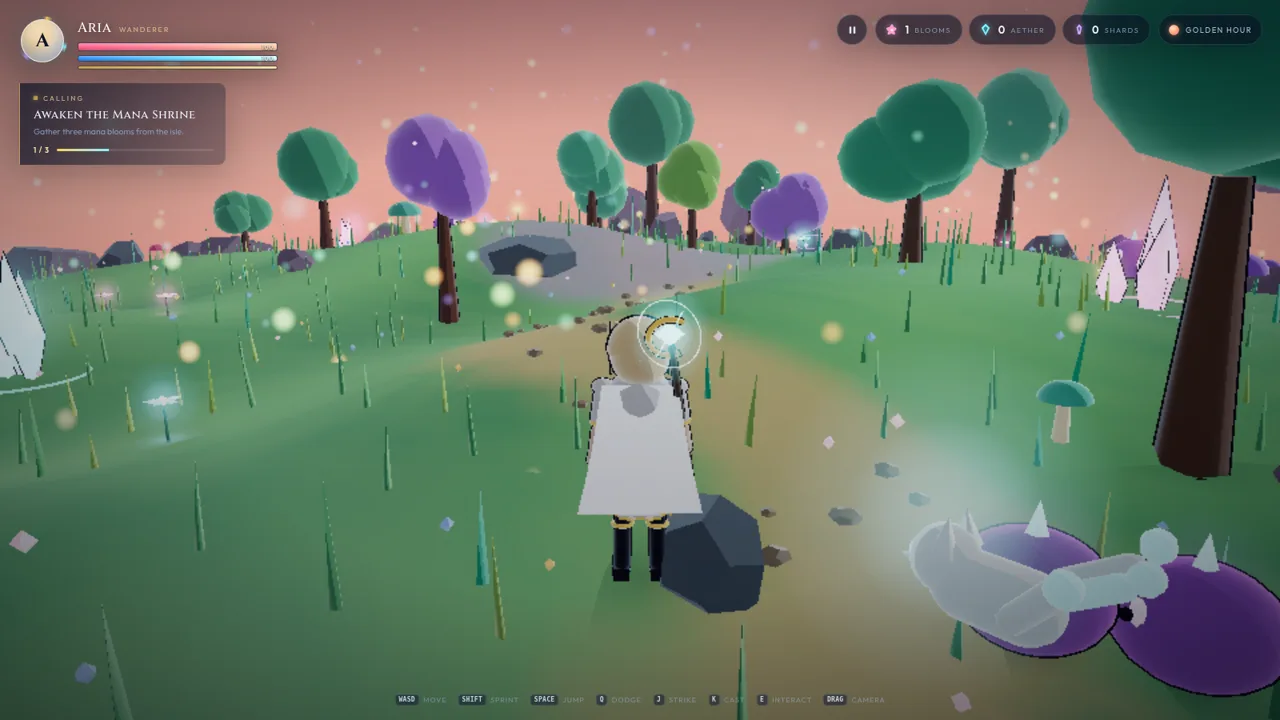
Call of Mana — Wanderer of the Isle is a browser-based third-person fantasy adventure. Players begin at a title screen, then use a character studio to choose a name and customize hair, outfit, trim, eye, mana and skin colors before entering the Isle of First Light. The island is rendered in a soft low-poly style with rolling grass, stylized trees, glowing plants, stones and a shrine. Movement, sprinting, jumping, dodging, striking and spell casting are available from the keyboard, while dragging the mouse adjusts the camera. The opening quest asks the wanderer to gather three mana blooms and bring them to the shrine. A HUD tracks health, mana, stamina, blooms, aether, shards and time of day, and the pause menu shows progress while saving automatically.
Highlights
Character studio
Customize your look
Pastel low-poly isle
Soft colorful island
Day-night cycle
Sky shifts over time
Action controls
Move, fight, cast
Bloom quest
Collect shrine bloom
Auto saving
Resume anytime
How to Use
Start a journey
Open the page and choose Begin Journey or New Journey on the title screen. If a previous save exists, Continue Journey resumes the wanderer at the last saved position.
Customize the wanderer
In the character studio, type a name and select colors for hair, outfit, trim, eyes, mana and skin. Surprise Me randomizes the palette, and Enter the Isle confirms the look and starts the game.
Learn the controls
Use WASD to move, Shift to sprint, Space to jump, Q to dodge, J to strike, K to cast and E to interact. Drag with the mouse to rotate the camera and look around the island.
Follow the calling
The quest panel asks for three mana blooms. Approach a glowing bloom until the E prompt appears, then press E to gather it. The bloom counter and quest progress update immediately.
Track and save progress
The top HUD shows health, mana, stamina, bloom count, aether, shards and the current time of day. Open the pause menu to resume, save, adjust graphics quality, return to the title or review collected stats.
Similar Sites
 162
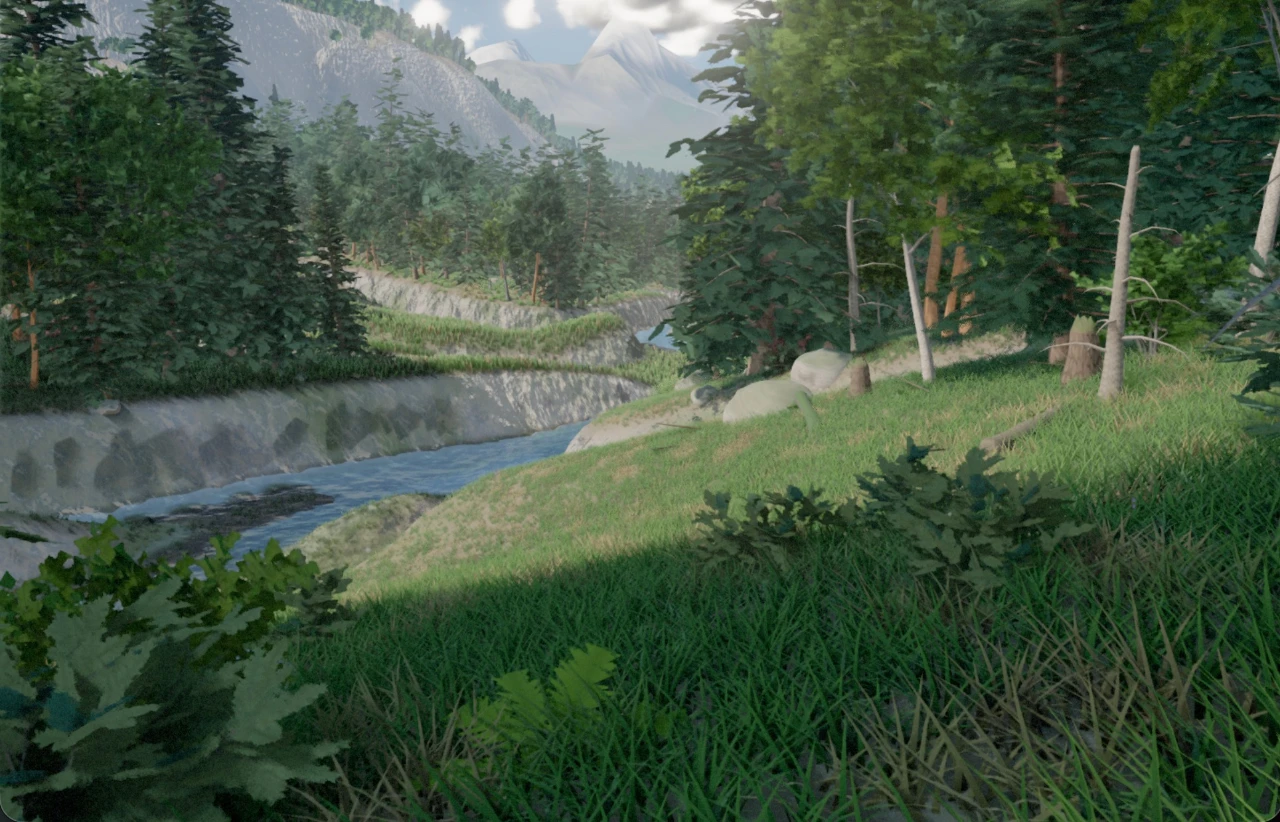
1623D Forest
 2
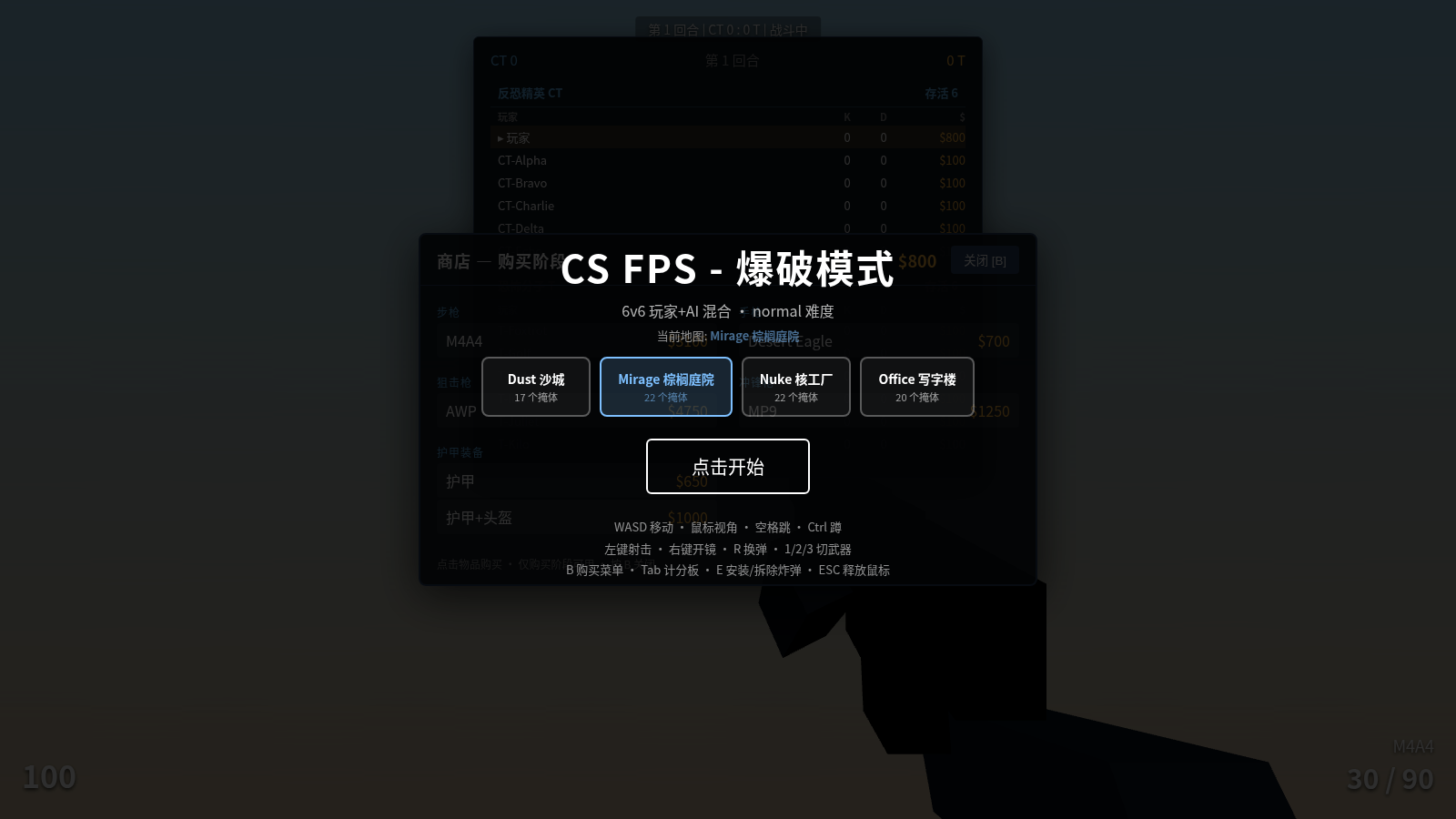
2CS FPS - Bomb Defusal Mode
A web-based first-person shooter game built on Three.js, CS-style bomb defusal mode
 14
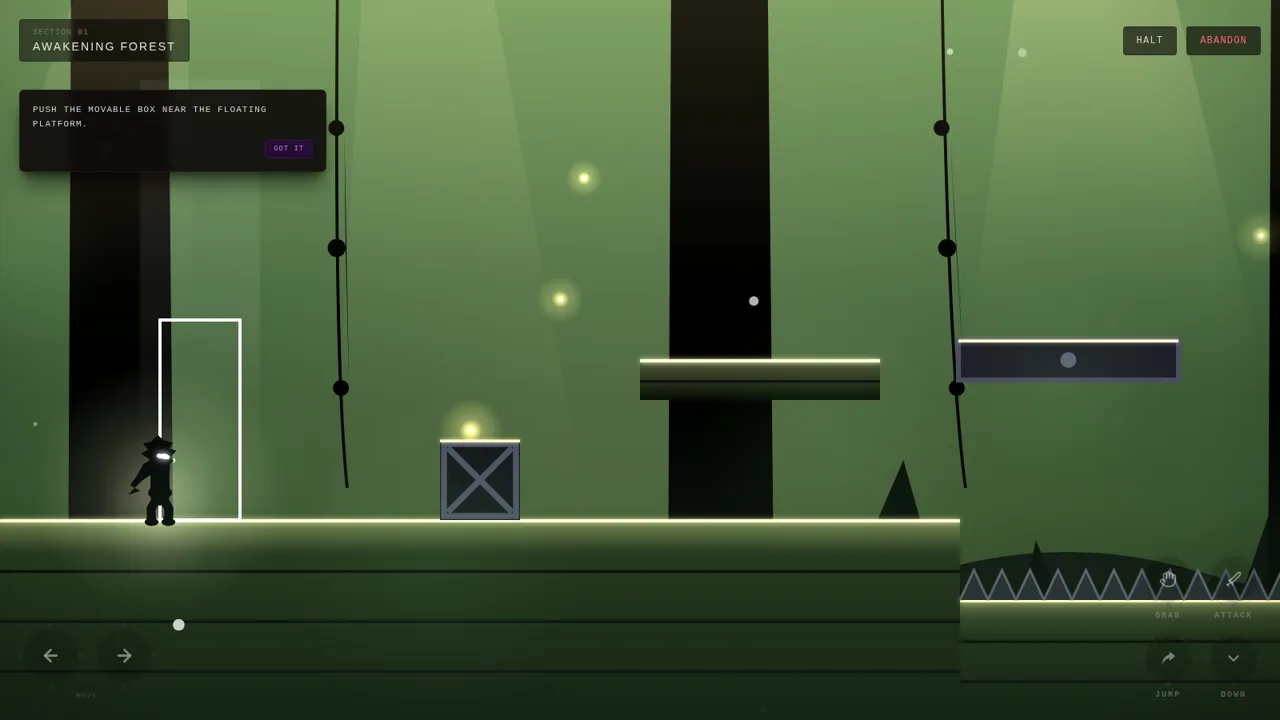
14Silhouette
Dark atmospheric 2D side-scrolling adventure inspired by Limbo and INSIDE
 31
31Mafia: Altın Şehir
Mobil öncelikli, online ve bot destekli sinematik Mafya rol oyunu.
 18
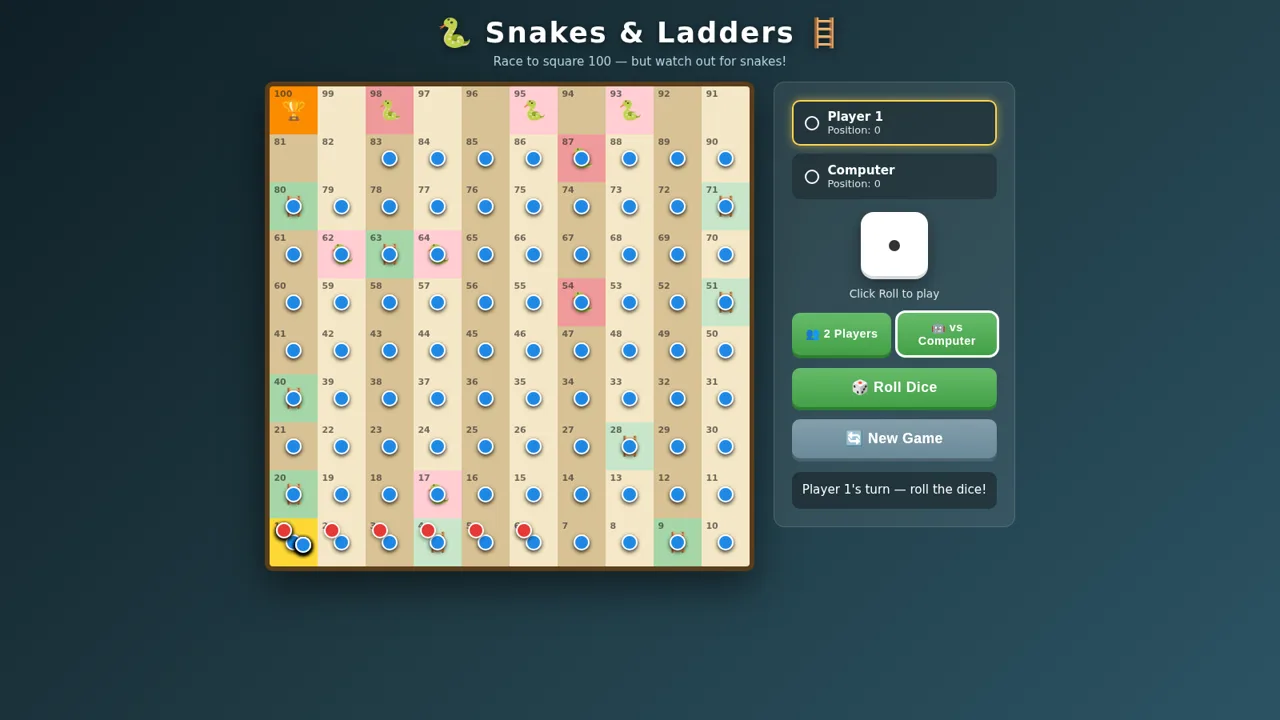
18Snakes and Ladders
Classic board game: race to square 100, climb ladders, dodge snakes.
 18
18Super Macaco Prego World 64
Jogo de plataforma estilo 16-bit com o macaco-prego em 3 fases e 30 desafios