
Tetris Gamepad
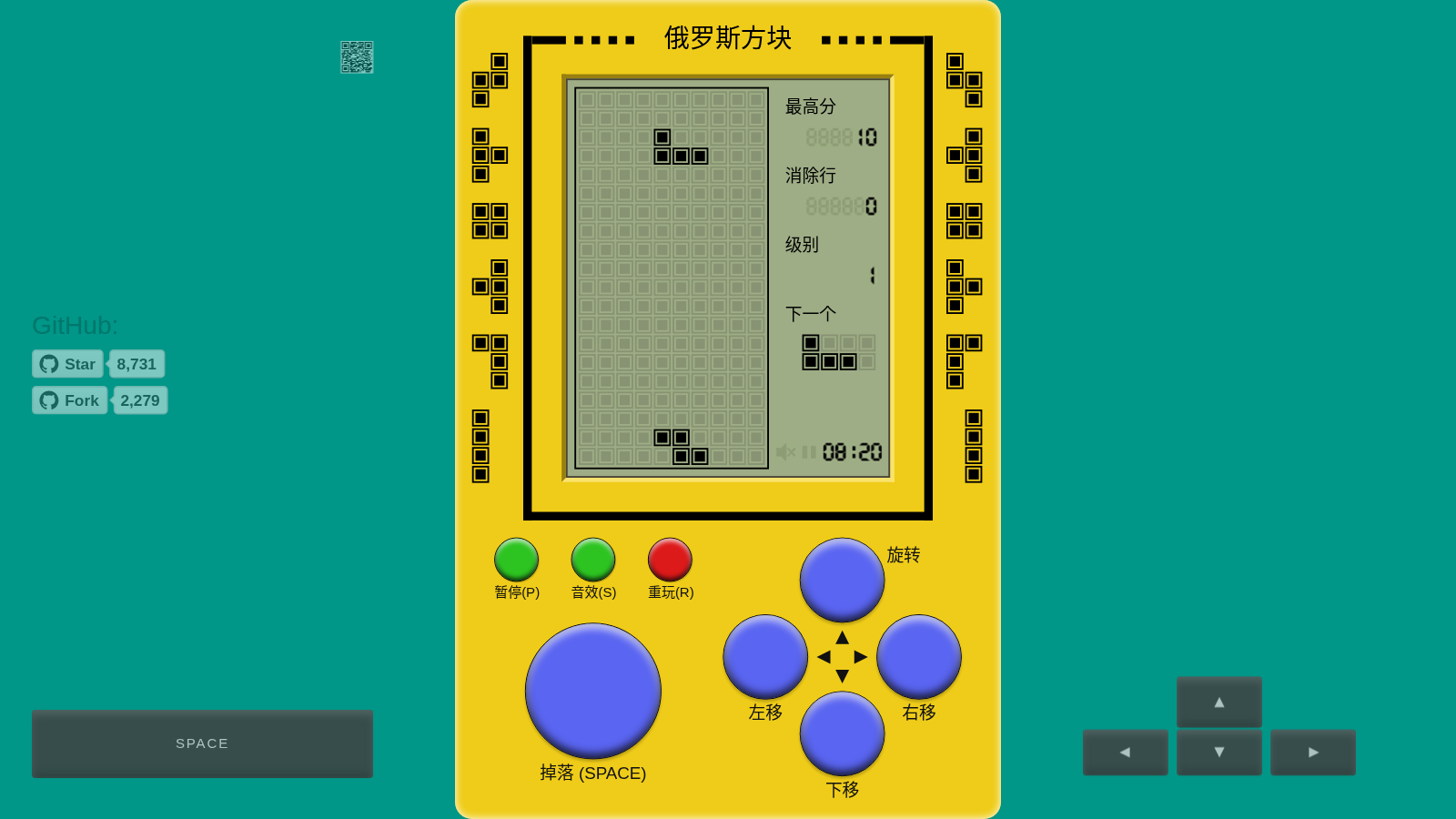
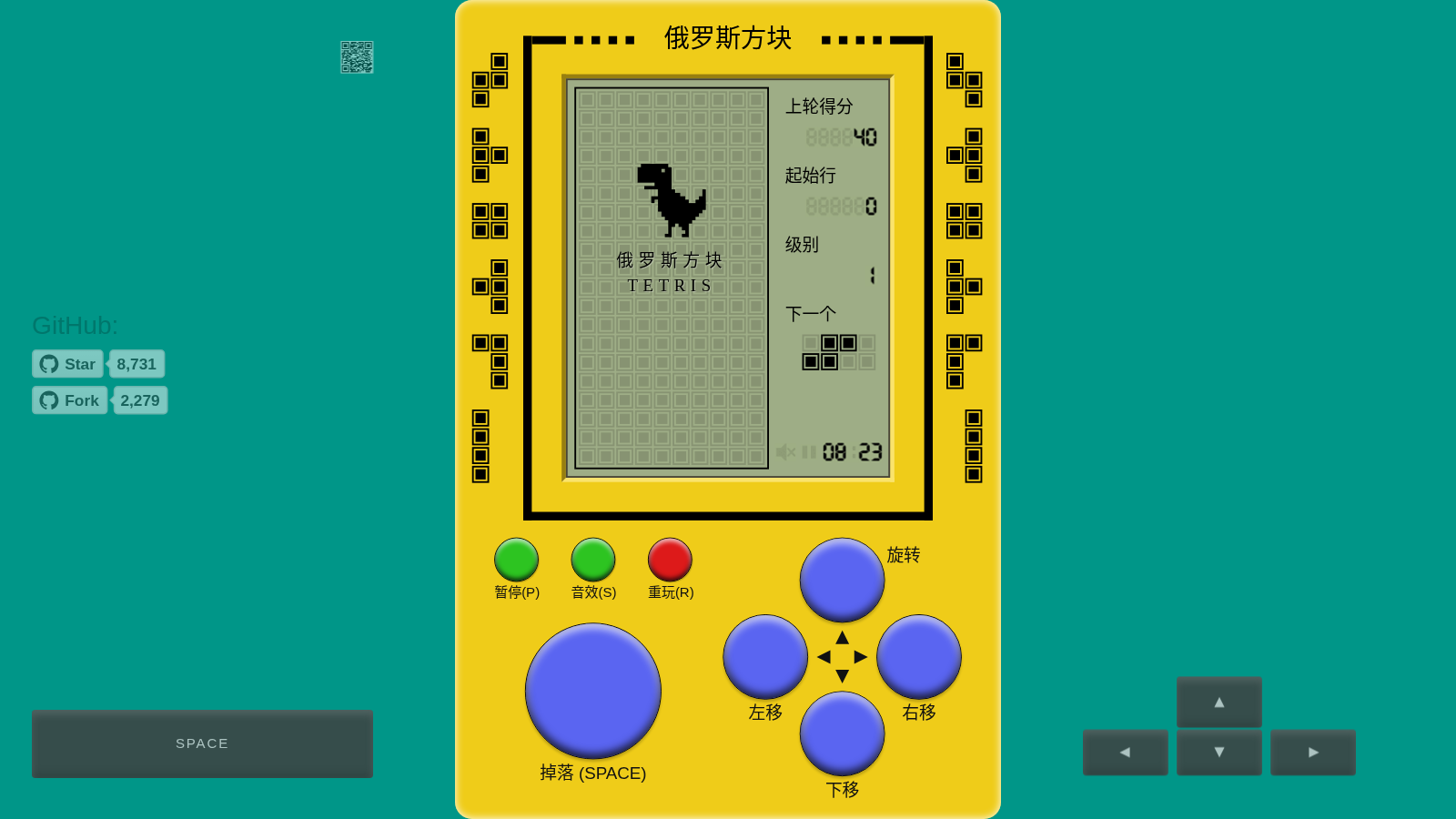
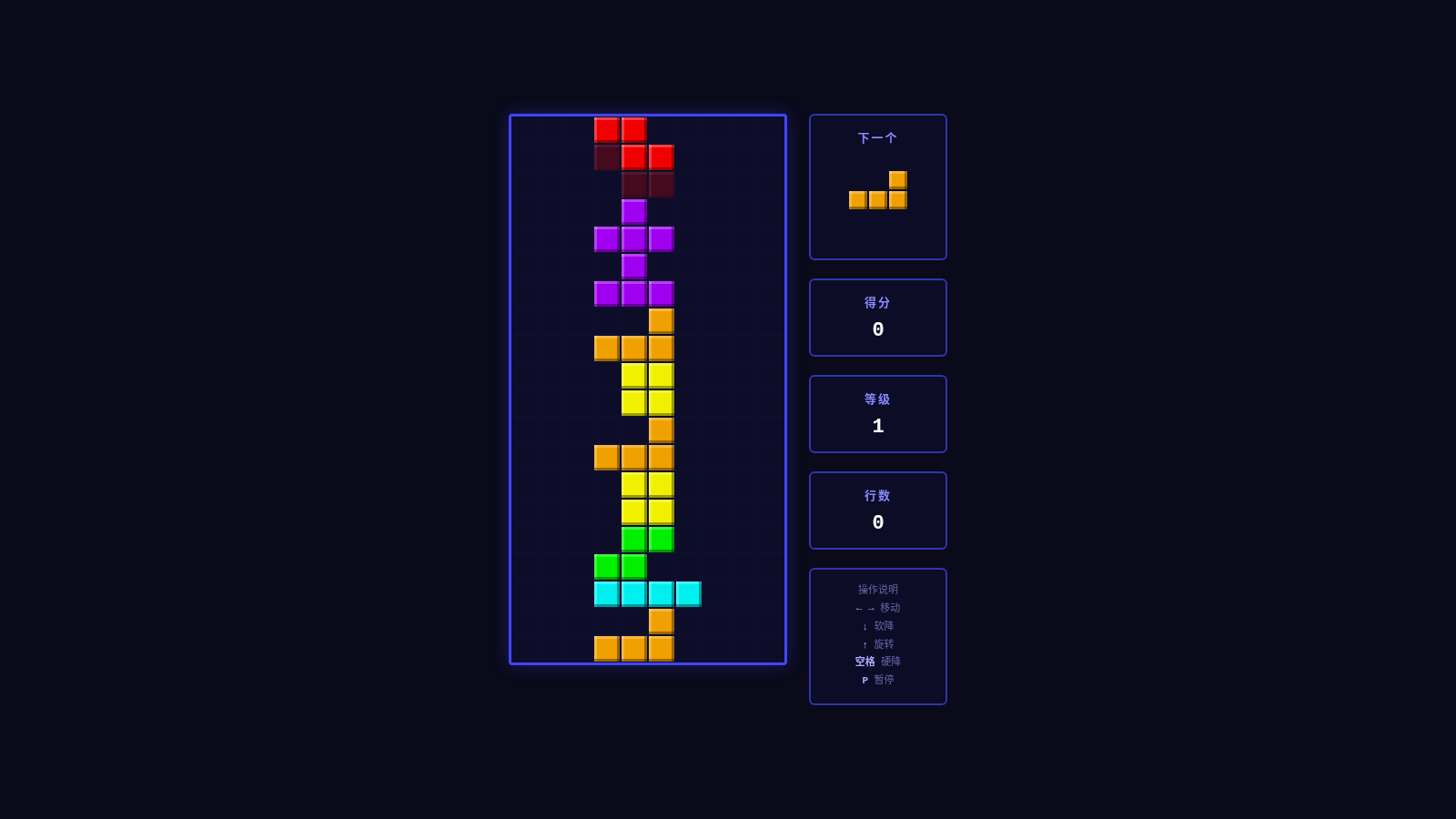
Rotate, move, and stack blocks in a retro pixel interface; keep clearing lines to chase a higher score.
This is a classic Tetris game that can be played directly in the browser. Players control constantly falling blocks of different shapes, rotating and moving them into suitable positions; filling a complete horizontal row clears it and earns points. The game panel displays current score, lines cleared, level, and the next block, with an ever-faster pace as you progress. The page offers both keyboard shortcuts and on-screen control buttons, plus pause, sound toggle, and replay. No account is needed to start.
Highlights
Classic line-clearing gameplay
Rotate and stack blocks to fill complete rows.
Dual control methods
Supports both keyboard and on-screen button controls.
Real-time status panel
Displays score, level, and block preview.
Convenient game controls
Can pause, replay, and toggle sound effects.
How to Use
Start the game
After opening the page, press the space bar to start a game. A falling block appears in the play field, and the status panel on the right shows the next block and current game information.
Adjust the block
Use the left and right arrow keys to move the block, the up arrow key to rotate, and the down arrow key to accelerate downward movement. You can also click the control areas labeled rotate, move down, move left, and move right at the bottom of the page to do the same.
Quick drop and line clearing
When you have decided where to place the block, press the space bar to drop it quickly to the bottom. Filling an entire row completely clears it; the page updates the score, lines cleared, and level, then you continue controlling the next block.
Pause or restart the challenge
During gameplay, press P to pause or resume, S to toggle sound; to restart, press R to replay. The page ends the current session and returns to the starting state of a new game.
Similar Sites
 3
3Grassland Football Battle
3D web football battle game, choose a position and work with AI teammates to complete a first-to-3-goals match.
 1
1Snake Game
Jogo da cobrinha clássico: coma a comida, aumente a velocidade e bata seu recorde
 37
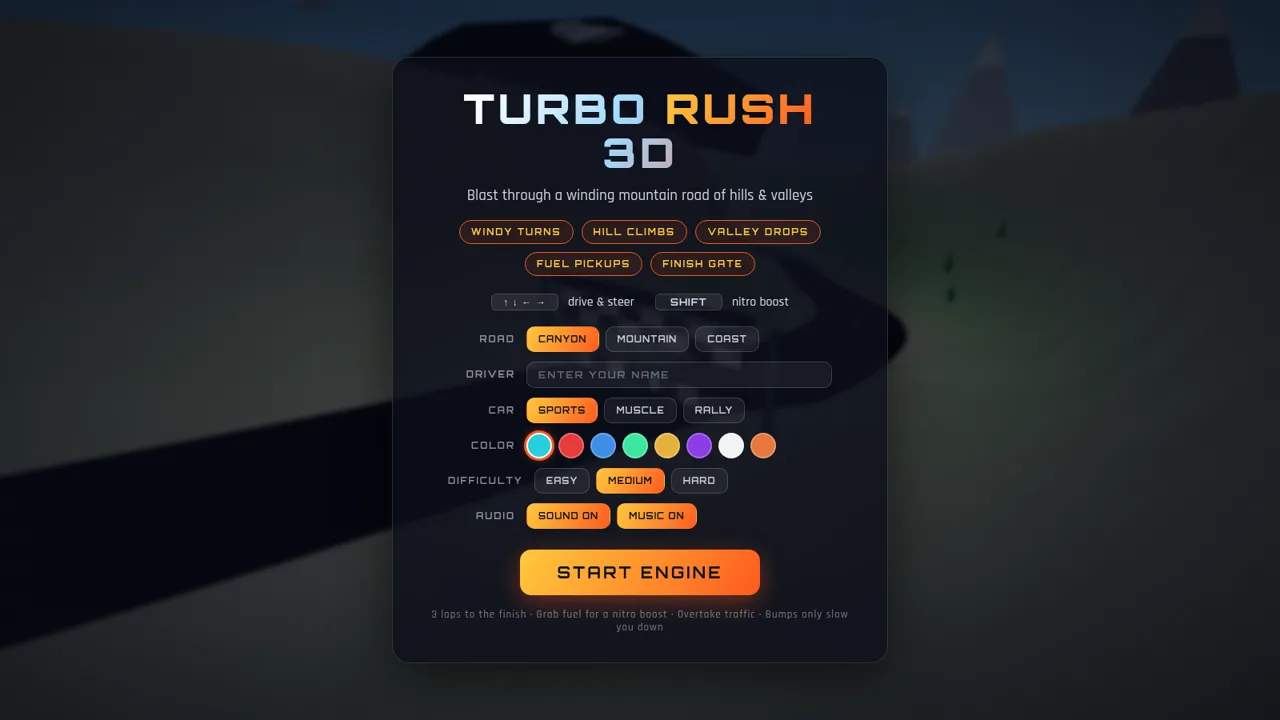
37Turbo Rush & Lawn Tennis
Two arcade games in one portal: mountain-road racing and lawn-tennis rallies.
 9
9Tetris
 8
8Bowling King
Cyberpunk-style 3D bowling web game featuring five levels of challenges. Come play!!! You'll regret not playing for eight lifetimes!!!!
 5
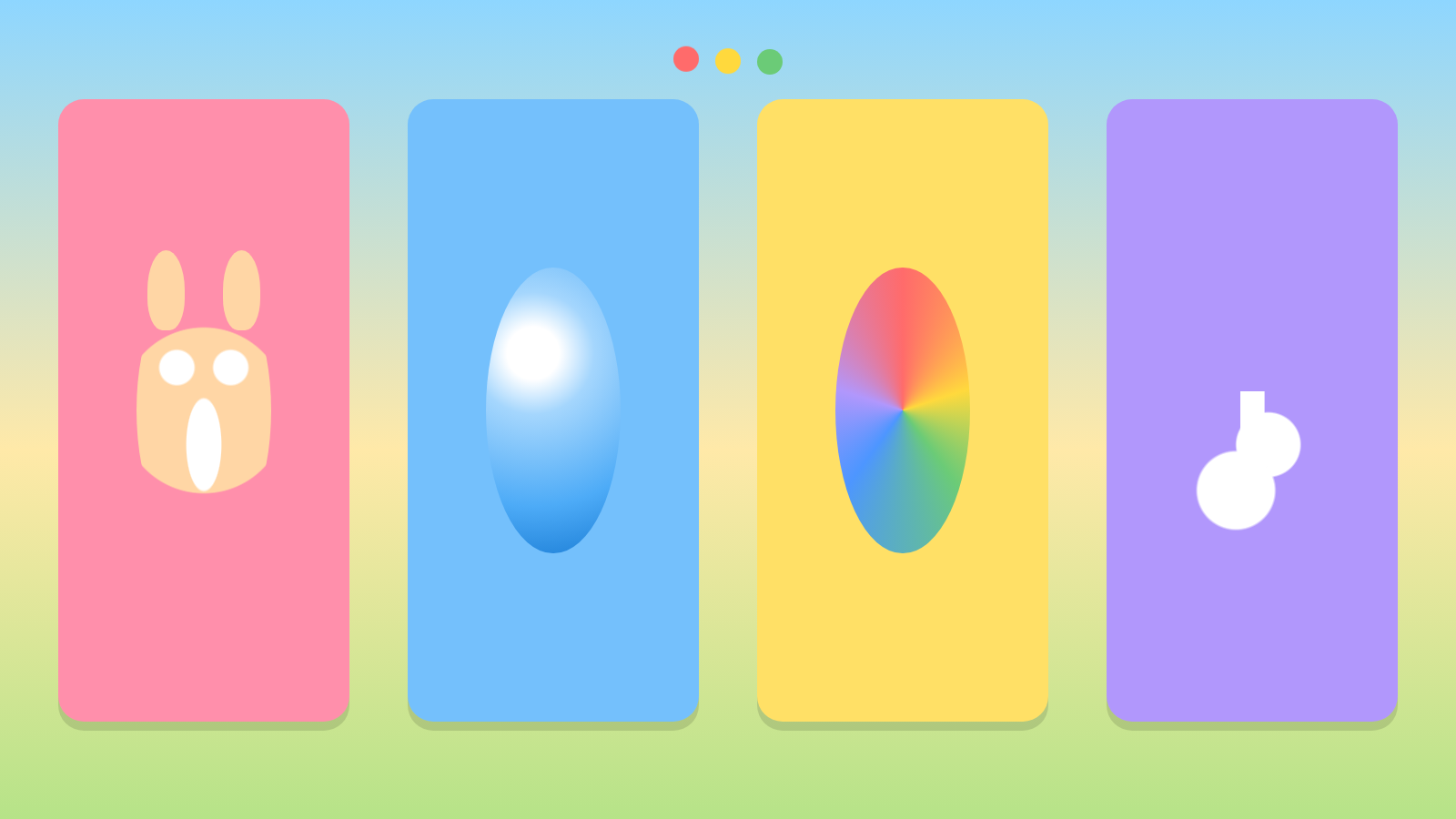
5Tap Tap Fun
A colorful tap game for toddlers with animals, bubbles, colors, and music.