
NORCET CBT Practice
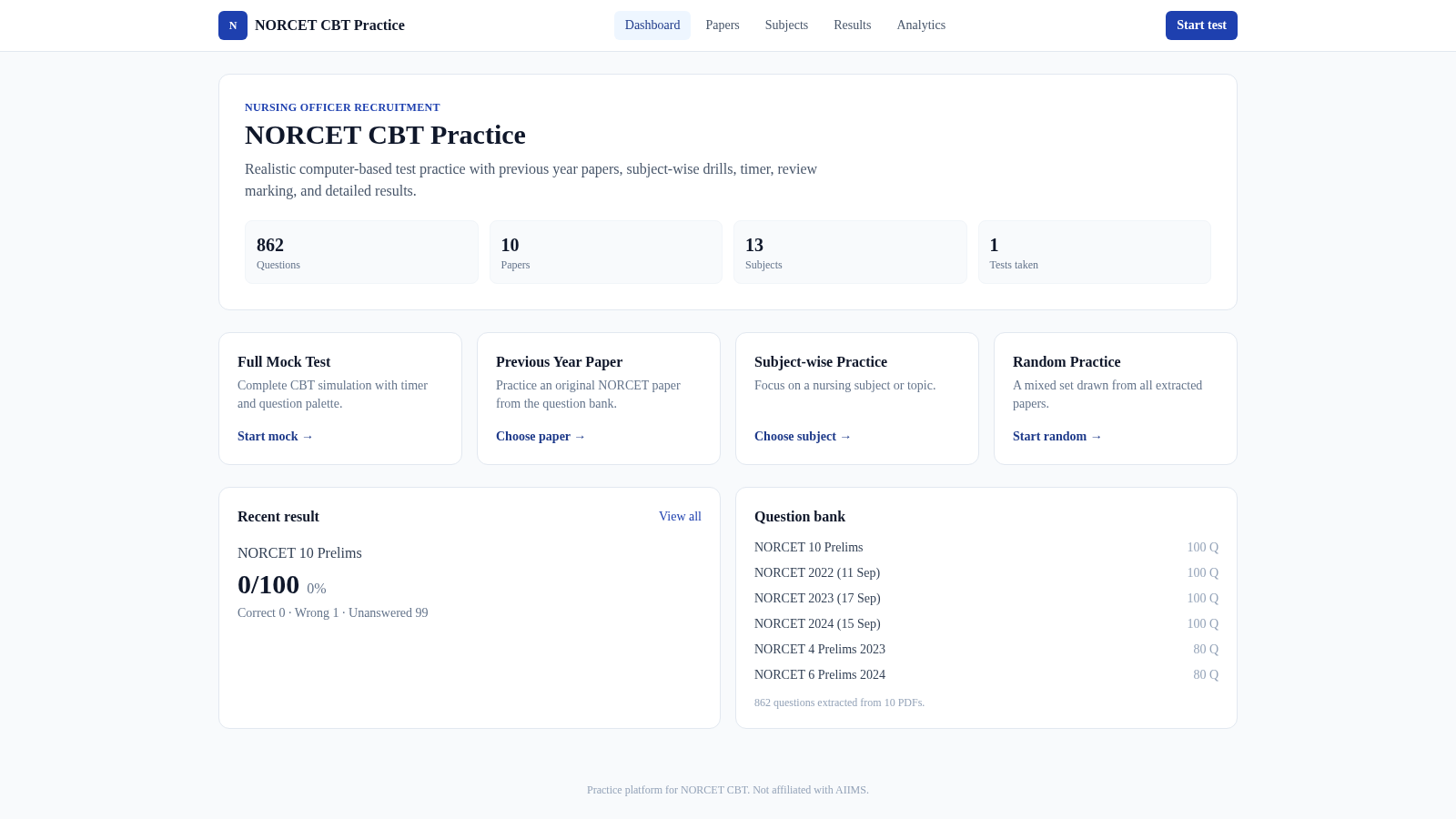
Practice NORCET papers in a realistic timed CBT flow, then review every result and subject trend.
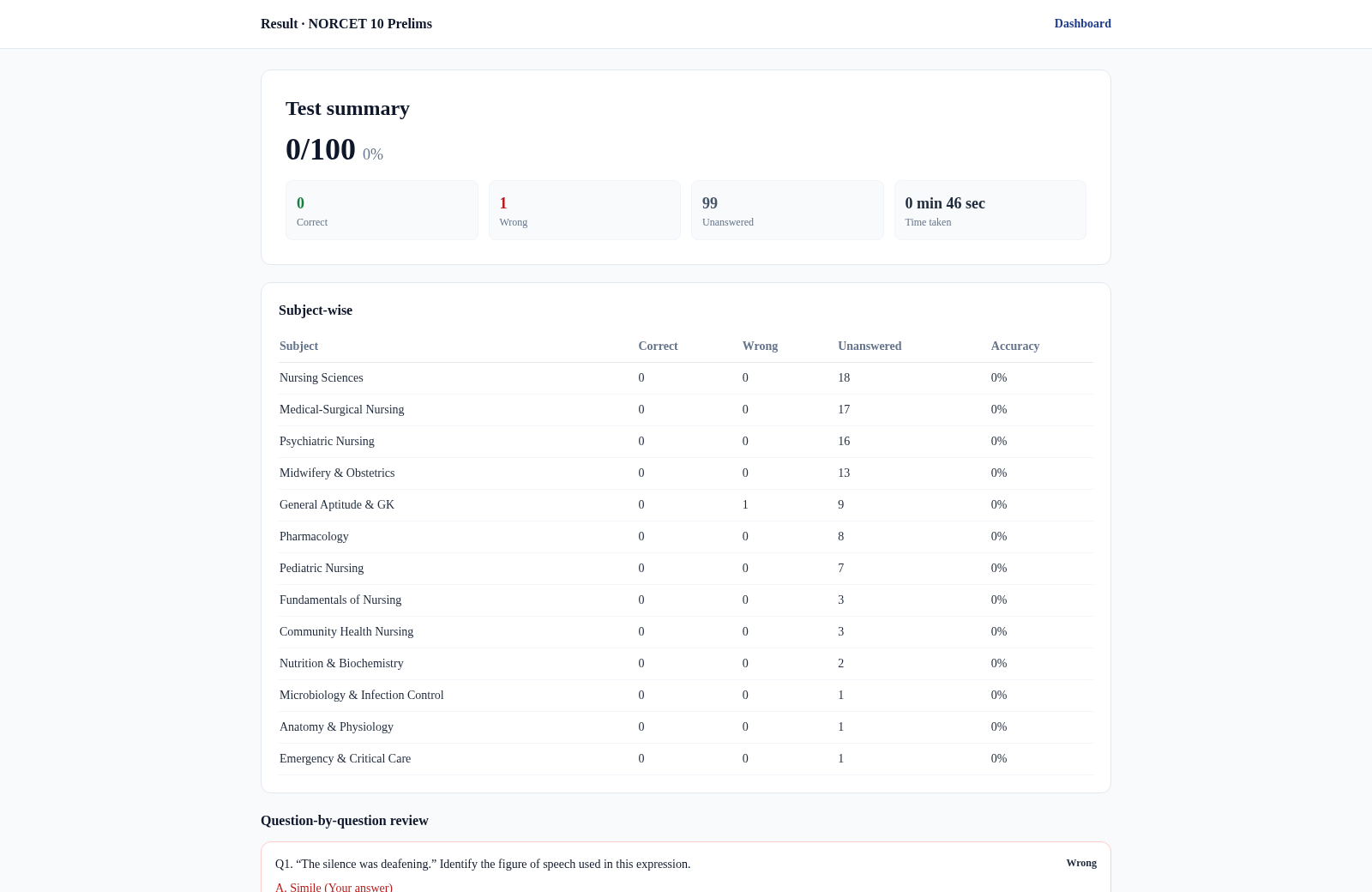
NORCET CBT Practice is a browser-based exam preparation tool for Nursing Officer Recruitment candidates. Its question bank contains 862 questions drawn from 10 listed papers and organized into 13 subjects. Users can choose a full mock, a previous-year paper, a subject drill, or a random set; configure the timer; answer one question at a time; move through a numbered palette; clear responses; and mark items for review. After submission, the tool reports the score, correct, wrong, and unanswered totals, time taken, subject-level accuracy, and a question-by-question review with correct answers and available explanations. Completed attempts remain available in Results and contribute to an Analytics view of overall and subject performance.
Highlights
Realistic CBT flow
Timer and palette
Large question bank
862 questions
Multiple study modes
Mocks and drills
Detailed review
Answers and results
Progress analytics
Subject accuracy
How to Use
Choose a practice mode
Use the dashboard to start a full mock or random practice, or open Papers and Subjects to select a specific source paper or nursing discipline. Each paper card shows its question count, allotted duration, and source filename.
Configure the session
On the setup page, keep or disable the timer and adjust the duration when available. The page summarizes the selected paper and explains that the session uses one question at a time, a question palette, review marking, and saved progress.
Work through questions
Select an answer, use Next or Previous to move sequentially, choose Mark for review or Mark and next when an item needs another look, and use the numbered palette to jump directly to any question. The counters show answered, unanswered, and review totals while the timer continues.
Submit and inspect results
Press Submit and review the confirmation summary before completing the attempt. The result page then displays the score, time, response totals, a subject-wise table, and each question with the submitted and correct answers plus explanations where present.
Track later performance
Open Results to revisit saved attempts and Analytics to inspect overall accuracy, correct and wrong totals, subject accuracy, and weak or strong subject lists generated from completed tests.
Similar Sites
 33
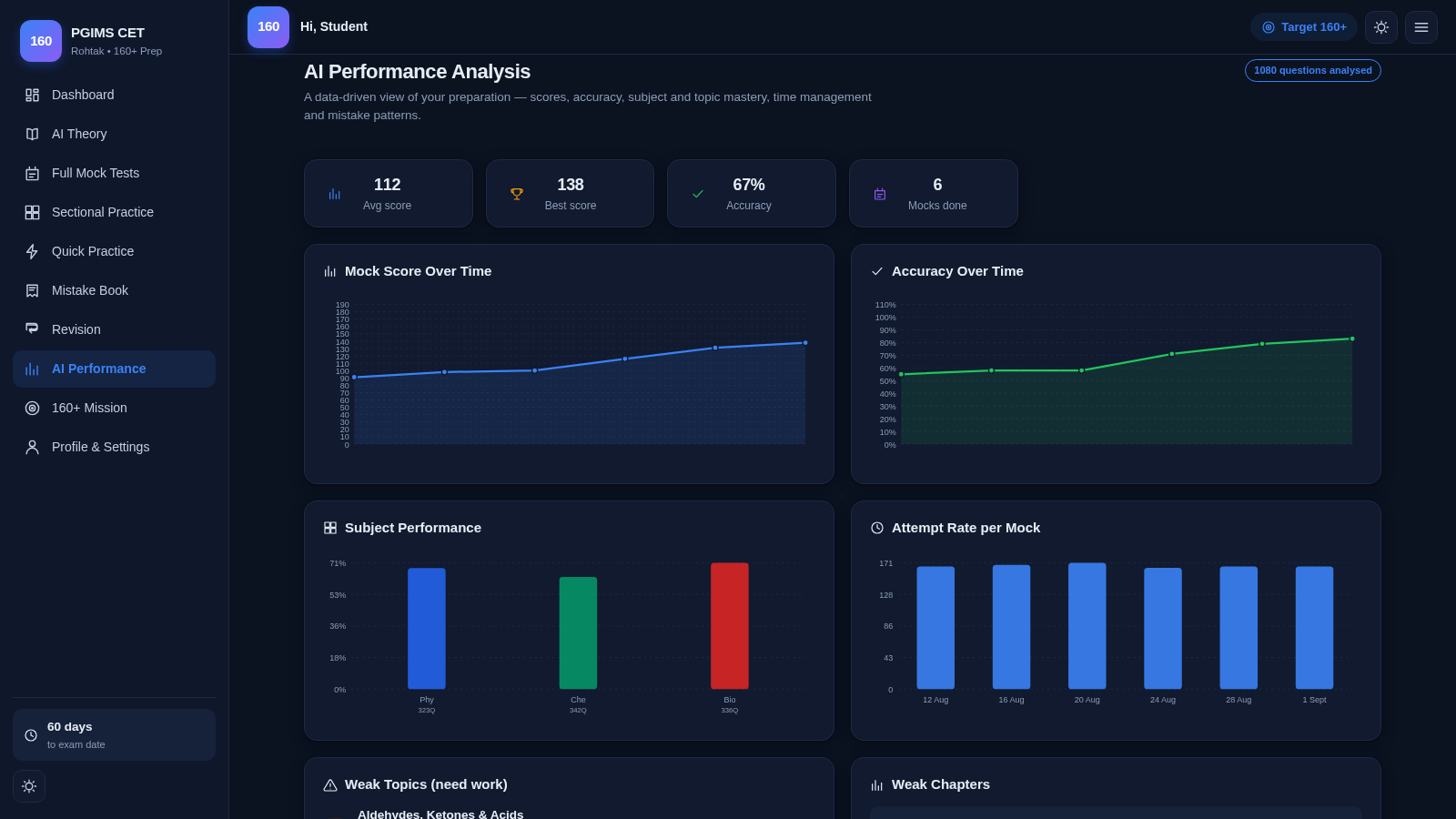
33PGIMS Rohtak CET 160+ Prep
PGIMS Rohtak CET prep: mock tests, AI theory, sectional practice, mistake book.
 19
19SSC CHSL 2026 Prep
SSC CHSL 2026 mock tests, topic practice and study notes
 16
16English Zero to Fluency
Aprenda inglês do Pre-A1 ao C2 com lições imersivas, SRS e prática de fala.
 9
9SSC CHSL Tier-1 Practice Portal
SSC CHSL Tier-1 practice tests with instant explanations and full mocks.
 9
9EstudaPROVA
estuda provas
 6
6Interviewly AI
AI-powered interview practice with role-based questions, voice answers and performance reports.