
Orbit Meet
Instant browser meeting rooms with HD video, chat and host controls
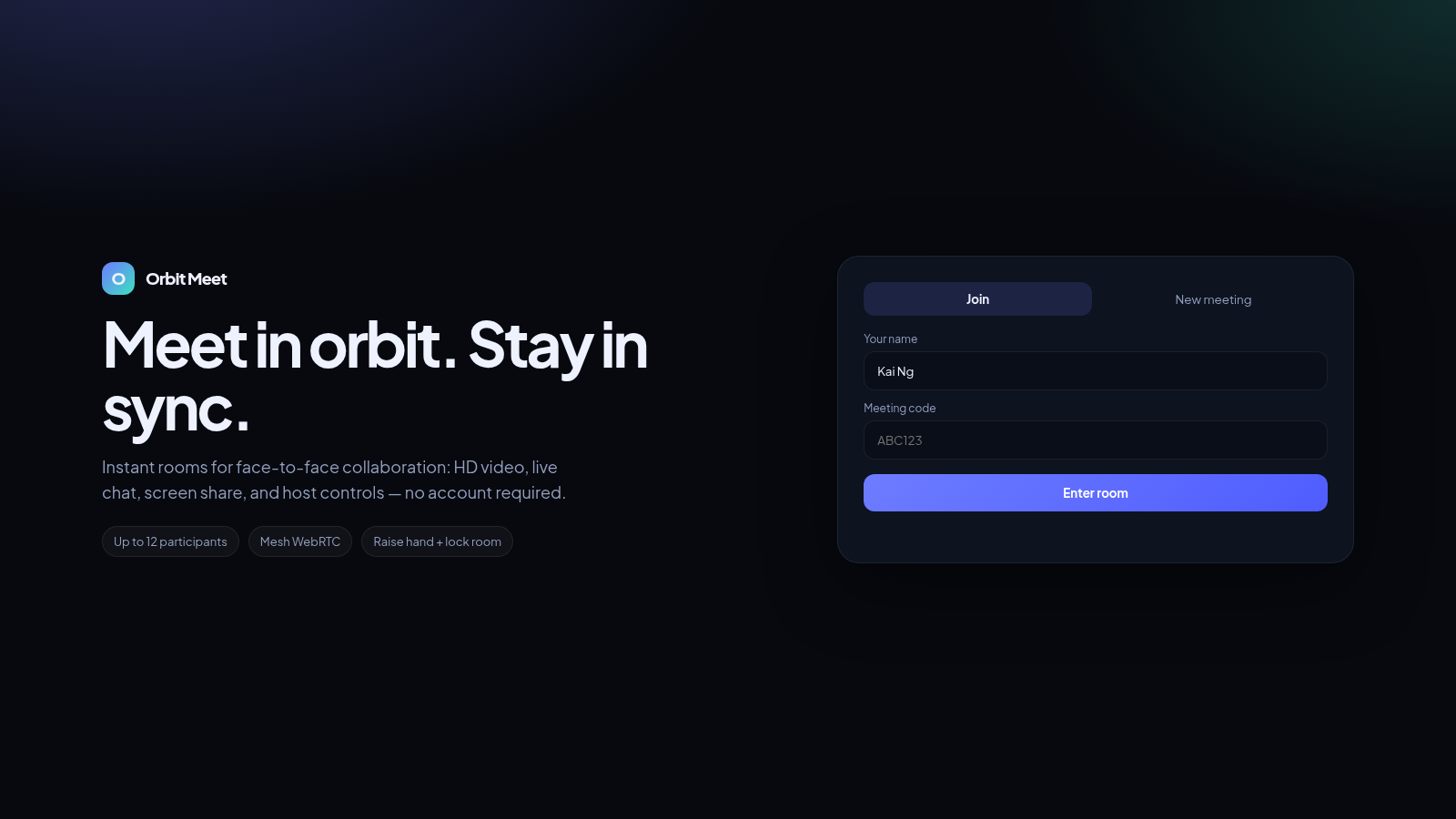
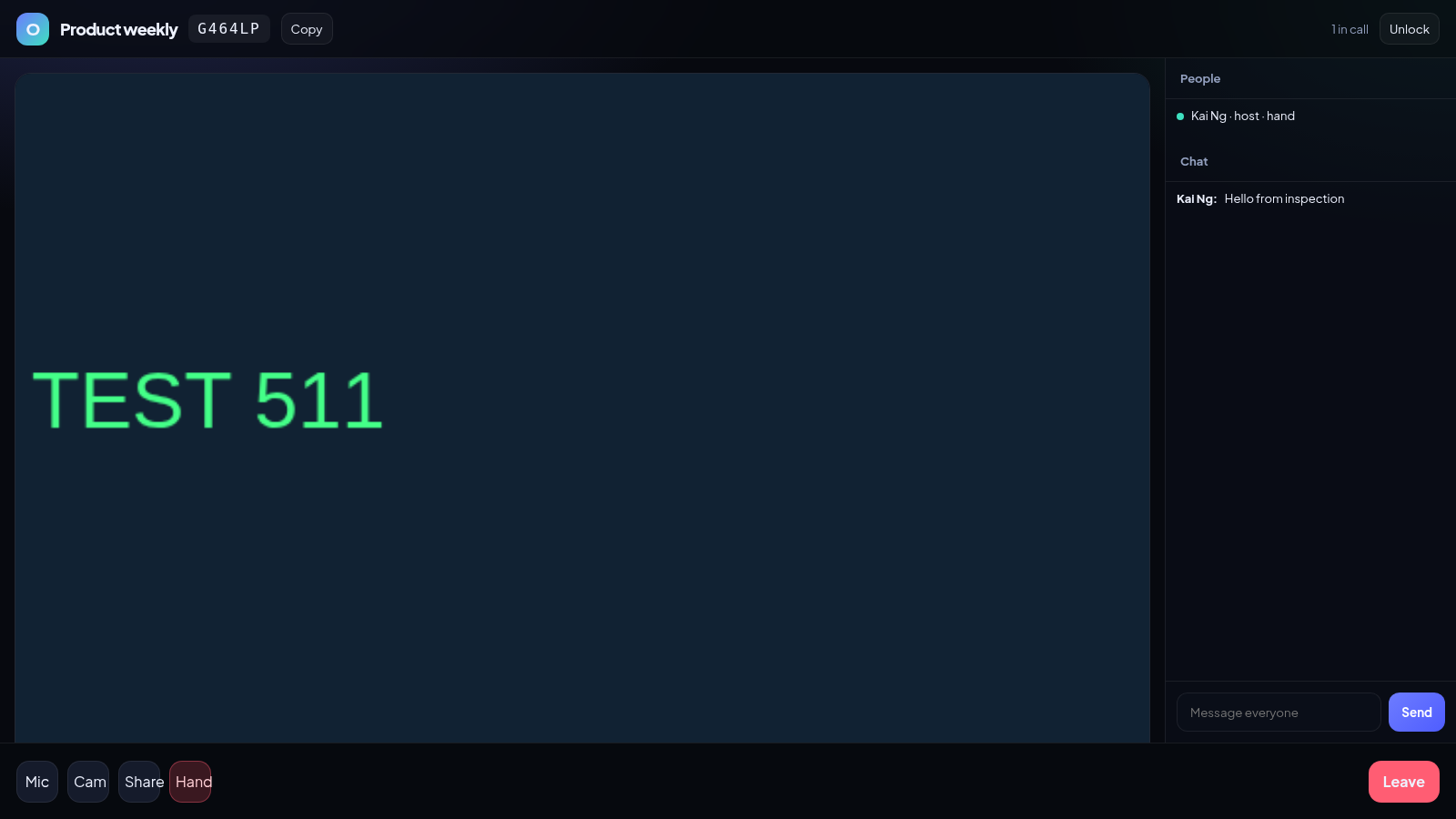
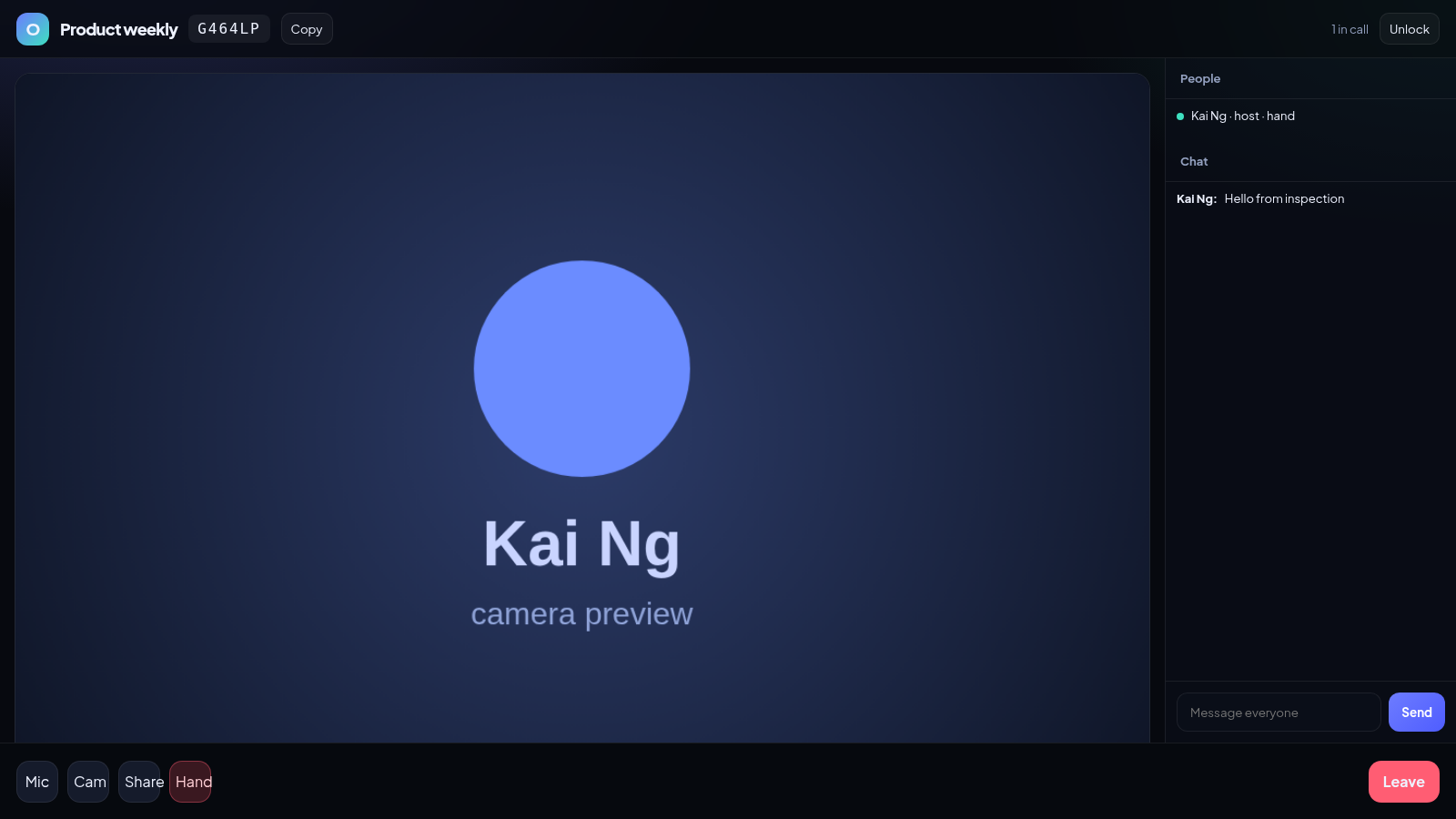
Orbit Meet is a browser-based video meeting tool built around mesh WebRTC. From a single landing screen you enter a display name and either type a meeting code to join an existing room or give a meeting title and create a new one. Once inside, the room shows a large video tile, a participant list that marks the host and hand raises, a live chat panel, and a bottom bar with mic, camera, screen share, raise hand and leave controls. The host can lock the room so no new people can join. Nothing requires an account, and rooms are limited to twelve participants.
Highlights
Instant rooms
Create in one click
Up to 12 people
Mesh WebRTC peers
Chat and hand raise
Chat plus hand raise
Host controls
Lock a room anytime
How to Use
Create a meeting
Open the page and switch the card to New meeting. Type your name, add a meeting title such as Product weekly, then press Create and start. The browser asks for camera and microphone access; once you allow it, the app opens the room and shows a short room code with a Copy button.
Join with a code
To join someone else, stay on the Join tab, enter your name and the meeting code you were given, then press Enter room. If the code matches an active room you enter the call; if it does not, the page reports that the meeting was not found so you can correct the code and retry.
Use the room
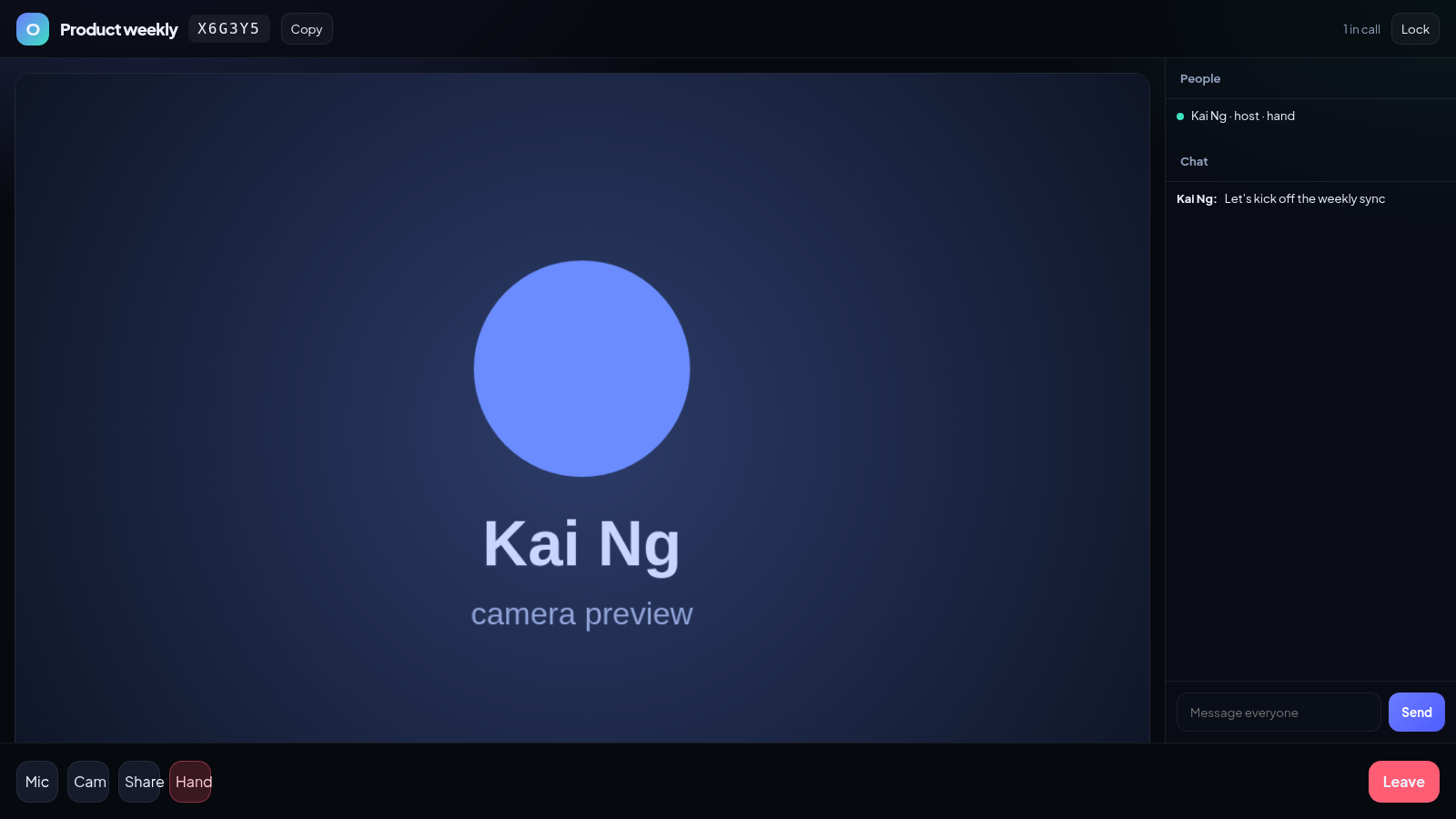
Inside a room the bottom bar toggles Mic and Cam, starts screen sharing with Share, and raises your hand with Hand. The right rail lists participants and contains the chat box, where typing a message and pressing Send or Enter posts it immediately. The host can press Lock to close the room, which changes the button to Unlock.
Leave the call
Press the red Leave button at the bottom right to exit the room. You are returned to the home screen, where you can create a new meeting or join another one right away.
Similar Sites
 6
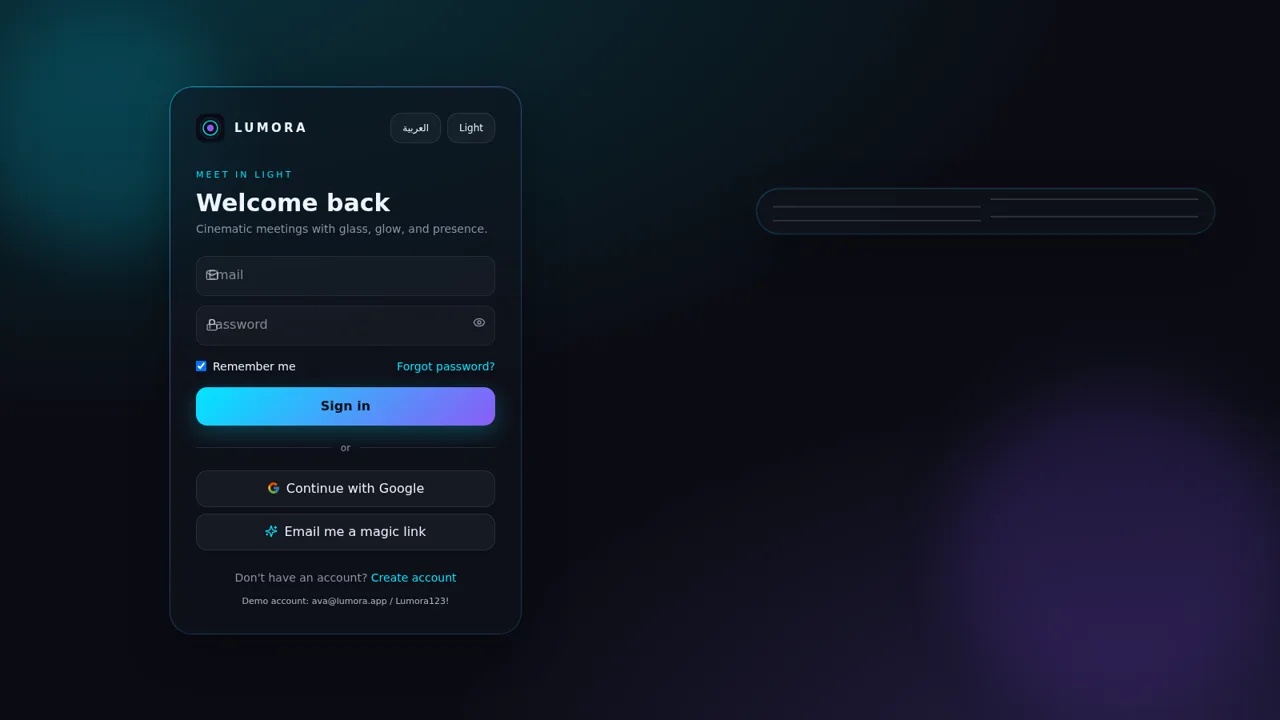
6LUMORA
Futuristic glassmorphism video meetings with live WebRTC, chat, and bilingual AR/EN.
 34
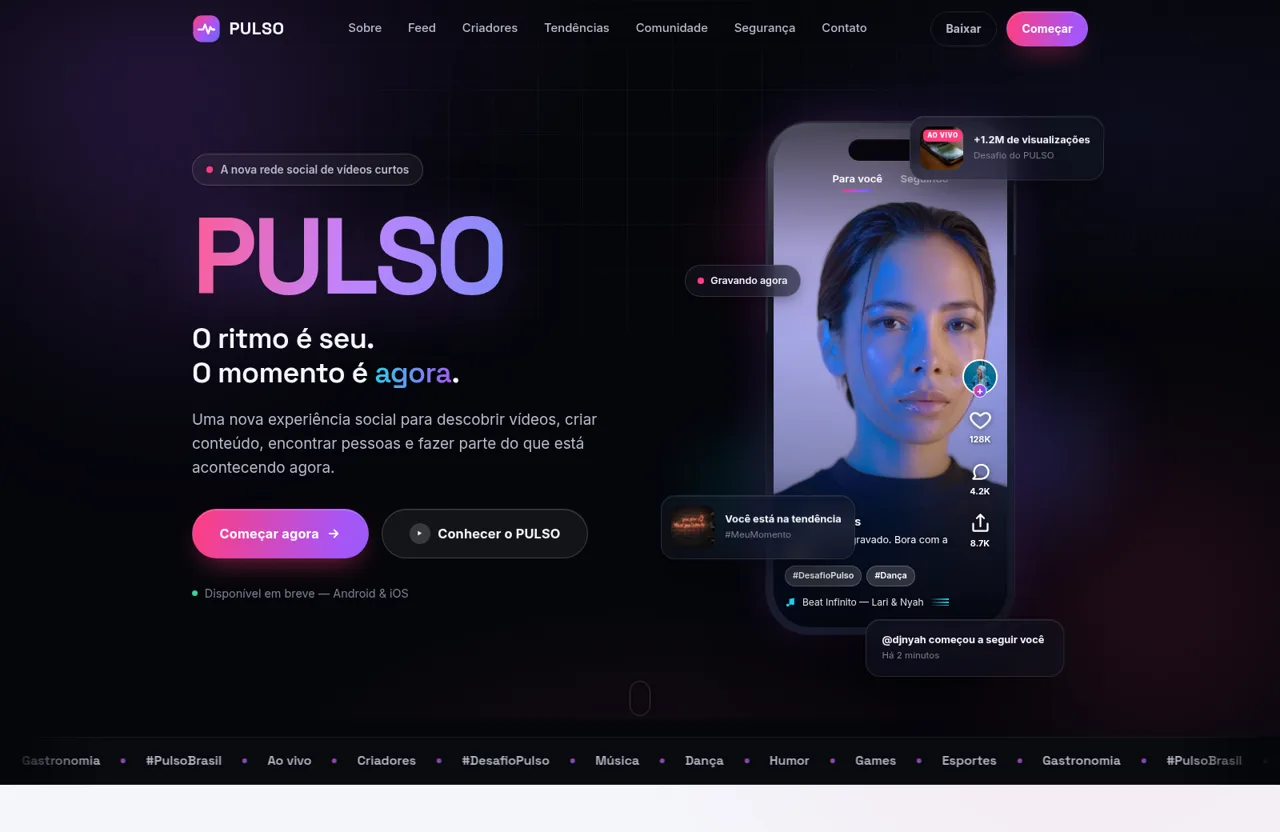
34PULSO — O ritmo é seu. O momento é agora.
PULSO é a nova plataforma social de vídeos curtos. Descubra, crie e conecte-se através de conteúdo rápido, espontâneo, autêntico e envolvente.
 32
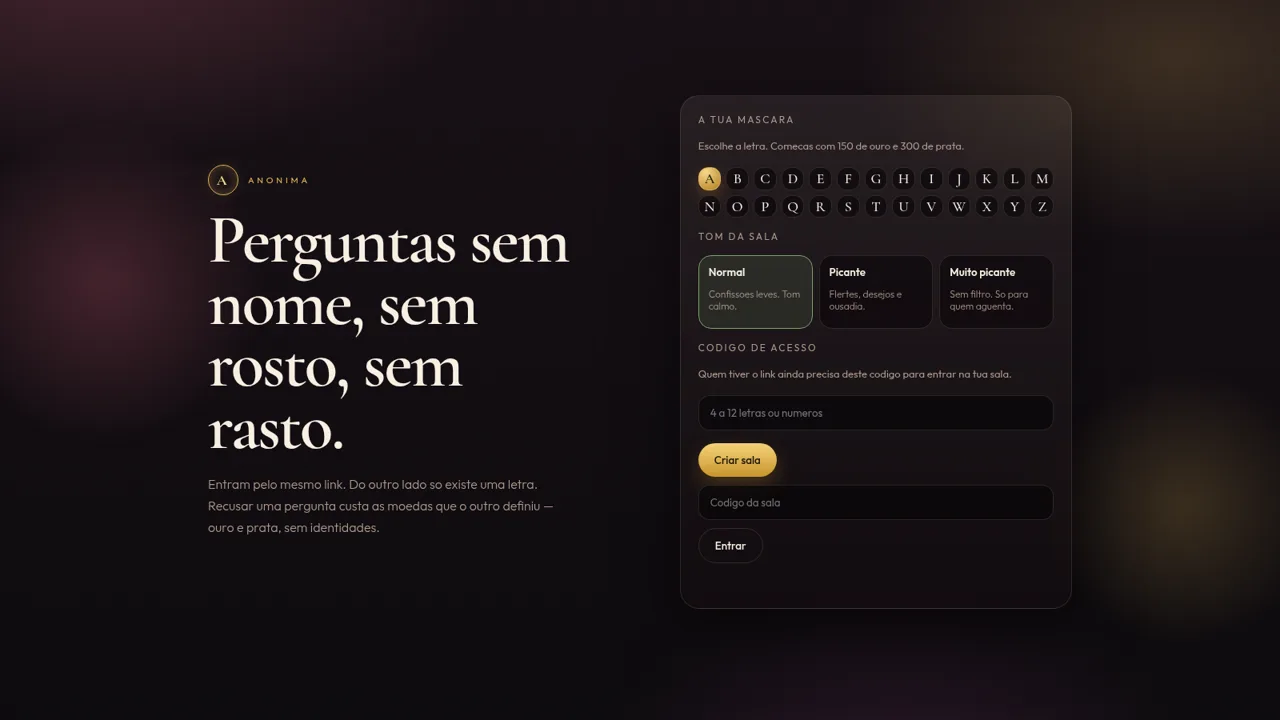
32Anónima
Perguntas anónimas por letra, com moedas e ficheiros de um só olhar.
 31
31Vai Dar Namoro
Encontros 18+ em Angola. Cadastro 1.500 Kz, carteira AOA, Loja Palanca e indicações 300 Kz.
 27
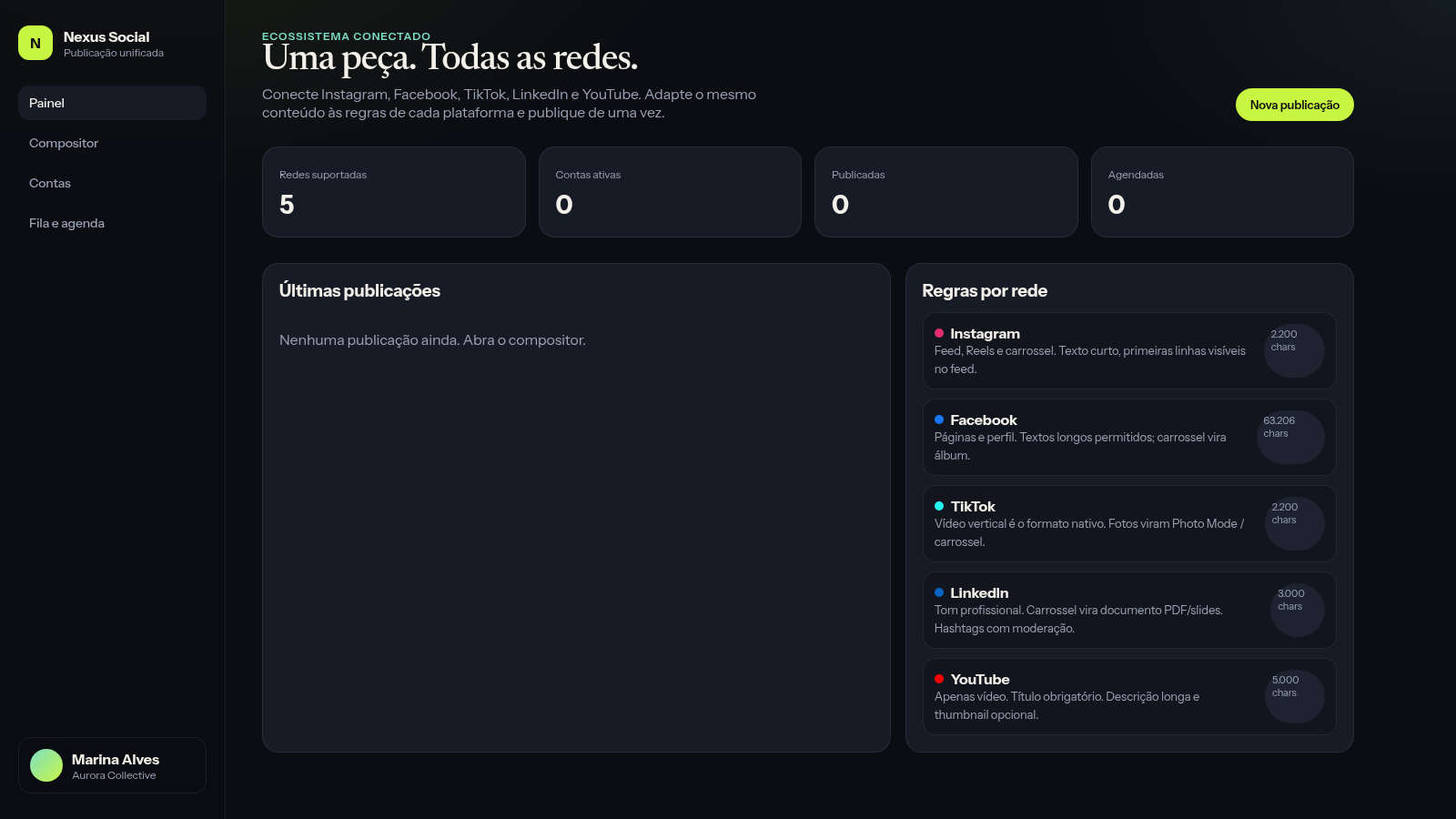
27Nexus Social
Publique de uma só vez o mesmo conteúdo em suas principais redes sociais
 26
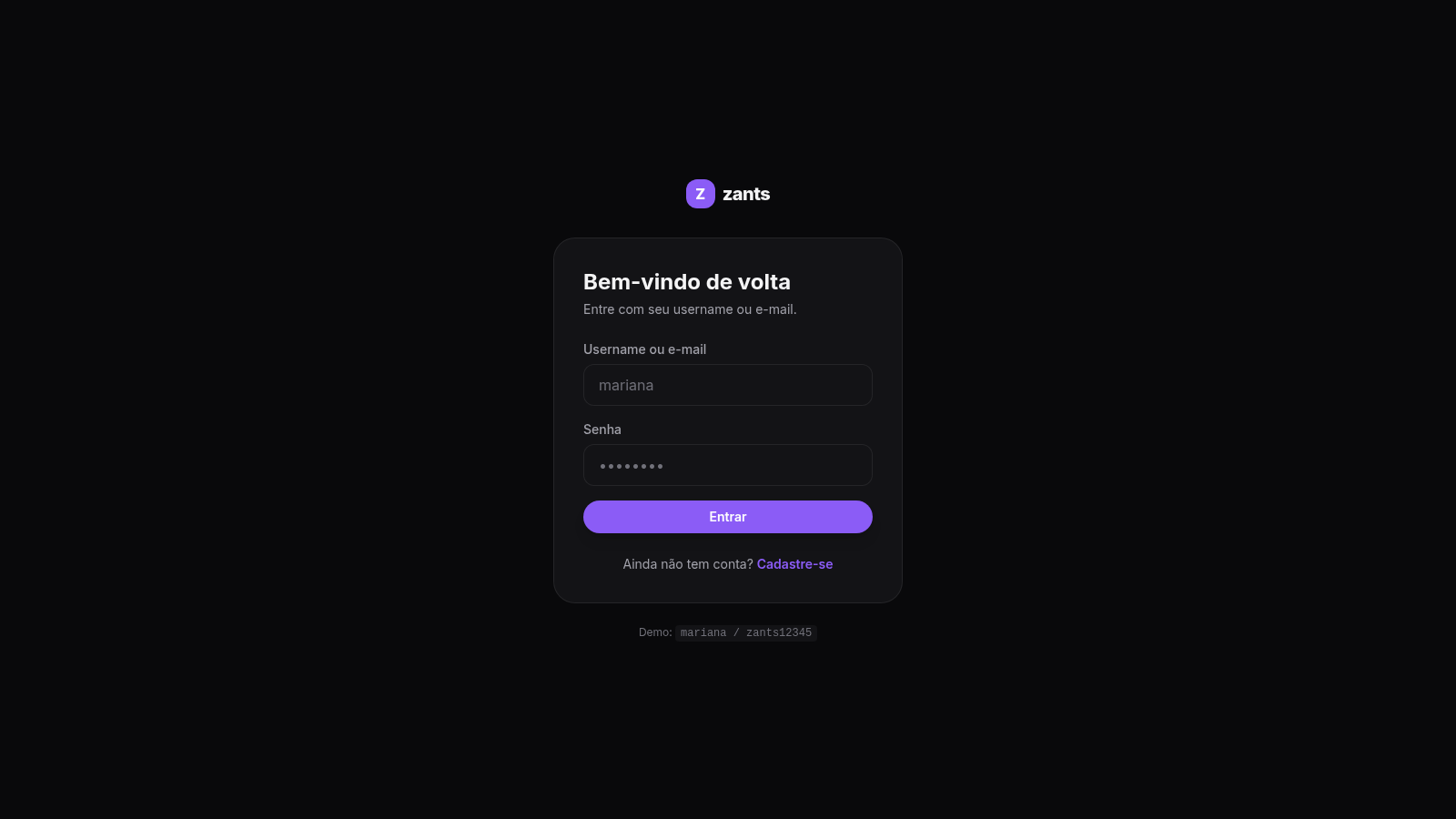
26Zants
Rede social estilo feed — NestJS + Prisma + PostgreSQL