
LUMORA
Cinematic glass-and-glow video meetings in your browser
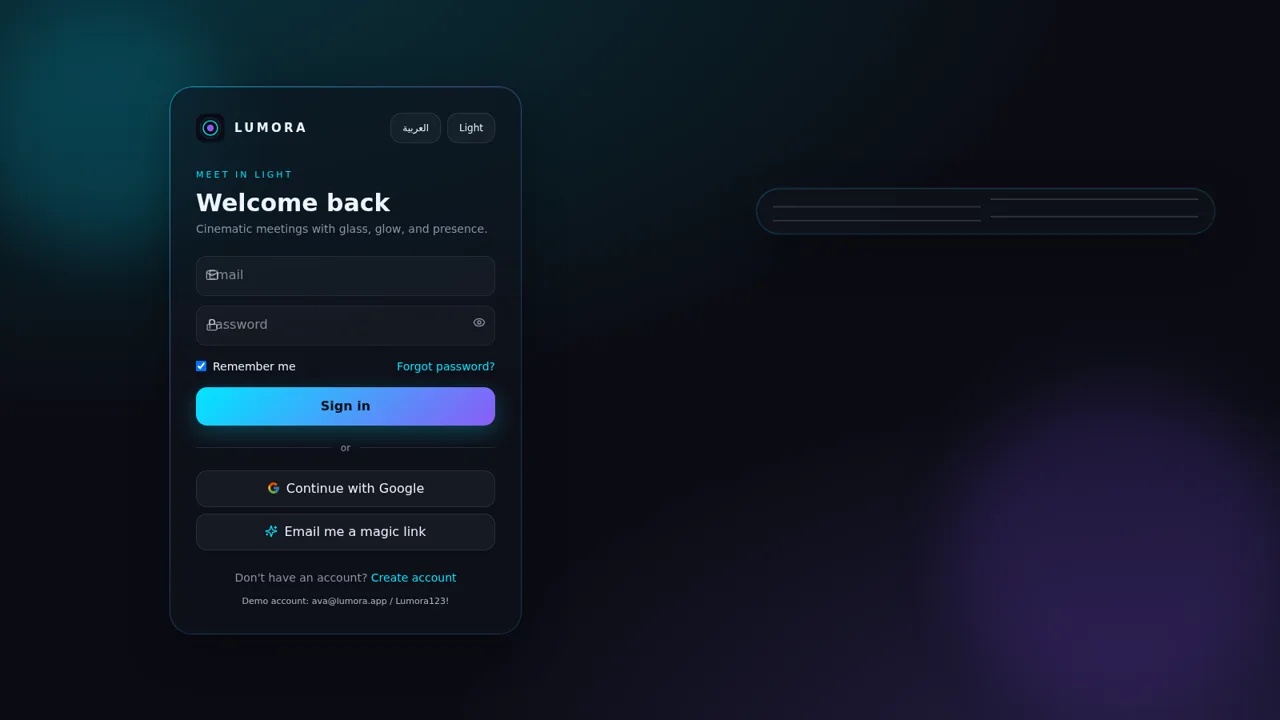
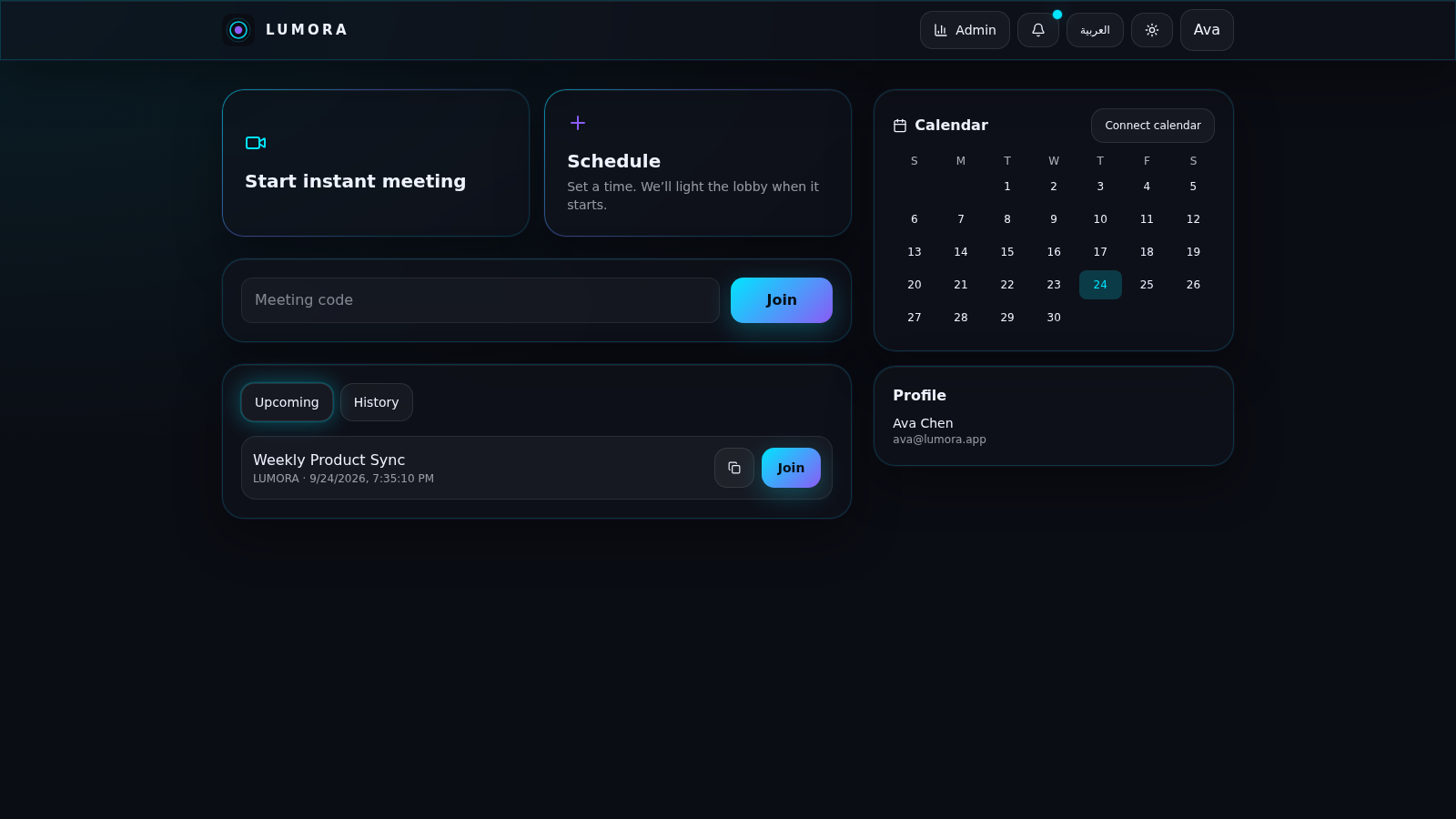
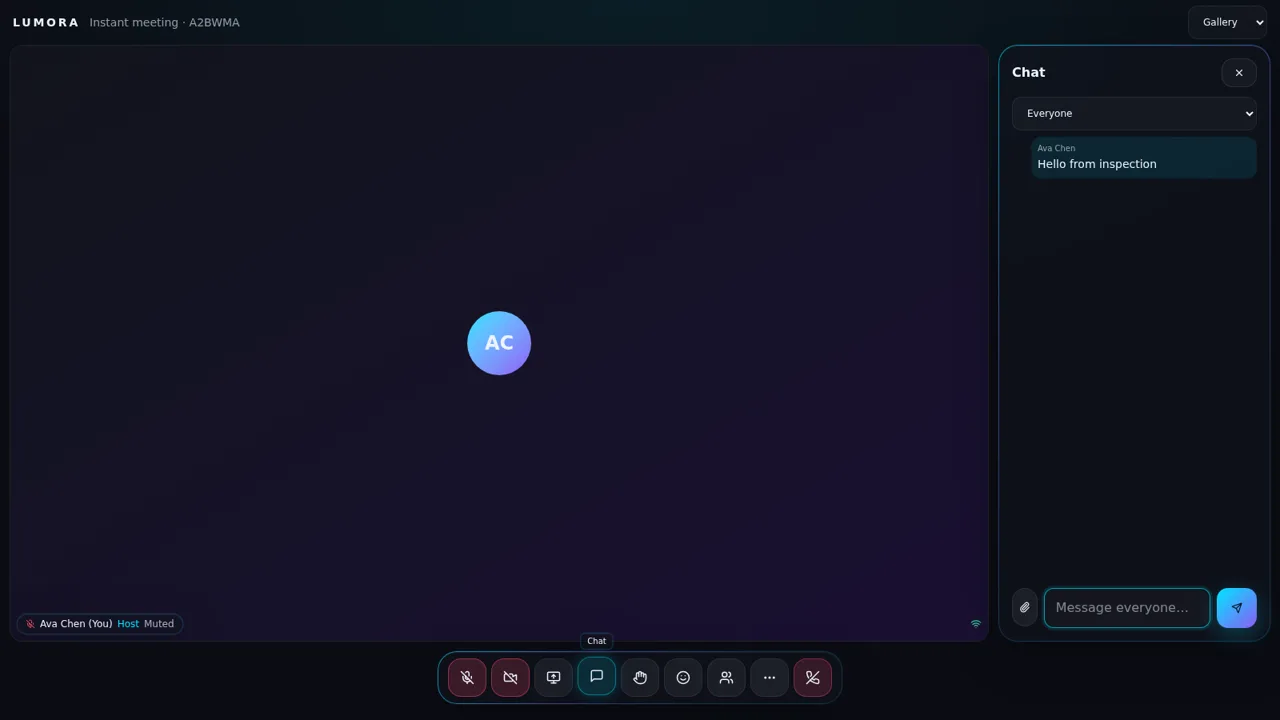
LUMORA is a browser-based video meeting application built around a glass and glow visual theme. After signing in, users land on a dashboard with three ways to start: an instant meeting, a scheduled meeting, or joining by meeting code. A sidebar provides a calendar with a connect option and Upcoming and History tabs, while a profile block shows the signed-in account. Before entering a room, a pre-join lobby lets users toggle their microphone and camera and pick a virtual background from presets such as Blur, Aurora, Studio, Night city, and Oasis, or upload their own. The meeting room itself supports Gallery, Speaker, and Pinned views, a camera grid, host and mute labels, and controls for microphone, camera, screen sharing, chat, raising a hand, reactions, participants, and leaving. Chat is delivered in real time to everyone in the room. The entire interface supports both English and Arabic, including right-to-left layout and localized dates. A built-in admin page summarizes meetings hosted, hosting hours, and participants, lists meeting history, and can export a report.
Highlights
Meeting rooms
Live video and chat
Instant or scheduled
Create or time calls
Bilingual AR and EN
Arabic and English UI
Virtual backgrounds
Blur and scenes
Host analytics
Meetings and hours
How to Use
Sign in with the demo account
Open the site and use the demo credentials printed under the sign-in form, [email protected] with the password Lumora123!, then press Sign in. The page moves to the dashboard once the session is created. You can also use Google sign-in or request a magic link, and you can switch the language between English and Arabic or change the theme from the top corner.
Start or join a meeting
On the dashboard, choose Start instant meeting to create a room immediately, or choose Schedule to set a time that appears later in the list. To enter someone else's room, type its code in the meeting code box and press Join. Created and scheduled meetings appear under the Upcoming and History tabs with a copy-invite button and a Join button.
Set up in the lobby and join
The pre-join lobby shows your camera area and lets you toggle the microphone and camera before entering. Pick a virtual background such as Blur, Aurora, Studio, Night city, or Oasis, or upload your own. When ready, press Join now, or choose Join without media if no camera or microphone is available.
Use the meeting room
Inside the room, switch the layout between Gallery, Speaker, and Pinned, and use the bottom controls for microphone, camera, screen sharing, chat, raise hand, reactions, participants, and leave. Open chat to pick a recipient, type a message, and send it to everyone in the room.
Similar Sites
 27
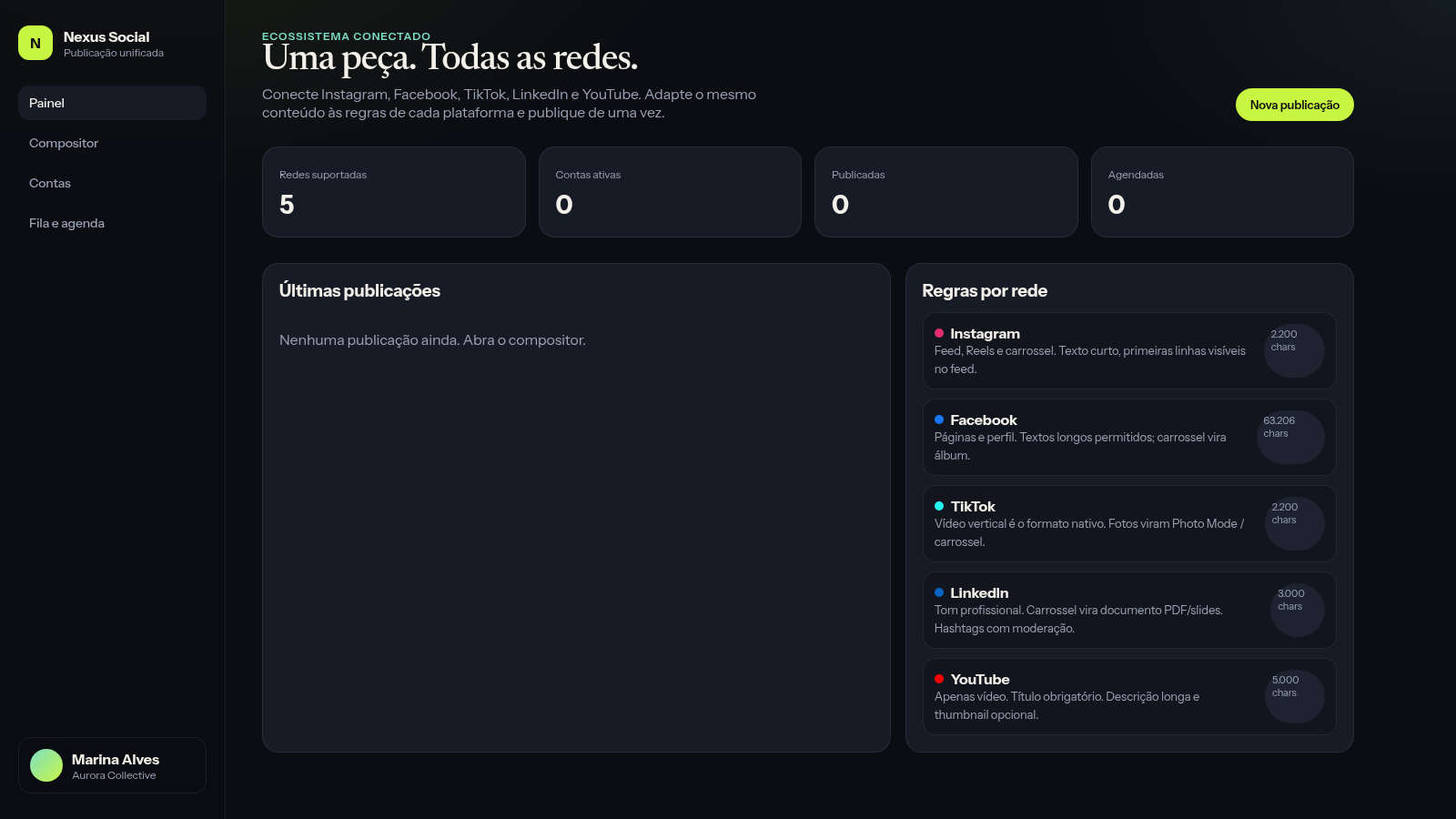
27Nexus Social
Publique de uma só vez o mesmo conteúdo em suas principais redes sociais
 2
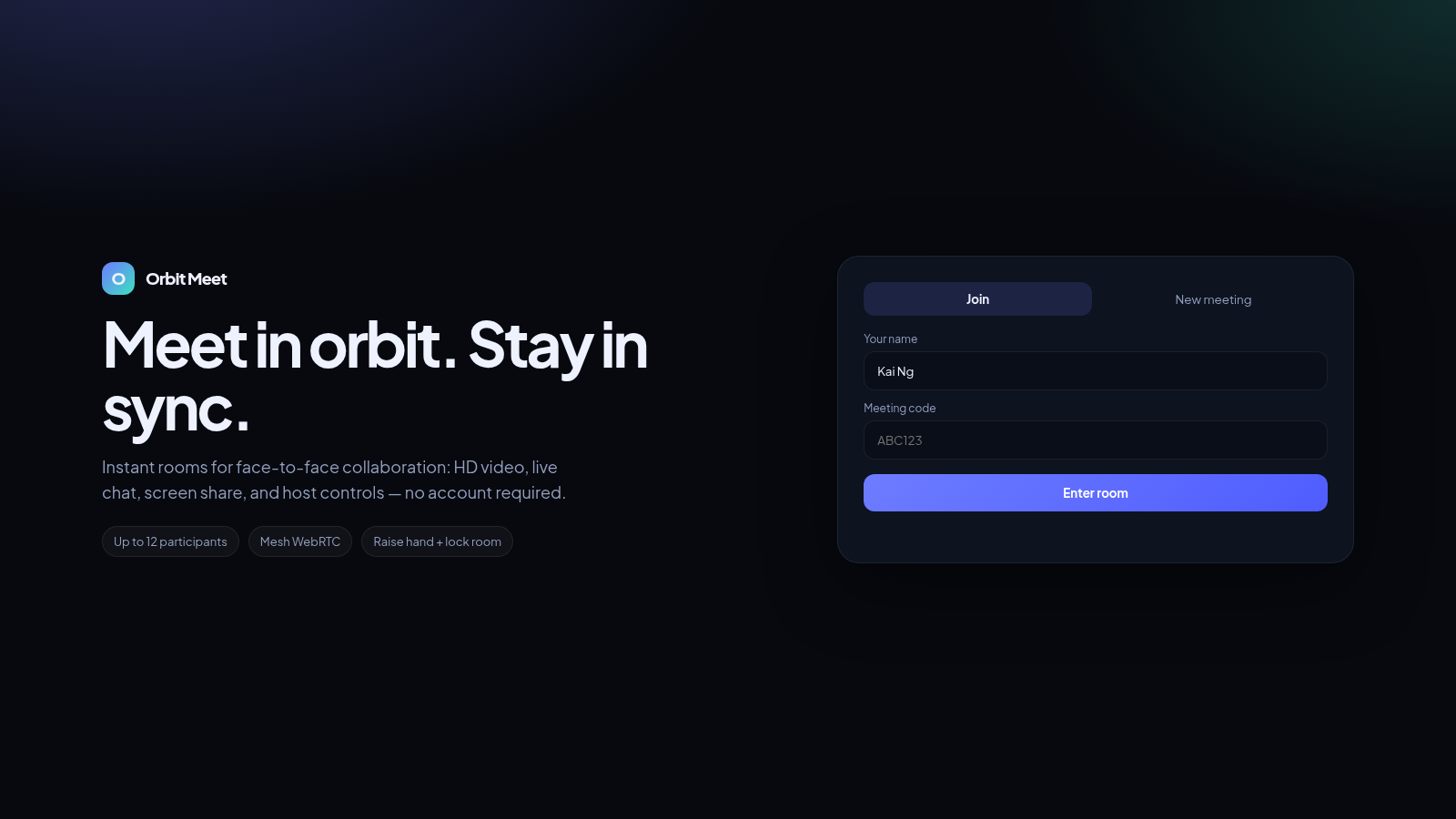
2Orbit Meet
Instant online meetings with HD video, chat, and screen share.
 34
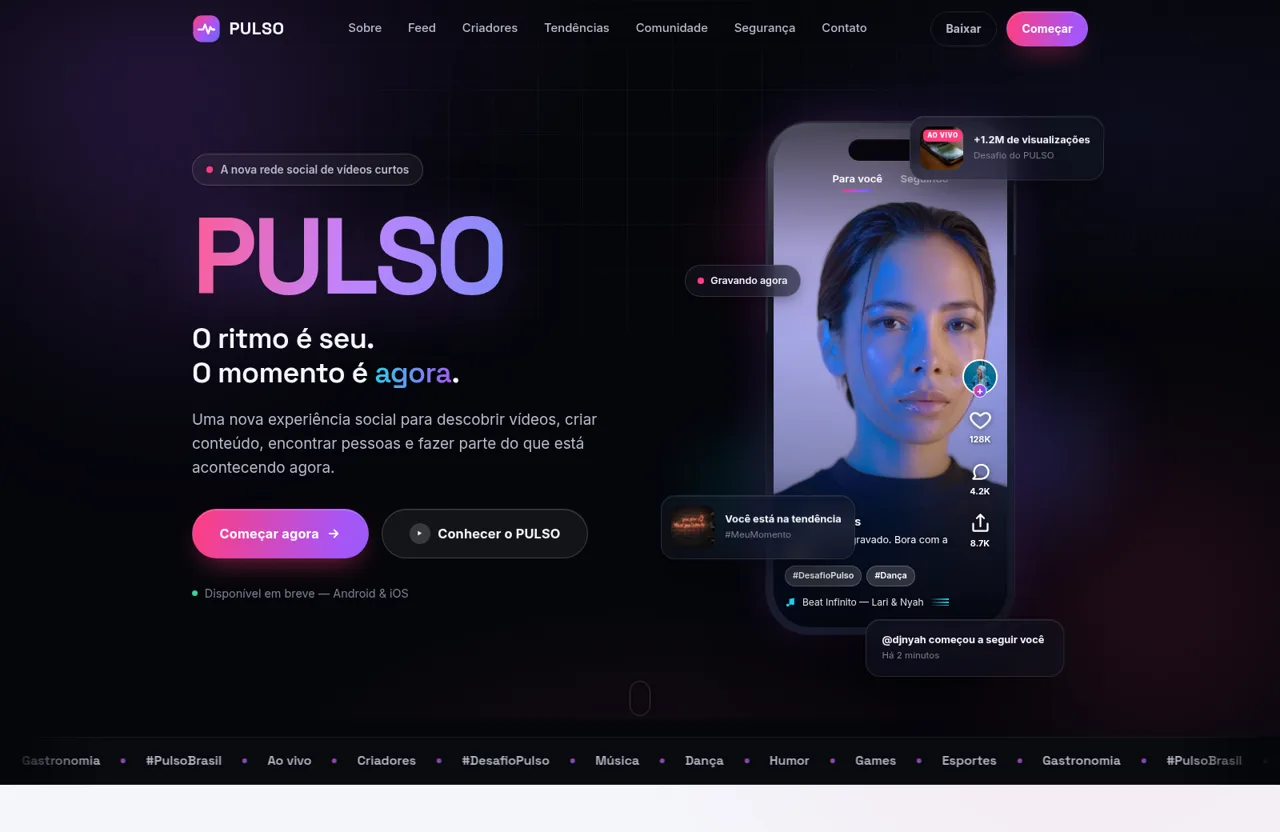
34PULSO — O ritmo é seu. O momento é agora.
PULSO é a nova plataforma social de vídeos curtos. Descubra, crie e conecte-se através de conteúdo rápido, espontâneo, autêntico e envolvente.
 32
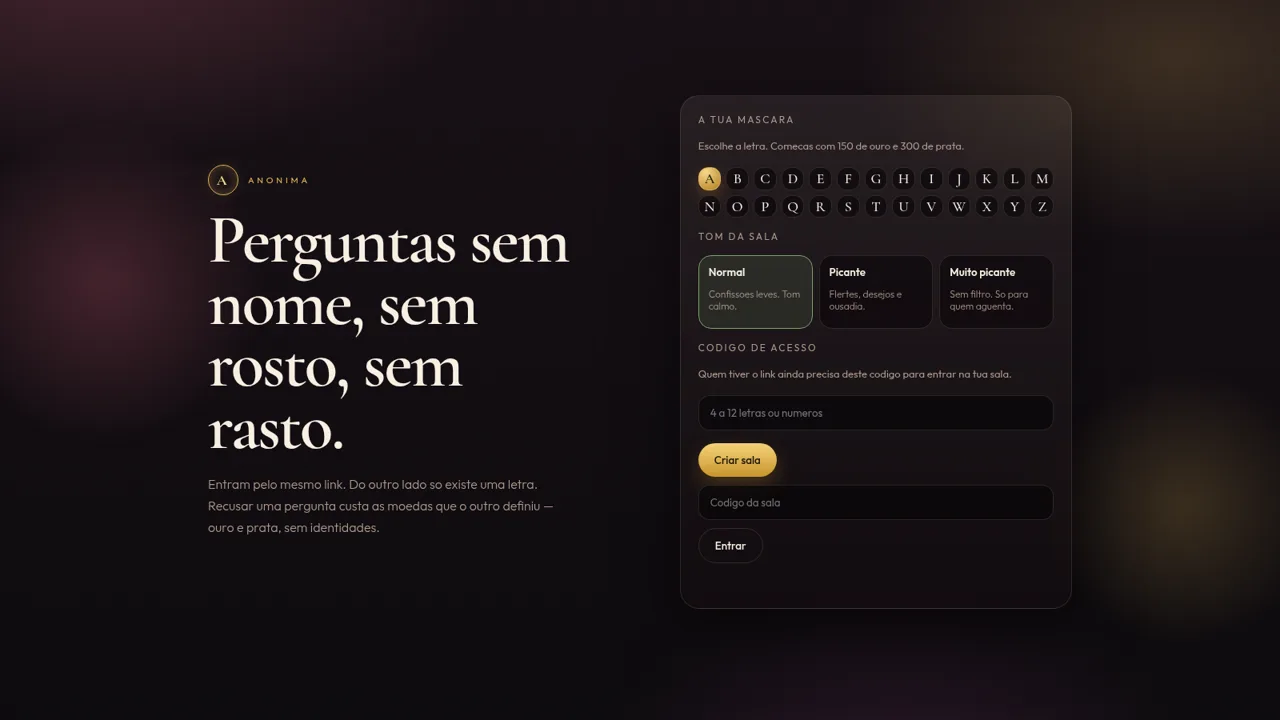
32Anónima
Perguntas anónimas por letra, com moedas e ficheiros de um só olhar.
 31
31Vai Dar Namoro
Encontros 18+ em Angola. Cadastro 1.500 Kz, carteira AOA, Loja Palanca e indicações 300 Kz.
 26
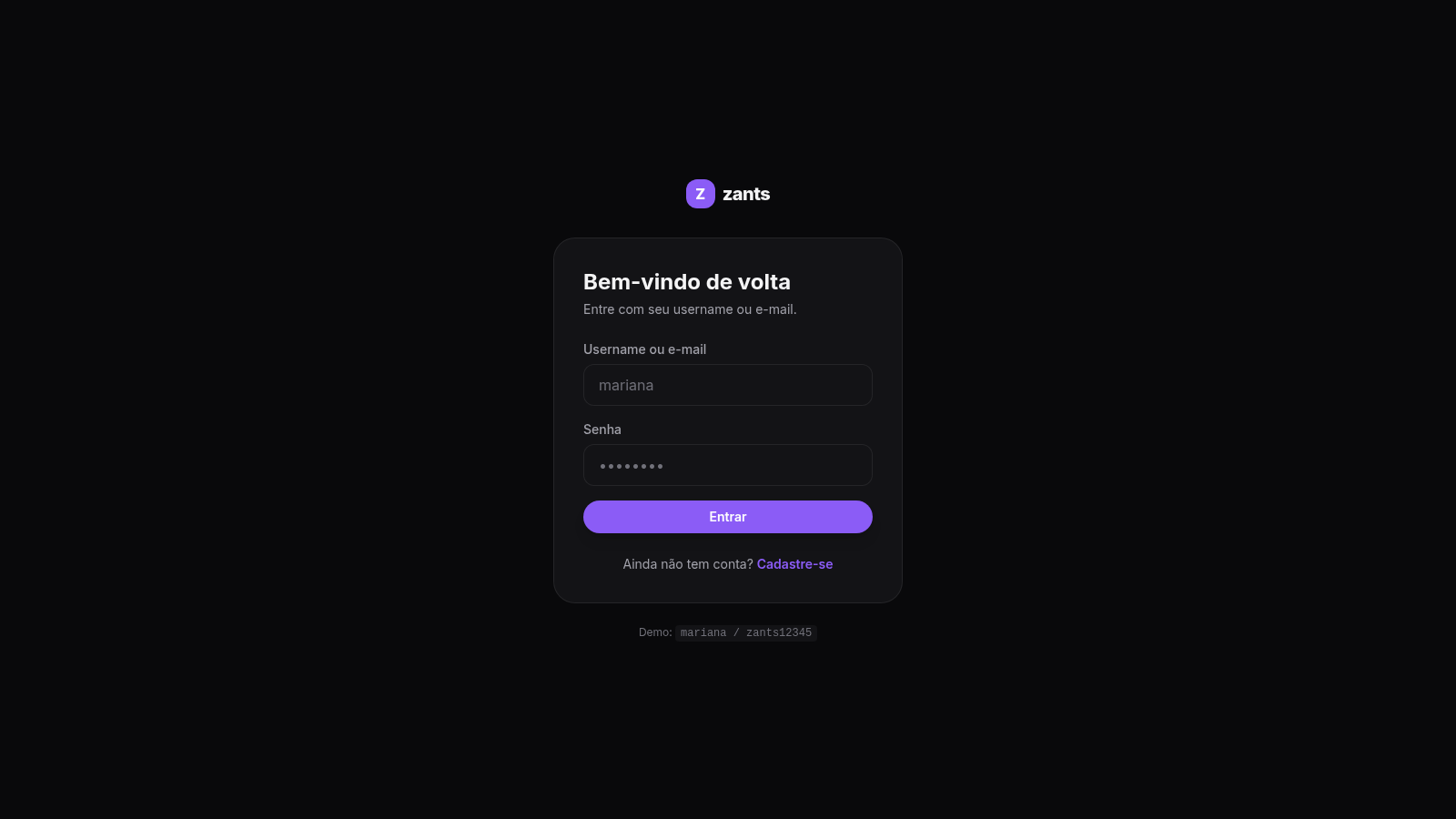
26Zants
Rede social estilo feed — NestJS + Prisma + PostgreSQL