
كودو الرمادي
Browse the full Kudo Al-Ramadi menu, build a cart and send a delivery order on WhatsApp
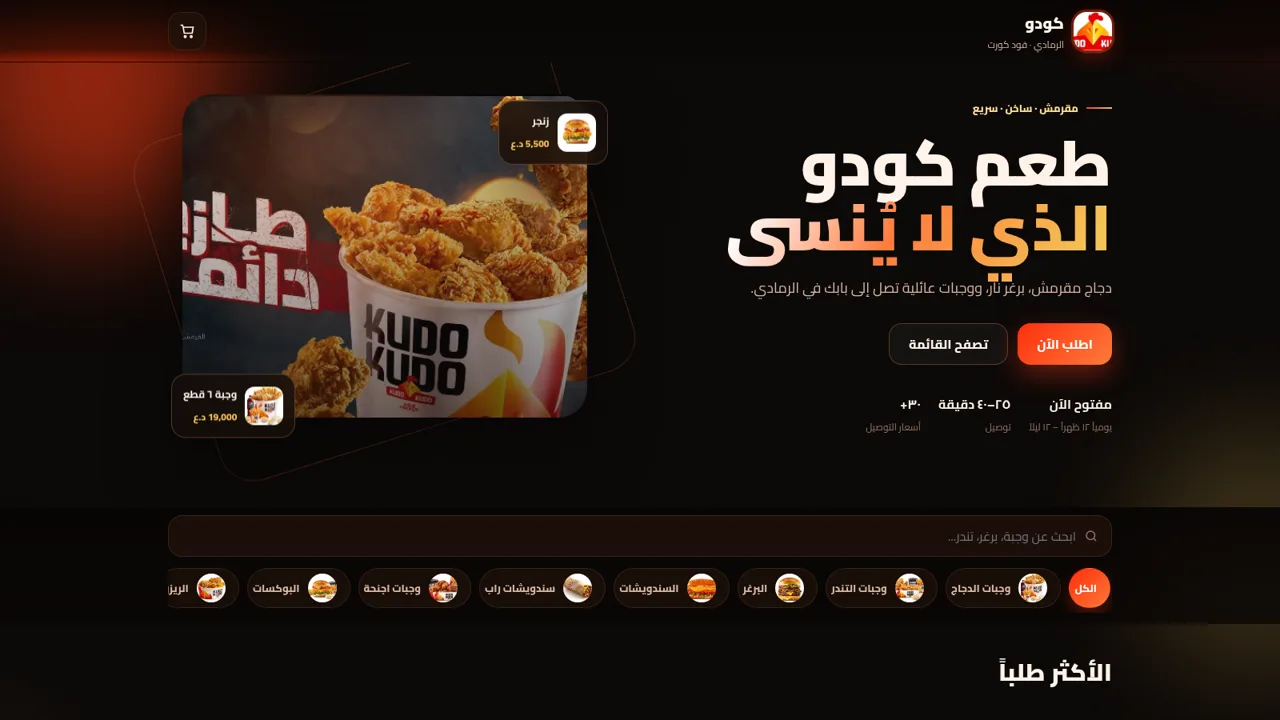
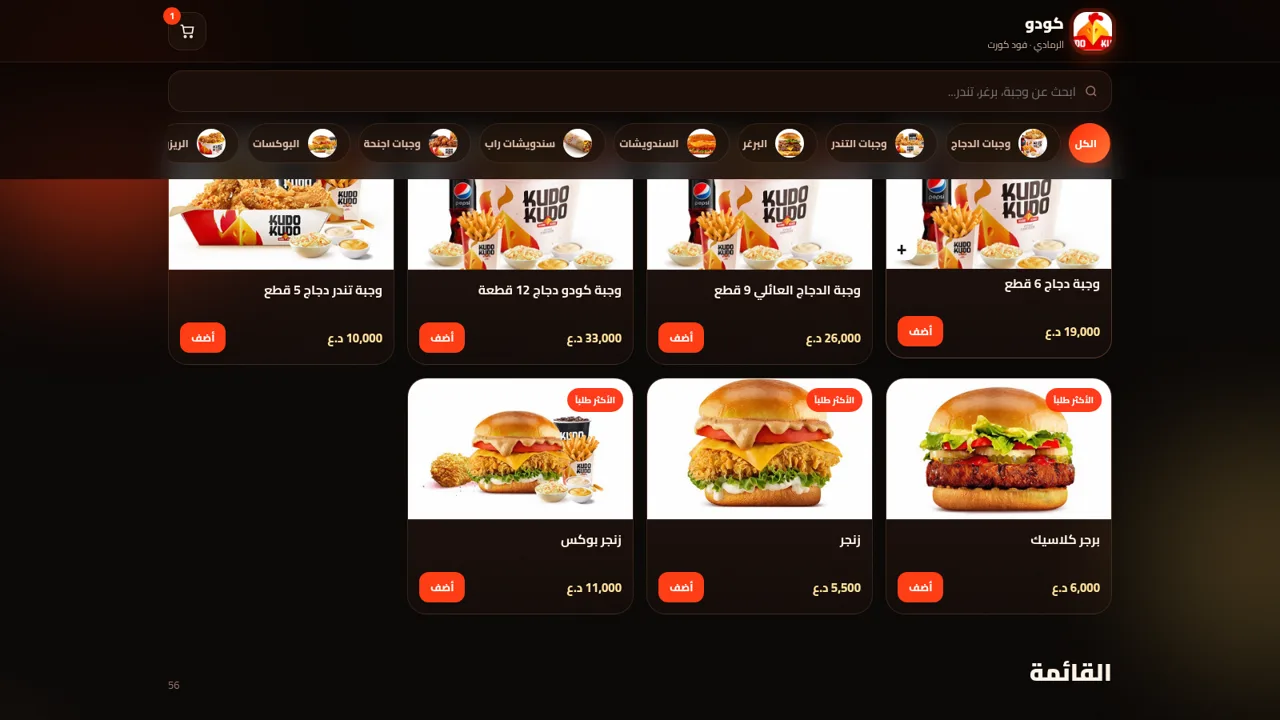
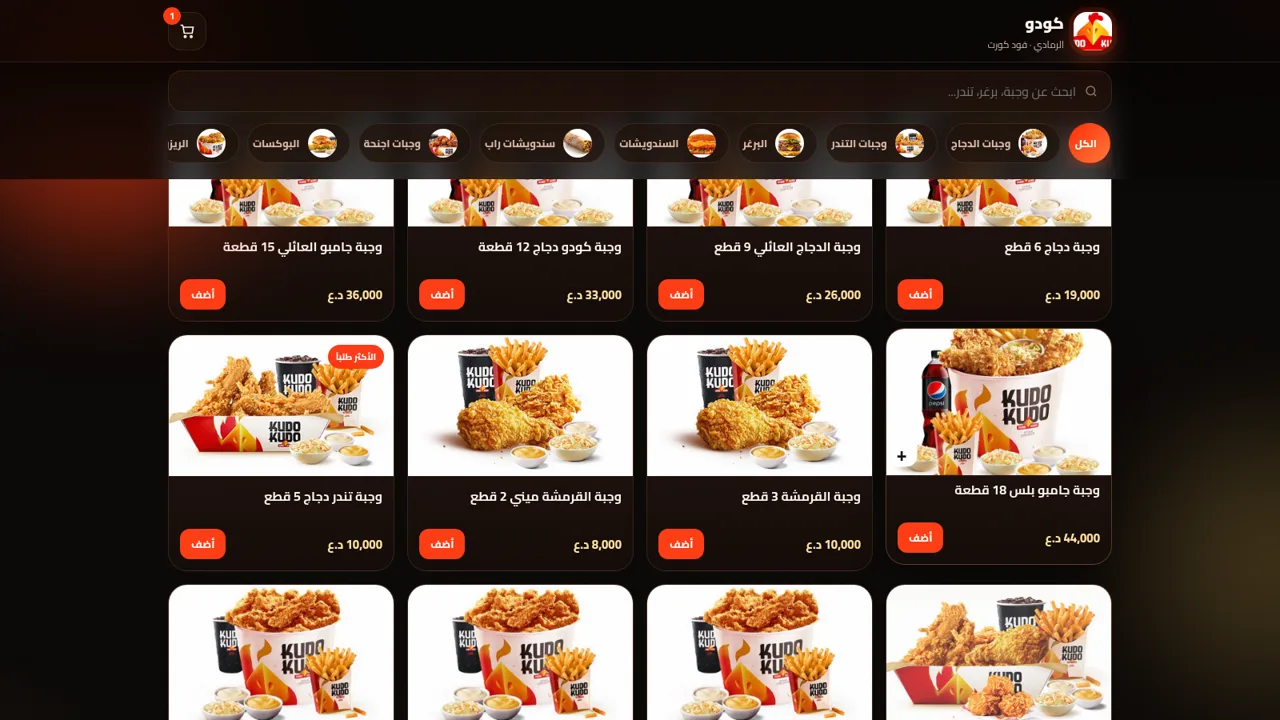
Kudo Al-Ramadi (كودو الرمادي) is the online menu and order-intake page for a fried chicken and burger restaurant located in the food court building in Ramadi, Iraq. The entire interface is in Arabic and laid out right to left. Visitors can read the hero section, search the menu by name or filter it with thirteen category buttons, and browse a grid of 56 items that includes chicken meals, tenders, burgers, sandwiches, wraps, wings, boxes, rizo plates, kids meals, drinks and sauces. Every item shows a photo and a price in Iraqi dinars, and most cards carry a plus button that adds the item to a cart. The cart panel shows each line with a quantity stepper, then a subtotal, a delivery charge and a total. From there the user selects delivery or branch pickup, enters a name, a phone number, a neighbourhood and optional notes, and the neighbourhood choice updates the delivery fee. A final button opens WhatsApp with a fully written order message that lists the customer details, the items, the subtotal, the delivery fee and the total, so the order is confirmed in chat rather than paid on the site.
Highlights
56 menu items
13 menu categories
WhatsApp checkout
Send cart to shop
Delivery or pickup
Switch anytime
Delivery fee table
About 30 areas
Cart with totals
Auto fee and sum
Arabic RTL layout
Cairo font, warm
Live menu search
Filter by category
Typed menu data
No sign in needed
How to Use
Read the opening screen
When the page loads you see a dark hero block with the shop name, a short slogan and two buttons that both jump to the menu. Below the buttons are three facts about opening hours, delivery time and delivery pricing, plus two floating cards showing a zinger and a six piece meal. A sticky header at the top keeps the logo and a cart button within reach as you move down.
Search or filter the menu
Use the text field to type a dish name such as zinger or a category word such as burger, or press one of the thirteen category buttons under it. The grid below refreshes immediately and the small number next to the menu heading changes to show how many matching items remain. Pressing the all button clears the category filter.
Add items to the cart
Each menu card shows a photo, a name and a dinar price, and most cards have a plus button. Pressing plus adds that item to the cart and shows a short confirmation toast. Inside the cart panel you can increase or decrease the quantity of each line or remove it entirely, and the subtotal, delivery charge and total update as you do.
Choose delivery and fill details
In the cart, switch between delivery and branch pickup. For delivery, pick a neighbourhood from the dropdown; every neighbourhood has its own fee, so the delivery line and the total change when you choose a different one. Then fill in the name, the phone number and any notes. The order cannot be sent without the required contact details.
Send the order on WhatsApp
Press the button at the bottom of the cart to open WhatsApp with a prefilled message. The message starts with a new order line and then lists the customer name, phone number, delivery method, chosen area, each item with quantity and price, the subtotal, the delivery fee and the total. Send that message in the chat to confirm the order with the restaurant.
Similar Sites
 42
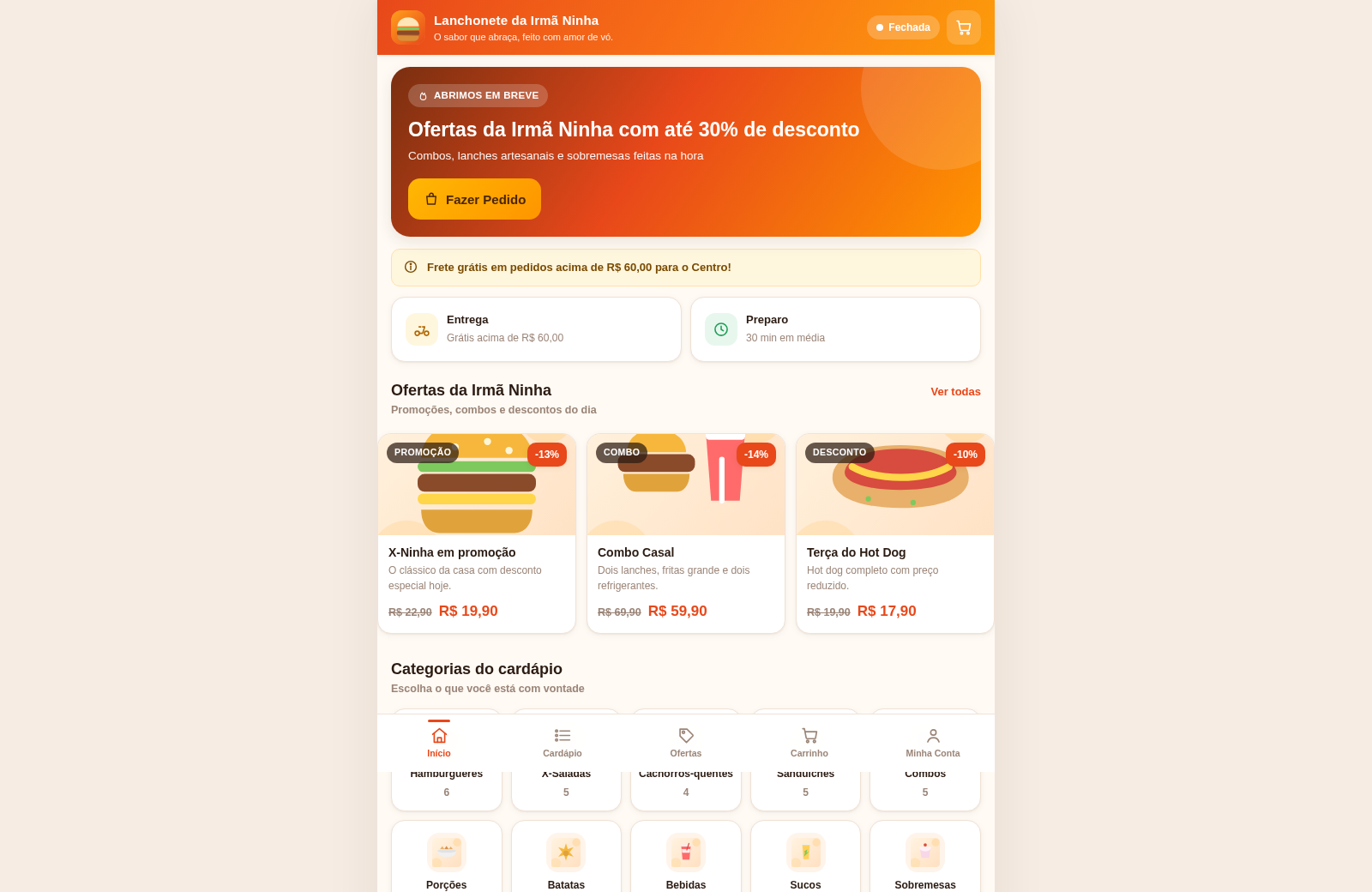
42Lanchonete da Irmã Ninha
Cardápio digital, ofertas e promoções com painel administrativo.
 14
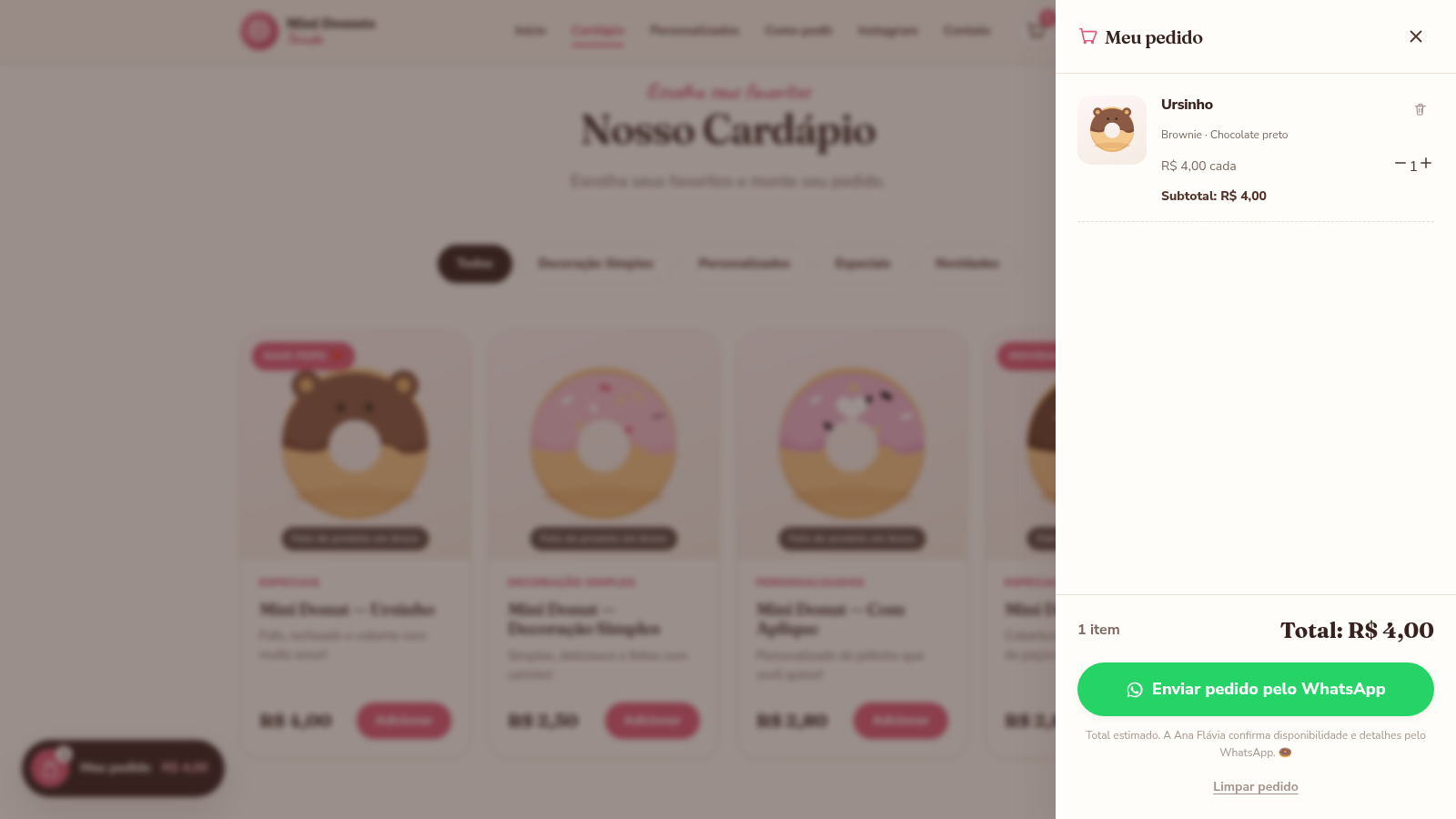
14Mini Donuts Taiada
Mini donuts artesanais e personalizados. Peça pelo WhatsApp.
 54
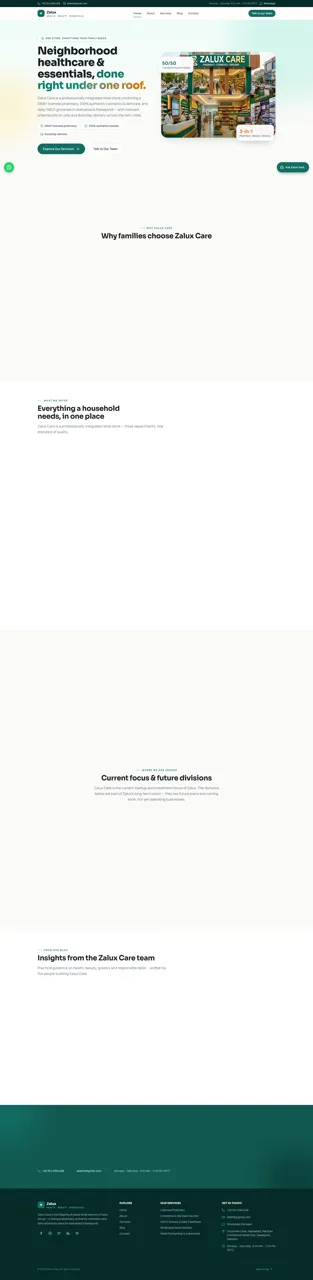
54Zalux - Flagship Enterprise
Zalux Care: pharmacy, cosmetics & daily essentials in Islamabad & Rawalpindi.
 19
19Clique&Pede
Cardapio digital, delivery e impressao termica para lanchonetes e acaiterias
 4
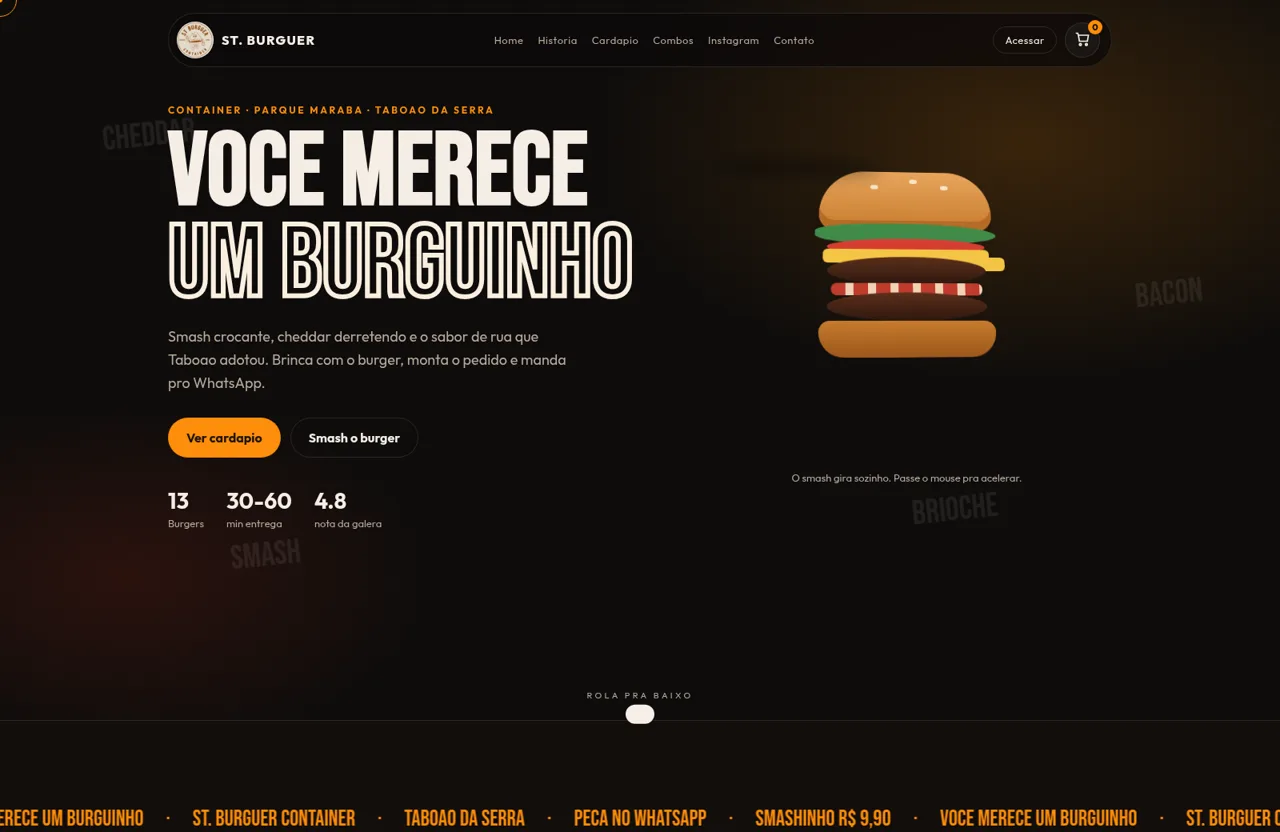
4ST. Burguer Container
Smash, burgers e combos em Taboao da Serra. Peca pelo WhatsApp.
 3
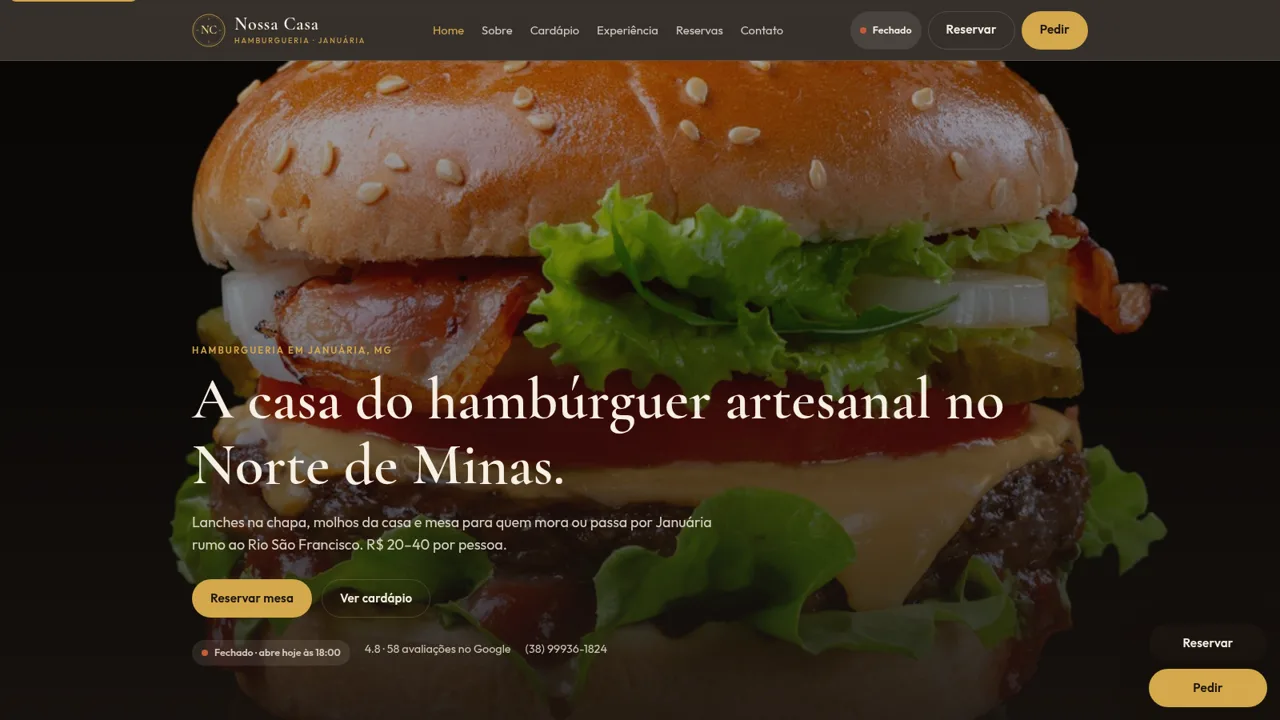
3Hambúrgueria Nossa Casa
Hamburgueria artesanal em Januária, MG. Reserve mesa ou peça pelo WhatsApp.